
How to Choose a Home Security System: A Homeowner’s Guide
Understanding your home security needs is the first step. Every home has unique security requirements. Before selecting a system, it’s important to understand how your property layout, surroundings, and daily routine affect your risk level.
Home Size
Larger or multi-storey homes need more cameras or sensors to avoid blind spots.
Location
Urban homes benefit from visible CCTV; suburban areas rely more on alarm systems.
Lifestyle
Frequent travel makes mobile access essential; families prefer intercom control.
Entry Point Assessment
Walk your property to spot weak points — windows, side gates, poorly lit areas.
Schedule Your Service
Call 0406 432 691 or complete the form and we will contact you.
 📍 Melbourne Security Guide
Comparing CCTV, Alarm Systems, and Intercoms
Each system serves a different purpose. In many cases, combining CCTV, alarm systems, and intercoms provides stronger, layered protection instead of relying on a single solution.
CCTV
Monitors and records activity with HD video and night vision.
Alarm Systems
Detects entry using sensors with sirens and app alerts.
Intercoms
Verify visitors before granting access.
Budget Considerations for Home Security
Your budget plays a key role in choosing the right security system. Costs depend on equipment, installation, and maintenance. Here’s how to align affordability with protection.
$500 – $1,500
Basic wireless alarms or single‑camera CCTV kits. Affordable but may lack remote access or HD footage. Suitable for small homes or apartments.
$1,500 – $3,000
Includes multi‑camera CCTV, hybrid alarms with smartphone control, or video intercoms. Ideal for mid‑sized suburban homes.
$3,000+
Top‑tier 4K CCTV with AI analytics, alarms with 24/7 monitoring, and biometric intercoms. Best for large estates or high‑risk zones.
Tailoring Home Security to Your Property Size & Location
The size and location of your home play a key role in selecting the right security setup. Here’s how to customise your system effectively.
Small Homes
1–2 BedroomsSetup: 1–2 CCTV cameras (front door & backyard), basic wireless alarm, video intercom.
Why: Fewer entry points allow simple coverage. Focus on main and rear access.
Melbourne Insight: In compact suburbs like Richmond, wireless systems with remote access are ideal.
Medium Homes
3–4 BedroomsSetup: 3–4 CCTV cameras (entry points + driveway), hybrid alarm with motion sensors, intercom with smartphone control.
Why: More doors and windows need more sensors and visual coverage.
Melbourne Insight: Areas like Kew and Hawthorn benefit from balanced, mid-tier systems.
Large Homes
5+ Bedrooms or EstatesSetup: 6+ CCTV cameras with night vision, zoned alarm system, advanced intercom with multiple indoor units.
Why: Larger lots demand full perimeter coverage and faster emergency response.
Melbourne Insight: In Brighton, premium systems with AI-powered CCTV are common.
 📍 Melbourne Property Guide
 ✅ Melbourne Security Checklist
Your Home Security Checklist
A simple checklist to help you choose the right security system for your home. Download our comprehensive guide to make your decision easier.
Ready to protect your Melbourne home? Sipko Security provides expert advice, professional installation, and trusted products from Hikvision, Dahua, and Ajax. Contact us today for a free quote or download the checklist to begin your security upgrade.
How to Read a Security Quote
A legitimate security quote is detailed, transparent, and easy to verify. Here’s exactly what every line should cover — and the warning signs that tell you to walk away.
Itemised Equipment Costs
Every camera, sensor, panel, and cable must be listed individually with make, model, and unit price. A lump-sum “equipment fee” with no breakdown is unacceptable — you won’t know what you’re actually getting.
Labour Rate & Estimated Hours
Installation labour should be quoted as a rate per hour or a fixed price per job, with an estimated time. Melbourne licensed installers typically charge $80–$150/hr. If there’s no mention of a rate, ask explicitly.
Monitoring Fees (if applicable)
If the system includes 24/7 monitoring, the monthly or annual fee must be clearly stated. Check whether it’s locked into a contract and what the cancellation terms are — some providers lock you in for 36 months.
Warranty Terms
Equipment warranty (typically 1–3 years) and labour warranty should both be stated in writing. Confirm whether warranty work is carried out on-site or requires you to ship equipment back to a supplier.
Australian Standards Reference
A professional quote should reference compliance with AS/NZS 2201.1 (intruder alarms) and/or AS/NZS 60839 (access control). If there’s no mention of Australian standards at all, the installer may not be licensed.
Professional vs. DIY Installation: Legal & Practical Requirements
In Victoria, home security installation is governed by strict legislative frameworks. Understanding where DIY ends and legal mandates begin is critical for property safety and insurance validity.
Self-Installation
Homeowners are legally permitted to install security systems on their own primary residence without a private security licence, provided the work does not involve regulated electrical or telecommunications cabling.
Licensed Installation
Under Victorian law, any individual or business performing security work for “profit or reward” must be licensed. Specific high-risk tasks are legally restricted to qualified professionals.
Common Home Security Mistakes & How to Fix Them
Even high-end security systems can fail if implemented incorrectly. Avoid these common pitfalls to ensure your Melbourne home is truly protected.
Placing cameras too high only captures the tops of heads, while placing them too low makes them easy targets for vandalism or tampering.
Install cameras at 2.5m – 3m height. Use eye-level cameras for entry points (e.g., video intercoms) to capture clear facial features for identification.
Many homeowners rely solely on mains power. A simple power cut or a deliberate blackout by an intruder can disable your entire security network.
Ensure your alarm panel and NVR have dedicated battery backups (UPS). Systems like Ajax include built-in backup batteries that last up to 16 hours.
Intruders rarely walk through the front door. Side gates and rear entry points are the most vulnerable, yet often lack cameras or sensors.
Extend your perimeter protection to all gates. Install vibration sensors on side gates and outdoor motion detectors to trigger alerts before they reach the house.
Unbranded cameras from online marketplaces often have zero local support, major security vulnerabilities, and poor night vision quality.
Stick to trusted brands with local Australian support like Hikvision, Dahua, or Ajax. This ensures regular firmware updates and reliable warranties.
An alarm system is useless if the siren has failed or the batteries in the sensors have died without anyone noticing.
Perform a monthly walk-through test. Trigger a sensor to ensure the siren sounds and check your smartphone app for low-battery notifications.
Dusty camera lenses, overgrown plants blocking sensors, and outdated firmware can lead to false alarms and missed recordings.
Book a professional service once every 12-24 months. A licensed technician will clean lenses, test battery health, and update system software.
The Local Support Advantage: Beyond the Box
When choosing a home security system, the company behind the hardware is just as important as the cameras themselves. In Melbourne, “Local” isn’t just a label—it’s your safety net.
Suburb-Specific Insight
A national retailer sells the same kit to everyone. A local specialist understands the specific security challenges of your area—whether it’s the high-traffic streets of Richmond or the quiet cul-de-sacs of Kew—and tailors your system accordingly.
Direct Accountability
If a sensor goes offline or you need help with your app, you shouldn’t be stuck in a national call center queue. With a local provider, you have a direct line to the people who actually stood in your driveway and installed your system.
Victorian Compliance
Local Melbourne installers are experts in Victorian licensing (Private Security Act 2004) and Australian Standards. We ensure your system isn’t just “working,” but is legally compliant for insurance and monitoring purposes.
A Community-First Approach
At Sipko Security, we live and work in the same Melbourne communities we protect. We don’t believe in one-size-fits-all security kits or high-pressure sales tactics. Instead, we focus on building reliable, long-term systems that give you genuine peace of mind. Whether you need a simple wireless setup or a complex multi-point system, we have the local experience to handle the task properly, ensuring your home is secured to the highest possible standard.
Got Questions? We’ve Got Answers
Your system will record and function locally without internet. However, an internet connection (NBN) is required if you want to receive smartphone alerts, view live footage remotely, or use cloud backup features.
Yes. As long as your home system is connected to the internet and your phone has data or Wi-Fi, you can access live streams and recordings from anywhere in the world via the dedicated app.
Professional systems include a battery backup. The alarm panel and internal sensors will continue to function for several hours (often up to 16 hours for Ajax systems) until power is restored.
At Sipko Security, we provide a full manufacturer’s warranty on all hardware (typically 2-3 years) plus our own workmanship guarantee to ensure your system is installed to the highest standard.
Absolutely. Modern security systems are designed to integrate seamlessly with NBN routers. We also recommend systems with 4G/5G SIM backup to ensure connectivity if your NBN line is cut.
You own the equipment outright. We don’t believe in “free” systems that trap you into expensive long-term rental contracts. Once installed, the hardware is yours to keep.
Ready to Secure Your Melbourne Home?
Don’t leave your property’s safety to chance. Get a professional security assessment and a system tailored specifically for your needs and budget.
Related Security Solutions






We Help People In Solving House Security
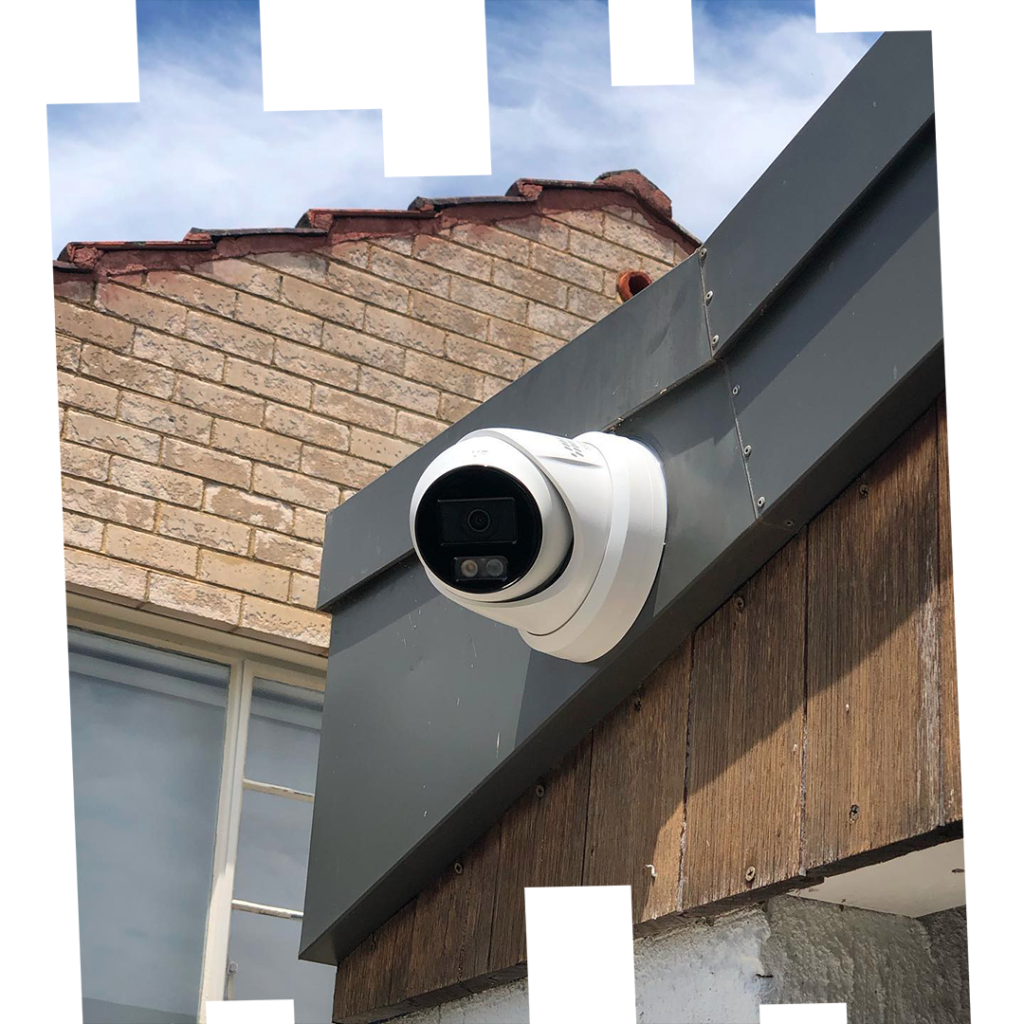
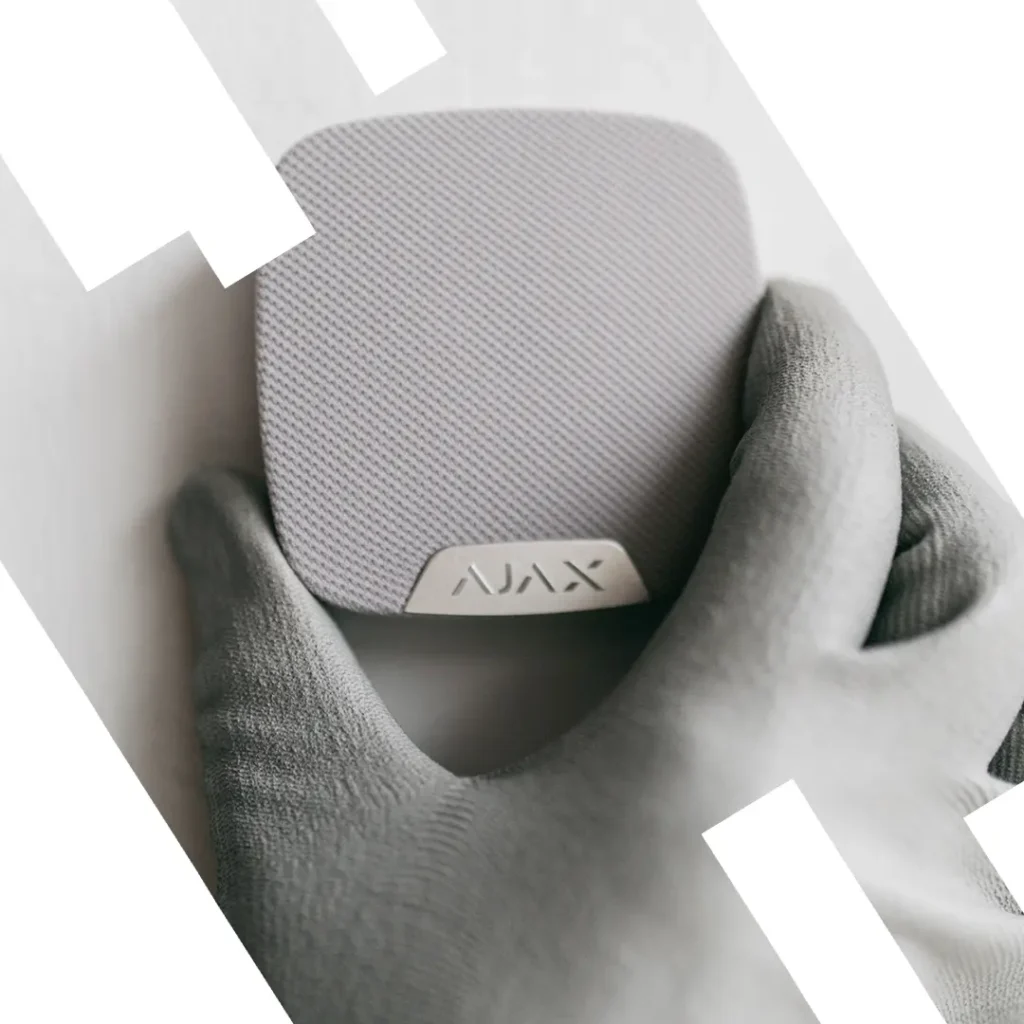
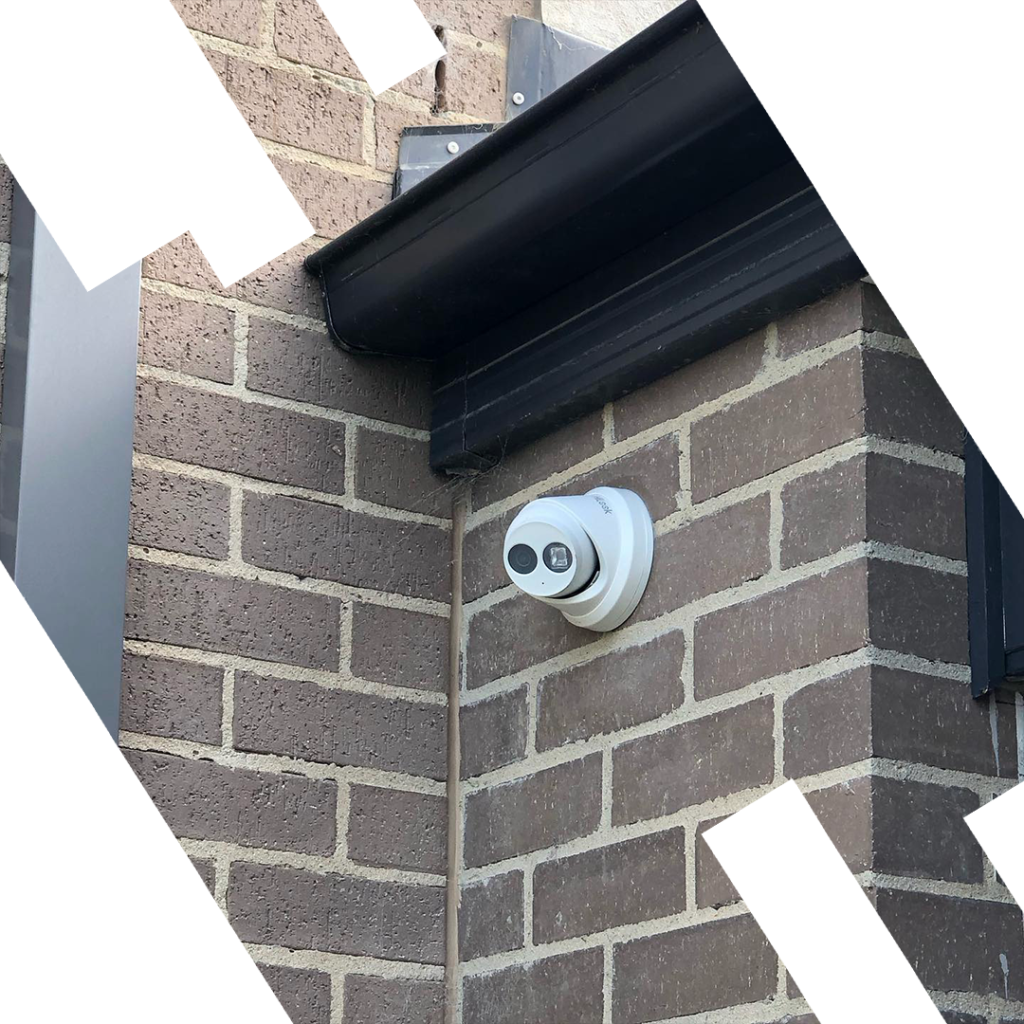
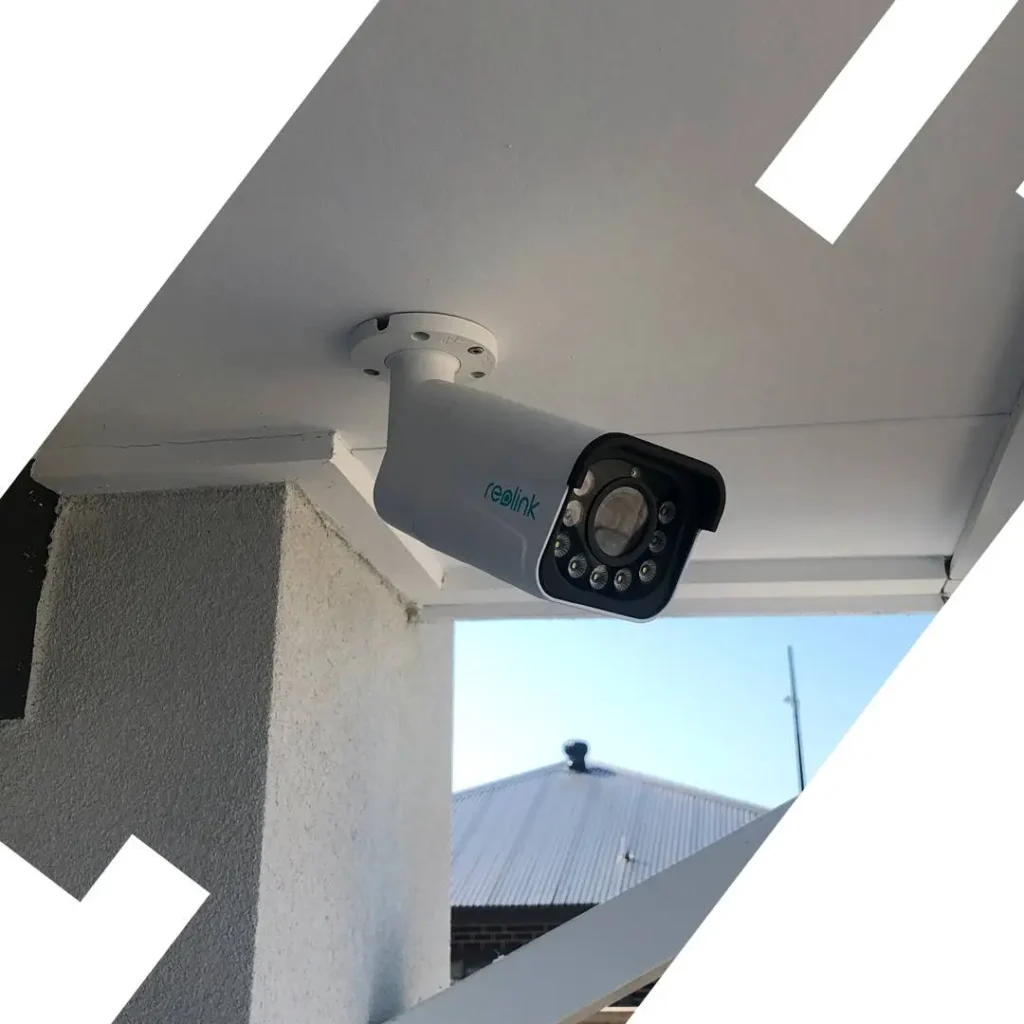
Our recent work — real installations in Melbourne








Frequently Asked Questions
Clear answers to common questions about home security systems.
What’s the best security system for small homes?
We recommend 1–2 CCTV cameras, a basic wireless alarm, and a video intercom for compact coverage.
Can I combine CCTV, alarms, and intercoms?
Absolutely! A combination offers layered protection—surveillance, alerts, and access control.
Do your systems support smartphone access?
Yes, most modern systems allow full remote monitoring and control via mobile apps.
Are there affordable options for tight budgets?
Yes! You can start with a basic alarm system or a single-camera CCTV kit and expand over time.
Can I install the system myself?
Wireless options like Ajax are DIY-friendly, but professional installation ensures full coverage.
Do you offer maintenance plans?
Yes, Sipko Security offers regular maintenance services to keep your system reliable long-term.
Does location affect the system I need?
Definitely. Urban homes may need visual deterrents, while rural properties require wider coverage and GSM alerts.