
Security Camera Repair & CCTV Servicing in Brighton
SIPKO provides security camera repair in Brighton and CCTV servicing in Brighton for existing systems that have started dropping footage, losing night clarity, failing to save playback, or stopping remote viewing altogether.
We work on detached homes, apartment entries, garage paths and boutique retail sites. First, we find the actual fault. Then, we fix what is worth fixing.
Security Camera Repair in Brighton for Homes, Apartments and Boutique Retail
When the system is still there but the footage is no longer dependable
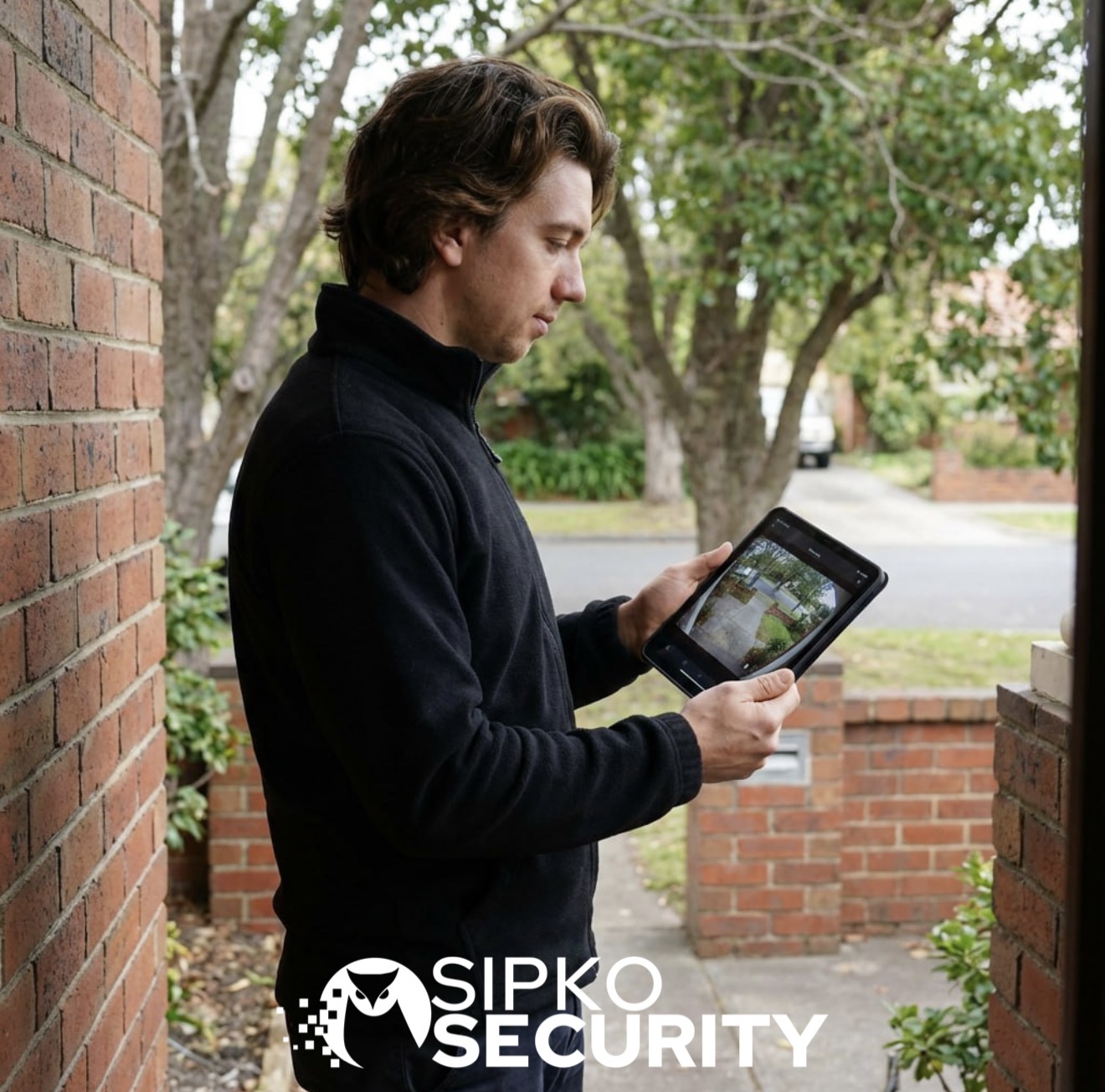
Most Brighton security camera repair jobs start with a system that looks half-working. The cameras may still show live view, yet the recordings are patchy. The recorder may still turn on, yet playback is unreliable. In other cases, the phone app stops working even though the site still has power.
That is why our work starts with the existing system, not with a sales pitch. We check whether the fault sits in the camera, recorder, hard drive, cabling, power supply, network, or in the way the current layout performs on the property.
Front approach, garage paths and rear access points usually reveal the issue first.
Shared doors and access points need clear playback, not a rough image that helps no one.
Front and rear coverage often stay live while recorded evidence becomes unreliable.
We work out what has failed before recommending anything broader.
Typical Security Camera Faults on Brighton Properties
The faults we see most often on Brighton sites
Mounting points can loosen over time, and even a small shift in angle can make the footage far less useful.
The camera may still run, but shared entry detail, face visibility and review footage can drop away.
These areas often suffer from poor low-light balance, missed motion and weak playback when needed later.
Some systems still show live images, yet fail to capture clear, usable evidence during playback and export.
In Brighton, the question is not just whether the security camera is on. More importantly, does it still cover the right area and record footage you can actually use?
What We Check on a Brighton Security Camera Repair Visit
What we test on site, in the recorder and through the app
We check the power path, PoE where relevant, visible cabling and connector condition.
We test recorder health, hard-drive condition and whether footage is being stored properly.
We review focus, lens condition, glare, night washout and any decline in picture quality.
Loose brackets, shifted angles and weather-related decline can be the real reason the image no longer helps.
We confirm that recordings can be reviewed and exported properly when they are needed.
We check phone viewing, account access and whether the app matches the real state of the system.
Repair First or Selective Upgrade in Brighton
When a security camera repair is enough and when targeted replacement makes more sense
A lot of Brighton jobs do not need a full changeover. If the issue is one bad camera, a loose mount, a failing hard drive or a view that has shifted off target, it often makes more sense to sort that out and leave the rest of the system alone.
Sometimes one part is too worn out to keep chasing. That might be one camera that no longer gives a clear picture, or a recorder that has become unreliable. In that case, replacing that part is usually the cleaner option.
Check the weak spot before changing the whole system
In Brighton, the right answer is often smaller than people expect. If one repair or one replacement gets the footage working properly again, there is no reason to redo the whole setup. If it turns out the system needs more than that, you can look at our CCTV installation in Brighton page for broader upgrade work.
What Affects Security Camera Repair Cost in Brighton
What usually changes the security camera repair cost
The cost changes depending on whether the issue sits in the camera, recorder, cabling, power, network or storage.
One failed unit is very different from a recorder fault affecting several channels at once.
Rendered or heritage-style exteriors can make security camera repair work slower and more delicate.
If components need replacing or remote viewing needs to be rebuilt, the final scope changes accordingly.
Brighton Security Camera FAQ
Can you repair a Brighton camera system without damaging a rendered or heritage-style façade?
Yes. Where possible, we work with the existing mount and cable path first so the security camera repair stays neat and disturbance to the exterior stays low.
How much does security camera repair in Brighton cost?
Security camera repair services in Brighton start from AUD 250. The final cost depends on the fault, the equipment involved, site access requirements and whether replacement parts are needed.
Can SIPKO troubleshoot a Brighton CCTV system that has gone offline after a power outage?
Yes. Power interruptions can affect recorders, network settings, camera power supplies and remote viewing functions. We can identify the fault and restore operation where possible.
Can a Brighton security camera system be repaired if footage is missing from certain times of the day?
Often, yes. Missing footage may be linked to recording schedules, storage issues, motion-detection settings or recorder faults rather than a complete system failure.
Can an older Brighton CCTV system still be repaired if replacement parts are difficult to find?
In many cases, yes. We assess whether compatible parts, alternative solutions or selective upgrades can restore reliable performance while keeping as much of the existing system as practical.
Can weather exposure affect security camera performance in Brighton?
Yes. Rain, salt air, heat and long-term exposure to the elements can affect camera housings, connections, image quality and overall reliability, especially on externally mounted systems.
Can a faulty apartment entry camera in Brighton be fixed without replacing the whole system?
Often, yes. If the issue is isolated to one camera, its channel, power path or mounting position, the rest of the system may not need replacement.
What usually causes poor rear-lane or garage footage at night in Brighton?
Common causes include glare, weak light balance, focus drift, ageing lenses and systems that still show live view but no longer save clear evidence.
Can SIPKO restore phone viewing if the Brighton system is still recording but the app stopped working?
Yes. In that case, the problem is often in the network, app settings, account permissions or remote-view configuration rather than in the cameras themselves.
When is it smarter to replace one Brighton camera or the recorder instead of repairing everything?
It is usually the better move when one camera or the recorder is clearly the failure point and the rest of the system is still worth keeping.
