

Ajax Alarm Systems for Apartment Buildings and Owners Corporations in Melbourne
SIPKO Security designs and installs Ajax alarm systems for individual apartments, apartment buildings and owners corporations across Melbourne. In Victoria, owners corporation is the current term for the organisation responsible for common property. Body corporate is the previous name that is still commonly used by owners, residents and building managers.
An apartment-only system can protect a private entry door and selected rooms inside one lot. A common-property system may cover shared entrances, foyers, corridors, mailrooms, parcel areas, basement access, storage areas, plant rooms and other restricted rooms. These scopes are assessed separately so approval, access and alarm-response responsibilities remain clear.
For broader system information, see Ajax alarm installation in Melbourne . Buildings considering an after-hours response service can also review Ajax monitoring with video verification .
Apartment or common-property scope
We identify whether the project is limited to one apartment or includes areas controlled by the owners corporation.
Manager access and user permissions
Administrators, building managers, committee contacts and contractors can receive different access levels instead of using one shared login.
Information for building approval
Device locations, work areas, contractor access and installation stages can be documented before common-property work proceeds.
Staged installation and handover
Larger projects can begin with priority doors or rooms and expand after testing, approval and review of later stages.
The assessment follows the way residents, managers, cleaners and contractors use the building. We review entry routes, restricted rooms, response responsibilities and any existing alarm, CCTV or access-control equipment. For broader shared-building security, see owners corporation and strata security solutions in Melbourne .
Request an Apartment Building Site Visit
Call 0406 432 691 or provide the building areas, approval status and main security concerns below.
Building Manager Access and Clear Alarm Responsibility
A shared alarm is easier to operate when users are named, permissions match their roles and each alarm zone describes a recognisable location.
User levels: the system can include a full administrator, an administrator without configuration rights and standard users. Access can also be limited to selected groups where the chosen system structure supports it.
Event routing: alerts can identify locations such as the front foyer, basement entry, storage corridor or plant room and follow an agreed contact order.
- Named accounts instead of one shared administrator login
- Location-based zone names for faster event identification
- A recorded process for adding and removing users
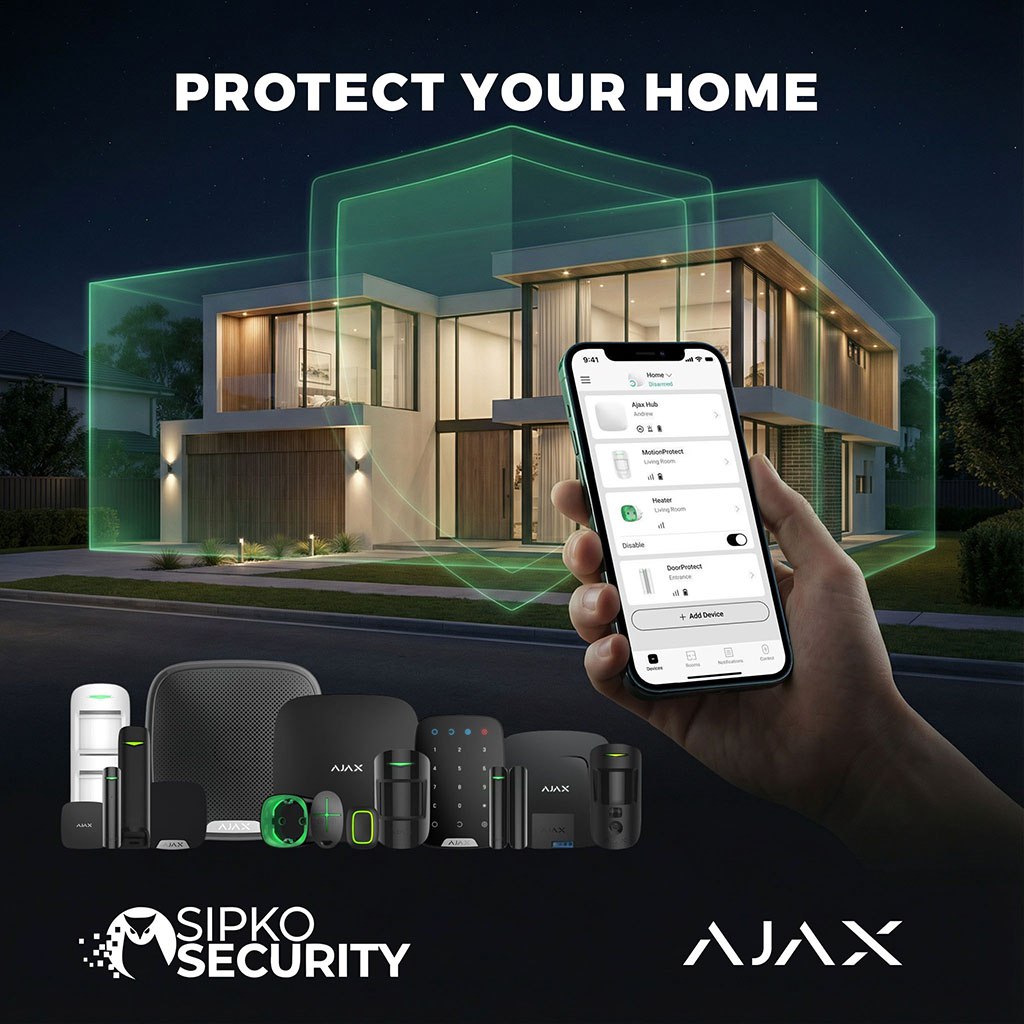
Apartment Entries, Shared Areas and Approval Planning
The site visit establishes the project boundary, the areas requiring protection, the user structure and the information needed for an owners corporation review.
Apartment and shared entries
Private apartment doors, shared entrances, side access, foyers, fire-stair approaches and corridors are assessed against the defined work scope.
Managers and alarm contacts
We identify who controls settings, who receives events and who needs limited access for cleaning, maintenance or routine building operations.
Storage and restricted rooms
Storage-cage approaches, storage corridors, basement doors, plant rooms and other restricted rooms can be assessed where access is available.
Owners corporation approval
SIPKO Security can document the proposed work. The building representative remains responsible for confirming the approval required for common-property installation.
Information Needed Before a Proposal
These details help separate apartment-only work from common-property work and reduce assumptions in the equipment list.
- A floor plan or marked-up building layout, where available
- Confirmation of private-lot and common-property areas
- The doors, corridors, storage areas and rooms to be assessed
- Photographs or model details of existing security equipment
- The building manager or owners corporation contact
- Permitted contractor hours, access and induction requirements
- Current approval status and planned installation stages
- After-hours contacts and monitoring preference
Building Handover Information
The handover keeps operating information in one place rather than leaving control dependent on one person’s phone or email account.
- Installed device list and recorded locations
- Zone names and assigned building areas
- Administrator and standard-user permissions
- Basic arming, disarming and alert instructions
- After-hours escalation contacts and contact order
- Procedure for changing managers or removing users
- Monitoring connection details where monitoring is activated
- Notes for future stages or system additions
Foyers, Corridors, Storage Areas and Restricted Rooms
An apartment entry, storage corridor and plant room require different detector positions, zone names and response procedures.
Typical areas: main and side entries, foyers, lift lobbies, mailrooms, parcel areas, fire-stair approaches, basement doors, storage corridors and restricted utility rooms.
- Opening detection for selected apartment, shared and restricted doors
- Motion detection for suitable internal routes and rooms
- Zone names that identify the level and exact location
Storage-cage limitation: metal mesh, metal doors, reinforced concrete and basement structures can weaken radio communication. A detector should not be placed inside a metal enclosure unless its mounting position and signal reliability have been confirmed on site.
App Alerts, Contact Order and Professional Monitoring
Some systems use app notifications only. Others require an after-hours contact order or connection to a professional monitoring service.
SIPKO Security’s role: we assess, install, test and configure the Ajax system and can prepare it for monitoring where that service is required.
Ongoing monitoring: monitoring is a separate service delivered under a monitoring agreement with the selected monitoring provider. Provider responsibilities, charges and escalation procedures should be confirmed before activation.
Zone names, event routing and contact order are reviewed before connection so the operator receives useful location information. See Ajax monitoring with video verification .

Site Assessment, Installation and Commissioning
Devices are positioned, tested and named against the agreed work scope. Authorised users are configured before the system is handed over.
Building walk-through
We inspect the doors, routes, storage areas, basement access and restricted rooms included in the assessment.
Device and signal testing
Opening detectors, motion devices, sirens, tamper conditions and communication paths are tested in their installed positions.
App and permission setup
Administrators, managers and standard users are added with the controls and notifications required for their roles.
Building documentation
Device locations, zone names, users, alarm contacts and planned future stages can be recorded for building reference.
Equipment Selected for the Actual Building
Device selection depends on construction materials, communication paths, protected areas, required user groups and the chosen event-response method.
- Hub model selected for communications, device capacity and required functions
- Door detection matched to the door, frame and mounting position
- Motion detection positioned for the actual movement route
- Photo verification configured with defined privacy and event-feed access
Where MotionCam or another photo-verification device is used, the building should identify who can view alarm images, who manages privacy permissions and whether images are also available to the monitoring provider.

Hub Location, Signal Testing and Backup Behaviour
Reinforced concrete, basement structures, metal enclosures, service rooms and multiple levels can affect communication between the hub and detectors.
Testing is completed from the intended device positions. A ReX 2 range extender is considered only where the communication path requires it; it is not an automatic requirement for every multi-level building.
- Secure but serviceable hub position
- Radio testing through the required levels and rooms
- Explanation of behaviour during internet or mains-power interruption
Ajax Installation Process for an Owners Corporation
The process keeps assessment, approval, scheduling, installation and handover in a clear order.
Building Inspection
We inspect the relevant doors, rooms, existing equipment and installation constraints.
Written Proposal
The proposal records equipment functions, user roles, exclusions and installation stages.
Approval and Scheduling
Building access, resident notices, induction and permitted work times are confirmed.
Installation and Testing
Equipment is installed and tested in the locations included in the agreed scope.
Users and Alarm Contacts
User access, notifications and after-hours contacts are configured.
Handover and Later Stages
System information is handed over with a process for future user or system changes.
Ajax Alarms Within a Wider Building Security Plan
An Ajax intrusion alarm can operate independently or form one part of a wider plan involving CCTV, entry video, access control and professional monitoring.
Apartment Alarm
Entry-door, motion, siren and app-control options for one apartment without automatically extending the system into common property.
Common-Property Alarm
Detection for selected foyers, corridors, storage approaches, plant rooms and other restricted building areas.
CCTV and Entry Video
Camera and entry-video options are assessed separately, including placement, permissions, privacy and compatibility with existing equipment.
Professional Monitoring
SIPKO Security can prepare the alarm for connection. Ongoing monitoring is governed by the agreement with the selected monitoring provider.
An Ajax intrusion alarm does not replace required fire detection, emergency warning, evacuation, intercom or access-control systems. Existing systems and responsibilities should be identified before installation.
A Defined Scope Instead of a Generic Ajax Kit
A useful proposal explains which areas are protected, why each device is needed, who controls the system and what happens when an alarm is reported.
SIPKO Security reviews the relevant construction conditions, existing equipment, access requirements and management structure before the equipment list is finalised.
After commissioning, the building can retain a record of devices, zone names, users and any items deferred to a later installation stage.

Ajax Setup
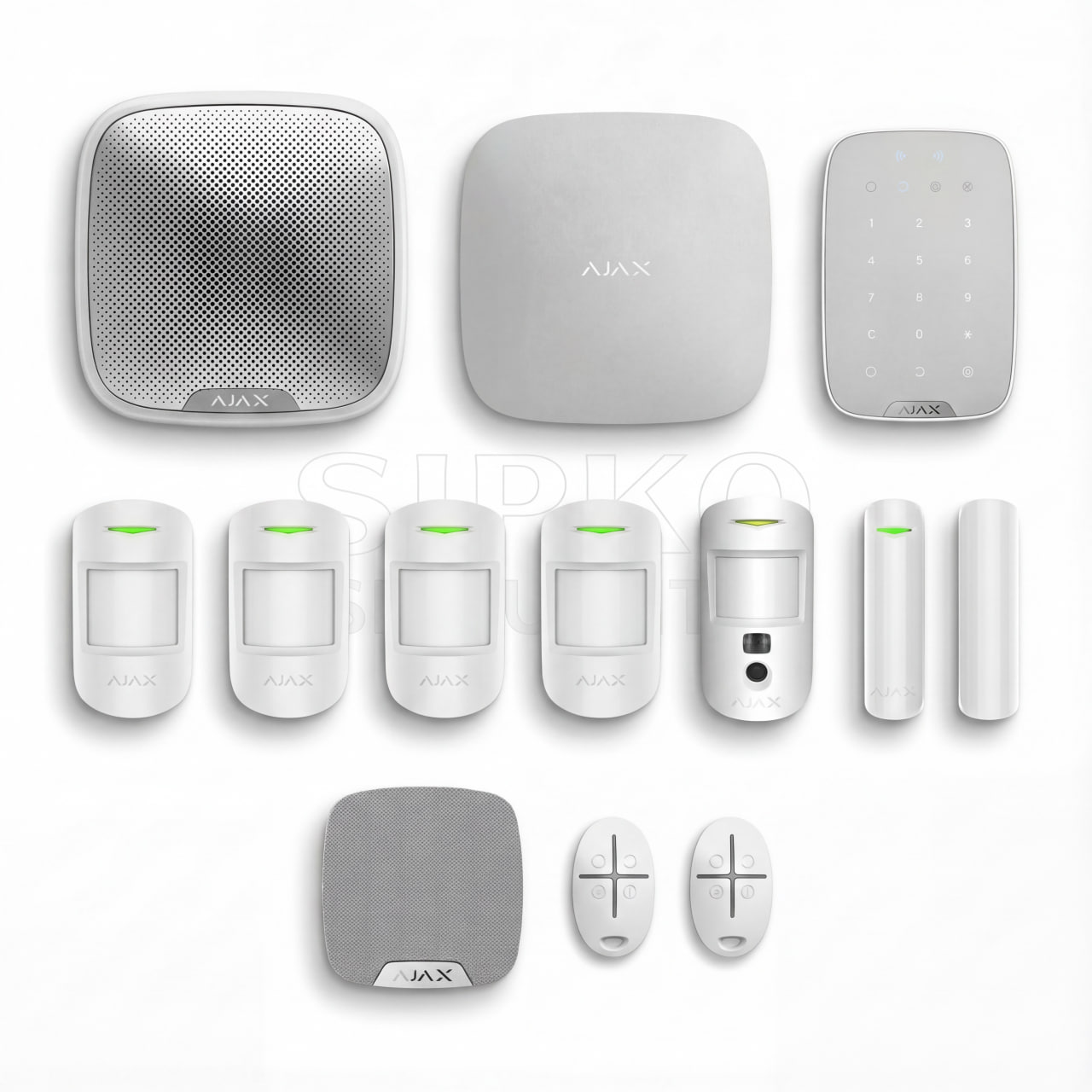
These devices illustrate functions that may be used in an apartment or common-property alarm. They are not a fixed package, and not every project requires every device.
Ajax Equipment Commonly Considered
Final device types, quantities and positions are confirmed after the building, communication paths and operating requirements have been assessed.
Ajax Hub Options
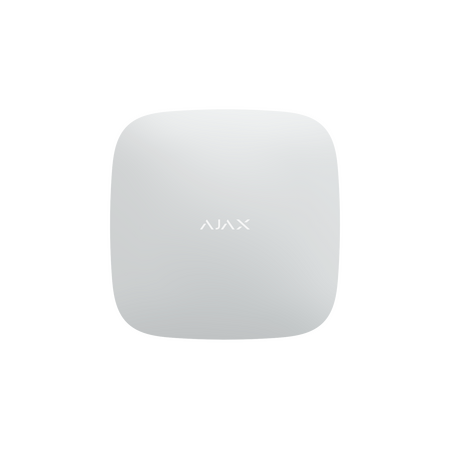
Hub BP is one available control-panel option. The final hub model is selected according to communications, power, device capacity, groups, photo verification and monitoring requirements.
View Hub BP details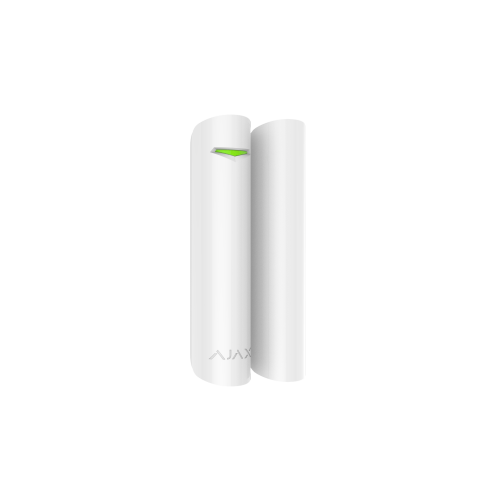
Ajax DoorProtect Plus
Opening detection may suit apartment entries, side access, plant rooms and storage-area doors. Metal enclosures and difficult mounting surfaces must be checked before a detector position is confirmed.
View product details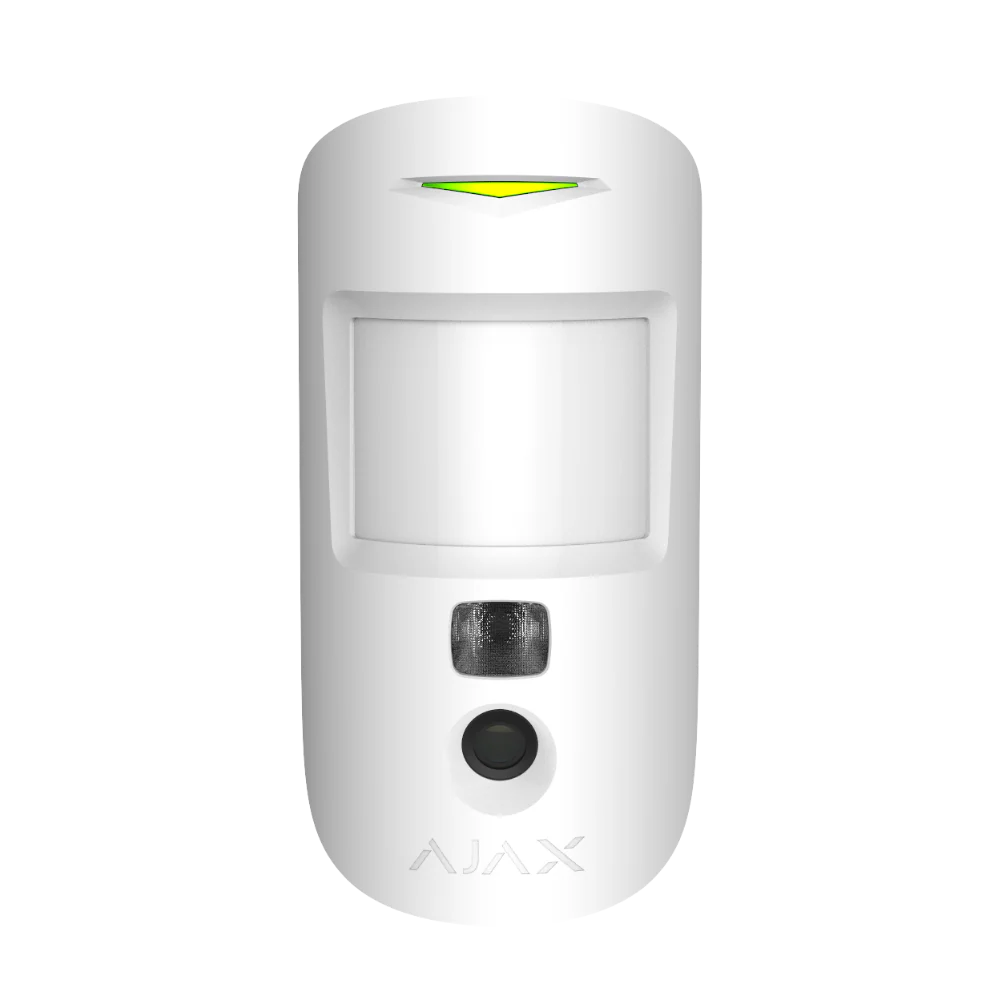
Ajax MotionCam PIR With Camera
Alarm-event images can assist authorised users with event review. Access to the event feed, privacy settings and monitoring-centre images should be agreed before the device is commissioned.
View product details
Ajax ReX 2 Range Extender
ReX 2 may be used where testing finds a weak communication path. Its position must provide a reliable link to both the hub and the devices it serves; some layouts may also require an Ethernet connection.
View product detailsThree Practical Installation Stages
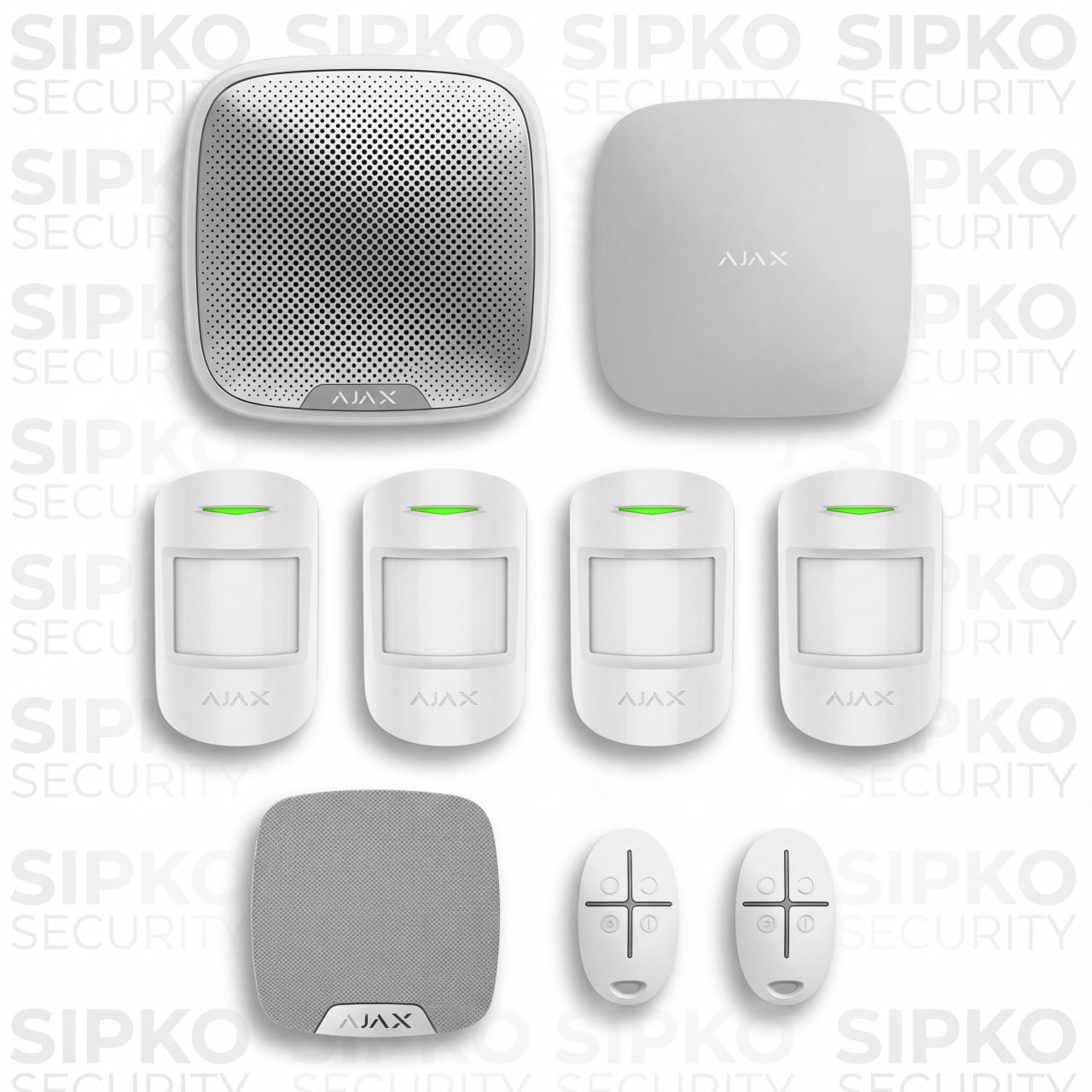
A larger apartment-building project can be completed in clearly defined stages. Each stage is linked to specific building areas, user responsibilities and security priorities. The equipment images below are examples rather than fixed packages.
Priority Entry Doors and Restricted Rooms
- Selected apartment or shared entry doors
- Side access and basement entry doors
- Plant, utility and restricted rooms
- Ajax hub and initial zone configuration
- Administrator and building manager setup
Foyers, Storage and Basement Routes
- Foyers and selected internal corridors
- Mailroom or parcel collection areas
- Storage corridors and cage approaches
- Basement access and internal movement routes
- Additional authorised users and zone groups
Monitoring, Verification and Building Handover
- Preparation for connection to the selected monitoring provider
- Photo verification for suitable approved areas
- Defined access to alarm images and event history
- Updated escalation contacts and notification settings
- Final device, zone and authorised-user documentation
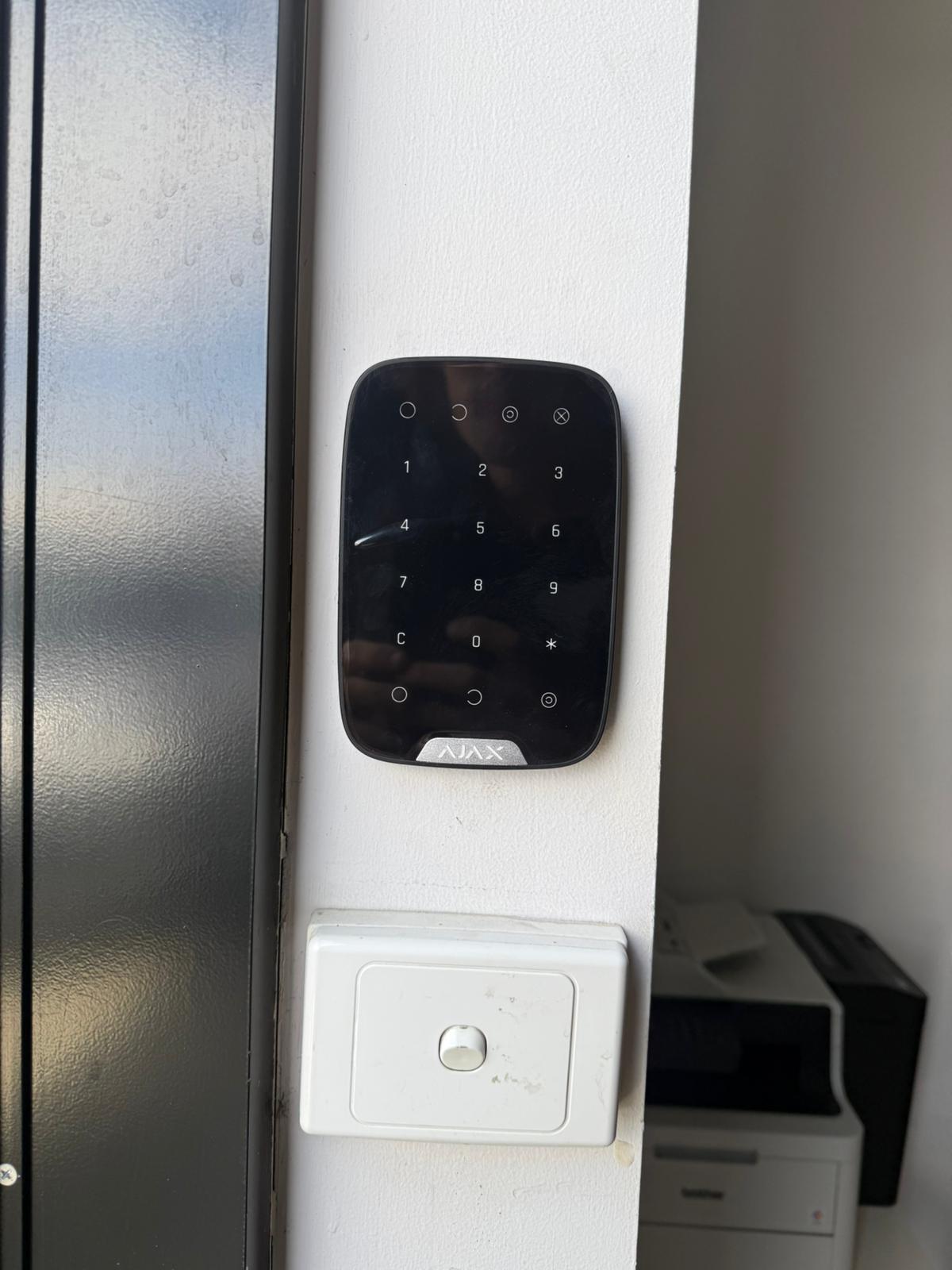
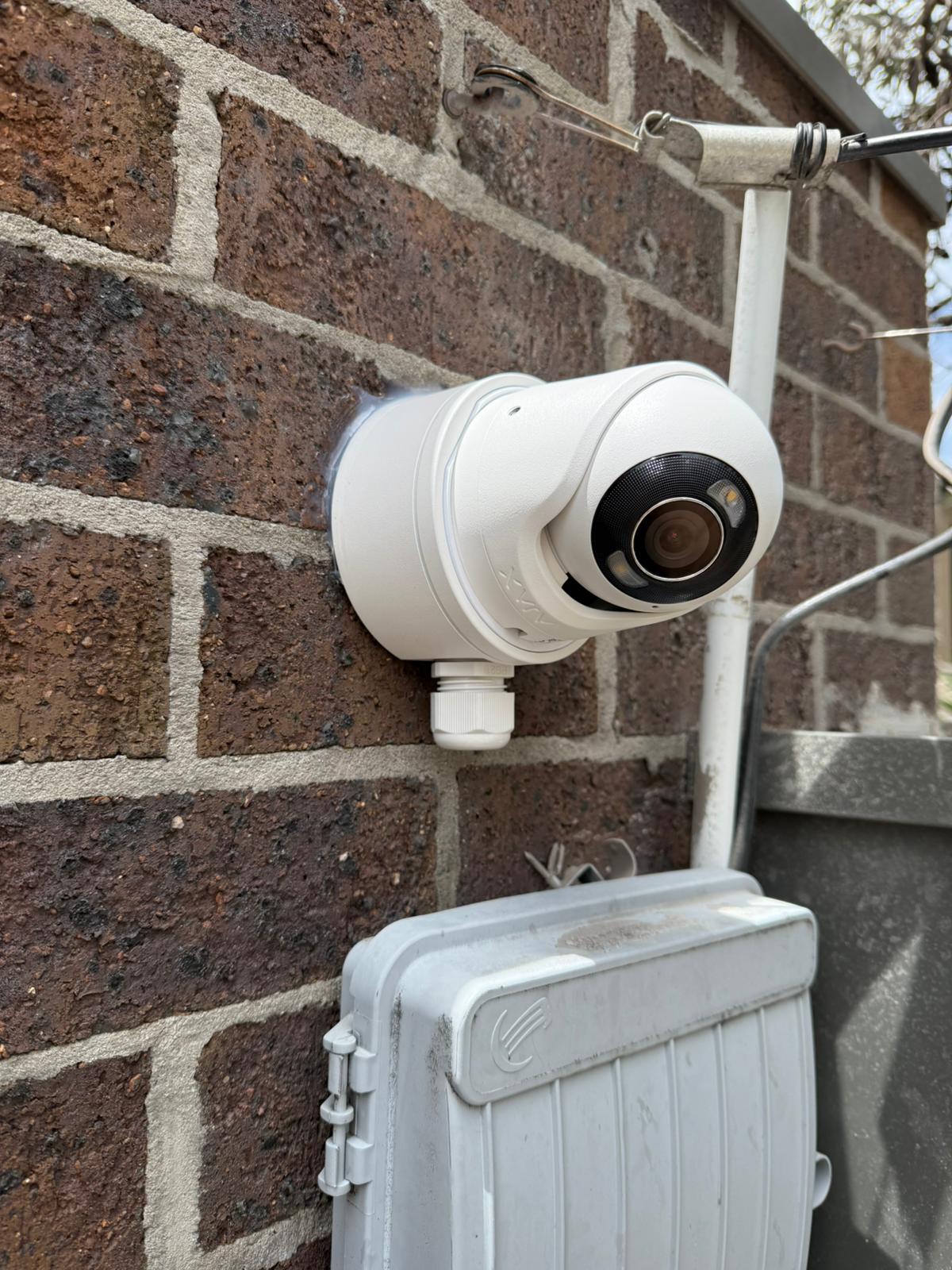
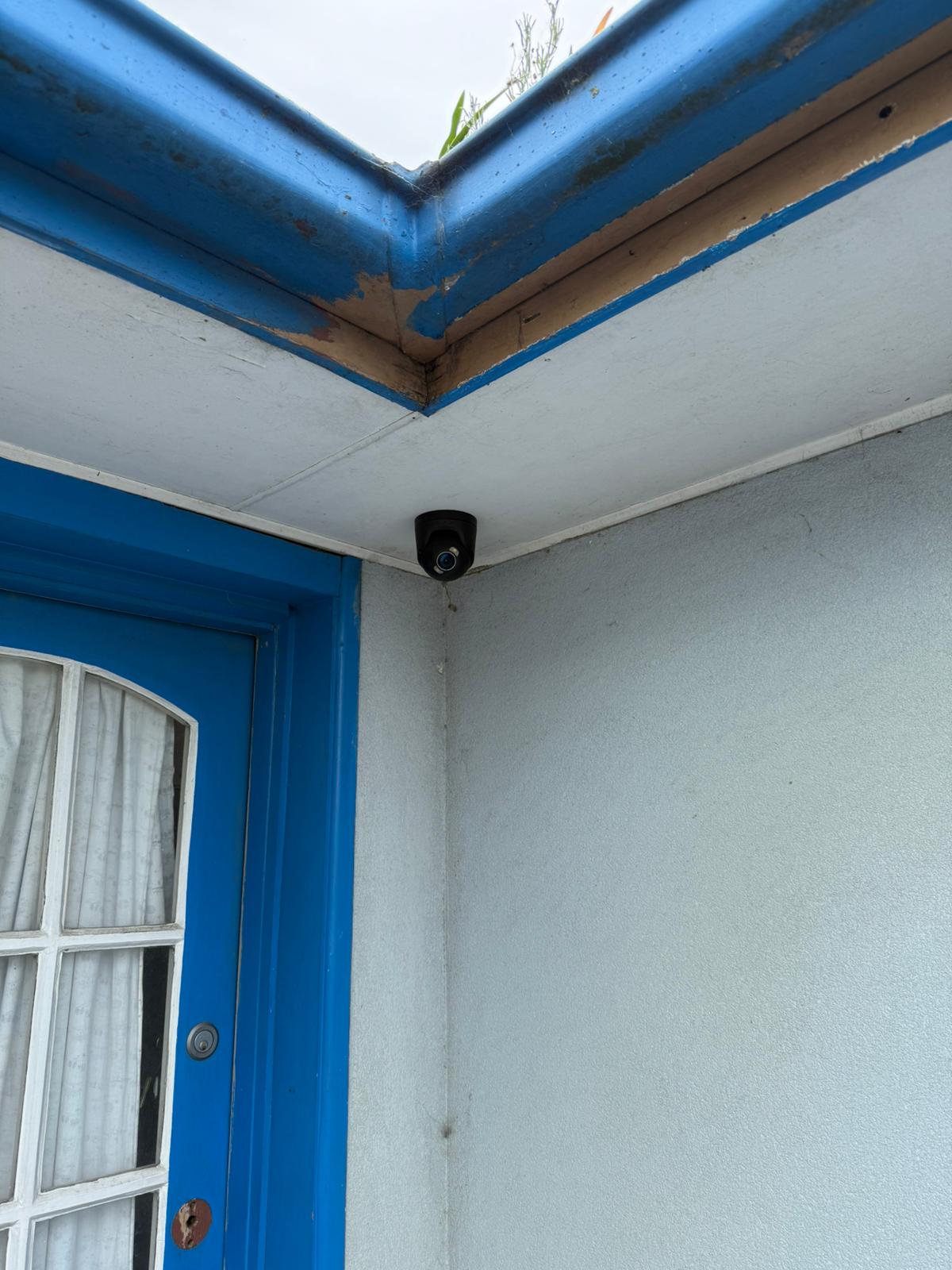
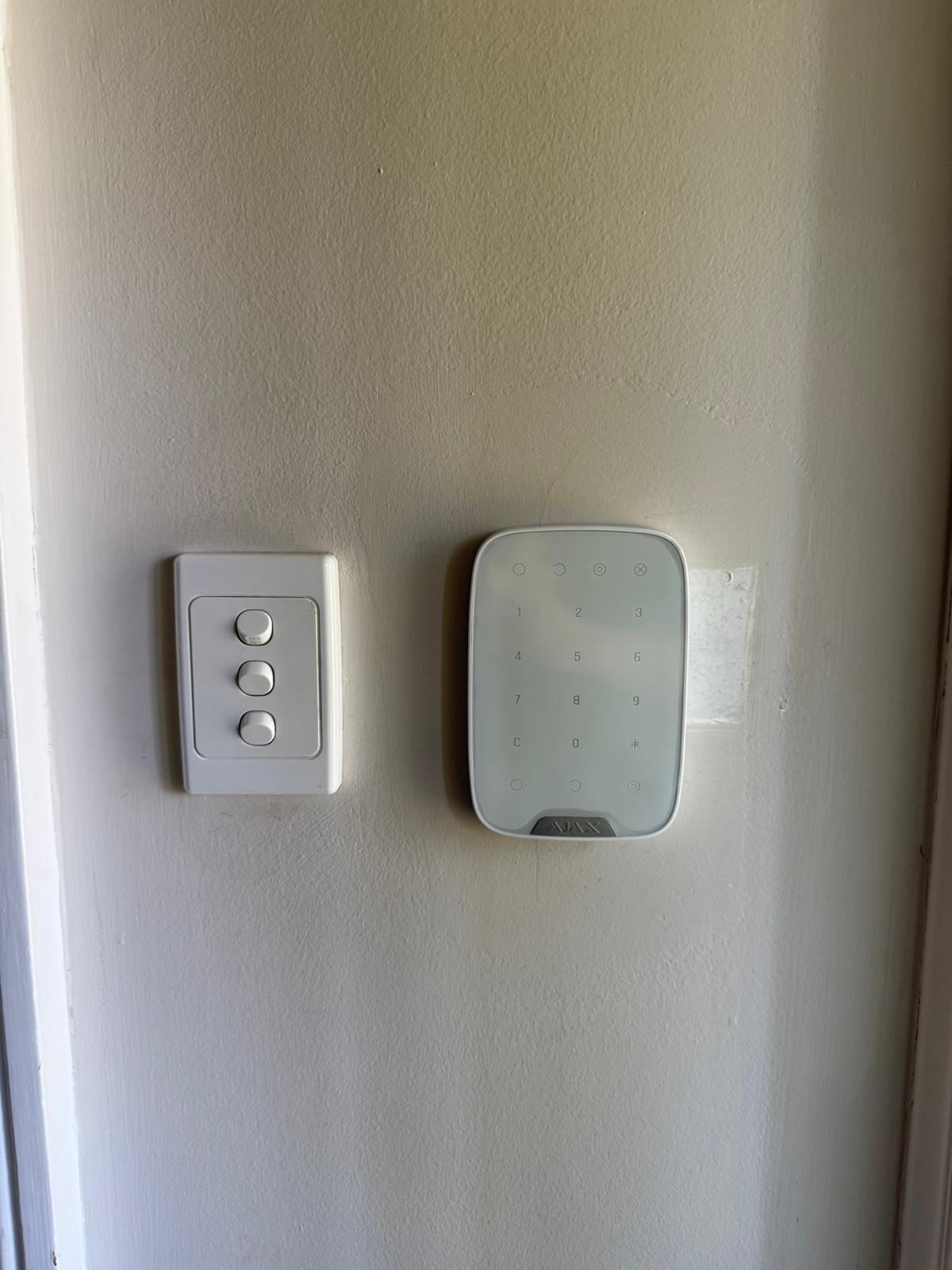
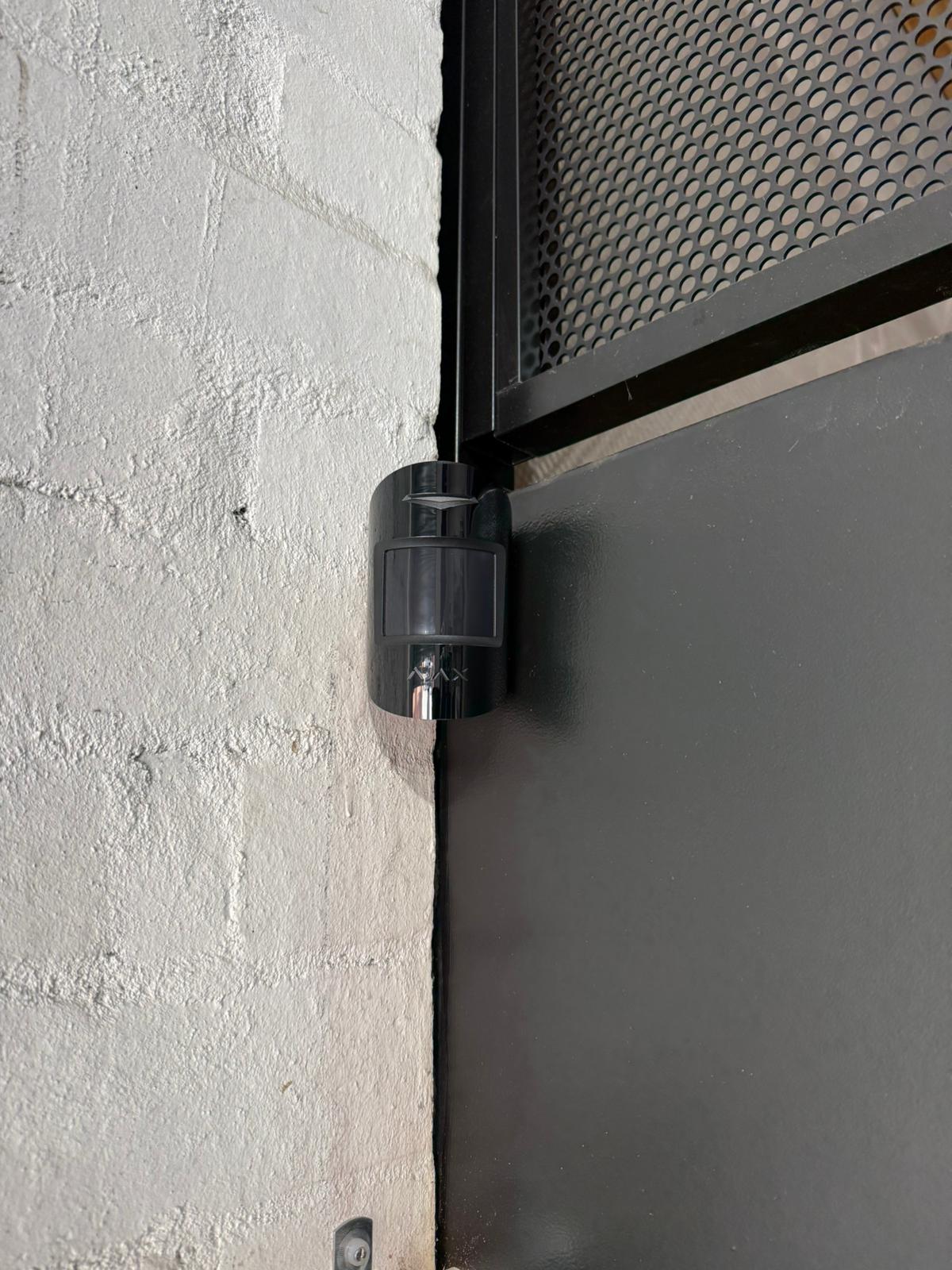
Ajax Security Installation Gallery
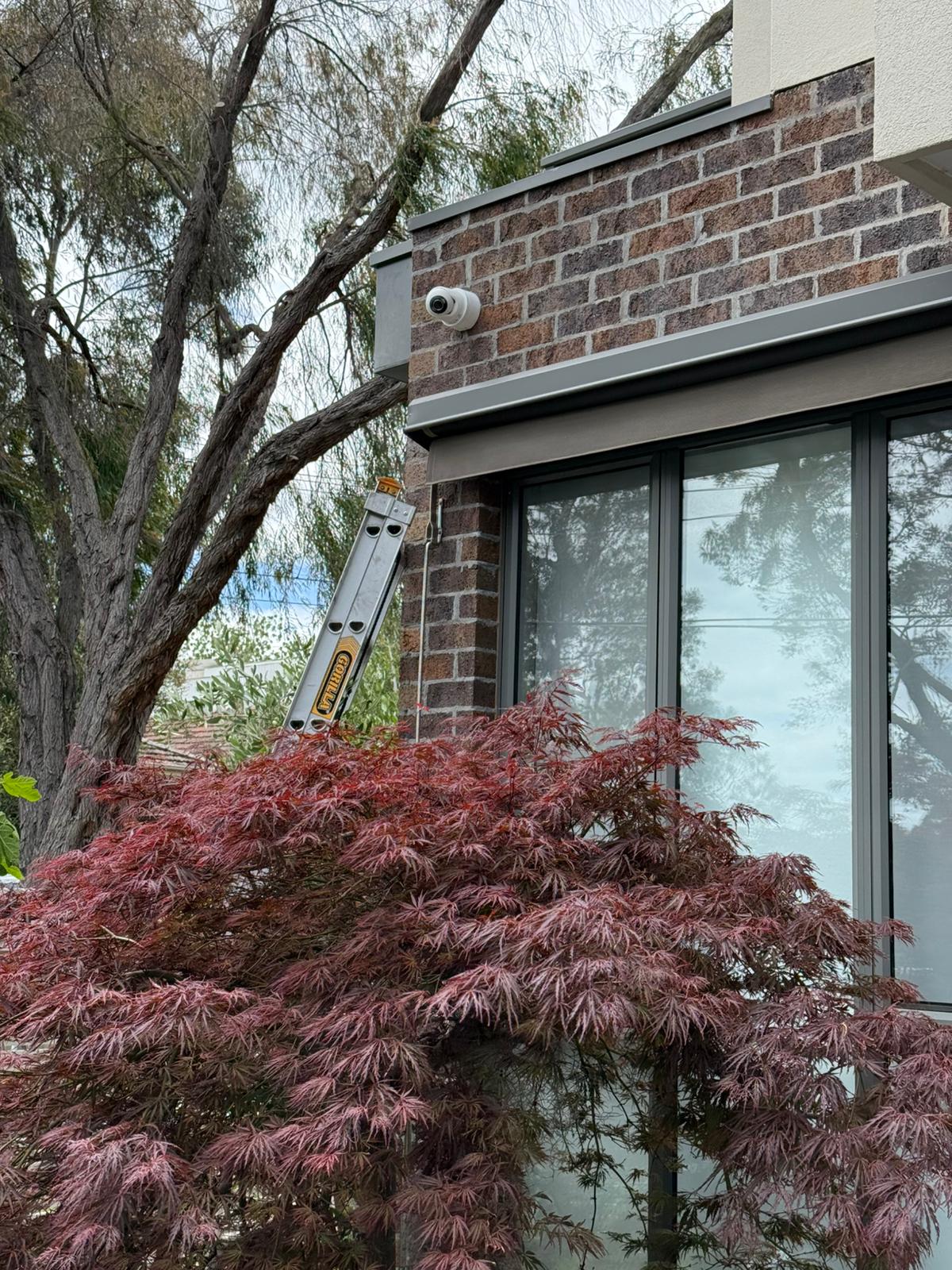
Examples of SIPKO Security equipment placement and completed Ajax installations across Melbourne properties.

What Our Clients Say




Ajax Apartment Alarms: Frequently Asked Questions
Answers about apartment-only systems, common-property approval, user permissions, multi-level communication and monitoring.
Yes. A system can protect an individual apartment, including its private entry door and selected internal rooms. Work affecting common property, shared services or the exterior of the building should be identified separately.
It can be, but suitability depends on hub placement, reinforced concrete, basement conditions, metal structures and communication between the required locations. Additional communication equipment is proposed only where testing shows it is needed.
The building representative should confirm the required approval whenever mounting, cabling, equipment or contractor access affects common property. SIPKO Security can provide device locations and a written work scope but does not determine the building’s internal approval rules.
Yes. Full administrators can manage the system, administrators without configuration rights can handle routine operation, and standard users can receive more limited access. Users should be removed when their role ends.
A compatible system may initially use app notifications and later connect to a professional monitoring service. Zone names, contacts, event routing and the separate monitoring agreement should be confirmed before activation.
