

Control Who Enters Your Site Without Slowing Down Daily Operations
Access control gives Melbourne businesses a cleaner way to manage entry than keys alone. You can control who enters, which door they use and when access starts or stops.
Complete Access Solutions
Readers & Credentials
Card readers, fobs, and proximity systems
Keypad & PIN Entry
Weatherproof keypads for secure access
Mobile App Access
Smartphone-based entry with remote unlock
Electric Strike Setup
Professional installation for existing doors
Maglock Setup
High-security magnetic lock systems
Staff Permissions
Time-based access with detailed logs
Project Range
From single staff entry doors to multi-door systems with timed or role-based access for each user.
Schedule Your Service
Call 0406 432 691 or complete the form and we will contact you.
We build access control around the door itself, the people using it, and the way permissions are managed after installation. That usually means combining several components into one working system rather than treating each device as a separate purchase.
The reader is the visible part staff use every day, but it has to suit the site and the workflow. Some entries work best with card or fob access only. Others need a keypad as a backup or for temporary users.
- Card and fob reader installation at main staff doors
- Keypad access for PIN-based or temporary entry
- Combined reader and keypad setups where the site requires more than one access method
The controller decides whether a credential should unlock the door. This is where user permissions, schedules and future scalability matter most.
- Single-door and multi-door control layouts
- User creation, deletion and role-based permissions
- Timed access rules for staff, cleaning teams and contractors
Different businesses prefer different credential types. Some prefer physical fobs because handover is simple. Others prefer mobile access so managers can issue or revoke credentials more quickly.
- Fob and card credential enrolment
- App access setup for approved users
- Practical handover so staff know how the system works on day one
Lock hardware has to match the door, frame, egress requirements and daily traffic. A reliable access system depends as much on the hardware side as it does on the software side.
- Electric strike setups for suitable latch and frame conditions
- Maglock setups where the door and use case suit magnetic locking
- Release hardware planning so controlled entry does not create an awkward exit route
Many sites do not need every user to open every door. The real value comes from assigning access properly and reducing the number of people who can enter sensitive or high-value areas.
- Office vs warehouse permission splits
- Back-room and medicine or storage area restrictions
- After-hours and weekend access rules
Access control should stay manageable after installation, not become another administrative burden. That means choosing a setup that still works when your staff list changes or when another door is added later.
- Expandable design for extra doors and users
- Simpler onboarding and offboarding processes
- Less dependence on physical keys as the team grows
Good access control starts with real door use. A staff entrance, a warehouse door, and a restricted internal room need different hardware and permissions. We plan around movement, reliability and everyday management so the system works properly after installation.
We review the key entry points
We identify which doors matter, who uses them and where access should stay restricted. This helps avoid overbuilding one area and missing another.
We match hardware to the actual door
The lock side, frame, exit hardware and cable route all affect reliability. Reader choice alone is never enough.
We define user groups and permissions
Staff, managers, cleaners and contractors usually need different rules. A clear setup from the start makes future administration much easier.
We plan for daily operations
The system should support arrivals, deliveries, shift changes, and after-hours access without causing confusion at the door.
We keep the system manageable later
Your team should be able to add or remove users and adjust access without falling back on the same problems that come with physical keys.
Why this matters
Access control often fails when the focus stays only on the reader and ignores lock hardware, door behavior or permission logic.
What we aim for instead
Smoother staff access, faster handover, fewer unmanaged keys, and clearer control over sensitive rooms.
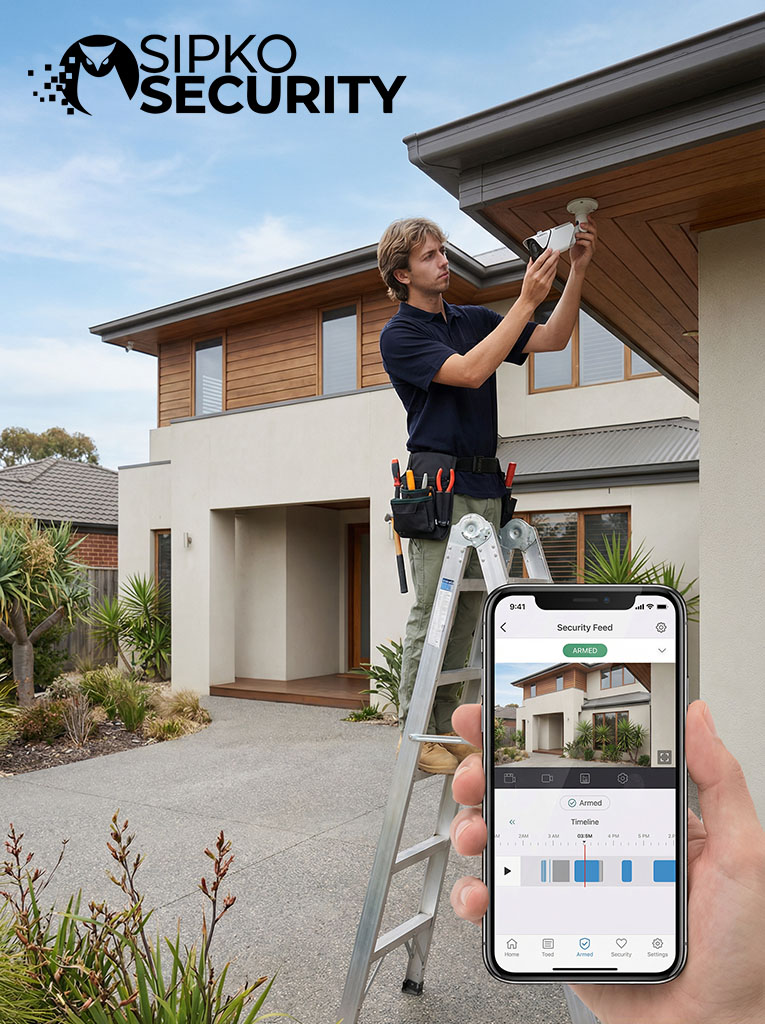
Access control is especially useful where one unlocked door can expose the whole site, where staff changes happen regularly, or where not every person should be able to enter every room. The strongest projects are the ones where permissions are clear and the hardware matches the way the site actually runs.
Office sites often need simple staff entry and easier administration when someone joins, leaves or changes roles. A proper system reduces reliance on copied keys and gives managers cleaner control over internal access.
- Main office entry for staff
- Restricted access to management rooms or records areas
- Faster access removal when staff change
Industrial and stock-handling sites usually have more than one critical door. It is common to separate office access from warehouse access and keep after-hours permissions tighter.
- Staff-only entries away from public areas
- Permissions split between office and warehouse teams
- Controlled access for contractors and early or late shifts
Healthcare and professional sites often need more than simple front-door access. Internal storage, staff rooms or sensitive rooms may need a narrower permission group than general staff access.
- Staff-only treatment or storage areas
- Cleaning staff access that does not open every room
- Controlled internal movement without constant key handover
Shops and hospitality venues often need one access arrangement for the customer-facing area and another for staff, stock and rear entries. Access control helps keep those boundaries consistent.
- Rear staff door and stockroom permissions
- Temporary access for approved workers only
- Less risk around shared back-of-house keys
Some businesses start with one door, then realise the real issue is managing multiple entrances without a clear permission structure. A planned setup makes future growth much easier.
- One system across several staff doors
- User-based permissions instead of door-by-door guesswork
- Better control when another tenancy or restricted area is added later
Typical Access Control Problems We Solve for Melbourne Businesses
Access control solves common entry problems: lost keys, shared access, staff turnover, and doors left open because the routine is inconvenient.
Too many keys
Physical keys are hard to track. Access control lets you add or remove entry without rekeying the property.
One door for everyone
Staff, cleaners, and contractors often use the same entry. Separate permissions make access safer and easier to manage.
Sensitive rooms need limits
Storage, records, and staff-only areas should not stay open to everyone. Entry can be restricted by role.
Staff changes happen fast
New users can be added quickly, and old access can be removed just as fast when roles change.
What We Review Before Recommending an Access Control Setup
A strong access control setup starts with how the door works, who uses it and how much control the site really needs. We assess those points first so the system fits day-to-day operation.
Door and frame condition
The door, frame, lock layout and closing action affect which hardware and reader position will work reliably.
Users and access changes
Stable teams, shift staff, cleaners and contractors all need different permission structures and update frequency.
Single or multiple doors
Some sites need one controlled entry, while others need several doors working under one system from the start.
After-hours and temporary access
Timed schedules and temporary credentials help reduce gaps around deliveries, visitors and out-of-hours entry.
Ongoing management
The system should stay simple to manage when staff change, doors are added or rules become more detailed.

Installation Process Timeline
From initial consultation to final handover, we follow a structured process to ensure your access control system is installed correctly and your team is fully trained.
Site Assessment
We visit your property to evaluate door conditions, user requirements, and security objectives. This ensures the system design matches your actual needs.
- Physical door and frame inspection
- User flow and access pattern analysis
- Power and cabling route planning
- Security risk assessment
Hardware Selection
Based on the assessment, we recommend specific readers, controllers, locks, and credentials that suit your doors, budget, and operational requirements.
- Reader type selection (card, keypad, mobile)
- Lock hardware matching (strike vs maglock)
- Controller capacity planning
- Credential format recommendation
Professional Installation
Our technicians install all hardware, run cabling, mount readers and locks, and connect the system to the controller. Work is completed with minimal disruption to daily operations.
- Reader and lock mounting
- Cable installation and termination
- Controller configuration and wiring
- Power supply setup and backup battery
System Testing
Every door, reader, and credential is tested to confirm proper operation. We verify permissions, schedules, and fail-safe/fail-secure behavior.
- Door unlock and lock verification
- Credential enrollment and testing
- Permission and schedule validation
- Emergency egress testing
Staff Training
We train your team on daily operation, credential management, and basic troubleshooting. Training is tailored to different user roles (staff, managers, administrators).
- User credential enrollment process
- Adding and removing access permissions
- Schedule and time zone management
- Basic troubleshooting and support contacts
System Handover
We provide complete documentation, warranty information, and ongoing support details. Your system is now fully operational and under your control.
- System documentation and manuals
- Warranty and support information
- Administrator credentials and access
- Maintenance schedule recommendations
Integration Capabilities
Modern access control works best when connected to your existing security and building management systems. We design integrated solutions that share data, automate responses, and provide unified control.
CCTV Camera Systems
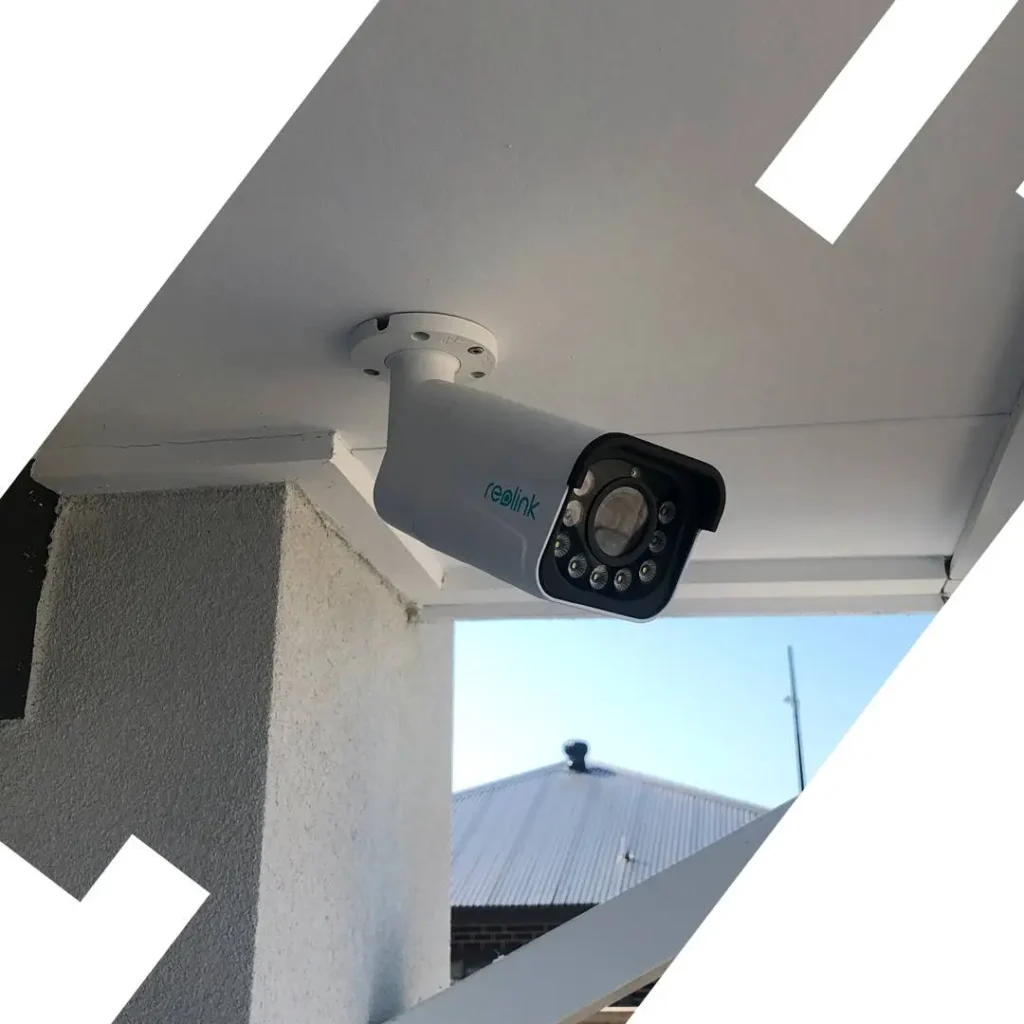
Link access events to video recording for visual verification of who entered, when, and through which door.
- Automatic camera recording on door unlock
- Video verification of credential use
- Synchronized playback of access logs and footage
- Alert-triggered camera focus on specific doors
Alarm Systems
Coordinate access control with intrusion detection for seamless arming, disarming, and emergency response.
- Auto-disarm alarm when authorized entry occurs
- Forced-door alarms for unauthorized access
- Duress code triggers silent alarm notification
- Integrated panic button response
Visitor Management
Issue temporary credentials to visitors, contractors, and delivery personnel with automatic expiration.
- Pre-register visitors with time-limited access
- QR code or PIN-based temporary credentials
- Visitor check-in/check-out tracking
- Host notification on visitor arrival
Time & Attendance Tracking
Use door access events as clock-in/clock-out records for accurate payroll and workforce management.
- Automatic time tracking via door entry
- First-in/last-out reporting by department
- Integration with payroll systems
- Overtime and late arrival alerts
Building Management Systems
Connect access control to HVAC, lighting, and elevator systems for energy efficiency and occupancy-based automation.
- Lights and HVAC activate on first entry
- Elevator access restricted by floor/role
- Energy savings when building is unoccupied
- Occupancy data for space utilization
Intercom & Video Entry
Two-way communication and remote door release for reception areas, gates, and building entrances.
- Video intercom with remote unlock capability
- Mobile app notifications for door calls
- Recorded audio/video of all entry requests
- Integration with reception desk systems
Advanced Security Features
Professional access control systems include sophisticated security capabilities that protect against tailgating, unauthorized access, and security breaches while maintaining detailed audit trails.
Anti-Passback Protection
Prevents credential sharing and tailgating by requiring users to exit before re-entering, ensuring one person per credential at all times.
Forced Door Alarms
Instant alerts when doors are opened without valid credentials or held open beyond configured time limits for immediate security response.
Duress Code Activation
Silent panic feature that unlocks doors normally while secretly alerting security when staff are under threat or coercion.
Audit Trail Reporting
Comprehensive logging of all access events with detailed reports for compliance audits, security investigations, and operational analysis.
Remote Lockdown Control
Instantly secure all doors from a central location or mobile device during emergencies, security threats, or active incidents.
Time-Based Access Rules
Automatically grant or restrict access based on schedules, ensuring doors are only accessible during authorized hours and days.
First In / Last Out Tracking
Track building occupancy and automatically trigger actions based on first entry or last exit events for integrated building management.
Multi-Factor Authentication
Require multiple credentials for high-security areas, combining card + PIN, biometric + card, or other authentication combinations.
Door Interlock Control
Prevent multiple doors from opening simultaneously, creating secure airlocks and mantrap configurations for controlled entry zones.
Enterprise-Grade Protection
These advanced features work together to create a comprehensive security ecosystem that protects your business, staff, and assets 24/7.
- Prevents unauthorized entry attempts
- Tracks all access events in real-time
- Integrates with existing security systems
- Meets compliance requirements
- Scalable for future expansion
- Remote management capabilities
Access Control for Melbourne CBD High-Rise Buildings
Melbourne’s CBD towers demand sophisticated access control that manages hundreds of tenants, restricts elevator access by floor, and secures loading docks while maintaining seamless daily operations.
Elevator Integration & Floor Restrictions
Control which floors each credential can access through integrated elevator systems. Tenants on Level 12 can’t reach Level 18, contractors access only service floors, and executives unlock penthouse levels—all managed from one central platform.
Multi-Tenant Access Management
Separate access permissions for dozens of businesses sharing the same building. Each tenant manages their own staff credentials, visitor access, and door schedules without affecting other companies or requiring building manager intervention.
Loading Dock & Service Entrance Control
Secure basement loading zones with time-restricted access for delivery drivers, waste management, and maintenance crews. Track all service entrance activity with detailed logs showing who entered, when, and which door they used.
After-Hours Building Access Protocols
Automatically lock common areas, meeting rooms, and amenity floors after business hours while maintaining 24/7 access for authorized personnel. Security receives instant alerts when anyone enters outside scheduled times.
Visitor Management Integration
Issue temporary QR code credentials to visitors via email or SMS. Guests scan at the lobby reader, access only their host’s floor, and credentials expire automatically after the meeting—no physical cards to collect.
Emergency Lockdown & Evacuation
Instantly secure all floors from the security desk or mobile app during emergencies. Override normal restrictions during fire evacuations to unlock all stairwell doors, then restore full security once the incident clears.
Parking Garage Access Control
Integrate parking barriers with building access systems. Tenant credentials unlock both their parking level and office floor, while visitor parking requires separate validation from the host company.
Rooftop & Plant Room Security
Restrict access to mechanical floors, rooftop plant rooms, and telecommunications areas to authorized maintenance staff only. Require dual authentication (card + PIN) for high-security zones containing critical building infrastructure.
Compliance & Audit Reporting
Generate detailed access reports for building insurance, OHS compliance, and security audits. Export logs showing all entry attempts, failed access events, and door-held-open incidents for regulatory requirements.
Complete High-Rise Access Control
SIPKO Security specializes in complex multi-tenant access systems for Melbourne’s CBD towers, managing everything from lobby readers to rooftop plant room security.
Patient Privacy & HIPAA Compliance Access Control
Melbourne healthcare facilities require specialized access control that protects patient privacy, secures medical records, and maintains strict compliance with Australian Privacy Principles and healthcare regulations.
Medical Records Room Security
Restrict access to patient file storage and medical records archives with role-based permissions that automatically log every entry for compliance audits.
- Card + PIN dual authentication required
- Automatic audit trail for all access events
- Time-stamped entry logs for compliance
- Instant alerts for unauthorized attempts
Patient Data Storage Access
Secure server rooms and digital records storage with multi-factor authentication ensuring only authorized IT and medical staff can access sensitive patient databases.
- Biometric + credential verification
- Real-time access monitoring dashboard
- Failed access attempt notifications
- Integration with hospital IT systems
Role-Based Staff Permissions
Doctors access patient wards and consultation rooms, nurses unlock treatment areas, admin staff reach reception zones—all managed through intelligent role-based access control.
- Department-specific access zones
- Shift-based automatic permissions
- Temporary locum doctor credentials
- Instant credential deactivation on departure
Australian Privacy Principles Compliance
Meet APP requirements with comprehensive access logs, encrypted credential data, and detailed reporting that demonstrates proper handling of patient information.
- Encrypted access credential storage
- Exportable compliance audit reports
- Privacy breach detection alerts
- OAIC-compliant documentation
Access Control FAQ
Quick answers to the most common questions about commercial door access control systems in Melbourne.
Still Have Questions?
Our access control specialists are here to help. Get in touch for a free consultation and site assessment.
Call 0406 432 691













Frequently Asked Questions
Answers to common questions about access control installation, readers, controllers, keypad entry, fob access, mobile credentials, electric strikes, and maglock setups for Melbourne businesses.
A typical access control installation may include the reader, controller, credentials such as cards or fobs, keypad entry where needed, lock hardware such as an electric strike or maglock, exit devices, power supply, cabling and system setup for user permissions. The exact combination depends on the door, the way the site operates and how access needs to be managed after installation.
Yes. Many Melbourne businesses begin with one main staff entrance and expand later if more areas need controlled access. A single-door system can still deliver practical value by reducing key sharing, making staff entry easier to manage and allowing access to be removed quickly when roles change.
Card and fob access use a physical credential presented to the reader. Keypad entry uses a PIN code. App access allows approved users to unlock the door via a supported mobile app or platform. The best option depends on how many users the site has, how often access changes, and whether temporary or after-hours access needs to be managed differently from permanent staff access.
That depends on the door type, frame condition, existing locking hardware, exit requirements, and the way the doorway is used each day. An electric strike and a maglock do different jobs and are not interchangeable in every situation. The correct choice comes from the physical door setup and the way the entry is used, not from the reader style alone.
Yes. One of the main advantages of access control is that permissions can be removed, limited or reassigned without having to physically recover every key. This is especially useful for businesses with regular staff turnover, contractors, cleaners or different levels of access for different roles.
Yes. Access control systems can usually be configured with schedules, role-based permissions and restricted access periods. That means one user group may have normal business-hours access, while another group may be limited to specific days, rooms or time windows. This is often useful for cleaners, contractors, warehouse staff or management-only areas.
In many cases, yes. Existing doors can often be upgraded if the frame, lock side, cabling path, and exit arrangement are suitable. The important step is reviewing the physical condition of the door and confirming that the chosen hardware will operate reliably rather than forcing a generic solution onto a door that is not suited to that hardware.
Access control is especially useful for offices, warehouses, clinics, retail back-of-house areas, staff-only zones, consulting suites, and any commercial site where not every person should be able to enter every room. It is also a strong fit where businesses want clearer staff access management and less dependence on copied or unreturned keys.
Yes. Access control can work alongside CCTV for entry verification and alongside intercom or door station systems where visitor calling is also needed. Each system plays a different role. Access control manages permissions and door release logic, while CCTV supports visibility and an intercom supports communication with visitors before entry is granted.
The main factors are the number of doors, reader type, controller requirements, credential method, door condition, lock hardware, cabling path complexity, exit setup, and whether the site needs simple single-door access or a more structured multi-door permission system. A proper site review helps keep the recommendation accurate and prevents quoting the wrong hardware for the way the doorway actually works.
