Quick answer
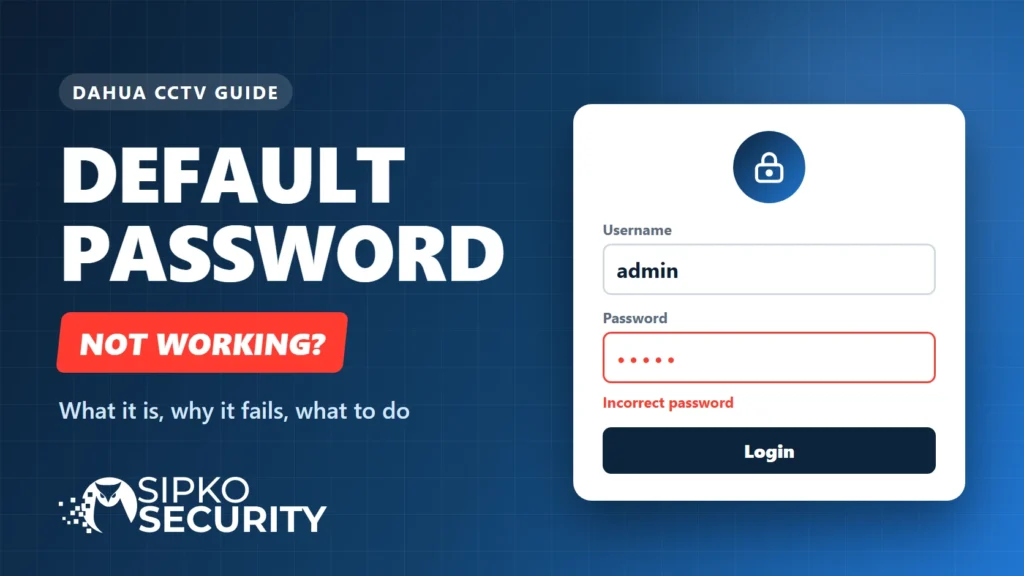
There is no single Dahua default password. Older Dahua devices use the username admin with the password admin. Dahua notices from November 2017 say new firmware makes you create the admin password at first start, so a newer device that rejects admin/admin was already set up with its own password.
The short version
- Newer Dahua devices have no default password. You create one at first start.
- Older devices used admin and admin. If a newer one rejects it, someone has already set a password.
- Add a recovery email at first start so you can reset later.
On this page
- The short version
- What is the Dahua default username and password?
- How to tell whether your Dahua is old or new
- Why the Dahua default password does not work
- What about the 888888 and 666666 logins?
- How to set the first password on a new Dahua device
- Forgot the password you set? Your official options
- If you are locked out: what not to do
- How to secure a Dahua system after you log in
- Dahua default password FAQ
- Need help with a Dahua system in Melbourne?
- Sources and further reading
This guide is for Dahua recorders (NVR, XVR and DVR), IP cameras and intercoms that you own or look after. We install and repair Dahua CCTV systems every week, and one of the most common calls is some version of “the password on the sticker does not work”. It covers what Dahua’s own notices say, which logins applied to which devices, and what to do when yours fails. Last checked 10 November 2026; if your model behaves differently, its own manual wins.
What is the Dahua default username and password?
The username has stayed the same for years: admin. What changed is the password. Which case you are in depends on the age of the device and its firmware.
| Device age | Username | Password | What to expect |
|---|---|---|---|
| Older Dahua recorders and cameras | admin | admin | IPVM reports that these devices default to admin/admin and prompt you to change it after you log in. |
| Newer Dahua recorders, cameras and intercoms | admin | The one you set at first start | There is no default. The device asks you to create a strong password the first time it is switched on. |
| Historical only: some older recorders | 888888 | 888888 | Described by IPVM and third-party guides, not in Dahua’s 2017 notices. Do not expect it on a current device. |
Two Dahua notices dated 9 and 16 November 2017 (one for networking cameras, one for storage devices) describe the change. Both say new firmware requires a compulsory strong password at first use, and recommend adding an email address for resets. Neither names a firmware version, so the date is the safest guide: if your device was made after 2017 or was updated to newer firmware, assume there is no default password.
IPVM, the security-industry research site, covered Dahua’s older defaults in its public IP camera passwords report and rated Dahua “weak, but improving” at the time. That report is old, so treat it as history, not as a guide to current firmware.
How to tell whether your Dahua is old or new
Dahua’s notices do not give a firmware number, so use these practical checks, from easiest to hardest.
- Look at the first screen. A device that asks you to create an admin password the first time you open it is a newer unit. It has no fixed default.
- Check the model and the manual. The label gives the model and serial number. The manual for that model lists the factory IP address and the setup steps.
- Check the age. Equipment bought or installed after 2017 is likely to use the first-start password. Older equipment, or equipment that was never updated, is where admin/admin appears.
- Ask whoever set it up. If an installer fitted it, the password and recovery email should be on your handover sheet.
Why the Dahua default password does not work
If admin/admin is rejected, several things could explain why. Start with these common possibilities.
The device is newer
A newer device has no default to find. The password is whatever was entered at first start.
Someone else chose it
An installer, a previous owner or a landlord set it and never passed it on. If you bought a property with cameras already fitted, see buying a house with Dahua cameras.
A firmware update
An update can change what a device accepts, so a login that worked before can stop working.
The account is locked
Some Dahua devices lock the account after repeated wrong attempts. The number of tries and the wait differ by model, so check your manual before trying again.
The wrong account
Older guides mention an extra 888888 account on some recorders. Do not assume it exists. If it does not work, move on.
It is a different brand
Some brands sell Dahua-made hardware under their own name. Check the label for the real brand and follow that brand’s setup rules.
What about the 888888 and 666666 logins?
Older guides list extra accounts. Treat these as history, not as logins to try first.
| Login | What older guides say | How far to trust it |
|---|---|---|
| 888888 / 888888 | A second administrator account on some older recorders, often described as local screen only | IPVM reports later firmware dropped it. Not mentioned in Dahua’s 2017 notices. |
| 666666 / 666666 | A view-only account on some older recorders | IPVM reports later firmware dropped it. Not mentioned in Dahua’s 2017 notices. |
You may find other credential pairs on forums and password-list sites. We have left those out on purpose, because Dahua does not document them and we cannot confirm they are real.
How to set the first password on a new Dahua device
On a new or factory-reset Dahua device, the first screen asks you to create the admin password. Dahua’s notices set these rules.
- Connect power and network. For a recorder, also connect a monitor and mouse so you can use its screen.
- Wait for the setup screen. The first start asks you to create the admin password. The exact screens vary by model.
- Choose the password. Use at least two of letters, numbers and special characters, and avoid the apostrophe, double quote, semicolon, colon and ampersand.
- Add a recovery email you can reach. It is what makes the email reset route possible later.
- Log in and check the basics. Set the date and time, and look for a firmware update.
- Record the password. Use a password manager or your handover sheet, and note which device it belongs to.
Forgot the password you set? Your official options
This guide is about the default login. If you set a password and lost it, Dahua’s own documents describe these routes.
- Email security code through DMSS or Easy4ip. You scan a reset QR code in the app and Dahua sends a security code to the email address set earlier. This works for the admin account only, and only if an email was set at first start.
- Security questions on the recorder’s own screen. Dahua’s storage notice says this works on NVR and DVR local menus, if the questions were set up earlier.
- The reset button. The Dahua Wiki says most IP cameras have a physical reset button that restores factory defaults.
| Device type | Where Dahua covers it | What the Dahua Wiki lists |
|---|---|---|
| Recorders (NVR, XVR, DVR) | Storage devices notice, 16 Nov 2017 | Reset through the DMSS app if email recovery was set up, plus the security questions on the local screen. |
| IP cameras | Networking cameras notice, 9 Nov 2017 | Reset through ConfigTool on a computer on the same network, through DMSS, or with the reset button on most models. |
| Intercoms (VTH indoor monitors) | Dahua Wiki | A separate route using VDPConfig or an exported XML file. Check the page for your model. |
Dahua keeps a password reset page on its wiki that links the steps for each device type. If the app is the problem rather than the password, the DMSS app setup guide covers adding a device.
If you are locked out: what not to do
Being locked out of your own recorder is stressful, and some of the advice online makes it worse.
- Do not keep guessing. Repeated wrong attempts can lock the account.
- Do not start with a factory reset. It clears your settings, and you may not need it.
- Do not download password generators or “master password” files from forums. They are unreliable and can carry malware.
- Do not try to get into a device you do not own or manage. In Australia that can be an offence.
How to secure a Dahua system after you log in
Because default and shared logins are well known, set the device up as if someone will try them.
- Give every device its own strong password and store it in a password manager.
- Add a recovery email you still own, so you can reset without a factory wipe.
- Keep the firmware current. Dahua published a security advisory in November 2021 about an identity authentication bypass in some of its products, and CISA lists CVE-2021-33044 in its Known Exploited Vulnerabilities catalog.
- Do not expose the recorder directly to the internet. Use the app route, or a properly secured connection, rather than opening ports on your router.
- Review who has access. After a contractor, tenant or previous owner leaves, change the passwords and remove accounts you do not recognise.
Choosing between brands? Password handling is only one factor. Our Hikvision vs Dahua comparison covers the rest, and if you have Hikvision gear instead, see the Hikvision password guide. If a camera shows offline after you log in, start with the Dahua DMSS camera offline fix.
Dahua default password FAQ
More questions we hear about Dahua default logins.
Can I find the Dahua default password on a label or in the manual?
On newer devices there is no default password to print, because you create it at first start. Your manual and the device label are still the right place to check the model, the factory IP address and the setup steps for your exact unit.
Does a factory reset bring back admin/admin?
On many newer models a factory reset takes you back to the first-start screen, where you create a new password, rather than restoring a fixed default. Behaviour differs by model and firmware, so check your manual, and remember a reset also clears your settings.
What about the 888888 login on older Dahua recorders?
IPVM and some third-party guides describe a second 888888 account on older recorders, and IPVM reports later firmware dropped it. Dahua’s 2017 notices do not mention it, so do not expect it to exist on a current device.
What is the default IP address of a Dahua recorder?
Many Dahua recorder manuals list 192.168.1.108 as the factory IP address. Intercoms and some newer models use a different one, so check the label or manual for your exact model. A device already on your network will have taken a different address.
How long can a Dahua password be?
Dahua’s notices give 8 to 32 characters, using at least two of letters, numbers and special characters. They exclude the apostrophe, double quote, semicolon, colon and ampersand.
Why does my Dahua password not work when I type it correctly?
Several things could explain it: the account may be locked after repeated wrong attempts, someone else may have set a different password, a firmware update may have changed what is accepted, or you may be logging in to the wrong device. Work through the common possibilities above before trying anything drastic.
Is it legal to reset a Dahua password I did not set?
If the system is yours, or you are authorised to manage it, yes. Getting into a device you are not allowed to use can be an offence in Australia. If you have bought a property with cameras fitted, ask the seller or previous owner for the details first, and see our guide on buying a house with Dahua cameras.
Need help with a Dahua system in Melbourne?
If you are locked out, have inherited a Dahua system, or want a recorder checked and set up properly, we can help. See our Dahua CCTV repair and maintenance service or the Dahua takeover and reconfiguration service, or browse the Dahua range we install. Call 0406 432 691.
Sources and further reading
- Dahua: Initialization and Password Reset for Networking Cameras V1 (notice dated 9 November 2017)
- Dahua: Initialization and Password Reset for Storage Devices V3 (notice dated 16 November 2017)
- Dahua Wiki: Password Reset (reset routes by device type)
- Dahua: Security advisory, identity authentication bypass (15 November 2021)
- CISA: Known Exploited Vulnerabilities catalog (CVE-2021-33044)
- IPVM: IP camera passwords report (older Dahua defaults)
The Dahua details above come from Dahua’s own pages and can change with firmware updates. The older 888888 and 666666 details come from IPVM and third-party guides, not from Dahua. The order of steps and the advice on what to check are our own guidance from working on Dahua systems. Last checked 10 November 2026. SIPKO Security, Security Adviser and Equipment Installer Licence Z47-808-30S.

Did this fix it?
Good to hear. If we saved you a call, a short Google review helps other Melbourne homes find honest advice.
Leave a Google reviewLet us take a look. Tell us what you found and a licensed installer will help you find the cause.
Get a free quote or call 0406 432 691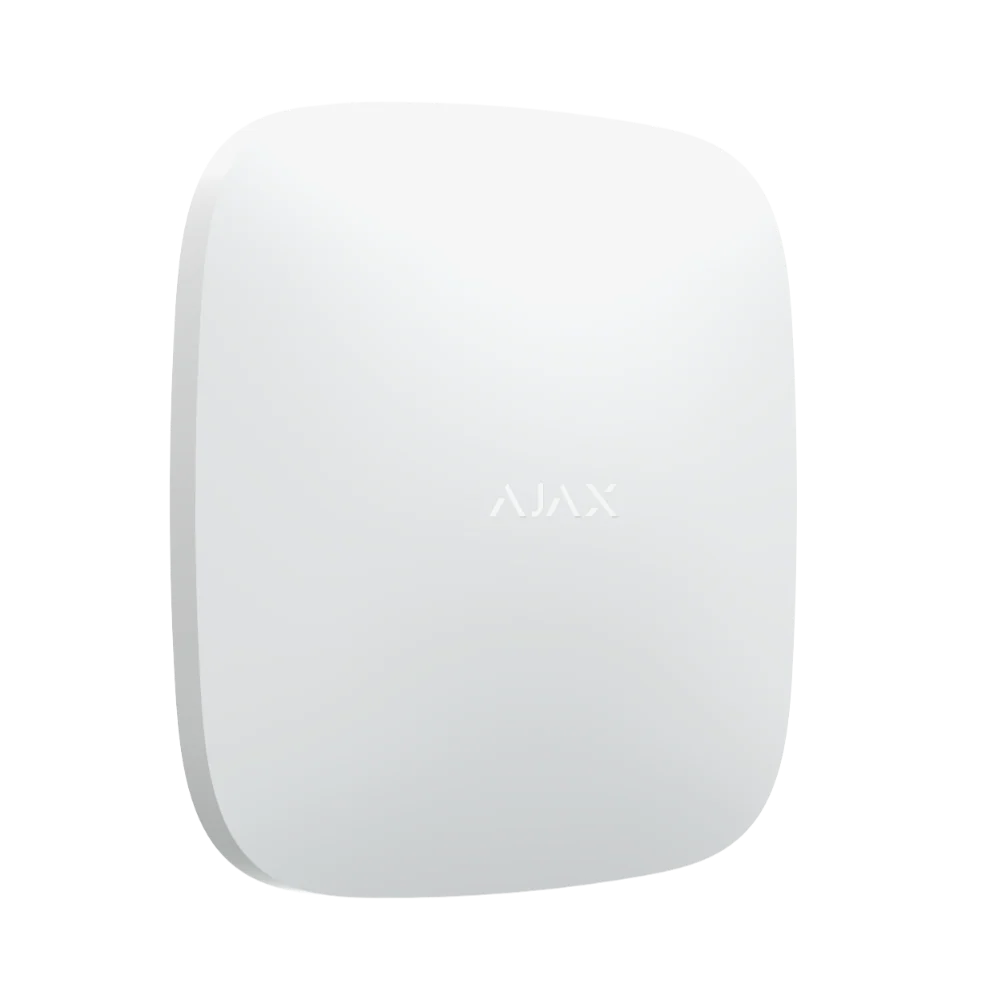 Featured Ajax product
AJAX Hub 2 Plus
The advanced security panel at the heart of an Ajax system. It connects up to 200 devices.
See the Ajax system →
- Licensed and insured
- Licence Z47-808-30S
- Melbourne and Mornington Peninsula
- Free onsite quote
Google reviews
What Melbourne customers say


Local help from SIPKO
SIPKO Security
Get your free onsite quote
Tell us about your property. A licensed installer will get back to you with a clear, honest answer.
- Licensed and insured
- Melbourne and Mornington Peninsula
- Mon to Sat, 8am to 6pm
The quote form opens as you scroll here.