
Short answer to the Ajax vs Honeywell alarm question: if you want a system you can expand yourself and control from your phone with no cabling, Ajax wins. If you’re sitting on an existing Honeywell Galaxy install with good cable runs already in the walls, keep it and upgrade the panel rather than rip everything out. We install Ajax across Melbourne and we service and upgrade Honeywell systems already on site, so this comparison is written from both sides of that job.
This comparison is our professional opinion as a working installer, not an independent lab test or a ranking from either manufacturer. Ajax and Honeywell are both established, certified security brands and nothing below is meant to talk either one down — we’re telling you how they actually behave on a job site so you can pick the right one for your property.
- Ajax vs Honeywell alarm: quick comparison
- How does installation actually differ?
- Which has the better wireless range?
- App control and photo verification
- How do the two expand as a site grows?
- What happens during a power cut?
- Which costs less to run?
- Who should buy Ajax?
- Who should stick with or buy Honeywell Galaxy?
- What we'd install for a Melbourne business
- FAQ
Ajax vs Honeywell alarm: quick comparison
| Factor | Ajax | Honeywell Galaxy Flex |
|---|---|---|
| System type | Fully wireless hub (Jeweller protocol), DIY or professional install | Hybrid wired/wireless panel, professional install |
| Zones | Up to 200 devices on one hub | 12 on board, expandable to 20, 50 or 100 depending on model |
| Wireless range (manufacturer-rated, open field) | Up to 2,000 m | RF portal adds roughly 50 m+ indoors |
| Backup power | Up to 16 hours (Hub 2 Plus) | Not published in the datasheet we reviewed, depends on the battery and enclosure fitted |
| Camera / photo verification | MotionCam range works across the whole lineup | Camera-equipped detectors supported, capped at five per panel |
| Partitions / areas | Up to 25 security groups | Up to 8 partitions |
| Users | Up to 200 | Up to 98 |
| App control | Ajax app, 64 automation scenarios, live photo on alert | Varies by installer configuration, no native photo-on-alert in the spec we reviewed |
| Certification | EN 50131 Grade 2–3 on the Superior range | EN 50131 Grade 2, Grade 3 on some enclosures |
| Best suited to | Homes, shops and rentals, sites that will keep adding sensors | Larger sites already cabled, or where a wired-first panel is the brief |
| Price (Melbourne, installed) | From $399 + GST starter kits to $4,150 + GST for our Platinum package | Quoted per job by a Galaxy dealer, no published retail price |
How does installation actually differ?
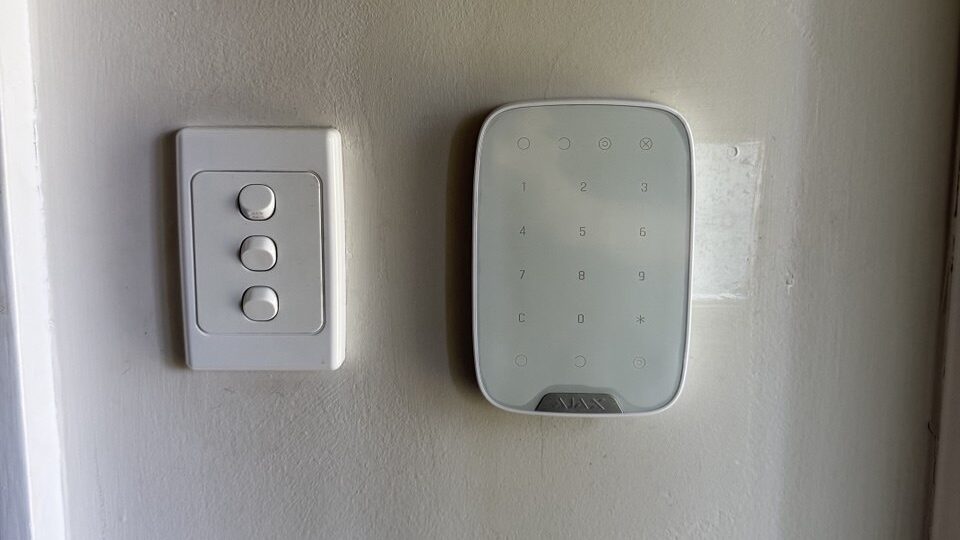
Every Ajax Hub 2 Plus job we run follows the same sequence: the hub plugs into power and the internet, each sensor’s QR code gets scanned into the app, and the system’s live within the hour, no drilling, no chasing cable through a ceiling. That’s what lets Ajax go into a rental or a heritage-listed shopfront where the landlord won’t allow holes in the plaster.
A Honeywell Galaxy Flex retrofit is a different day’s work. The panel’s 12 on-board zones are wired detectors home-run back to the control board, and the optional RF portal only adds wireless expansion zones on top of that base. If a client wants a thirteenth wired zone, that’s new cable through the roof space, not tapping “add device” in an app. This is the same reason we see Honeywell and other hardwired panels in buildings where the walls were opened up once during a fit-out and the cabling’s already there; see our notes on upgrading an old hardwired alarm if that’s your situation.
If you already own a Honeywell or Ademco panel and the keypad’s throwing fault codes rather than you shopping for a new system, that’s a different question with a different answer, covered in our Honeywell Vista troubleshooting guide.
Which has the better wireless range?
Ajax’s Jeweller protocol is rated up to 2,000 m in open field, with frequency hopping and a dual antenna built into the hub to resist jamming. Honeywell’s Galaxy RF portal, added to extend a Flex panel wirelessly, is commonly quoted by resellers at a little over 50 m indoors. Neither figure means much once you’re behind brick, steel racking or a tilt-slab wall; a walk-through tells us the real number for your site. What the gap does tell you is which system copes better with a large warehouse or a multi-building property where sensors sit a long way from the panel.
If a site is bigger than a single shopfront, wireless range usually decides the brand before price does. That’s the one judgement call we’d make before quoting either system.
App control and photo verification
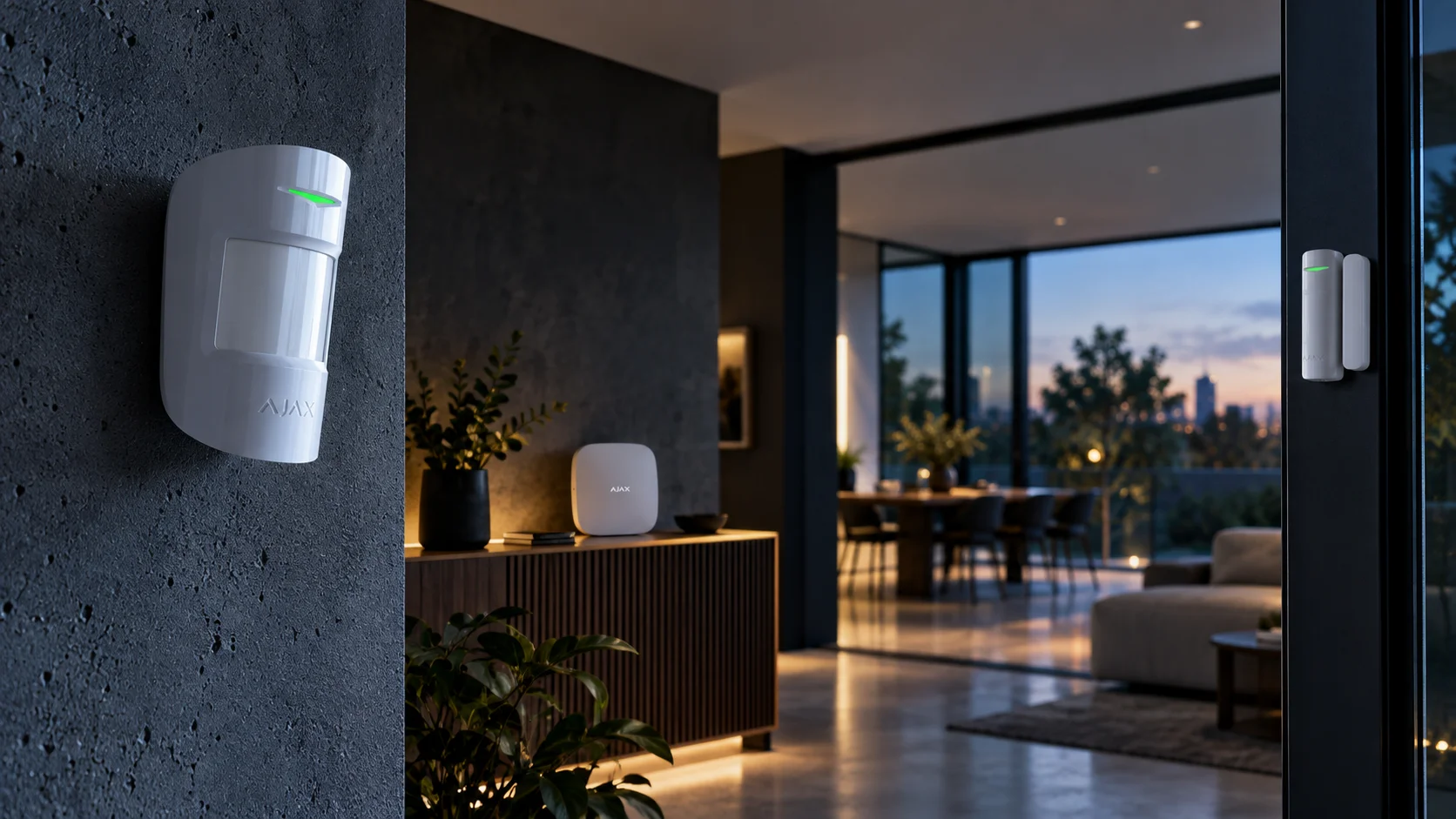
Ajax ships one app for the whole system: arm, disarm, view 64 automation scenarios, and get a photo from a MotionCam detector the moment it trips, all from a phone. Honeywell’s commercial Galaxy range doesn’t ship with the same consumer-style app; remote access and automation depend on how the installer sets up the Remote Servicing Suite, and photo verification is limited to camera-equipped detectors on the Intellibus, capped at five per panel rather than available across the whole device range.
That’s not a knock on Honeywell. Galaxy wasn’t built as a consumer smart-home product, it’s a commercial intrusion panel, and its strengths sit in zone management, partitioning and certified monitoring integrations rather than a slick app.
How do the two expand as a site grows?
Ajax scales by adding devices to the hub over the air, up to 200 on a Hub 2 Plus, split across 25 security groups if you need separate areas for separate tenants. Galaxy Flex scales in steps tied to the model you bought: the FX020 tops out at 20 zones, FX050 at 50, FX100 at 100, each via external RIO expanders on a wired bus. If you think the site might double in size, buying the bigger Galaxy enclosure up front avoids a panel swap later; Ajax sidesteps that decision because the hub itself doesn’t change as you add devices.
What happens during a power cut?
Ajax’s Hub 2 Plus carries up to 16 hours on its internal backup battery. Honeywell doesn’t publish a standard backup figure for Galaxy Flex in the datasheet we reviewed; actual runtime depends on which battery and enclosure the installer fits, which is normal for a modular commercial panel but makes it harder to compare on paper. Ask for the runtime in hours when you get a Galaxy quote, not just “battery backup included.”
Which costs less to run?
Our Ajax packages start at $399 + GST for a basic starter kit and run to $4,150 + GST for our Platinum package (two door sensors, two motion sensors, two MotionCam, indoor and outdoor sirens, keypad). Monitoring is from $49 a month (GST included) with no lock-in contract. We don’t commonly supply new Honeywell Galaxy installs, most of our Honeywell work is maintaining and upgrading panels already on site, so we’re not going to publish a made-up retail price for one. Galaxy systems are quoted per job by a Honeywell-accredited trade installer once they’ve seen the zone count, cabling condition and monitoring requirements; a direct side-by-side only makes sense once you have that number in hand.
Who should buy Ajax?
- You’re in a rental, a heritage building, or anywhere you can’t run new cable
- You want to add a sensor yourself next year without booking a technician
- You want one app for alarm, cameras and automation scenarios
- You’re a small to mid-size business that still wants photo verification on every zone, not just five
Who should stick with or buy Honeywell Galaxy?
- You’ve already got Galaxy wiring in good condition and a working panel
- You run a larger commercial site and want tight, zone-by-zone wired reliability more than app convenience
- Your insurer or monitoring provider has specified a particular Galaxy certification tier
- You want a panel that doesn’t depend on a consumer-grade app layer to function day to day
What we’d install for a Melbourne business
For a new fit-out with no existing cabling, we’d put Ajax in almost every time, mainly because the labour saved on installation pays for monitoring for years. For a site that already has Honeywell cable in the walls and a panel that’s still within its support life, we’d usually recommend keeping the wiring and upgrading the panel electronics rather than tearing out working infrastructure for Ajax. See our Ajax alarm review for the full hub and detector range, or our comparisons against Bosch Solution 6000 and Paradox if you’re weighing up a third option.
FAQ
Is Ajax or Honeywell better for a small business?
For most small Melbourne businesses without existing alarm cabling, Ajax is the faster and cheaper path: no drilling, app-based arming, and photo verification on every motion sensor. If you’ve already got a working Galaxy panel and wiring, upgrading it usually costs less than switching brands.
Can I mix Ajax and Honeywell devices on one panel?
No. Ajax runs its own Jeweller radio protocol and Honeywell’s Galaxy runs a separate proprietary wireless protocol through its RF portal. Detectors from one brand won’t pair with the other brand’s panel, so the control panel decision locks in everything connected to it.
Does Honeywell Galaxy need a monthly subscription like Ajax monitoring?
Monitoring cost depends on the monitoring company, not the panel brand. Our Ajax monitoring with video verification starts from $49 a month (GST included) with no lock-in; a Galaxy-connected site is quoted separately by whichever monitoring provider the installer uses.
Can an old Honeywell system be upgraded instead of replaced?
Often, yes, if the existing cabling and sensors are in good condition. We cover this trade-off in detail in our guide to modernising an old hardwired alarm, including when keeping the wiring makes more sense than a full Ajax changeover.
Which system is Grade 3 certified?
Honeywell’s Galaxy Flex+ range reaches EN 50131 Grade 3 on some enclosures, and Ajax’s Superior line reaches Grade 3 on its wired Fibra hardware. Australian installs are also assessed against AS/NZS 2201, the local intruder alarm standard, which uses its own class system rather than the EN grades, so check which one your insurer actually asks for.
If you’re comparing quotes for a new install or deciding whether to keep an existing Honeywell system, book a free site walk-through and we’ll give you a straight answer, even if that answer is “don’t replace it yet.”


