
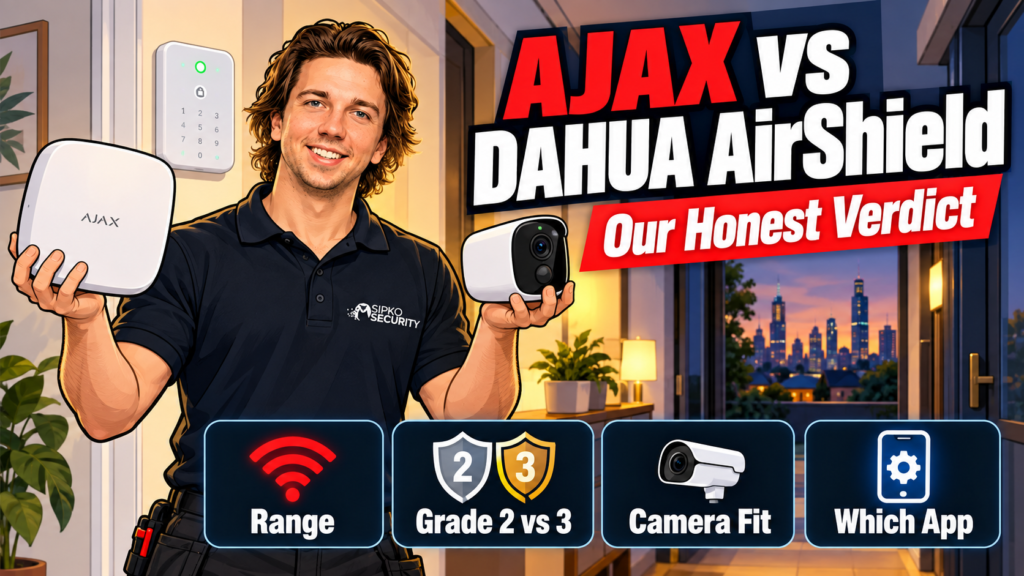
Short answer for Ajax vs Dahua AirShield: pick Dahua AirShield if you’re already running Dahua cameras and want one brand, one app, and the cheaper way in. Pick Ajax if you want a system built on the Jeweller radio protocol that can pull in Dahua, Hikvision or other brand cameras natively, or if the site might need Grade 3 down the track. We install both, so this is a straight comparison, not a sales pitch for either one.
This comparison is our own professional opinion as a Melbourne installer who works with both brands, not a statement from Dahua or Ajax. Specs below are current as of 2 October 2026, sourced from each manufacturer’s own product pages, and reviewed quarterly. Neither system is “bad.” They’re built for slightly different jobs, and we’ll say where each one wins below.
- Ajax vs Dahua AirShield at a glance
- How is each system actually built?
- What detection devices does each one offer?
- Which one is certified to a higher security grade?
- Can either system use your existing CCTV cameras?
- Which app do installers and monitoring companies actually use?
- Who should buy Dahua AirShield
- Who should buy Ajax
- What we'd install instead for a business
- FAQ
Ajax vs Dahua AirShield at a glance
| Factor | Dahua AirShield | Ajax |
|---|---|---|
| Hub | ARC3800H-W2(868) series | Hub 2 Plus Jeweller |
| Wireless protocol | Two-way RF, frequency hopping | Jeweller (+ Wings for photo verification) |
| Open-space range | Up to 2,000 m | Up to 2,000 m |
| Encryption | AES128 | Proprietary, anti-jamming + anti-spoofing |
| Max wireless devices | Up to 150 (mixed: keyfobs, keypads, sirens, repeaters, PIR-Cams) | Up to 100 (standard Hub 2 Plus) |
| Native camera integration | Dahua IP cameras, via video linkage | Up to 25 cameras/DVRs (Dahua, Hikvision, Safire, EZVIZ, Uniview) |
| Highest EN 50131 grade | Grade 2 | Grade 2 standard; Grade 3 Superior line available |
| Apps | DMSS (end user) + COS Pro (installer) | One Ajax app, different permission levels |
| Best fit | Homes and shops already on Dahua CCTV | Mixed-brand sites, or anything that might need Grade 3 later |
Caption: Specs sourced from Dahua and Ajax’s own product documentation, current September 2026.
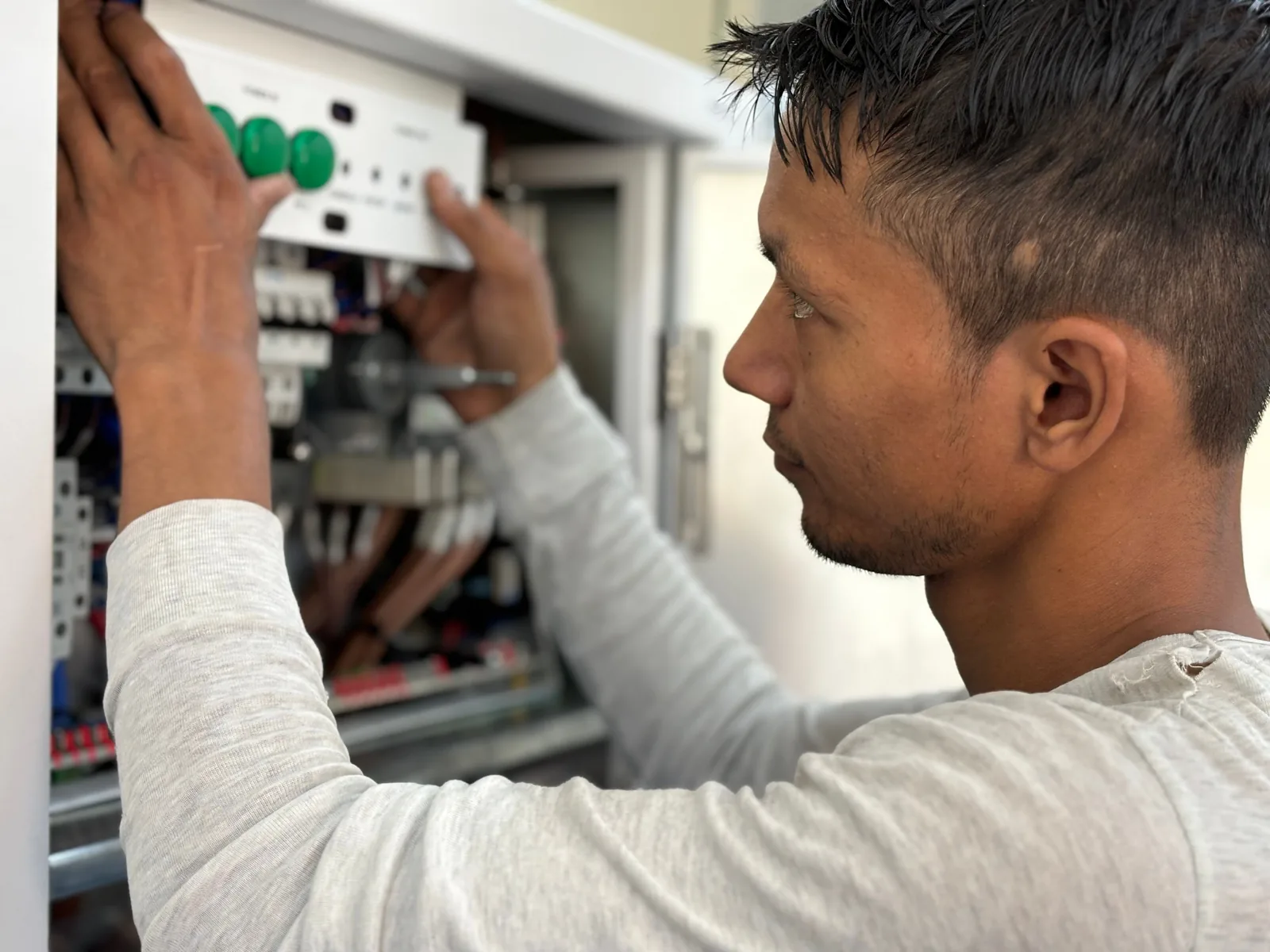
Caption: Both hubs need a dry, indoor spot with power close by, not a garage or outdoor cupboard.
How is each system actually built?
Both are hub-and-spoke: a central unit talks to wireless detectors, sirens, keypads and keyfobs over radio, and both hubs top out around the same open-space range. The real difference is what each hub was designed to sit next to.
Dahua built AirShield as the alarm arm of a video-first company. The hub’s video linkage is written for Dahua’s own camera range, and its two apps split the job cleanly: DMSS is what the property owner uses day to day, COS Pro is what we use to configure and manage the system remotely. That split works well when everything on site is Dahua.
Ajax built its Hub 2 Plus as a standalone alarm platform first, with camera support bolted on deliberately broad. Up to 25 IP cameras or DVRs can sit inside one Ajax system: not just Ajax’s own TurretCam, but Dahua, Hikvision, Safire, EZVIZ and Uniview gear too. If a site already has a Dahua NVR from a previous installer and just needs an alarm added, Ajax can often pull that existing footage into the same app instead of running two systems side by side.
One install detail that catches people out: Ajax’s hub is designed for indoor installation only, so it needs a dry spot with power and ideally Ethernet nearby, not a garage or an external cupboard. Dahua’s hub has the same expectation. Where the two brands differ is backup connectivity. Both offer Ethernet and Wi-Fi as standard, and both have hub variants with dual-SIM cellular available as an add-on where internet drop-outs on site are a genuine concern. Worth raising at the walk-through rather than assuming either way.
What detection devices does each one offer?
Dahua AirShield’s current range covers standard PIR motion detectors, dual-technology (PIR + microwave) detectors that need both triggers before alarming, and PIR detectors with a built-in camera that snap a photo alongside the motion event. Door, window, smoke and water-leak sensors round out the hub’s inputs.
Ajax covers the same ground with MotionProtect (PIR) and MotionCam (PIR with photo verification sent over the Wings protocol), plus DoorProtect, glass-break, smoke and leak detectors. Where Ajax pulls ahead is range extenders and keypad/siren capacity at the low end of the lineup, useful on a property with a detached garage or a second building some distance from the hub.
Neither range is “better” in the abstract. The right mix depends on what the property actually needs covered, which is a site-specific question rather than a spec-sheet one.
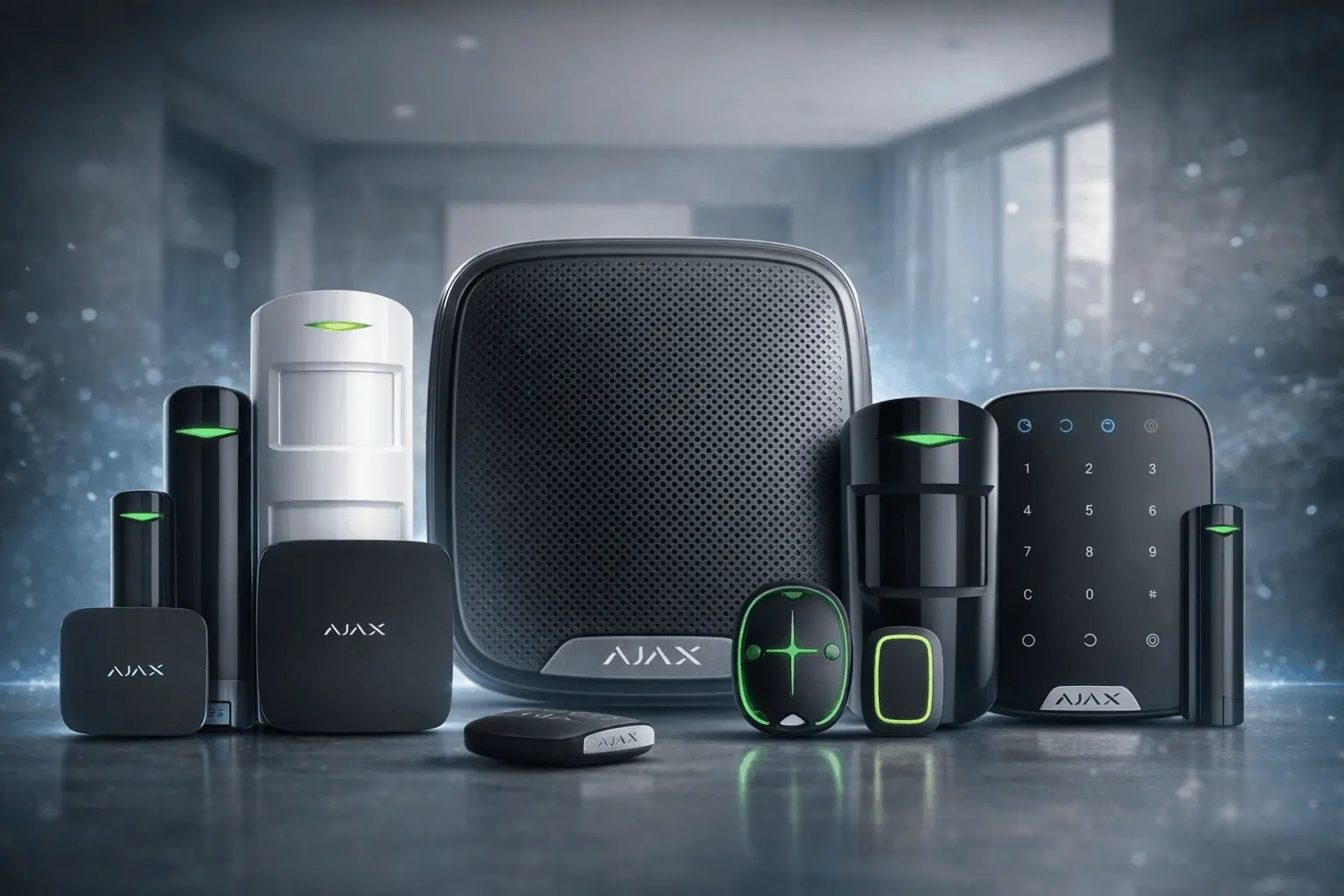
Caption: Ajax’s device range: hub, motion and door detectors, siren, keypad and key fobs.
Which one is certified to a higher security grade?
This is the one spec worth being precise about. Dahua AirShield’s current wireless line is EN 50131 Grade 2, more than enough for most homes and small-to-medium businesses. Ajax’s standard Hub 2 Plus line is also Grade 2, so on paper the two are even here.
Where Ajax has an edge is its Superior line: a fully wireless system certified to EN 50131 Grade 3, aimed at banks, jewellers, pharmacies and other sites with a genuinely higher risk profile, supporting up to 250 devices through accredited partners. Dahua doesn’t currently offer a wireless Grade 3 tier. For the vast majority of residential and light commercial jobs this difference won’t matter, but if a client’s insurer or industry requires Grade 3, Ajax is the one with a path there without pulling cable.
Can either system use your existing CCTV cameras?
Yes, with a caveat on each side. Dahua AirShield’s video linkage is documented against Dahua’s own IP camera range. It’s built to work cleanly inside a single-brand Dahua install, and that’s where it performs best. Ajax’s camera integration is explicitly multi-brand: up to 25 cameras or DVRs from Dahua, Hikvision, Safire, EZVIZ or Uniview can sit inside one Ajax system, and Ajax also publishes its own guide for bringing a Dahua camera feed into the Ajax app.
The trade-off runs the other way too. Connecting a Dahua camera into Ajax is one-way: you get the Dahua feed inside Ajax, but Dahua’s own DMSS app won’t show Ajax’s alarm status. If the goal is one single app for everything, matching the alarm brand to the camera brand still gives the cleanest result.

Caption: Photo by H&CO on Unsplash.
Which app do installers and monitoring companies actually use?
Dahua splits the job: DMSS for the property owner, COS Pro for us as the installer, both backed by Dahua’s DoLynk Cloud. Ajax runs one app across both roles, with admin and user permissions set per account instead of a second, separate program. Day to day, both get the job done: arm, disarm, see alerts, review events. Neither app choice should be the deciding factor on its own.
Who should buy Dahua AirShield
Dahua AirShield makes the most sense if the property already has Dahua cameras, a Dahua NVR, or an Android VTH door entry unit. The alarm slots straight into that ecosystem, and DoLynk Care gives us one platform to manage everything remotely. It also tends to work out cheaper where a straightforward Grade 2 system is all the site needs. For the full technical breakdown of Dahua’s wireless alarm range on its own terms, see our Dahua alarm systems review.
Who should buy Ajax
Ajax is the better starting point for a mixed-brand site, a property that might expand into higher-security territory later, or anywhere the hub needs to talk to cameras that aren’t Dahua’s own. It’s also our pick when range extenders or a larger keypad/siren count matter for the layout. We’ve put together our current Ajax alarm kit packages for Australia if you want to see what a standard install includes, and our Ajax alarm systems review goes deeper into the hub, detectors and app on their own.
What we’d install instead for a business
For a shopfront or small commercial site, the alarm brand matters less than whether it’s wired into the same plan as the cameras and the monitoring. We run both Dahua AirShield and Ajax across Melbourne properties, and for commercial jobs we usually pair whichever alarm suits the site with our business security install process and from $49/month monitoring with no lock-in. If you’re weighing up Ajax’s camera line specifically rather than the alarm, our separate Dahua vs Ajax security camera comparison covers that side on its own.
Prices and monitoring terms current October 2026, reviewed quarterly. A fixed, itemised quote follows a free on-site walk-through — nothing here is a binding price.
FAQ
Is Dahua AirShield the same as a Dahua security camera system?
No. AirShield is Dahua’s wireless intruder alarm line — hub, detectors, sirens and keypads. It can link to Dahua’s cameras for video verification, but it’s a separate product family from Dahua’s CCTV range.
Can I add Ajax to a property that already has Dahua cameras installed?
Generally yes. Ajax’s Hub 2 Plus supports up to 25 IP cameras or DVRs from several brands including Dahua, so an existing Dahua camera setup can usually be brought into a new Ajax alarm system without replacing the cameras.
Does Ajax or Dahua AirShield work better without internet?
Both hubs are designed to keep functioning locally and queue alerts if the connection drops, with cellular backup available on some hub models from each brand. Whether that’s worth paying for depends on how reliable the site’s internet connection actually is, which is worth raising at the walk-through.
Which system is cheaper to install?
It depends on the device count and whether Grade 3 Superior hardware is involved on the Ajax side. We don’t publish generic kit prices here because the mix of detectors, sirens and cameras changes the number too much to be meaningful — we’ll give a fixed figure after seeing the site.
Do I need Grade 3 certification for a home alarm?
Almost never. Grade 3 is built for banks, jewellers and similarly high-risk commercial sites. A Grade 2 system, which both Dahua AirShield and Ajax’s standard line offer, covers the overwhelming majority of homes and small businesses.
Need a hand deciding between the two for your property? Get in touch with Sipko Security for a free walk-through and a fixed quote.

