Quick answer
An Ajax installer can arm or disarm your alarm remotely only if you, or the system administrator, have given their account the right to change security modes. Having an installer account on your system does not give them that power on its own.
- Do it yourself, call us if stuck
- About 10 minutes
The short version
- An installer can arm or disarm your Ajax alarm remotely only if their company has been given the right to change security modes.
- Arming, settings access and camera privacy are three separate rights, each switched on or off on its own.
- Check them in the Ajax app under Control, Settings, Installers/Companies, and look at camera rights in the Privacy menu.
- Before you remove an old installer, confirm who provides your monitoring, then test the alarm afterwards.
On this page
- The short version
- Three separate rights, not one master key
- How to check what your installer can do
- What temporary settings access means
- Cameras are managed separately
- Changing installers: what to check first
- Can you tell who disarmed your alarm?
- Can an installer switch off one detector without disarming?
- When to ask for an access review
- FAQ
- Sources and further reading
- Recommended Solutions for This Security Issue
This guide is for Melbourne owners of an Ajax alarm. It helps if you bought a home with Ajax already fitted, changed security companies, or let a technician in for maintenance. It explains what an installer account can do, where to check it, and what to review before you remove one. If you cannot reach the administrator account at all, start with our guide to taking over an existing Ajax alarm.
Three separate rights, not one master key
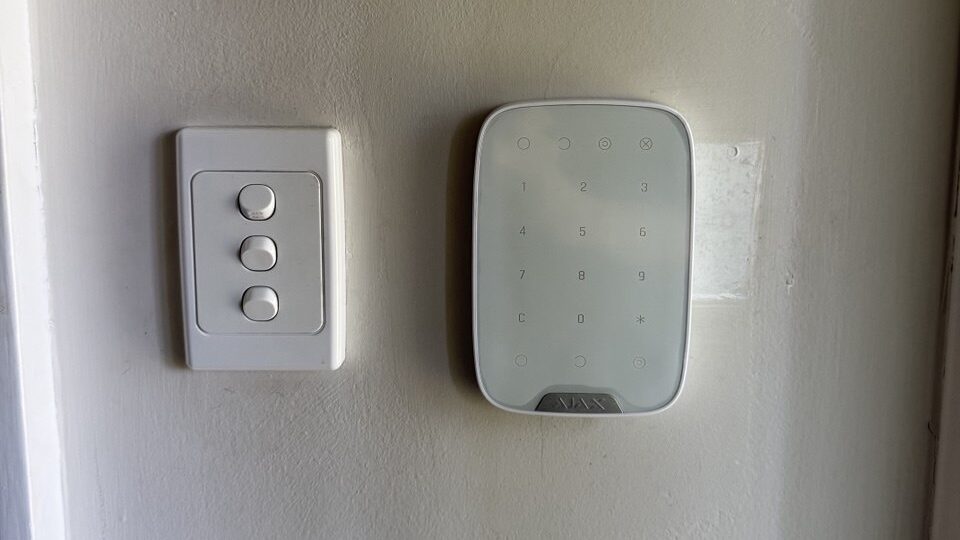
Ajax keeps three things apart. An installer account might have one of them, two of them or all three. Each is switched on or off on its own.
Change security modes
Ajax lets the administrator grant or disable this right for a company. When it is on, the company can arm and disarm the system from its own account.
Settings access
This lets an installer change settings. Ajax lists three choices: permanent access, temporary access, or no access to system settings. It is a separate right from changing security modes.
Camera privacy
Video access sits in a different menu. Permission to arm the alarm does not include permission to watch your cameras.
The rights start with the company. Ajax says an installer’s rights cannot go beyond the rights of their company. The administrator of your system, or a professional account that is allowed to configure it, decides what the company gets. The list you see also depends on the devices in your system.
How to check what your installer can do
You can look at this yourself in the Ajax app. Menu names can change a little between app versions, so use these steps as a guide.
- Sign in to the Ajax app with the administrator account for your system.
- Open the system, then go to Control and tap the settings (gear) icon.
- Open Installers/Companies and select the company.
- Read the list of rights. Look for Change security modes.
- Switch off any right the company no longer needs.
If the company can change security modes, it can arm and disarm without using your personal password. If that right is off, being listed as the installer does not give it that ability.
What temporary settings access means
When a technician needs to change settings, they can ask for access for 1, 2, 4 or 8 hours, or for permanent access. When the time ends, that settings access ends too. Other rights that were granted separately do not change.
So do not stop at the timer. Check the rights themselves. A finished two hour visit does not prove the company has lost its right to change security modes.
Here is an example, not a SIPKO customer case. A technician visits to find out why a garage detector sets off the alarm soon after arming. They ask for two hours of settings access, check the detector’s position and sensitivity, make one change and test it. They do not need permanent control of every function to do that job.

Cameras are managed separately
For Ajax cameras, access is set in the Privacy menu, not in the security modes list. The administrator, or someone allowed to manage privacy, can set what each user, installer and company may do. Depending on the camera, that can include live view, playback, downloads, sound and moving the camera.
Ajax also gives installers and companies eight hours of temporary access automatically when a video device is added to a system. That access ends unless someone with privacy rights grants more. A company can be set to After alarm only access, for 5, 10, 15 or 30 minutes after an alarm. That option is for companies, not individual installers.
Changing installers: what to check first
Many owners move to a new installer for good reasons. Do it in an order that keeps your alarm protected. A company may do your installation, repairs, monitoring or all three, and each one needs its own decision.
- Find out what the company does for you. Ask whether it also provides monitoring. Monitoring is a separate arrangement from installer rights.
- Confirm the replacement first. If monitoring runs through the old company, set up the new arrangement before you cut anything off. Our guide on what to do when an alarm company closes covers the order of calls.
- Switch off the rights you no longer want. That means changing security modes, settings access and camera access.
- Remove the company if you are sure. Ajax describes a Delete company button in the installation companies list.
- Test everything. Check that the Hub is online, arming and disarming work, notifications reach the right people, and any monitoring test signal arrives.
Remember that keypad codes, user accounts and fobs are separate. Removing a company does not change them, so review those too. Our guide on removing access when an employee leaves shows how to work through each type, and what can be reset and by whom explains codes.
Can you tell who disarmed your alarm?
The event feed in the Ajax app is the first place to look. Open the system and read the recent events. Note the time of each arming and disarming, and anything else that happened around it.
The feed may show which user or device made a change, but do not treat it as a full record of everyone’s actions. A disarm event does not prove an installer did it. It could be a family member, a keypad, a fob or a scheduled setting. If an event cannot be explained, write down the details and ask a technician to review it.
The alarm event feed is also not a record of who watched your cameras. Camera access is checked in the Privacy menu.
Can an installer switch off one detector without disarming?
Yes, Ajax devices have settings that exclude a detector. The Ajax manuals describe two. One-time deactivation excludes the device or its events until the system is next disarmed. Permanent deactivation keeps them excluded until someone changes the setting. Each can ignore the device completely, or only its tamper alarm. The exact wording differs between Ajax manuals, so ask your installer which applies to your devices.
This matters because armed on your phone does not prove every detector is working. After any visit, ask the technician to confirm that every device is back to its normal setting, and to run a walk test.
When to ask for an access review
Consider a professional review if any of these apply:
- You are not sure who the administrator is.
- A former installer is still listed under Installers/Companies.
- You see disarm events you cannot explain.
- A detector was switched off during earlier work and you are not sure it was turned back on.
- You are moving to a new installer or a new monitoring company.
A working Hub and detectors do not need replacing just because you change installers. A review can find out whether you need a change of permissions, a setting fixed, a device serviced or a closer look. SIPKO offers Ajax alarm repair and troubleshooting in Melbourne for existing systems. If you are still choosing a company, our guide to choosing a security alarm installer lists the questions to ask.
FAQ
Six quick answers to the questions people ask most.
Can an Ajax installer disarm my alarm without my password?
Yes, if their company has the right to change security modes. They would use their own professional account, not your personal login. If that right is off, they cannot.
Does having an installer account mean they control my alarm?
No. Changing security modes, settings access and camera access are separate rights. What the account can do depends on which ones are switched on.
Does removing an installer also remove camera access?
Check the Privacy menu to be sure. Camera rights are managed separately from arming rights. Cameras that are not Ajax have their own logins, which Ajax settings do not control.
Can I remove an old installer without resetting the Hub?
The administrator can manage company rights in the Ajax app without a reset. Ajax advises against deleting the Hub or the system. If you cannot reach the administrator account, the steps are different, so ask a technician.
Can I see who disarmed my alarm?
The event feed shows when the system was armed and disarmed, and may show which user or device did it. It is a useful clue but not a complete record.
Will my alarm keep working after I change installers?
The Ajax equipment does not need the old installer to keep working. Check any monitoring or service plan first, because that may run through the company you are leaving.
Sources and further reading
- Ajax: PRO Desktop user manual (company and installer rights, security modes, temporary settings access)
- Ajax: How to configure a space (Installers/Companies menu, space deletion)
- Ajax: New Ajax system logic with space (deleting a company, not removing the Hub)
- Ajax: Privacy settings, managing access to video devices
- Ajax: KeyPad Plus user manual (one-time and permanent deactivation, as an example)
The Ajax details above come from Ajax’s own pages and can change with app updates. The order of steps and the advice on what to check are our own guidance from working on Ajax systems. Last checked 30 October 2026 by Sergi Sipko, licensed security installer, Security Adviser and Equipment Installer Licence Z47-808-30S.

Update history
- 30 October 2026: Rewrote in plain English with a diagram of the three separate rights, clear steps for checking and changing installer access, and facts re-checked against Ajax manuals.
- 27 October 2026: First published.
Did this fix it?
Good to hear. If we saved you a call, a short Google review helps other Melbourne homes find honest advice.
Leave a Google reviewLet us take a look. Tell us what you found and a licensed installer will help you find the cause.
Get a free quote or call 0406 432 691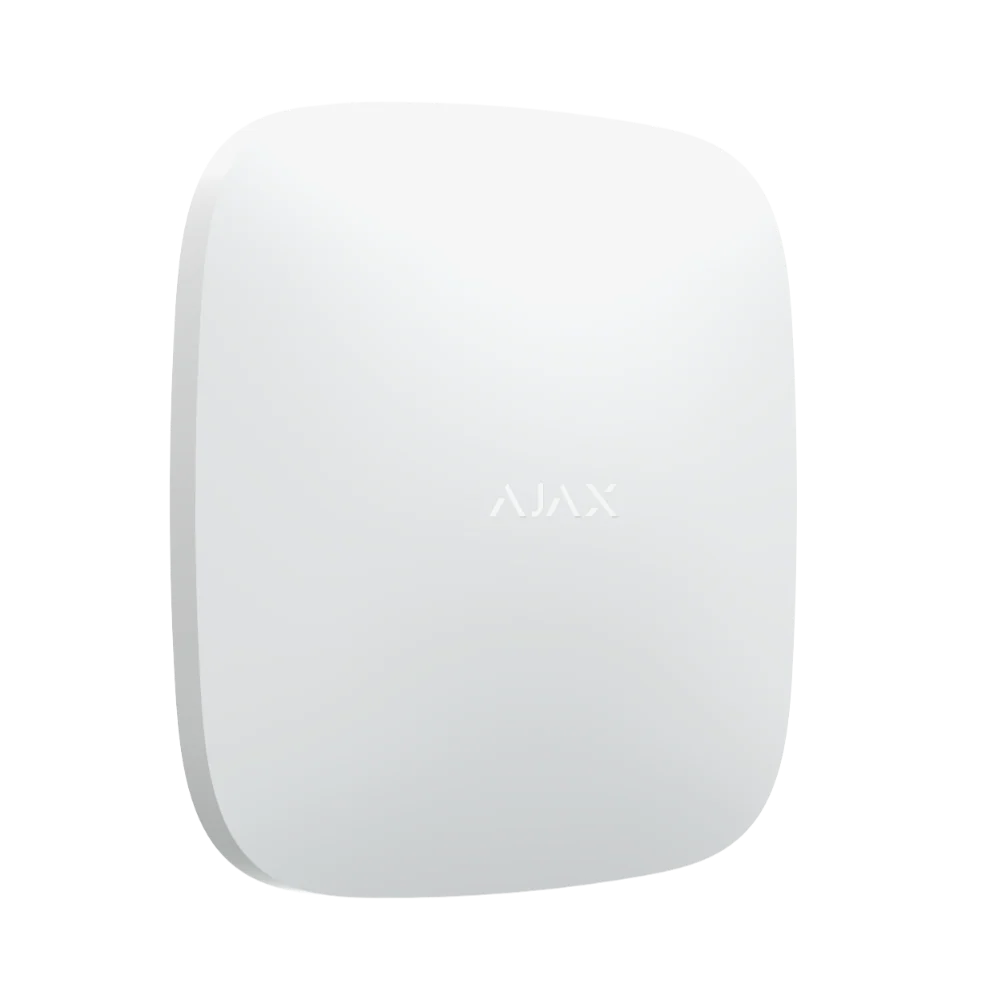 Featured Ajax product
AJAX Hub 2 Plus
The advanced security panel at the heart of an Ajax system. It connects up to 200 devices.
See the Ajax system →
- Licensed and insured
- Licence Z47-808-30S
- Melbourne and Mornington Peninsula
- Free onsite quote
Google reviews
What Melbourne customers say


Local help from SIPKO
SIPKO Security
Get your free onsite quote
Tell us about your property. A licensed installer will get back to you with a clear, honest answer.
- Licensed and insured
- Melbourne and Mornington Peninsula
- Mon to Sat, 8am to 6pm
The quote form opens as you scroll here.