
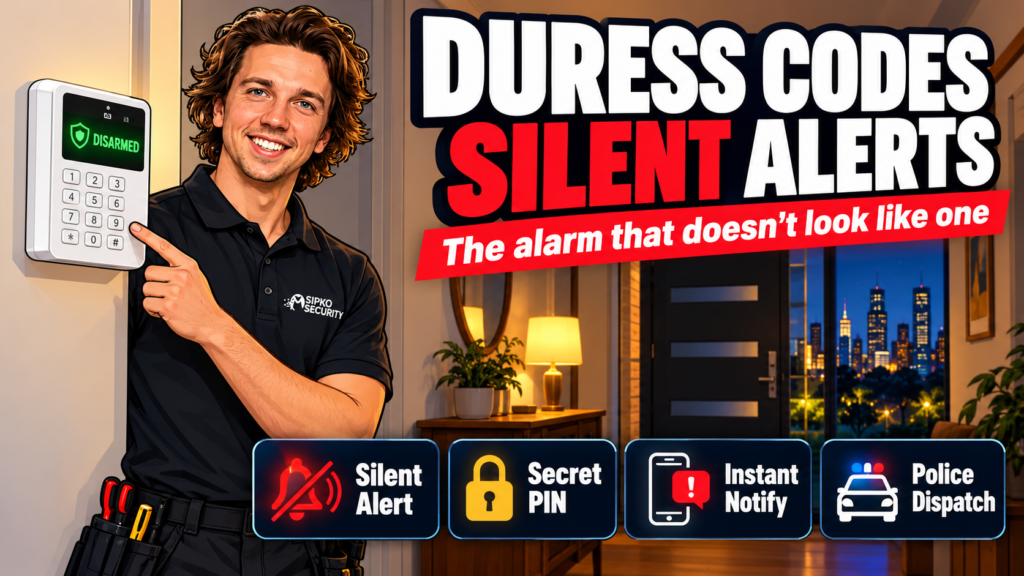
A duress code is a secondary PIN you enter on your alarm keypad when someone is forcing you to disarm the system. The alarm appears to disarm normally. No siren, no flashing lights. A silent alert fires to your monitoring station, and a rapid-response team is dispatched without anyone calling the house first. If you have a monitored alarm and you haven’t set one of these up, you’re missing one of the most practical features your system already supports.
What is a duress code?
Every monitored alarm panel supports at least one extra user code that behaves differently from your normal disarm PIN. When you enter a duress code, the panel accepts it the same way it would your master code. To anyone watching — an intruder, a home invader who’s told you to turn off the alarm — nothing looks wrong. Behind the scenes, the panel sends a separate “disarm under duress” event to your central monitoring station, which treats it as an emergency and contacts police directly, without calling you first to verify.
The term “duress” comes from the legal concept of acting under coercion. In the context of your alarm system, it means: I’ve done what they’ve asked, but I need help.

Most residential duress codes are four digits, set independently from the master PIN. Some systems, including Ajax Systems, support individual duress codes per user, so every person in the household can have their own version.
How a duress code works when you enter it
The sequence once you enter a duress code is fast and deliberately quiet:
- The panel accepts the code and shows a normal “disarmed” state
- A “disarm under duress” signal is sent over the back-to-base communication path (IP or 4G, depending on your system)
- The monitoring station receives it as a priority alarm — separate from a standard disarm event
- Operators dispatch police without calling the property first; calling would alert whoever is with you
- On Ajax systems, every registered app user also gets a push notification flagged as “Disarmed Under Duress” so family members who aren’t home know something is wrong
One thing worth knowing from our side: the monitoring station will not call back to confirm this alarm. That’s intentional. If they called and the intruder heard it, the whole point is lost. Knowing this in advance matters: if you accidentally enter your duress code instead of your normal PIN, call the monitoring station immediately on their direct line to cancel the response.
A duress code lets you comply with a demand to disarm while simultaneously alerting your monitoring station. The system appears disarmed to anyone in the room. Police are dispatched without a call to the property. It only works if your alarm is connected to a monitored back-to-base service.
Duress code vs panic button: what’s the difference?
Installer’s note: The comparison below is our opinion based on what we install and how we see these features used. Both features work well and serve different situations — one is not “better” than the other. The right choice depends on your system, your monitoring plan, and the scenarios you’re most concerned about.
Serhii, Sipko Security
| Feature | Duress code | Panic button |
|---|---|---|
| How it’s triggered | Entered at the keypad instead of your normal PIN | Pressed on a dedicated button or app |
| Visible alarm on site | None — system appears to disarm | Usually audible/visible unless set to silent mode |
| Requires monitoring | Yes | Yes (for back-to-base dispatch) |
| Best scenario | Home invasion; being forced to disarm | Medical emergency; sudden threat where you need noise as a deterrent |
| Works if keypad is not accessible | No | Yes (portable button or app) |
| User must be near the panel | Yes | Not necessarily |
A duress code is covert by design. A panic button can be either covert (silent panic) or overt (sounding the siren). If the scenario involves someone in the house who doesn’t know you’ve called for help, the duress code is the right tool. If the goal is to scare someone off or alert neighbours, a panic button set to audible makes more sense.
Some homeowners set up both. We regularly install systems where the front-door keypad handles the duress code and the master bedroom has a panic button.
How Ajax Systems handles duress codes
Ajax Systems builds duress code support directly into their keypad and app interface. When a duress code is entered on an Ajax keypad, three things happen simultaneously:
- The central monitoring station receives a dedicated “disarm under duress” event (separate from a standard disarm signal)
- Every app user on the account sees a notification marked with the Disarmed Under Duress icon — so people not at the property know immediately
- The Ajax Hub logs the event, which is timestamped and stored in the event history
Ajax supports both a shared duress code (set once in the keypad settings) and individual duress codes per user (configured in each user’s profile). On a home with multiple family members, individual codes mean you can track which code was triggered and respond accordingly.
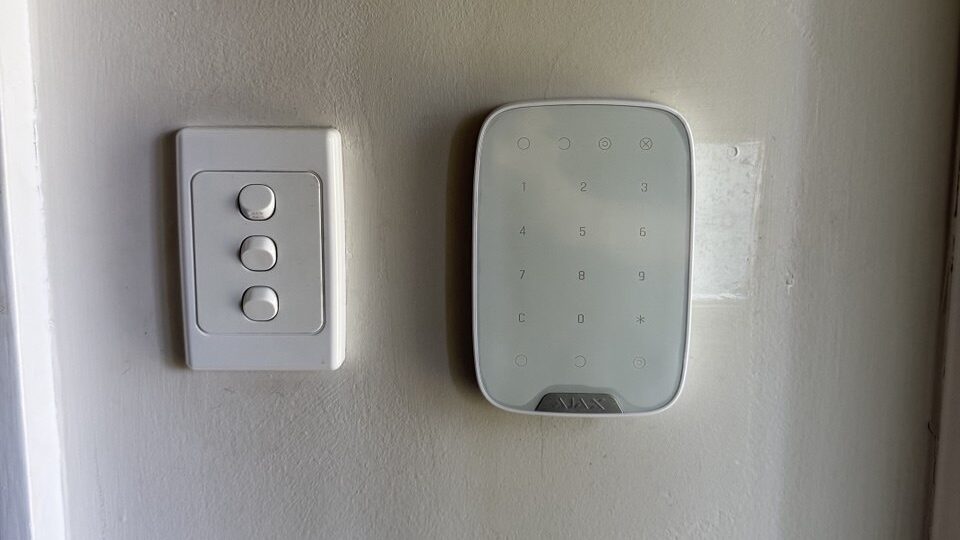
We install Ajax systems across Melbourne, and the duress feature is one of the first things we walk clients through during handover. The Ajax app makes it straightforward to add or update codes without needing a technician on site.
How to choose a duress code you’ll actually remember under stress
A duress code has to be easy to recall in the worst possible circumstances. The guidelines we give clients:
- Don’t use a sequential pattern (1234, 4321, 9999). These are the first codes an intruder will guess if they suspect the system has a duress function.
- Don’t use your birth year or a family member’s birthday. These are guessable from a wallet or a quick conversation.
- Pick a pair of digits you’ll remember physically, not just mentally. Muscle memory holds up better under adrenaline than recall. Some installers suggest a cross-keypad diagonal (e.g. 1397) — easy to press in sequence, difficult to guess.
- Tell the people who need to know, and only them. Every person who disarms the system regularly should know the duress code exists and what it is. Anyone who doesn’t regularly use the keypad doesn’t need it.
- Test it in test mode before you need it. Most monitoring companies will arrange a supervised test. This also confirms your monitoring station has it on file.
The duress code does nothing useful if no one knows it’s there. We see this often on systems we take over from other installers — a duress code programmed into the panel during installation, never communicated to the homeowner, never tested.
Who needs a duress code set up?
Not every home needs one — but any property where the risk profile includes a forced entry or targeted approach benefits from having one programmed and active.
High-value homes, properties with visible business assets, homes where residents return to the property alone at night, and households with elderly residents who might be manipulated into disarming a system are all reasonable candidates. If you have a monitored alarm and the system supports the feature, there’s no good reason not to programme one.
A duress code does not replace other layers — CCTV, lighting, access control, and monitored back-to-base alarms from $49/month +GST work together. It fills a specific gap: the scenario where the threat is already inside or at the door, and sounding a siren would make things worse.
If you’re not sure whether your current system supports duress codes, check your panel manual or call us — we can check the programming and set one up during a service visit.
What happens when I enter my duress code?
The alarm panel accepts the code and shows a normal disarmed state — no siren, no visual indication that anything unusual has happened. Simultaneously, a “disarm under duress” signal is sent to your monitoring station. Operators treat this as a live emergency and dispatch police without calling the property first. On Ajax systems, all registered app users also receive a push notification flagged as duress.
Can an intruder figure out I entered a duress code?
Not from the panel or the app. The panel displays a normal “disarmed” state. There is no secondary light, beep, or screen change. The monitoring station will not call back to verify, which removes the most obvious tell. The duress code only becomes a risk if someone already knows your code structure or watches you closely enough to notice you entered a different PIN than usual.
Does a duress code work if my alarm is not monitored?
No. A duress code needs a live back-to-base monitoring connection to do anything useful. Without monitoring, the panel accepts the code silently — but there’s no one to send the signal to and no dispatch. If your alarm is not currently monitored, this is one good reason to consider it. We offer back-to-base monitoring from $49/month +GST with no lock-in.
How is a duress code different from a panic button?
A duress code is entered on the keypad in a way that looks like a normal disarm — it’s designed for scenarios where you don’t want the threat to know you’ve called for help. A panic button triggers an explicit alarm and is faster to activate in a sudden emergency. Some systems let you set a panic button to silent mode, which closes the gap, but the duress code remains the better option when you need to comply with a demand while still alerting monitoring.
Do I need to tell my monitoring company I’ve set up a duress code?
Yes. Your monitoring station needs to have the duress code on record as a distinct event type, not just an unrecognised PIN. On most systems, duress codes are programmed at the panel level and the panel sends a specific event code to the monitoring station — but confirming this with your monitoring company, and running a supervised test, is the only way to know the whole chain is working.
Have a monitored alarm without a duress code set up? Book a service visit and we’ll check your programming, set it up, and walk you through how to use it.
Sources


