

Your parents mention checking the back door again before bed, or wondering whether they armed the house after leaving for a weekend away. A home security alarm sounds like a useful Christmas present. But before choosing a kit, ask whether it would solve something they want solved.
A home security alarm can be a thoughtful gift when your parents want it, help choose it and can comfortably use it. The gift should include installation, setup and a proper handover. A box of sensors that somebody promises to configure after Christmas is unfinished work.
For a Melbourne family, the sensible starting point is a conversation and a property assessment, with room for your parents to say no. Their home should still feel like their home afterwards.
Is this a good gift for your parents?
It could be a good fit
- They have already mentioned wanting an alarm or improving one.
- They can choose the controls, access and level of support.
- The installation fits their household routines.
- Everyone understands who pays ongoing costs.
Pause before buying
- They dislike the idea or feel pressured to agree.
- The plan depends on cameras they do not want.
- Only your phone would control the system.
- Nobody has committed to training or later support.
Try asking: “Would you like us to pay for an alarm assessment and, if it suits you, the installation?” That leaves the decision open. It also avoids siblings buying incompatible equipment separately.

If there is already a working alarm, repair, servicing or a compatible upgrade may be a better present than replacement. SIPKO’s guide to modernising a parent’s existing alarm covers that separate decision. Here, the priority is agreeing a gift that earns its place in daily life.
Choose the everyday routine before the equipment
Ask your parents to try the proposed controls. Can they read the indications where the keypad will sit? Is the confirmation clear? Do they prefer a code, a compatible contactless credential or an app? Age alone does not answer any of those questions.
A useful demonstration covers leaving, returning, bedtime and a mistake. Practise coming in with shopping, entering an incorrect code and recognising whether arming succeeded. Ask the installer to allow appropriate entry time and explain false-alarm cancellation, including any monitoring-centre contact procedure.
Ajax is one example SIPKO installs: its physical KeyPad supports arm, disarm and Night Mode controls. Contactless options require a compatible keypad and credential. Smartphone use is not required for every daily action, although setup and administration still need an appropriate app/account arrangement.
Leave short written instructions without displaying secret codes beside the front door. Label users and devices meaningfully: “Back sliding door” is more helpful during a call than “Detector 4”.
Plan the night routine around doors, windows and real movement
Walk around together: front and back doors, internal garage access, accessible windows and side access all deserve consideration. Ask which windows stay open on warm nights. An opening detector detects a change at the fitted opening; it does not make an open window physically secure.
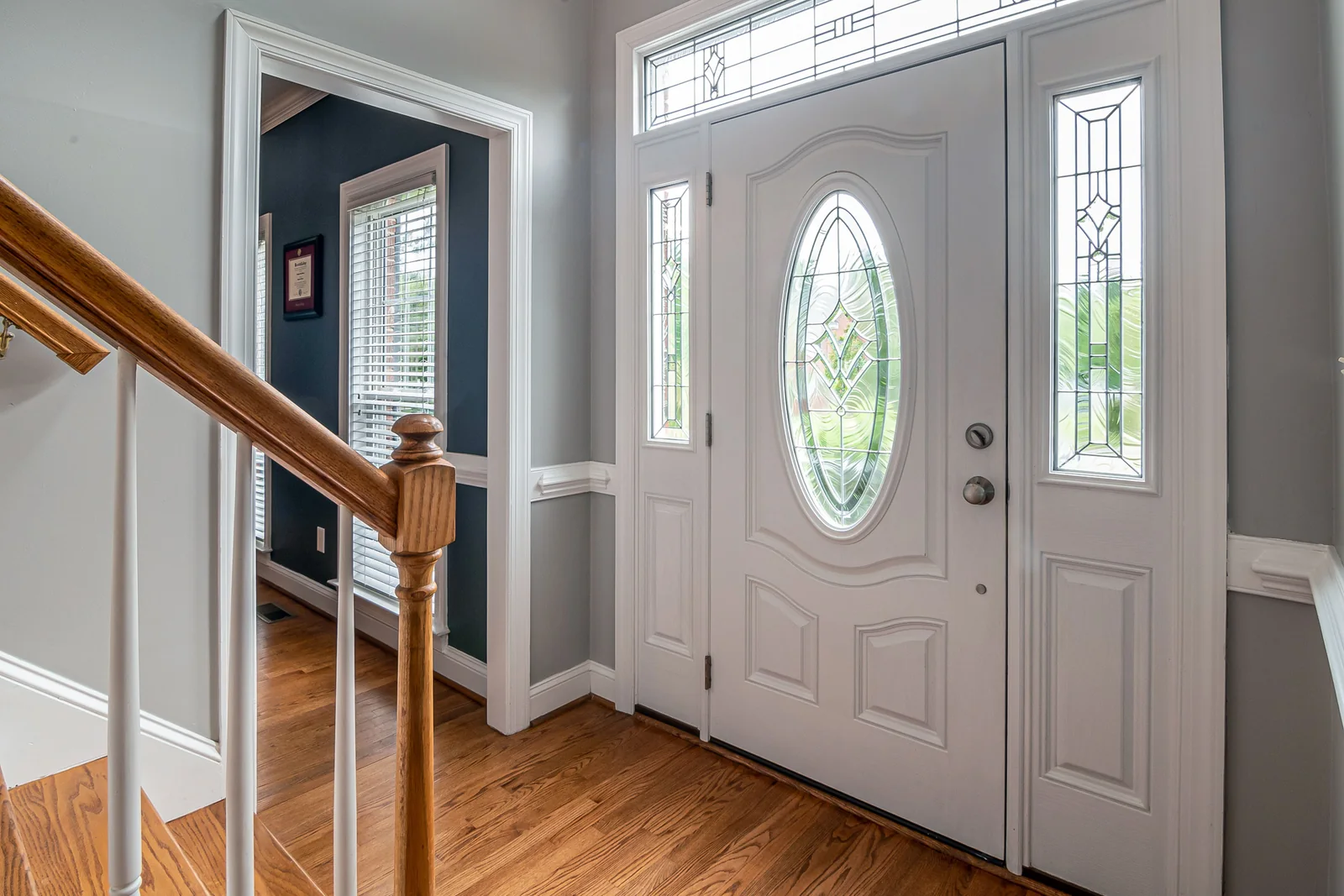
With suitable equipment and configuration, selected perimeter detection can remain armed while people move through unarmed indoor areas. Ajax Night Mode arms specifically configured devices. It is not a promise that every room is safe to walk through: included motion detectors and other armed groups still matter.
Rehearse the bedroom-to-bathroom route, a trip to the kitchen and opening the back door in the morning. Have the installer demonstrate the actual settings. A late visitor, a pet’s route or someone getting up early should not be an afterthought.
Agree what remote help should look like
With permission and suitable access, an adult child can check armed status, receive selected alerts, help with app access or remotely arm and disarm. That can be useful when a parent calls from a holiday asking whether the house was armed. Before remotely arming, confirm who is home and which areas should be protected.
Ajax distinguishes standard users from administrators, with configurable permissions and notifications. Its account and access-rights guide explains those roles. Helping occasionally does not require giving every relative full administration rights.
Agree who gets alarm and fault notifications, who can change settings, and how unwanted access will be removed. Use separate accounts rather than sharing a login. Parents should retain an agreed way to manage their system and get support if the family helper is unavailable.
System status is not a welfare check. An armed house or an absence of alerts does not establish that somebody is well. Nor should event records become an excuse to question a parent’s comings and goings.
Use schedules only when they fit the household
Ajax supports security schedules and automation scenarios, including scheduled arming and actions for compatible automation devices. An installer might configure a suitable lighting device to respond to an alarm, or a deliberately chosen night routine. Hardware compatibility and electrical installation requirements still apply.
Automatic arming needs more thought than a timer. Christmas visitors may stay late; someone may open the garage after bedtime. Explain exactly what happens, how to suspend the schedule and how to resume normal operation. Start with manual control if routines vary.
Ajax’s geofence function is different: it sends location-based arming/disarming reminders to the relevant user; it does not automatically change the security mode. Do not buy on the assumption that the house will reliably “know” when everyone has left.
Decide who responds when the alarm activates
App-only alerts
Configured users receive alerts through the available communication path. Someone must notice, understand and act on them. Decide what happens if the first contact is asleep, driving or overseas.
Professional monitoring
A monitoring service receives supported events and follows agreed response instructions. Check covered events, contact order, charges and response arrangements. Monitoring does not guarantee police or security attendance.
SIPKO’s Ajax monitoring offering separates installation and technical support from 24/7 monitoring delivered through Intelligent Monitoring Solutions (IMS). Ask for the proposed plan and response instructions in writing, including what your parents should do after an accidental activation.
A configured panic button or keypad panic function sends a security alert through the agreed setup. It is not automatically a medical monitoring service, fall detector or guaranteed emergency response. If the actual concern is getting help after a fall, that needs a separate discussion; our personal-alarm guide addresses that different category.
What happens during an internet or power outage?
Separate local alarm operation from remote contact. Depending on the architecture, powered detectors, the control panel and siren can continue local protection without home broadband. Remote app control and notifications need a working communication path; an offline app is not proof that the local alarm has stopped.
For example, Ajax Hub 2 Plus supports Ethernet, Wi-Fi and cellular communication, plus a backup battery. That does not make every Ajax hub identical. Ask about a compatible Australian 4G service, coverage at the installed location, SIM costs and what happens if all paths fail.
Battery backup is finite, and the home router may lose power too. Have the installer explain the selected system’s outage behaviour, battery maintenance and which functions will be unavailable. Do not promise uninterrupted remote access.
What not to buy as a surprise
Leave indoor cameras off the shopping list unless your parents genuinely request them. Outdoor or door-area video may be useful, but an alarm does not require cameras everywhere. Compatible photo-verification detectors also capture images: discuss locations, triggers and viewing permissions before agreeing to them.
Avoid elaborate automation, several unfamiliar apps and an alert for every ordinary household action. More equipment is not automatically a more generous gift. A system controlled only through your phone can leave your parents dependent on you at precisely the wrong moment.
What a sensible gift could include
A starting proposal might include a hub/control panel, protection for selected front and back entries, appropriate motion detection, a keypad and a siren. Add app setup, agreed family users, optional monitoring and installer training where wanted. This is a planning outline, not a fixed SIPKO package: the home determines device types, quantities and locations.
Ask whether existing wiring or serviceable equipment can be retained. A wired, wireless or hybrid design may suit; there is no requirement to choose a new Ajax system simply because it has useful remote features.
Parents in a single-storey home
Prioritise selected entry protection, a comfortable keypad location and a tested night route. Add an app status check if they want one.
One parent living alone
Agree contacts and an achievable response plan. Discuss professional monitoring and an optional security panic function, separately from any medical-alert needs.
Parents who travel often
Remote status and fault alerts can help. Plan individual access for a trusted visitor; add exterior video only if requested.
Parents comfortable with technology
Offer app control and one useful automation first. Photo verification remains a separate equipment and privacy choice, not a compulsory upgrade.
Parents who dislike apps
Build daily operation around a demonstrated keypad or compatible credential. Arrange administration and support without making a relative’s phone the only control.
Make installation and handover part of Christmas
Ask about Melbourne installation availability early rather than assuming a December slot. Book when your parents can participate. If timing does not work, give an agreed contribution or assessment arrangement; there is no benefit in rushing unfamiliar equipment into use on Christmas Eve.
Decide whether the gift covers equipment and labour only, or also monitoring, SIM service, battery replacement and later visits. Write down who pays, for how long and what happens afterwards. A recurring bill should never be an undisclosed part of the present.
Before family leaves, configure agreed users and test leaving, returning and bedtime. Let your parents operate the controls themselves. Arrange any monitored test with the provider first. Leave the installer’s support details, holiday availability and a follow-up date to adjust anything that proves irritating.
What should you decide before buying?
- Do your parents want the gift and a say in its design?
- Could servicing their existing alarm meet the need?
- Which entries and windows need protection?
- Where must they move when night protection is on?
- Which control method have they tried and preferred?
- Who may receive alerts or change the alarm state?
- Is professional monitoring wanted, with what response plan?
- Would a security panic function be useful?
- What internet, cellular and battery backup is appropriate?
- Are any cameras or image-capturing detectors actually wanted?
- Who pays installation and ongoing costs?
- When will training happen, and who supports them afterwards?
FAQ
Is a home alarm a good Christmas gift for parents?
It can be, if they want it and the gift includes setup and support. Agree an assessment before choosing equipment; their preferences should determine the result.
Can I arm or disarm my parents’ alarm remotely?
On a compatible system with working remote communication, yes, if you have permission and the required access. Confirm the household’s situation before acting.
Can my parents use it without a smartphone?
Many systems support daily keypad operation. Choose and demonstrate that arrangement before buying, and separately agree who handles app-based setup and administration.
Should I include indoor cameras?
Only if your parents want them. They are optional, and any image capture needs a clear purpose, agreed placement and understood viewing permissions.
Is monitoring necessary if family receives alerts?
Not automatically. Consider whether family can reliably respond and whether an operator-led service is preferable. Compare the actual plan and charges, without assuming guaranteed attendance.
Give them a choice they can live with
A useful Christmas gift leaves your parents comfortable using their own home. If they welcome the idea, SIPKO can discuss the property, their preferred routine and the support arrangement before equipment is chosen. Bring your parents into that conversation from the beginning.


