

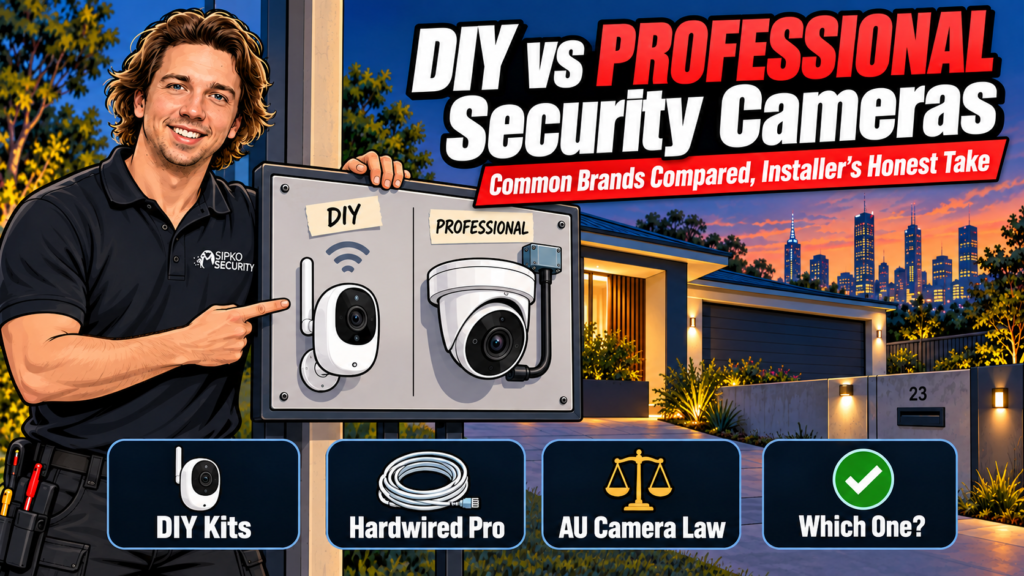
Most “best home security camera systems in Australia” lists mix wireless cameras, hardwired CCTV and alarm panels into one ranking without saying who each one actually suits. We install both ends of that range: DIY wireless kits from Eufy, Reolink and Arlo, and hardwired professional systems built on Dahua, Hikvision, Ajax and UNV cameras. Here’s the honest split. DIY suits renters and small homes willing to manage their own app and charge their own batteries, while hardwired professional systems suit anyone who wants continuous recording, no batteries, and a system someone else is responsible for keeping online. We’ve also covered the Australian law you actually need to know before you mount one.
Short answer: DIY wireless kits from Eufy, Reolink or Arlo suit one or two entry points and a homeowner happy to manage their own app. Hardwired professional systems using Dahua, Hikvision, Ajax or UNV cameras suit full-property coverage, continuous recording and no battery charging.
How we picked these seven systems
We looked at what’s actually sold in Australia right now, what it costs to run month to month, how much of the setup work lands on the homeowner, and, for the professional tier, what we’d choose to install if a customer didn’t ask for a brand by name. Ajax, Dahua and Hikvision are the three we get asked about most by callers who’ve already looked online; UNV is what we quote when a job needs more cameras than the budget stretches to at premium-tier pricing.
DIY wireless systems: who they actually suit
DIY kits are the right call when you’re renting, don’t want cable run through a ceiling, or just need coverage on a front door and a back gate. All three brands below sell direct in Australia and none of them require you to book an installer. The trade-off is that you’re the installer: charging batteries, updating firmware, and troubleshooting a dropped Wi-Fi connection on your own time.
Wireless cameras share your Wi-Fi and use your upload speed when you watch away from home. Our guide why security cameras can slow down your home internet explains how to test it.
Eufy: local storage without a monthly fee
Eufy’s eufyCam S3 Pro kit records up to 4K locally to a HomeBase 3 hub, with 16GB of storage built in and room to add a hard drive up to 16TB, so no cloud subscription is needed to keep footage. The 4-camera kit (hub included, no hard drive) is $1,999.95 AUD incl. GST on eufy’s Australian store, current as of September 2026. Local storage has one weak point. If someone takes the hub along with the cameras, or the power’s out long enough, you lose the recording. A cloud backup add-on is worth it if that risk matters to you. For a closer look at how it stacks up against a wired alternative, see our Reolink vs Eufy comparison.
Reolink: the widest range, PoE or battery
Reolink sells more camera types than the other two combined: solar-battery cameras, PoE cameras that run off a network cable, and NVR kits that store footage locally with no subscription required. Reolink cut Australian prices across its range by up to 46% in 2026; the Solar Floodlight Cam sits at $125.99 and the OMVI 3i PoE at $299.99 (AUD, incl. GST), both current as of September 2026. Where Reolink gets confusing is the sheer number of near-identical model names. If you’re buying more than one camera, check they all run on the same app before you commit. We’ve written up the direct match-up against Arlo in Reolink vs Arlo: Complete 2026 Breakdown.
Arlo: polished app, ongoing subscription
Arlo’s app is the easiest of the three to hand to someone who’s never set up a camera before, and the hardware is wire-free, with no power cable and no drilling into the ceiling. The trade-off is the subscription. Arlo Secure starts from $7.99/month after a trial, and most of Arlo’s smart features, including person detection and 30-day video history, sit behind it. Current AU pricing runs from $99 for the Pro 6th Gen up to $249 for the Go 2 (AUD, incl. GST), as of September 2026. Skip the subscription and an Arlo camera still alerts you; it just won’t hold much footage.
| Brand | Best for | Storage | From (AUD) |
|---|---|---|---|
| Eufy | No monthly fee | Local HomeBase 3, expandable to 16TB | $1,999.95 (4-cam kit) |
| Reolink | Widest range, PoE or battery | Local NVR/SD card, no subscription required | $125.99 |
| Arlo | Easiest app, wire-free install | Cloud only, Arlo Secure from $7.99/month | $99 |
Professional hardwired systems: who needs to skip DIY
Hardwired systems make sense once a property has more than a couple of entry points, you want continuous recording instead of motion-triggered clips, or you’d rather never think about a camera battery again. We install four camera ranges depending on the brief and the budget.
Dahua WizSense 8MP: the mainstream install
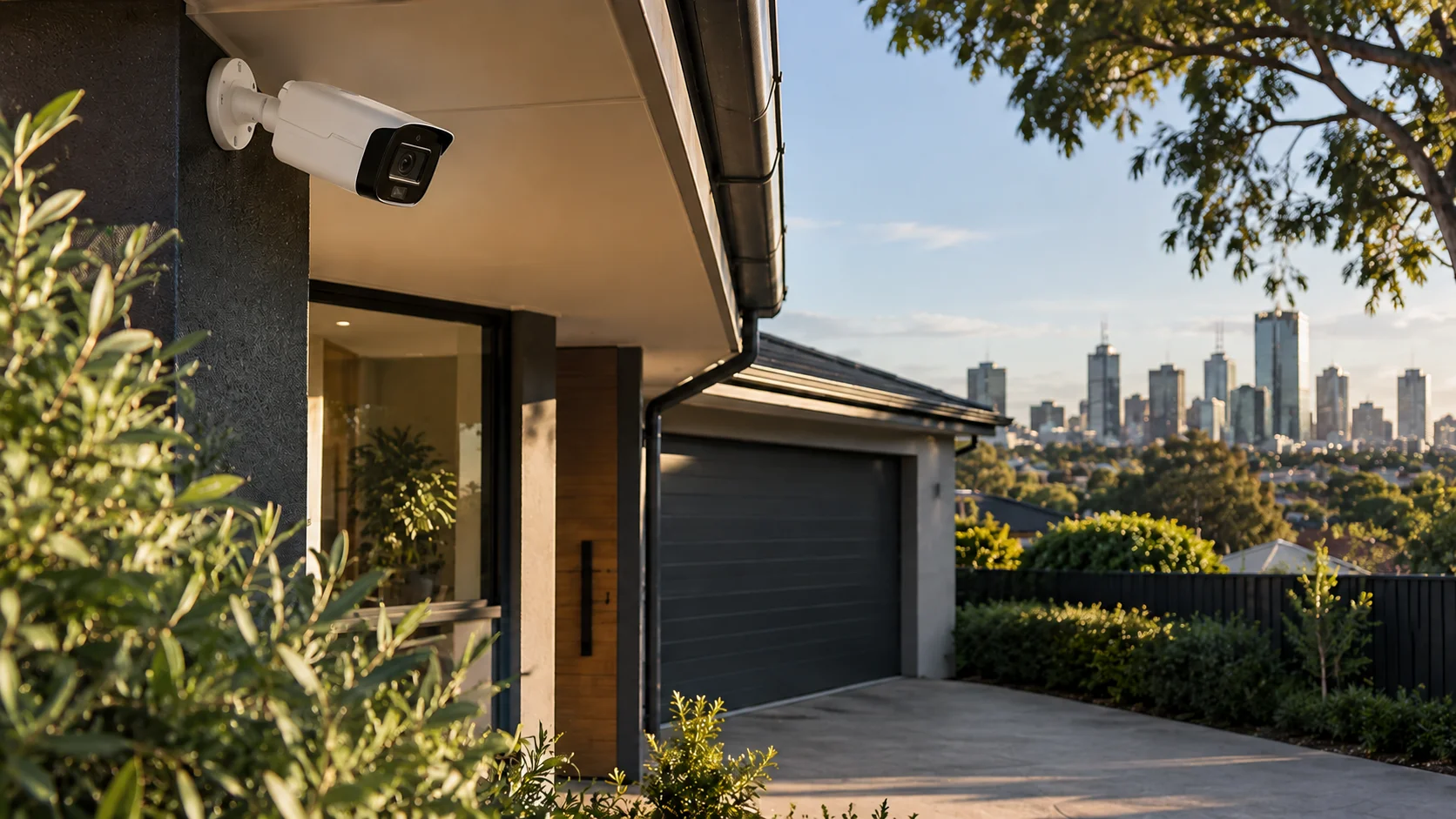
WizSense is Dahua’s AI line, with onboard human and vehicle detection instead of an alert for every moving shadow, and active-deterrence options (light and siren) on some models. It’s our most common quote for a standard house, with enough resolution to identify a face at the front door and no extra cost for features a homeowner won’t use.
Hikvision AcuSense 8MP: the other mainstream option
Hikvision’s AcuSense range does the same job as WizSense, filtering branches and cats out of real alerts, with ColorVu colour night vision on several models. We install Hikvision systems about as often as Dahua; the honest answer is the two are close enough on spec that warranty terms and stock availability usually decide it, not picture quality.
UNV: the budget-conscious professional tier
Uniview (UNV) is what we spec when a job needs more cameras than a Dahua or Hikvision budget stretches to: a larger property, more entry points, or a client who wants coverage over resolution. The exact model changes job to job depending on what the site needs, so we confirm it on the quote rather than naming one here; our UNV camera catalogue has the current range.
Ajax TurretCam HL 8MP: cameras and alarm in one system
Ajax works differently to the other three. The TurretCam HL 8MP ties into Ajax’s alarm platform, so a triggered sensor pulls a photo from the nearest camera automatically, and you get one app for cameras, alarm and monitoring instead of three. It costs more than a standalone camera system, and it’s what we install most often for customers who want an alarm as well as cameras, not cameras alone. See how it compares in Dahua vs Ajax Security Cameras.
| Brand | Positioning | Key feature |
|---|---|---|
| Dahua WizSense 8MP | Standard house quote | AI human/vehicle filtering, active deterrence on some models |
| Hikvision AcuSense 8MP | Alternative to Dahua | AcuSense filtering, ColorVu night vision on select models |
| UNV | Budget-conscious, more cameras per dollar | Model confirmed per job |
| Ajax TurretCam HL 8MP | Cameras + alarm combined | Photo-verified alarm events, one app |
DIY or professional: how to actually decide
If you’re renting, only need to cover one or two entry points, and you’re comfortable being your own IT support, a DIY kit is genuinely enough. We won’t talk you out of it. Where we see DIY fail is multi-camera coverage on a property with thick brick walls or a weak Wi-Fi signal at the back fence; battery cameras drop frames or go offline exactly when you need the footage most. That’s usually the point a customer calls us to convert to hardwired, and it always costs more to retrofit than to wire it properly the first time. If what you actually want is a ranked comparison of monitored alarm panels rather than cameras, that’s a separate product category. See our Best Home Security Systems in Australia for 2026 for that side of it.
Is it legal to install security cameras at an Australian home?
Camera law in Australia splits by state, and it isn’t the same test everywhere. NSW uses a trespass test: a camera is only a problem if it was installed by trespassing onto someone else’s land, so a camera on your own property pointed at a neighbour’s yard generally passes. Victoria, Western Australia, South Australia and the Northern Territory use a private-activity test instead: recording a private activity you’re not part of is the issue, and ordinary yard, driveway or street footage usually doesn’t meet that bar. Queensland, Tasmania and the ACT have no general video-surveillance law at all; a dispute there runs through nuisance or voyeurism law instead. In Victoria specifically, the relevant law is the Surveillance Devices Act 1999.
The microphone on your camera is judged separately, and more strictly, than the video. Recording a private conversation without consent can breach listening-device law even in a state where the video footage itself is fine. Western Australia and South Australia require consent from everyone in the conversation, while Victoria, Queensland and the Northern Territory generally exempt a conversation you’re part of. If your camera picks up audio from the street or a neighbour’s yard, that’s the part worth checking, not the picture.
Signage doesn’t make an otherwise unlawful recording lawful, but it supports the argument that anyone in view had no reasonable expectation of privacy. The Privacy Act 1988 generally doesn’t apply to a camera run for personal, non-business use, though a new statutory tort for serious invasions of privacy has applied since 10 June 2025 and can cover a serious, intentional or reckless intrusion by anyone, including a neighbour with a camera. None of this is legal advice; if you’re in an actual dispute over where a camera points, get advice specific to your state.
FAQ
Can I point a security camera at my neighbour’s yard in Australia?
In most states, yes, provided the camera sits on your own property and doesn’t capture a private activity or private conversation. NSW asks whether the camera was installed by trespassing; Victoria, WA, SA and the NT ask whether it captures private activity. Ordinary yard or driveway footage usually clears both tests, but check your state’s current law if there’s an active dispute.
Do I have to tell visitors I have security cameras at home?
There’s no blanket Australian law requiring a sign for a private home camera, though visible signage helps if a recording is ever challenged, because it supports the argument that people had no reasonable expectation of privacy. It’s a low-cost step worth taking regardless.
What’s the real difference between a DIY camera kit and a professional hardwired system?
A DIY kit (Eufy, Reolink, Arlo) is battery or Wi-Fi powered, self-installed, and usually records on motion. A professional hardwired system runs cable to each camera, records continuously, and is installed and warranted by someone else. You’re not the one troubleshooting a dropped connection.
Do Eufy, Reolink or Arlo cameras need a monthly subscription?
Eufy and most Reolink models store footage locally with no subscription required. Arlo requires an Arlo Secure subscription, from $7.99/month, for cloud storage and most smart-detection features; without it, you still get alerts but a limited footage history.
How much does professional camera monitoring cost in Australia?
Sipko Security’s monitoring for a professionally installed system starts from $49/month AUD, with no lock-in contract. Installed system pricing depends on camera count and site access, and we quote that after a free walk-through.
Prices in this guide are current as of September 2026 and reviewed quarterly. DIY prices are each brand’s listed Australian retail price; professional installed pricing is a fixed quote after a free site walk-through, not a number we publish here.
Want a fixed quote instead of a guess? Book a free site walk-through.



