

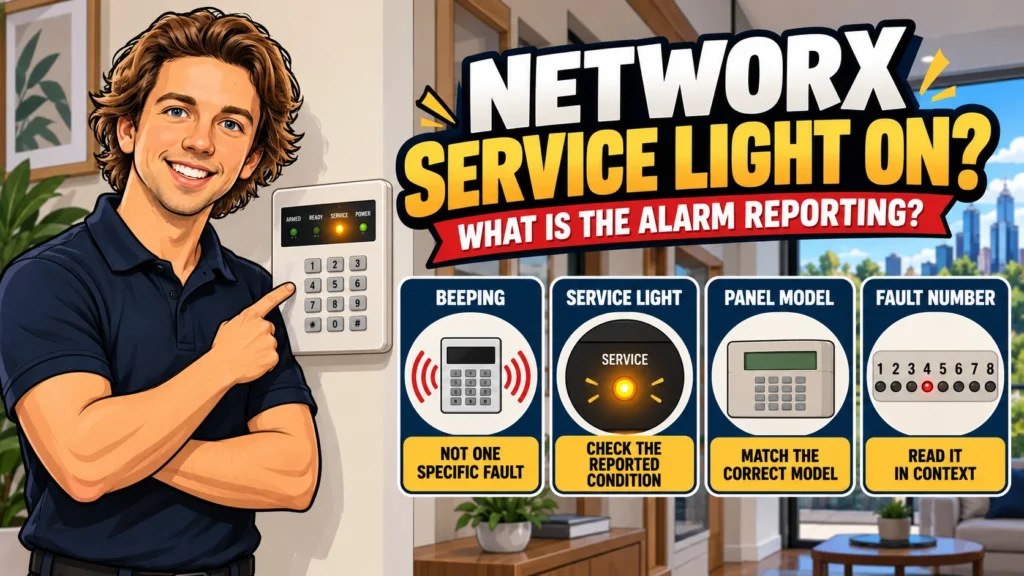
Your NetworX keypad has started beeping, or the Service light has come on. The easy assumption is that this means a flat battery, or one specific fault. It doesn’t — a beep does not identify one fault by itself, and the Service light does not tell you the diagnosis on its own either.
The useful next step isn’t “why is it beeping?” It’s “what condition is the panel actually reporting?” NetworX is a family of panels and keypads, and the meaning of a numbered service indication has to be matched to the documentation for the actual model — not assumed from a generic list.
Beeping and the Service Light Are Not the Same Thing
A keypad sounder can accompany a number of different states and events — not just a trouble condition. The Service light is a separate, specific indicator with its own documented meaning.
Treating “the keypad is making noise” as a diagnosis skips the step that actually tells you something: reading what the system itself is reporting.
First Identify Which NetworX Panel You Have
“NetworX NX” describes a family of control panels and keypads, not one single product. Documented Service indications and keypad behaviour can differ between models, so identifying what you actually have comes before interpreting any numbered condition.
Worth checking:
- the panel model, where visible or recorded in any handover documentation;
- the keypad model;
- whether you have (or can obtain) the user manual that matches that specific panel;
- whether the keypad is an LED or LCD type, where that affects how conditions are displayed.
Do not interpret a numbered Service condition using a table from a different NX model unless its own documentation confirms the same meaning applies.
How the NetworX Service Menu Works
In the verified NX-4 documentation, the Service light is tied to a user-level diagnostic display — not a repair procedure, but a way of reading what the panel is reporting.
The general flow looks like this:
SERVICE light turns on
Open the documented Service Menu using the correct command for that model
An indicator or zone number identifies the first-level service category
Some categories lead to a second, more specific level of detail
The exact command sequence needs to match the actual panel and keypad you have. This article uses the verified NX-4 documentation as its working example — confirm the equivalent command against the manual for your own system before relying on it.
What an NX-4 Service Condition Can Report
For the NX-4 system specifically, the documented Service Menu breaks a reported condition down into eight categories:
A few things worth noting: Zone Low Battery and Zone Loss of Supervision apply specifically to wireless zones on this system. This table describes what the NX-4 panel is pointing to — not a repair procedure, and not a table that automatically applies to other NetworX panels.
Why the Fault Table Must Match the Actual NetworX Model
The numbered Service table above is tied specifically to the verified NX-4 documentation used for this article. Don’t assume that another NetworX panel — an NX-8, NX-12, NX-16, or any other variant — uses the same numbered meanings unless its own documentation confirms it.
The NX-4 manual itself also notes that some described features may or may not apply depending on the way the individual system is configured. That is another reason not to treat a generic NetworX fault-code list as a substitute for the documentation matching the actual panel.
System Fault Can Have a Second Diagnostic Level
Reaching Service category 1 — System Fault — isn’t the end of the diagnosis. On the documented NX-4 system, this category opens a further breakdown:
- Over Current Fault
- Siren Trouble
- Box Tamper
- Expander Power
- Expander Low Battery
- Expander Box Tamper
- Expander Trouble
- Reserved
These labels describe what the panel is reporting at a more specific level — they are not a DIY repair checklist. None of them point to a wiring fix, a component swap, or a setting you should change yourself; they simply narrow down what the system has detected.
Silencing the Keypad Does Not Mean the Trouble Is Gone
In the verified NX-4 documentation, entering a valid code can silence certain keypad sounder conditions. That is separate from resolving the underlying condition.
Quiet keypad ≠ cleared trouble. A silenced sounder tells you the audible warning has stopped — it doesn’t confirm that whatever triggered the Service light or the beeping has actually been addressed. If the Service light remains on, the system is still reporting a trouble condition. If it returns later, the system is reporting a condition again — not necessarily the same underlying cause continuing uninterrupted.
What the Service Category Does — and Does Not — Tell You
It’s worth being precise about what each category actually confirms, rather than jumping to the nearest-sounding explanation:
- Failure to Communicate means the panel is reporting a communication failure. That indication alone does not establish whether other alarm functions are operating normally or not.
- Zone Low Battery (on wireless zones) means a wireless-zone battery condition is being reported — it doesn’t mean the panel’s own backup battery is flat.
- Zone Trouble means the panel is reporting a trouble condition associated with a zone — it doesn’t automatically mean a sensor needs replacing.
- System Fault means a further, more specific system-fault category is being reported — it does not by itself establish that the control panel has failed.
Reading the category correctly is the useful part. Turning it into a firm conclusion about cause or required repair is a separate step that the category alone doesn’t support.
When to Move from Reading the Fault to Professional Service
Identifying which Service condition the panel is reporting is genuinely useful on its own — it tells you what you’re actually dealing with rather than guessing. But some situations move past what user-level interpretation can settle:
- the condition persists after you’ve confirmed what it’s reporting;
- the category relates to system hardware or a service-level function;
- you can’t confidently match your panel and keypad to the correct documentation;
- the same condition keeps returning;
- resolving it would require opening the panel, adjusting programming, or other installer-level work.
At that point, the useful next step is a proper assessment rather than continuing to interpret indicators alone. If the existing system no longer meets your needs, SIPKO can discuss taking over or upgrading an older alarm system in Melbourne rather than ongoing repairs.
FAQ
What does the Service light mean on a NetworX alarm?
It means the system is reporting a trouble or service condition. The light itself doesn’t identify which one — that requires accessing the documented Service Menu for your specific panel and reading the reported category.
Does beeping mean the same thing as the Service light being on?
No. A NetworX keypad can beep for a range of reasons beyond a service condition. The Service light is a separate, specific indicator — beeping alone doesn’t confirm what’s actually being reported.
Does entering my code clear the fault?
Entering a valid code can silence certain keypad sounder conditions, but that’s not the same as the underlying trouble being resolved. If the Service light remains on, the system is still reporting a trouble condition.
Can I use the same fault table for any NetworX system?
No. NetworX covers multiple panel and keypad variants, and documented service indications aren’t guaranteed to mean the same thing across all of them. Match the numbered condition to the documentation for your specific panel before relying on it.
If the reported condition turns out to be part of a wider system issue rather than an isolated warning, SIPKO can also assess existing and new residential alarm systems in Melbourne based on the property and the system’s actual condition.
Sources
-
UTC Fire & Security / Interlogix.
NetworX NX-4 User Manual. Manufacturer-originated user documentation for the NX-4 system; archived copy. -
UTC Fire & Security / Interlogix.
NetworX NX-4 Installation Manual. Manufacturer-originated technical documentation; archived copy.



