
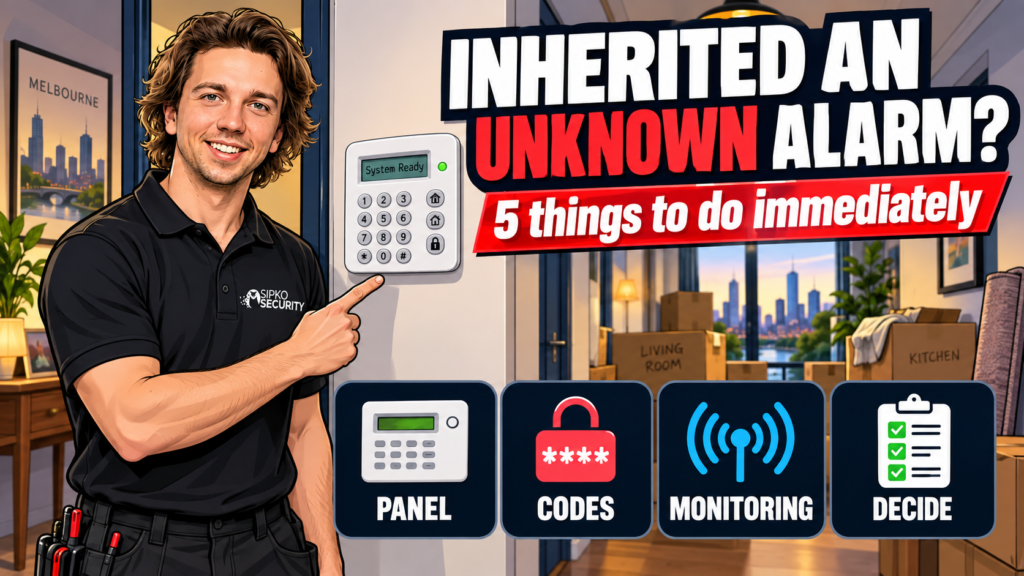
If there’s a keypad on the wall and you didn’t set it up, treat it as compromised until proven otherwise. The previous owner, whoever they gave the code to, and possibly a monitoring company you’ve never spoken to could all still have a working way in — or a way to see when your house is empty. Five things sort that out, in this order: work out what panel it is, check if it’s still reporting anywhere, change both codes (not just the one you think of), then decide whether to keep it, re-monitor it, or replace it.
Why the previous owner’s codes still work
Nobody resets an alarm panel on settlement day. Conveyancing hands over keys, not access codes, so unless the previous owner specifically arranged a handover with their alarm company, every code that worked the day before settlement still works the day after. That includes the four-digit code anyone in the household might have shared with a house-sitter, a cleaner, a tradie, or an ex, going back years. An alarm you can’t verify the code history on isn’t protecting you from anyone who already knows it.
Find out what panel you have
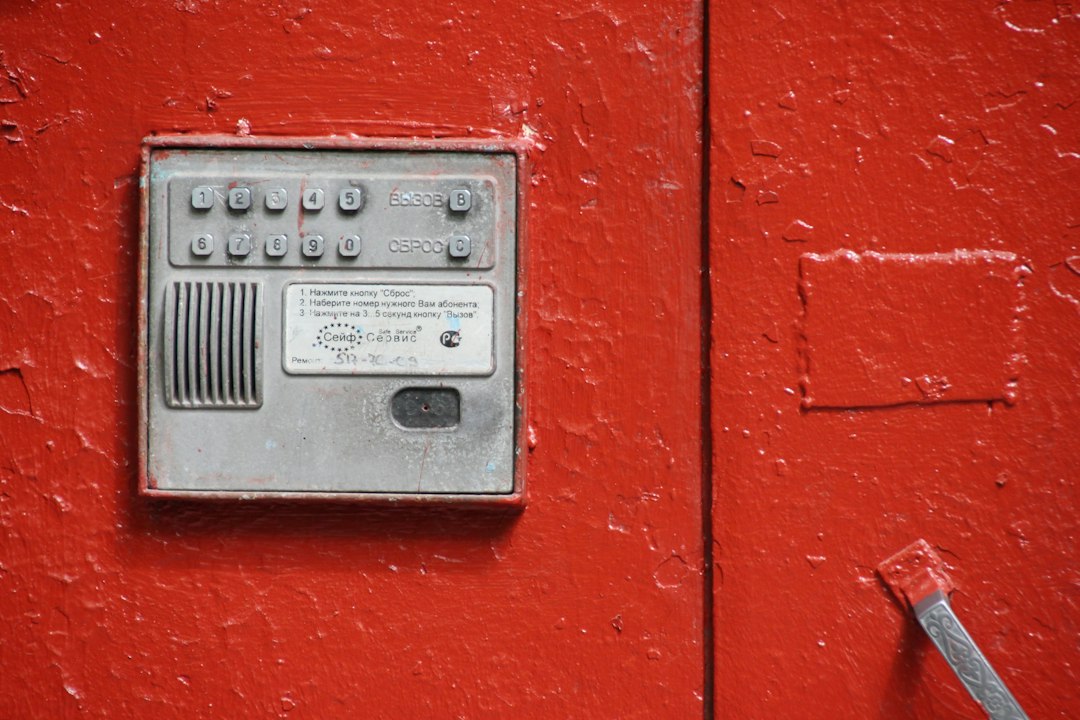
Look at the keypad and the main panel (usually in a cupboard, roof space, or garage) for a brand name or model sticker. In Melbourne homes we most often find Bosch, Ness, DSC, Paradox, or an older Ajax or generic wireless system — knowing which one you’ve got determines everything else on this list, since codes, reset procedures and reporting checks are different for each. If there’s no visible branding, a photo of the panel board and keypad is usually enough for us to identify it over the phone or via a free site walk-through.
Is it still reporting anywhere? (and how to check)
This is the step people skip, and it’s the one that matters most. A working alarm panel can be silently reporting to a monitoring company on an active contract you never signed up for and don’t control — meaning a business you’ve never spoken to gets a signal every time the alarm arms, disarms, or trips, and may have the previous owner’s phone number as the only contact on file.
Check for a monitoring company sticker or decal on the panel or keypad — most installers leave one. If you find a name, call them directly, explain you’re the new owner, and ask them to confirm whether the property is still an active account and cancel or transfer it. If there’s no sticker and you’re not sure, don’t assume it’s unmonitored; an installer can usually tell from the panel’s communication module (a SIM card slot, a phone line connection, or an ethernet/wifi module) whether it’s built to report anywhere at all.
Change the master and installer codes
Most people know to change the four-digit code punched in at the keypad every day — that’s the user code. Fewer people know there’s a separate installer code, usually accessed through a technician menu, that can reset the whole panel back to factory defaults, including whatever new user code you’ve just set. If you only change the user code and leave the installer code as whatever the original installer left it, anyone who knows that second code can still get back into the system’s programming, whether or not they can arm or disarm it day to day.
Changing both isn’t always something the keypad interface makes obvious, and getting it wrong on some panels can trigger a lockout or a false alarm to a monitoring station you haven’t cancelled yet. If you’re not confident doing it yourself, this is worth a short paid callout rather than guessing.
Decide: keep, re-monitor or replace
Once you know what you’ve got and the codes are yours alone, the decision is about what you actually want from the system, not about the system’s age.
| Option | Makes sense when |
|---|---|
| Keep, unmonitored | Panel and sensors test fine, you just want a local siren and don’t need a response service |
| Re-monitor | Panel’s in good condition and compatible with a monitoring service, but you want alerts and a response if it trips |
| Replace | Panel is unreliable, parts are unavailable, or a takeover inspection turns up faults that cost real money to keep patching |

If you want it connected to a response service, our monitoring page has current plans and pricing. If the panel itself is the question — whether it’s worth keeping the hardware at all — our upgrade vs replace guide goes through what’s actually reusable in an older system.
What a takeover inspection covers
A takeover inspection is us coming out, identifying the panel and every sensor on it, testing that each zone actually triggers and clears properly, checking the backup battery, and confirming (or ruling out) any active monitoring connection. You get a plain answer on what you’ve got, what’s working, what isn’t, and what your real options are — not a sales pitch for a new system regardless of what we find. Ask us for pricing on this when you book; it depends on the panel and how many zones are on it.
Can I just keep using the alarm code the previous owner had?
No. You have no way of knowing how many people that code was ever shared with over the life of the house. Treat it as public until you’ve changed it yourself — both the user code and the separate installer code.
How do I find out who’s monitoring my inherited alarm?
Check the panel and keypad for a monitoring company sticker or decal first. If there’s one, call them directly and explain you’re the new owner. If there’s nothing visible, an installer can usually tell from the panel’s communication hardware whether it’s set up to report anywhere at all.
Is it safe to arm an alarm I haven’t had inspected yet?
It’s not dangerous, but it’s not fully trustworthy either — a panel with a flat backup battery or a faulty zone can fail silently, giving you false confidence rather than no alarm at all. A takeover inspection is the only way to know for sure.
What’s the difference between the user code and the installer code?
The user code is what you punch in daily to arm or disarm the system. The installer code sits behind a technician-level menu and can reset the whole panel, including your new user code, back to factory settings. Both need changing after a takeover — most people only think to change the first one.
Should I replace an inherited alarm instead of keeping it?
Only if the inspection turns up real faults — an unreliable panel, sensors that don’t clear, or parts that are no longer available. A system in good condition with a code change and a monitoring decision is often fine to keep; age on its own isn’t a reason to replace it.
Not sure what’s on your wall? Book a free site walk-through and we’ll tell you exactly what you’ve inherited and what it needs.


