

If the property you’ve just bought or are about to settle on already has a Hikvision camera system on the walls, you’re not the first buyer to stand in the driveway wondering whether it actually works, who else can see through it, and whether it’s worth keeping at all. Most of what’s written about this online is homeowners asking each other on forums, not anyone who does this for a living. Here’s the order we run through on a Hikvision takeover: check access first, then condition, then decide.
Short answer: check whether the recorder is still bound to the previous owner’s Hik-Connect account, walk the property to see what each camera actually covers, then judge the recorder on age, storage and cabling before you decide to keep, upgrade or replace it.
- Does the camera system actually belong to you now?
- The first thing to check: who else can still see your cameras
- Keep it, upgrade it, or replace it?
- IP or coax? Why it matters before you ask for a quote
- What to send an installer for a free assessment
- Steps to take in your first week
- When to bring in a professional
- FAQ
Does the camera system actually belong to you now?
In most residential sales, cameras and a recorder that are fixed to the walls or eaves count as fittings and pass with the house the same way a ducted heating unit does. The previous owner isn’t meant to strip them out unless the contract of sale says otherwise. If you’re not certain, that’s a question for your conveyancer, not us.
Owning the hardware is only half of it, though. A Hikvision system usually runs through Hik-Connect, Hikvision’s own app and cloud account, and that account belongs to whoever set it up, not to whoever owns the house. Nobody hands over a Hik-Connect login at settlement, mostly because most sellers don’t think to.
The first thing to check: who else can still see your cameras
This is the part buyers skip and shouldn’t. Until you know otherwise, assume the previous owner, or whoever installed the system for them, can still open the app on their phone and watch live video from inside and outside your new home.
A device stays bound to whichever Hik-Connect account added it until someone actively unbinds it. Hikvision’s own support documentation confirms that resetting the recorder to factory default does not clear this binding on its own. The device has to be removed from the old account first, either through the app or Hikvision’s own device configuration tool (SADP is being phased out in favour of the newer HiTools Delivery), and it usually needs the device password and a connection on the same local network to do it.
If you don’t have that password, or nobody can locate the original account, this is a locked-out job rather than a five-minute app setting. We cover the reset side of this separately if you just need back into the recorder itself. See our guide to resetting a Hikvision password in Melbourne.
Either way, treat this as day-one, not week-one:
- Change the NVR’s admin password before you rely on the system for anything.
- Confirm in the app (or with an installer) which Hik-Connect account the device is bound to.
- If it’s not yours, get it unbound and re-added under your own account before you trust it.
- Walk the property and check what each camera actually points at. A previous owner’s idea of coverage (their car, their side gate) may not match what matters to you, and a lens aimed over the fence into a neighbour’s yard is worth knowing about. Our camera placement guide covers what “useful” coverage actually looks like.
Keep it, upgrade it, or replace it?
Once access is sorted, the decision usually comes down to the same five things we check on every takeover job, residential or commercial.
| Factor | Keep it | Replace it |
|---|---|---|
| Recorder age | Recent enough to still get firmware updates | Several years old, or visibly on its last legs |
| Storage | Actually holds a useful number of days when you play it back | Overwrites within a day or two |
| Coverage | Covers the entries and areas that matter to your family | Missing the driveway, front door or backyard access |
| Cabling | Structured, labelled, in good condition | Exposed, spliced, or you can’t tell what runs where |
| Image quality | Clear enough to identify a face or plate at your key points | Grainy, low-resolution units from an older generation |
A system that fails two or more of these is usually cheaper to replace outright than to keep patching piece by piece.
A note on this call. Whether to keep, upgrade or replace is our judgement as the installer standing in front of it, not a verdict on Hikvision as a brand. A five-year-old recorder wears out the same way whatever badge is on the front of it, and the checklist above applies whether the system on your wall is Hikvision, Dahua or anything else. We’re not here to talk the product down. Plenty of inherited Hikvision systems are perfectly fine to keep running for years yet.
IP or coax? Why it matters before you ask for a quote
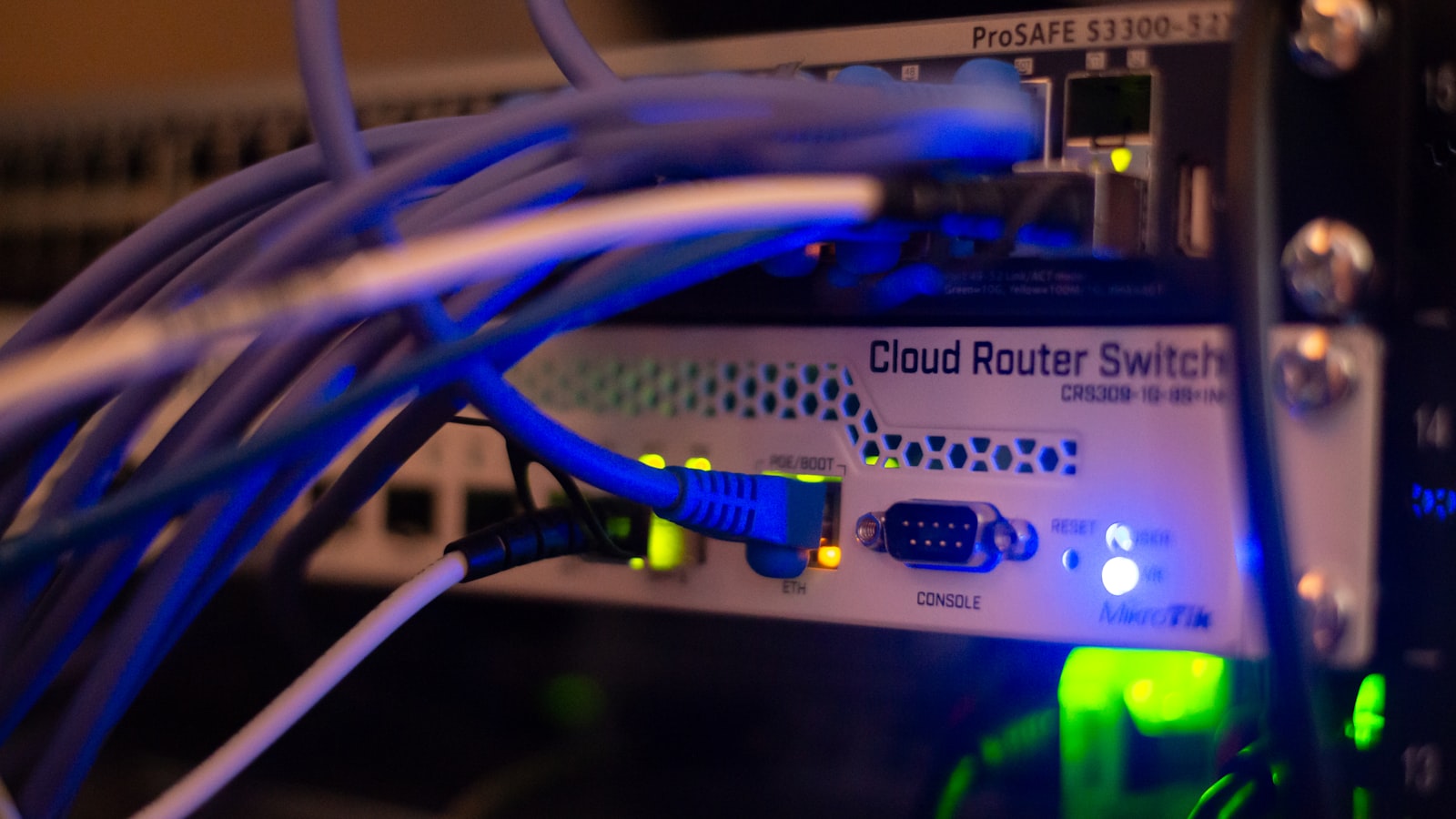
Hikvision sells both IP (network) cameras and older HD-analogue cameras that run over coax, and a lot of homes have a mix from different years. It changes what a quote looks like, so it’s worth knowing which one you’ve got before you call anyone:
- IP cameras run on a single thin network cable (often with PoE injectors already inside the recorder, so no separate power cable at each camera). The recorder will have RJ45 network ports on the back, sometimes labelled “PoE.”
- Coax / HD-analogue cameras run on thicker coax cable, almost always with a separate thin power cable alongside it. The recorder’s back panel will show round BNC video ports instead of network ports.
If you want the longer version of why this affects your options, our DVR vs NVR guide walks through what each recorder type can and can’t do.
What to send an installer for a free assessment
This is the part that actually speeds up your quote. Send us these four things and we can usually tell you over the phone or by photo whether the system’s worth keeping, before we’ve even booked a walk-through:
- A photo of the recorder’s front panel, showing the model number and any branding.
- A photo of the recorder’s back panel. This tells us straight away whether you’re on IP or coax, and how many ports are actually in use.
- A rough camera count and where they’re mounted: front door, driveway, backyard, side gate, whatever you can see from outside.
- Anything you’ve found for logins: a sticker on the recorder, a manual left in a drawer, an email from the agent. If there’s nothing, that’s fine too, just tell us.
Steps to take in your first week
- Find the recorder (usually in a cupboard, garage, or roof space) and photograph the front and back.
- Change the admin password on the recorder itself, even before you’ve sorted app access.
- Check whether the system is bound to a Hik-Connect account, and if it’s not yours, start the unbind process or get an installer to do it.
- Walk the property and note what each camera can actually see.
- Test playback from a week ago rather than trusting what the settings say it’s retaining.
- Send the photos above to an installer if anything doesn’t add up, or if you just want a second opinion before you rely on it.
When to bring in a professional
Most of the above you can do yourself with a torch and ten minutes. Where it gets fiddly is a locked-out account, an NVR nobody can find the password for, or a system you just want checked properly before you trust it with your family’s front door. That’s exactly what a takeover job is: we run through ownership, access, condition and coverage in one visit, tell you honestly what’s worth keeping, and only quote once we’ve actually seen it. See our Hikvision CCTV takeover and reconfiguration service for what that covers, or if the property’s commercial rather than a home, our guide to taking over a commercial property’s security system is the better starting point.
FAQ
Do I own the Hikvision cameras that came with my house?
Usually, yes. Cameras and a recorder fixed to the property normally pass with the house as fittings, the same as most built-in appliances. Check the contract of sale if you’re not sure. What you don’t automatically get is access to the Hik-Connect account it’s registered under; that has to be transferred or reset separately.
Can the previous owner still see my cameras after settlement?
They can if the recorder is still bound to their Hik-Connect account, which doesn’t clear on its own. Until you’ve confirmed the account and changed the admin password, treat the system as if someone else can still watch it, because they might be able to.
How do I know if my inherited cameras are IP or analogue?
Look at the cable running to each camera and the back of the recorder. A single thin network cable and RJ45 ports mean IP; thicker coax cable, a separate power lead, and round BNC ports mean analogue. A photo of the recorder’s back panel is usually all an installer needs to tell you which one you’ve got.
Is it worth keeping an old Hikvision system, or should I replace it?
It depends on the recorder’s age, real storage retention, cabling condition and whether the coverage still suits how you use the property, not the brand. A free walk-through is the fastest way to get a straight answer rather than guessing.
What does a CCTV takeover assessment cost?
We don’t quote a figure sight unseen. It depends on how many cameras there are, the recorder’s condition, and what needs sorting on the access side. The walk-through itself is free, and a fixed price follows only once we’ve actually seen the system.
Just moved in and want a second opinion on what’s already installed? Book a free walk-through and we’ll tell you honestly whether it’s worth keeping.



