

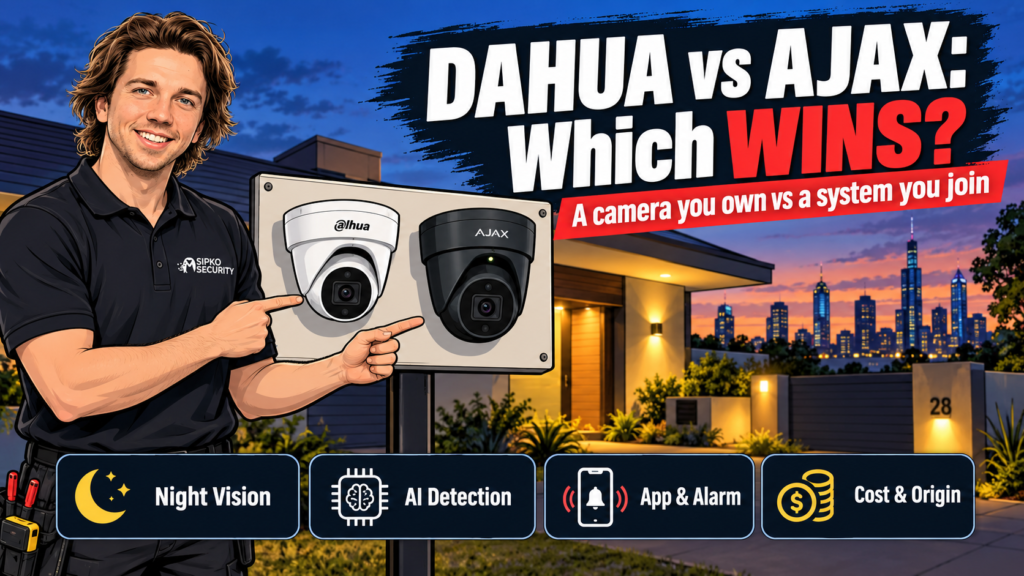
Dahua vs Ajax security cameras comes down to one thing: are you buying a camera, or a security system that happens to include one? Pick Dahua if you want a straight CCTV camera on your own NVR, no subscription, no app lock-in. Pick Ajax if you want that camera talking to an alarm you can arm, disarm and get photo-verified alerts from on your phone. We install both across Melbourne every week. Here’s the honest split.
- Dahua vs Ajax security cameras at a glance
- Which one shoots sharper video and better night vision?
- Which one filters out false alerts better?
- Where does the footage actually go?
- Can one run standalone, or does it need the rest of the system?
- What does each cost to own?
- Does it matter that Dahua is made in China?
- Who should buy Dahua
- Who should buy Ajax
- What we'd install instead for a business
- FAQ
- Sources
Dahua and Ajax cameras aren’t really competing for the same job. Dahua is a straight CCTV camera you own outright, with no subscription and no app lock-in. Ajax is a camera built to live inside an alarm system, so a sensor trip lands a photo on your phone instead of just a beep.
If you are still deciding which Ajax route fits your property, use the Ajax Security Hub to compare installation, monitoring, CCTV, upgrades and pricing before choosing a specific service.
Dahua vs Ajax security cameras at a glance
| Feature | Dahua WizSense 8MP | Ajax TurretCam HL 8MP |
|---|---|---|
| Sensor | 8MP, 1/2.8″ CMOS Starlight | 8MP |
| Night vision | IR, roughly 30-50m depending on model | IR + white light hybrid, up to 50m |
| AI detection | SMD 4.0, classifies people and vehicles, filters animals | AI motion detection for people, vehicles and pets |
| Recording | Local, MicroSD or NVR, no subscription | Local MicroSD (Ajax NVR optional); photo-verified events via the app when paired with a hub |
| Runs standalone? | Yes, it’s a plain IP camera | Streams on its own, but built to sit inside an Ajax system |
| Power | PoE or 12VDC | PoE (802.3af) or 12VDC |
| Weatherproofing | IP67 | IP65 |
| Made in | China | Ukraine (and a second factory in Turkey) |
| Control | Dahua app for live view and playback | Ajax app: arm, disarm, view, get alerts |
Which one shoots sharper video and better night vision?
Both hit 8MP, and that’s about where the similarity ends. Dahua’s WizSense line runs a 1/2.8″ Starlight sensor built for low light, and IR range depends on the exact model, typically 30m on a compact turret and up to 50-60m on a bullet camera with a bigger housing. Ajax’s TurretCam HL uses hybrid illumination instead: infrared for discreet night monitoring, then a white-light burst that kicks in when something trips it, so you get full colour rather than the grey wash IR gives you. Both illumination types reach roughly 50m.
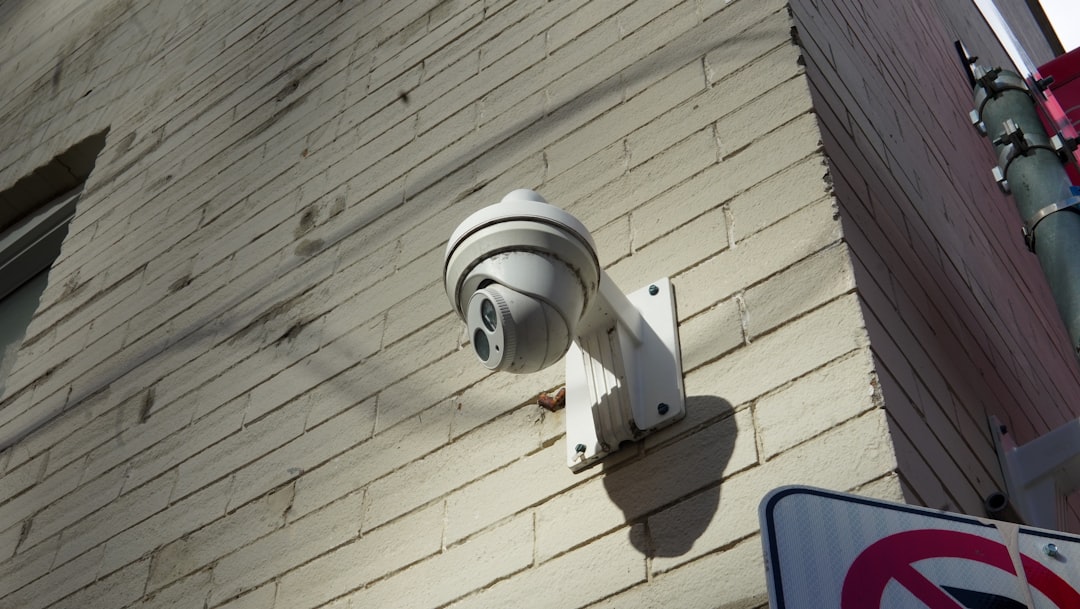
If you want a camera that doubles as a deterrent, the white-light burst gives Ajax the edge. The light itself is the warning, not just the recording. If you want the sharpest possible footage of a face or a plate at night on a bigger property, a longer-IR Dahua model on a larger housing usually out-throws either.
Which one filters out false alerts better?
Both brands run AI detection on the camera itself, not just motion-triggered blobs. Dahua’s SMD 4.0 classifies humans and vehicles and filters out animals, so a possum on the fence line doesn’t trigger a 2am notification. Ajax’s TurretCam does the same job in its own app: people, vehicles and pets are recognised and labelled rather than lumped into one generic “motion” event.
The practical difference isn’t the detection itself, it’s what happens after. A Dahua alert sits in your NVR or app; nothing else happens unless you’re watching. An Ajax alert, paired with a hub and at least one detector, can trigger a photo-verified alarm your monitoring provider can act on straight away, not just a clip to review later.
Where does the footage actually go?
Neither camera needs a subscription to record. Dahua saves to its own NVR or a MicroSD card in the camera, plain and simple. Ajax’s TurretCam does the same: local MicroSD storage, with an Ajax NVR as the tidier option once you’ve got more than one or two cameras. Ajax also sells a separate Cloud Storage subscription, but that service is currently built for their IndoorCam and Doorbell models, not TurretCam, so don’t expect to bolt a monthly cloud archive onto this specific camera.
What Ajax does give you that Dahua doesn’t is the photo-verified alert: pair TurretCam with an Ajax hub and a motion detector, and a still frame lands in the app the second the detector trips, rather than after you’ve gone digging through footage.

Can one run standalone, or does it need the rest of the system?
This is the real fork in the decision, more than resolution or IR range. A Dahua camera is a complete product on its own. Buy one, point it at the driveway, done. An Ajax TurretCam is designed to sit inside an Ajax space, alongside a hub and usually a detector or two, even though it will stream video on its own if that’s all you install.
We’ve had customers buy a single Ajax camera expecting a full alarm system’s worth of smarts and been disappointed there’s no siren going off. That’s not a fault in the camera. It’s a camera built for a system, sold on its own. On a straightforward resi job with an existing PoE run, either camera is usually a same-day fit, but Ajax takes longer on site once you’re pairing a hub and detectors rather than just mounting a camera.
What does each cost to own?
We’re not publishing a fixed dollar figure for either camera here, because price depends on camera count, cable runs and whether you’re adding an NVR or a full Ajax hub kit. Our commercial CCTV cost guide has real installed numbers by site size. What we can say without a quote: Dahua’s ongoing cost is close to zero once it’s installed, since there’s no app fee and no hub to maintain. Ajax’s camera hardware sits in our premium tier, and if you want 24/7 monitored response on top of the photo-verified alerts, our Ajax monitoring starts from $49/month (+GST), no lock-in contract.
Does it matter that Dahua is made in China?
For most homes and shops, no. Dahua remains legal to buy and install for general commercial and residential use in Australia. The restriction that actually exists is narrower: in 2023 the Australian Department of Defence began removing Dahua and Hikvision cameras from defence buildings over supply-chain security concerns, and that policy covers sensitive government sites, not your shopfront. Ajax, designed and manufactured in Ukraine, with a second factory in Turkey, doesn’t carry that concern. If your business supplies government or defence clients and procurement ever asks about camera origin, that’s worth knowing before you sign off on either brand.
Who should buy Dahua
Buy Dahua if you want a camera and nothing more: no app ecosystem to learn, no hub to add later, footage sitting on your own NVR. It suits a straightforward job: a warehouse, a shopfront, a rental property, anywhere the goal is coverage and a recording you can hand to police if something happens. This is the 8MP Dahua turret camera we stock and install.
Who should buy Ajax
Buy Ajax if you already want an alarm system, or you’re installing one at the same time as your cameras. The camera earns its keep as part of that system: one app to arm the property, watch the cameras and get a photo the second something trips a sensor. Paying for that ecosystem just to get a slightly nicer night-vision mode isn’t worth it if you don’t want the alarm side at all. This is the Ajax TurretCam HL 8MP we stock and install.
What we’d install instead for a business
If you’re weighing Dahua against Ajax purely for the AI detection and don’t care about alarm integration, there’s a third option worth a look: VIVOTEK’s IT9399-HVW, a Taiwanese-made turret camera in the same 8MP class with dual-light active deterrence, without the China-origin question that comes up in procurement conversations. It costs more than either Dahua or Ajax, and it’s not the right camera for a home. For a business that needs to answer a compliance question honestly, it’s the one we point to.
FAQ
Can Dahua and Ajax cameras work in the same system?
Yes. Ajax publishes a guide to connecting a Dahua camera or NVR to an Ajax space, so you can view a Dahua feed inside the Ajax app without giving up your existing Dahua recorder. It’s a one-way integration though: Dahua’s own app won’t show you Ajax’s alarm status.
Is Dahua CCTV banned in Australia?
No, not for general use. Dahua is legal to buy and install in homes and businesses across Australia. The only restriction is on Australian Government and Defence sites, where Dahua and Hikvision cameras have been removed since 2023 over supply-chain security concerns.
Does Ajax’s TurretCam need a subscription to work?
No. It records to its own MicroSD card or an Ajax NVR with no ongoing fee. Ajax’s paid Cloud Storage plans exist, but they’re built for the IndoorCam and Doorbell range rather than TurretCam, so there’s nothing to subscribe to on this particular camera.
Which one is cheaper to run?
Dahua, in almost every case. Once it’s installed there’s no app fee and no hub to maintain. Ajax’s camera itself doesn’t cost anything monthly either, but most Ajax installs add a hub and detectors, and 24/7 monitored response on top is from $49/month (+GST), which a Dahua-only setup doesn’t need.
Which is better for a warehouse or shop?
It depends what else is on site. If you just need coverage and a recording, Dahua on its own NVR does the job at a lower cost. If you’re also installing an alarm, or want one app for both cameras and arming the property, Ajax earns the extra cost.
Prices current as of September 2026, reviewed quarterly. Every quote comes after a free site walk-through, because cable runs, camera counts and mounting heights change what either system actually costs.
Not sure which one fits your property? Book a free site assessment and we’ll tell you honestly, camera by camera.
Sources



