

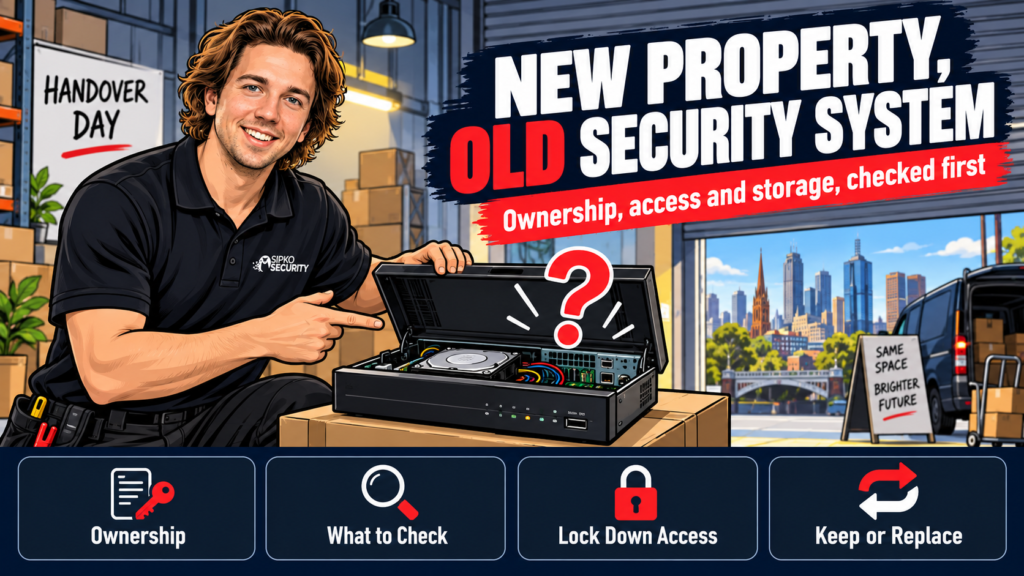
An existing security system in a commercial property you’ve just bought or leased isn’t automatically yours to trust. Before you rely on a single camera or sensor that was already there, check who owns it, what it can actually see and store, and whether it’s worth keeping. Here’s the order we run through on every takeover job.
If a security system came with your new shop, office or warehouse, confirm who owns the equipment and test what it actually records and for how long. Decide to keep, upgrade or replace it before you switch it on and assume it’s covered.
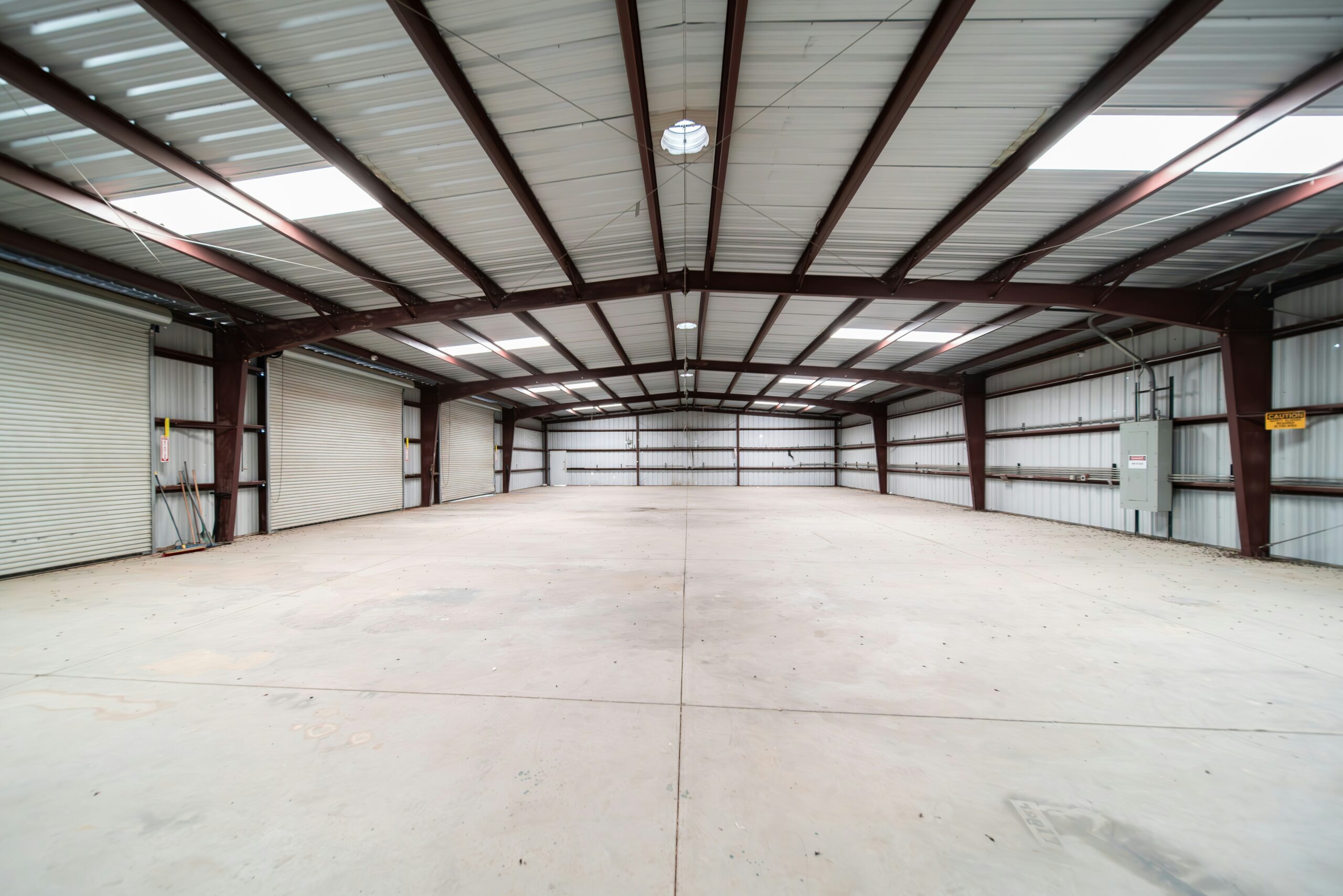
For an inherited warehouse security camera system, compare the recorded coverage with the current racking and loading routes before deciding which cameras, recorder and cabling can remain.
Who actually owns the system that’s already there?
Cameras bolted to a wall don’t automatically belong to whoever sold or leased you the building. A lot of commercial alarm and CCTV gear is supplied under contract with an installer or monitoring company rather than bought outright, and the hardware can still belong to that company after the site changes hands. The outgoing tenant rarely mentions this, mostly because they don’t know either.
Before settlement or your first day in the lease, ask your conveyancer or solicitor to check the contract of sale or lease for any mention of security equipment, and separately contact whichever company’s sticker is on the panel or NVR. If there’s an active monitoring contract sitting behind it, it needs to be formally transferred into your name. An old contract left running under someone else’s details means an alarm event might call the wrong person, or no one at all.
What to check before you trust it
Ownership sorted, the equipment itself needs a proper look before it earns your trust:
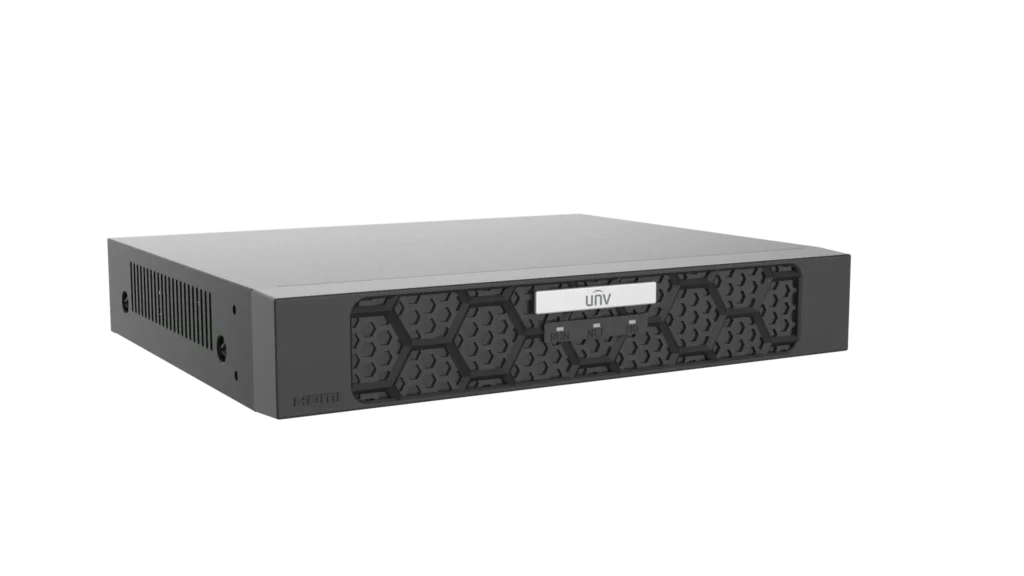
- Recorder condition. Open the NVR or DVR and check the hard drive’s age and the unit’s firmware status. A recorder that’s been running unattended since before you owned the site is usually the weak point. The fans clog with dust and the drive’s had years of continuous writes.
- Real storage retention. Whatever it was set to record on day one has probably drifted. Play back footage from a week ago and see what’s actually still there, not what a settings menu claims.
- Coverage against your fit-out. A camera plan built for the last tenant’s shelving, till position or loading dock won’t necessarily suit yours. Walk the site and mark every blind spot the new layout creates.
- Communication path. Older alarms still running on the 3G network stopped reporting to the monitoring centre once Telstra, Optus and Vodafone switched it off. Check the panel isn’t quietly offline; see our guide to the 3G shutdown if you’re not sure.
Lock down access first

Anyone who had a code, a key fob or the app logged in before you took over still has it unless you change it. That includes past staff, contractors, the previous owner, and whoever the alarm company had on file.
- Change every PIN and keypad code on day one, not week one.
- Remove old users from the camera or alarm app and re-invite only who needs access.
- Confirm the monitoring account holder is your business, not the last one.
If nobody can find the original credentials, a lockout reset is its own job. We cover Dahua and Hikvision resets separately. If the property has an existing Dahua system that needs a full access, recording and user handover, see Dahua CCTV takeover and reconfiguration in Melbourne. If it has an existing Hikvision system, see Hikvision CCTV takeover and reconfiguration in Melbourne.
Keep it, upgrade it, or replace it?
Once you know what’s there and who can reach it, the decision usually comes down to five things.
For an inherited office site, office security upgrades should follow checks of ownership, existing coverage and control of users rather than an automatic full replacement.
| Factor | Keep it | Replace it |
|---|---|---|
| Recorder age | Under 3 years, still gets firmware updates | Analogue, or the brand’s stopped supporting it |
| Coverage | Matches your current layout and blind spots | Missing the till, loading dock or server room |
| Storage | Meets what you actually need to retain | Overwrites in days, not weeks |
| Monitoring | Active contract you can transfer | Lapsed, or the company’s gone |
| Cabling | Structured and labelled | Exposed, spliced or undocumented |
A system that fails two or more of these is usually cheaper to replace than to keep patching. Spare parts for a discontinued alarm often cost more than a new panel, and a system on its last legs tends to fail at the worst time, not a convenient one. If it only fails one, a sharper lens on the till camera or choosing the right camera for your setup usually closes the gap without a full rip-out.
Mistakes new owners and tenants make
On a takeover job, we see the same handful of mistakes over and over:
- Assuming the system’s under warranty without checking who the warranty is actually with.
- Never testing real storage retention until after an incident, when it’s too late to matter.
- Leaving old app logins and keypad codes active for months after moving in.
- Treating a residential-grade DVR as if it’s built for a business’s traffic and hours.
When to get someone to look at it
We run a free walk-through on every takeover: we check ownership, test what the system can actually see and store, and tell you honestly whether it’s worth keeping, upgrading or pulling out. There’s no dollar figure until we’ve seen the site. A fixed quote follows the walk-through, not the other way around.
FAQ
Do I own the CCTV or alarm system that came with my property?
Not automatically. If the previous owner bought the equipment outright, ownership usually transfers with the property. If it was supplied under a monitoring or lease contract, the installer or monitoring company may still hold title to it. Check the contract of sale and the panel’s service sticker before assuming either way.
Can I keep using the previous owner’s alarm system?
Usually, once ownership and monitoring are sorted in your name. Change every code and app login first, and confirm the monitoring contract has actually been transferred. An alarm still reporting to someone else’s account isn’t protecting you, whatever it looks like on the wall.
How do I know if an inherited CCTV system still works properly?
Play back footage from a week ago rather than trusting the settings menu, walk the site to check coverage against your current layout, and open the recorder to check its age and firmware status. A free walk-through covers all three in one visit.
Does my insurer require a working security system on a commercial property?
Some commercial policies set conditions around alarms or cameras, particularly for higher-risk stock or premises. Check your policy wording directly with your insurer or broker. We can tell you what a system is capable of, not what your policy requires.
What does a security system takeover audit cost?
It depends on the system’s size and the site, so we don’t quote a figure sight unseen. The walk-through itself is free, and a fixed quote only follows once we’ve actually seen what’s there.
Book a free walk-through and we’ll tell you honestly whether what’s already installed is worth keeping. Get in touch.



