

Existing alarms · Melbourne & suburbs
Security Alarm Repairs Melbourne
Alarm beeping, refusing to arm or going off unexpectedly? SIPKO Security repairs existing alarm systems in Melbourne homes and businesses, including Bosch Solution, Ajax, Hills Reliance, Ness, DAS/NetworX and supported Paradox models.
A keypad warning does not always mean you need a new panel. We investigate the fault, check the affected equipment and explain what can be repaired.
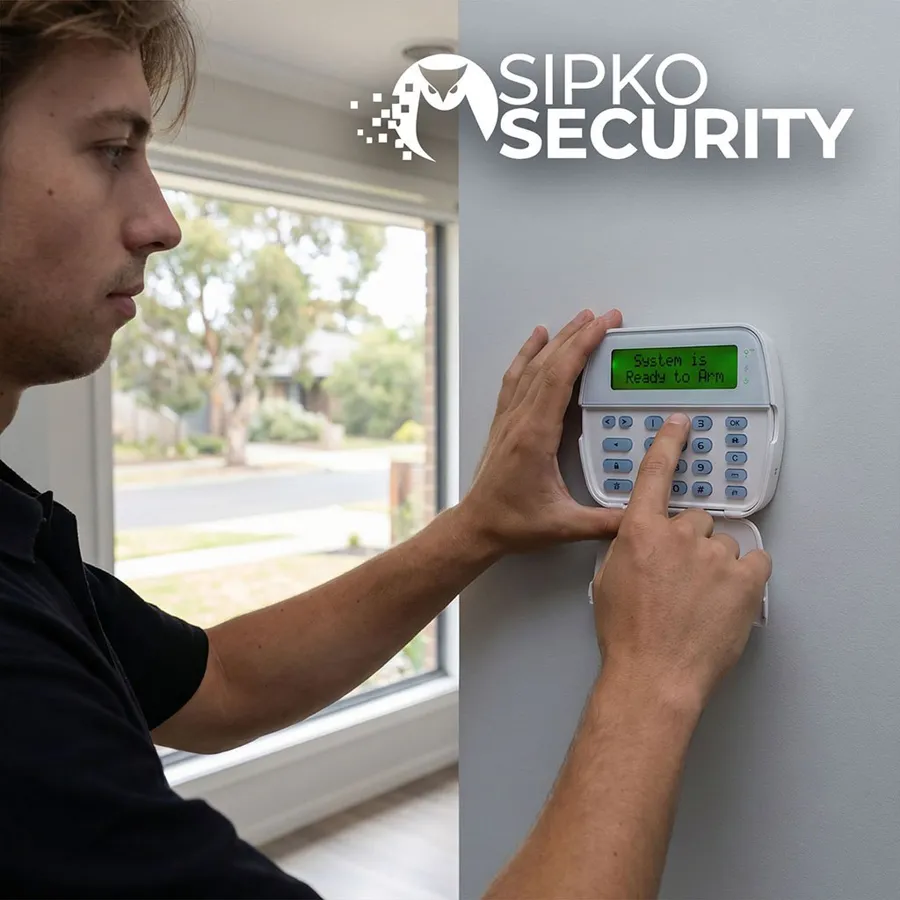
Fault-finding guide
What is wrong with your alarm?
These are the faults we are commonly asked to investigate. Similar symptoms can have different causes, particularly on older wired panels.
Make a note of the exact keypad message and when the fault appeared. Do not open a mains-connected control-panel enclosure yourself.
Alarm keeps beeping
Possible cause: A backup-battery warning, loss of mains power or a reporting fault can all cause trouble tones.
Fault finding: The fault message points us towards the battery, power supply or communicator; each requires a different check.
The system will not arm
Possible cause: A door contact, motion detector or damaged cable may leave one zone permanently open.
Fault finding: We identify the zone that has not returned to normal, then test its contact, detector and wiring.
False alarms at night
Possible cause: An unreliable PIR, loose contact or tamper switch can appear in the activation history.
Fault finding: The event log shows which zone triggered; device testing and sensor placement help explain why.
Keypad is blank or unresponsive
Possible cause: The problem may be the keypad itself, the panel supply or communication between the two.
Fault finding: We check power and keypad connections before recommending a new keypad or panel.
App or monitoring goes offline
Possible cause: Internet changes, an IP or cellular module fault, or an older communicator may interrupt reporting.
Fault finding: We inspect the relevant connection and confirm a test signal where the installed system supports it.
Siren is silent or faulty
Possible cause: The siren, its cable, an output or the supply may have failed.
Fault finding: The relevant output and siren circuit are tested to isolate the component needing work.
The equipment we work with
Alarm brands SIPKO repairs
Older panels can remain serviceable, but the model, wiring and availability of parts matter. The links on the right explain model-specific repair options.
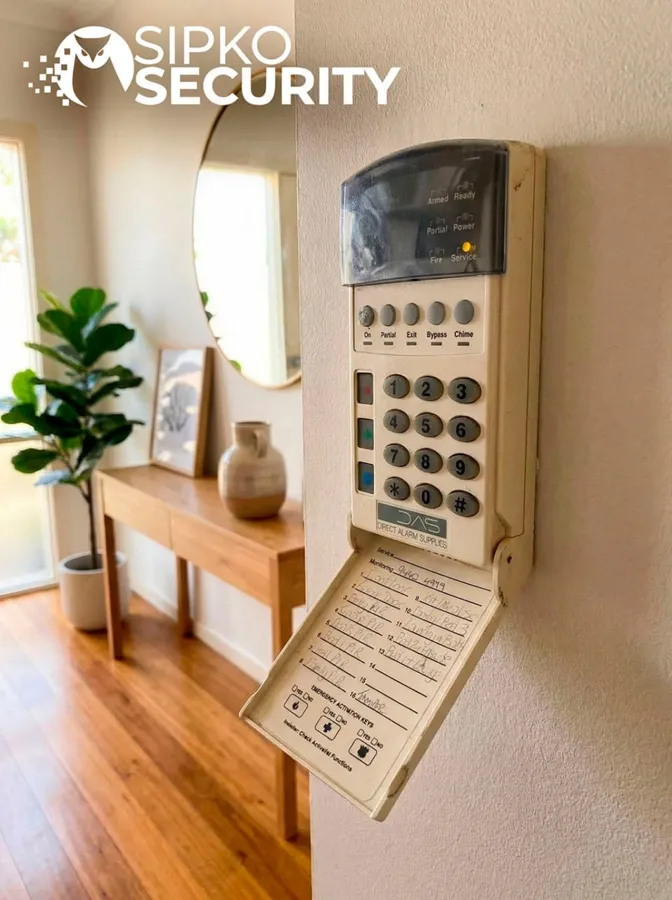
Not sure which alarm you have? Identify it from the keypad or panel.
Repair versus replacement
Repair the fault — or replace the panel?
The decision depends on what actually failed. A defective motion detector is a different problem from an obsolete panel that can no longer report alarms.
Repair is worth considering when…
The issue is isolated to a serviceable battery, detector, contact, keypad connection or cable and the rest of the system is sound.
An upgrade may be necessary when…
Parts are unavailable, recurring faults affect several areas or the installed communication method no longer meets the property’s needs.
Compare alarm takeover options and new alarm installation.
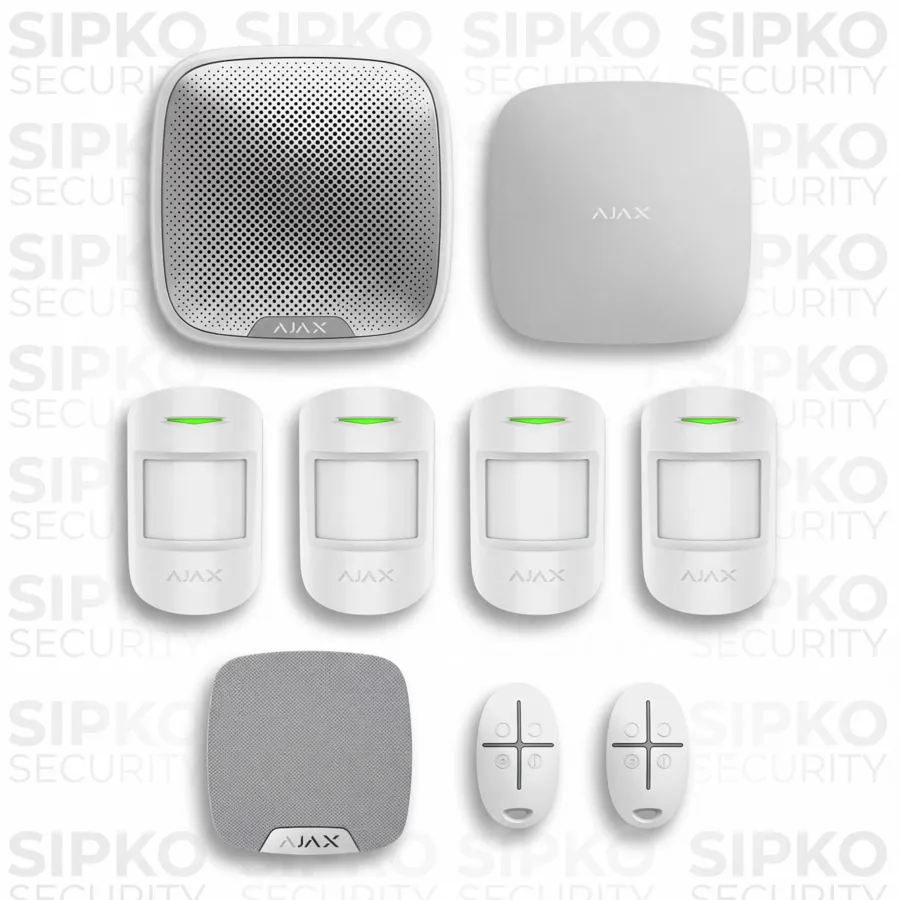
Before the visit
What helps us assess a faulty alarm?
You do not need to know the cause. A few details help the technician prepare for the correct type of fault diagnosis.
Photo of the keypad and any displayed fault message or warning light.
Brand and model label, if it can be photographed without opening electrical equipment.
Your suburb, when the fault began and whether the alarm still arms or reports to monitoring.
Do not share alarm PINs, passwords or access credentials in an enquiry.
Book a repair assessment
Tell us what your alarm is doing
Describe the problem and we can discuss the next step. Include the fault message, equipment brand and your Melbourne suburb.
For a direct conversation, call 0406 432 691.
The technician identifies the fault, explains which parts or work are needed and tests the relevant functions after a repair. Diagnostic charges and additional work should be confirmed before booking.
Questions before booking
Security Alarm Repair FAQs
For other security equipment, see security system repair and maintenance in Melbourne.