

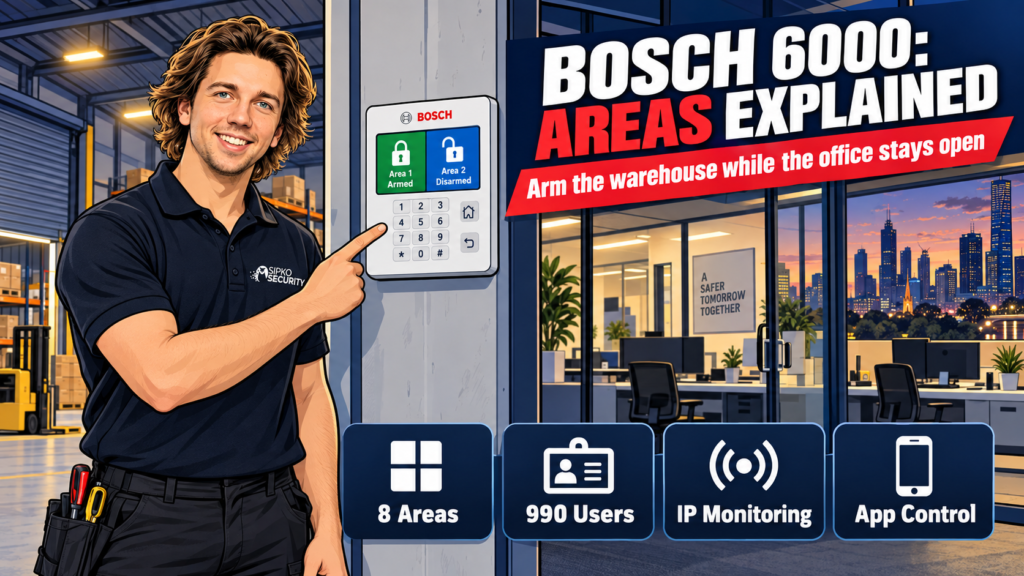
If you’ve had a Bosch Solution 6000 quoted for your business, or you’ve already got one and you’re trying to work out what you actually paid for, the two words that matter are areas and users. Areas let you arm part of a building while people keep working in the rest of it. Users are who gets a code, and what that code lets them touch. Everything else the panel does sits on top of those two ideas.
We install the Solution 6000 across Melbourne shops, offices and warehouses, and most owners have never heard either term explained in plain language before we say it to them.
Short answer: the Solution 6000 splits into up to 8 areas and supports up to 990 individually coded users, which is why it handles a business with staggered hours, shared tenancies or a warehouse-plus-office layout better than a domestic panel. A single-room shop with two staff is usually paying for capacity it won’t use.
What the Solution 6000 is, and who it actually suits
The Solution 6000 is Bosch’s mid-tier commercial alarm and access control panel, the step up from the residential Solution 2000/3000 range and the step below the enterprise-grade panels wholesale chains and multi-site operators run. On paper it supports up to 144 fully programmable zones, up to 16 doors or keypads, up to 8 separate areas and up to 990 users, reporting over IP to a monitoring station.
In practice, it suits a business with more than one working group under one roof: an office with a warehouse behind it, a shop where staff need stockroom access before opening, a clinic with after-hours cleaners, a site with a landlord or neighbouring tenant sharing part of the alarm. If your whole business is one room with one set of hours and one or two people who’d ever arm or disarm it, you’re the audience for the “where it’s overkill” section further down. Our broader business security systems page covers the lighter options too.
When specifying dental clinic alarm systems, match separately armed areas to opening hours and cleaners’ access, and give each authorised user an individual code rather than a shared practice PIN.
If you need a security alarm for business in Melbourne, we can assess your premises and recommend a system around your layout, staff access and operating hours.
Areas explained: arming the warehouse while the office stays open
An area is a group of zones the panel treats as one arming unit. Instead of one on/off switch for the whole building, you get up to 8 of them, and each can be armed, disarmed or checked independently of the others.
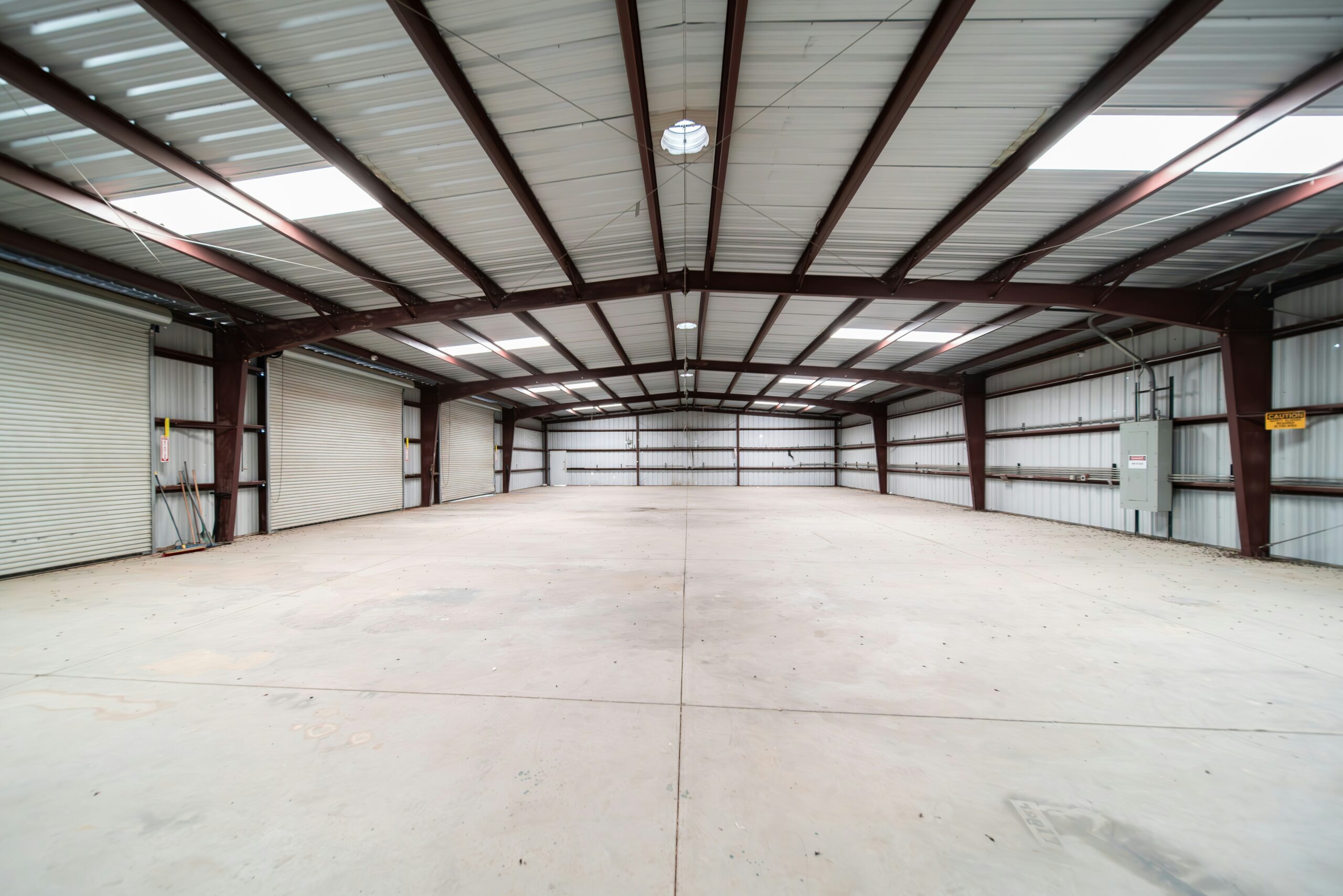
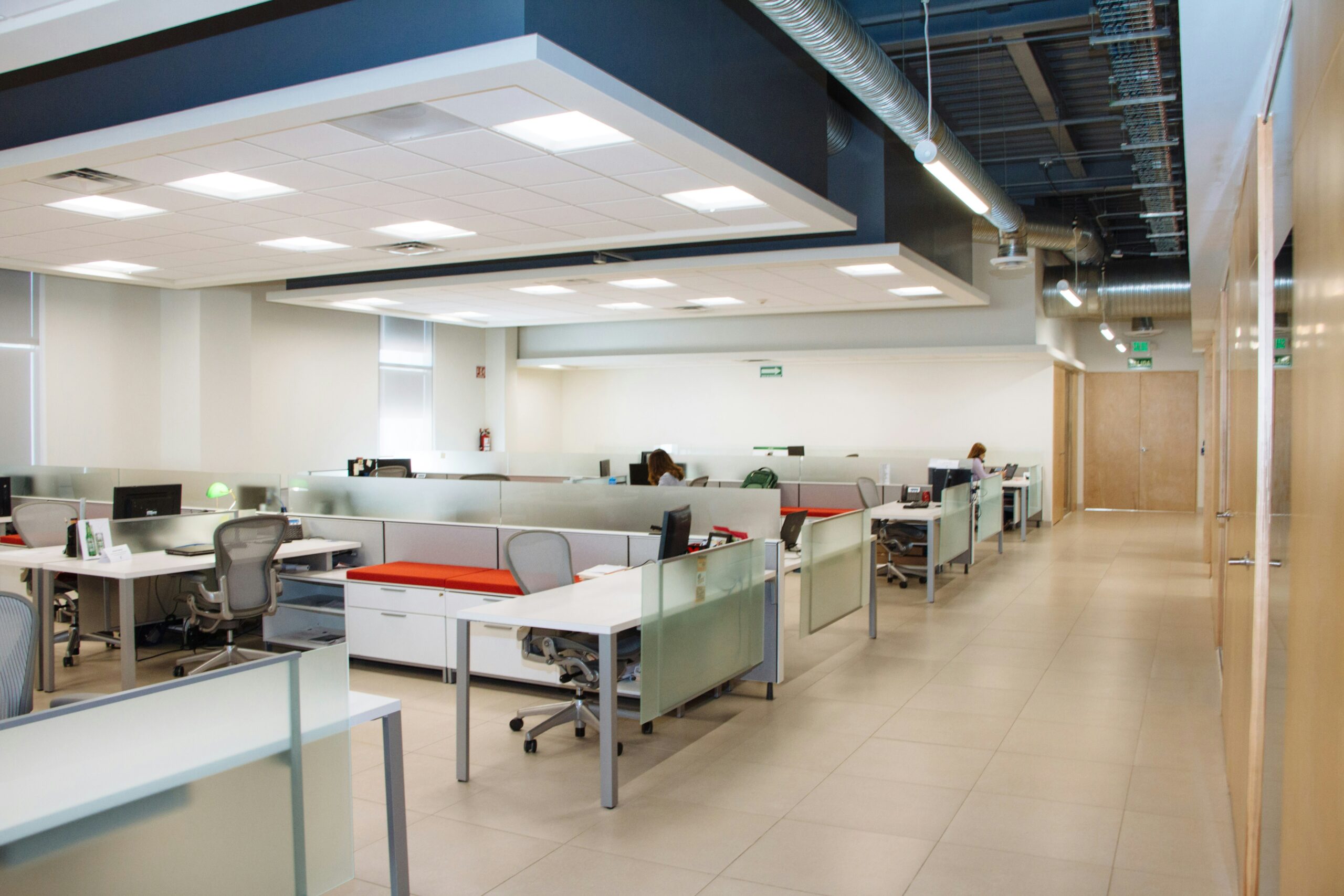
The example we give most often: a business with a warehouse out back and an office up front. The warehouse team knocks off at 4pm and arms their area on the way out. The office keeps running until 6pm, fully disarmed, with nothing in the warehouse’s zones affecting it. Nobody has to remember a part-arm sequence or trust that the last person out did it correctly. The two spaces are simply on different schedules, on the same panel.
For office security systems, the area layout should follow opening hours, cleaners and restricted rooms, with alarm permissions distinguished from physical door access.
The same setup handles a shared tenancy (each tenant arms their own area, neither can see or touch the other’s), a retail floor where staff need stockroom access before the shop opens, or a site where cleaners work through one zone after the rest of the building is already armed. Sites with a single open-plan space and one set of hours for everyone rarely need more than one or two areas — which is a fair chunk of what you’re paying for in a multi-area quote.
When specifying retail alarm systems, match the alarm areas and individual user codes to the sales floor, stockroom and the people who open or close the shop.
Users, codes and who gets what
Every person who arms, disarms or walks through a door gets their own code rather than sharing one, up to 990 of them across the system, each with a programmable authority level that controls what that code can actually do. A manager’s code might arm and disarm every area and pull the event log. A casual staff member’s code might only disarm the one area they work in, with a duress code they’d use if someone forced them to enter it under threat. A cleaner’s code might work only during a set window and only against the area they clean.
If the business also needs a staff panic alarm system, assess dedicated button locations, panel compatibility and alert routing separately from ordinary staff arming codes.
Two things follow from that, and they’re the ones owners usually haven’t thought through before we raise them. First, the event log records who used which code and when. Every arm, disarm and access attempt is timestamped against the individual, not “the office code,” so if something goes missing or a door’s left open overnight there’s a name attached to it, not a guess. Second, when someone leaves, you delete their code. You don’t have to reprogram or hand out a new shared PIN to everyone else, which is the part that makes shared-code businesses dread staff turnover.
We confirm exact authority levels and who gets what at the walk-through; it depends on your org chart, not the panel.
Monitoring and reporting paths
The panel reports over IP to a monitoring station, which is what turns an alarm event into someone actually being sent to check on it rather than just a light flashing on a keypad nobody’s looking at. We run this from $49/month + GST, no lock-in contract; see our monitoring page for what’s included at each tier.
For business alarm monitoring in Melbourne, we can check your panel’s compatibility and coordinate the connection, contact list and handover with a monitoring provider.
Beyond the alarm-to-monitoring path, the panel keeps its own event history on board. Arm, disarm, access and fault events are viewable from the keypad by whoever holds master authority, or remotely through Bosch’s Site Manager software if you’re running more than one site and want a manager checking all of them from one screen. That’s the layer most small-business owners never look at until the first time they need to answer “who was in the building at 11pm on a Tuesday.” It’s already there, recording, whether you check it or not.
App control: what it does and what it doesn’t
The Solution 6000 pairs with Bosch’s MyAlarm iFob Control app rather than Bosch’s general residential app. It’s the feature most owners actually ask for by name even if they don’t know the panel or the app behind it. Once it’s set up, it lets you check status, arm or disarm by area, and operate outputs or doors from a phone. It’s genuinely useful for the manager who wants to confirm the shop armed properly after the last person left, or check status without a drive back to site.
It runs on its own MyAlarm subscription plan on top of whatever monitoring you have, and it needs an IP connectivity module in the panel; not every Solution 6000 kit ships with one by default. It’s also a self-monitoring tool. The app tells you what’s happening; it doesn’t dispatch anyone. If you also want a monitoring station acting on an alarm event rather than just notifying you, that’s the professional monitoring path above, not the app.

Where the Solution 6000 is overkill
If your business is one open space, one set of hours, and the same one or two people arming and disarming it every day, you’re paying for zones, areas and a 990-user capacity you’ll never touch. A domestic-grade panel does the job for less, and we’ll say so at the quote stage rather than upsell you into headroom you don’t need.
Where the Solution 6000 earns its price is anywhere you’ve got more than one working group, more than a handful of people who need their own code, or a genuine reason to check what happened and who did it after the fact. Multi-area, multi-tenant and staggered-hours sites are exactly where a domestic panel starts falling short and this one doesn’t.
| Fits a business needing | Overkill for | |
|---|---|---|
| Areas (up to 8) | Staggered hours, shared tenancy, warehouse + office | One space, one set of hours |
| Users (up to 990) | A team with turnover, contractors, cleaners | Two people who’ll ever touch the keypad |
| Event log | Answering “who armed/disarmed and when” | No need to audit access |
| App + monitoring | Remote status checks, plus a monitoring station dispatching on alarm events | Owner is always on site anyway |
If a kit like this is roughly what you’re being quoted, our Bosch 6000 Series kit with smart keypad and 3 PIRs is $726 + GST supply-only, and the IP module version (the one you need for app control and IP monitoring) is $936.91 + GST. Both are parts pricing; labour is quoted after we’ve walked the site and know how many areas and doors you actually need. For the full Bosch range beyond the 6000, our Bosch alarm systems page covers the smaller and larger panels either side of it.
FAQ
How many areas does the Bosch Solution 6000 support? Up to 8 separate areas, each independently armed and disarmed. Most single-space businesses use one or two; multi-tenant or staggered-hours sites use more.
How many users can I have on a Solution 6000? Up to 990 individually coded users, each with a programmable authority level controlling what they can arm, disarm or access. There’s no shared master code needed for staff.
Can I arm the warehouse while the office keeps working? Yes. That’s what areas are for. Each area arms and disarms independently, so one part of the building can be secured while another stays in normal use, with no crossover between zones.
Does the Solution 6000 have an app? Yes, Bosch’s MyAlarm iFob Control app, for arming, disarming and status checks over IP. It’s a self-monitoring tool on its own subscription, not a substitute for professional monitoring, and it needs an IP module the panel doesn’t always ship with. Flag it if remote control matters to you.
Is the Solution 6000 too much panel for a small shop? Often, yes. If you’re one space with one or two people ever touching the keypad, a domestic-grade panel covers it for less. The Solution 6000 earns its keep once you’ve got multiple areas, several staff needing their own code, or a real need to audit who did what.
Prices current as of September 2026, reviewed quarterly. Get a fixed installed quote after a free site walk-through.
Book a free walk-through and we’ll tell you honestly whether the Solution 6000 is the right fit or overkill for your site.



