
Alarm System vs CCTV: What Does Your Home Actually Need?
Most alarm-vs-CCTV comparisons frame this as a battle between two rivals — one stops intruders, the other just watches. In reality, both systems do a piece of a larger job, and the useful question isn’t which one wins, it’s what your home actually needs from three separate functions: detecting that something happened, verifying what it actually was, and making sure someone can respond. An alarm and a camera map onto these functions differently, and on some modern platforms they increasingly overlap. This guide works through what each system actually does, where they genuinely differ, and when alarm alone, CCTV alone, or both together make sense for a specific property.
What an Alarm System Actually Does
An alarm system’s core job is detection: sensors on doors, windows and in rooms identify that something happened, and the system passes that on. It’s worth being precise about what this does and doesn’t do — a triggered alarm doesn’t physically stop an intrusion; it detects an event and starts a response chain.
An alarm response chain can include:
- Detection — a door, window or motion sensor identifies an event.
- Transmission — with Ajax’s Jeweller protocol, for example, an alarm signal reaches the hub in around 0.15 seconds once a device is triggered.
- Notification — siren, app or monitoring path, depending on how the system is configured.
- Response — what happens next depends on who is actually available to act, not on the sensor itself.
For a Melbourne home, these decisions are part of planning a residential alarm installation around the property rather than choosing sensors in isolation.
What CCTV Actually Does — and Why “Just Recording” Is Outdated
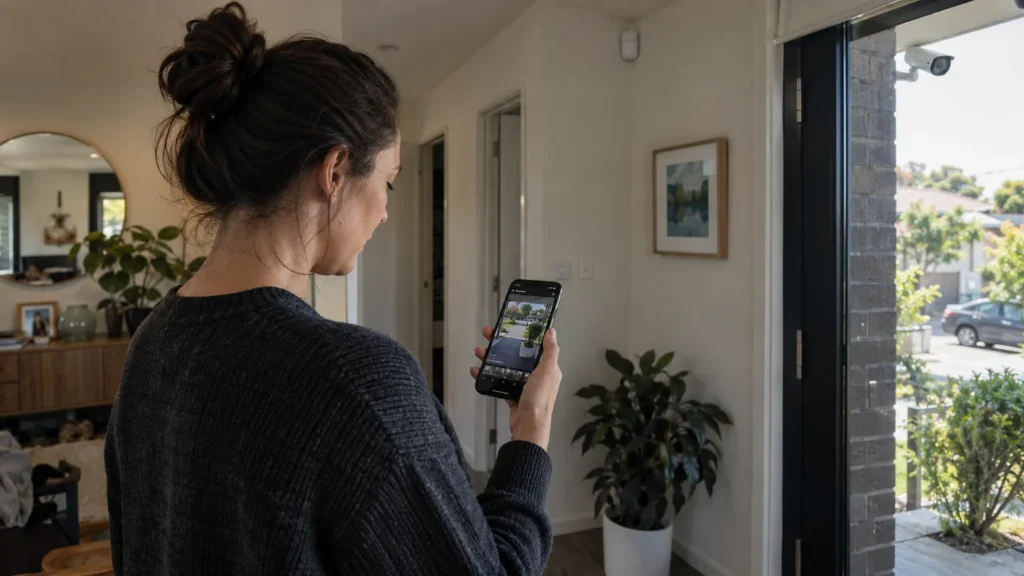
CCTV is often described as a passive recorder — something that only becomes useful after the fact, when you review footage of a break-in that’s already happened. That description is out of date. Modern CCTV systems support live remote viewing, so you can check a camera in real time rather than waiting to review a recording later. Many systems also support event-triggered detection — motion or object-based alerts that notify you when something happens, rather than requiring someone to be watching a live feed constantly.
It’s also worth knowing that “detecting” someone on camera and having enough detail to actually identify them are two different technical thresholds. Axis’s application of the IEC 62676-4 DORI framework uses approximately 25 pixels per metre for detection and 250 pixels per metre for identification — a tenfold difference. That gap is why a camera can clearly show that someone is present while still not capturing enough detail to say who it was.
Camera position matters just as much as camera capability, which is why a professional CCTV installation starts with what each area actually needs to show.
Where the Categories Actually Overlap
On some modern platforms, “alarm” and “CCTV” aren’t fully separate purchases — they’re two functions built into the same detection event. Ajax’s MotionCam is one concrete example: it’s an alarm detector that also captures a photo when triggered, adding visual verification to what would otherwise be a signal-only alert.
Ajax example: alarm transmission ~0.15 s → MotionCam photo verification up to 9 s under the documented conditions
Default resolution, good signal strength, hub connected via Ethernet.
One triggered event, two different stages, two different timescales — which is exactly why detection and verification are worth thinking about as separate functions, even when a single device handles both. This kind of integration is a useful example of where the line between “alarm” and “CCTV” is blurring, not proof that one brand defines either category.
What Can Go Wrong With Each — and What Neither Guarantees
Being honest about the limits of each system matters more than picking a side:
- Detecting an event isn’t the same as preventing it. An alarm can identify that a door opened; it can’t physically stop someone from opening it.
- An alarm activating doesn’t guarantee a response. Whether that leads to someone checking in, a monitoring service acting, or nothing at all depends entirely on the arrangement behind the alert, not the alarm itself.
- CCTV recording isn’t automatically “passive-only” security, but it also isn’t automatically monitored — a camera can capture footage of an event without anyone seeing it until much later, unless live viewing or alerts are actually being used.
- A remote notification isn’t the same as a monitored response. Getting a push notification tells you something happened; it doesn’t mean a monitoring service, a neighbour, or anyone else is actually positioned to act on it.
- Backup power has real limits. Even the communication layer behind these alerts depends on hardware that isn’t infinitely resilient — Ajax hubs, for example, carry backup batteries rated for 14 to 16 hours across standard models during a mains outage, a genuine but finite limit worth knowing rather than assuming.
When Alarm Alone, CCTV Alone, or Both Make Sense
Alarm alone tends to suit situations where the priority is knowing that something happened and getting an immediate alert — a local siren, an app notification, or a monitoring connection — without necessarily needing to see what triggered it. This can be enough where a reliable local responder (a keyholder, a neighbour, monitoring) is already part of the plan.
CCTV alone can suit situations where the priority is visibility — seeing a specific area, receiving camera-based event notifications where the system supports them, and having recorded footage available — without needing a separate perimeter or interior alarm layer covering the whole property.
Layered (alarm and CCTV together) makes the most sense where detection genuinely needs to be paired with fast verification — an unoccupied property during a longer absence, a higher-risk area, or any situation where ruling out a false alarm quickly actually changes what happens next. For exactly this scenario, our guide on securing your home while travelling covers the detect-verify-respond chain in more depth for an unoccupied property.
Choosing What Your Property Actually Needs
Working through the decision in order helps more than starting from a product category:
- Identify what actually needs to be detected — entry points, a specific area, or both.
- Decide who needs to be alerted, and how quickly that alert needs to reach them.
- Work out whether visual verification genuinely matters for your situation, or whether a detection-only alert is enough.
- Be realistic about what response is actually available after an alert — a person nearby, a monitoring arrangement, or neither yet.
- Only then compare specific alarm, CCTV or combined systems within that requirement — at that point, the decision becomes far more concrete than a generic “alarm vs CCTV” comparison.
Detection, verification and response are three different jobs, and the right combination of alarm and CCTV depends on which of them actually matters for your property — not on picking a side in an old debate.
Frequently Asked Questions
Can I check an alarm event remotely when I’m away from home?
Many current alarm systems support remote status checking and event notifications through a mobile app, provided the system has a working internet or cellular connection and remote access has been configured. What you can actually verify remotely — a status update versus a photo versus live footage — depends on the specific system.
Can CCTV footage be used as evidence after a break-in?
Yes, recorded footage is commonly used this way, provided the system was actually recording at the time and the footage captures useful detail. This is a genuinely different function from live verification or event alerts — it’s about what’s available to review afterwards, not what happens in the moment.
Do I need professional monitoring for either system to be useful?
No — both alarms and CCTV can function without a monitoring subscription, using local alerts and self-managed app notifications instead. Monitoring adds a dedicated response path reviewing events on your behalf, which matters more for some situations (an empty property, a higher-risk area) than others.
Can I add CCTV to an existing alarm system later, or does it need to be planned together?
Often, yes, though it depends on the specific platform and how much of it is already installed. Some systems are designed to add cameras to an existing alarm setup without starting over; others may have more limitations depending on the hub or panel in place. It’s worth checking against your specific existing system before assuming either way.
Sources


