
Short answer: it depends on what you’ve connected the alarm to. Without business alarm monitoring, the answer is you. You get a push notification and you decide what happens next. With professional monitoring, an ASIAL-graded monitoring centre gets the signal first, follows the contact order on file for your site, and only calls you if it needs to. We design and install the alarm, connect it to a monitoring provider, and make sure the handover gives that centre everything it needs to act fast instead of guessing.
- What actually happens in the seconds after your alarm trips
- App alerts vs professional monitoring: who's actually on the hook
- What monitoring actually costs
- What determines the response, and what doesn't
- What we check before we connect monitoring
- Common mistakes that slow down a real response
- Monitoring FAQ
- Get monitoring set up properly
What actually happens in the seconds after your alarm trips
A sensor trips, the panel logs the event, and it’s sent down whatever communication path you’ve got, whether that’s Wi-Fi, Ethernet, or a cellular backup if one’s fitted. From there, one of two things happens.
App-only: the notification lands on your phone. You check it, decide if it’s real, and call whoever needs calling, including 000 if it comes to that.
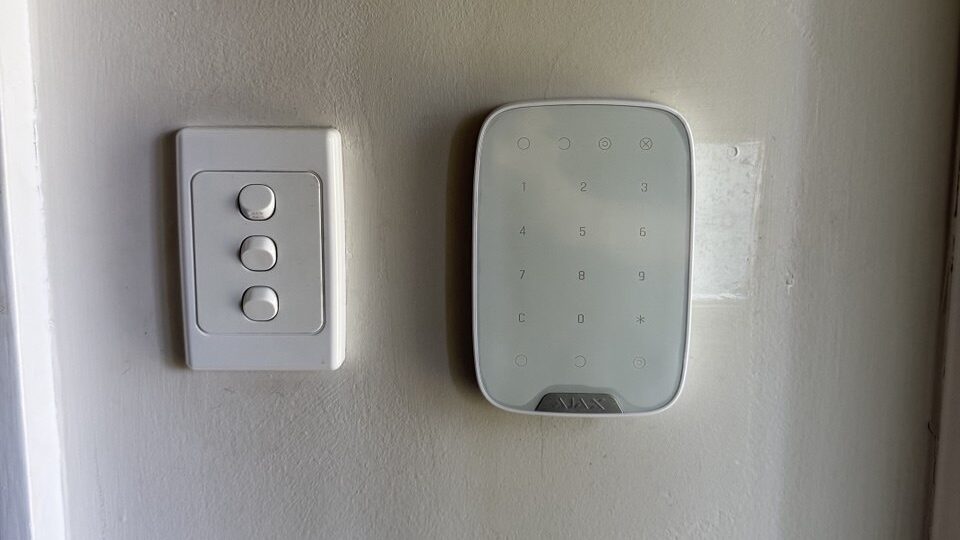
Professional monitoring: the event goes to a 24/7 monitoring centre first. An operator checks whatever information came through with it: zone, event type, communication status, and on Ajax systems with video verification, a photo or short clip if the sensor supports it. Only then does anyone pick up a phone.
Neither option makes the alarm itself smarter. What changes is who’s expected to notice, assess, and act in the gap between the siren and someone actually doing something about it.
App alerts vs professional monitoring: who’s actually on the hook
This is the decision that matters more than which alarm brand you pick.
| Question | App-only alerts | Professional monitoring |
|---|---|---|
| Who gets the alert first? | You, or whoever’s nominated | A monitoring centre operator |
| Who decides if it’s real? | You, from the app and any camera feed you have | An operator, from the signal and verification data available |
| Who calls the contact list? | You | The centre, in the order you’ve set |
| Can a patrol be sent? | Only if you arrange it yourself, on the spot | Only where a patrol service is included and eligible |
| What if you’re asleep or in a meeting? | The alert waits for you | The centre’s process runs regardless |
The honest version: app alerts are fine if someone reliable is always awake, always has their phone on, and is happy to be the one making the call at 3am. Most business owners we quote for monitoring aren’t trying to replace their alarm. They’re trying to stop being the single point of failure in their own security plan.

What monitoring actually costs
We quote professional monitoring at AUD $44–99 + GST per month, no lock-in contract (prices current as of September 2026, reviewed quarterly). The exact figure depends on your panel, whether video verification is included, and how many communication paths you’re running. That’s a separate cost from a commercial alarm installation itself, and it only gets set up once you ask for it; we don’t bundle it in by default.
Most of Melbourne’s alarm and monitoring providers don’t publish a number at all. You’ll see “request a quote” or “tailored pricing” on page after page. We’d rather you know roughly what you’re signing up for before you call us, even if the exact figure still needs a quick site check to confirm.
Not every site needs it. A single shopfront with a loud external siren and an owner who lives five minutes away can often get by on app alerts alone. It’s multi-tenant buildings, unstaffed warehouses, and anywhere holding cash or stock overnight where the monthly fee earns its keep.
A monitored alarm is only as good as the setup behind it. See what’s included on our alarm monitoring page or request a monitoring quote for your site.
What determines the response, and what doesn’t
Two things people assume are automatic and aren’t: patrol attendance and police attendance.
A patrol only turns up if you’ve paid for a patrol service, it’s eligible for your event type, and it’s available at the time. Police attendance runs through Victoria Police’s Alpha Code system. Only monitoring centres holding a current Alpha Code can request a guaranteed Category A response, and Victoria Police won’t send officers for alarms caused by a power, phone, or broadband outage. Working out whether an outage caused the event is the monitoring centre’s job, and it matters more to a real response than how fast the phone gets picked up.
What we can control on the installation side: correct zone naming so an operator isn’t guessing which door tripped, a tested backup communication path so an internet outage doesn’t also kill your reporting, and a contact list that’s actually current. What we can’t control: whether a patrol or police response is available for a given event, and how quickly a human answers the phone when the centre calls.
What we check before we connect monitoring
We’re the installer and the ones who coordinate the connection, not the monitoring centre itself, so before we switch anything on we go through the same checklist on every job:
- Panel and communicator compatibility with the monitoring provider you’ve chosen
- A working primary path and a real answer for what happens if it drops
- Backup battery condition on the panel, plus a small UPS on the router if the site needs one
- Clear zone labels: Front Door, Server Room, Loading Dock, not “Zone 4”
- Nominated contacts, their order, and a test transmission to confirm the centre actually received it
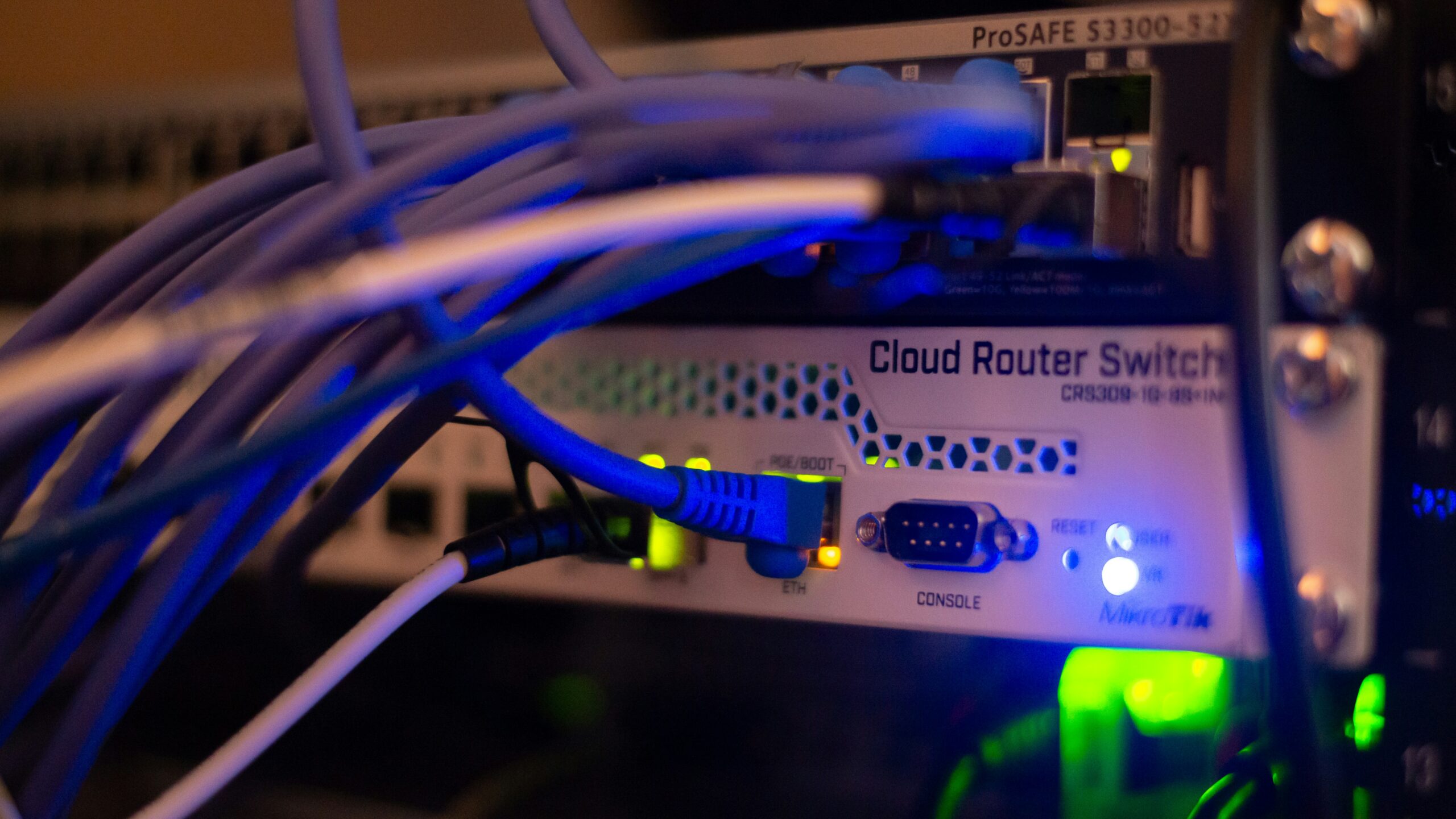
On a site we didn’t install originally, this checklist is usually already broken somewhere. Zone 4 still says Zone 4, the contact list still has someone’s old mobile number on it, and nobody’s tested the panel since the router got replaced. Skip any of these and the monitoring itself doesn’t matter much; the centre can only act on what actually reaches it.
Common mistakes that slow down a real response
- No backup communication path. If your NBN or Wi-Fi drops, so does your reporting, unless there’s a cellular backup.
- Zones nobody’s relabelled since installation. “Zone 4” tells an operator nothing about which door or room tripped.
- Contact lists nobody’s updated. Former staff and disconnected numbers slow down every call in the chain.
- Skipping test transmissions after changes. After a new router, a new zone, or a new user, test it. Don’t assume it still reports correctly.
- Assuming monitoring means patrol or police are automatic. They’re separate, and each has its own conditions.
Most of these cost nothing to fix. They just need someone to actually check them, which is what we do before we hand a site over.
Monitoring FAQ
What’s the actual difference between app alerts and professional monitoring?
App alerts put you in charge of noticing, assessing, and calling for help. Professional monitoring sends the event to a monitoring centre first, and an operator works through the contact order on file. You’re not the one who has to be awake and available.
How much does business alarm monitoring cost in Melbourne?
We quote AUD $44–99 + GST per month, no lock-in, depending on your panel and whether video verification is included. Get a firm number with a site check.
Does monitoring include police or patrol response?
Not automatically. Patrol only applies if it’s included and available. Police response for Category A alarms depends on the monitoring centre holding a current Alpha Code and Victoria Police’s own criteria. It’s never guaranteed.
Can I cancel if it’s not working for us?
Our monitoring has no lock-in contract, so you’re not stuck in a multi-year agreement. Confirm cancellation terms with the specific monitoring provider before you sign anything.
What happens if the internet goes down at our site?
Reporting continues only if you’ve got a working backup path, usually cellular. Local siren and panel functions can still work even when remote reporting can’t get out, so it’s worth checking which one your setup relies on.
Get monitoring set up properly
If your alarm currently only talks to your phone, that’s not a fault. It’s a decision, and for a lot of small sites it’s a fine one. But if the person who’s supposed to notice is asleep, in back-to-back meetings, or just not checking their phone at 3am, that decision is costing you more than the $44–99 a month monitoring would. Request a monitoring quote and we’ll tell you straight whether it’s worth it for your site, or call us on 0406 432 691. Figures above are a guide; your fixed price is confirmed after a free on-site walk-through.


