Ajax Alarm System Installation in Melbourne
New Ajax Systems, Existing System Takeovers and Alarm Replacements
SIPKO Security installs and configures Ajax alarm systems for Melbourne homes and businesses. We can install a new system, take over an existing Ajax installation, replace an older alarm, add devices and configure access for the people who use the property. The system can include mobile app control, individual users, Night Mode, event notifications, keypads, sirens and detectors selected for the actual entry points and movement paths.
Ajax Installation Services in Melbourne
- New Ajax system: planning and installation around the property’s current entrances, movement paths and required arming modes.
- Existing Ajax takeover: review of the installed Hub, devices, users, account access and current system condition before changes are made.
- Replacement of an older alarm: assessment of ageing Bosch, Ness, Hills or other equipment where a new Ajax system is being considered.
- Mobile app and event notifications: clear device naming, system status and useful alerts configured in the Ajax app.
- Individual users: separate access for family members, owners, managers or staff rather than relying on one shared account.
- Night Mode: selected protection can remain active while occupants are inside where the detector layout supports the required routine.
- Testing and handover: device communication, alarm events, sirens, notifications, arming modes and user operation are checked before completion.
Tell Us What Is Already Installed
Send your suburb, property type and whether Ajax is already installed. For an existing system, include any known account-access, offline-device or user issues.
Request an Ajax assessmentSchedule Your Security Assessment
Call 0406 432 691 or send your details below.
New System, Existing Ajax or Older Alarm?
Tell us whether the site has no alarm, already has Ajax installed or has an older system that may need replacement. This helps SIPKO assess the correct work before devices or users are changed.
What Affects the Final Ajax System Price
The final quote depends on the required coverage, selected equipment, communication conditions and installation scope.
Hub and communication requirements
Hub selection depends on device quantity, communication paths, required functions and property design. These requirements can affect equipment and installation cost.
Motion detector coverage
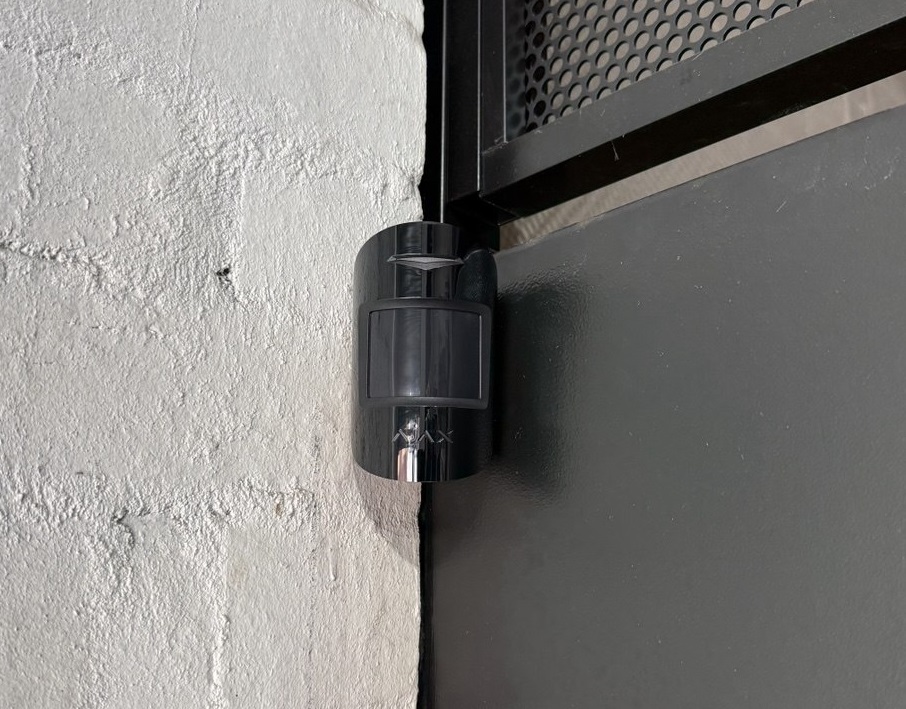
Detector quantity and type depend on room geometry, internal movement paths, environmental conditions and the areas that need secondary intrusion detection.
Door and window protection
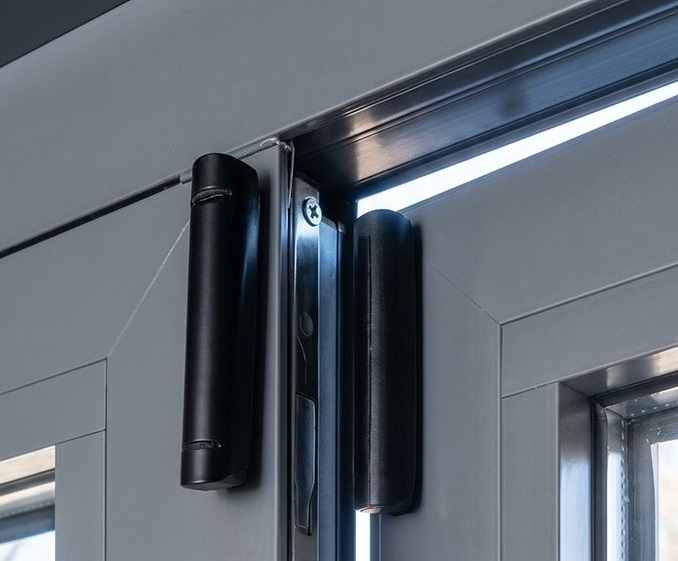
Accessible openings are assessed individually. Opening detection, motion detection or a combination may be used depending on the layout and required arming modes.
Keypad requirement
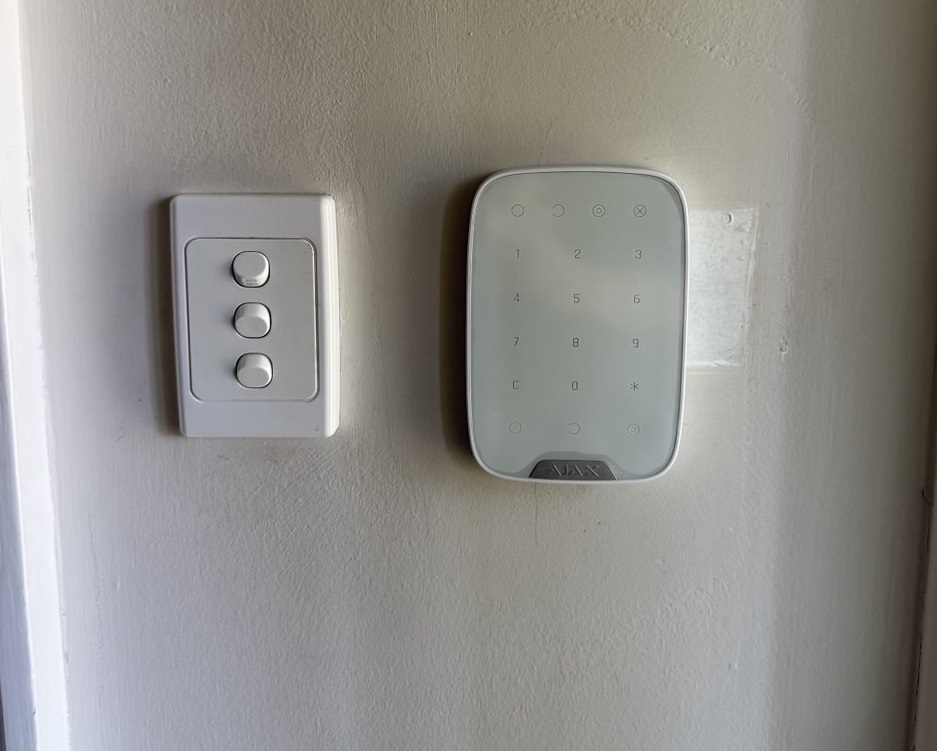
A keypad can be included where wall-mounted arming and disarming is useful. Other users may operate the system primarily through the Ajax app.
Indoor and outdoor sirens
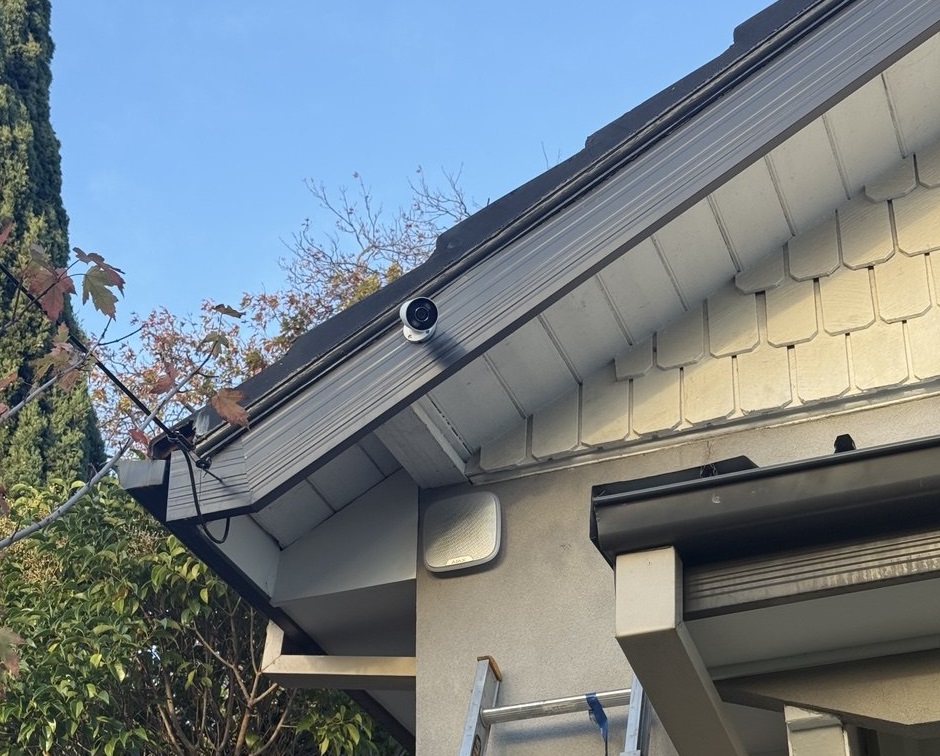
Siren quantity and location depend on sound coverage, visibility, property layout and required alarm response. An outdoor siren is not automatically required for every installation.
Properties with pets
Detector model, installation height, direction and room conditions should account for pets where required. Pet tolerance depends on the selected detector and correct installation.
Garage or shed protection
Detached or separate areas can require extra detectors and a communication assessment to confirm reliable operation between those devices and the main system.
Outdoor detection
Outdoor detection requires equipment suitable for the environment and careful positioning around access routes, vegetation, pets and other sources of movement.
Users and app configuration
Homes and businesses may require several individual users, different permissions and notification settings. These are configured as part of commissioning.
Monitoring requirements
If professional monitoring is required, communication, escalation and response requirements should be confirmed before the final system configuration is approved.
Installation complexity
Multiple levels, difficult mounting locations, detached structures, existing alarm removal and challenging radio conditions can increase the installation scope.
Where Ajax Can Be a Practical Fit
Ajax can suit many residential and smaller commercial properties where wireless detector placement, mobile control and individual user access are useful. Final suitability depends on the building layout, communication conditions and required security functions.
Homes
Houses can combine door and window protection, internal motion detection, sirens, keypad control and mobile access while reducing the amount of new field-device cabling required.
Townhouses
Townhouses can benefit from wireless detectors where cable routes are limited. Each level, garage connection and external access point still needs to be assessed for communication and coverage.
Apartments and Units
Apartment systems can remain compact with entrance protection, selected internal detection and app access. Building and tenancy requirements should be confirmed before mounting equipment.
Small Shops
Retail installations can cover customer entrances, staff doors, stockrooms and selected internal areas, with separate users and after-hours arming configured around opening and closing routines.
Offices
Office systems can cover entrances, restricted rooms and after-hours areas with individual users for owners, managers and staff.
Rental Properties
Wireless equipment can reduce the amount of new alarm cabling required in a rental property. Mounting methods and any required owner or building permissions should still be confirmed.
Properties With Difficult Cable Routes
Wireless detectors can reduce the need to run new alarm cabling through finished walls or difficult building areas, but construction materials and Hub positioning still need to be checked.
Properties Requiring Mobile Control
The Ajax app can provide remote system status, arming controls, notifications and individual users. Permissions and alerts should be configured around the household or business rather than left at generic defaults.
Wireless System Conditions to Check Before Installation
A wireless security design still depends on building size, construction materials, detached areas and the security functions required at the site.
Large Buildings Require Communication Assessment
Large houses, warehouses, offices and multi-level buildings require assessment of actual device distances, floors, construction and Hub location before the wireless layout is confirmed.
Device communication should be checked before final mounting positions are approved.
Metal Structures Can Affect Radio Communication
Metal walls, sheds, reinforced areas and other construction materials can reduce or obstruct radio communication between the Hub and installed devices.
Device positions should be based on onsite communication testing rather than a floor plan alone.
Some Sites Need Range Extension
Detached buildings, long floor plans and difficult radio paths may require a compatible Ajax range extender or a revised Hub and device layout.
Range extension should be included only where the communication assessment shows that it is needed.
Intrusion Alarms Do Not Replace Required Fire Safety Systems
Intrusion detection and mandatory fire-safety requirements are separate. An Ajax security installation should not be treated as a substitute for fire systems required for a particular building or occupancy.
Fire-safety obligations should be assessed separately from the intrusion alarm design.
Cameras and Intrusion Detection Have Different Functions
An alarm detects configured intrusion events and manages arming. Cameras provide live or recorded visual coverage. One system does not automatically replace the other.
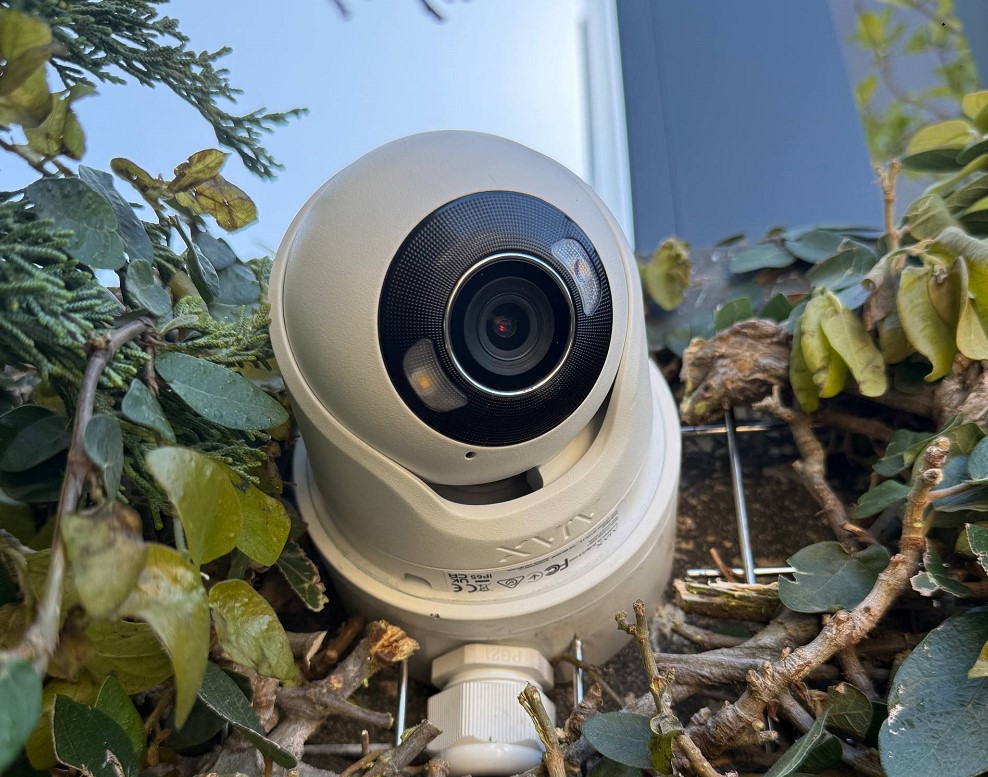
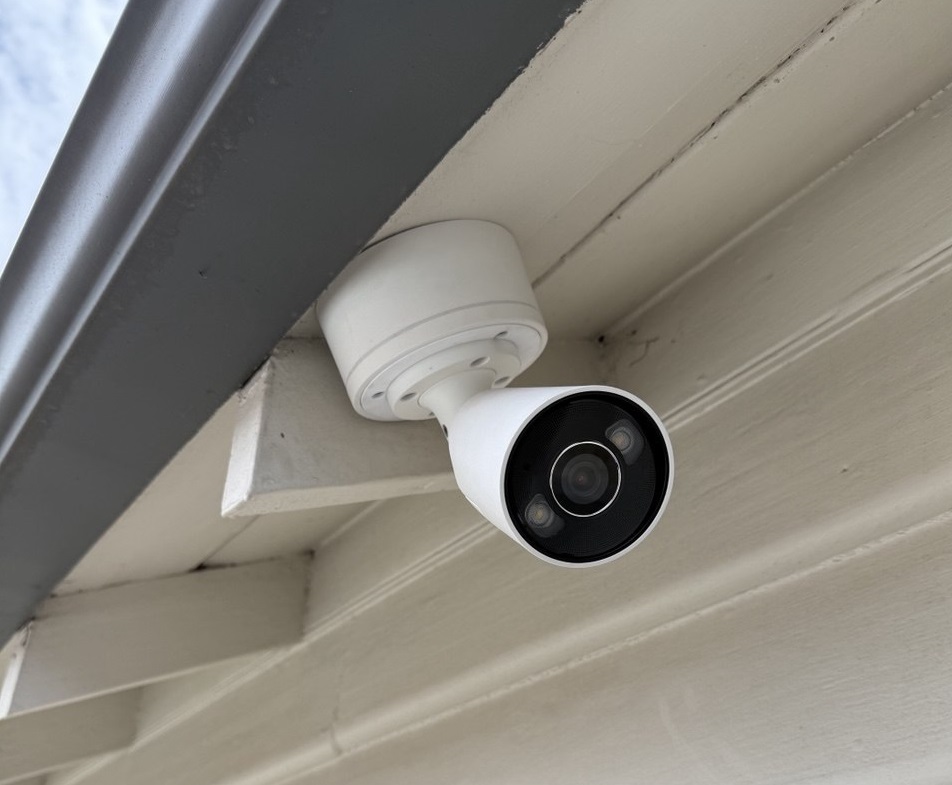
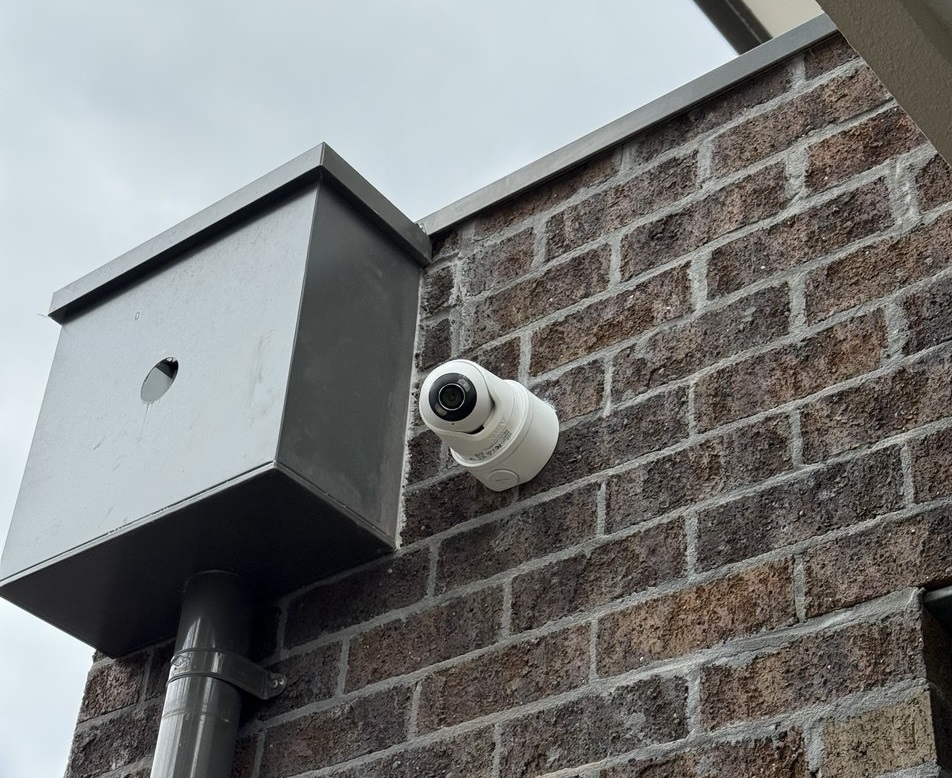
Ajax camera installation:
Ajax CCTV Camera Installation Melbourne — TurretCam & NVR Systems
Some Sites Need a Different Security Architecture
Building size, required integrations, radio conditions or site-specific requirements may make a wired, hybrid or differently structured system more appropriate than a standard wireless configuration.
The final system architecture should follow the site assessment and required security functions.
Installation Issues That Can Reduce Reliability
Most problems start with poor planning, unsuitable device placement or incomplete commissioning rather than the number of devices installed.
Hub Location Chosen Without a Communication Check
A convenient mounting position is not automatically the best radio location. Building materials, distance, multiple levels and detached areas can affect communication.
Important Entry Routes Left Without Detection
Protection should be based on accessible openings and likely movement paths rather than simply counting rooms.
Garage or Detached Area Added Without Signal Testing
A garage or shed may be physically close to the house while construction materials still affect device communication.
Siren Placement Not Planned for the Property
App notifications and sirens perform different functions. Siren type and position should follow sound coverage, visibility and property use.
Detector Selection Does Not Account for Pets
Pets can contribute to unwanted motion events when detector type, mounting position or room conditions are unsuitable.
Users Left With Shared or Unclear Access
Shared accounts and unclear permissions make event history harder to interpret and complicate staff or family changes later.
No Complete Alarm Test Before Handover
Device mounting alone does not prove that the system is ready for daily use.
Handover Does Not Match the User’s Routine
A technically working alarm can still be difficult to use if people do not understand Night Mode, user permissions, notifications or normal arming behaviour.
How SIPKO Plans an Ajax Installation
A reliable installation is based on the property, user routine and communication conditions rather than a fixed sensor count.
Planning Before Device Count
SIPKO checks how people and potential intruders can move through the property before deciding where detectors belong.
- Main entrances, rear access and garage connections reviewed.
- Internal movement paths considered as secondary detection.
- Detached areas assessed for communication before devices are added.
- Night Mode requirements considered during device planning.
App and User Configuration
Devices should have clear names and each relevant person should have appropriate access rather than relying on generic defaults.
- Clear device and room names.
- Individual family or staff users.
- Event notifications configured for practical use.
- Night Mode and normal arming behaviour explained.
Testing Before Completion
Commissioning includes communication and alarm-event testing rather than assuming a mounted device is operating correctly.
- Device communication checked.
- Alarm events confirmed in the app.
- Siren response tested.
- Arming and disarming checked with the customer.
System Changes After Installation
The system can be reviewed later when users, access routes or required coverage change.
- Additional compatible devices can be assessed.
- Former users can be removed.
- New family or staff users can be added.
- Settings can be reviewed when the property use changes.
Call 0406 432 691 or send your suburb, property type, existing alarm details and the areas that need protection.
Ajax Security for Melbourne Homes
Residential systems are planned around how the household enters, leaves and moves through the property, including the areas that may need to remain protected at night.
Doors and Windows
Front doors, rear doors and accessible windows are assessed to determine where opening detection or other intrusion protection is appropriate.
Internal Movement
Hallways and internal movement routes can be covered with suitable motion detection so the system does not rely only on perimeter contacts.
Garages and Sheds
Garages and detached structures can be included after device positions and communication with the main Ajax system have been assessed.
Night Mode
Selected protection can remain armed while occupants are inside, with the final configuration based on normal night-time movement through the home.
Family Users
Individual users can be configured for family members so access and event history do not depend on one shared account.
Panic Button and Mobile Alerts
Suitable panic-control options and mobile event notifications can be configured according to the household’s required response procedure.
Ajax Security for Melbourne Businesses
Business systems are planned around staff access, restricted areas, opening and closing responsibility and the areas that require protection after hours.
Staff Access and Separate Users
Owners, managers and employees can have individual users rather than relying on one shared account or common code.
Restricted Areas
Stockrooms, storage areas, offices and other restricted spaces can be included according to the way staff use the premises.
Opening and Closing Responsibility
User access can be structured around the people responsible for opening, closing and checking the premises.
Event History
System events can help authorised users review relevant arming, disarming and alarm activity associated with configured devices and users.
Rear Doors, Stockrooms and Offices
Staff entrances, rear access and internal restricted areas are reviewed separately so the installation reflects the actual business layout.
After-Hours Arming
The alarm can be configured around the required closing routine and the areas that should remain protected once staff have left.
New Ajax System or Takeover of an Existing System
A new installation and a takeover are different jobs. With an existing Ajax system, SIPKO first checks the installed equipment, account access, users and current system condition before changing the configuration.
New Ajax Installation
A new system may be appropriate where the property has no alarm or where an older system is being replaced.
- Assess the property and identify the areas requiring intrusion detection.
- Install the Hub, detectors, sirens and keypad included in the final design.
- Configure individual users, event notifications and required arming modes.
- Test device communication and operation before handover.
- Remove or replace older alarm equipment where that work is included in the agreed scope.
Taking Over an Existing Ajax System
An existing installation may need ownership changes, additional devices, replacement components or a review of users and current configuration.
- Review the installed Hub and existing Ajax devices.
- Confirm who currently controls the system and which users should remain.
- If the Hub is still associated with another account, account access or ownership needs to be resolved before full administrative changes can be completed.
- Add compatible devices where the existing coverage no longer meets the property’s needs.
- Replace components after the relevant fault has been identified.
- Remove former users, add current users and update permissions.
Professional Installation Planned Around the Property
Device Placement Based on Real Access Routes
SIPKO reviews the routes that matter before final device placement, including the main entrance, rear access, garage connection and internal approach paths.
- Doors, windows, garage access and internal movement reviewed.
- Wireless mounting planned with communication conditions in mind.
- Detached areas checked before devices are added.
Ajax App Setup Ready for Daily Use
Installation includes clear device naming and user setup so alarm events can be understood without decoding generic zone names.
- Device and room names configured clearly.
- Family, owner or staff users created as required.
- Notifications reviewed with the customer.
- Arming and disarming demonstrated before completion.
Night Mode and Arming Behaviour
The required arming routine should be decided during system planning rather than after all devices have already been installed.
- Night Mode considered for residential systems.
- After-hours routines considered for business premises.
- Users and permissions matched to the people responsible for the system.
Testing and Later Adjustments
Device communication and alarm events are checked during commissioning, and the system can be reviewed later if coverage or users change.
- Communication checked before handover.
- Siren and app events tested.
- Compatible devices can be assessed later.
- User access can be updated when staff or occupants change.
How the Installation Scope Changes by Property Type
The commissioning process is similar across sites, but device quantity, access control, arming routines and communication requirements change with the property.
Homes and Townhouses
Residential designs normally start with perimeter entry points, internal movement paths and the household’s Night Mode requirements.
- Doors and accessible windows assessed.
- Garage and side access considered.
- Family users created individually.
- Mobile alerts configured.
Small Businesses and Retail
Business designs usually place more emphasis on separate staff users, rear access, restricted rooms and after-hours responsibility.
- Individual users for owners and staff.
- Stockroom and office protection.
- Opening and closing responsibility considered.
- After-hours event notifications.
Older Alarm Replacement
Where Bosch, Ness, Hills or another alarm is already installed, SIPKO checks the existing equipment and property before confirming what should be removed or replaced.
- Existing panel and keypad identified.
- Current coverage reviewed.
- Replacement scope confirmed before work begins.
- New users and app access commissioned.
What Is Included in the Installation
Ajax Alarm System Packages
These examples show common device combinations. They are not fixed designs for every property. Final equipment is confirmed after the layout, entry points, users and communication conditions are assessed.
Starter Alarm Setup
- Ajax Hub selected for the required communication and device scope
- Internal motion detection
- Indoor siren
- Outdoor siren where included in the approved design
- Remote control options where required
- Onsite assessment and installation
- App configuration
- Testing and handover
Home Alarm With Entry Protection
- Ajax Hub selected for the property
- Keypad where required
- Door or window opening detection
- Internal motion detection
- Photo verification option where selected
- Indoor and/or outdoor siren according to the design
- Individual family users
- Night Mode configuration where suitable
- App setup, testing and handover
Larger Home or Additional Areas
- Hub and communication plan for the larger property
- Multiple opening and motion detectors
- Indoor photo verification where selected
- Outdoor detection where the environment is suitable
- Garage or detached-area assessment
- Keypad and individual users
- Indoor and/or outdoor sirens as required
- Communication testing
- App configuration and handover
Starting Price and Final Quote
Ajax alarm installation starts from AUD 2,880 including GST. The final cost depends on device quantity and type, property size, indoor and outdoor areas, communication conditions, existing alarm work and the final installation scope.
Request an Ajax Security Assessment in Melbourne
Tell SIPKO what type of property you have, what areas need protection and whether an Ajax or older alarm is already installed. We can assess the layout and recommend the appropriate installation scope.
Questions About Ajax Installation and Takeovers
Key points for Melbourne homeowners and businesses considering a new system or an existing Ajax takeover.
How much does Ajax alarm installation cost in Melbourne?
Installation starts from AUD 2,880 including GST. Final cost depends on device quantity and type, property size, detached or outdoor areas, existing alarm work and communication requirements.
What is included in the installation?
The scope can include site assessment, device placement, Hub installation, detectors, sirens, keypad setup, individual users, app configuration, Night Mode, testing and handover.
Can SIPKO take over an Ajax system that is already installed?
Yes. The installed Hub, devices, account access, users and current system condition should first be reviewed before ownership or configuration changes are made.
What if the Hub is still linked to another account?
Account access and system ownership need to be checked before a complete administrative takeover can be performed. SIPKO can inspect the installed system and identify what needs to be resolved.
Can Night Mode be configured for a home?
Yes. Selected protection can remain active while people are inside, provided the detector positions and household movement are suitable for the required configuration.
Can a business have separate Ajax users?
Yes. Owners, managers and staff can have individual users and suitable permissions instead of relying on one shared account.
Will wireless Ajax equipment work everywhere?
Site conditions matter. Large buildings, metal structures, detached areas and difficult radio paths may require revised device positions, range extension or another system architecture.
Do cameras replace an intrusion alarm?
No. Cameras provide visual surveillance, while the alarm detects configured intrusion events and manages arming. They can be planned together where both functions are required.
Ajax Installation and Support Guides
Additional information for camera installation, system takeovers and common Ajax communication, alarm and battery issues.
Ajax CCTV Installation in Melbourne
Camera installation for properties that require video surveillance alongside intrusion protection.
View Ajax CCTV installation →Taking Over an Existing Ajax Alarm
What to check when moving into a property where an Ajax system is already installed.
Read takeover guide →Ajax Devices Showing Offline
Communication checks for devices that appear offline or lose connection with the system.
Read device communication guide →Complete Ajax Home System Setup
A guide to the main components and planning decisions involved in a complete residential Ajax system.
Read home setup guide →Reducing Ajax False Alarms
Detector placement and operating factors that can contribute to unwanted alarm events.
Read false-alarm guide →Ajax Battery Drain Problems
What abnormal battery consumption can indicate and when the installed system should be checked.
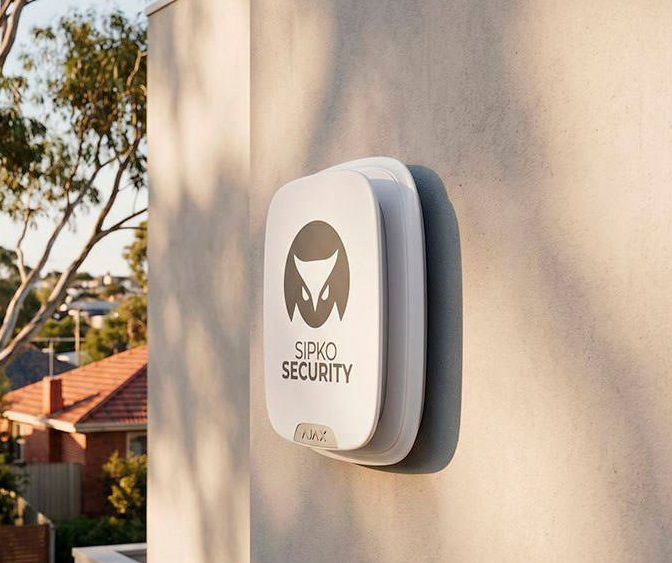
Read battery guide →Ajax Security Systems Installed by SIPKO Security in Melbourne
Examples of Ajax alarm, camera and smart security work completed by SIPKO Security.
Other Melbourne Areas We Cover
SIPKO Security provides alarm, CCTV and smart security services across Melbourne.