
Dahua Camera Repair & NVR Servicing in Melbourne
Professional repair and maintenance for all Dahua security cameras and NVR systems in Melbourne. From HDCVI to IP cameras, NVR diagnostics to network issues — we diagnose and fix video problems, connectivity issues, and hardware failures with expert precision. We also provide CCTV installation services across the greater Melbourne area.
Fast Diagnostics
Quick troubleshooting for no signal, dark footage, connection failures, and power problems.
Video Quality Restoration
Comprehensive testing and repair for pixelated, distorted, or intermittent video feeds.
Component & NVR Repair
Genuine Dahua parts for sensors, PCBs, connectors, and NVR issues with factory-standard repairs.
System Optimization
Configuration tuning, firmware updates, and network optimization for peak performance.
Schedule Camera Repair
Call +61 406 432 691 or complete the form and we will contact you.
Common Problems & How We Fix Them
Dahua cameras fail for predictable reasons. We diagnose and repair them all, keeping your security system running without gaps.
Issues We Fix Daily
No Signal
Camera won’t connect to recorder or network.
Poor Video Quality
Pixelated, distorted, or intermittent footage.
Power Failures
Camera drops offline or powers down randomly.
Connection Errors
Network or cable faults preventing synchronization.
NVR Not Recording
Storage full, corrupted files, or recording stopped.
NVR Network Issues
Remote access fails, app can’t connect, slow performance.
Why Regular Maintenance Matters
Neglected cameras and NVRs degrade fast. Dust builds up, connections weaken, firmware ages, storage fills up. Maintenance keeps your system sharp and recording reliably. See our security system maintenance and support services for details on preventative care plans.
- Prevent signal loss and sensor failures with regular camera checks
- Keep NVR storage optimized and ensure continuous recording
- Maintain warranty coverage and avoid surprise costs
- Keep footage quality consistent and network health monitored
How SIPKO Fixes These Issues
Straightforward diagnostics, genuine repairs, same-day turnaround.
Fast Diagnostics
Professional testing pinpoints the exact fault — camera, cable, or NVR — no guessing.
Genuine Parts
Factory Dahua components only, never aftermarket substitutes.
Expert Repair
On-site work with firmware updates, NVR optimization, and full system testing.
Clear Explanation
We explain what went wrong and how we fixed it. Always.
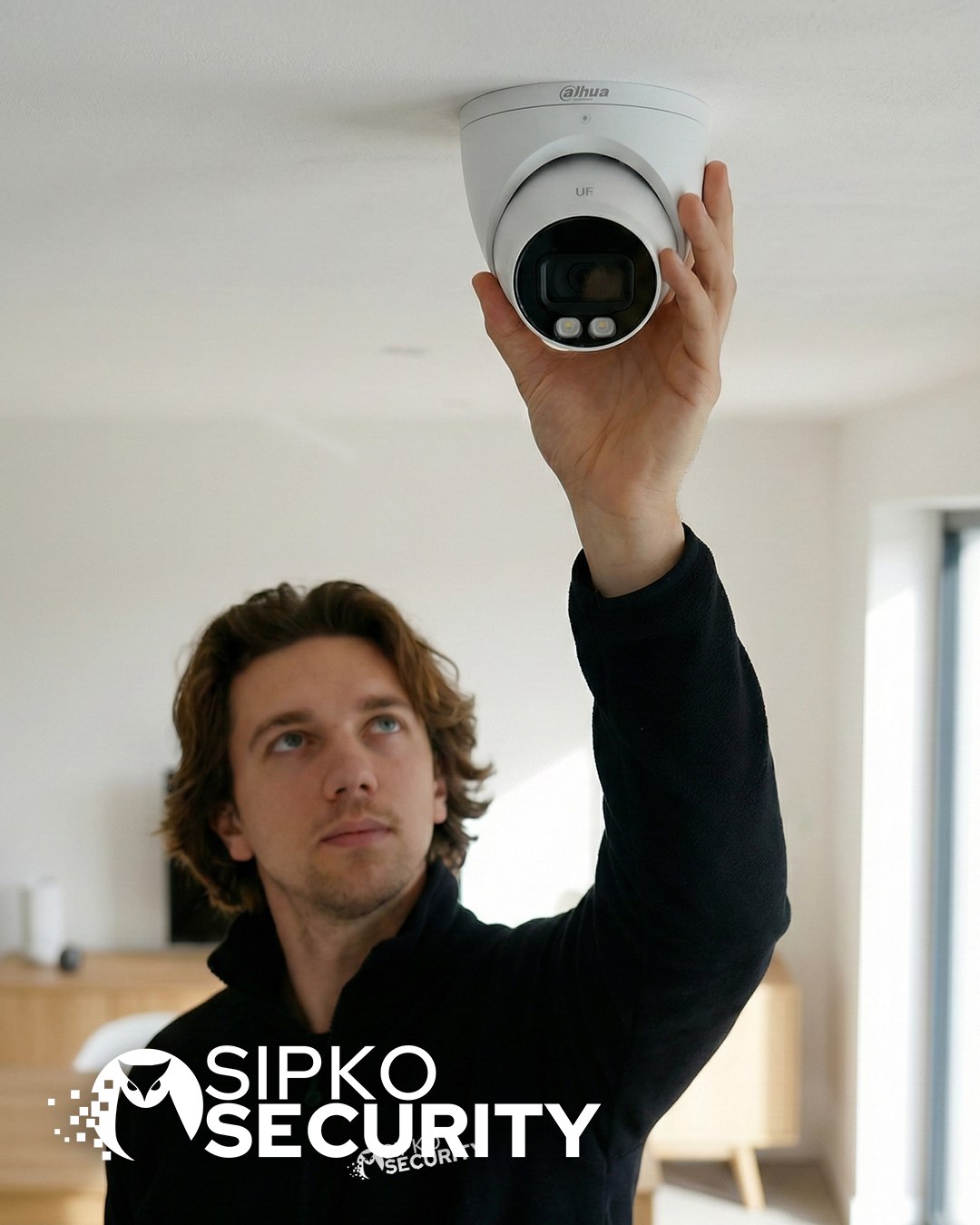

How Our Repair Process Works
No surprises, no hidden fees. We diagnose, fix, test, and explain. This is what happens when you call SIPKO.
You Contact Us
Call or fill out the form with details about your camera issue. We ask the right questions to understand what’s wrong.
Same-Day Response
We Diagnose On-Site
Our technician arrives with test equipment and checks your camera in your environment. We find the exact fault—no guessing.
30-45 Minutes
We Fix & Test
Genuine parts, proper technique, full testing. We don’t hand it back until it works reliably in your system.
60-120 Minutes
You’re Back Online
We explain what went wrong and how we fixed it. You get a receipt, and we follow up in a week to make sure everything’s still working.
Same Day or Next Day
Repair the Dahua System or Upgrade?
A Dahua system should be repaired when the existing cameras, recorder and cabling remain suitable for the property. Ajax cameras may become the more practical option when the system has recurring faults, unreliable remote access or needs to be integrated with a new Ajax alarm. SIPKO should first check the recorder, hard drives, camera condition, network access and current coverage before recommending replacement.
Why Choose SIPKO
We’re not the cheapest, but we’re reliable. Melbourne-based, fast repairs, genuine parts, and technicians who actually know Dahua systems. We also provide professional CCTV installation if you need new cameras or system upgrades.
Based in Melbourne
We’re local. We know the area, we understand Melbourne’s climate challenges, and we can get to you fast.
Same-Day Repairs
Most camera problems get fixed the day you call. No waiting weeks for a technician who might not show up.
Genuine Dahua Parts
We use factory Dahua components only. No cheap substitutes, no shortcuts. Repairs that actually last.
Expert Technicians
Our team knows Dahua systems inside out. HDCVI, IP, analog—we’ve repaired them all, hundreds of times.
No Hidden Fees
You get a quote before we start. No surprises when the bill arrives. Transparent pricing, always.
We Explain Everything
When we’re done, we show you what was wrong and how we fixed it. You understand what happened to your camera.
Follow-Up Support
We check in a week after the repair to make sure everything’s still working. If it’s not, we fix it again at no cost.
All Melbourne Suburbs
We service the full Greater Melbourne area. Brighton to Bayside, suburbs to the CBD—we’ll come to you.
Why Melbourne Homes & Businesses Need Dahua Maintenance
Melbourne’s climate is harsh on security equipment. Without regular maintenance, your Dahua cameras deteriorate fast. Here’s what you’re up against.
Salt Air Corrosion
Brighton, Bayside, Port Phillip—coastal areas mean salt spray eating away at connectors and circuit boards. Without protective coating and regular cleaning, your camera fails years early.
Temperature Swings
40°C summer heat to 5°C winter cold stresses solder joints and expands/contracts components. Thermal cycling eventually cracks PCBs and breaks connections inside the camera.
High Humidity
Melbourne’s humid air sneaks into camera housings through tiny cracks. Condensation forms inside, corroding connections and fogging the lens. Regular inspection catches this before it kills the camera.
Wind Triggers False Alerts
Suburban trees sway in the wind, triggering motion sensors. Cables move, creating intermittent connections. Wind-tuned sensors and secure cabling prevent constant false alarms and missed real events.
Tree Coverage Issues
Leaves block camera views and degrade WiFi signal. Branches hit cables. Seasonal growth changes sight lines. Maintenance checks ensure cameras stay clear and connections stay strong year-round.
Melbourne’s Climate Impact
Salt, heat, humidity, wind, and seasonal changes work together to age your Dahua system. Without maintenance, failure is not a question of if—it’s when.
Maintained systems last 3–5 years longer than neglected ones.
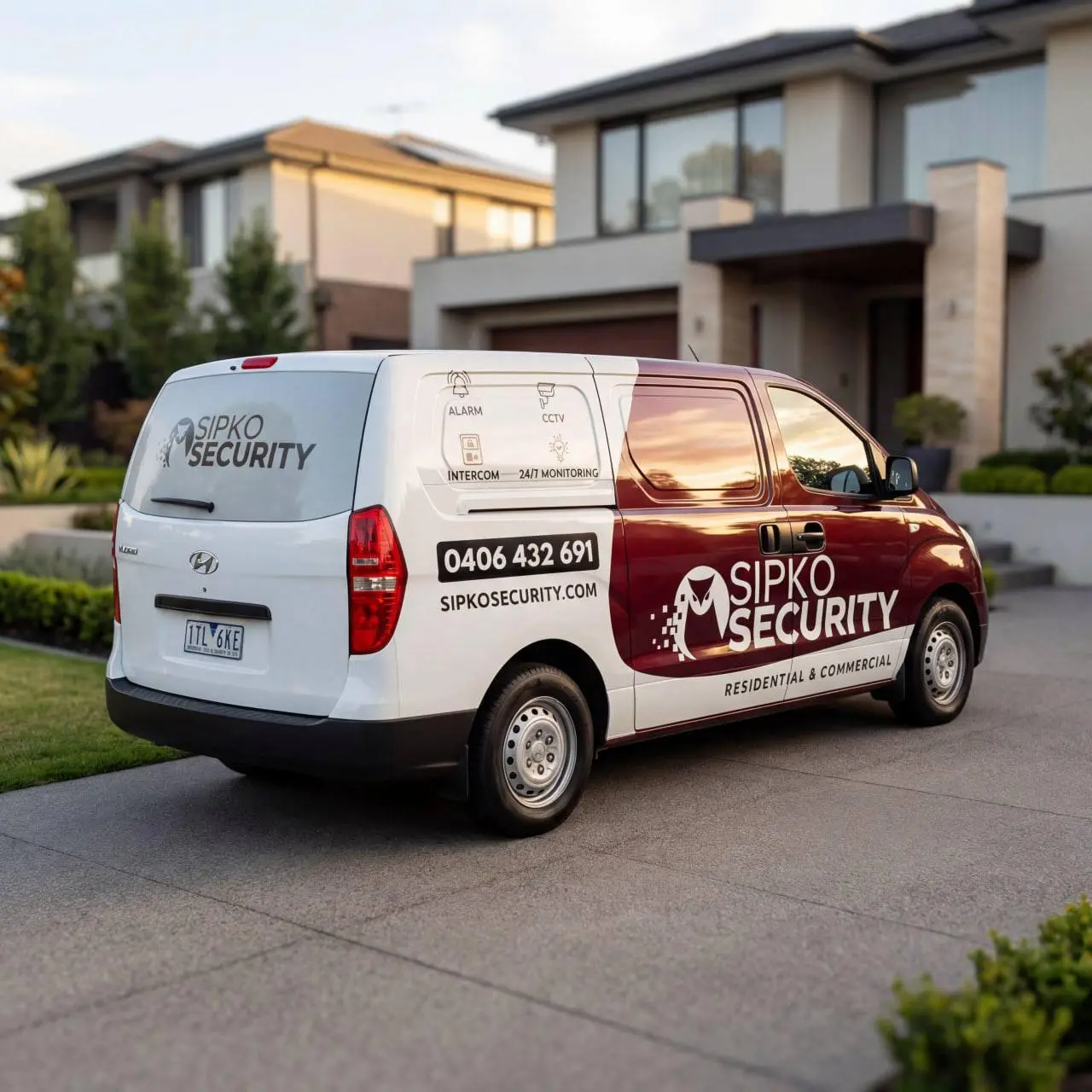
We Service All of Melbourne
SIPKO covers Greater Melbourne—from inner suburbs to outer regions. We dispatch technicians to your location for on-site Dahua camera repair and maintenance, same day when possible.
Key Service Areas
Call +61 406 432 691 to confirm service availability for your suburb. Most of Greater Melbourne is covered—we’ll let you know immediately.
Our Service Promise
Same-Day Dispatch
Call in the morning, technician arrives the same day when possible.
No Hidden Fees
Transparent pricing. Upfront quote before any work begins.
On-Site Repair
We fix your cameras where they are. Minimal disruption to your system.
Full Warranty
All repairs backed by warranty. Parts and labor covered.
Same-Day Repair Service When You Need It
Your Dahua cameras can fail at any time. We’re local, we’re fast, and we handle urgent repairs with priority dispatch.
Call in the morning, technician arrives same day for most Melbourne locations.
Critical system down? We prioritize emergency calls. One-hour response time for urgent repairs.
We service all of Greater Melbourne. No wait for technicians from across the city.
Why Being Local Matters
No Travel Time Delays
Technicians work across Melbourne. No waiting for someone to drive from across the state. We dispatch the closest available tech to your location.
We Know Melbourne’s Climate
Salt air near the coast. Heat and humidity in summer. We understand how Melbourne’s environment breaks Dahua systems and we spec repairs accordingly.
Fast Parts Supply
We stock common Dahua components locally. No ordering from overseas. Repairs happen faster because we have parts on hand.
Follow-Up Support Built In
If something needs adjustment after repair, we’re nearby. Call us back and we’ll fine-tune it. No phone tag with distant support teams.
Camera System Down Right Now?
Call +61 406 432 691 immediately. We’ll assess the urgency and dispatch a technician to your location ASAP. Most emergency repairs handled same-day.
Why SIPKO for Dahua Repairs
We’ve earned our reputation for fast, reliable Dahua camera repair in Melbourne through consistent expertise, local knowledge, and a commitment to getting your security system back online without compromise.
Dahua Specialist Knowledge
We specialize exclusively in Dahua systems. Our technicians train on Dahua hardware, firmware, and troubleshooting protocols. We don’t try to fix everything—we focus on what we know best.
Same-Day Local Response
Based in Melbourne, we dispatch local technicians to your location fast. Standard repairs same day. Emergency calls prioritized with one-hour response time. No waiting for distant support.
Genuine Dahua Parts Guarantee
We use only factory-authentic Dahua components. Never counterfeit, never aftermarket substitutes. Every repair comes with warranty backed by genuine parts and expert installation.
Transparent Pricing & No Surprises
We quote up front. Service call fee, diagnostics, parts, labor—all explained before work begins. No hidden charges. No call-backs with unexpected costs. What we quote is what you pay.
Melbourne Climate Expertise
Salt air corrosion, extreme heat, humidity swings—we understand how Melbourne’s environment breaks Dahua cameras. We spec repairs and maintenance plans built for our local climate.
Warranty & Ongoing Support
Every repair backed by warranty. Need adjustments after? Call us—we’re local and nearby. We provide follow-up support and maintenance plans to prevent future failures.
When your cameras go down, security fails. We understand the urgency. That’s why we’ve built a local repair service around fast response, expert diagnostics, and genuine solutions. Your system matters to us—and we’ll get it working again fast.
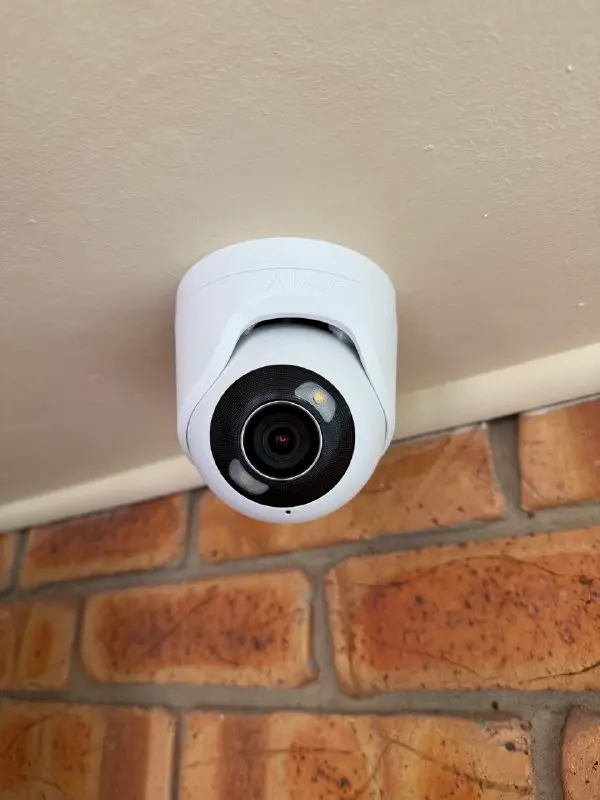
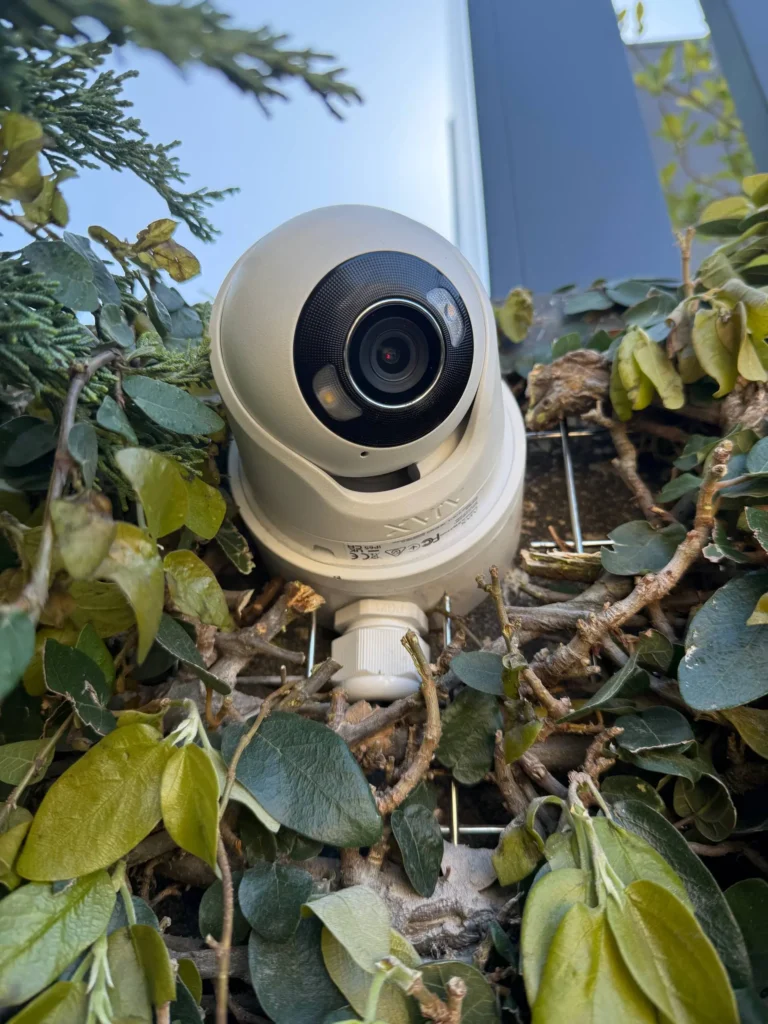
Dahua Repair Gallery
Recent Dahua camera repairs and maintenance completed by Sipko Security across Melbourne homes and businesses.
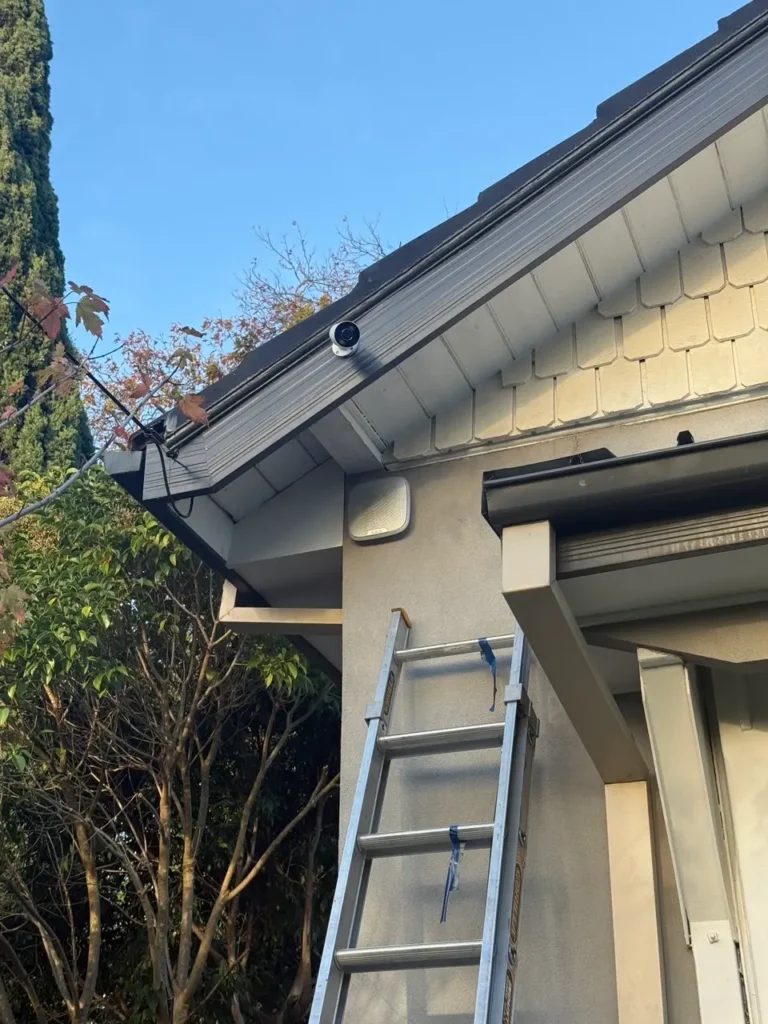
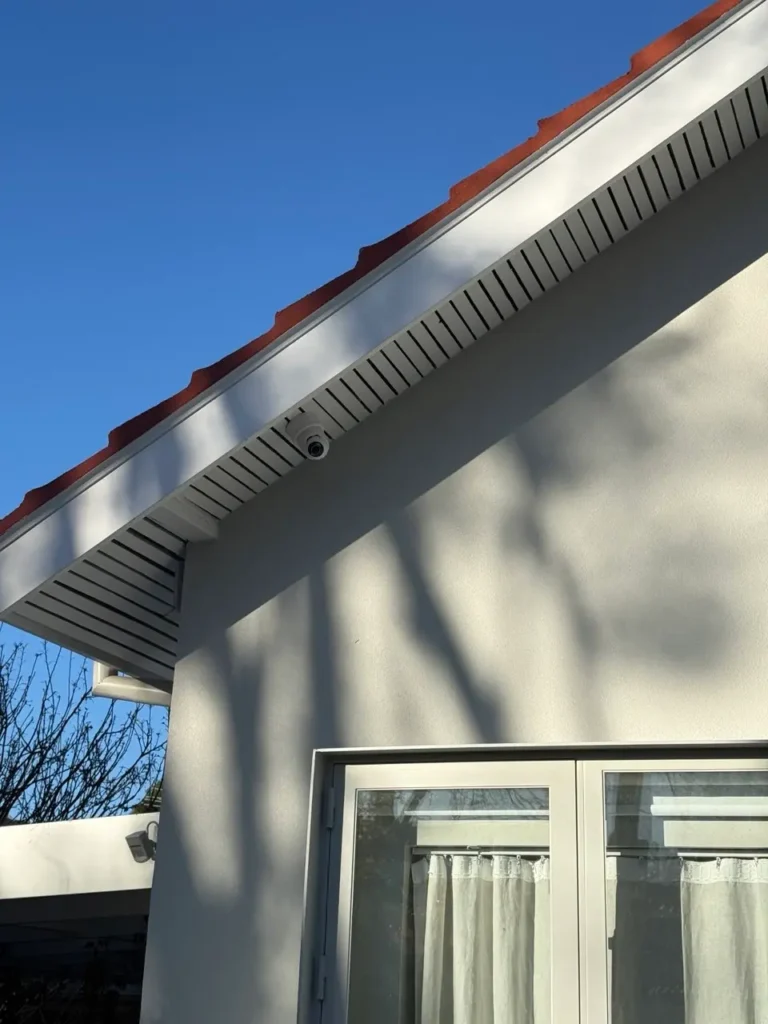
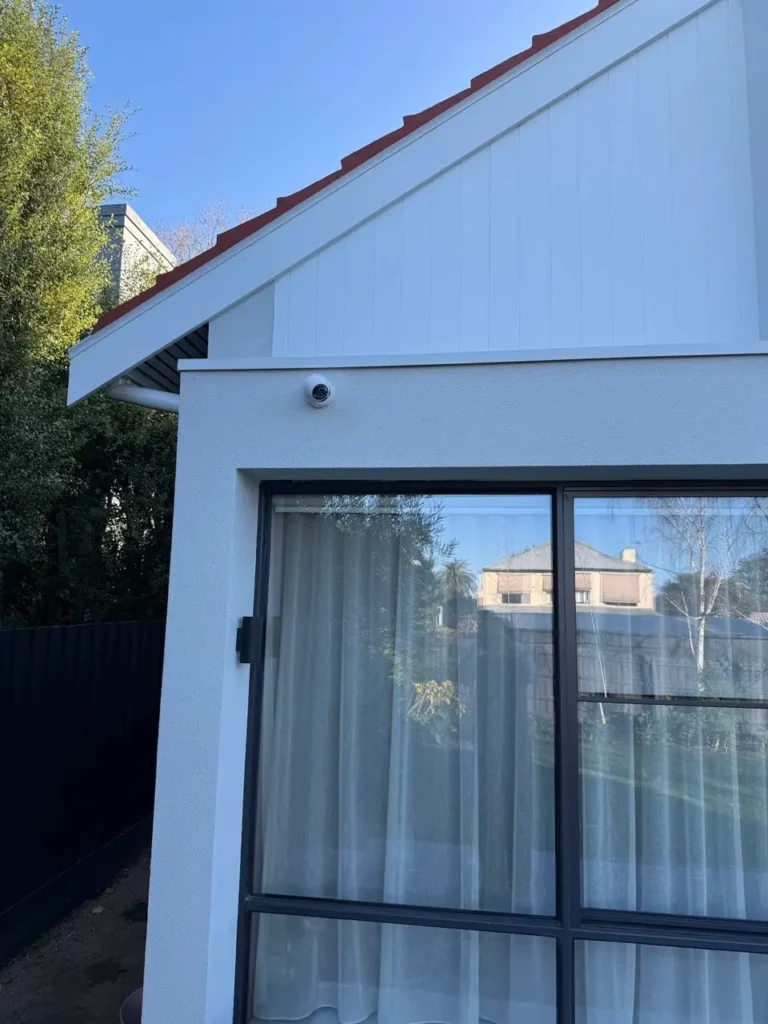
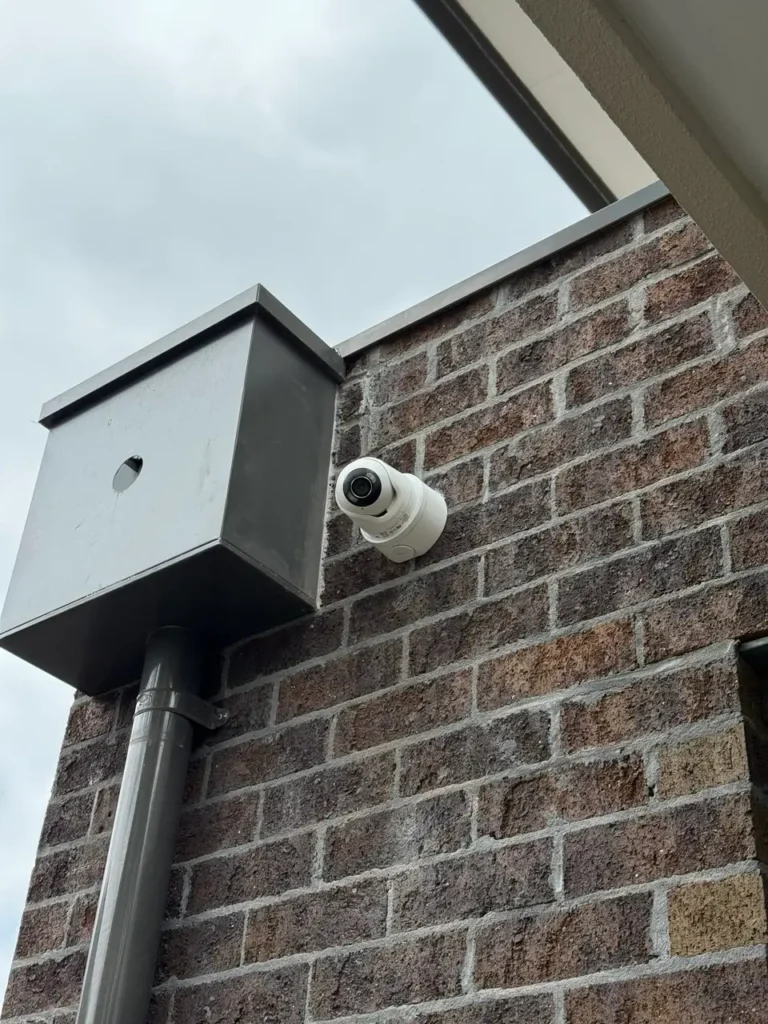
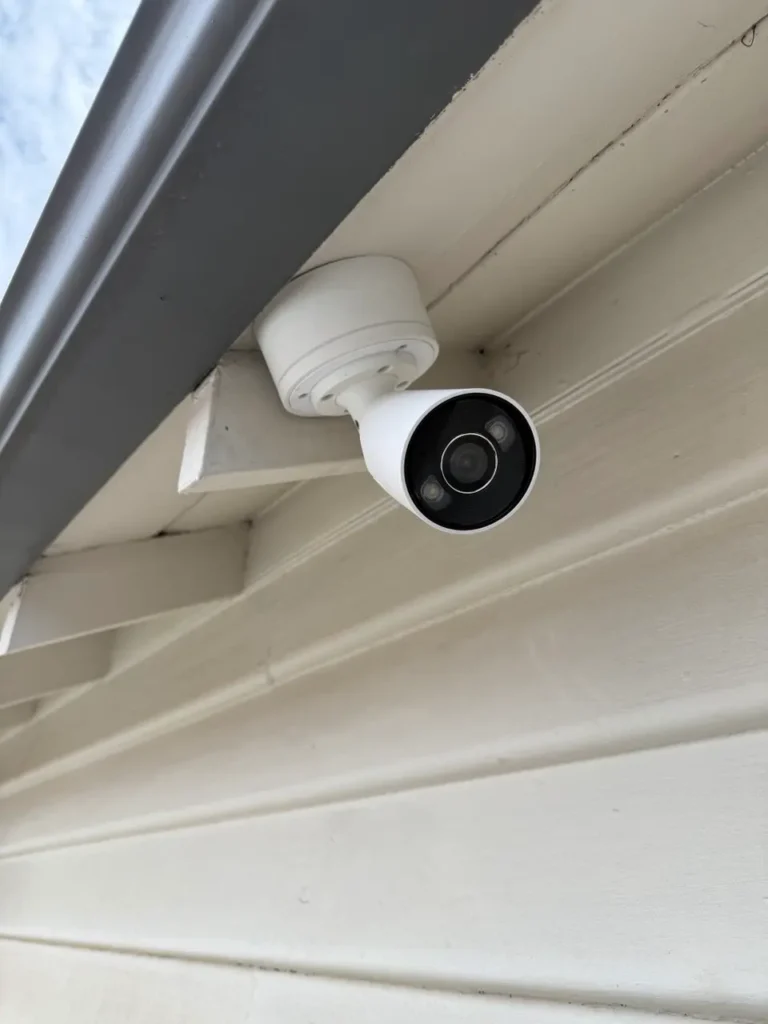
Melbourne homeowners and businesses on working with Sipko Security for Dahua camera repair and maintenance.




Dahua Camera Repair FAQ
Common questions about Dahua camera repair and maintenance in Melbourne — answered plainly.
We charge a service call fee for diagnostics, which applies toward the repair cost if you proceed. Parts and labour are quoted separately based on what’s wrong. Most repairs range $200–$800 depending on the issue. We give you a clear quote before starting any work.
Yes. We repair HDCVI, IP, and hybrid Dahua systems. Bullet, dome, turret, PTZ — whatever you have, we can diagnose and fix it. Bring us the model number and a description of what’s gone wrong, and we’ll give you a realistic repair estimate.
We can usually dispatch a technician within 2–4 hours for standard repairs. Emergency calls get 1-hour response time. If the repair is simple (connector fix, reset, firmware update), we can often complete it the same day. Larger repairs that need parts ordered may take 2–3 days.
Yes. We recommend regular maintenance — quarterly for busy systems, biannual for standard setups. We clean lenses, test connections, verify NVR health, check storage, update firmware, and test network performance. It prevents 80% of the problems people call us about. Ask about our maintenance plans.
We’ll tell you honestly before spending money. If a camera is beyond repair, we provide upgrade options — we can supply and install a replacement at fair market rates. Most cameras are repairable though, even if they look like they’re done.
Yes — NVR diagnostics, hard drive repairs, network configuration, storage optimization, and firmware updates. If your NVR isn’t recording, remote access doesn’t work, or storage is corrupted, we troubleshoot and fix it. Most NVR issues are software-based and resolve quickly.
Common causes: port forwarding not set up, firewall blocking the connection, or DDNS not configured. We check the NVR network settings, configure remote access properly, and test it from outside your network to confirm it works. Usually a phone call or short visit solves it.
Yes, for equipment we installed. Bring us proof of warranty and the serial number. We handle the repair and coordinate directly with Dahua if needed. For cameras from other installers, we can still repair them — you’d just need to work with the original supplier or Dahua for warranty coverage.
Cameras or NVR Down? We Fix It Fast.
Expert Dahua camera and NVR repair in Melbourne. Same-day service for most suburbs, genuine parts, NVR diagnostics, and full system optimization. No guessing, no delays — just working cameras and NVRs again.