

Security Fog System Installation in Melbourne
A break-in at a closed shop can be over before anyone arrives. A compatible Ajax alarm alerts you to an intrusion; a correctly configured UR Fog generator can also quickly reduce visibility inside the protected room, making stock and equipment harder to locate.
SIPKO Security installs UR Fog ESM200 and BAT300 units in Melbourne shops, stockrooms, offices and workshops, with integration into compatible Ajax alarm systems.
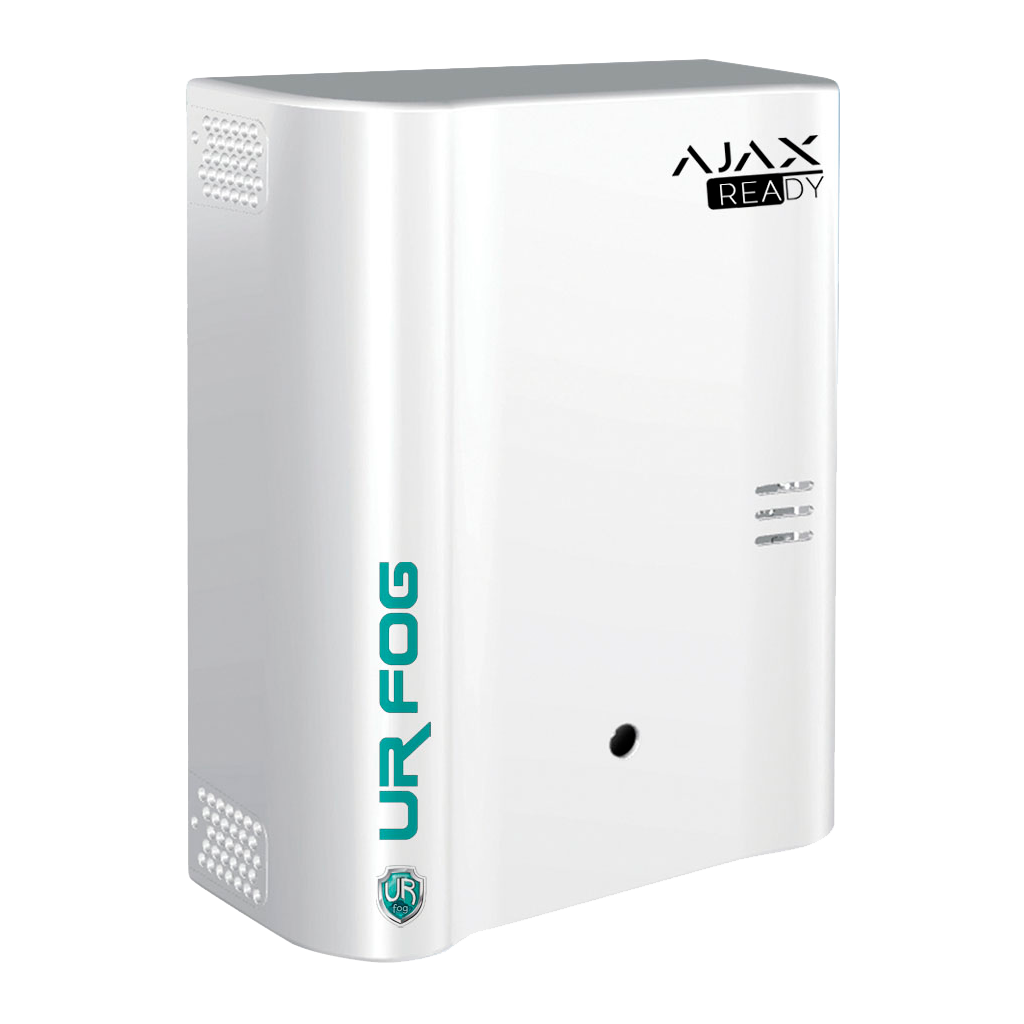
UR Fog Modular 200 Ajax Ready
Get a fog security installation quote
Tell us what kind of property you have and what you need to protect.
Include your suburb, room dimensions and whether you already have Ajax so we can recommend a suitable setup.
Call: 0406 432 691
Email: sipkosecure@gmail.com
Tell us about your property
Send your details through the form and SIPKO will follow up.
If you cannot submit the form, call 0406 432 691 or email SIPKO.
What happens when someone breaks in?
A closed shop with a separate stockroom
An Ajax door contact detects entry after closing. If the agreed alarm conditions are met, the relay can activate UR Fog in the stockroom. Alternatively, an authorised person may check Ajax photo verification before releasing the fog, where supported.
The Ajax alert and any monitoring service continue separately. Fog does not lock doors or call the police; staff still need a clear response plan.
Security fog is not a fire-suppression system. It obscures visibility for everyone in the room, so staff access and emergency exits must be considered.
Two UR Fog Ajax Ready options
Room volume, layout, airflow and available power help determine which unit fits. These are supplier specifications; actual coverage depends on the site.
UR Fog ESM200 Ajax Ready
SecuSafe code: FPU03ESM200AR. Modular fog generator for shops, office zones and stockrooms where higher output is required.
- Up to 200 m³ with visibility below 1 m in approximately 28 seconds
- Up to 600 m³ stated fog emission/saturation, with a different visibility threshold
- 30 × 13 × 39 cm; mains-powered unit
- Initial heating time around 2 hours according to the Australian distributor
The quoted fog volume and the volume at reduced visibility are different specifications.
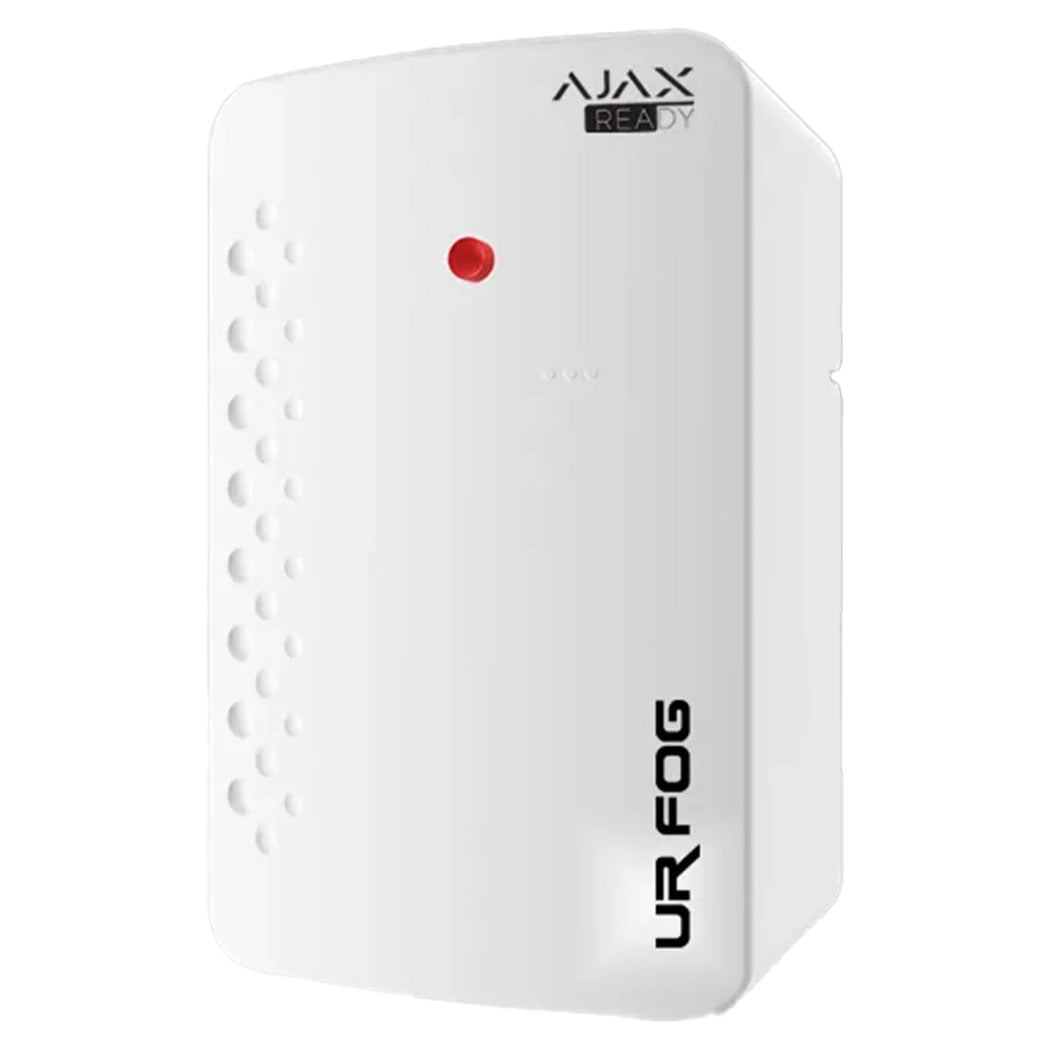
UR Fog BAT300 Ajax Ready
SecuSafe code: URFBAT300A. Compact battery-based solution for smaller shops, secure rooms, garages and selected other spaces.
- Up to 100 m³ fog coverage in less than 60 seconds
- 20 × 30 × 15 cm compact enclosure
- Built-in battery charging; distributor states up to 100 hours autonomy without external power
- Ajax Ready relay integration
Autonomy depends on power, battery condition and configuration; confirm the final specification in your quote.
Which fog generator fits your room?
Calculate room volume by multiplying length × width × ceiling height. These examples provide a starting point for selecting equipment.
| Example room | Volume | What to consider |
|---|---|---|
| 5 × 6 × 3 m small stockroom | 90 m³ | BAT300 is worth assessing: its stated coverage is up to 100 m³. Allow for airflow, exits and actual layout. |
| 8 × 8 × 3 m shop zone | 192 m³ | ESM200 may be considered, but this is close to its 200 m³ rating for visibility below 1 m. A site check is essential. |
| 12 × 12 × 3 m open area | 432 m³ | Do not assume one ESM200 gives the same visibility here just because the maker quotes 600 m³ for general fog saturation. Discuss zoning, multiple units or other models. |
These examples are not installation plans. The ESM200 ratings cover two different results: fog saturation up to 600 m³ and visibility below 1 m in up to 200 m³. See UR Fog’s product information.
See how Ajax-ready fogging works
This distributor demonstration shows how an Ajax-compatible UR Fog system is connected and operated.
Distributor demonstration, not a SIPKO installation. Results depend on the room and equipment setup.
Opens the distributor’s video page
How Ajax can activate UR Fog
Ajax can control a compatible UR Fog generator through a relay. Automatic activation suits some premises; where staff may enter or alarms need verification, manual release may be more appropriate.
Automatic on intrusion
A defined detector or alarm scenario activates the relay when the site is armed and the agreed conditions are met.
After photo verification
Where supported, an authorised user checks Ajax MotionCam images before manually releasing fog.
Manual emergency control
A suitable Ajax button or panic device may be configured for manual activation where a safety assessment supports it.
Need a compatible alarm first? See Ajax alarm installation in Melbourne.
Where can security fog be installed?
Fog systems are usually most practical in enclosed rooms where access can be controlled outside business hours. For example:
Shop stockrooms
A separate, lockable stockroom can be fogged after an intrusion while normal customer areas remain outside the protected zone.
Workshops and secure garages
A tool store or enclosed garage may be suitable when ventilation, access and the location of the generator have been assessed.
For a broader security design covering alarm zones and staff access, see commercial alarm installation in Melbourne.
How SIPKO plans the installation
At the site visit, SIPKO identifies the room to protect, the activation conditions and the people who may need access. These details guide the model, mounting position and Ajax setup.
Measure the room and check access
Measure the room and check doors, ventilation, staff access, fire detection and escape routes.
Choose and configure equipment
Choose the unit and mounting position, confirm power and Ajax relay compatibility, and agree on the release method.
Test the controls and explain upkeep
Test the alarm-to-fog sequence and user controls. Explain reset procedures, fluid refills and ongoing servicing.
Important: Fog also obscures visibility for occupants. Activation rules must account for staff access, emergency exits, fire detection and evacuation procedures.
UR Fog installation: common questions
Discuss UR Fog installation for your property
Tell us about the protected room and your existing alarm. We’ll recommend a suitable UR Fog model and outline the installation.
Melbourne & Mornington Peninsula · Equipment subject to availability and site assessment
