AJAX Security Systems in Melbourne (Complete Solutions)

Why AJAX? – The Next Generation of Wireless Security

We install Ajax wireless alarm systems in Melbourne with optional cameras and full control in the Ajax app. Installation, commissioning and ongoing support are included for dependable day-to-day use.
Innovation
Modern wireless tech, clean setup.
Reliability
Stable signal, backup options.
Instant Alerts
Push alerts and call rules.
Integration
Works with CCTV/intercom.
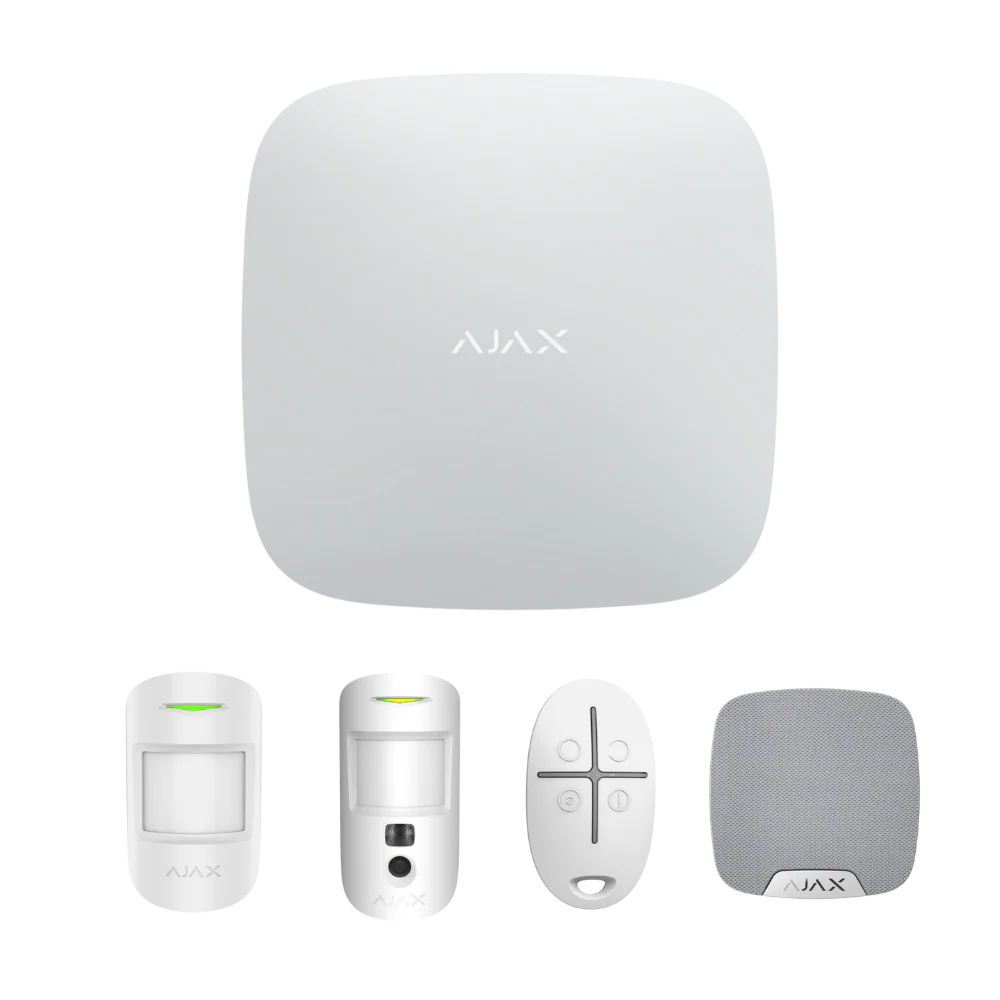
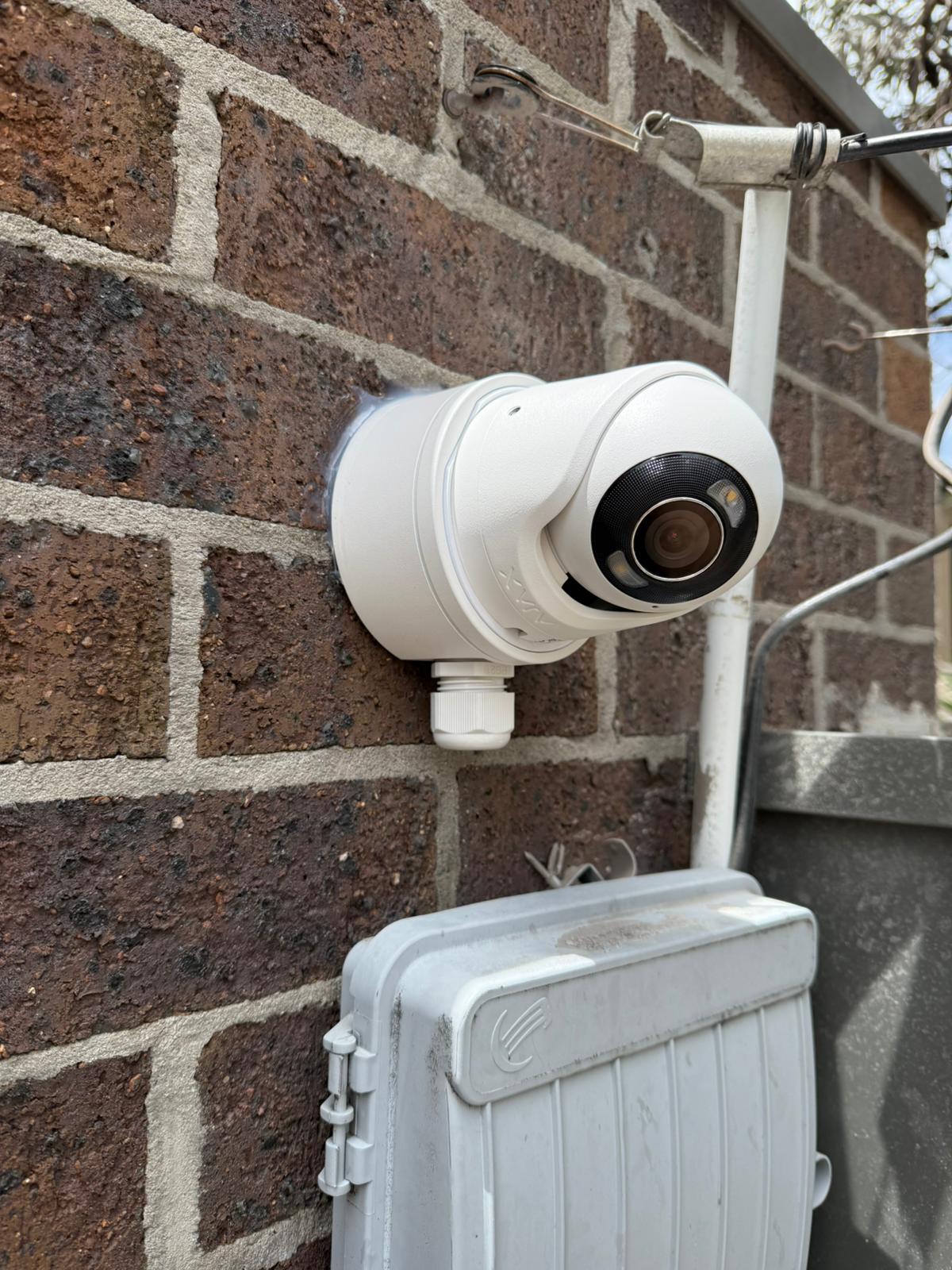
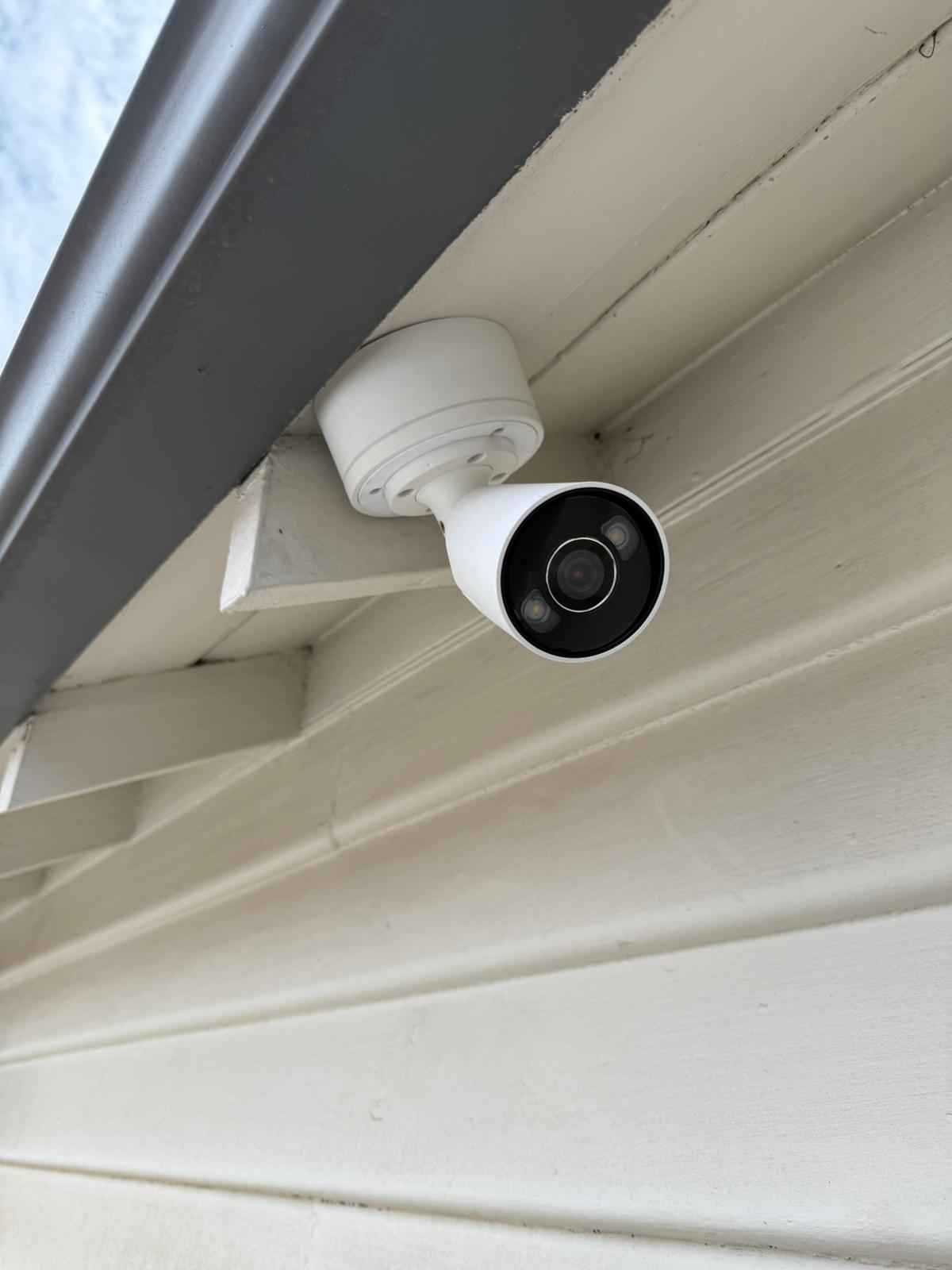
What we install: Hub, MotionCam, sirens and cameras — configured in the Ajax app with commissioning and support.
We test signal, alerts, user access, tamper protection and backup paths before handover.

Schedule your free site visit now!

Call +61 406 432 691 or complete the form and we will contact you.

AJAX Security Solutions in Melbourne
Start with installation and coverage, then choose the best scenario (home, business, special sites) — without spreading intent across dozens of similar pages.
Start here
Core intents: installation + coverage + service
Homes & property
Most common residential paths
Business & industrial
Partitions, roles, schedules, multi-zone setups
Integrations & specialist
Intercom + special housing + comparison intent

Who Ajax is best for

Choose the scenario that matches your site — then we configure zones, app users and backups so the system works reliably day to day.
AJAX professional certification for Sipko Security in Melbourne
Professional & certification

AJAX Professional Catalogue in Melbourne

Explore the full AJAX Professional catalogue: certified devices, recommended kits and integration options we use for residential, commercial and specialist projects across Melbourne and the Mornington Peninsula.

  • See which AJAX devices and kits we deploy most often in the field.
  • Understand how professional setup differs from DIY “box” systems.
  • Use it as a reference when planning your next upgrade or expansion.
View AJAX Professional catalogue Opens the detailed catalogue in a new tab.

Choose what you need today

Whether you are starting from scratch or have an older system that needs attention, pick one of the options below and we’ll help you plan the next steps.

Professional Service

Ajax Installation — clean setup, secure commissioning, and user onboarding

We install and commission Ajax Systems for houses, apartments, shops, offices, warehouses, and construction sites. You get a tidy install, verified signal paths, named zones, scenes/automations, and a short training so everyone knows how to use it confidently.

What’s included

  • Site survey & plan — entry points, risk areas, siren placement, pet paths, and safe arming modes.
  • Hardware mounting — hubs, detectors, keypads, sirens, relays. Hidden cabling where possible, tidy surface routing where not.
  • App setup — users, roles, secure invitations, 2FA, device naming, rooms & groups.
  • Dual-path checks — Ethernet/Cellular priorities, SIM/APN test, signal quality & ping monitoring.
  • Scenarios — Night mode, auto-arming schedules, water shut-off, fire alarm logic, power-loss alerts.
  • Handover & training — arming/partial arming, code policy, panic, false-alarm rules, incident checklist PDF.

Compatible devices (popular)

Hub 2 / Hub 2 Plus MotionProtect / Curtain DoorProtect Plus GlassProtect KeyPad / TouchScreen StreetSiren / HomeSiren FireProtect 2 LeakProtect / WaterStop Relay / WallSwitch ReX 2
Commissioning checklist
Device power & tamper
Signal quality (Jeweller/Fibra)
Zones named & grouped
Alarm scenarios tested
App users & codes

Recommended add-ons

Night Mode scenes
Popular
Arm perimeter while people sleep; auto-schedule by time or sunrise/sunset.
Water shut-off (WaterStop)
For leaks
LeakProtect detects water and closes the valve automatically to prevent damage.
FireProtect 2 network
Safety
Linked smoke/heat/CO alarms with interlinked sirens and app notifications.
Monitoring-ready setup
A1 centre
Configured for quick connection to a local Grade A1 monitoring station.
Automation relays
Lights/Gates
Control lights, gates, or garage doors from the Ajax app and scenarios.
Step 1 — Plan
We map doors/windows, pets, and high-value zones, agree device list and mounting points. If you already own Ajax, we audit and reuse where possible.
Step 2 — Install & Program
Clean mounting, hub connectivity, SIM/APN, device enrollment, naming, rooms, test alarms, siren volume, strobe policy, and schedules.
Step 3 — Handover
Add users, set codes, show arming/disarming, Night Mode, panic, false-alarm rules. Provide quick reference and optional monitoring setup.

Service Areas: Melbourne & Mornington Peninsula

Tap a suburb to zoom the map. Use “Reset view” to see all service areas again.


Top devices and what each one solves

Problem on the first line, then Solution on the second line — each device links to a “with installation” page.
  • AJAX IndoorCam

    Camera

    Need visual verification without switching CCTV apps

    IndoorCam inside the Ajax app for fast checks and clean workflow

    With installation
  • AJAX MotionCam (photo verification)

    Camera PIR

    Alarm triggers but you can’t quickly tell if it’s real

    MotionCam sends alarm photos inside Ajax to verify in seconds

    With installation
  • AJAX DoorBell

    Doorbell

    Missed deliveries / unknown visitors at the door

    DoorBell video + alerts in Ajax (one app, one log)

    With installation
  • AJAX DoorProtect Plus

    Entry sensor

    Entry doors are the #1 breach point

    Detects opening + shock/tilt for forced-entry scenarios

    With installation
  • AJAX MotionProtect Plus

    Motion

    False alarms from pets / drafts / tricky rooms

    Correctly configured motion detection (site-tuned sensitivity)

    With installation
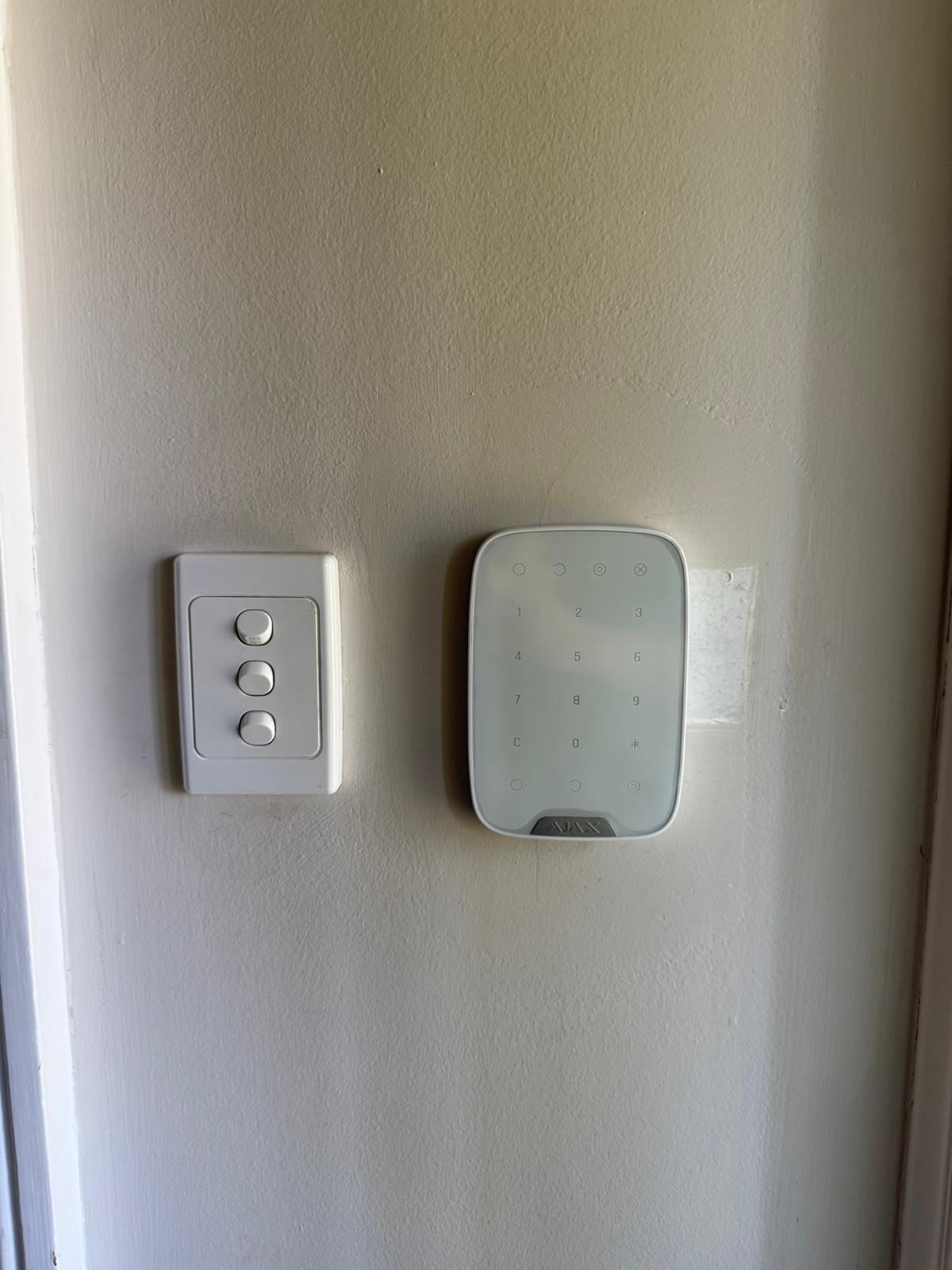
  • AJAX KeyPad Plus

    Access

    Users forget to arm the system / staff need simple access

    KeyPad + schedules + role-based users for clean routines

    With installation
  • AJAX Hub 2 Plus

    Hub

    Need a stable “brain” for multi-zones and many devices

    Centralises alerts, users, partitions and automations

    With installation
  • AJAX Hub (battery-powered option)

    Hub

    Power drops at site and systems go offline

    Backup battery planning + correct install approach for uptime

    With installation
  • AJAX ReX 2 Range Extender

    Range

    Big site: dead spots / long distance to gates and sheds

    Extends coverage with clean signal paths across premises

    With installation
  • AJAX HomeSiren

    Siren

    Need instant on-site deterrence (not just app alerts)

    Indoor siren tuned for entry delay, night mode and routines

    With installation
  • AJAX StreetSiren

    Outdoor siren

    Need a visible deterrent outside (street-facing pressure)

    Outdoor siren + correct placement for maximum “walk-away” effect

    With installation
  • AJAX SpaceControl (key fob)

    Access

    Fast arming/disarming needed (no phone unlocking)

    One-button control + panic option (assigned to users/areas)

    With installation

We Help People In Solving House Security

Our works

What Our Clients Say

Frequently Asked Questions (FAQ)

Quick answers to the most common questions about Ajax systems, installation and everyday use in Melbourne.
1) Is Ajax suitable for large commercial properties?
Yes — Ajax works well from small premises to multi-area sites. For larger facilities we design the system around zones (partitions), user roles and site workflows, then test coverage before handover.
2) Can Ajax be installed without professional help?
Ajax supports DIY, but professional installation is recommended if you want correct device placement, reliable coverage, clean zones, fewer false alarms and a proper handover test. We also set up users, permissions and practical routines.
3) Is it pet-friendly?
It can be. Pet-friendly results depend on selecting the right motion device and tuning sensitivity, placement and zones to your home layout. We configure it so everyday movement doesn’t become an “alarm event”.
4) How many users can access the app?
You can set up multiple users and assign permissions based on who needs what — owners, family members, staff or managers. This keeps control simple and avoids shared logins.
5) What notifications will I receive?
You can receive clear event notifications such as arming/disarming, alarms, device status and system changes — and choose what each user sees. The goal is useful alerts, not constant noise.
6) What happens if power or internet is interrupted?
We plan the system to stay dependable in real-world conditions. During commissioning we review connectivity options, confirm stable device communication, and agree on a backup approach that fits your site (home, business or remote buildings).
7) Can Ajax work with cameras and video?
Yes. We can integrate cameras or Ajax video devices so you can verify events quickly and keep a simple “one workflow” setup. We’ll recommend what makes sense for your property and privacy preferences.
8) Does Ajax support automation and smart scenarios?
Yes — you can build practical routines like schedules, “night mode” behaviour and device-triggered actions. We keep automation purposeful so it improves daily use instead of creating complexity.
9) Are there ongoing costs?
Core app functionality is designed for everyday use without forcing subscriptions. Optional services (such as monitoring) depend on what level of response you want — we’ll outline options clearly.
10) Who supports the system after installation?
We provide ongoing support, maintenance and upgrades. If you ever need changes (new users, extra devices, tuning), we can help remotely where possible or schedule a visit when needed.