
Vacant Property Security in Melbourne for Developers and Investors
A vacant property has no one on site to notice a problem. There’s no resident checking the back gate, no staff closing up at the end of the day. On a vacant property, there is simply no one there routinely enough to notice when something changes. This is different from an active construction site, where people, equipment and deliveries move through the property every day. A vacant property is waiting for its next stage, rather than operating as a site with daily activity.
SIPKO designs and installs vacant property security in Melbourne for developers and investors — wireless Ajax alarms, remote monitoring, flexible user access and equipment that can be relocated as the property moves to its next stage.
- Wireless Ajax alarm system
- Motion, door and glass-break detection
- Remote arming via app
- Professional or self-monitoring
- Agent/contractor access permissions
- Multi-site portfolio management
- Relocatable equipment

Service area: SIPKO installs vacant property security across Melbourne and the Mornington Peninsula.
Why vacant properties need a different kind of security
- Vandalism, theft and damage
- Vacant properties can attract trespassers and, in some cases, metal theft. Damage to interiors, wiring or fittings can be costly to repair, even when nothing of obvious value is taken.
- Unauthorised entry and occupation
- An unsecured vacant property can be entered or occupied without the owner’s knowledge, creating additional security, access and property-management problems. This is a big enough topic on its own that we’ve written a dedicated guide — see deterring unauthorised occupation with Ajax security.
Security for an unattended property that will change use
No one on site
Detection, alerts, monitoring and power/connectivity resilience all have to work without a resident or staff member present to notice trouble.
Status will change
The property won’t stay vacant indefinitely. Equipment that’s wireless and relocatable can be reassessed or moved when the property enters its next stage.
How the security layers work on a vacant property
- Physical barriers
- Locks and hoarding provide a basic deterrent and delay, but not a way to know what’s happening on site.
- CCTV
- Provides live or recorded visual information from selected areas and can help verify what happened when an event needs review.
- Intrusion detection
- Motion, door/window and glass-break sensors detect an event as it happens, not after the fact.
- Monitoring
- Determines who receives and reviews an alarm event: the property owner through self-monitoring, or a monitoring centre where professional monitoring is configured.
- User access management
- Individual permissions for the property owner, agents, managers and contractors, so access is controlled without shared keys or a single code.

How SIPKO protects vacant properties
SIPKO starts with a site assessment rather than a fixed package, then installs wireless Ajax equipment configured around the property’s own access points, monitoring preference and connectivity.
- A free site assessment before any equipment or package is confirmed.
- Wireless installation with minimal cabling and building alteration.
- App access, user permissions and monitoring configured and tested before handover.
- Installation documentation available for insurance or ownership records.
- Equipment reassessed and, where compatible, relocated as the property’s status changes.
Fast, non-invasive installation
Wireless Ajax equipment, designed to minimise permanent cabling and building alterations. This matters particularly for short-term vacancies and heritage sites.
Real-time intrusion detection
Motion, door/window and glass-break sensors detect entry and send alerts to your phone and, where configured, a monitoring centre.
Visual verification
Optional photo or video detectors provide visual context when an alarm event needs to be checked.
Smart controls
Arm and disarm remotely via the Ajax app, with push notifications for security events.
Sirens and visible deterrents
On-site sirens and signage.
Remote monitoring
Choose SIPKO’s professional monitoring or self-monitor via the mobile app.
Ajax Camera Options
Where a vacant property calls for CCTV alongside or instead of alarm detection, Ajax offers several camera formats. The appropriate model and mounting position are selected for the required view, not assumed from a fixed package.
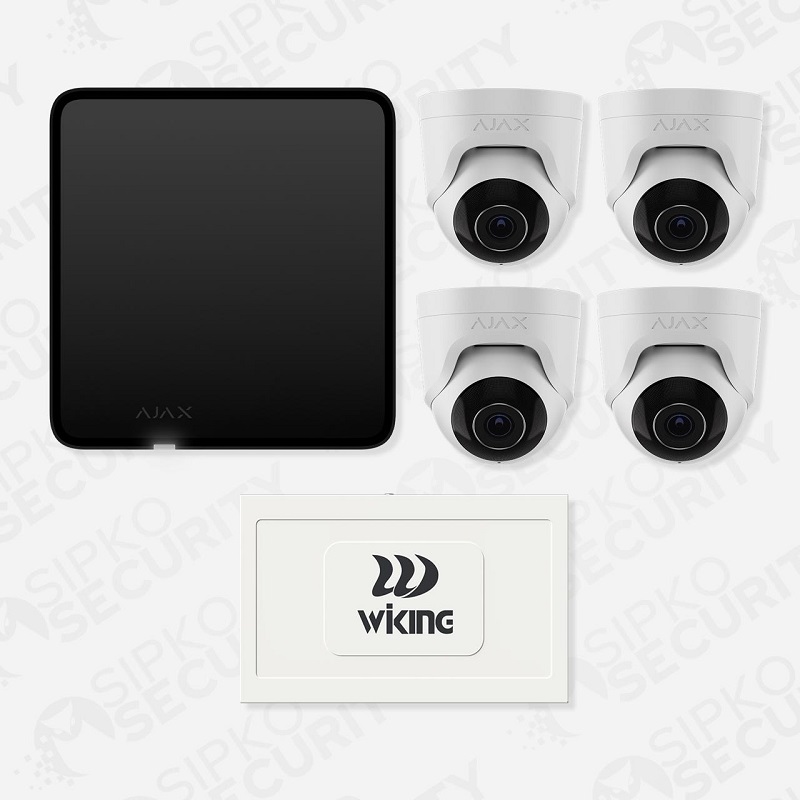
Ajax TurretCam
TurretCam uses an adjustable turret-style enclosure. The selected version and mounting position should match the required scene width, viewing distance and level of detail.
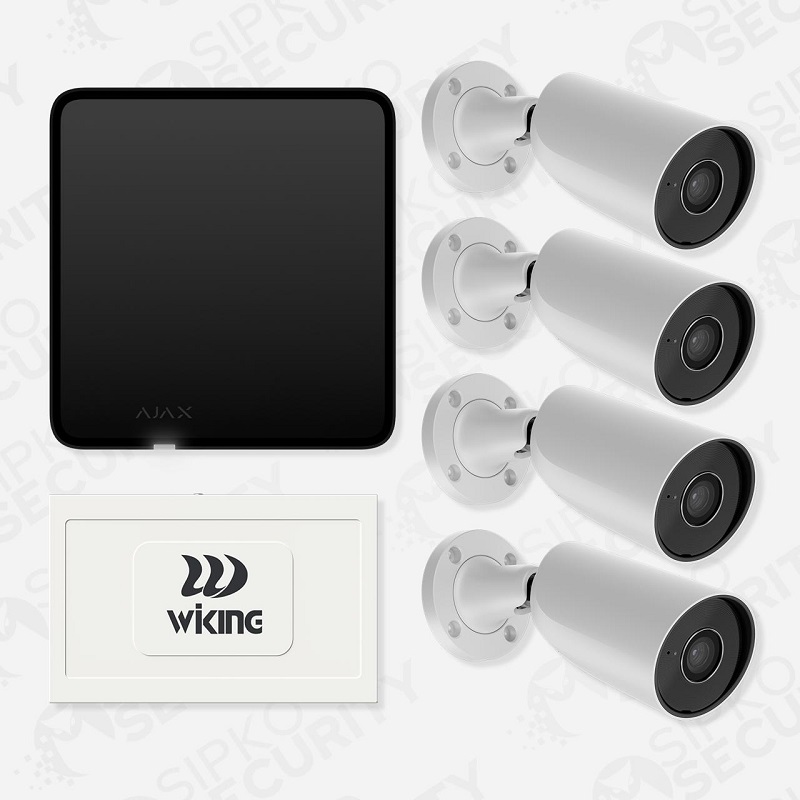
Ajax BulletCam
BulletCam uses a directional enclosure. Camera version, lens, mounting position and scene distance are selected according to the viewing requirement.
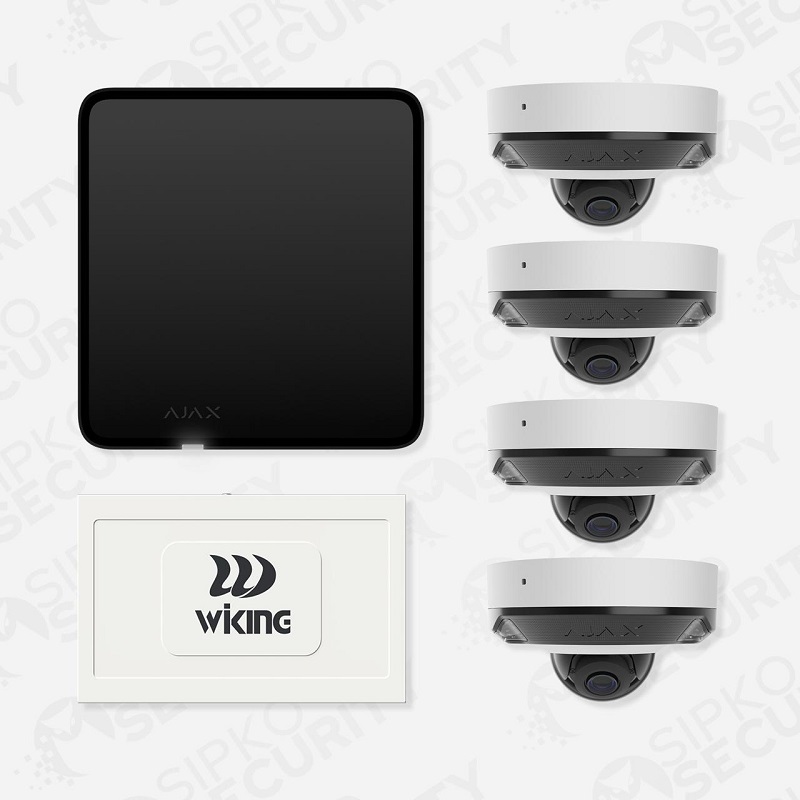
Ajax DomeCam Mini
DomeCam Mini provides a compact camera format that can suit entrances, corridors and other locations where its mounting style is appropriate.
Power and connectivity resilience
A vacant property has no one on site to notice a power or internet outage. Ajax hub support in this scenario can include:
- Backup battery — the hub can be configured with a backup battery that operates during a mains outage, so detection and alerting can continue.
- Cellular communication — where configured, the hub can use a cellular connection alongside or instead of a fixed internet connection, so a loss of internet at the property doesn’t necessarily disconnect the system.
- Battery-powered sensors — detectors, door contacts and sirens run on their own batteries, independent of the building’s mains supply.
The specific hub, connectivity and battery configuration are confirmed as part of the site assessment, based on what the property actually has available.
Managing access for agents, managers and contractors
Vacant properties still need regular access — inspections, valuations, contractor visits, open homes. Individual user permissions can help manage this without sharing a single code:
- Agents and property managers can be set up as individual users, with access appropriate to their role rather than the owner’s full account.
- Available permission and notification options are configured around what the installed Ajax system supports for the property.
- Access can be reviewed and changed from the app as the list of authorised people changes — no locks to change, no keys to collect.
Managing security across a multi-site portfolio
For developers and investors managing several vacant properties, Ajax supports multiple properties under one account:
- View status and recent events for each property from one app.
- Set up access for project managers, agents and contractors according to the user options supported for each installed system.
- Move equipment from a settled property to the next vacant site, depending on compatibility and condition, rather than necessarily buying new hardware each time.
- A separate event history helps the owner review activity for each property.
Vacant heritage and period properties
Heritage and period buildings are one type of vacant property SIPKO works with, not a separate service. Permanent alterations — drilling, cable runs — are often undesirable or restricted on heritage-listed or period buildings, and a wireless, largely reversible setup can suit that constraint well.
Actual permit and heritage-overlay requirements depend on the specific property and should be confirmed with the relevant council or heritage consultant — SIPKO isn’t in a position to guarantee permit exemption, but can advise on what the installation itself does and doesn’t involve.
Why choose SIPKO for vacant property security
Site-specific planning
Configuration confirmed after the property is assessed, not assumed from a package name.
Installation, app and monitoring setup
Equipment installed, app configured, and monitoring set up and tested before handover.
Relocation and reconfiguration support
Equipment can be reassessed and adjusted as the property’s status changes.
Licensed Victorian security installer
Security Adviser & Equipment Installer Licence No. Z47-808-30S, Cable Registration T58117.
Local Melbourne support
Melbourne and the Mornington Peninsula.
How SIPKO installs vacant property security
Free site assessment
SIPKO reviews the property’s vulnerabilities and recommends a configuration.
Installation
Wireless equipment installed and configured, with attention to access points and known site conditions.
Handover
App access, user permissions and monitoring options set up and tested.
Ongoing flexibility
Equipment can be reviewed, expanded or relocated as the property’s status changes.

Vacant property security across Melbourne
SIPKO installs vacant property security across Melbourne and the Mornington Peninsula — from inner-city development sites and heritage terraces awaiting renovation, to outer-suburb landholdings and coastal Mornington Peninsula properties between owners.
Because the equipment is wireless, the same system can move with the property’s own timeline: it goes in quickly once a site becomes vacant and, subject to compatibility and condition, can be relocated to the next vacant property in a developer’s portfolio rather than treated as a one-off installation. SIPKO coordinates directly with agents, project managers and site contacts, whichever suburb or council area the property happens to be in.
Recent vacant property security installations
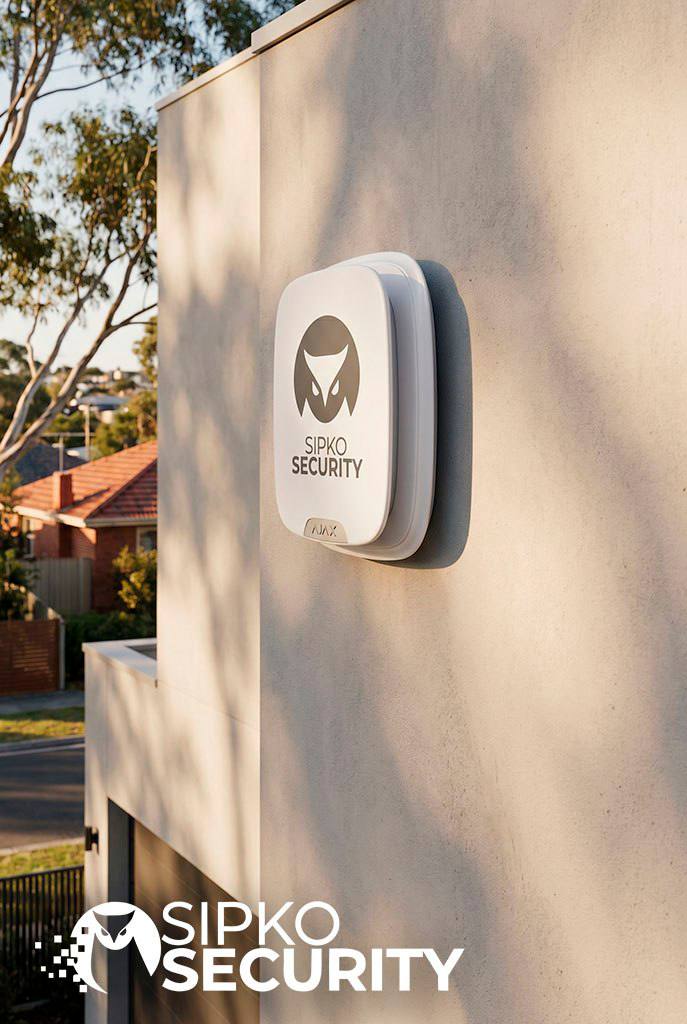
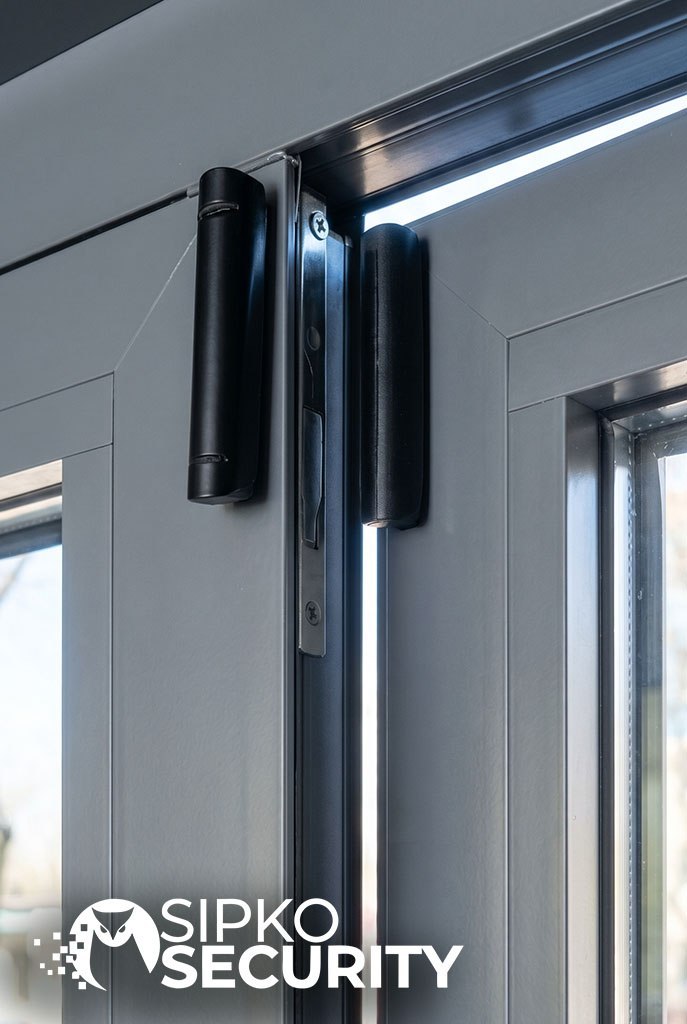
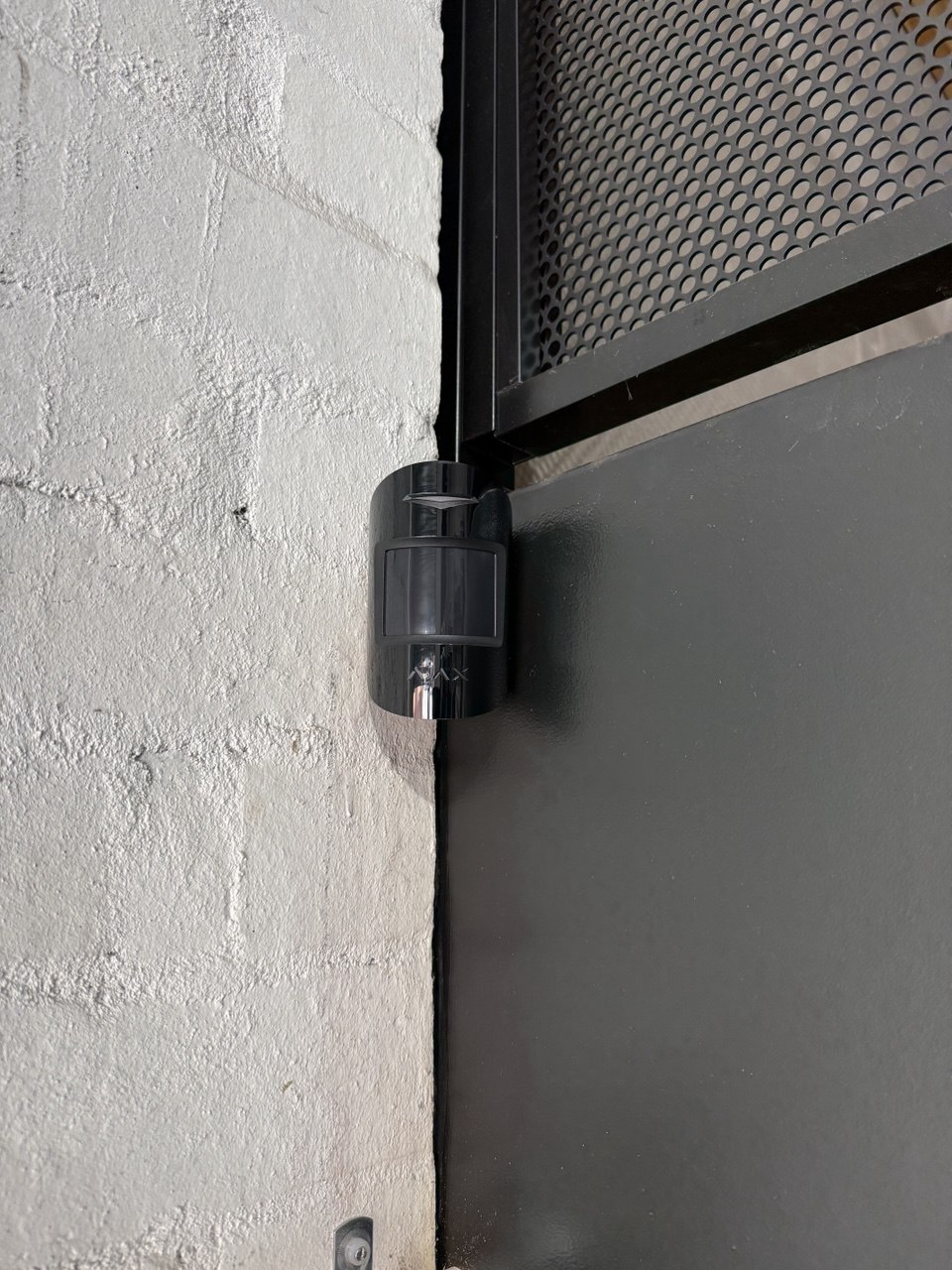
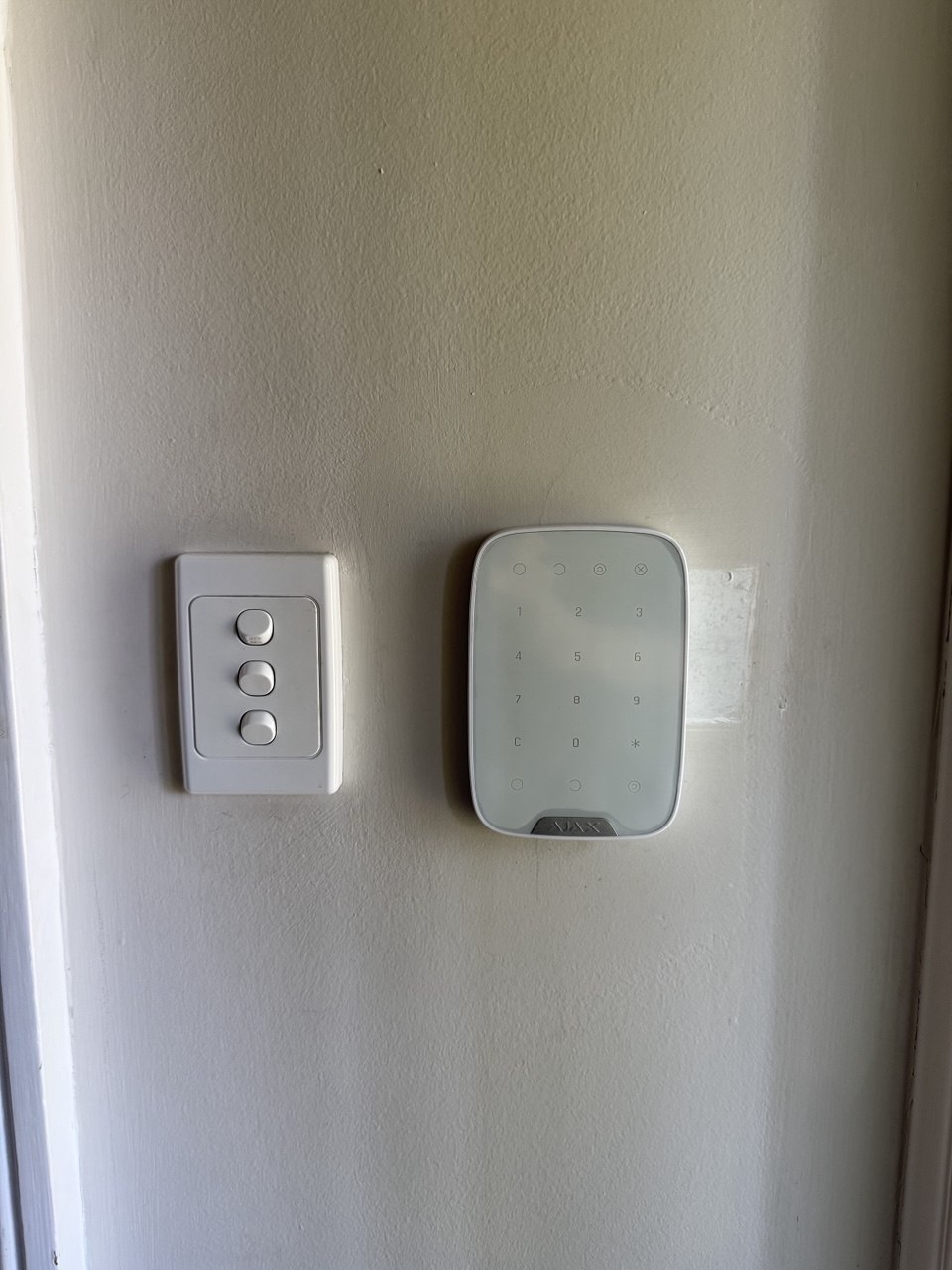
Examples of vacant property security equipment and completed installations.
What our clients say
Real feedback from SIPKO Security clients across Melbourne.
Frequently asked questions
Everything Melbourne developers and investors ask about securing vacant properties.
How quickly can a vacant property security system be installed?
What happens if power or internet is interrupted?
Can I move the system to another property later?
Will this satisfy my insurer’s requirements?
How do I give an agent access without sharing my main login?
Is this suitable for heritage-listed buildings?
Can I monitor multiple properties from one account?
What happens if the alarm is triggered?
Tell SIPKO what the property is, why it’s vacant and what happens next. We’ll assess the access points, monitoring needs and existing infrastructure, then plan a system that protects it through the vacant period without assuming it needs to stay there permanently.