Quick answer
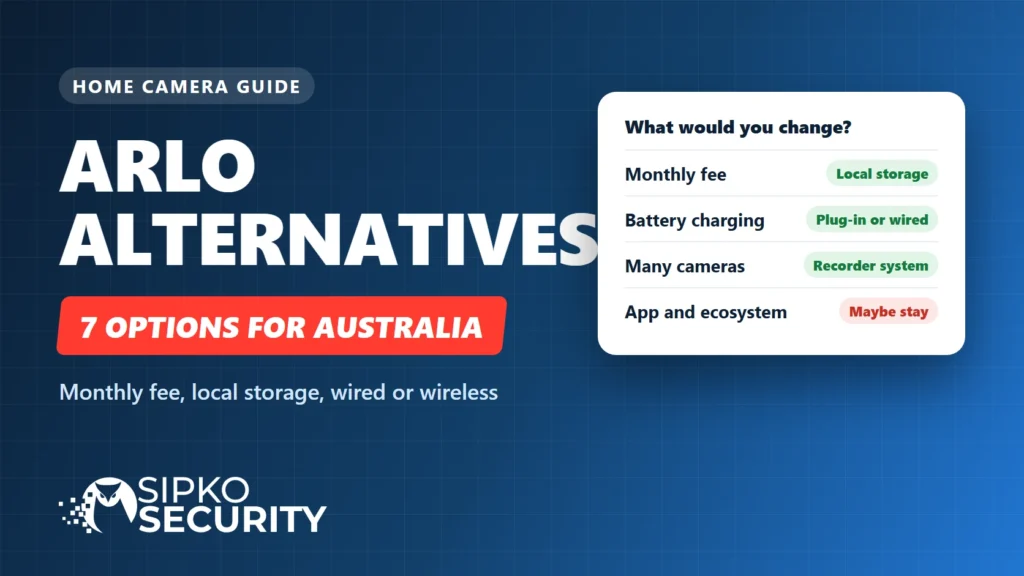
The best Arlo alternative depends on what you want to change. If it is the monthly fee, Eufy, Reolink and Tapo can record locally. For a full home ecosystem, Ring. For the most reliable setup with many cameras, a wired system with a recorder. Arlo is still reasonable if you value its app and accept the plan.
The short version
- Pick the one thing you want to change first: fee, charging or camera count.
- Eufy, Reolink, Tapo and Swann can record locally with no required monthly fee.
- Ring is an ecosystem choice, not a no-fee choice.
- Four or more cameras usually suit a wired recorder system.
On this page
- The short version
- Why people look for Arlo alternatives
- What you keep and lose without an Arlo plan
- The 7 best Arlo alternatives compared
- How to choose
- The real cost over five years
- When Arlo is still the right choice
- Moving off Arlo without losing footage
- Arlo alternatives FAQ
- Need help replacing Arlo cameras?
- Sources and further reading
- Recommended Solutions for This Security Issue
Most people look for an Arlo alternative because of the monthly plan, the charging, or because they now have more cameras than the system suits. It compares seven options, says what each is good at, and says plainly when staying with Arlo is the better call. We install and repair camera systems for a living, so this comes from jobs we see every week, not from a spec sheet. Last checked 18 November 2026. Plans, prices and features differ by country and change often, so we explain the cost method and send you to each brand for current figures in your region.
Why people look for Arlo alternatives
Arlo cameras are well made and the app is polished. The reasons people move on are usually practical:
- The subscription. Cloud video history and smart detection are tied to a paid plan, and the cost grows with each camera you add.
- Charging. Battery cameras need recharging, and the cameras that are hardest to reach are the ones that run flat.
- Policy changes. In 2023 Arlo announced an end-of-life policy for older cameras that drew complaints from owners, and the company later softened it. It is a reminder that cloud-first devices depend on the maker’s decisions.
- Scale. Four to eight cameras on a wireless system is a lot of batteries and a lot of signal to keep healthy.
What you keep and lose without an Arlo plan
Before you switch, check what you actually lose. In general terms, an Arlo camera without a paid plan keeps basic live view and notifications, and loses the cloud video library and some smart detection features. Some models can record locally through an Arlo hub. The exact split depends on your model and your region, so check your own account and the Arlo website rather than trusting an old article, including this one.
| Feature | With a plan | Without a plan |
|---|---|---|
| Live view and push alerts | Yes | Generally yes |
| Cloud video history | Yes, for the plan’s retention period | Generally no |
| Smart detection (people, vehicles, packages) | Often plan-dependent | Often limited |
| Local recording | Model-dependent | Model-dependent, usually needs a hub |
The 7 best Arlo alternatives compared
These are grouped by what they solve. The details come from each brand’s own information and from what we see installing and servicing cameras. Check the current model and price before you buy.
| Option | Where footage is stored | Monthly fee needed? | Power | Best for |
|---|---|---|---|---|
| Eufy | Local (hub or microSD), cloud optional | No for local use | Battery, plug-in or wired | Cutting the fee, simple setup |
| Reolink | microSD, hub, NVR or NAS | No | Battery, mains or PoE | Value, mixing wireless and wired |
| Tapo | microSD, cloud optional | No for core features | Mostly mains or plug-in | Low cost, small homes |
| Swann | Local DVR or NVR | No | Mostly wired | Popular brand, recorder kits |
| Ring | Cloud | Yes for recorded video | Battery, plug-in or wired | Doorbell and alarm in one app |
| UniFi Protect | Local on a UniFi console | No | PoE | Tech-comfortable owners, no-cloud setups |
| Professional wired system | Local recorder, remote viewing optional | No | PoE | Many cameras, long-term reliability |
1. Eufy: the closest swap if the fee is the problem
Eufy built its name on local storage with no required monthly fee. Cameras record to a base station or card, and cloud is optional. If you like the battery-camera idea but want to stop paying for video history, this is the first brand to look at. Our Eufy review covers it, and Arlo vs Eufy compares the two directly.
2. Reolink: best for mixing wireless and wired
Reolink sells battery, mains and PoE cameras, and records to a card, a hub, a recorder or a NAS, with no mandatory monthly fee. That makes it a flexible step towards a wired system later. Some 4G models use a mobile data plan. See our Reolink review, Reolink vs Arlo and Reolink alternatives.
3. Tapo: the budget pick for a small home
Tapo cameras from TP-Link are inexpensive and take a microSD card, and the core features do not need the paid Tapo Care plan. They are mostly mains-powered, so they suit a few fixed spots rather than a large property.
4. Swann: recorder kits from a well-known brand
Swann sells wired kits with a local recorder and no ongoing fees, plus some wireless cameras. The kits are widely sold. See Swann vs Arlo for how they compare.
5. Ring: the ecosystem choice, not the no-fee choice
Ring is a good fit if you want doorbell, cameras and alarm in one app. It does not remove the subscription: recorded video needs a paid plan, and stored video can be lost if you stop paying. See Arlo vs Ring for the full comparison.
6. UniFi Protect: fully local for tech-comfortable owners
UniFi Protect stores footage on a UniFi console in your home or office, with no cloud storage by default. It uses PoE cameras and suits people who are comfortable with networking. It needs more setup than a plug-and-play camera.
7. A professionally installed wired system: the most reliable route
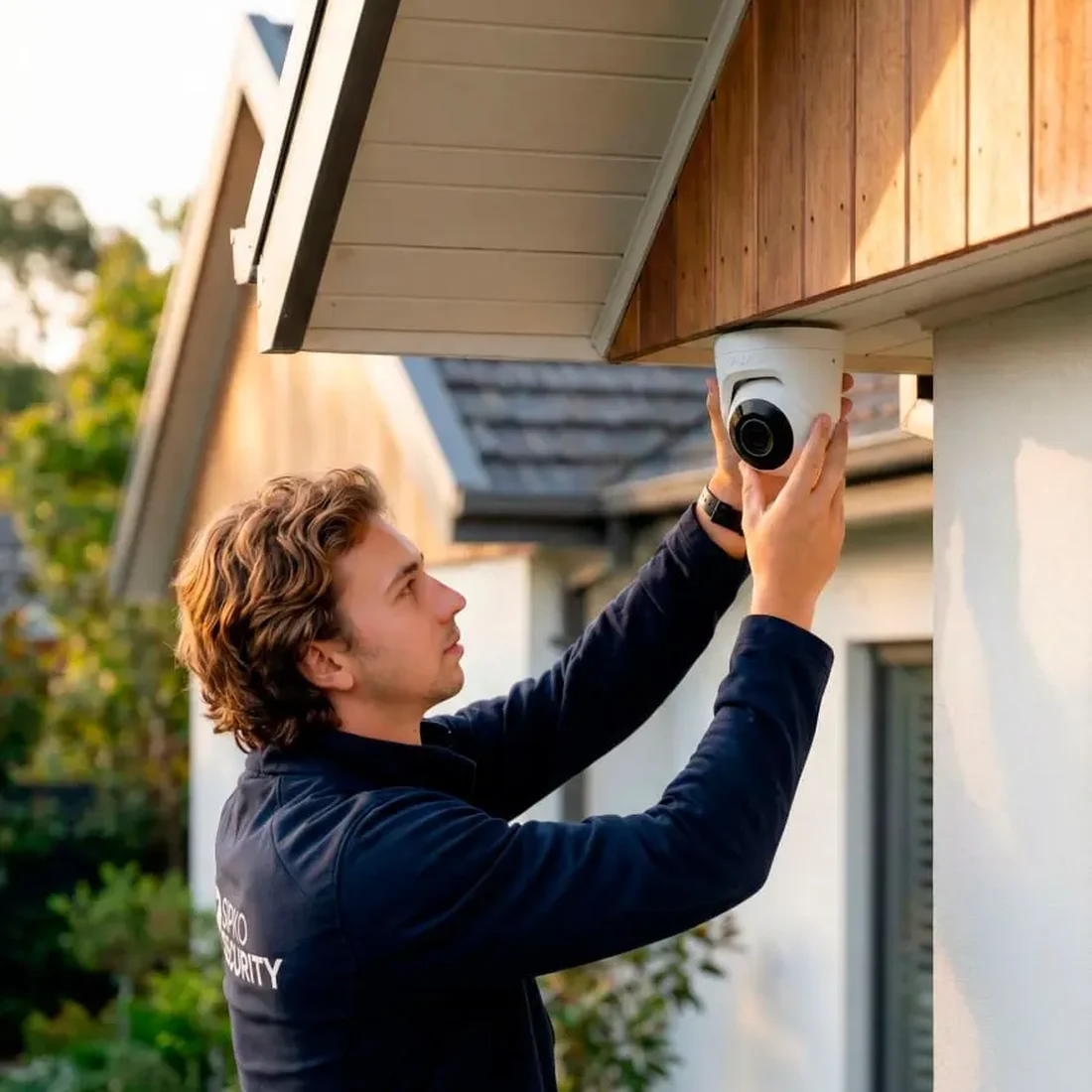
For three or more cameras, or any property where reliability matters, a wired system with a recorder is hard to beat. Power and video run on one cable, there are no batteries, and recording stays on your own recorder. If you are in Melbourne, Australia, see our security camera installation service.
How to choose
Start with the one thing you most want to change, then use the chart below.
I want to stop paying monthly
Look at Eufy, Reolink, Tapo or Swann, and confirm that local storage works on the exact model.
I am tired of charging batteries
Choose plug-in, mains or PoE cameras. A wired system removes batteries completely.
I have four or more cameras
A recorder system is simpler and more reliable than many wireless cameras.
I want one app for everything
Ring is built around that, and accept that it uses a paid plan for recorded video.
The real cost over five years
The honest comparison is the five-year cost, not the price on the box. Work it out with this method, using current prices from each brand:
- Add the camera prices for the number of cameras you need, plus any hub, recorder, card or cable.
- Add the monthly plan for your cameras, multiplied by 60 months. Check whether the plan is per camera or per account.
- Add replacement costs. Batteries wear out, and cloud-only cameras can stop working if the service changes.
- Add installation if you want a wired system fitted properly.
A plan that looks small each month adds up over 60 months, and it grows with every camera. A one-off purchase with local storage costs more on day one and often less by year three. Our guide to home security camera systems goes through the DIY and professional routes in more detail.
When Arlo is still the right choice
Arlo is not a bad product. Stay if the app works well for you, you have a small number of cameras, the batteries are easy to reach, and the plan price is acceptable for what you get. Switching has its own cost and effort, and a working system is worth something. Change when the fee, charging or number of cameras has become the problem, not because a list said so.
Moving off Arlo without losing footage
- Download any clips you want to keep before you cancel a plan or remove a camera.
- Take photos of where each camera is mounted and note the view you want to keep.
- Run the new camera next to the old one for a week before you remove it.
- Check the new system’s notifications on your phone, in the evening as well as the day.
- Remove the old cameras from your Arlo account and reset them before you sell or give them away.

In Melbourne and decided to stay with Arlo? We can mount and set up the cameras for you: see our Arlo camera installation service in Melbourne.
Arlo alternatives FAQ
The questions we hear most from people leaving Arlo.
What is the best alternative to Arlo cameras?
It depends on what you want to change. For no monthly fee, Eufy, Reolink and Tapo can record to local storage. For a doorbell and alarm in one app, Ring. For the most reliable setup with many cameras, a wired recorder system installed properly.
Are there Arlo alternatives with no monthly fee?
Yes. Eufy, Reolink, Tapo and Swann all offer ways to store footage locally, on a microSD card, a hub or a recorder, with cloud storage as an optional extra. Features vary by model, so check the product page for the exact camera before you buy.
Do Arlo cameras work without a subscription?
Arlo cameras generally still give live view and notifications without a paid plan, but cloud video history and some smart detection features need one. Some models can record locally through a hub. Plans and features change, so check arlo.com for your model and region.
Is Ring a good alternative to Arlo?
It can be, if you want a doorbell, cameras and alarm in one app. Ring also uses a paid plan for recorded video, so it will not solve a subscription complaint. Our Arlo vs Ring comparison goes through the differences in detail.
Which Arlo alternative is best for a large property?
A wired recorder system. Battery cameras are convenient, but many cameras means many batteries and many wireless links. A recorder system with PoE cameras puts power, video and recording on cables, and is simpler to keep reliable.
Can I keep my footage when I leave Arlo?
Download anything you want to keep from the Arlo app before you cancel a plan or remove cameras, because cloud footage may stop being available. Check your own account for what can be exported.
Can a professional install replace Arlo cameras?
Yes. We replace battery cameras with wired PoE systems (we are based in Melbourne, Australia), with local recording and remote viewing, and no monthly camera fee required. Remote access is optional and set up to suit you.
Should I stay with Arlo?
Possibly. If the app works well for you, the cameras are reliable and you are happy with the plan, there may be no reason to change. Switching makes sense when the fee, charging or number of cameras has become the problem.
Need help replacing Arlo cameras?
If you are in Melbourne, Australia and want to move from battery cameras to a wired system with local recording, we can design and install it. See our CCTV installation service or call 0406 432 691. Elsewhere, ask any licensed local installer for the same setup. You may also want our Dahua default password guide if you choose a Dahua system.
Sources and further reading
Brand details come from each brand’s own pages and change often. We have not quoted prices or plan costs because they change; check the brand for current figures. The advice on how to choose is our own, from installing and servicing camera systems. Last checked 18 November 2026. SIPKO Security, Security Adviser and Equipment Installer Licence Z47-808-30S.

Did this fix it?
Good to hear. If we saved you a call, a short Google review helps other Melbourne homes find honest advice.
Leave a Google reviewLet us take a look. Tell us what you found and a licensed installer will help you find the cause.
Get a free quote or call 0406 432 691 Featured Ajax product
AJAX Hub 2 Plus
The advanced security panel at the heart of an Ajax system. It connects up to 200 devices.
See the Ajax system →
- Licensed and insured
- Licence Z47-808-30S
- Melbourne and Mornington Peninsula
- Free onsite quote
Google reviews
What Melbourne customers say


Local help from SIPKO
SIPKO Security
Get your free onsite quote
Tell us about your property. A licensed installer will get back to you with a clear, honest answer.
- Licensed and insured
- Melbourne and Mornington Peninsula
- Mon to Sat, 8am to 6pm
The quote form opens as you scroll here.