
Arlo Wireless Camera Installation in Melbourne
Already have your Arlo cameras, or still choosing? We mount them where they work, test the Wi-Fi, set up the Arlo app and alerts on your phone, and check everything records before we leave.
Arlo cameras run on batteries and Wi-Fi, so there is no cable to run through your walls. That makes them quick to fit, but the spot you choose decides a lot: the signal, how often you charge, and whether the camera sees a face or the top of a head.
We come out, look at the spots you want covered and tell you what is needed before any work starts. See our free site assessment.
Book Your Arlo Installation
Call 0406 432 691 or send the form. Tell us your suburb, how many cameras, and whether you already have them. We will contact you to arrange the next step.
The quote form will appear here shortly.
Why Choose SIPKO for Your Arlo Installation
Arlo cameras are built for easy setup. Getting reliable coverage from them takes a bit more than a screw and a wall plug.
Licensed in Victoria
We hold a Victorian security licence, so the person on your ladder is a licensed security installer.
Bring your own cameras
Bought your Arlo cameras online or in a store? We install them. Or we help you choose the right models first.
Straight advice
If a wired system would suit your property better, we say so. Our CCTV installation in Melbourne covers that too.
Melbourne and the Peninsula
We install across Melbourne and the Mornington Peninsula. See the areas we cover below.

Sergi Sipko, Your Licensed Arlo Installer in Melbourne
SIPKO Security is Sergi Sipko’s business, based in Brighton. Sergi is the licensed installer who mounts and sets up Arlo cameras for homes and businesses across Melbourne and the Mornington Peninsula.
When you call 0406 432 691, you talk to the business that will do the work, not a call centre. Sergi asks which Arlo cameras you have, what you want each one to see and where your router is, so your Arlo install is planned before anyone gets on a ladder. Melbourne customers often mention him by name in our Google reviews.
Security licence
Victorian Security Adviser and Equipment Installer licence Z47-808-30S.
Cabling registration
Registered cabler, registration T58117, for data cabling such as a SmartHub run to your router.
Industry member
Member of the Victoria Security Institute.
Melbourne based
Based in Brighton, installing Arlo cameras across Melbourne and the Mornington Peninsula.
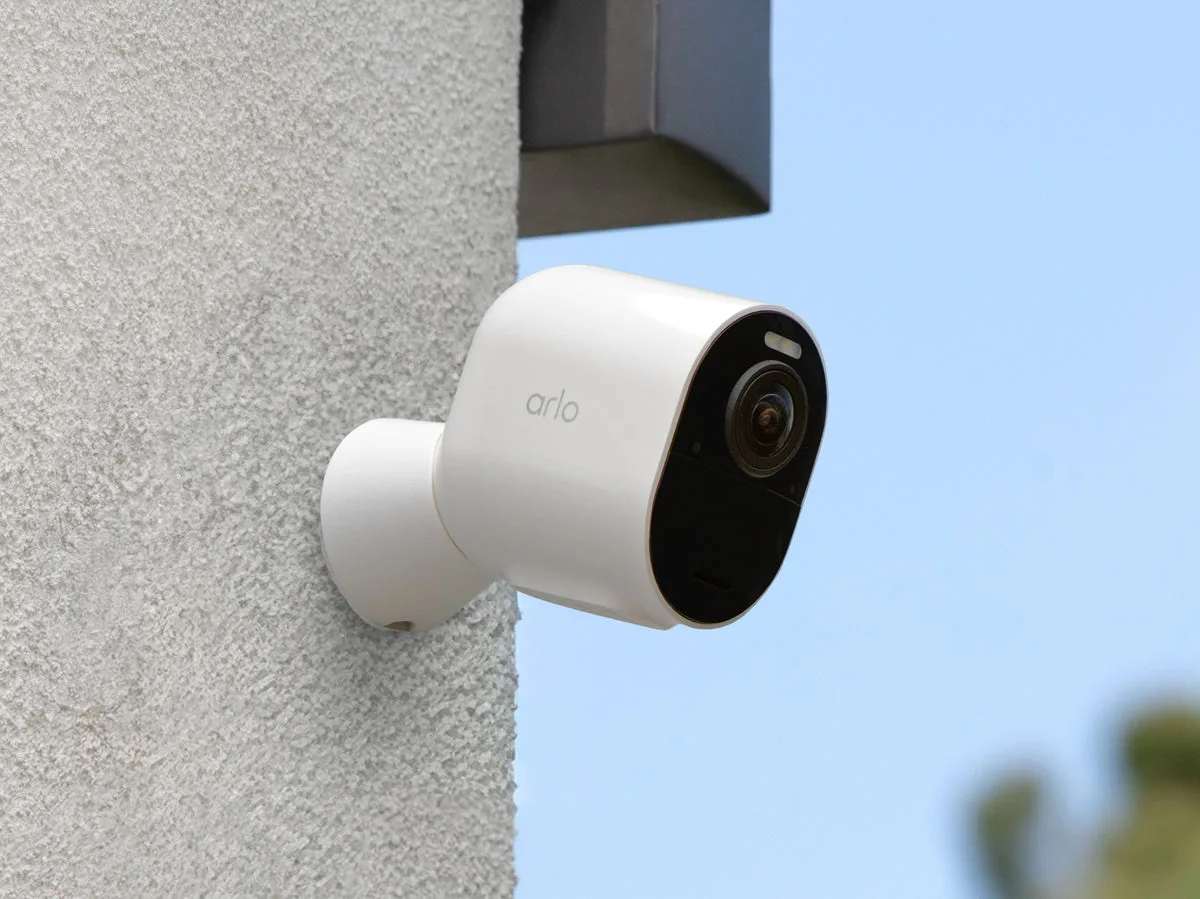
Why a Wire-Free Arlo Camera Still Needs Careful Installation
“Wire-free” means no cable to the camera. It does not mean any spot will do. Most problems with battery cameras come back to where they were mounted.
Weak Wi-Fi costs battery
A poor connection can mean more battery use and late or missed clips. We test the signal at each spot first.
Too high sees only hats
A camera on the eaves is safe from hands, but at the wrong angle it records the top of a head. We set height and tilt for faces.
Busy spots mean more charging
A camera facing a footpath triggers all day. We aim it and set activity zones so it records what matters.
Solar needs real sun
Arlo says its Essential Solar camera needs about 2 hours of direct sun a day. A shaded wall may not get it, so we check first.
You still need to reach it
Battery cameras come down to charge. We mount them where you can reach them safely, or plan a solar panel or charging cable.
Harder to steal
Where a camera is within reach, we can fit Arlo’s anti-theft mount so it cannot simply be lifted off.
How Much Does Arlo Camera Installation Cost in Melbourne?
Every property is different, so we quote after seeing the spots you want covered. The quote is free, and these are the things that change it.
Number of cameras
Each camera needs its own mount, aim, test and app setup.
Mounting height
Second-storey eaves and high walls take longer and may need extra access equipment.
Wall material
Brick, render, weatherboard and metal each need different fixings.
Wi-Fi coverage
If the signal is weak at a spot, a SmartHub or a network fix may be needed.
Extras
Solar panels, charging cables, SmartHub setup or a doorbell chime add a little time.
Always included
Wi-Fi check at each spot, mounting, aiming, Arlo app setup, activity zones and a walk-through.
Every Wireless Arlo Camera We Install
The battery, solar and 4G models in Arlo’s current Australian range, with what matters for installing each one. Tap a model name for Arlo’s full specs.
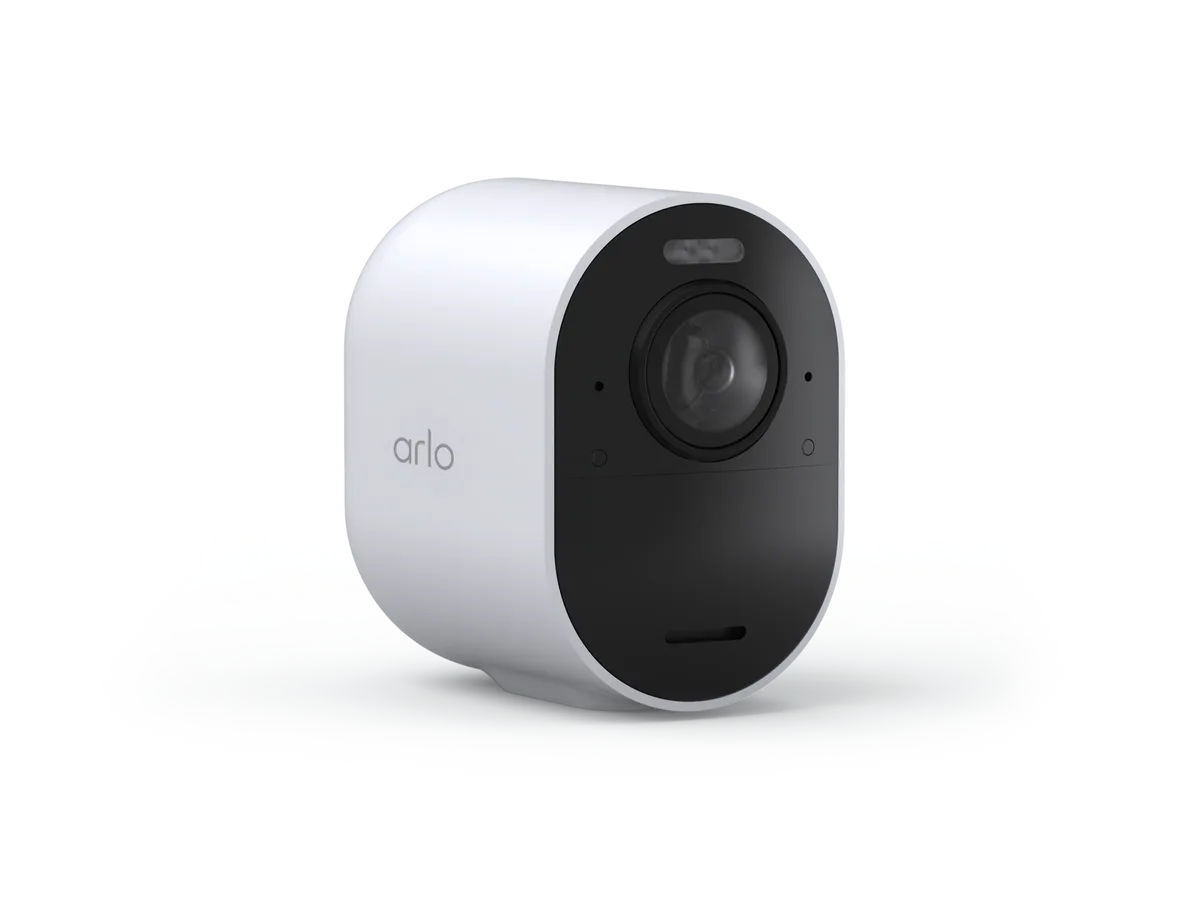
Ultra Security Camera (3rd Gen)
Widest view and auto zoom. We plan the SmartHub position as part of the install.
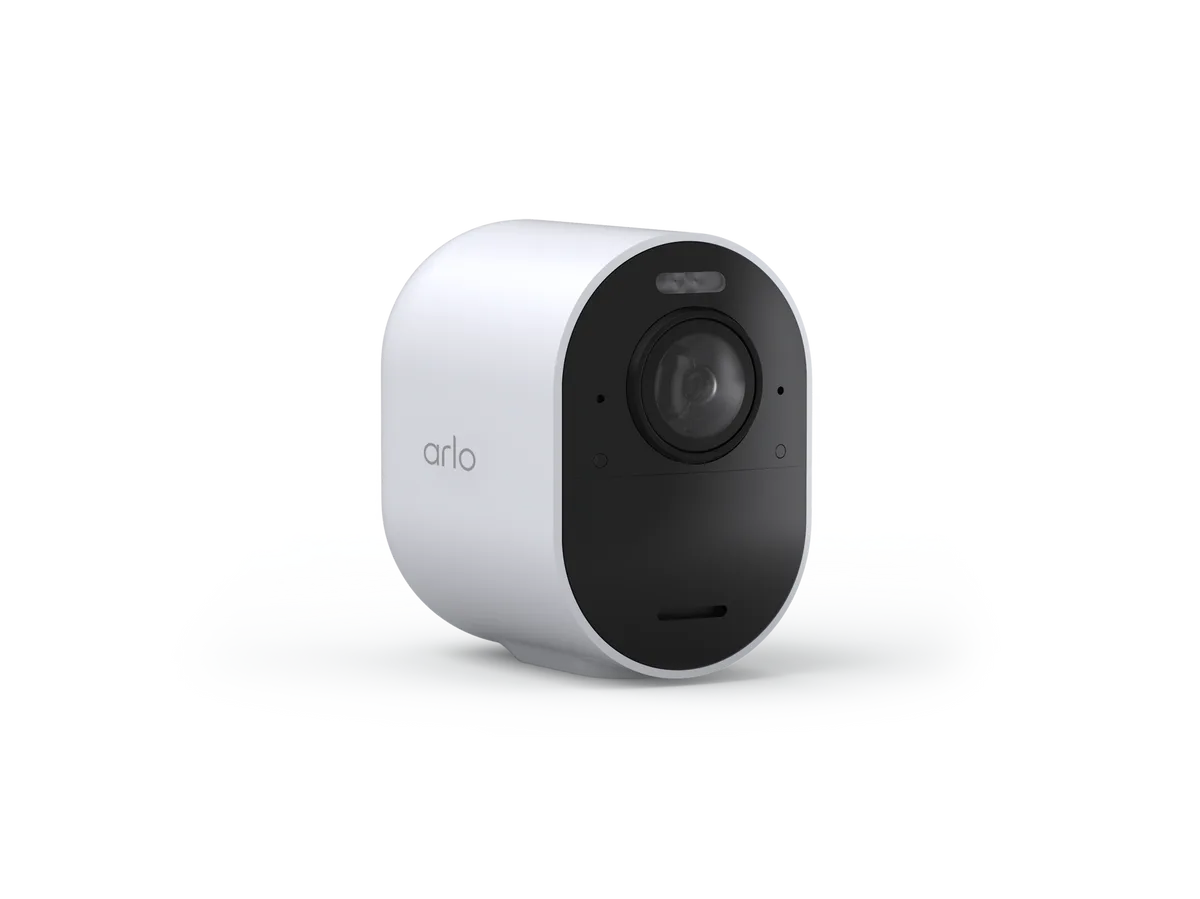
Ultra 2
Suits larger outdoor areas. Usually added to an existing Ultra 2 system.
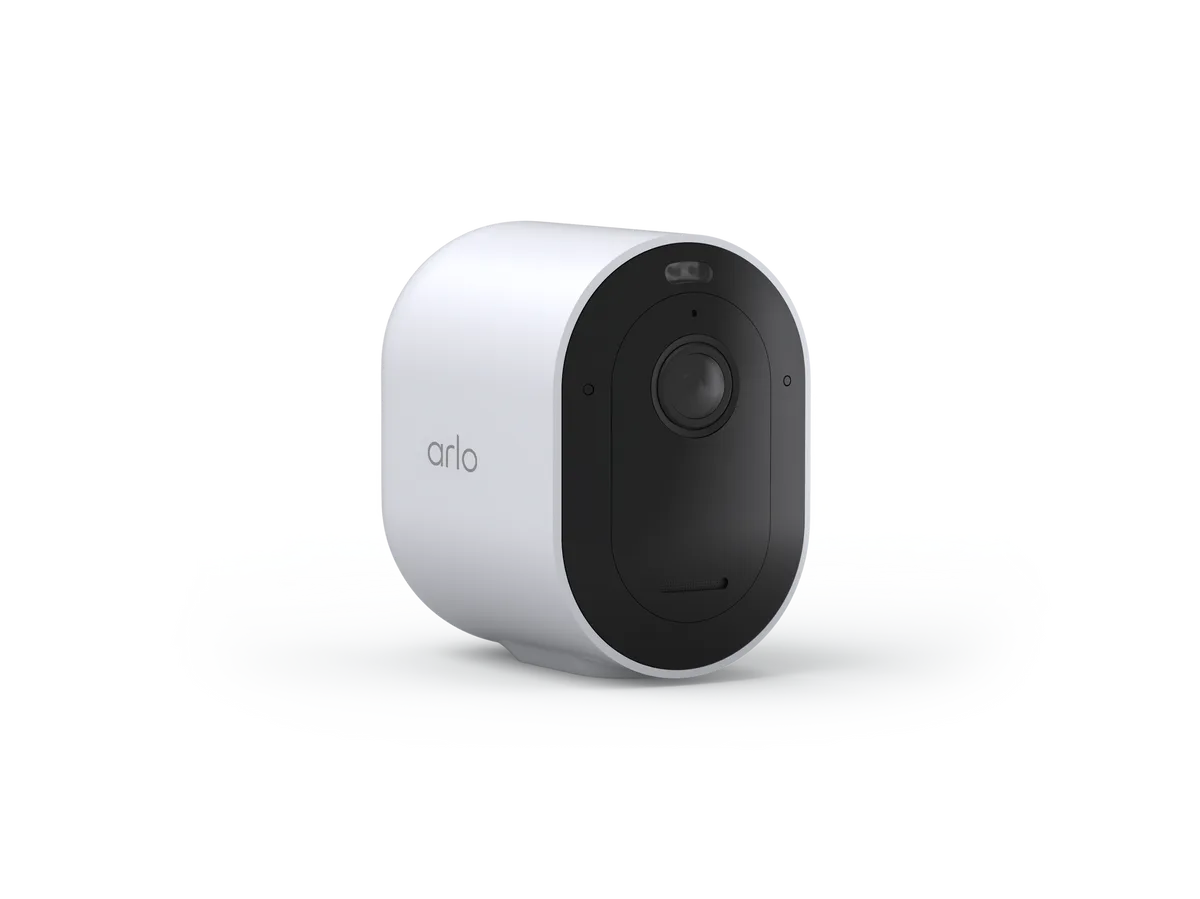
Pro Security Camera 2K (6th Gen)
Connects straight to your Wi-Fi. A good all-rounder for fronts, sides and entries.
Pro 5S 2K
Has a low power mode to stretch the battery. Common in existing Pro systems.
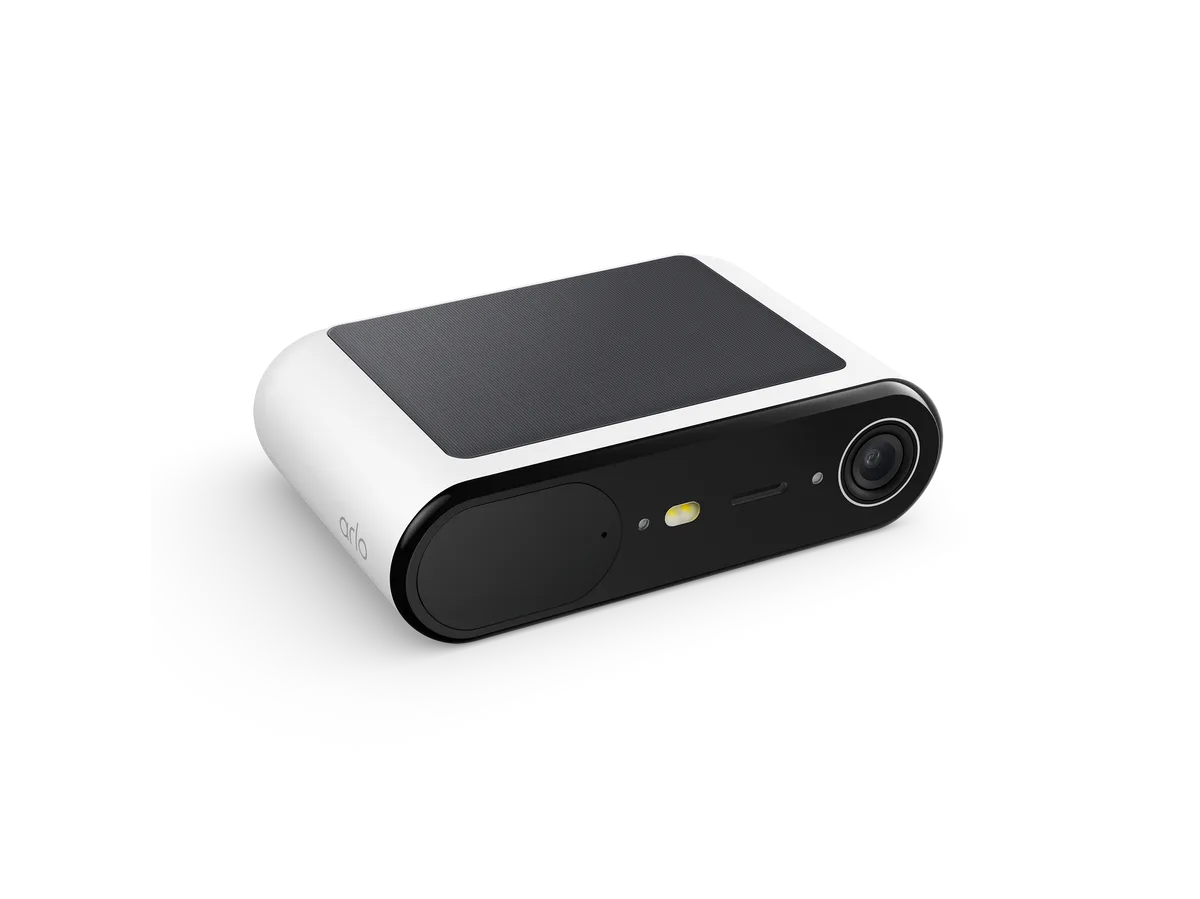
Essential Solar Security Camera
No charging if the wall gets about 2 hours of direct sun a day. We check the sun first.
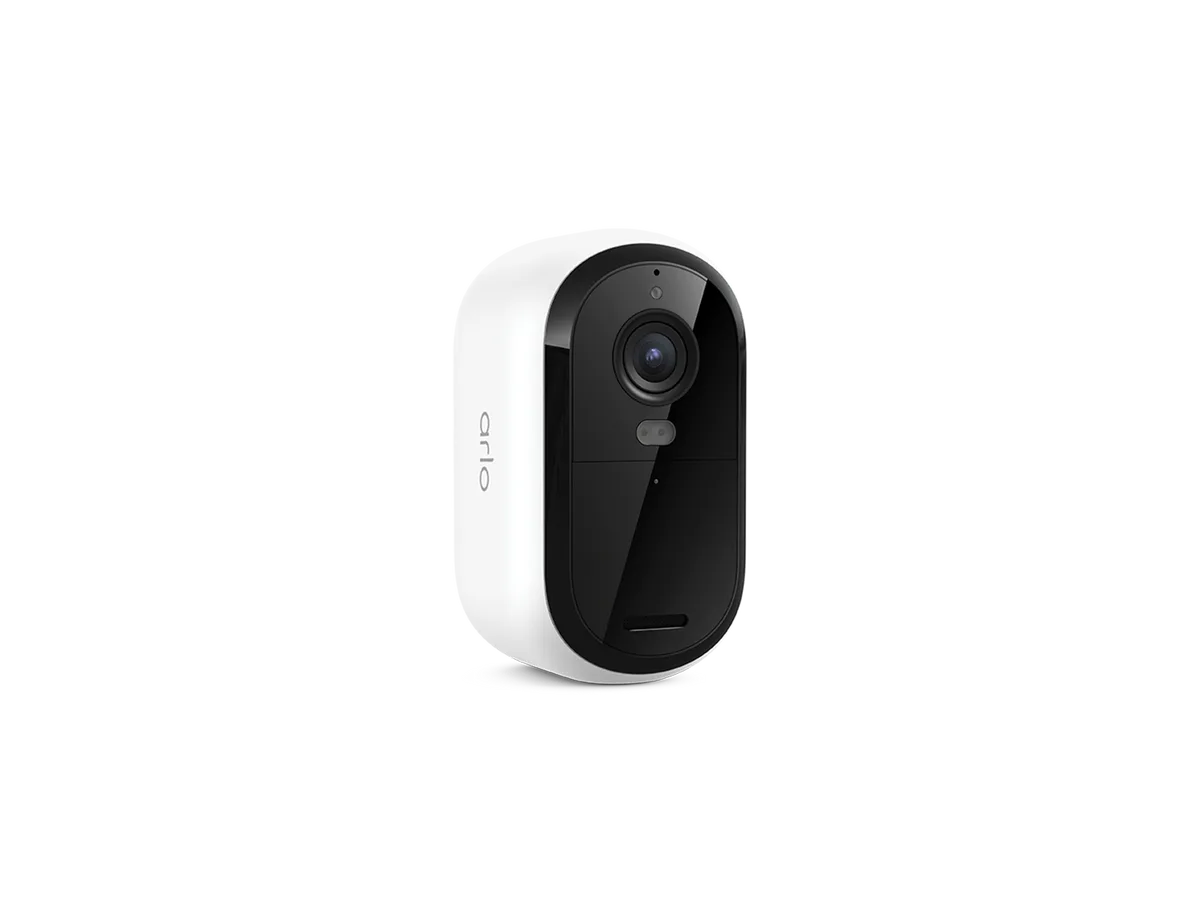
Essential Security Camera (3rd Gen)
Simple, good-value battery camera for one or two spots.
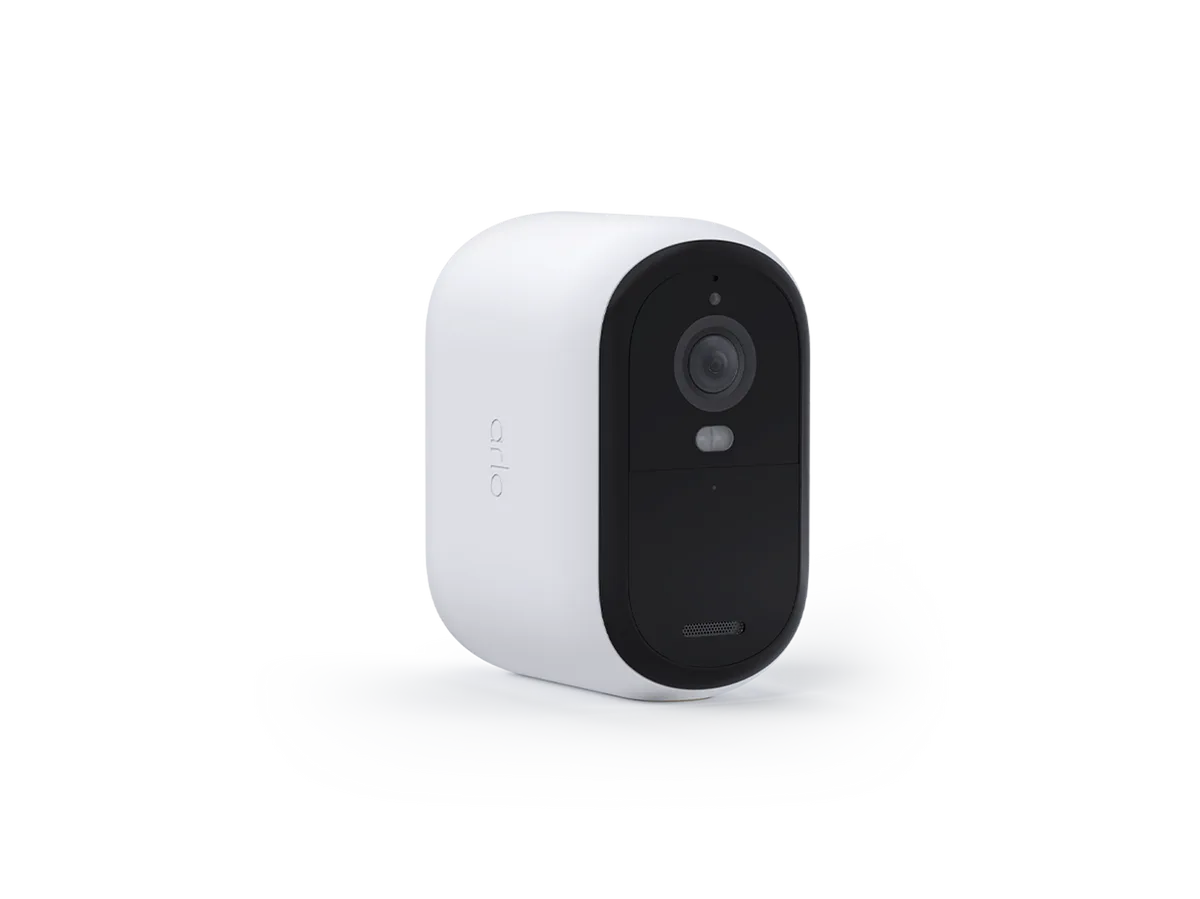
Essential XL Outdoor (2nd Gen)
Bigger battery for busy spots that would drain a normal camera quickly.
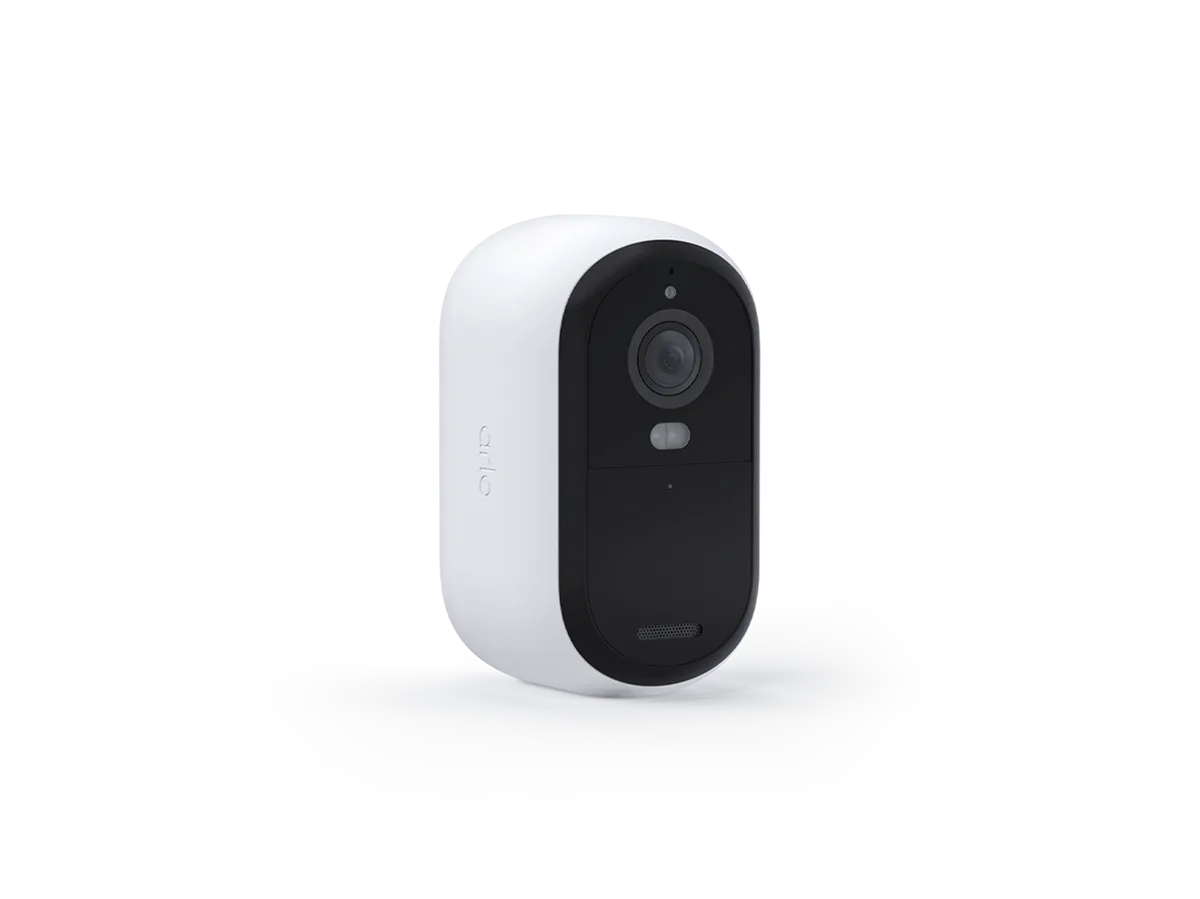
Essential Outdoor (2nd Gen)
Common in existing Essential systems. We add to or move these too.
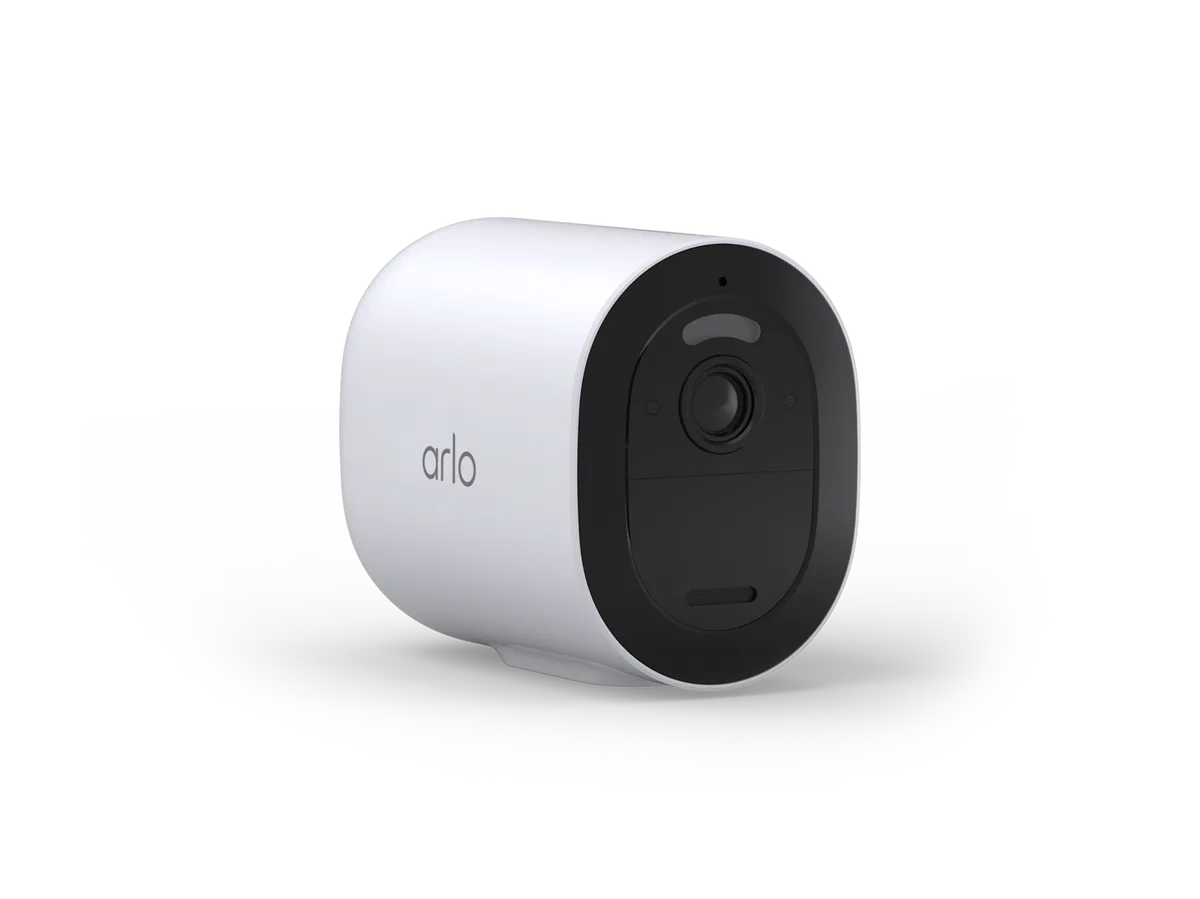
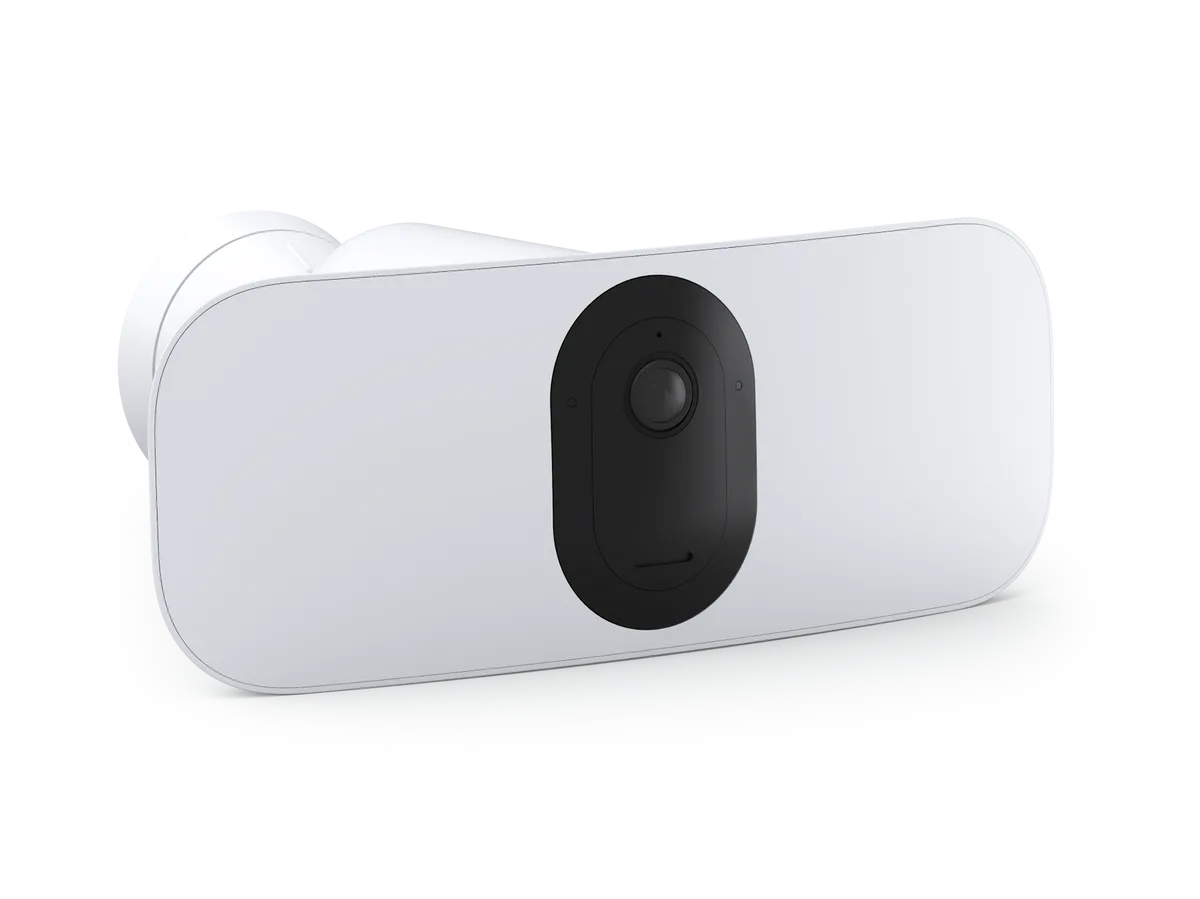
Wireless Floodlight
Lights up dark driveways and paths. Pairs well with a solar panel.
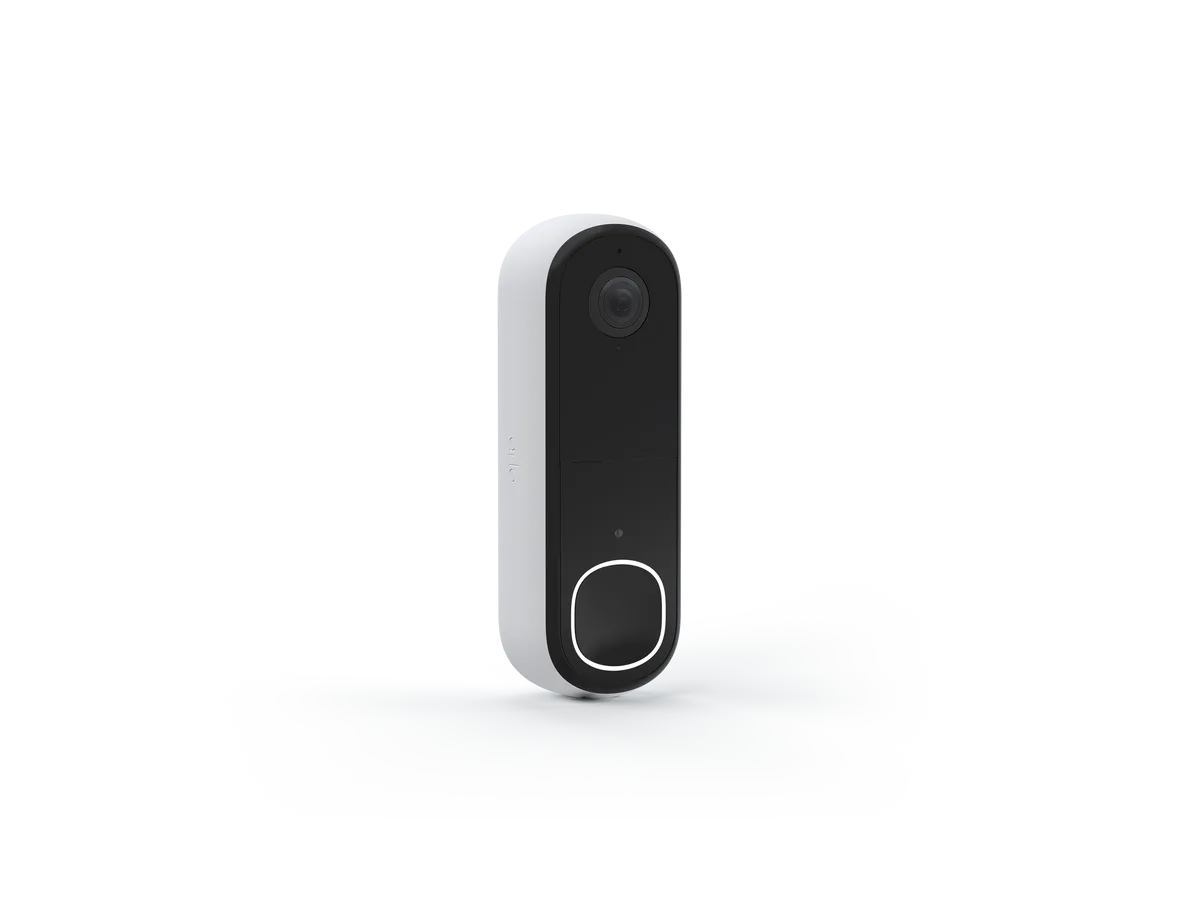
Video Doorbell (2nd Gen)
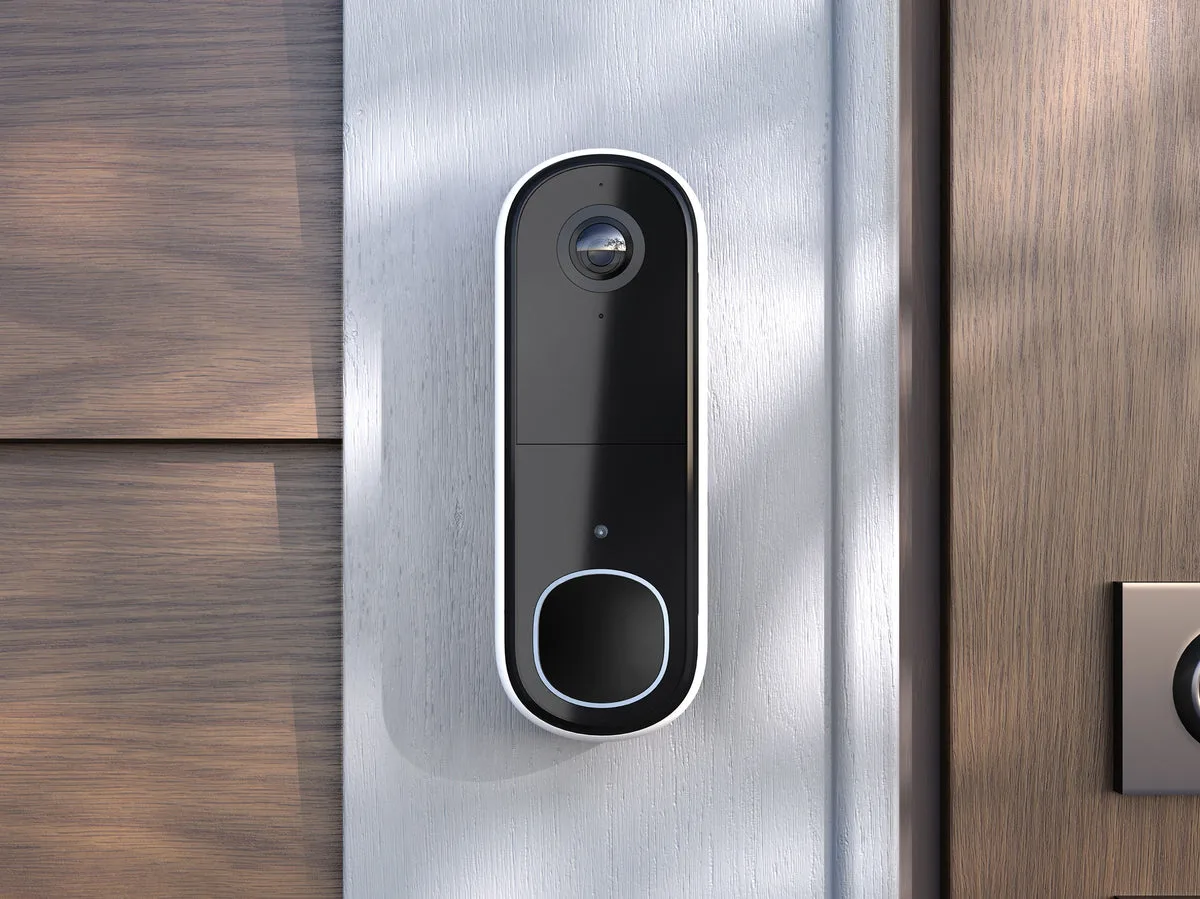
Head-to-toe view of the front door. Runs on battery or your existing doorbell wiring.
Quick comparison: wireless Arlo cameras
| Model | Video | Power | SmartHub | Where it fits |
|---|---|---|---|---|
| Ultra series | ||||
| Ultra (3rd Gen) | 4K HDR | Battery | Needed | Large yards, wide driveways |
| Ultra 2 | 4K HDR | Battery | Needed | Adding to an Ultra 2 system |
| Pro series | ||||
| Pro 2K (6th Gen) | 2K HDR | Battery | Optional | Fronts, sides, entries |
| Pro 5S 2K | 2K HDR | Battery | Works with one | Adding to a Pro 5S system |
| Essential series | ||||
| Essential Solar | 2K | Built-in solar | We confirm | Sunny, hard-to-reach walls |
| Essential (3rd Gen) | 2K | Battery | We confirm | One or two simple spots |
| Essential XL (2nd Gen) | 2K | Large battery | We confirm | High-traffic areas |
| Essential Outdoor (2nd Gen) | 2K or HD | Battery | We confirm | Adding to an Essential system |
| Special purpose | ||||
| Go 2 | 1080p | Battery, 4G or Wi-Fi | Not needed | Sites with no internet |
| Wireless Floodlight | 2K HDR | Battery | We confirm | Dark driveways and paths |
| Video Doorbell (2nd Gen) | 2K | Battery or wired | We confirm | Front door |
“We confirm” means Arlo’s pages do not give a simple yes or no for that setup, so we check it for your property before you buy.
Where Wireless Arlo Cameras Work Best
Each part of a property has a different job. This is how we usually match Arlo models to spots.
Front door
The Video Doorbell (2nd Gen) shows visitors head to toe and parcels at their feet. Add a Pro camera if the porch is deep.
Driveway
The Ultra’s 4K and wide view can capture more driveway detail. Readable number plates still depend on distance, light and angle.
Side gates and paths
A Pro 2K (6th Gen) or Essential covers a narrow path well. We aim it along the path so people walk towards it.
High, sunny walls
Second-storey walls are hard to reach for charging. The Essential Solar suits them if the wall gets enough direct sun.
Garage and shed
A shed away from the house is often out of Wi-Fi range. A SmartHub can extend range, or a Go 2 can use 4G.
Building sites and farms
The Go 2 works over 4G with a mobile plan and records to a microSD card, so it suits sites with no internet.
Why Hire a Professional Arlo Camera Installer?
Plenty of people put up their own Arlo cameras, and for one camera by the front door that can work fine. Where it usually goes wrong is on bigger or harder jobs.
Work at height
Eaves and second-storey walls need the right ladder and a safe setup.
Fixings that hold
Brick, render and weatherboard each need the right anchors, so the camera stays put in wind and rain.
Fewer holes
We test the view and signal first, so you do not end up with three sets of holes for one camera.
Alerts that make sense
Zones and sensitivity are set so your phone tells you about people, not every leaf.
Arlo Wireless or Wired CCTV: Which Suits Your Property?
Both have a place. This is how we explain the difference when people ask.
Arlo wireless vs wired CCTV
| Topic | Arlo wireless | Wired CCTV |
|---|---|---|
| Installation | Usually quicker, no cable runs | More involved, cables to each camera |
| Power | Battery or solar, depending on model | Constant power over the cable |
| Upkeep | Batteries may need charging | No batteries to charge |
| Recording | Records clips when it detects motion | Can record around the clock to a recorder |
| Connection | Wi-Fi, SmartHub or 4G (Go 2) | Network cable to each camera |
| Best suited to | Homes and renters who want a flexible, quick install | Larger properties and businesses that need constant recording |
Not sure which way to go? We install both, so the advice is not tied to one product. See our wired CCTV installation page, or compare other wireless brands in our guide to Arlo alternatives.
Our Arlo Installation Process
Walk the property
We look at the areas you want covered and where people actually come and go.
Test Wi-Fi at each spot
If reception is weak, we suggest another position, a SmartHub or a better router spot before mounting.
Mount and aim
Cameras go up at the right height and angle, with an anti-theft mount where needed.
Set up the app
We add each camera to the Arlo app, name it, and set zones and alerts.
Test and hand over
We trigger each camera so you see an alert arrive, then show you recordings, sharing and charging.
Power, Wi-Fi and the Arlo App: What to Know
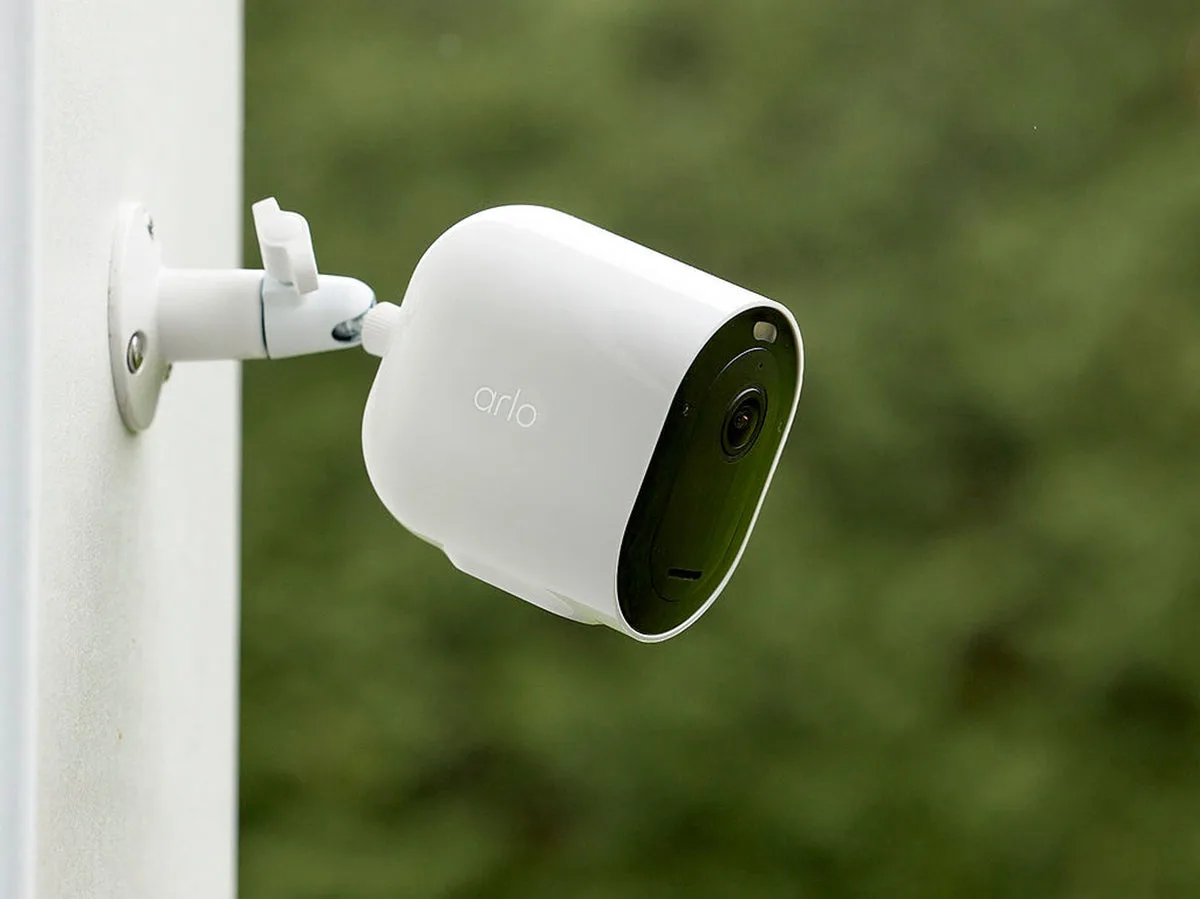
A wireless camera is only as good as its battery and its connection. This is what we plan for on every Arlo job.
Charging options
Arlo sells solar chargers, outdoor charging cables and larger XL batteries for most Ultra and Pro models. We tell you which suits each spot.
Dual-band Wi-Fi
The Pro (6th Gen), Pro 5S 2K, Essential (3rd Gen) and Essential Solar use 2.4 or 5 GHz. 2.4 GHz usually reaches further outside.
SmartHub
The Ultra cameras need an Arlo SmartHub. It can also extend range and store video locally on a microSD card.
Smart home
Arlo lists support for Alexa, Google Home, SmartThings and IFTTT on its Ultra (3rd Gen) page.
About Arlo Secure plans
New Arlo cameras come with a trial of an Arlo Secure plan. Arlo says a paid subscription is needed after the trial to keep premium features such as cloud video history and advanced object detection.
We explain what you would lose without a plan before you buy, so you can decide with the full picture. Current plan details are on Arlo’s website.
Privacy and Victorian rules
Victoria’s Surveillance Devices Act 1999 sets rules on recording private conversations and activities. In practice, we aim cameras at your own property, avoid neighbours’ yards and windows, and set activity zones and audio to suit.
Need Help With an Existing Arlo Camera System?
You do not need a brand new system to call us. We also help with Arlo cameras that are already up.
Move or re-aim cameras
A camera that sees the wrong thing, or drains fast, can often be fixed by moving it.
Reconnect offline cameras
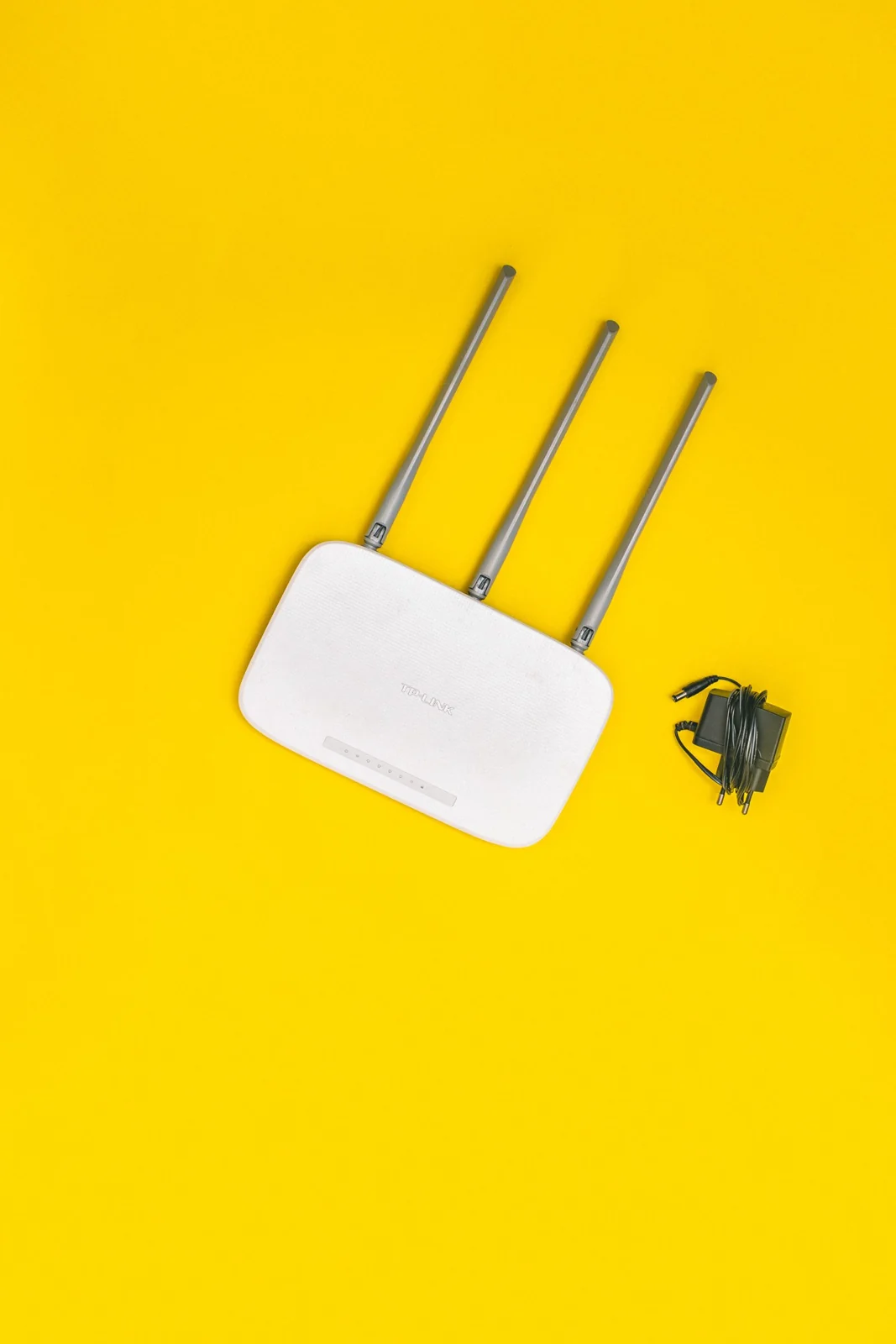
Changed your router or Wi-Fi password? We get the cameras back online.
Add more cameras
We add new Arlo cameras to your existing app and SmartHub.
New phone setup
We help you sign in on a new phone and share access with family.
For faults with other camera systems, see our CCTV repair and servicing page.
Arlo Cameras for Small Businesses and Sites
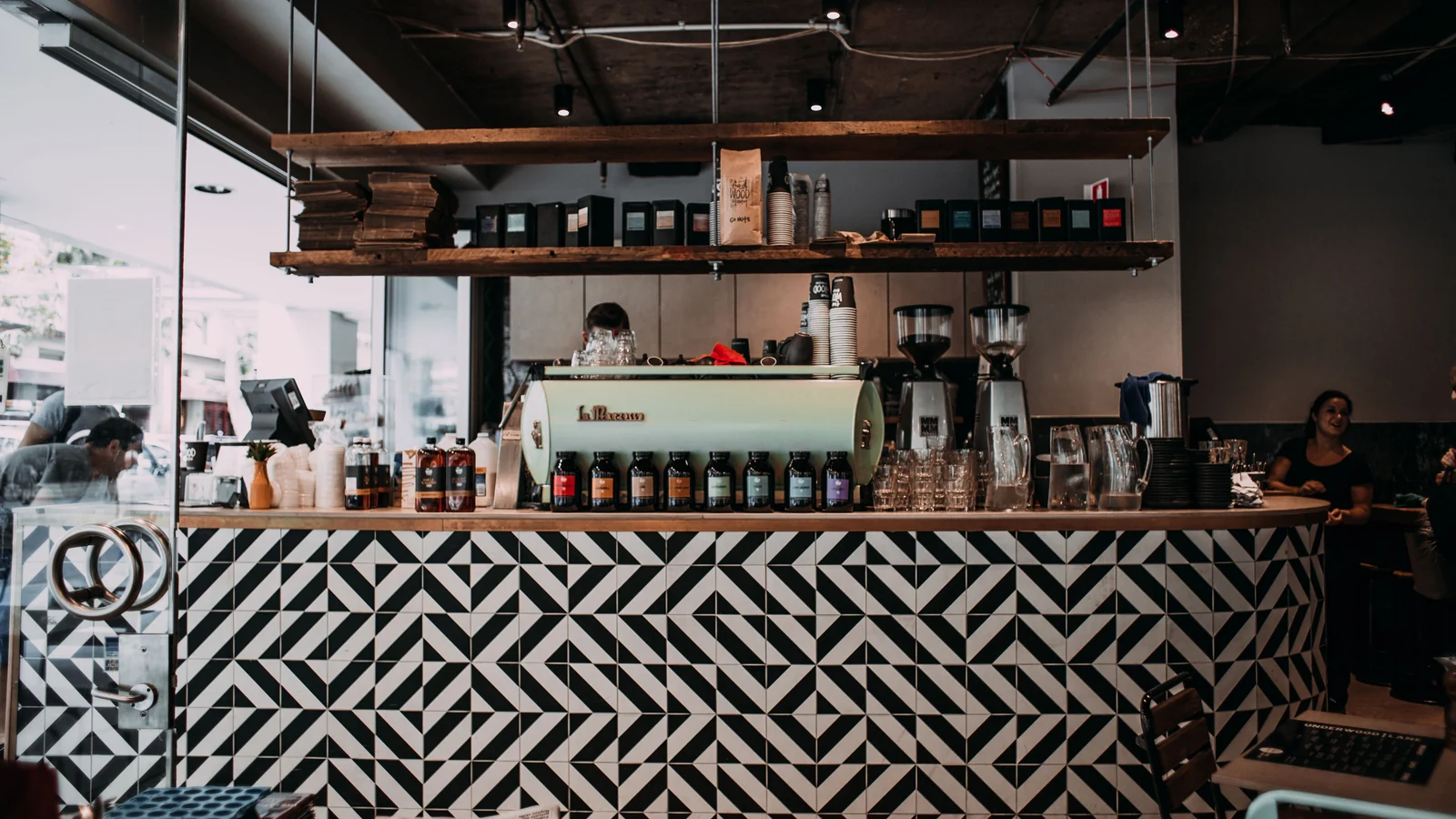
Battery cameras suit some business jobs well: a small office entry, a shopfront, a storage shed, or a building site with no power or internet, where the Go 2 can run on 4G.
For a warehouse, a busy shop or anywhere you need recording around the clock, a wired system is usually the better fit. We will tell you which way we would go, and why. See our commercial CCTV installation service.
What a Neat Arlo Installation Looks Like
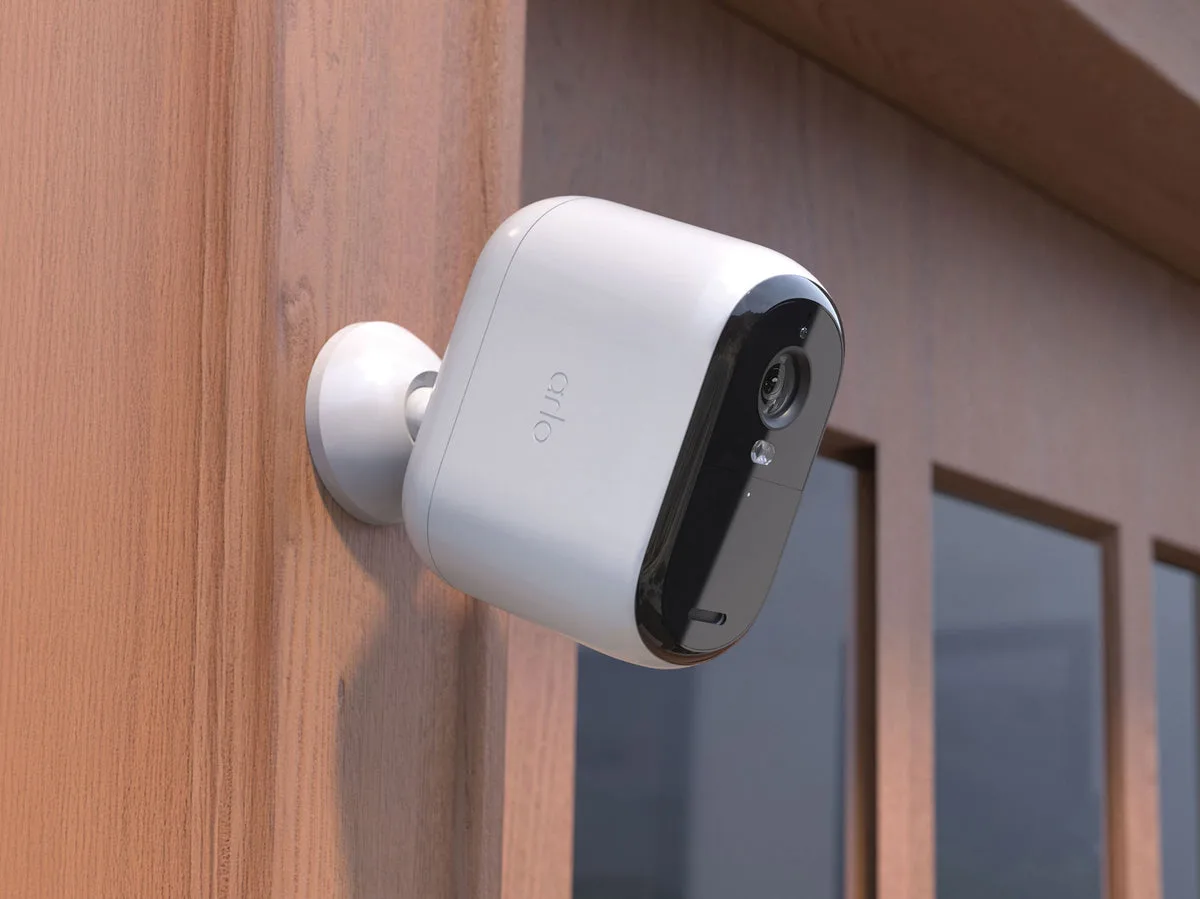
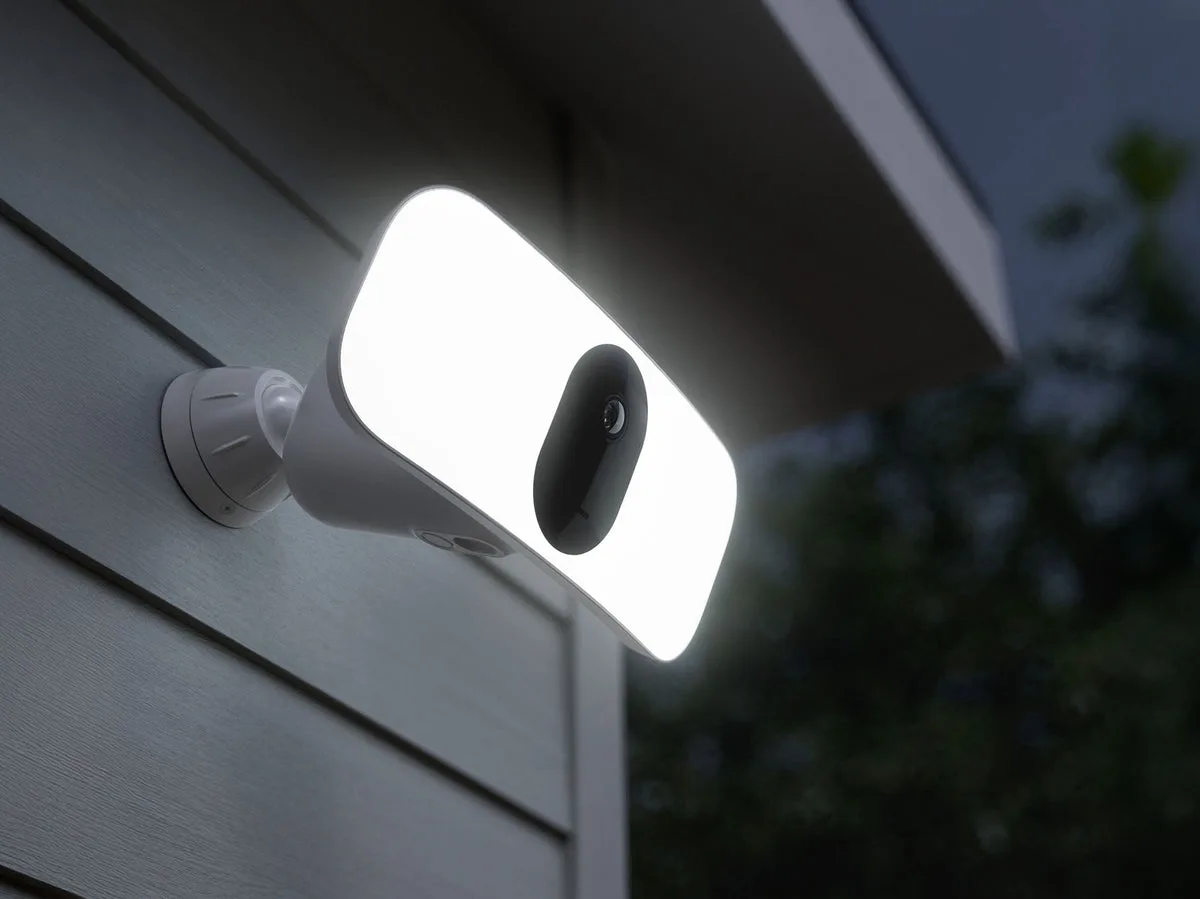
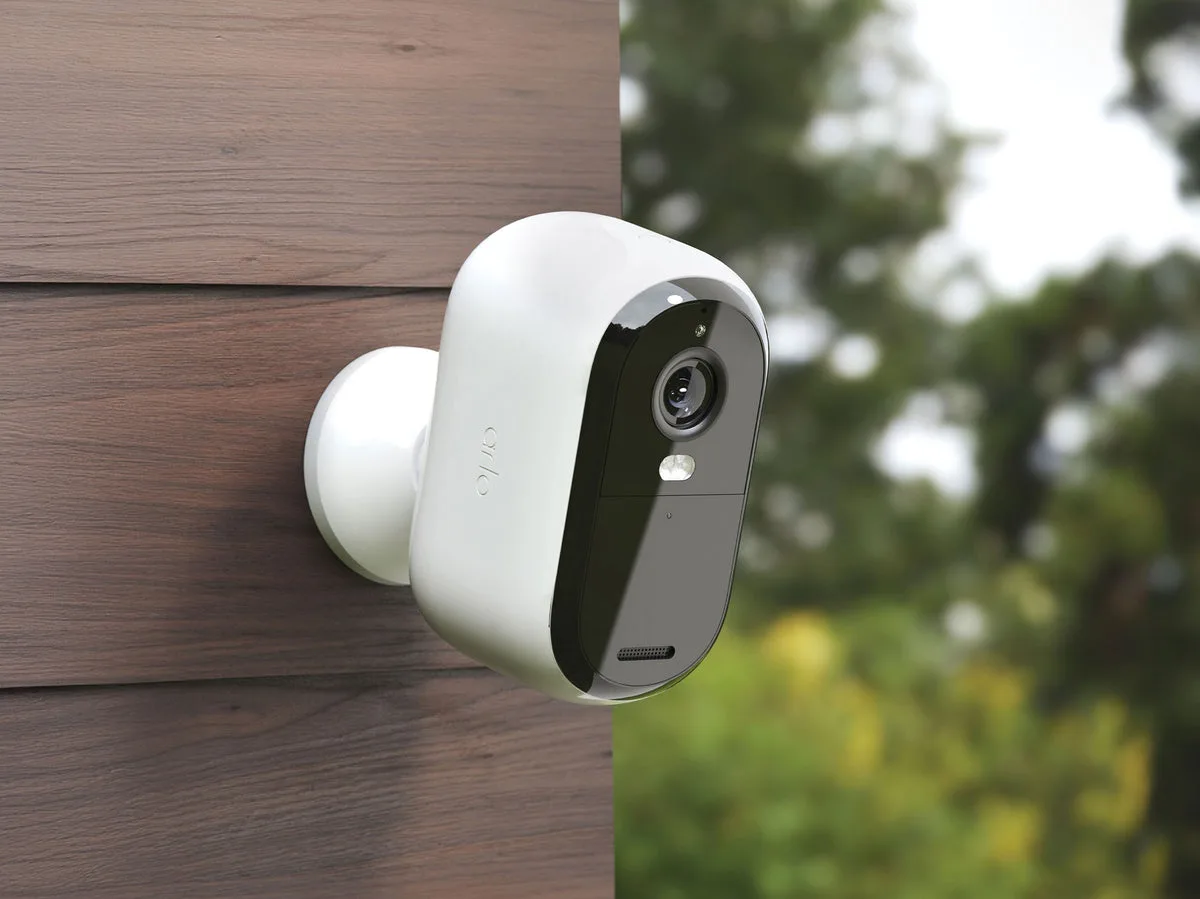
A good Arlo install is tidy: a solid mount, a clean angle and nothing hanging loose. These are Arlo’s own photos of its cameras in place.
Arlo Camera Installation Across Melbourne and the Mornington Peninsula
Some of the suburbs we work in. For the full list, see areas we serve.
Mornington Peninsula
What to Have Ready When We Install Your Arlo Cameras
We start with a quick walk around, then test, mount and check each camera on your phone. Having these ready keeps it quick.
Charged cameras
Charge your Arlo cameras the day before if you can.
Wi-Fi details
Your Wi-Fi name and password, and where the router is.
Your phone
With the Arlo app installed. No Arlo account yet? We set one up with you.
Access
Clear access to the walls, gates and areas where cameras will go.
What Our Customers Say


Arlo Camera Installation FAQ
How much does Arlo camera installation cost in Melbourne?
It depends on the number of cameras, mounting height, wall type, Wi-Fi coverage and any extras like solar panels or a SmartHub. We come out and give you a free onsite quote before any work starts.
Do you install Arlo cameras I bought somewhere else?
Yes. We install Arlo cameras bought online, in a store or from Arlo directly. We can also help you choose models if you have not bought them yet.
Which wireless Arlo cameras do you install?
Arlo’s current battery, solar and 4G models: Ultra (3rd Gen), Ultra 2, Pro 2K (6th Gen), Pro 5S 2K, Essential Solar, Essential (3rd Gen), Essential XL Outdoor (2nd Gen), Essential Outdoor (2nd Gen), Go 2, the Wireless Floodlight and the Video Doorbell (2nd Gen).
Can you install Arlo cameras on brick or a second storey?
Yes. We use the right fixings for brick, render and weatherboard, and the right ladder setup for eaves and second-storey walls. We make sure you can still reach battery cameras to charge them, or plan solar instead.
Do I need an Arlo SmartHub?
The Ultra (3rd Gen) and Ultra 2 need one. For the Pro 2K (6th Gen) it is optional. A SmartHub can help with range and lets you store video locally on a microSD card.
Can you fix weak Wi-Fi for my Arlo cameras?
We test reception at each spot. If it is weak, we look at moving the camera, moving the router, or adding a SmartHub before we mount anything.
How long do Arlo batteries last?
It depends on the model, your settings and how busy the spot is. Arlo quotes up to 6 months per charge for the Ultra 2, and up to 4 times the battery life of the Essential Outdoor for the Essential XL. Busy spots need charging more often.
Can Arlo cameras work without Wi-Fi?
The Go 2 can run on 4G with a mobile plan and record to a microSD card. The other wireless Arlo cameras need Wi-Fi, directly or through a SmartHub.
Do I need an Arlo subscription?
New Arlo cameras come with a trial of an Arlo Secure plan. Arlo says a paid subscription is needed after the trial to keep premium features. We explain what you would lose without one before you buy.
Can you help with an Arlo system I already have?
Yes. We move or re-aim cameras, reconnect cameras after a router change, add new cameras and help set up the app on a new phone.
Do you install Arlo cameras for businesses?
Yes, for jobs that suit battery cameras, such as small offices, shopfronts and building sites. Where you need recording around the clock, we usually recommend a wired system instead.
Which areas do you cover?
We install across Melbourne and the Mornington Peninsula, including the CBD, Bayside, the inner south and east, and the inner north. Call us if you are not sure your suburb is covered.
Book Your Arlo Camera Installation in Melbourne
Already have your Arlo cameras? We install them, test the Wi-Fi, set up the app and make sure everything works before we leave. Call 0406 432 691 or request a free onsite quote.