
Ring Battery Doorbell Installation in Melbourne
Looking for a Ring doorbell installer in Melbourne? A battery doorbell needs no new cable, but where it sits decides what you see. We check your Wi-Fi at the door, mount the doorbell at the right angle, connect it to the Ring app and test it with you before we leave.
Bought your Ring already, or still choosing between the 2K, 2K Plus and 4K Pro? Either way, tell us about your front door and we will take it from there.
The final price depends on your doorway and any extras. We look at your door and Wi-Fi and give you a free onsite quote before any work starts. See our free site assessment.
Book Your Ring Doorbell Installation
Call 0406 432 691 or send the form. Tell us your suburb, which Ring doorbell you have or want, and what the doorbell will be fixed to.
The quote form will appear here shortly.

Sergi Sipko Fits Your Ring Doorbell in Melbourne
SIPKO Security is Sergi Sipko’s business, based in Brighton. Sergi is the licensed installer who fits cameras, doorbells and alarms for homes and businesses across Melbourne and the Mornington Peninsula.
When you call 0406 432 691, you talk to the business that will do the work. Sergi will ask what your door frame is made of, where the router sits and what you want the doorbell to catch, so the visit goes smoothly. You deal with a licensed security installer from the first call to the handover, and you can ring the same number if something needs adjusting later.
Security licence
Victorian Security Adviser and Equipment Installer licence Z47-808-30S.
Cabling registration
Registered cabler, registration T58117, for data cabling.
Industry member
Member of the Victoria Security Institute.
Melbourne based
Based in Brighton, working across Melbourne and the Mornington Peninsula.
Professional Ring Doorbell Installation Services in Melbourne
Just bought a Ring, or already have one that needs moving or fixing? Tell us which of these you need.
New installation
Your new Ring battery doorbell mounted, levelled, connected and tested with you.
Replacement
Swap an older doorbell for a newer Ring battery model. Mains wiring work is not included.
Relocation
Move a Ring doorbell that misses faces or parcels, or sits where the signal is poor.
App and account set-up
The Ring app, your account, motion zones, alerts and shared users.
Wi-Fi troubleshooting
Offline, laggy or draining the battery? We check the signal, router changes and motion settings.
Ring Chime set-up
A plug-in Ring Chime configured so you hear visitors indoors.
Mounting accessories
Compatible corner, wedge or no-drill mounts and solar accessories, chosen for your doorway.
Extra cameras
Cover the side gate or driveway too. See security camera installation.
The Ring Battery Doorbells We Install
Ring Australia currently lists three battery video doorbells, all 2nd Gen (you will also see them named without “Video”, for example Battery Doorbell 2K). The main differences are picture detail, Wi-Fi and how you charge them.
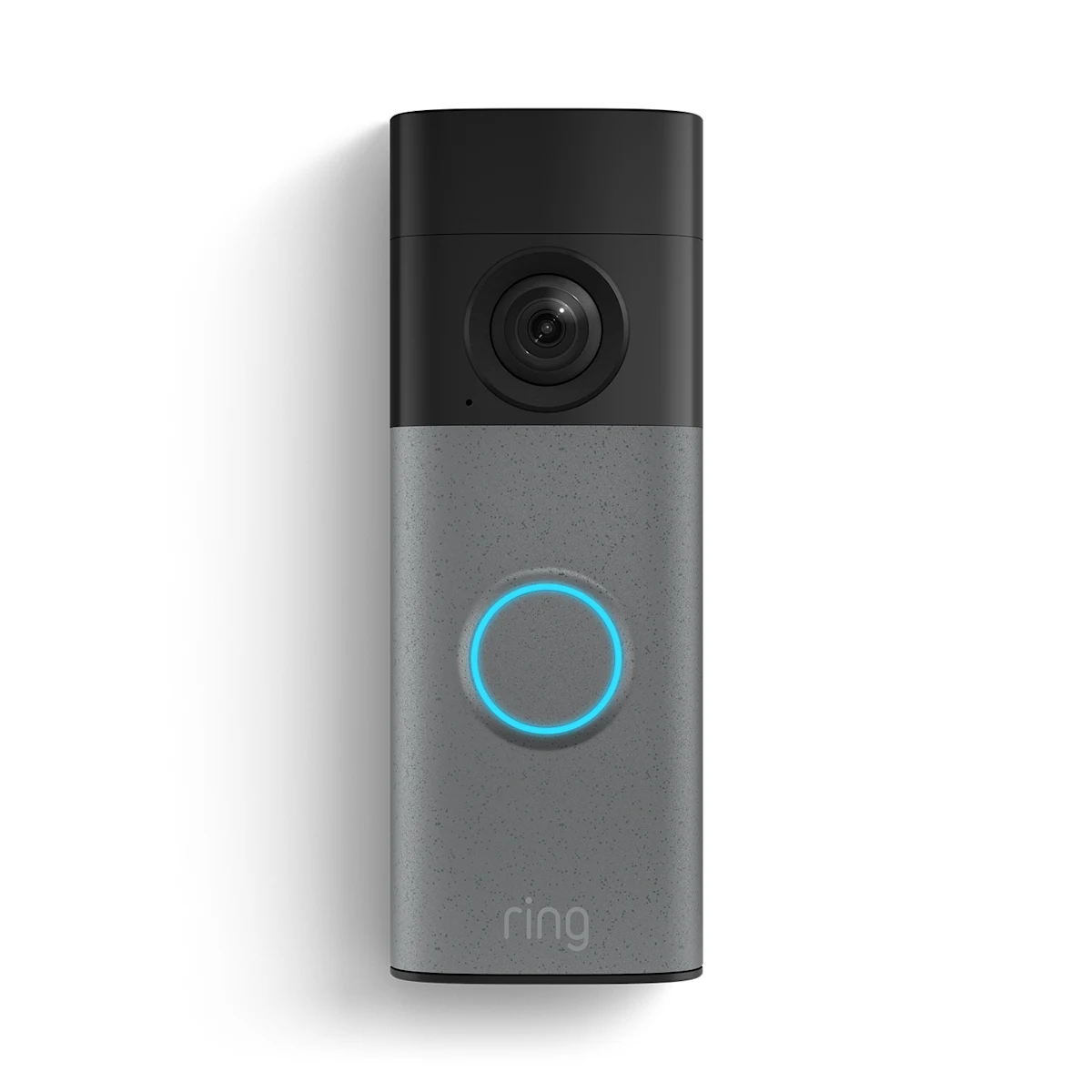
Battery Video Doorbell 2K
The straightforward choice. Built-in rechargeable battery, so the whole doorbell comes off the wall to charge by USB-C. Suits a front door close to a good 2.4 GHz signal.
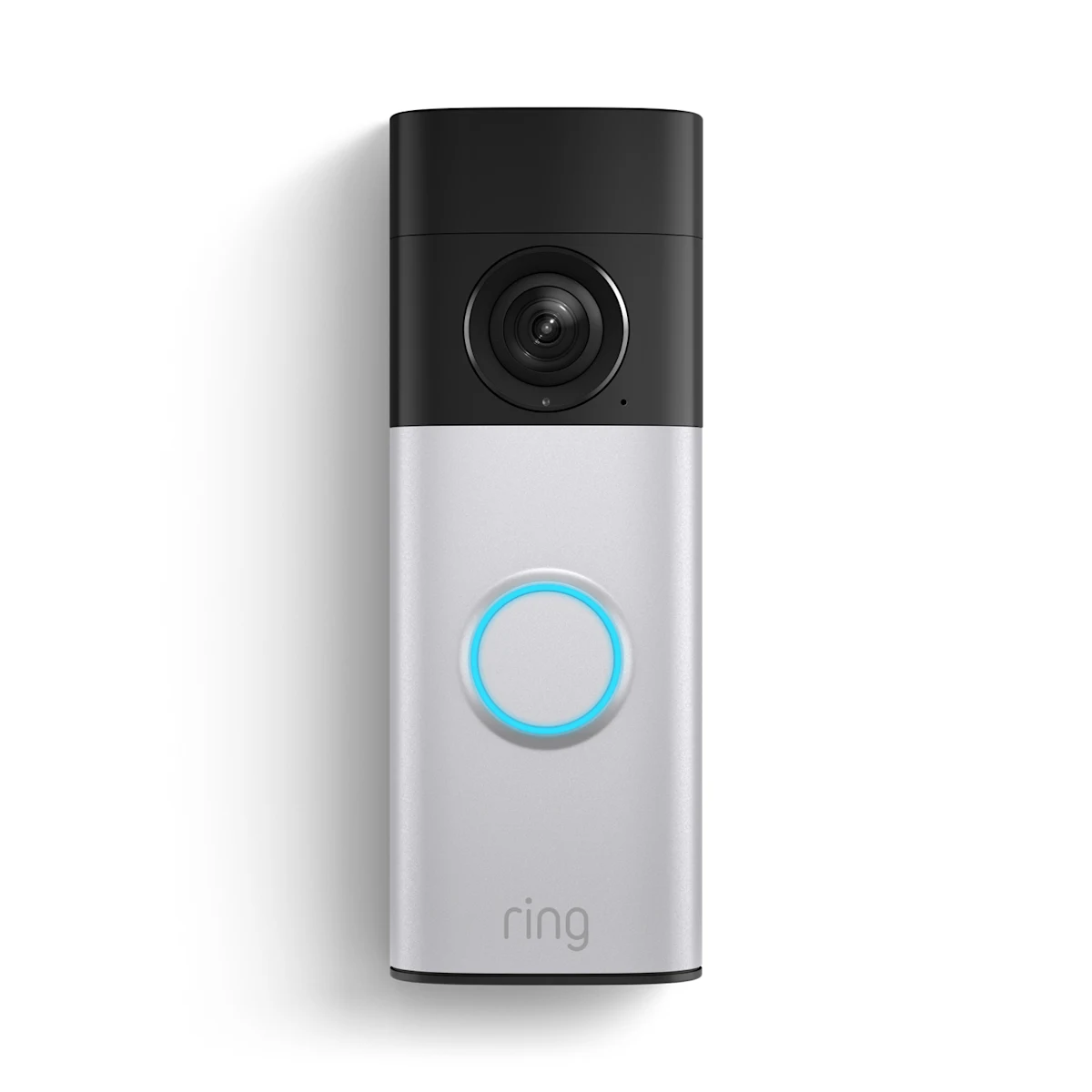
Battery Video Doorbell 2K Plus
The doorbell stays on the wall while you swap the battery, so a spare keeps it running. Dual-band Wi-Fi 6 and colour picture in low light.
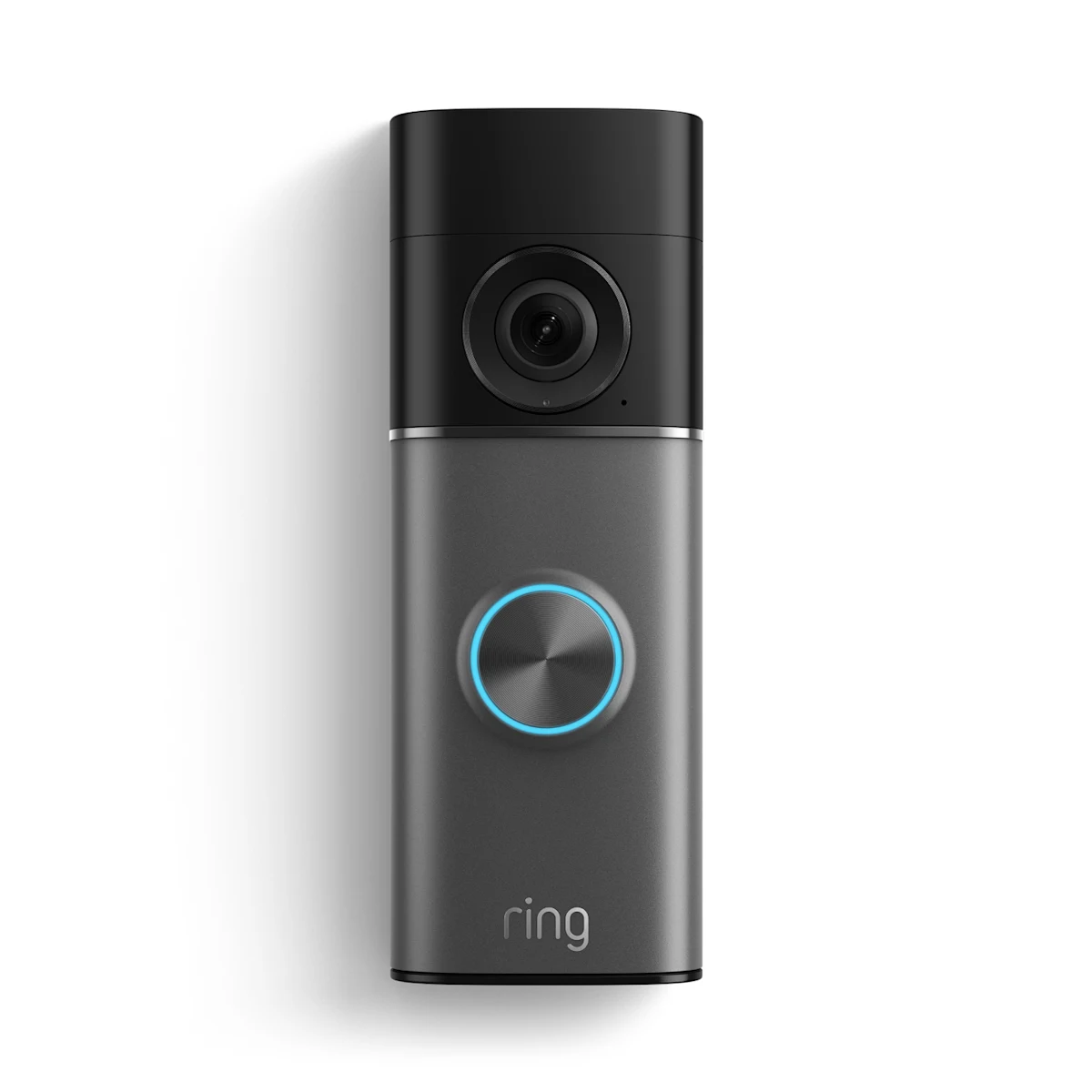
Battery Video Doorbell 4K Pro
The most detail, with radar-based 3D motion detection, clearer two-way audio and a larger quick-release battery. Needs a faster internet upload speed.
Ring battery doorbells side by side
| Feature | 2K | 2K Plus | 4K Pro |
|---|---|---|---|
| Video | 2K, up to 6x zoom | 2K, up to 6x zoom | 4K, up to 10x zoom |
| View | 140° by 140°, head to toe | 140° by 140°, head to toe | 140° by 140°, head to toe |
| Battery | Built in | Quick release | Quick release, Ultra pack |
| Wi-Fi | 2.4 GHz only | 2.4 and 5 GHz, Wi-Fi 6 | 2.4 and 5 GHz, Wi-Fi 6 |
| Upload speed Ring recommends | 10 Mbps | 10 Mbps | 15 Mbps |
| Motion detection | Customisable zones | Customisable zones | 3D radar and customisable zones |
Specifications can change. Check Ring Australia’s doorbell range for current details.
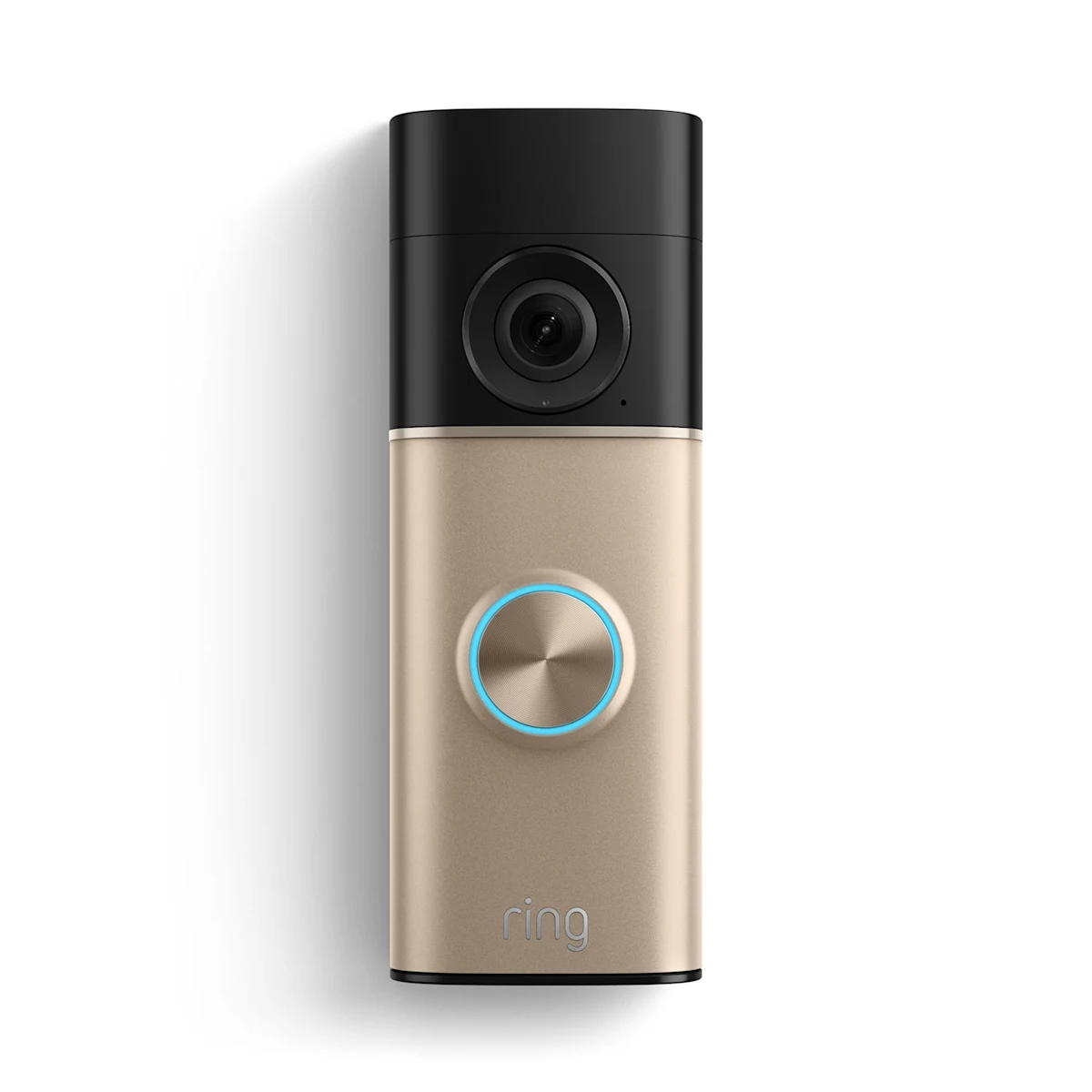
Where Your Ring Doorbell Should Go
Ring recommends mounting a doorbell about 1.2 metres from the ground for the best motion detection. Mounted too high or too low, it can miss visitors or pick up things you do not care about. See Ring’s positioning guide.
Angled entries
Where the frame faces a side wall, a corner kit turns the camera toward the visitor.
Steps and slopes
A wedge kit tilts the doorbell when the path rises or drops to the door.
Brick, render or timber
Each surface needs the right fixings, so the bracket stays tight and the wall is not cracked.
Renting
Ring sells a no-drill mount. Check with your landlord or property manager before fixing anything.
Battery, Solar or Your Existing Doorbell Wiring
All three battery models work with no wiring at all. You can also keep them topped up.
Battery only
- No cable to run
- Charge it when the app says the battery is low
- Frequent motion events, repeated Live View, weak Wi-Fi, cold weather and battery age drain it faster
Solar accessory
- Ring sells solar accessories for its battery doorbells
- Only worth it where the panel gets real sun
- A shaded porch is usually a poor spot
Hardwired trickle charge
- The battery stays the main power source. Wiring tops it up, and does not turn it into a wired doorbell
- Needs a compatible transformer: 8 to 24 VAC, 50/60Hz, 5VA to 40VA
- Ring says a qualified electrician must do it. We do not carry out that electrical work
Strong Wi-Fi at the Door, and a Ring You Can Hear
Most doorbell complaints are really Wi-Fi complaints: slow alerts, frozen video or a battery that runs down early.
Signal check
We test where the doorbell will sit, with the front door closed, not just next to the router.
If it is weak
We explain the options, such as moving the router or adding Wi-Fi coverage, before mounting.
Indoor chime
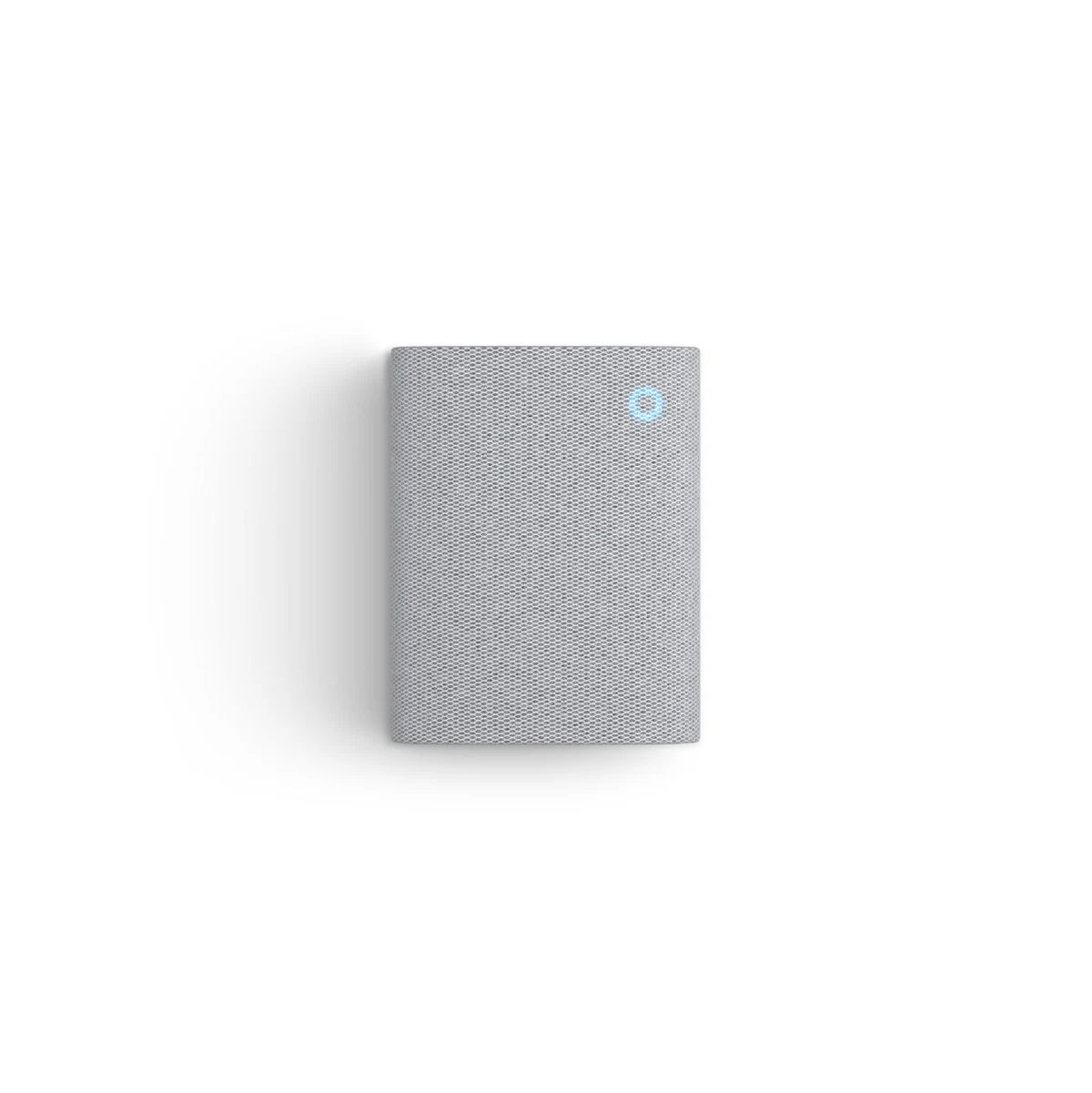
Your phone gets the alert. Add a Ring Chime to hear it around the house, with no change to existing wiring.
Upload speed
Ring recommends at least 10 Mbps upload for 2K and 15 Mbps for the 4K Pro.
Will your existing indoor chime work?
Only some setups do. A battery-only doorbell is not connected to your old chime. If it is hardwired, whether the chime rings depends on the doorbell model and the chime kit, so check Ring’s chime compatibility list before relying on it.
How Much Does Ring Doorbell Installation Cost in Melbourne?
Wireless set-up starts from $250 including GST. The final price depends on your doorway, and we quote before doing any work. These are the things that change it.
Wall surface
Brick, render, metal frames and stone take different fixings and time.
Mounts and accessories
Corner or wedge kits, a chime, a spare battery or solar.
Wi-Fi fixes
Extra work if the signal at the door is not good enough.
What is there now
An old doorbell, intercom or loose wires at the spot can change where and how the Ring is mounted.
A Ring installation includes:
Check of the mounting position
Wi-Fi signal check at the door
Suitable fixings for your wall
Doorbell mounted and levelled
Ring app and motion zone set-up
Shared users added
Test and handover
Mains or hardwiring work is not included
Ring Battery vs Wired Doorbells: Which Should You Choose?
Ring Australia sells both. Our installation service on this page is for the battery models.
Battery and wired compared
| Point | Battery Ring doorbell | Wired Ring doorbell |
|---|---|---|
| Power | Rechargeable battery, with optional trickle charge or solar | Continuous power from a compatible supply |
| Cabling | None needed | Needs compatible wiring, a plug-in adapter or Power over Ethernet, depending on the model |
| Upkeep | Recharge now and then | No battery to remove for charging |
| Placement | More flexible | Depends on where power can reach |
Not sure which suits your entry? Tell us what is at your door now and we will say if a wired model makes more sense. See Ring Australia’s doorbell range.
Our Ring Doorbell Installation Process
Tell us the door
Send your suburb, the model and a photo of the entry if you can.
Check Wi-Fi and view
We test the signal and hold the doorbell in place to preview the picture.
Mount it
We fix the bracket with the right hardware, adding a corner or wedge mount if needed.
Set up the app
We connect it to your Ring account, set motion zones and add household members.
Test with you
You ring it, answer from your phone and see how to charge it.
The Ring App, Ring Protect and Privacy
What your doorbell does day to day, what needs a subscription, and how to be a good neighbour.
Live view and talk
See who is at the door and speak to them from your phone, wherever you have internet.
Motion alerts
Zones and sensitivity are adjusted so passing traffic does not buzz your phone all day.
Recording needs a plan
Saving and replaying video needs an eligible Ring Protect subscription, paid to Ring. It is separate from installation.
Shared access
Ring’s Shared User feature lets other people in the household use the doorbell from their own phones.
Mind the neighbours
Aim it at your own entry, avoid neighbours’ windows and yards, and use motion zones and privacy settings.
Audio is a separate question
Recording private conversations is regulated by Victoria’s Surveillance Devices Act 1999. How and when a recording is made matters, so check before relying on audio.
With and without Ring Protect
| Feature | No subscription | Eligible Ring Protect plan |
|---|---|---|
| Live view and two-way talk | Yes | Yes, with extended live view |
| Motion and doorbell alerts | Yes | Yes |
| Review recorded video | No | Yes, up to 180 days |
| Person, package and vehicle alerts | No | Yes |
| Doorbell calls | No | Yes |
Only events after you subscribe are recorded. Plans, prices and features can change and are paid to Ring, not SIPKO. See current Ring Protect plans.
Ring Doorbell Installation for Apartments and Rental Properties
A battery doorbell can suit a flat or rental well, but sort out permission first.
No-drill mounting
Ring sells a no-drill mount, which helps when you cannot mark the door or wall.
Permission
Ask your landlord or property manager. Common property may also need owners corporation approval.
Shared entrances
A corridor or shared door means other residents may be in view. Think about angle, zones and audio.
Corridor Wi-Fi
Your signal has to reach through the front door. We check it before anything is mounted.
Is a Ring Battery Doorbell the Right Fit?
We also fit other doorbells, cameras and intercoms. These guides help you compare.
More than the front door
- Wireless cameras: Arlo camera installation
- Wired systems: CCTV installation
Gates and apartments
- For a gate, lock release or several tenants, see intercom installation and repair
Ring Doorbell Installation in Melbourne’s Bayside Suburbs
SIPKO Security is based in Brighton, so Bayside is our home area. We fit Ring battery doorbells in Brighton and the nearby suburbs of Hampton, Sandringham, Black Rock, Beaumaris, Cheltenham and Mentone.
A Brighton business
A local installer you can reach on 0406 432 691, before and after the visit.
Licensed for security work
Victorian security installer licence Z47-808-30S.
Houses and apartments
Front doors, side entries and flats where you have permission to fit a doorbell.
Send a photo first
A picture of your entry and your suburb help us bring suitable fixings.
Ring Doorbell Installation Across Melbourne and the Mornington Peninsula
We install in Bayside, the inner suburbs, the city and the Peninsula. See all areas we serve.
Inner south
City and inner north
South-east Melbourne
Mornington Peninsula
What Our Customers Say


Ring Doorbell Installation FAQ
How much does Ring doorbell installation cost in Melbourne?
Wireless set-up starts from $250 including GST. The final price depends on the wall surface, whether you need a corner or wedge mount, the Wi-Fi signal at your door, anything already fixed at the spot and extras such as a chime. We give you a free quote before any work starts, so you know the cost up front.
Will you install a Ring doorbell I already bought?
Yes. Tell us the model before the visit and have your Wi-Fi password and phone ready. If you need an extra mount or accessory for your doorway, we will tell you before fitting it.
Which Ring battery doorbell should I buy?
The 2K suits a simple entry with good 2.4 GHz Wi-Fi. The 2K Plus adds a swappable battery and dual-band Wi-Fi. The 4K Pro gives the most detail and radar motion detection, and wants faster upload speed. We can advise once we know your door.
Does a Ring battery doorbell need wiring?
No. All three models run on their rechargeable battery. Compatible existing doorbell wiring can add a trickle charge, but the battery stays the main power source. Ring says a qualified electrician must do hardwiring. We install the doorbell on battery power and do not carry out that electrical work.
How long does the Ring battery last?
It varies a lot, so we do not promise a number. Frequent motion events, repeated Live View sessions, a weak Wi-Fi signal, cold weather and an ageing battery all drain it faster. Tuning motion zones helps, and the Ring app warns you when the battery is low.
How do I charge it?
On the 2K, you release the whole doorbell and charge it with a USB-C cable. On the 2K Plus and 4K Pro, the battery pack comes out while the doorbell stays on the wall, so a charged spare avoids any gap.
Do I need a Ring Protect subscription?
Not for live view, two-way talk or basic alerts. You need an eligible Ring Protect plan to review recorded video, kept for up to 180 days, and for features such as person and package alerts. Only events after you subscribe are recorded, and the plan is paid to Ring.
Why is my Ring doorbell slow or offline?
Usually the Wi-Fi at the front door is weak, the router or password has changed, or the battery is flat. We test the signal where the doorbell sits and explain how to improve it before changing anything.
Can you install a Ring doorbell on brick or render?
Yes. We use fixings suited to the surface and take care around render and mortar joints. Tell us what your entry is made of, or send a photo, so we bring the right hardware.
Can I install a Ring doorbell if I rent?
Often, yes. Ring sells a no-drill mount, and battery power means no new cabling. Check your lease and ask your landlord or property manager first, especially for anything that marks the door or wall.
Can my Ring doorbell record my neighbours?
It has a wide view, so position matters. We aim it at your own entry and set motion zones with you. Avoid neighbours’ private areas, and remember that recording private conversations is regulated in Victoria under the Surveillance Devices Act 1999.
Can my existing indoor chime work with Ring?
Sometimes. A battery-only doorbell is not connected to your old chime. When hardwired, it depends on your doorbell model and chime kit, so check Ring’s compatibility list. A plug-in Ring Chime is the simple option if you just want to hear visitors indoors.
Can you install a Ring doorbell in an apartment?
Yes, where you have permission and the Wi-Fi reaches your door. You may need approval from a landlord, property manager or owners corporation, particularly for common property. A no-drill mount can avoid fixing into a shared door or wall.
Which Melbourne areas do you cover?
Melbourne and the Mornington Peninsula, including Bayside, the inner suburbs, the city, Frankston and Mornington. We are based in Brighton. If you are not sure your suburb is covered, call 0406 432 691 and we will confirm.
Book Your Ring Battery Doorbell Installation in Melbourne
We check your Wi-Fi, mount the doorbell where it sees best, set up the Ring app and test it with you. Call 0406 432 691 or request a free quote.