
AJAX Security Systems in Melbourne (Complete Solutions)
SIPKO Security installs Ajax security systems in Melbourne for homes, apartments, shops, offices and multi-zone sites. You get a clean wireless install, secure commissioning, and day to day control in the Ajax app. For clients who want a joined-up setup, we also integrate alarms with optional video, doorbells and 24/7 monitoring with video verification. Explore our main service page for Ajax alarm system installation in Melbourne or check coverage on areas we serve.
Instant alerts that stay useful
Clear notifications, arming events and device health alerts, configured so you see what matters, not constant noise.
Reliable wireless coverage and backups
We test signal paths, tamper protection and backup behaviour, then hand over a system that stays dependable in real conditions.
One app for users, zones and routines
Multi-user access, roles, partitions (zones), schedules and Night Mode for perimeter arming while you sleep.
Professional install and ongoing support
Correct placement, clean finishing, commissioning checks and practical training, plus support for upgrades and tuning later.
If you want a system that scales cleanly, Ajax is built for expansion. Start with a free site visit and we will map entry points, driveway lines, side access, rear access and internal risk areas, then recommend the right mix of devices. If you are comparing platforms, you can also review our Bosch vs Ajax comparison.
Schedule your free site visit now
Call +61 406 432 691 or complete the form and we will contact you.
Why Ajax is the Next Generation of Wireless Security
Ajax is built for modern properties. Clean wireless installation, fast alerts, strong device supervision, and a simple mobile workflow. We install and commission Ajax systems across Melbourne so they work reliably day to day, not just on install day.
What we install: Hub, door and motion sensors, keypads, sirens, and optional video devices. We configure the Ajax app, set up users and roles, name zones clearly, and verify signal and tamper behaviour before handover.
- Clean setup with modern wireless technology and neat finishing
- Reliable coverage planned for driveways, side access and detached areas
- Fast mobile alerts with practical notification rules
AJAX Security Solutions in Melbourne
Start with installation and coverage, then choose the best next page for homes, businesses, and specialist integrations. This hub helps visitors land on the right solution faster, which improves conversions and SEO intent matching.
Get Started
Core intents: installation + coverage + service
-
Primary
Ajax Alarm Installation — Melbourne
Design, installation, commissioning, handover testing, and support.
-
Primary
Areas We Serve (Melbourne & Mornington Peninsula)
Service coverage and suburb availability for installs and support.
-
AJAX Alarms: Install, Service & Repair
Maintenance, repairs, upgrades and system health checks.
Homes & Property
Most common residential paths
-
Ajax Wireless Home Alarms
Everyday protection with app users, zones and fast alerts.
-
Ajax Home Video Surveillance
Add visual verification and quick checks alongside alarms.
-
Ajax Outdoor Security (Homes)
Outdoor detection and perimeter coverage for residential sites.
-
Outdoor Security: Garages & Sheds
Protect detached spaces where power and Wi-Fi can be unreliable.
-
Airbnb / Rental Property Alarm
Owner control, guest-safe settings and remote notifications.
-
Vacant Property Security (Developers)
Reduce theft and vandalism risk during vacancy and works.
Business & Industrial
Partitions, roles, schedules, multi-zone setups
-
AJAX for Small Business
Staff access, schedules and predictable handover.
-
Warehouses & Industrial Security
Multi-zone layouts, long-range challenges and practical backups.
-
Manufacturing & Logistics Security
Zoning by areas, arming rules and operational-friendly alerts.
-
Retail Security Installation
Entry points, stock areas and staff workflows with clean app control.
-
Pubs & Clubs Security
After-hours protection, user roles and clear arming routines.
Integrations & Specialist
Intercom + special housing + comparison intent
-
Akuvox Intercom & AJAX Integration
Connect intercom events with Ajax alarm workflows for unified security experience.
-
NDIS & Disability Housing
Role-based access, fast alerts and safer day-to-day operations for specialist housing.
-
Bosch vs Ajax: Expert Comparison
A practical review to help you choose the right wireless alarm platform for your needs.
AJAX Professional Catalogue in Melbourne
Explore the full Ajax Professional catalogue: kits, devices and integration options we use for residential and commercial projects across Melbourne and the Mornington Peninsula.
Use the catalogue to understand which devices match your site, and why professional setup differs from a basic DIY box system. A correct plan reduces false alarms, improves detection where it matters, and keeps user routines simple.
Ajax Installation in Melbourne: Clean Setup, Secure Commissioning, User Onboarding
A good Ajax system is not just devices on walls. The result depends on planning, placement, commissioning checks and onboarding. We design around real access points and real routines so the system stays easy to use and dependable.
Site survey and coverage plan
We map doors, side access, driveway approaches, rear entry points, pet paths and high-value zones, then plan devices and siren placement for practical daily use.
Hardware mounting and neat finishing
Clean mounting of hubs, detectors, keypads, sirens and relays. We keep cable runs tidy where required and aim for a professional finish across visible areas.
Secure app setup and roles
Users, roles, invitations, 2FA guidance, device naming, rooms and groups. Businesses get clean access control without shared logins.
Commissioning checks and training
Signal testing, tamper checks, alert rules, entry delays and routines. We hand over a system that everyone can use with confidence, plus support for future tuning and upgrades.
Ajax Installation Process: What to Expect
A reliable outcome comes from a clear process. Here is how we plan, install, commission and support Ajax security systems across Melbourne.
Free Site Visit and Risk Map
We inspect entry points, driveway approach, side access, rear access and interior risk areas, then confirm what needs detection and what can stay simple.
Book a free site visit →Device Selection and Zone Plan
We choose the right devices for doors, motion, perimeter, sirens and access, then design zones and routines around how the property is actually used.
View Ajax catalogue →Clean Installation and Mounting
Neat mounting of hubs, sensors, keypads and sirens with practical placement. We aim for minimal disruption and a tidy finish.
Request an install plan →Commissioning and Backup Checks
We verify signal paths, tamper protection, alert rules and backup behaviour. Businesses also get role based access and schedules if required.
Ask about commissioning →Handover and Training
We add users, set up routines like Night Mode, explain entry delays and false alarm prevention, and confirm everyone knows how to operate the system.
Schedule a handover →Service, Repairs and Upgrades
We support ongoing changes like new users, device additions, tuning, battery issues and upgrades. If your system needs attention, we can service and repair it too.
Service and repairs →Complete Protection: Ajax Alarms, Perimeter Devices, and Smart Doorbells
Ajax is strongest when it is designed as one joined-up system. We install premium Ajax home alarm systems, perimeter alarm devices, and smart doorbells across Melbourne so you detect earlier, verify faster and respond with confidence. If you need escalation or compliance style response, we can also set you up for 24/7 monitoring with video verification.

Home Alarm Systems
Wireless installs with multi-user app access, simple arming routines, and notification settings that suit real households.
Perimeter Alarm Systems
Side gates, courtyards, garages and rear access protected with perimeter devices that detect earlier and reduce surprise entry.
Smart Doorbells
Verify visitors and deliveries at the doorway, tune alerts and keep a practical record of front door activity without constant nuisance triggers.
Monitoring-Ready Setup
If you want active response, we configure the system to be monitoring-ready, including testing and escalation planning where appropriate.
Prefer one joined-up security flow? We can design alarms, optional video devices, and response options as one plan so it stays simple.
Who Ajax is best for
Ajax works best when it’s designed around your day-to-day routines. We match devices to your entry points, configure zones and app users, and plan backup behaviour so the system stays predictable in real Melbourne conditions.
Homes & apartments
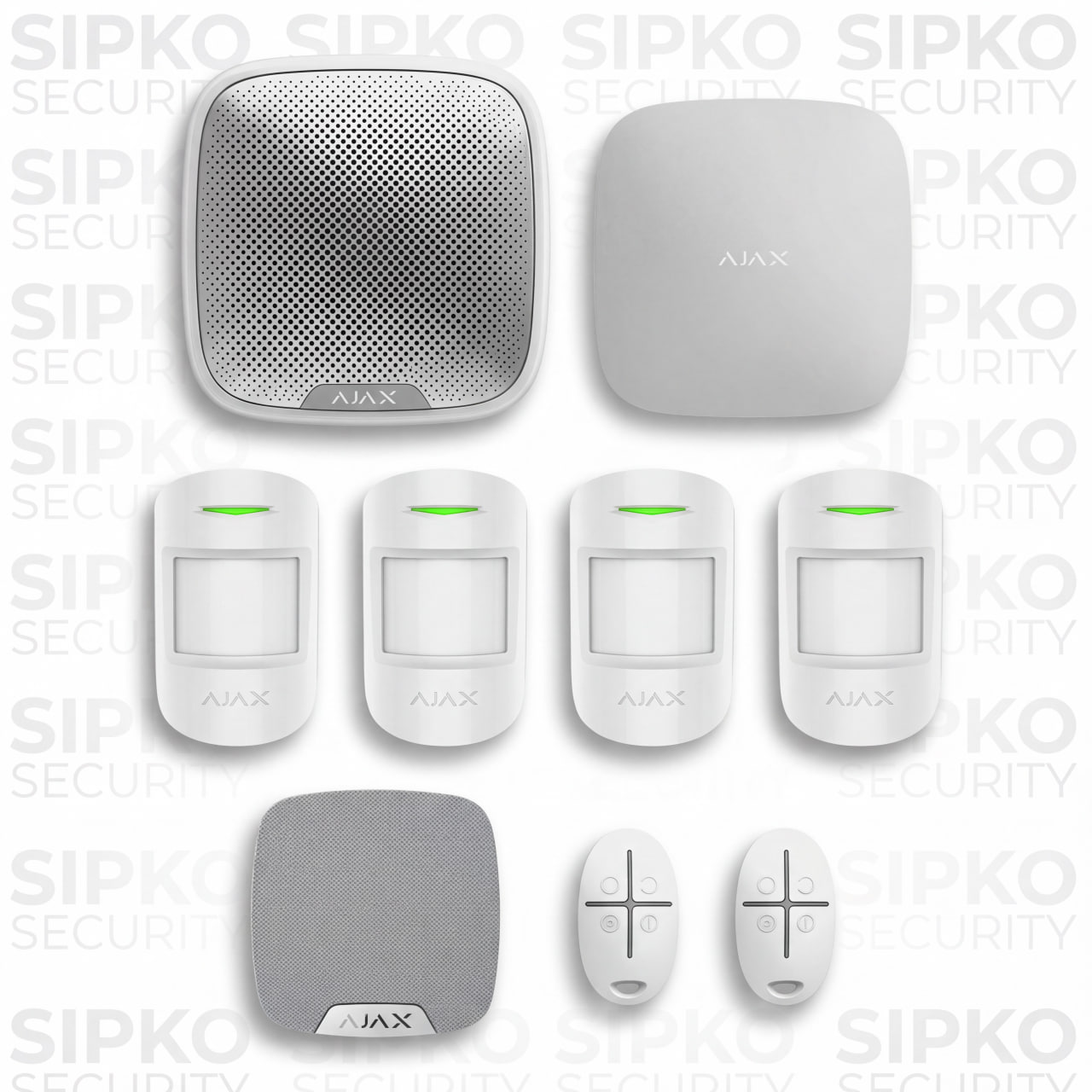
- 1 x HUB 4G + Ethernet – Central control unit
- 4 x Motion Protect Sensors – Room coverage
- 1 x Home Siren – Indoor alarm
- 1 x Street Siren – External deterrent
- 2 x Space Control Key Fobs – Remote arming
- Professional Installation – Expert setup
- Basic System Training – User guidance
Businesses & facilities
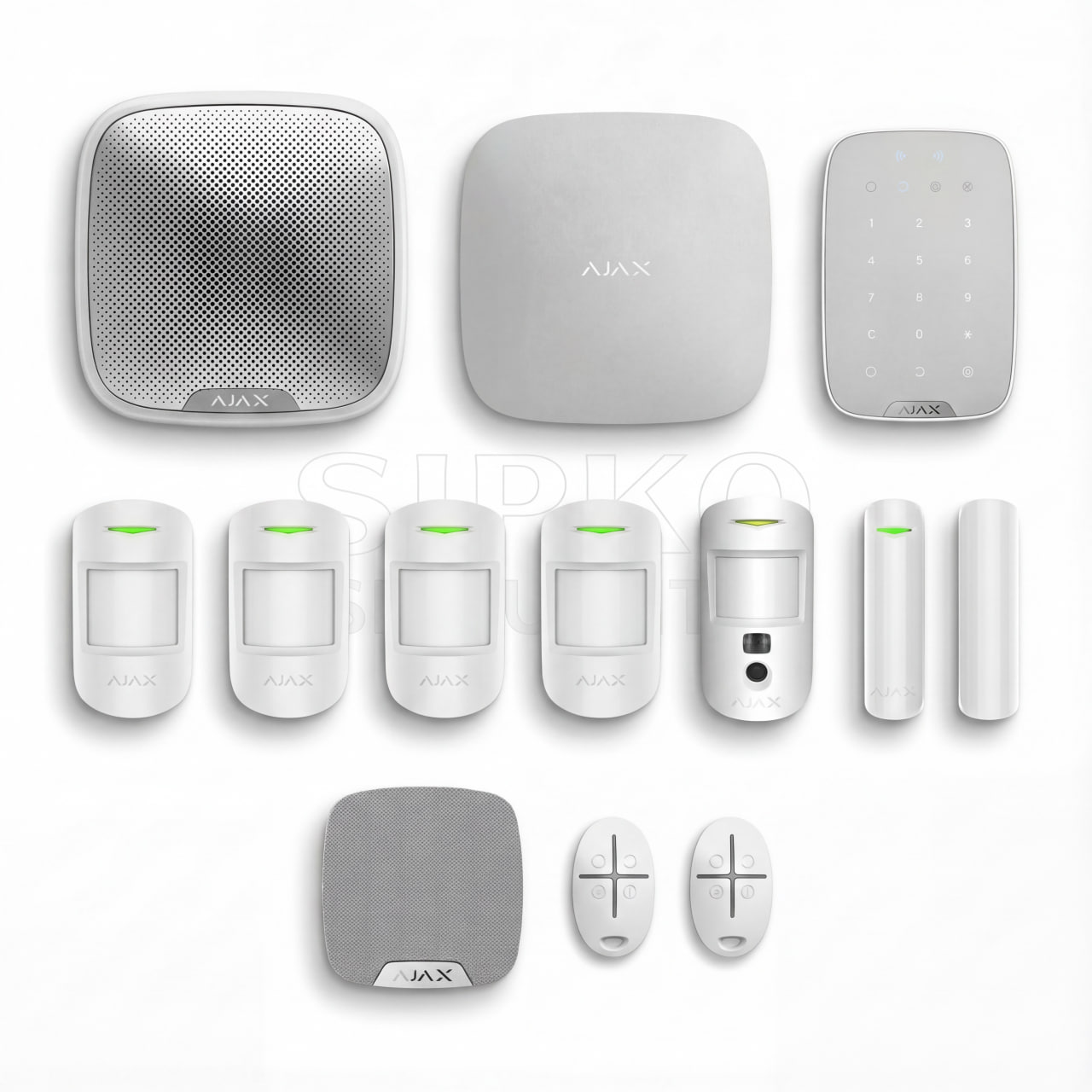
- 1 x HUB 4G + Ethernet – Central control unit
- 1 x Keypad – Easy system control
- 2 x Door Protect Sensors – Entry point security
- 4 x Motion Protect Sensors – Comprehensive coverage
- 1 x Motion Camera – Visual monitoring
- 1 x Home Siren – Indoor alarm
- 1 x Street Siren – External deterrent
- 2 x Space Control Key Fobs – Remote arming
- Professional Installation – Expert setup
- Full System Training – Complete user guidance
Vacant, worksites & detached buildings

- 1 x HUB 4G + Ethernet – Central control unit
- 1 x Keypad – Easy system control
- 2 x Door Protect Sensors – Entry point security
- 2 x Motion Protect Sensors – Strategic placement
- 2 x Motion Cameras – Indoor visual monitoring
- 2 x Outdoor Motion Cameras – External surveillance
- 1 x Home Siren – Indoor alarm
- 1 x Street Siren – External deterrent
- 2 x Space Control Key Fobs – Remote arming
- Professional Installation – Expert setup
- Premium Support – Priority assistance
- Extended Warranty – Additional coverage
Ajax Monitoring and Response Options in Melbourne
Some clients prefer self-managed alerts. Others need a consistent response plan for travel, after-hours sites, or insurance requirements. We will recommend the right setup during the site visit.
1) Self-Monitoring (Owner Managed)
Instant Ajax app alerts, multi-user roles and simple arming routines for everyday use.
2) Back-to-Base Monitoring (24/7)
A monitoring centre can action alarms, faults and critical events 24/7 using defined response procedures.
3) Verification Workflow
Add MotionCam or video devices for faster verification and fewer unnecessary call-outs.
What affects an Ajax system quote in Melbourne?
Exact scope depends on the site. These practical factors usually change the final device list, configuration effort and commissioning checks. We cover these during the free site visit so your quote matches real-world usage.
More areas, entry points and detached spaces often need additional sensors, partitions and range planning.
Driveways, side gates, rear access and long fence lines usually require outdoor detection and smarter placement.
If you want photo or video verification for events, it changes design and configuration, especially for after-hours sites.
Sites with unstable internet or power need a stronger backup approach and clear handover of what continues to work.
Businesses often need staff roles, schedules, keypad routines and clean handover to reduce mistakes.
If you want monitoring-ready setup, we configure escalation behaviour and testing accordingly.
Service Areas: Melbourne & Mornington Peninsula
Top Ajax Alarm Devices in Melbourne and What Each One Solves
This is a practical guide to Ajax alarm system devices we install across Melbourne and the Mornington Peninsula. Each card shows the real-world problem first, then the solution, with a direct link to the correct “with installation” page.
-
AJAX IndoorCam
CameraNeed visual verification without switching between CCTV apps and alarm notifications.
IndoorCam keeps checks inside the Ajax app, so alerts and footage stay in one clean log.
with installation -
AJAX MotionCam (Photo Verification)
Camera PIRAlarm triggers but it’s not clear if it’s real or a false alarm.
MotionCam sends photos with the alarm event so you verify in seconds and respond correctly.
with installation -
AJAX DoorBell
DoorbellMissed deliveries and unknown visitors at the front door.
DoorBell adds video, AI alerts and event history inside Ajax, so there’s one app and one timeline.
with installation -
AJAX DoorProtect Plus
Entry sensorEntry doors and windows are the most common breach points.
Detects opening plus shock and tilt, which helps catch forced-entry and tampering scenarios.
with installation -
AJAX MotionProtect Plus
MotionFalse alarms from pets, drafts, heaters or tricky room layouts.
Correct sensor choice and site-tuned sensitivity gives reliable detection without constant nuisance alerts.
with installation -
AJAX KeyPad Plus
AccessPeople forget to arm the system or staff need simple, fast access.
KeyPad + schedules + role-based users creates clean open/close routines for homes and businesses.
with installation -
AJAX Hub 2 Plus
HubNeed a stable “brain” for multi-zones, many devices and larger properties.
Centralises alerts, partitions, users and automations for scalable setups across the site.
with installation -
AJAX Hub (Battery-Powered Option)
HubPower drops at site and systems go offline when you need them most.
Backup power planning and correct install approach keeps the system stable during outages.
hub option -
AJAX ReX 2 Range Extender
RangeLarge sites create dead spots, especially near gates, sheds and detached areas.
Extends coverage with clean signal paths and more reliable device communication across the premises.
with installation -
AJAX HomeSiren
SirenRelying on phone notifications alone is not enough for deterrence.
Indoor siren configuration supports entry delays, Night Mode and daily routines so it’s usable, not annoying.
with installation -
AJAX StreetSiren
Outdoor sirenNeed a visible outdoor deterrent that creates “walk-away” pressure.
Correct placement and settings maximise external deterrence while keeping alerts consistent.
with installation -
AJAX SpaceControl (Key Fob)
AccessFast arming/disarming needed without unlocking phones or opening apps.
One-button control plus panic option, assigned to the right users and areas for clean use.
with installation
Want a full system plan instead of device-by-device decisions? Start with Ajax alarm installation in Melbourne and we’ll design coverage for entries, perimeters and day-to-day routines.
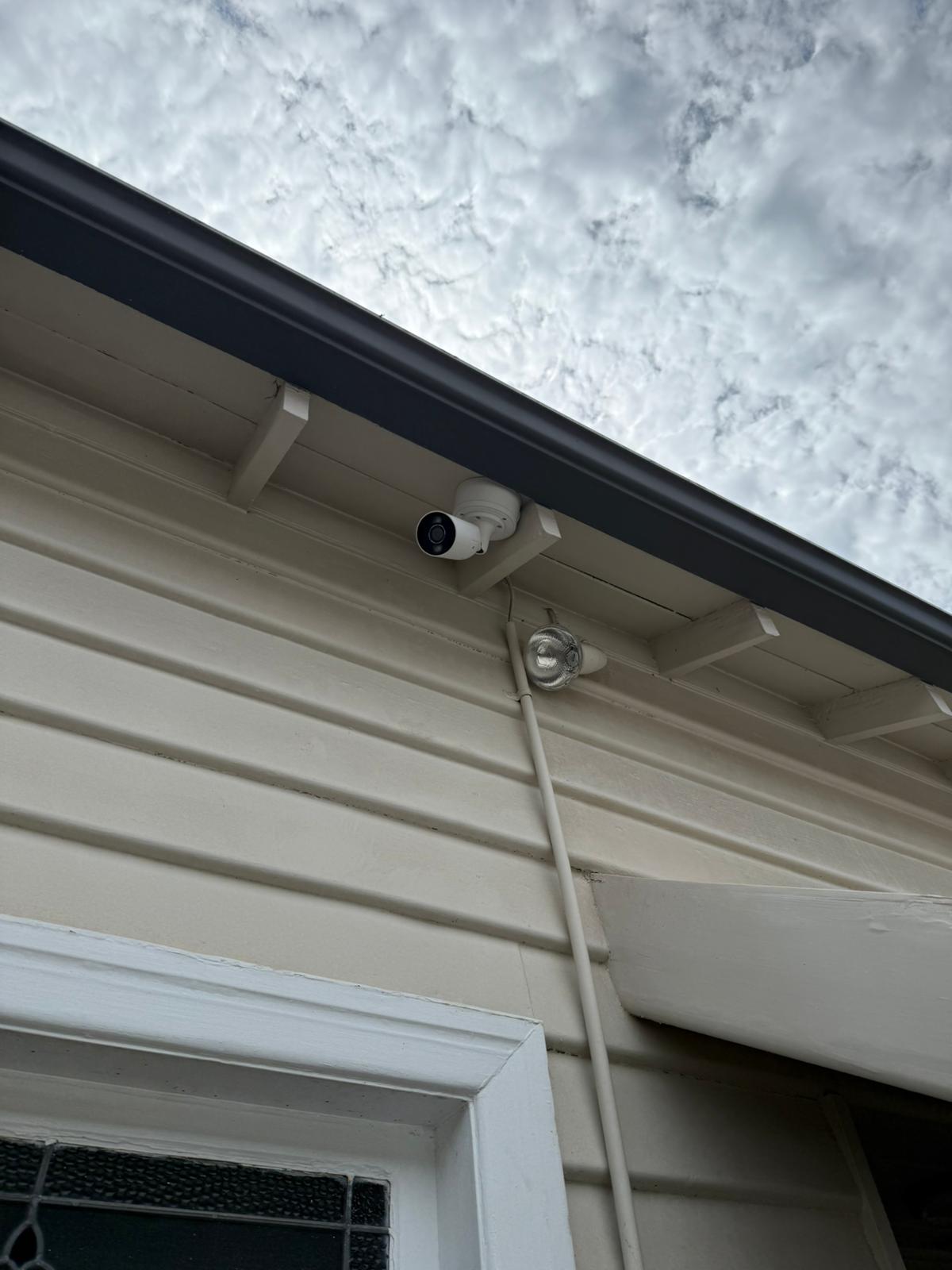
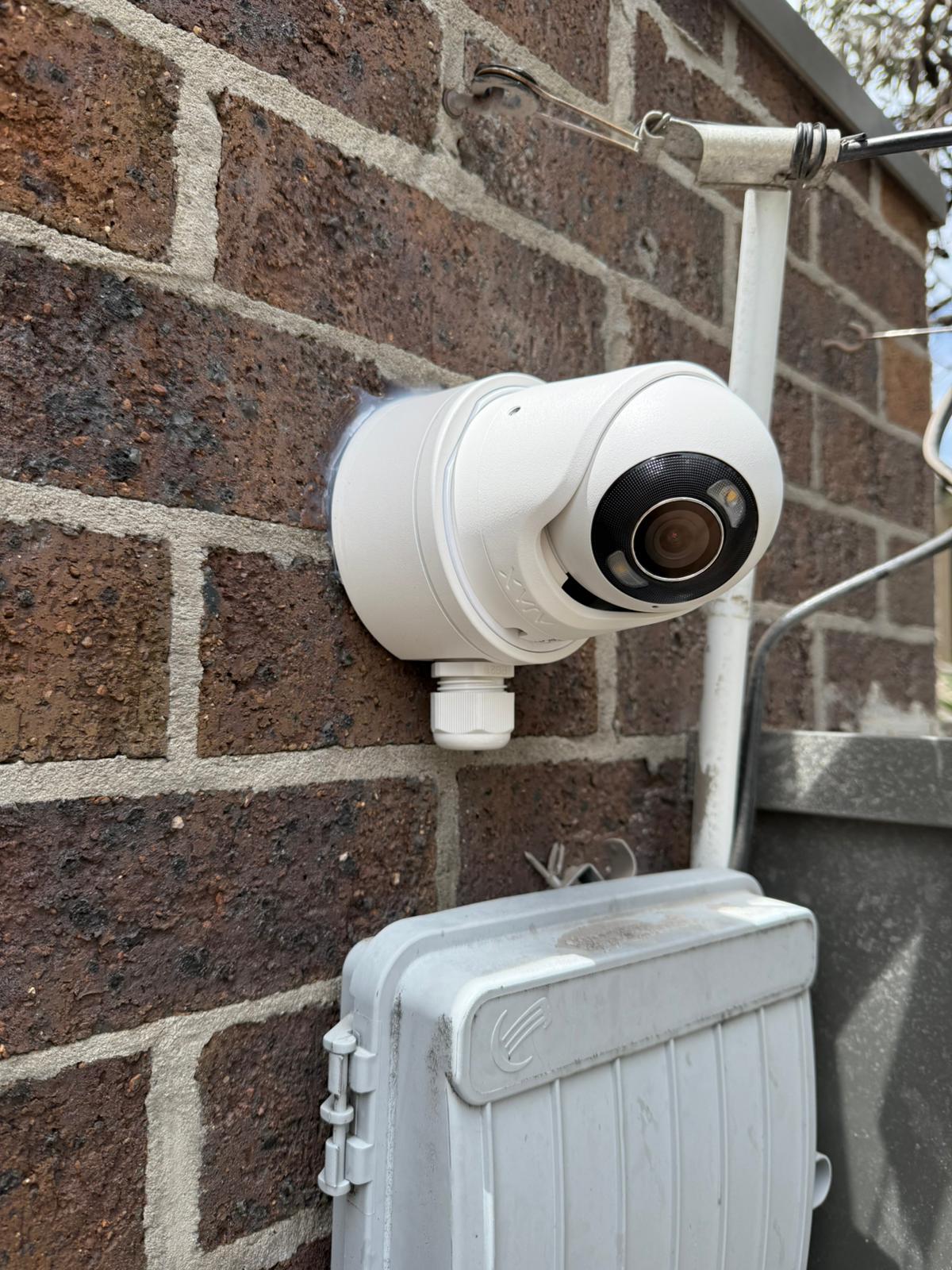
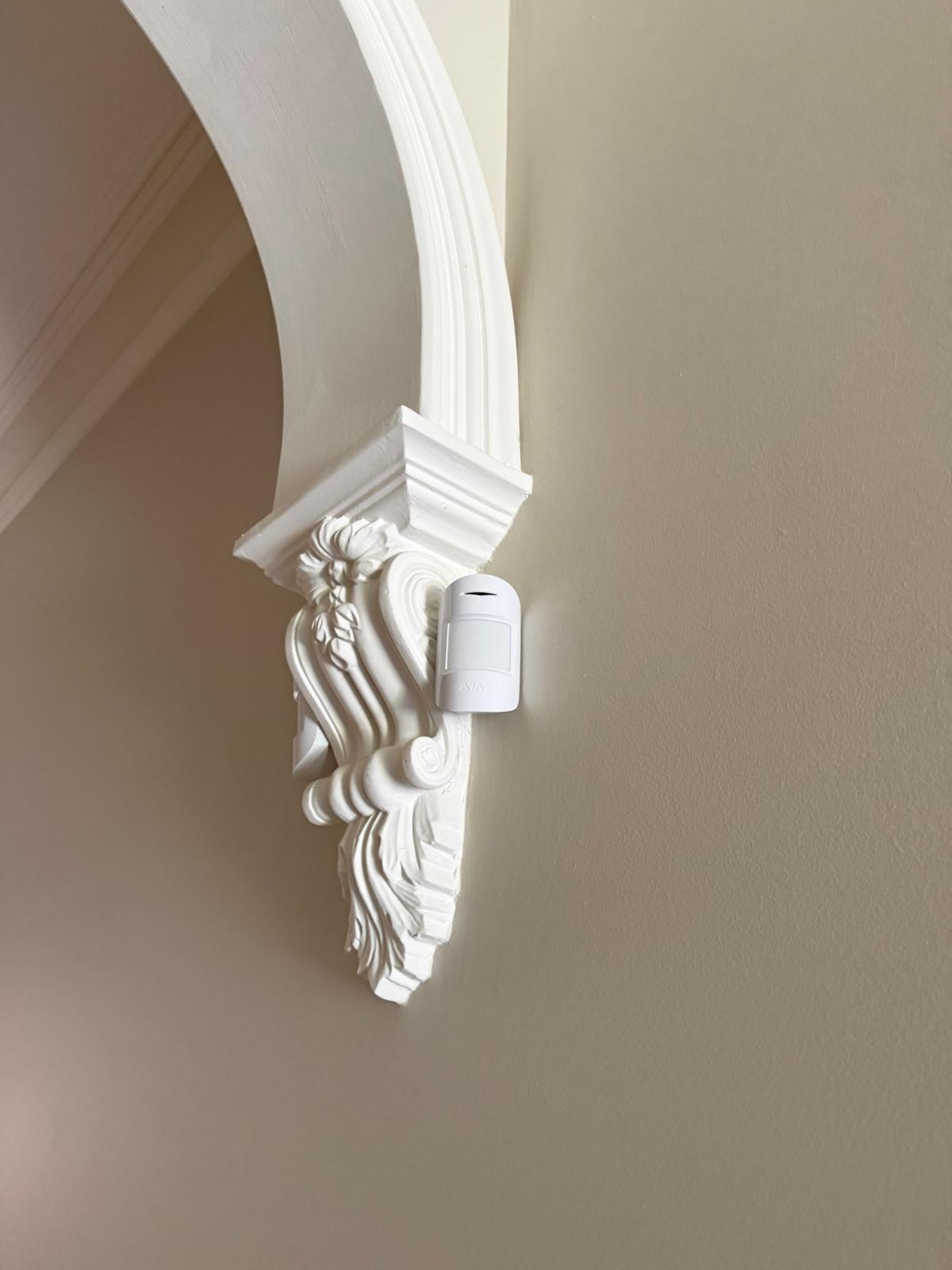
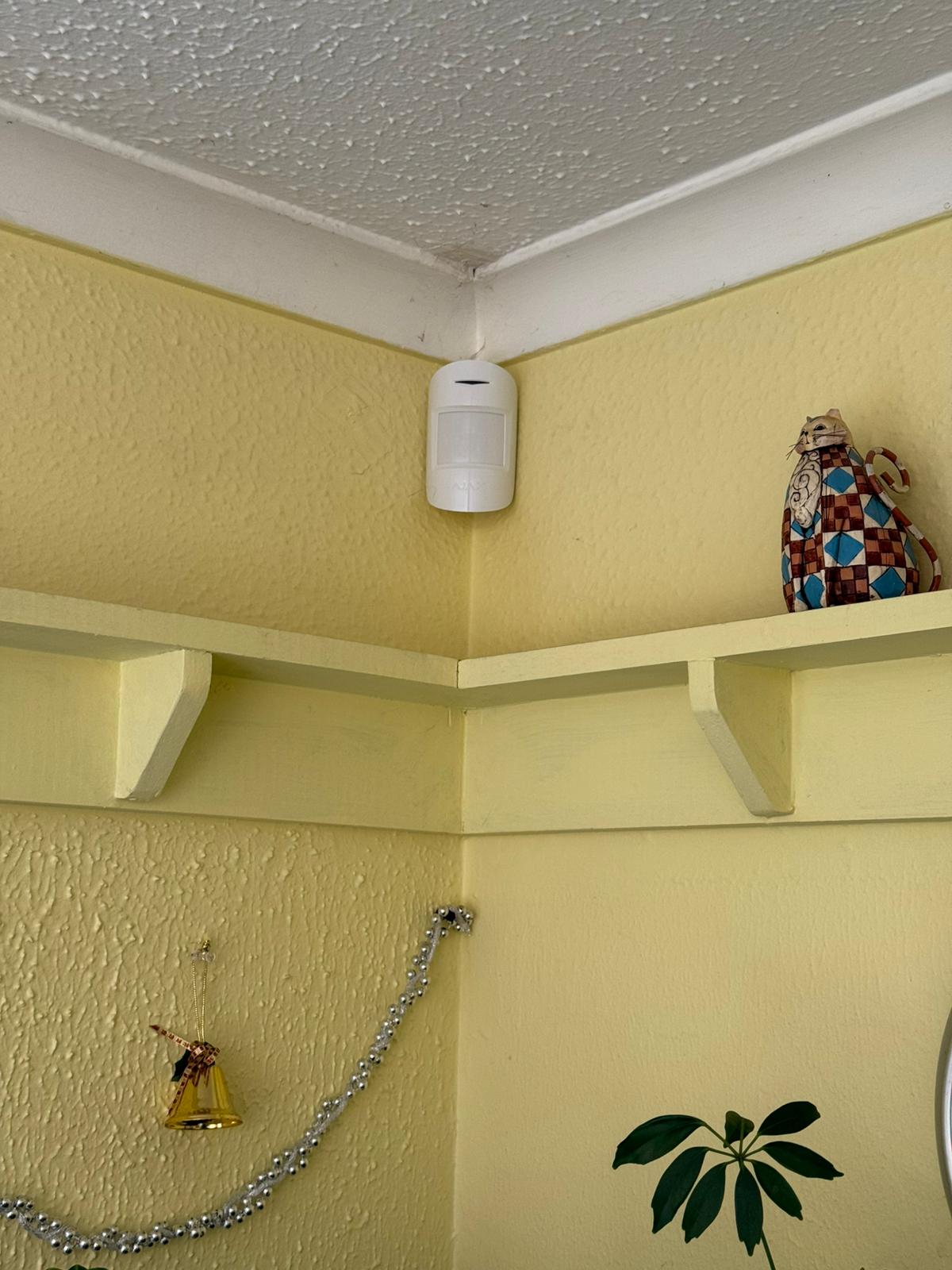
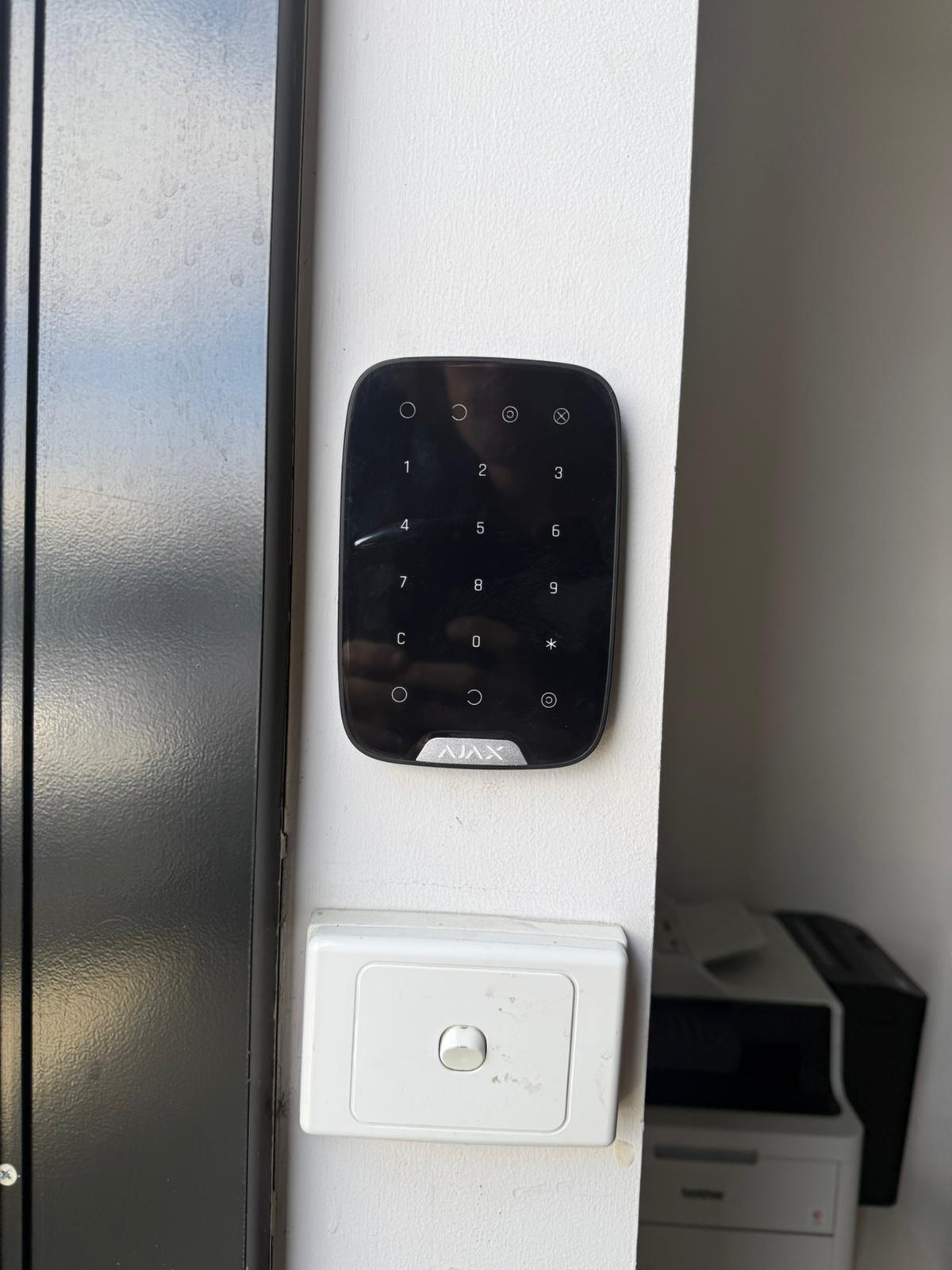
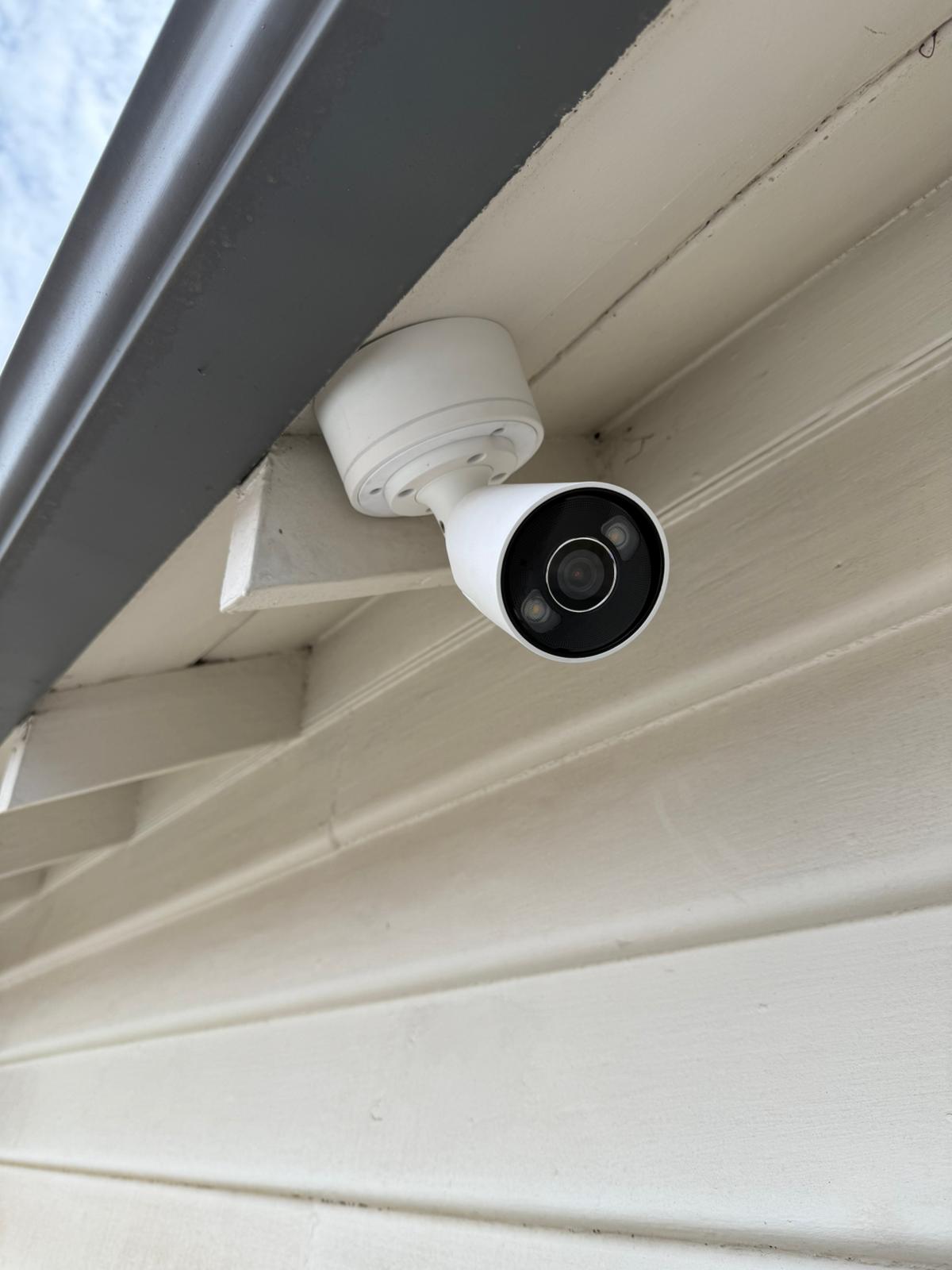
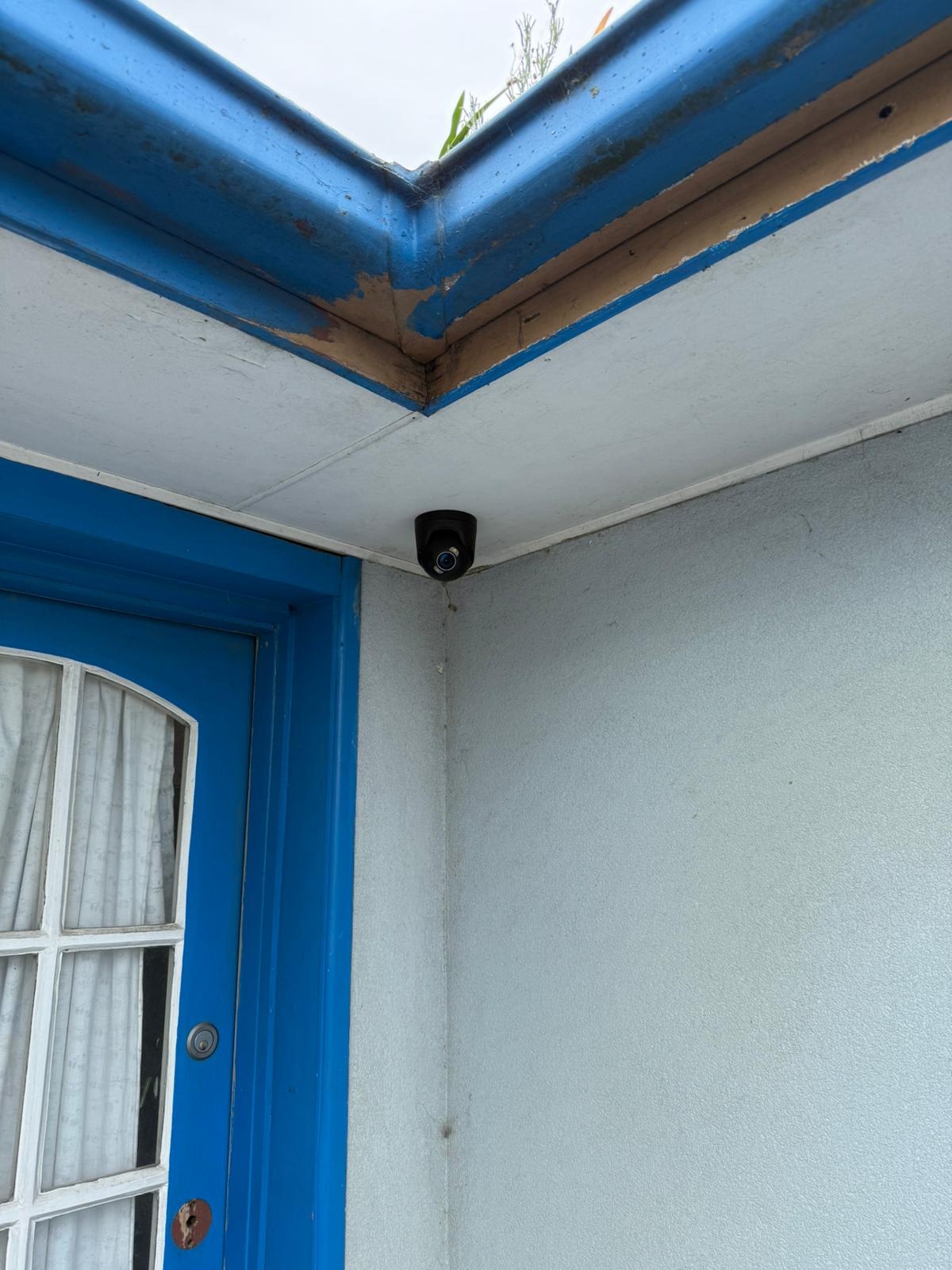
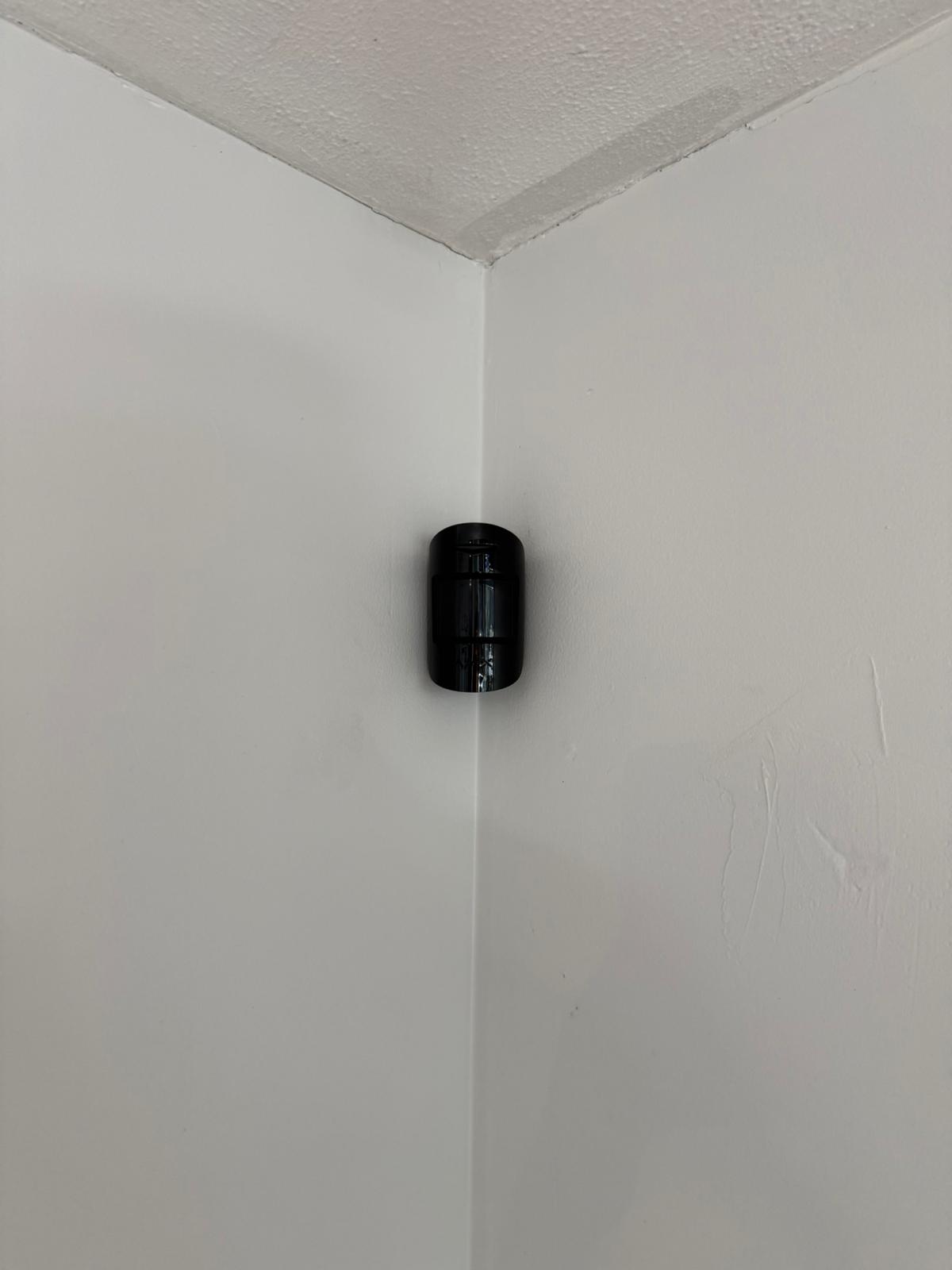
Recent Ajax Security Installations in Melbourne
A quick look at recent installations, clean finishing and real-world setups built for entry points, reliable alerts and simple daily use.
What Our Clients Say
Frequently Asked Questions: Ajax Security Systems in Melbourne
Answers about Ajax alarm installation, pets, users, notifications, backups, monitoring, verification and ongoing support across Melbourne.
Yes. Ajax works well from small premises to multi-area sites. For larger facilities we design around partitions (zones), user roles and site workflows, then test coverage and routines before handover.
Professional installation improves placement, signal reliability, zone naming, false alarm prevention and handover quality. We also configure users, permissions, routines and commissioning tests so the system is predictable.
It can be, depending on the motion device and correct placement and sensitivity tuning. We plan for pet paths and typical movement so everyday life does not become constant alarms.
Multiple users can be added with different permission levels. This works well for households, property managers and businesses, and avoids shared logins.
You can receive arming and disarming events, alarms, device faults, battery warnings and system changes. We configure notification rules so they stay useful rather than overwhelming.
We plan for real-world conditions. During commissioning we review connectivity options, confirm stable device communication, and agree on a backup approach that fits your site, including clear handover of what continues to work.
Yes. Ajax works best as a platform. We can design a combined plan that includes alarms, perimeter devices, smart doorbells and integration workflows where appropriate, including intercom integration options.
Yes. We keep automation purposeful, such as Night Mode, schedules and device-triggered actions that improve daily use without creating complexity.
Core app functionality is designed for everyday use without forcing subscriptions. Optional services like professional monitoring depend on the response level you want. We outline options clearly.
Yes. We help with app access issues, notification tuning, device additions, battery issues, upgrades and servicing when your needs change or you renovate.
Many residential installs are completed quickly once the coverage plan is confirmed. Timeline depends on device count, perimeter complexity and site access. We confirm a realistic plan during the site visit.
Yes. We offer a free onsite appraisal to assess entry points, device placement, user routines, monitoring options and backup planning, then provide a clear recommendation for your property.