
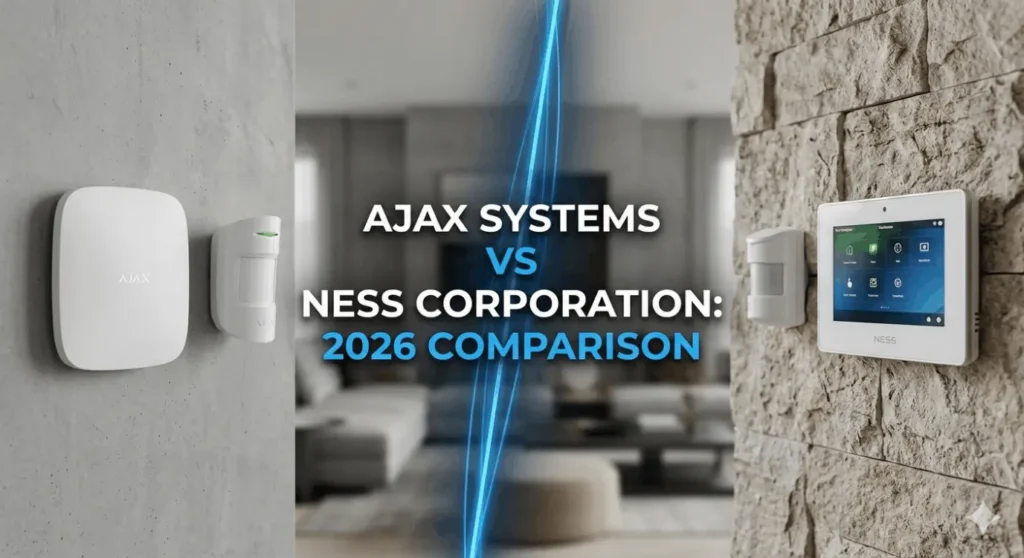
What is Ajax Alarm System?
Ajax alarm system is a European security brand that has transformed the industry with innovative wireless technology. Founded in 2011 in Ukraine, Ajax has grown to become one of Europe’s largest security manufacturers, with products now available in over 130 countries.
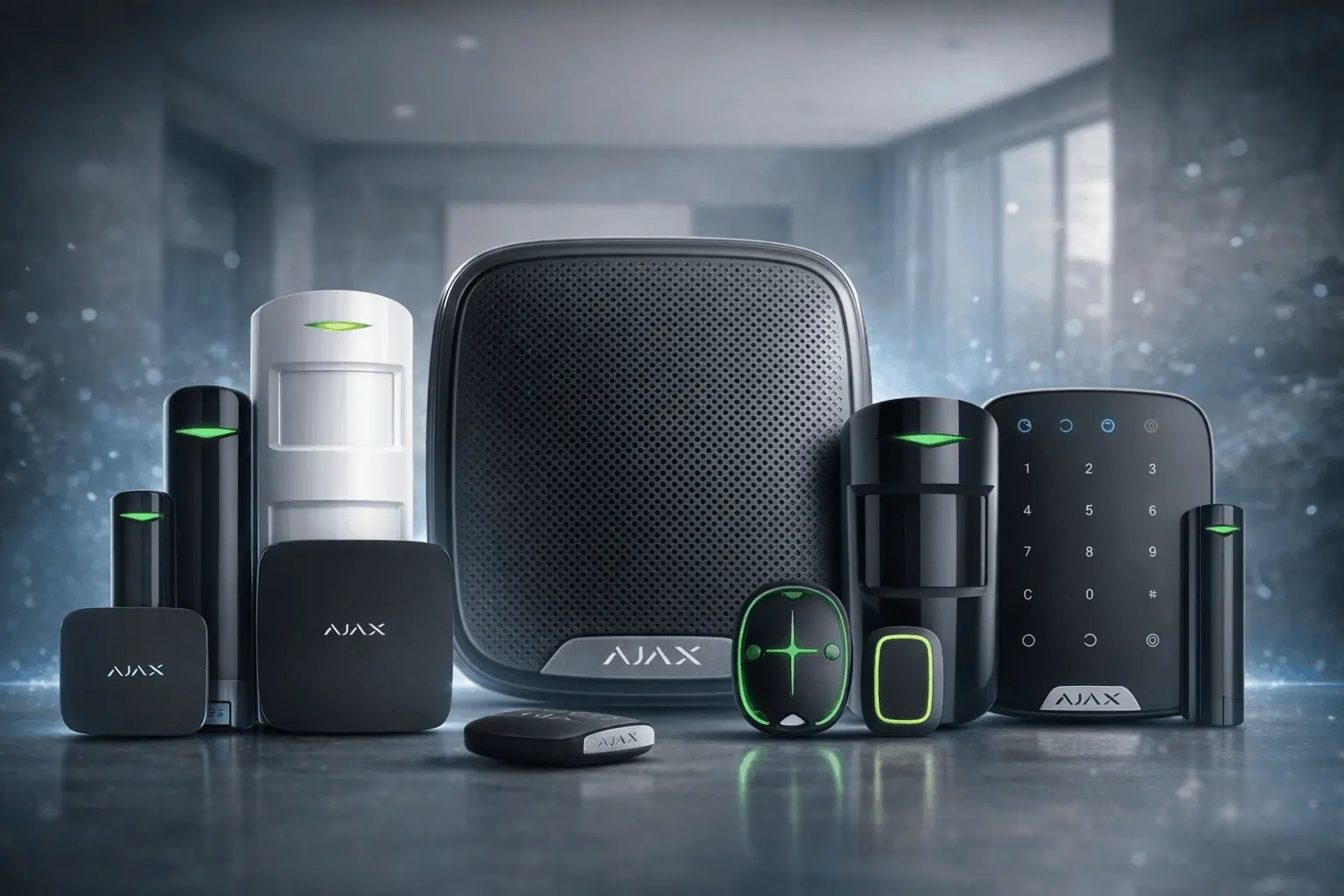
❖ Key Features of Ajax Alarm System
- Proprietary Jeweller wireless protocol for interference-free communication
- 2,000 meters wireless range – perfect for large properties
- Multiple connectivity options: Wi-Fi, Ethernet, and 4G/LTE backup
- Up to 16 hours battery backup during power outages
- Smartphone app control – arm/disarm from anywhere in the world
- DIY installation – no professional help required
The Ajax alarm system uses cutting-edge technology to provide seamless security solutions. The system can be controlled entirely through a smartphone app, making it ideal for tech-savvy homeowners who want complete control over their wireless security system Australia wide.
What is Ness Alarm?
Ness alarm is an Australian-owned company that has served the local security market since the early 1990s. Based in Melbourne, Ness has built its reputation on providing reliable, durable security solutions specifically designed for Australian conditions.
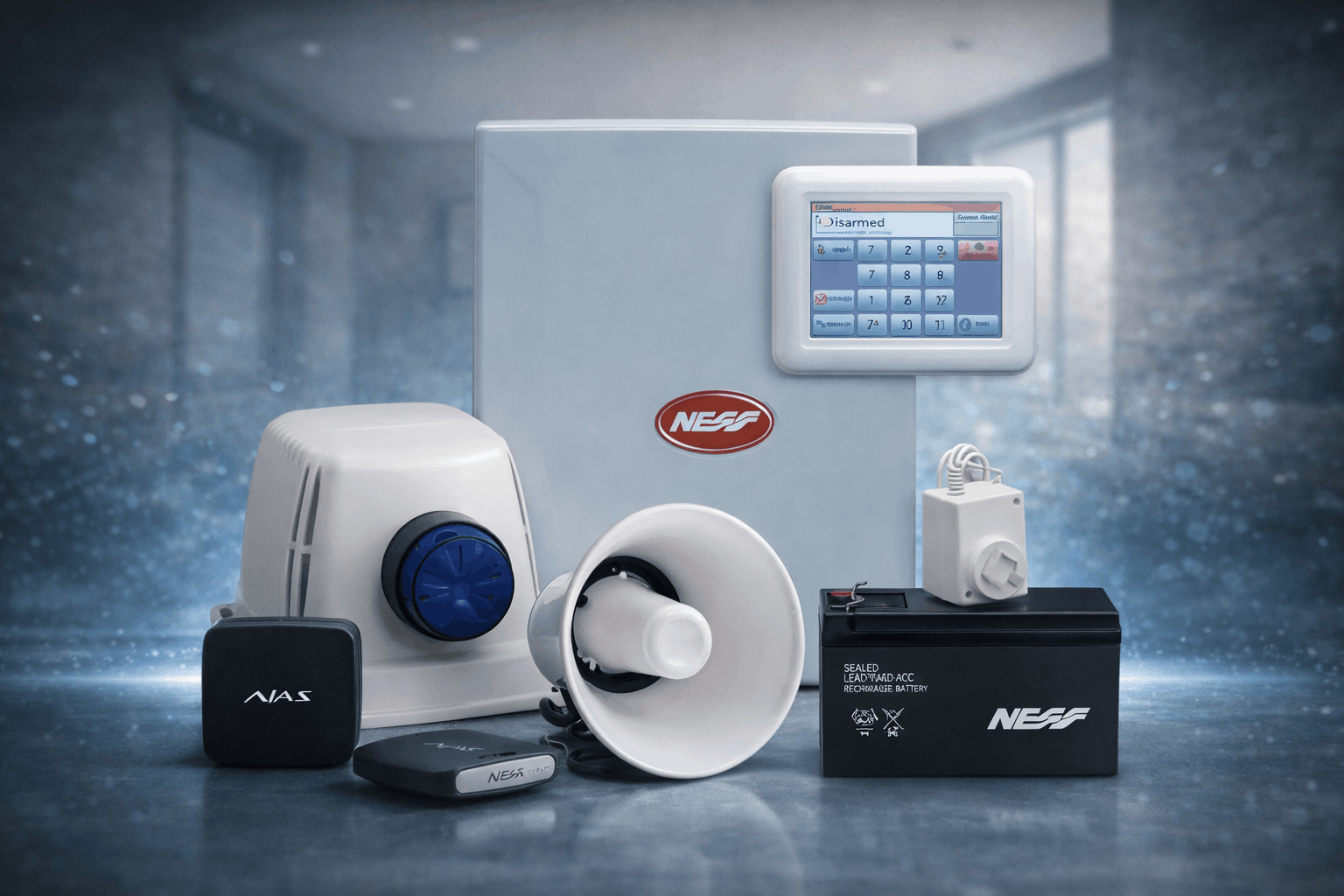
❖ Key Features of Ness Alarm
- Australian-made reliability for local conditions
- Mix of wired and wireless options available
- Extensive dealer network across Australia
- Professional installation by certified technicians
- 15-20+ years system longevity – proven durability
- Strong local support and spare parts availability
The Ness alarm system has been protecting Australian homes for decades. This home alarm system is known for its robust construction and minimal maintenance requirements, making it a popular choice for those seeking long-term security solutions.
Installation & Aesthetics
Ajax: The DIY-Friendly Professional System
Ajax is famous for its Smart Bracket mounting. You don’t need to open the sensors to install them—simply scan a QR code on the app, and the device is paired.
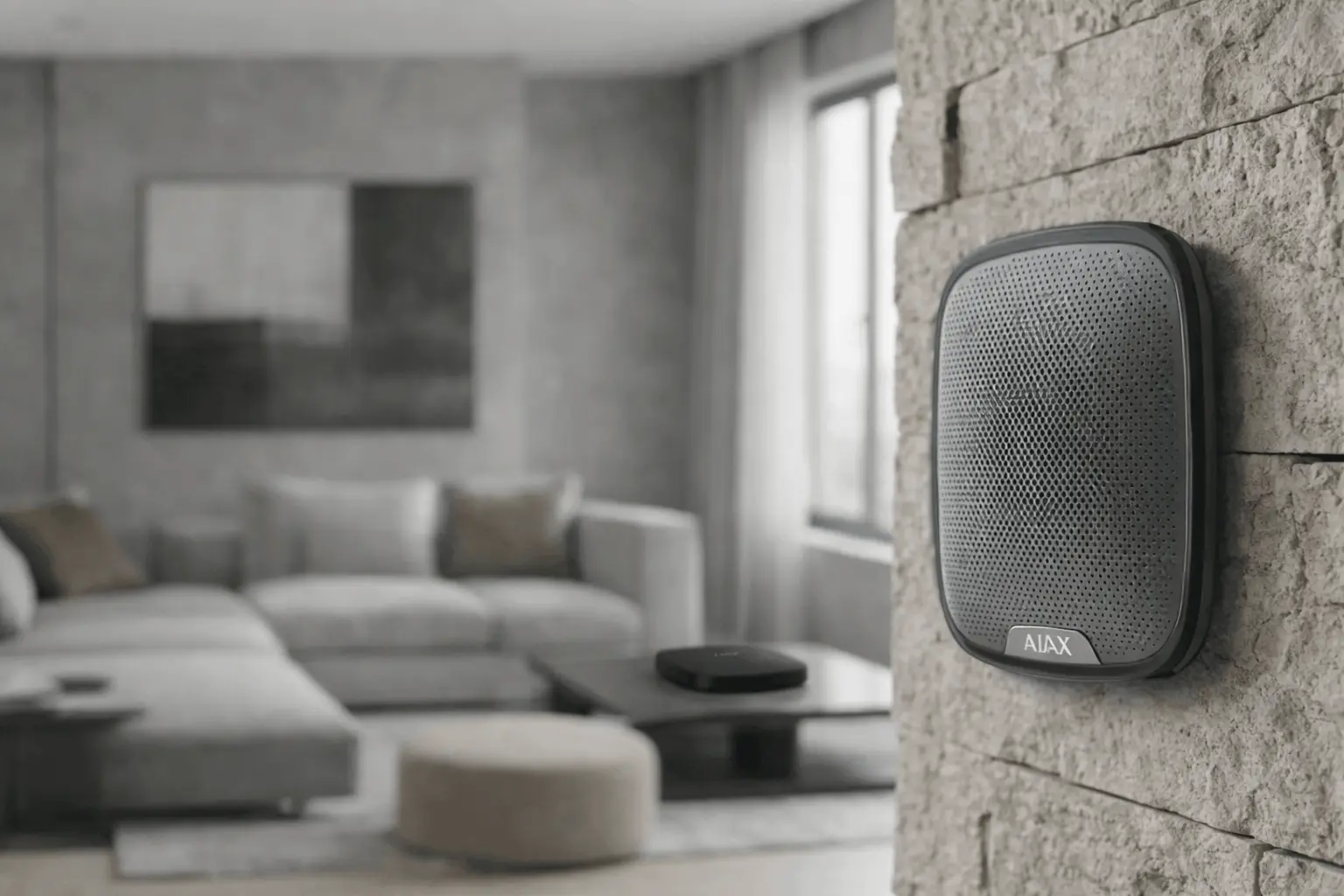
- Aesthetics: Available in sleek Black or White, Ajax sensors look like modern decor rather than industrial equipment.
Ness: The Professional’s Choice
Ness systems often require a bit more “under the hood” configuration. While they offer wireless options, a full Ness setup is often best left to licensed installers to ensure the zoning and hardwired paths are optimized.
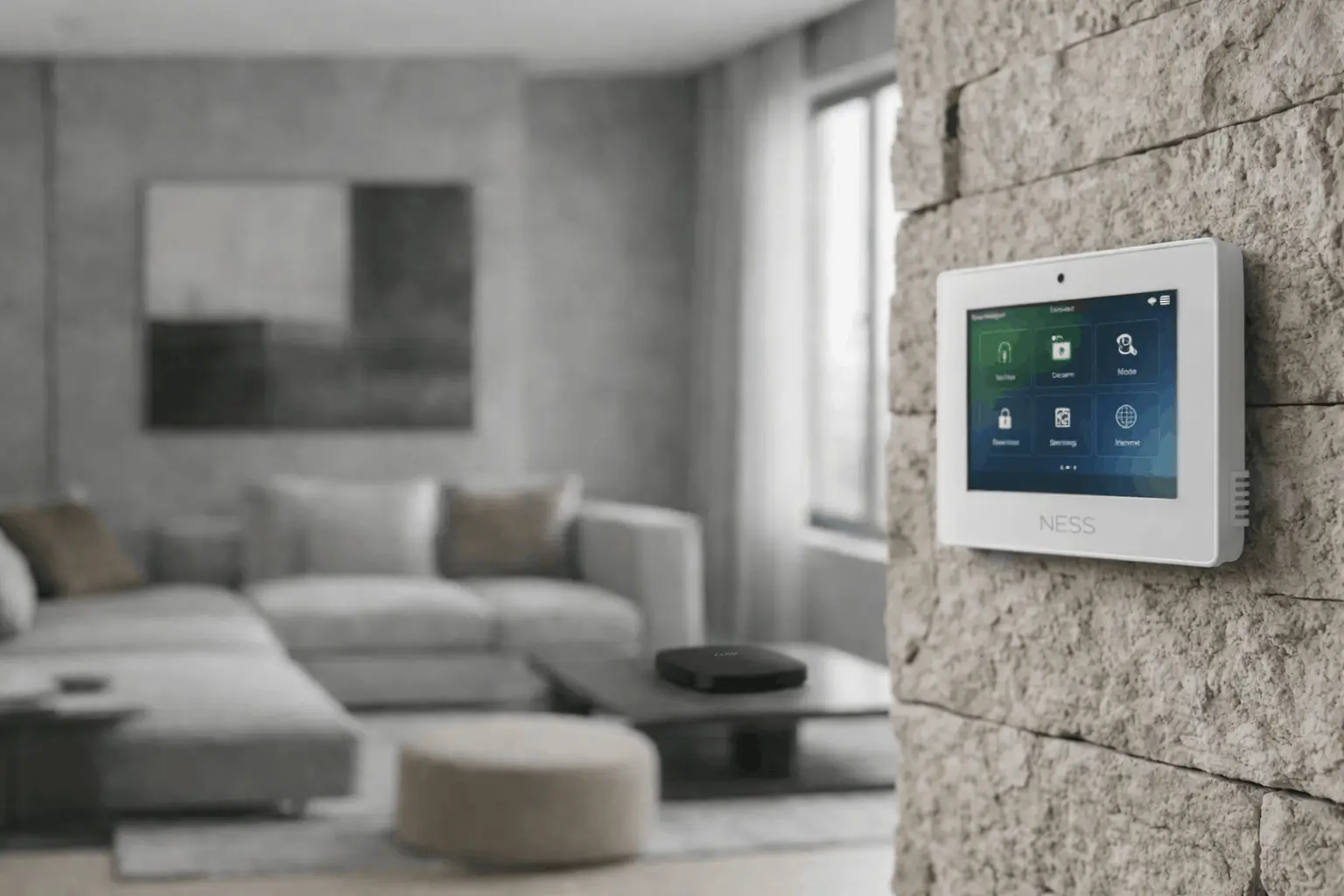
- Aesthetics: Ness panels (like the Navigator Touch Screen) are functional and clean, but the sensors tend to have a more traditional, “industrial” plastic look compared to Ajax.
App Experience and Smart Home Integration
In 2026, the app is where you interact with your security 99% of the time.
- Ajax Security Systems App: Widely considered the best in the industry. It provides instant push notifications with photo verification (if using Motion Cam). You can manage everything from your smartphone—arming, disarming, and even controlling smart plugs or water leak valves.
- Ness Mezzo/Smart Living: Ness has made huge strides with their Mezzo hub, which integrates Z-Wave for smart home automation. However, the user interface (UI) is often cited as being less “fluid” than Ajax. It is highly functional but feels more utilitarian.
Reliability & Maintenance
| Feature | Ajax Alarm System | Ness Alarm |
|---|---|---|
| Primary Communication | Dual Wi-Fi + Ethernet + 4G | Telephone line or IP |
| Wireless Protocol | Proprietary Jeweller | Standard wireless protocols |
| Communication Range | Up to 2,000 meters | Varies by sensor type |
| Backup Connectivity | Automatic 4G/LTE switchover | Optional cellular backup |
| Power Backup Duration | Up to 16 hours | Varies by configuration |
| Frequency Band | Dedicated security frequency | Common household frequencies |
| Signal Monitoring | Continuous with degradation alerts | Standard sensor check-ins |
| Jamming Protection | Advanced anti-jamming technology | Basic interference detection |
| Cloud Control | Full cloud integration | Limited cloud features |
| App Integration | Complete smartphone control | Basic remote access |
Related Guides and Services
If you are comparing brands, these pages help you plan the right system, choose the right hardware, and book a clean installation in Melbourne.
Ajax Alarm System (Next Steps)
For Melbourne installs, product options, and upgrade paths, start here.
Ness Support and Alternative Options
If you already have a Ness system, or you are considering repairs and maintenance, these are the most relevant pages.
Want a quick recommendation? Share your suburb, property type, and entry points and we will suggest a practical setup.
The Verdict: Which Should You Choose?
Choose Ajax if…
- You want the best mobile app experience on the market.
- You are looking for a wireless installation without drilling holes or running cables.
- You value modern design that blends into a high-end interior.
- You want “Photo-on-Demand” to see what triggered an alarm in real-time.
Choose Ness if…
- You prefer a hardwired system for maximum interference resistance.
- You want to support an Australian-owned brand with local technical support.
- You are on a tighter budget but still want professional-grade security.
- You are retrofitting an old house that already has existing alarm wiring.
Conclusion
Both Ajax and Ness provide world-class protection, but they cater to different users. Ajax is the future of smart, wireless security—fast, beautiful, and incredibly smart. Ness is the reliable backbone of Australian security—sturdy, local, and time-tested.
Ready to secure your Melbourne property? At SIPKO Security, we specialize in both Ajax and Ness installations. Whether you want the cutting-edge tech of Europe or the local reliability of Australia, our team can help you design the perfect shield for your home.
Get Free Security Advice From a Local Expert
Share your property type and entry points and we will suggest a practical setup for CCTV, alarms, and monitoring. Fast, clear, and tailored to your site.
Free Suggestion
Tell us your suburb, property type, and the areas you want covered. We will recommend a sensible setup and next steps.
Contact Expert for Free SuggestionTip: include brand and model photos for faster troubleshooting and upgrade advice.
Frequently Asked Questions
Clear answers about installation, upgrades, repairs, remote access, and choosing the right setup for your property.
How fast can you install a CCTV or alarm system?
Timing depends on camera count, cable runs, and access to the roof or subfloor. After a quick site check, we confirm the cleanest path for cabling, recorder placement, and app setup, then schedule the install accordingly.
Do you repair or upgrade existing systems?
Yes. We handle camera replacement, NVR/DVR upgrades, remote viewing fixes, PoE and cabling faults, storage issues, and alarm sensor tuning (including false triggers).
Can I view cameras and alarms from my phone?
Yes. We configure secure remote access and show you how to use the app properly, including notifications, user access, and arming modes. If remote viewing is currently broken, we can usually fix it during a service visit.
What affects the overall cost?
The main drivers are camera and sensor quantity, cable run complexity, recorder capacity, wall and roof access, and any after-hours work. The quickest way to get accurate advice is to share photos and a short description of your layout.
Do you install premium alarm systems and smart doorbells?
Yes. We install premium home alarm systems, perimeter alarm systems, and smart doorbells. We plan sensors around your real entry points such as doors, side access, garages, and rear lanes, then configure arming modes that fit how you live.
Do you offer monitoring?
Yes. If you want 24/7 support, we can recommend monitoring options that match your system and risk level, including setup that supports faster verification and response workflows.