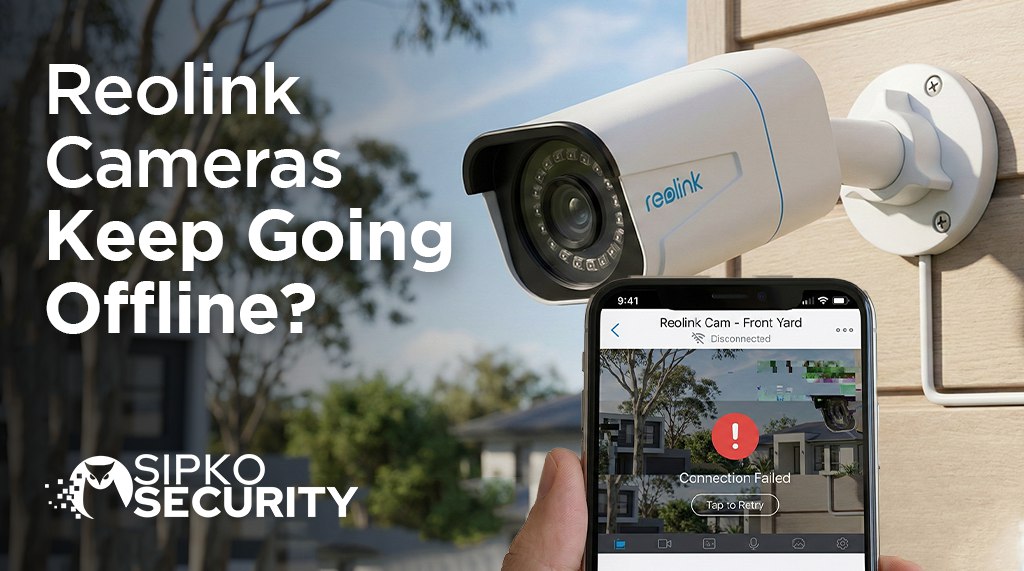
Why Reolink Cameras Keep Going Offline (And How Professionals Fix It)
Solving “Device Disconnected” Errors: When your Reolink system drops its feed, it’s usually more than just a “glitch.” Learn the methodology professionals use to resolve “Video Loss” and offline status permanently.
⚡ Fast Symptom Checker
Usually network congestion or IP conflicts. Check your setup guide.
Power supply failure or PoE hardware issues. Might require pro maintenance.
The NVR is on, but the camera link is broken. See our Dahua vs Reolink tech breakdown.
Professional Troubleshooting Steps
Verify Device Power Status
Ensure the unit is active. Pro Tip: Cover the lens with your hand—if the red IR LEDs or spotlights don’t illuminate in the dark, the camera isn’t getting power. Inspect the DC adapter or PoE switch immediately if the lights remain off. For commercial sites, check your warehouse power standards.
Rule Out Network Stability
Switch from WiFi to Mobile Data on your phone. If it works on 5G but not Home WiFi, your router is blocking the stream. Try changing between “Clear” and “Fluent” modes in the Reolink App to see if bandwidth is the issue. Similar issues occur with EZView and other P2P apps.
Restart All Hardware
Perform a full power cycle. Unplug the camera and the router for 60 seconds. This clears temporary cache glitches and forces an IP refresh, which fixes 40% of reolink offline cases instantly. If you have an Ajax alarm system, ensure it isn’t also reporting network failures.
Inspect Physical Links
Faulty cables are the #1 cause of reolink nvr disconnecting. Swap the Ethernet cable with a known working one and try a different LAN port. Proper surveillance planning always includes high-quality outdoor-rated cabling to prevent pin corrosion.
The Hard Factory Reset
If software fails, physics wins. Perform a hard factory reset using the pigtail button. This is often necessary when hardware is nearing its end of life. If you’re constantly resetting, it might be time to look into costs for a professional system.
Struggling to solve the issue?
CCTV troubleshooting can be a rabbit hole of IP addresses, gateway settings, and voltage drops. If you’ve worked through our 5-phase guide and your cameras are still offline, you must call in the professionals. Small mistakes in DIY wiring can lead to permanent hardware damage or, worse, zero recordings during a break-in.
🖥️ Software Access Conflicts
If your camera works on the Phone App but is offline on the Reolink Client (PC), check your VPN or Firewall settings. Professionals often see PC software failing due to port 9000 being blocked. For a deeper look at app-specific failures, see our app troubleshooting guide.
Investment in Reliability
While troubleshooting Reolink is manageable, many homeowners find that budget systems require constant “babysitting.” Professional brands like Hikvision or Dahua use high-end NICs that handle significantly more network noise without dropping the link. Check out our Homeowner’s Guide for a full comparison.
Stay Protected with SIPKO
Contact Our Technical Team
Skip the frustration. We specialise in wired, ultra-stable CCTV systems and Ajax Alarms. From same-week installations to expert troubleshooting, we’ve got you covered.
📧 Email Us
sipkosecure@gmail.com
📞 Phone
0406 432 691
Frequently Asked Questions
Will a firmware update fix my offline status?
Yes, often. Reolink releases patches specifically for P2P connection issues. For ongoing support, consider our maintenance plans.
Why does it work on 4G but not WiFi?
This indicates a firewall or NAT issue. It’s a common problem we solve during professional commissioning.
Helpful Resources
- AU Cyber Security Centre – Securing smart home devices.
- Reolink Support – Official technical documentation.