
Uniview (UNV) Catalogue
Cameras, NVRs & Smart Analytics for Melbourne.
Sipko Security supplies and commissions Uniview (UNV) CCTV systems across Melbourne. Filter by camera style, recorder type and specialty devices, then request a quote for a setup built around coverage, clean cabling, retention planning and sensible alerts.
Uniview (UNV) Catalogue
Uniview (UNV) CCTV products for Melbourne installs. Use the filters to narrow down by camera style, recorder and specialty devices. If you’re not sure what fits your property, request a quote and we’ll recommend the right mix based on angles, lighting and retention.
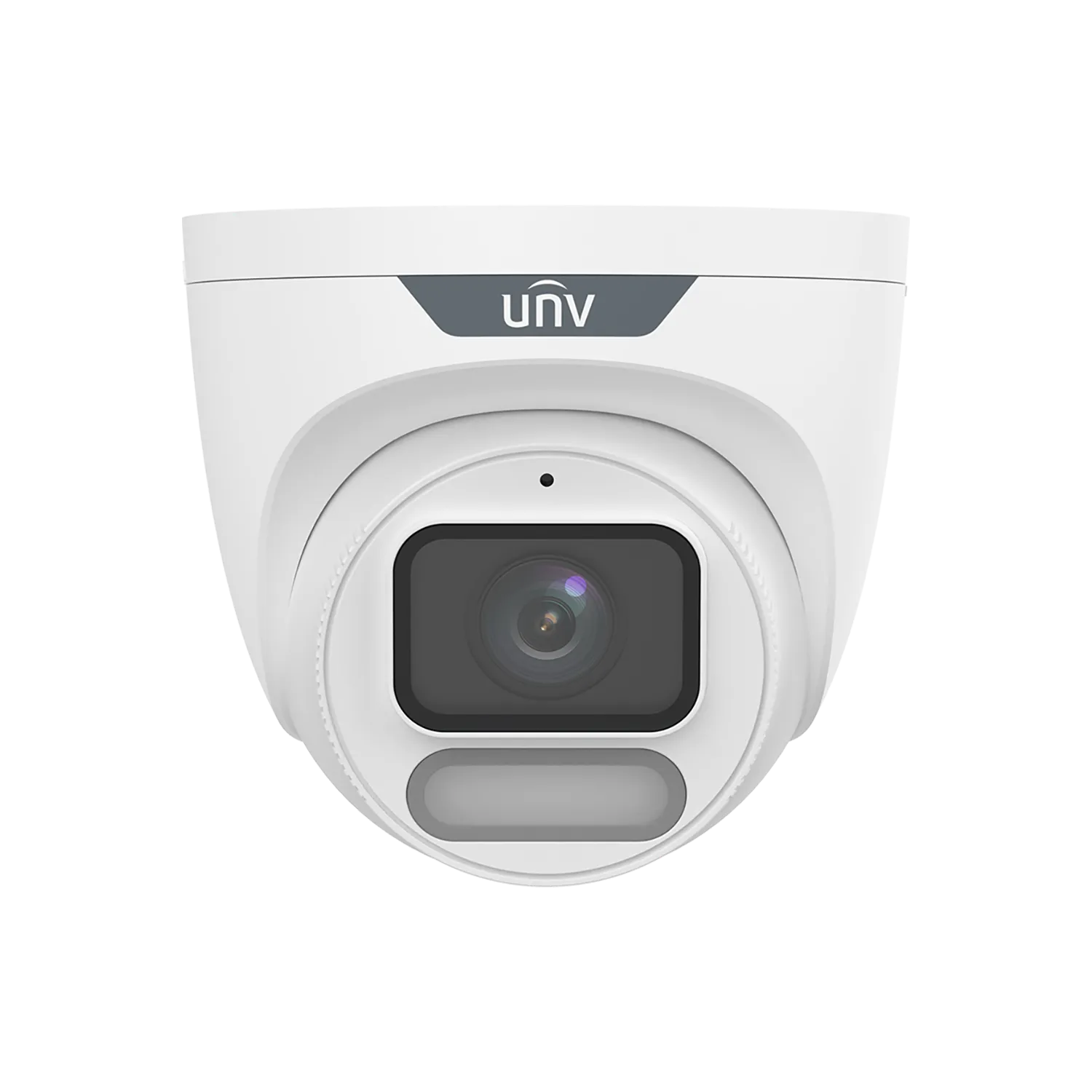
UNV IPC3628LE series is an 8MP fixed eyeball camera with ColorHunter and Wise-ISP technology for 24/7 full‑colour images.
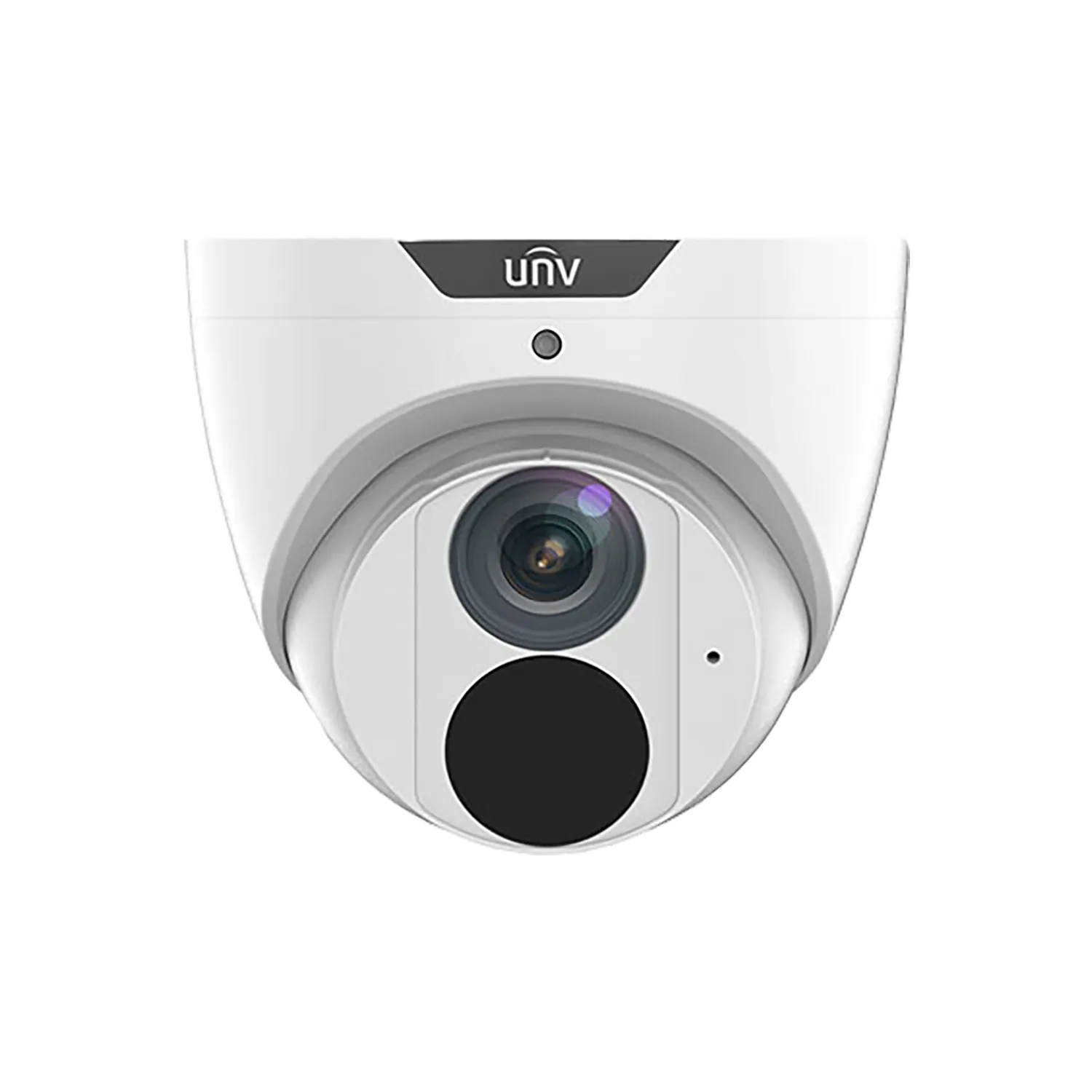
8MP fixed eyeball camera with Easystar low-light technology (0.005 lux colour), 2.8mm or 4.0mm lens, Ultra 265/H.265, 30m smart IR, built-in mic, IP67 metal housing.
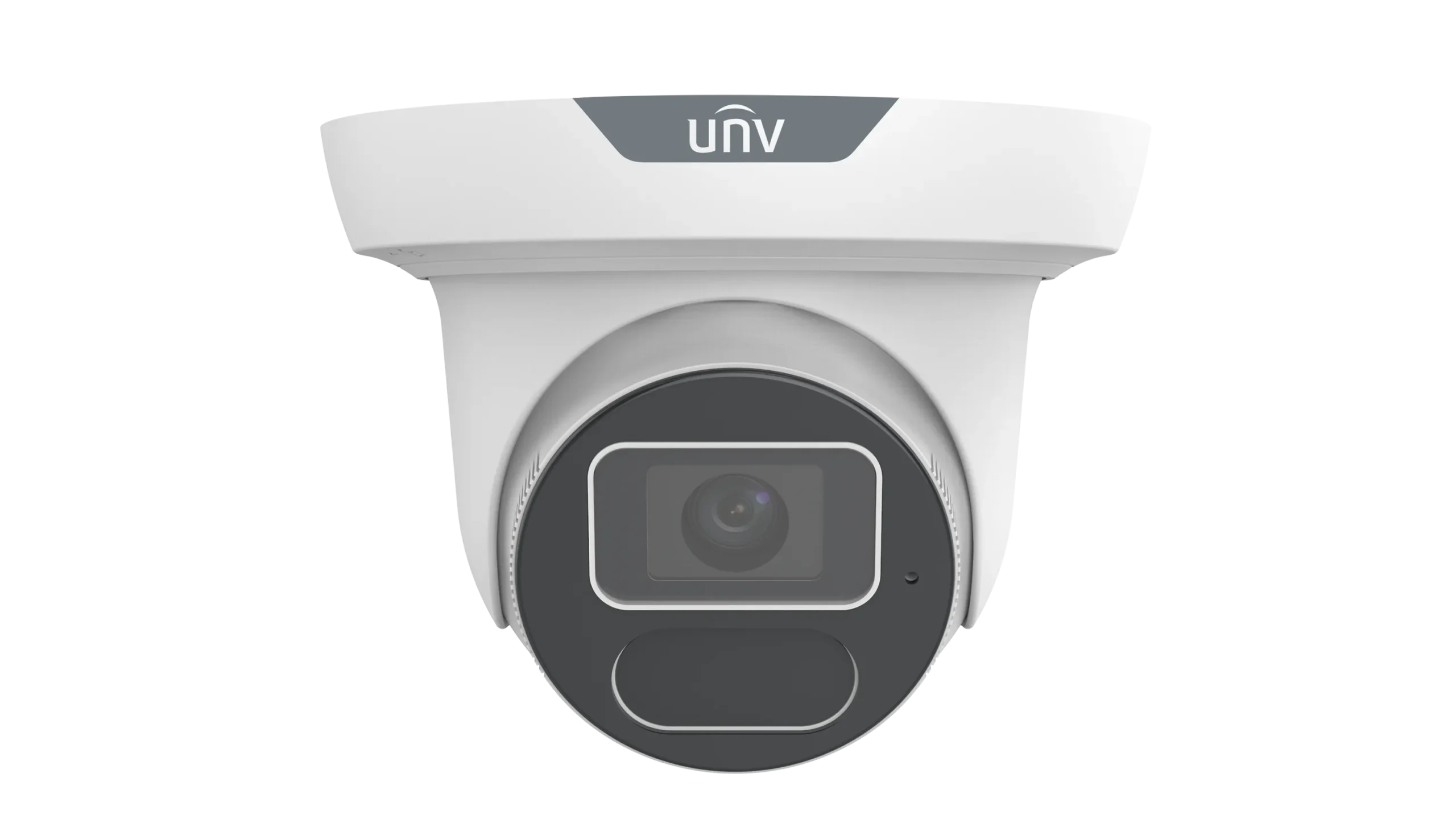
UNV IPC3618SS series is an 8MP turret camera with LightHunter technology for 0.002 lux colour sensitivity.
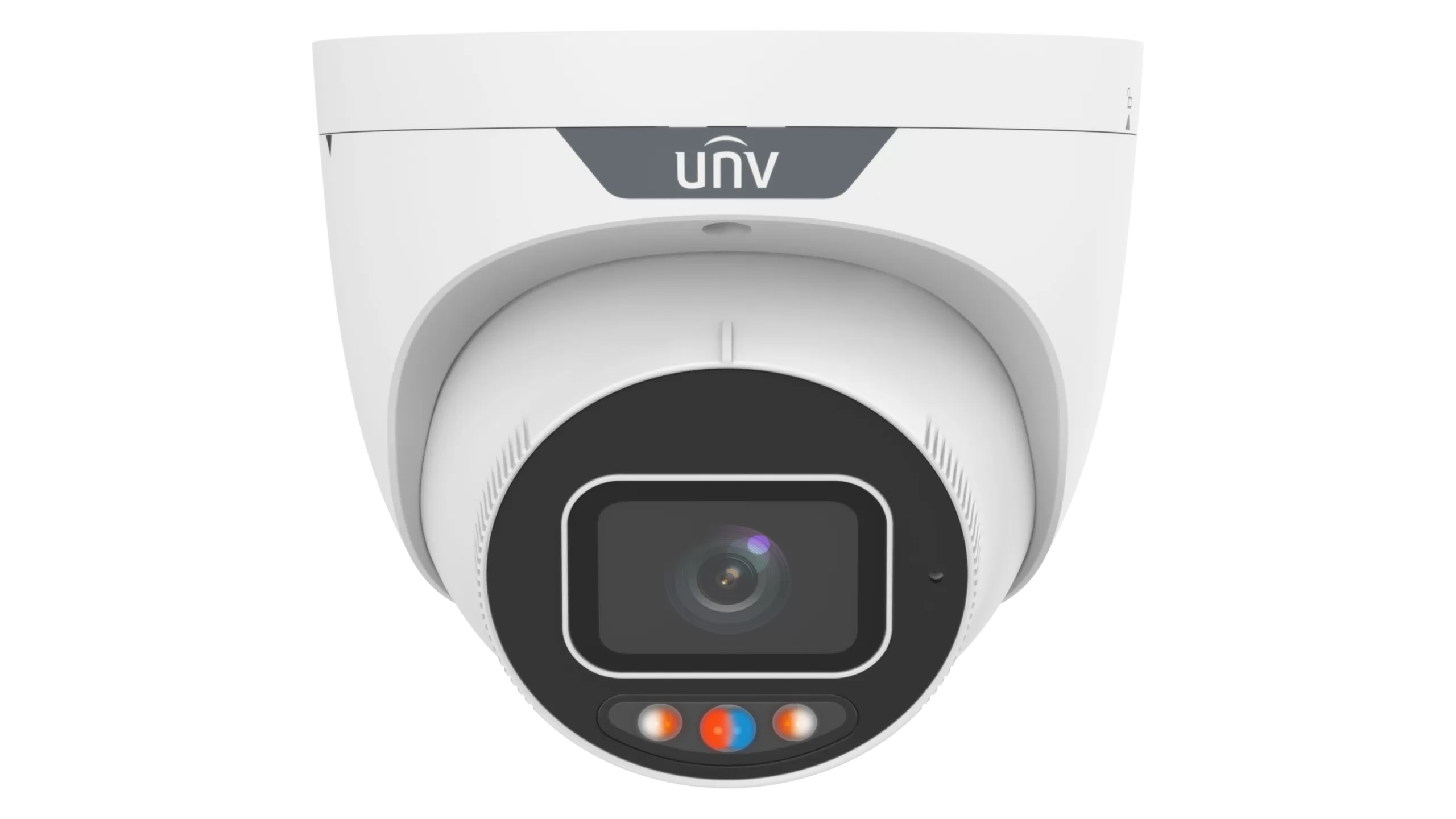
UNV IPC3638SS series is an 8MP eyeball camera with F1.0 super‑aperture for 0.001 lux colour sensitivity.
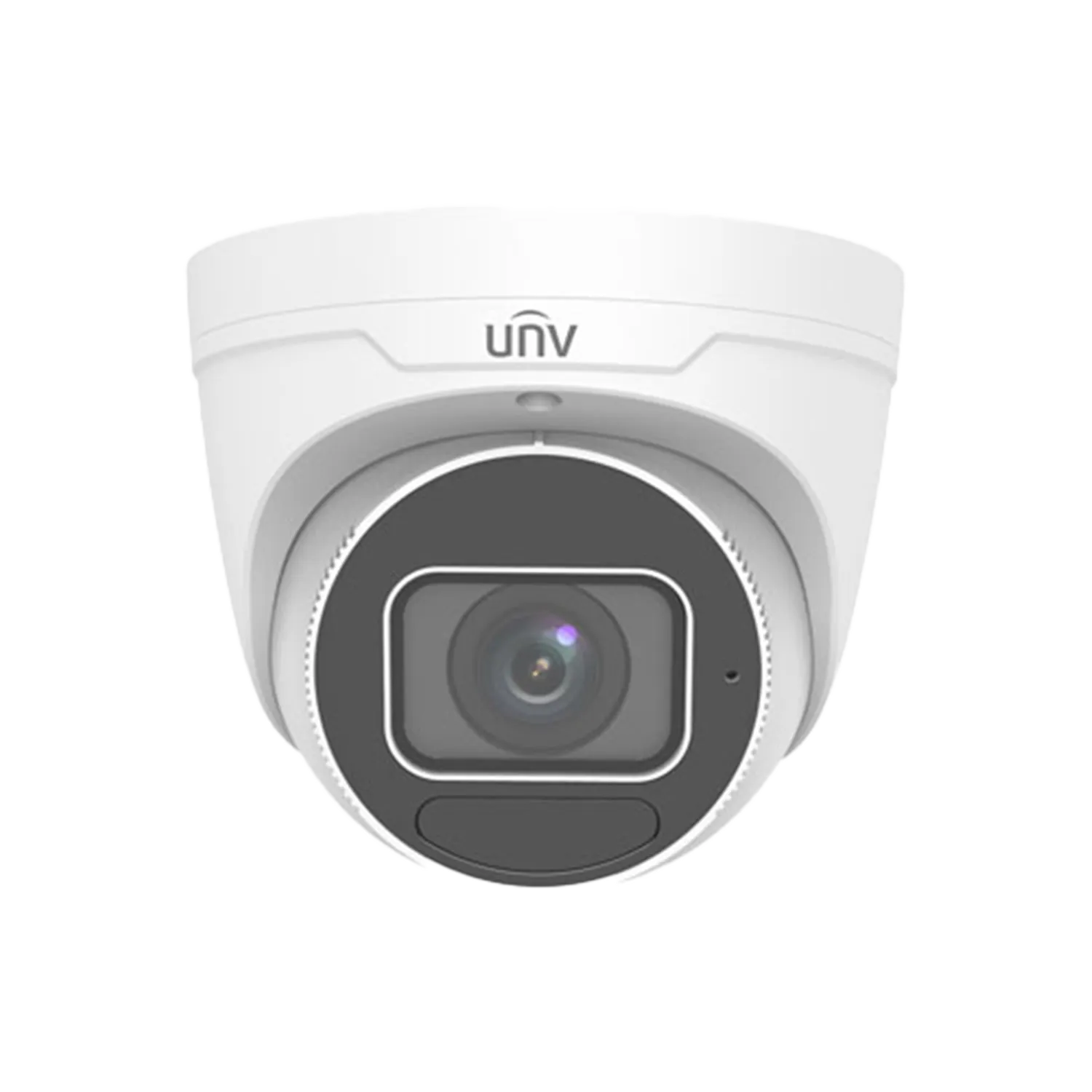
8MP motorized zoom (2.8-12mm) eyeball camera with LightHunter IR, built-in mic, smart intrusion prevention (human/vehicle classification).
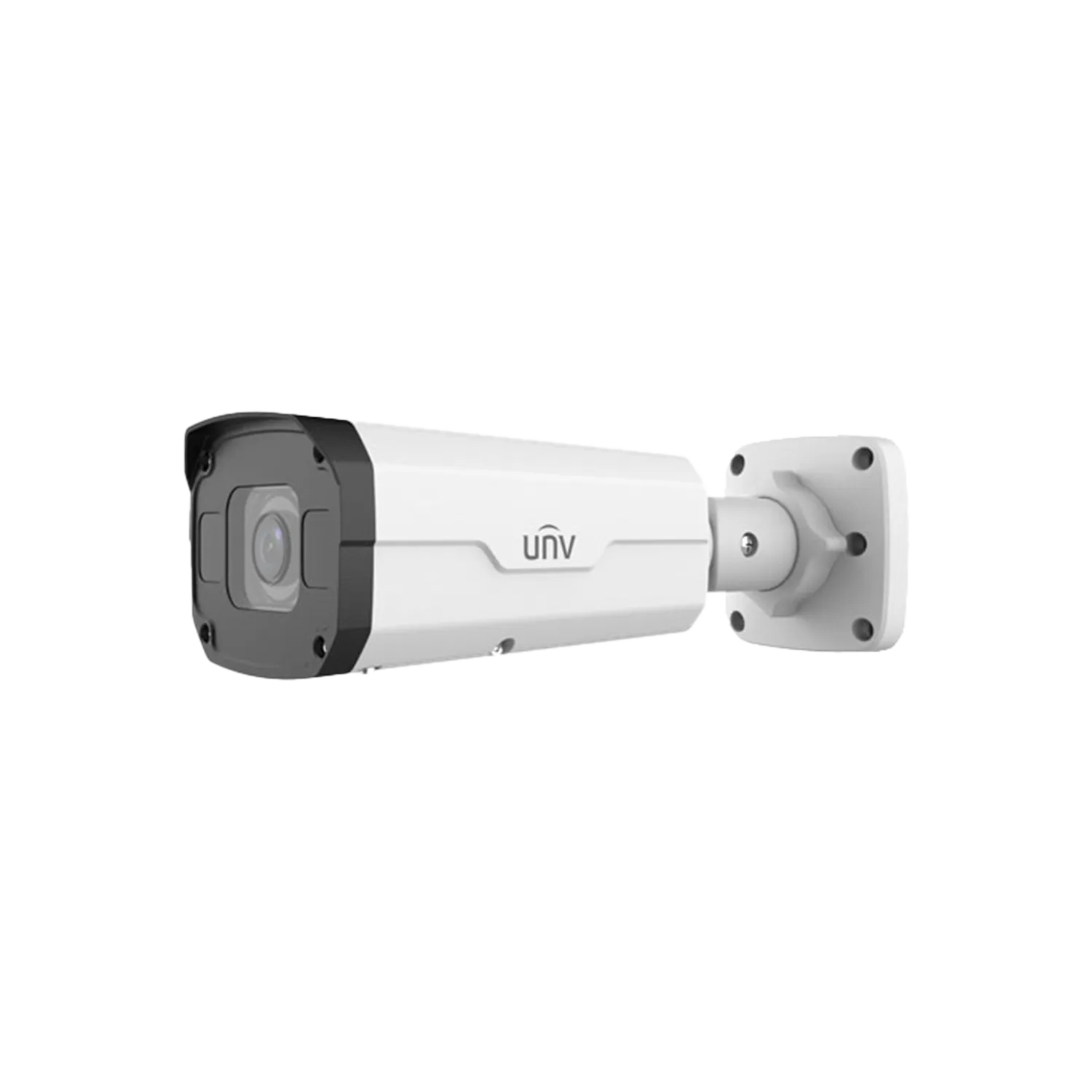
UNV IPC2328SB-DZK-I0 is an 8MP bullet camera with LightHunter technology for exceptional low-light performance (0.0025 lux).
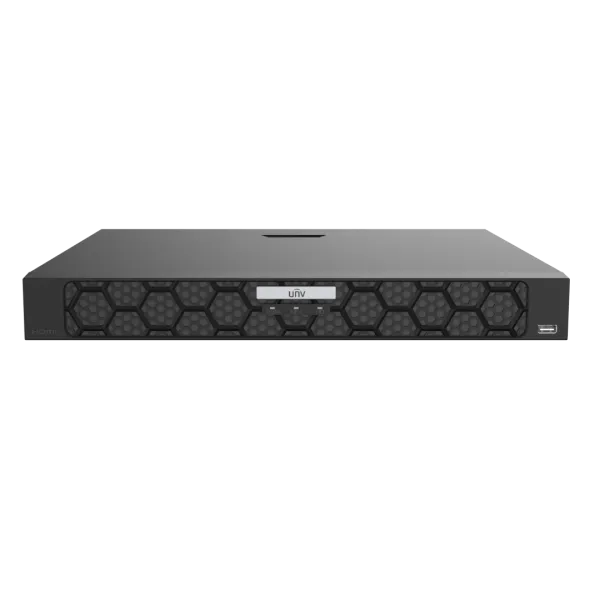
4‑channel and 8‑channel 1U PoE NVR with Ultra H.265/H.265/H.264, up to 16MP recording, 4K HDMI output, built‑in PoE (802.3af/at), smart analytics (face, vehicle, intrusion, people counting), ANR, and cloud upgrade.
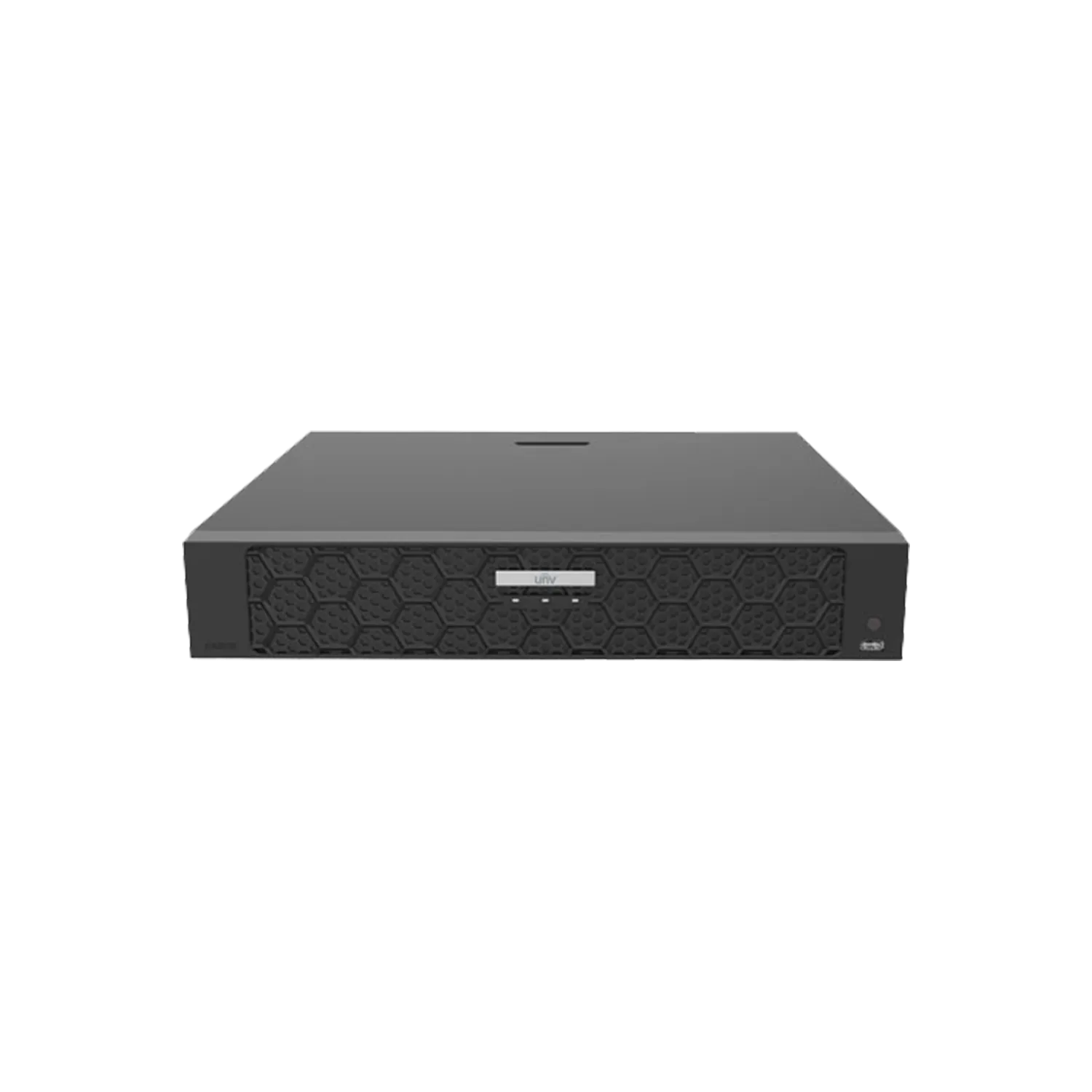
UNV NVR504-32B-P16 is a 32‑channel 1U PoE NVR with 16 independent PoE ports (802.3at/af, total 150W).
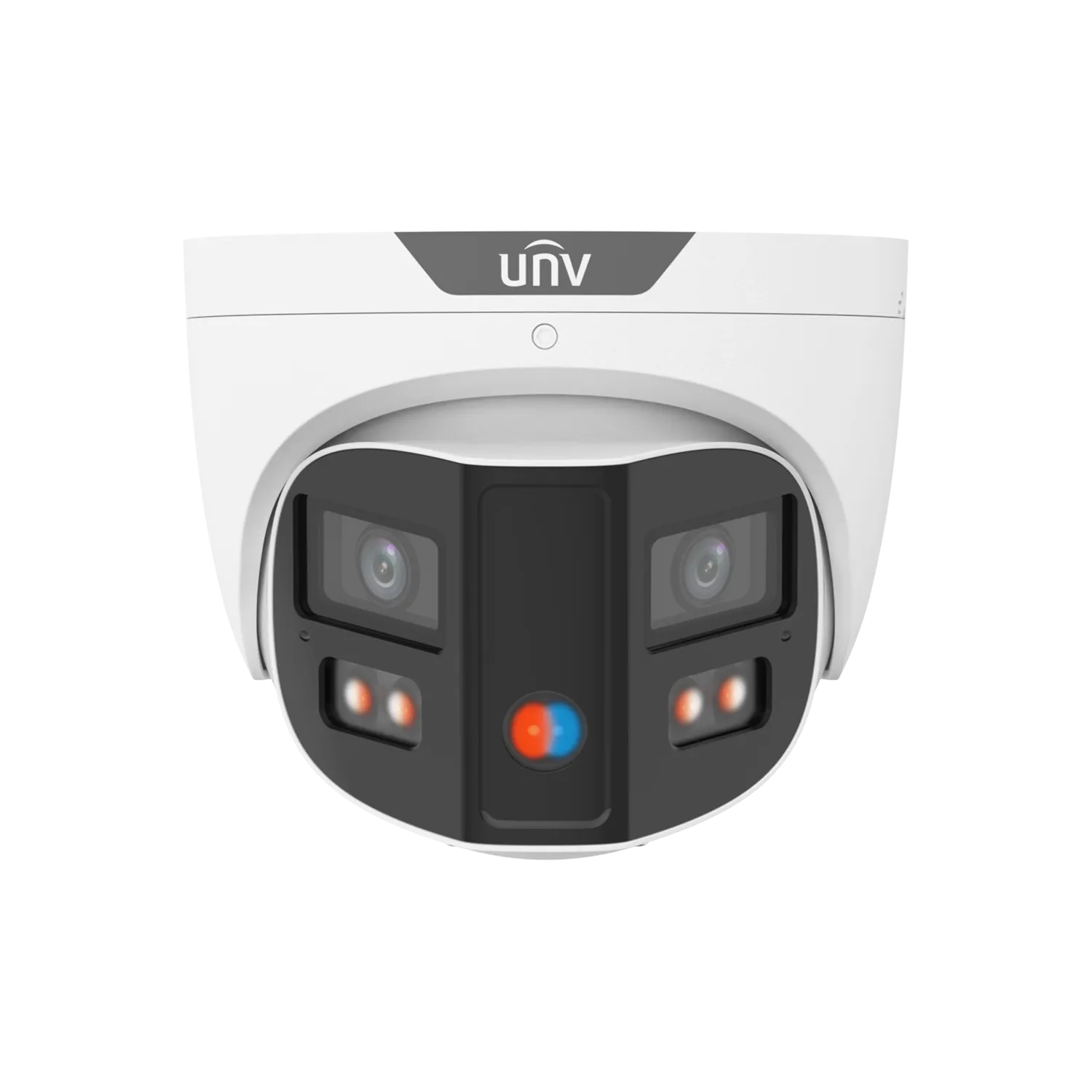
8MP 180° panoramic turret camera with ColorHunter, dual-lens splicing, red/blue warning light and built-in speaker.
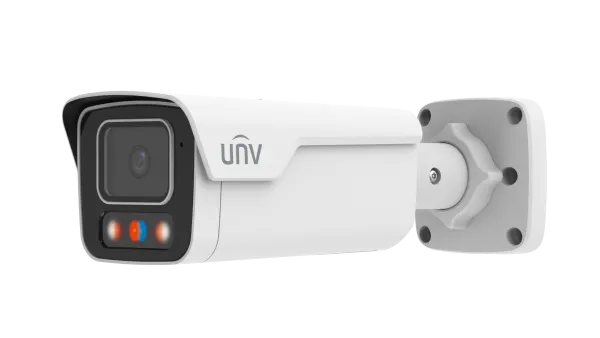
8MP (4K) fixed bullet network camera with dual-light illumination (Smart IR + warm light up to 40 m), built-in mic and speaker for audible warning, red/blue warning lights.
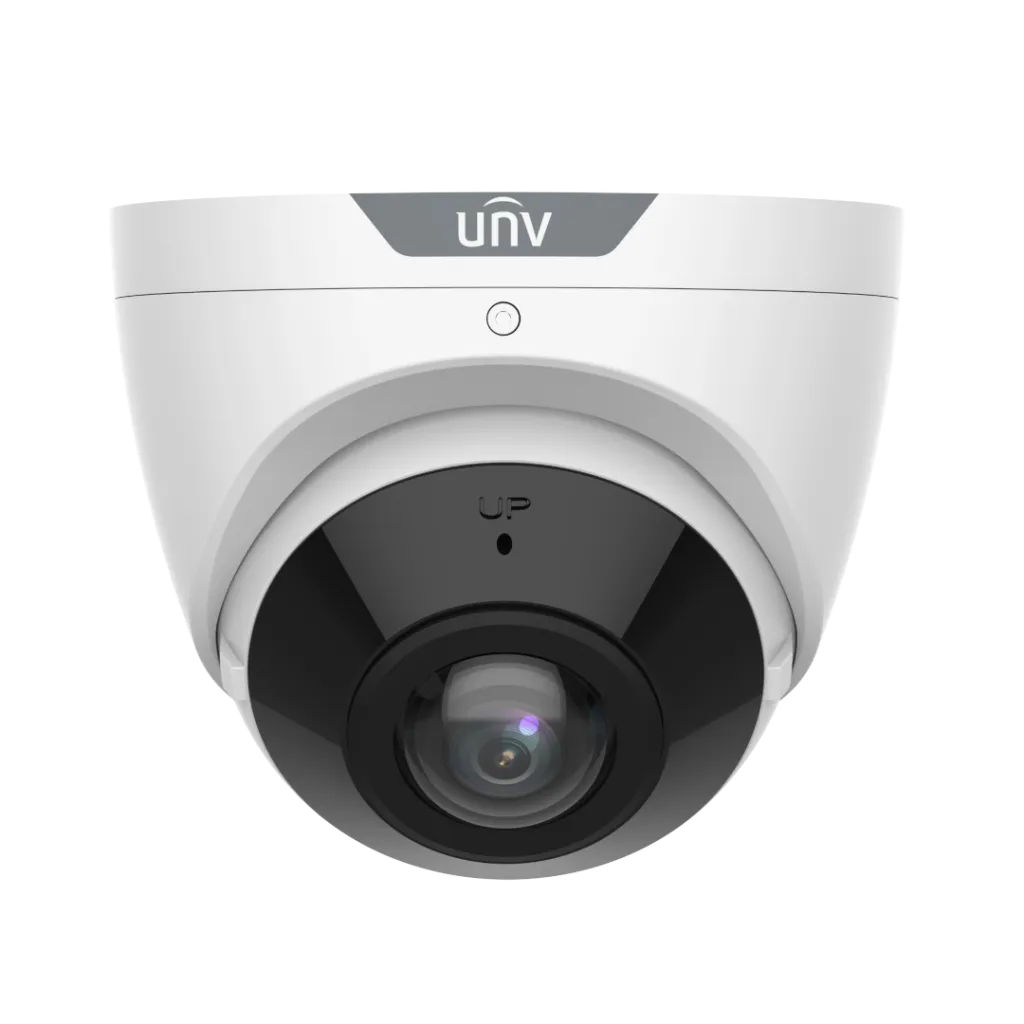
UNV IPC3608SB-ADF16KM-I0 is an 8MP fixed eyeball camera with a 180° horizontal field of view, 1/2.7\” CMOS, smart IR up to 20m, built‑in microphone.
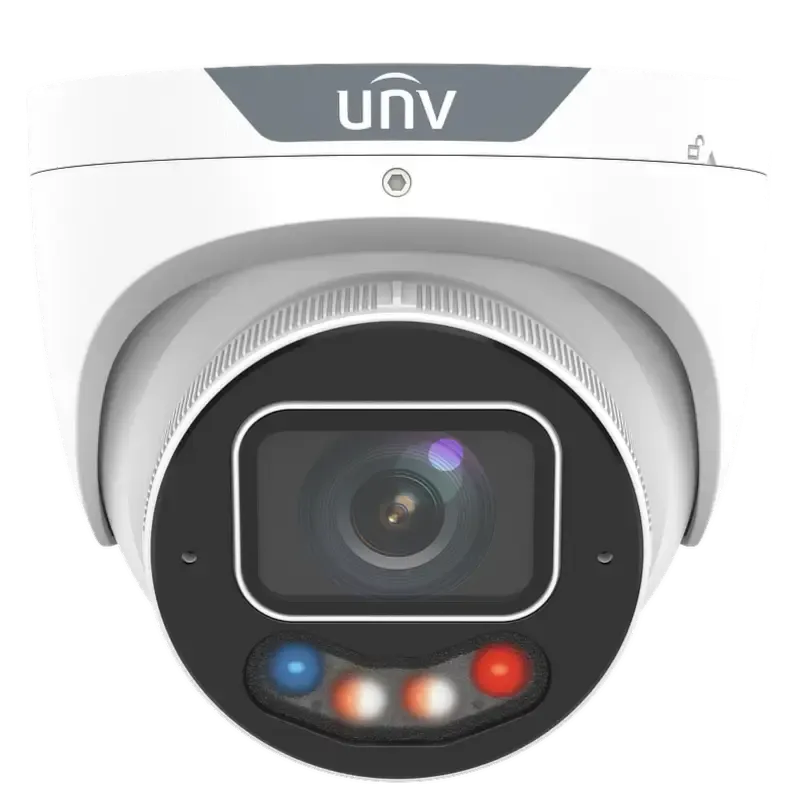
8MP turret camera with ColorHunter and Wise-ISP for 24/7 full-colour images. 1/1.2\” CMOS, F1.0 aperture, warm light up to 30m, smart intrusion prevention with human/vehicle classification, people counting, IK10/IP67.
UNV IPC3638SE-ADZKMC-WP-I1 is an 8MP turret camera with 1/1.8\” CMOS, F1.2 motorized lens, Colorhunter full-colour technology.
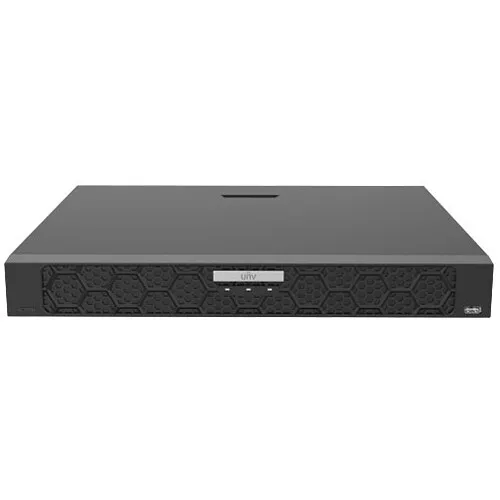
UNV NVR502-16E-IM-G is a 16‑channel 1U network video recorder supporting Ultra H.265/H.265/H.264, up to 32 MP resolution, dual Gigabit Ethernet, smart analytics (face, LPR, metadata), 2× SATA up to 24 TB each, and NDAA compliant.
Built for Footage You Can Actually Use
A catalogue is useful, but performance comes from the full system: coverage design, cable quality, recorder sizing and alert rules. We focus on practical outcomes for Melbourne sites, not just specs.
How We Build the Right UNV Setup
UNV has strong options across turrets, bullets, PTZ and recorders. The win is selecting models that match your angles and then commissioning the system properly. Here’s the approach we use on Melbourne installs.
Choose the camera by the angle
Turret, bullet, dome and PTZ all solve different problems. We pick the form factor and lens around glare, distance and how people actually move through the space.
NVR and storage sized to retention
Recorder selection is about stability and retention, not marketing numbers. We plan storage so you get the days of footage you expect, with smooth playback and exports.
Alerts that don’t spam you
Smart features only help if they’re tuned. We set intrusion rules, motion zones and schedules so you receive alerts that match real risk.
Neat cabling and clean handover
Good CCTV fails without good wiring. We run Cat6/PoE cleanly, terminate properly, label where needed, and hand over a system people can operate confidently.
Before You Pick Models, Lock the System Plan
Most CCTV frustration comes from planning gaps: the wrong angle, poor night strategy, weak retention planning, or alerts that never settle down. This is the checklist we run before we finalise a UNV build in Melbourne.
Pick a Starting Point for Your Property
These are common UNV starting points we install across Melbourne. Final design depends on entry count, lighting, cable routes, and how long you need to keep footage.
4 Camera Home Kit
Front entry, driveway, backyard and side access. Built for clean evidence and simple daily use.
6 Camera Retail / Clinic Kit
Entry identification + counter coverage + back areas. Optimised playback for incident review.
8+ Camera Warehouse / Yard Kit
Perimeter + entrances with overlapping angles. Option to add PTZ for long sightlines and loading zones.
UNV Catalogue Melbourne FAQs
Quick answers for common UNV CCTV questions: model selection, installation, retention and smart alerts.
Is Uniview (UNV) a good choice for CCTV in Melbourne?
What UNV camera shape is best: turret, bullet, dome or PTZ?
Can UNV record without internet?
How do you size the NVR and hard drive retention?
Do UNV systems support smart detection and fewer false alarms?
Can I mix UNV cameras with other brands?
Do you install and configure PTZ presets and patrols?
Do you supply ANPR (number plate) cameras?
Do you include PoE cabling and neat installation?
Can you service or upgrade an existing CCTV system?
Which app is used for remote viewing?
What do you need for a fast quote?
Get a UNV CCTV Quote in Melbourne
Tell us what you’re securing and what matters most: clear faces, plate capture, longer retention, quieter alerts, or coverage of a wide yard. We’ll reply with a recommended UNV setup and a clean installation plan for your Melbourne suburb.