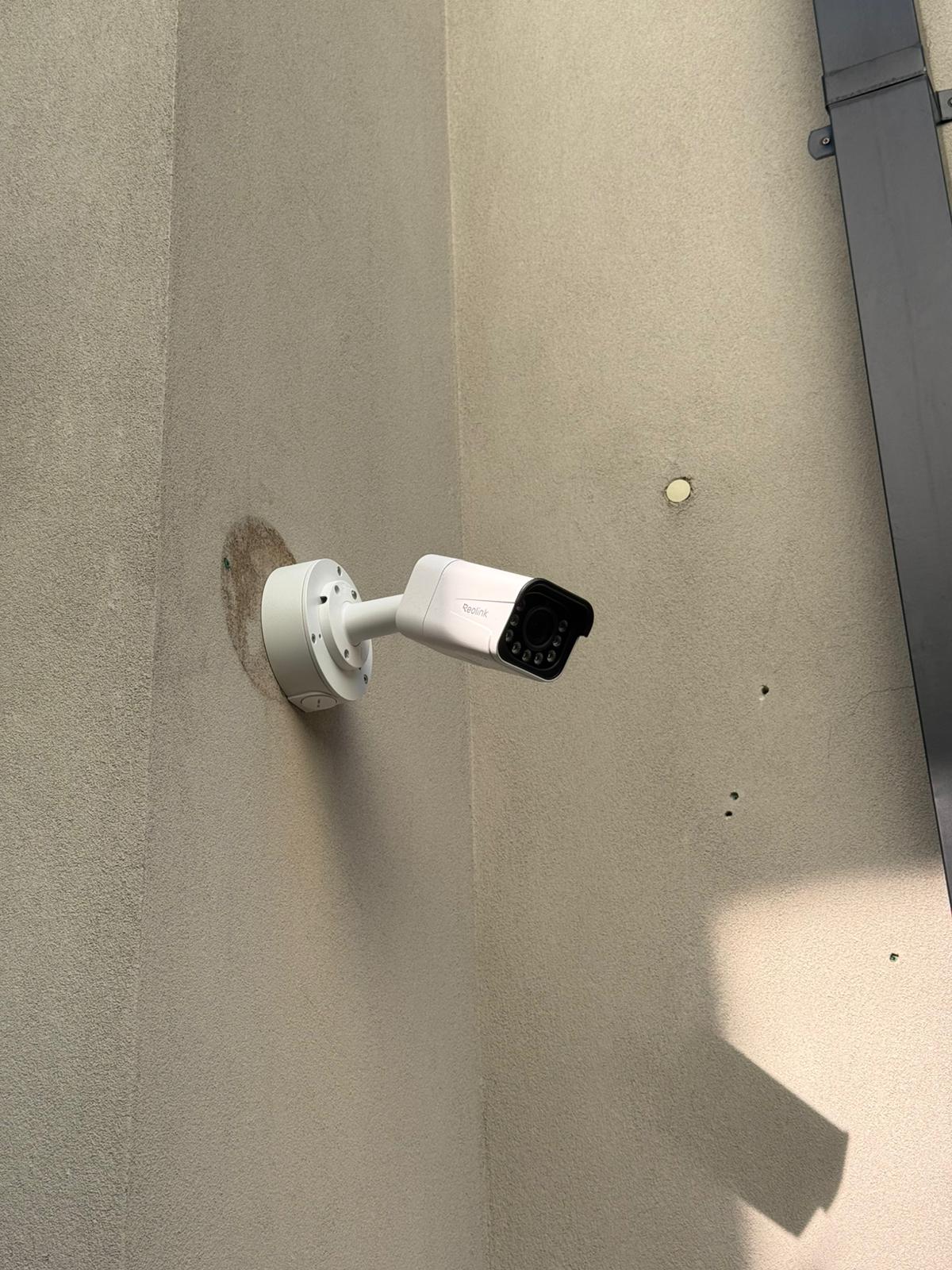
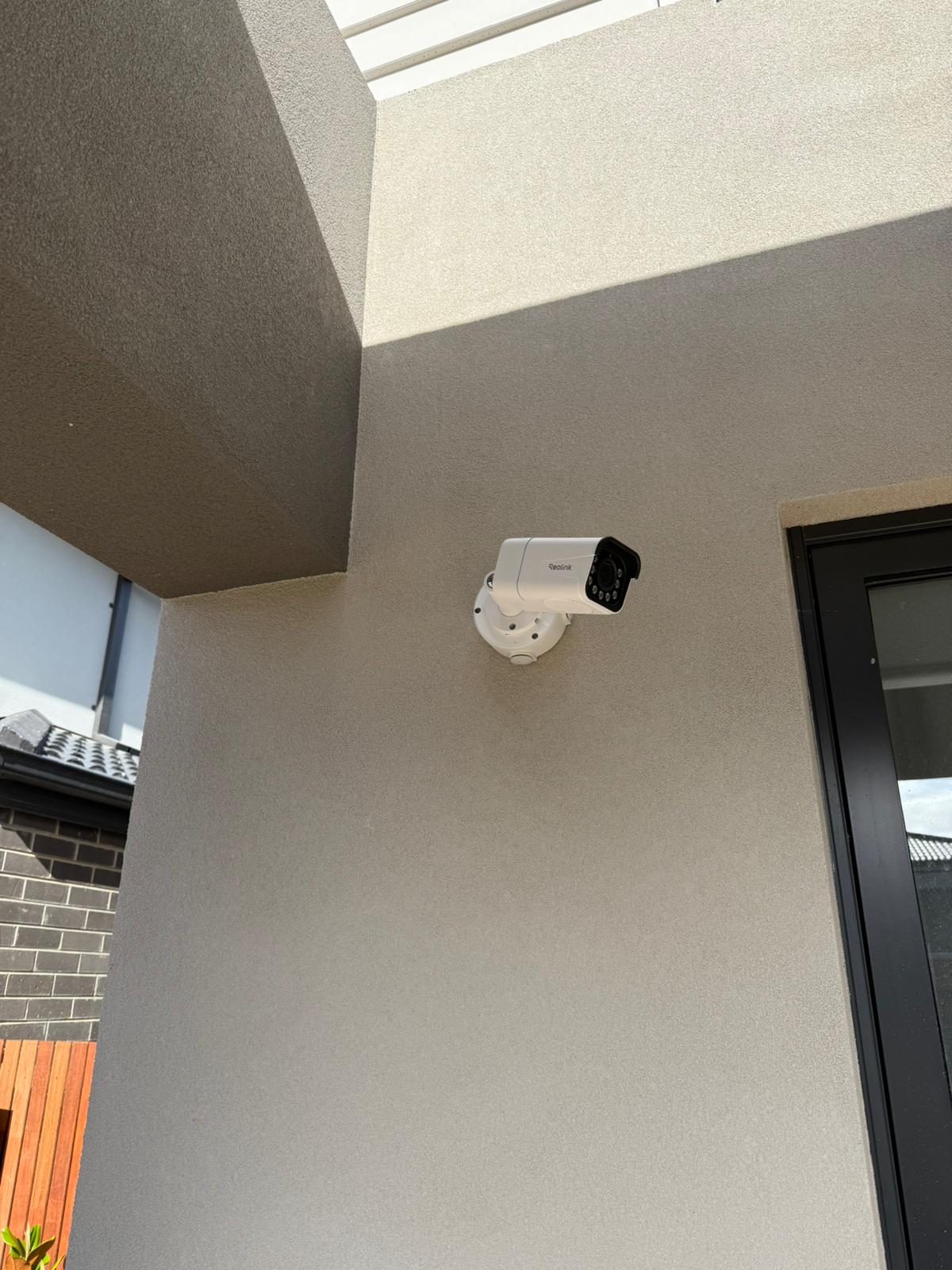
Protect Your Property with Reolink CCTV Solutions
Essential Security for Melbourne
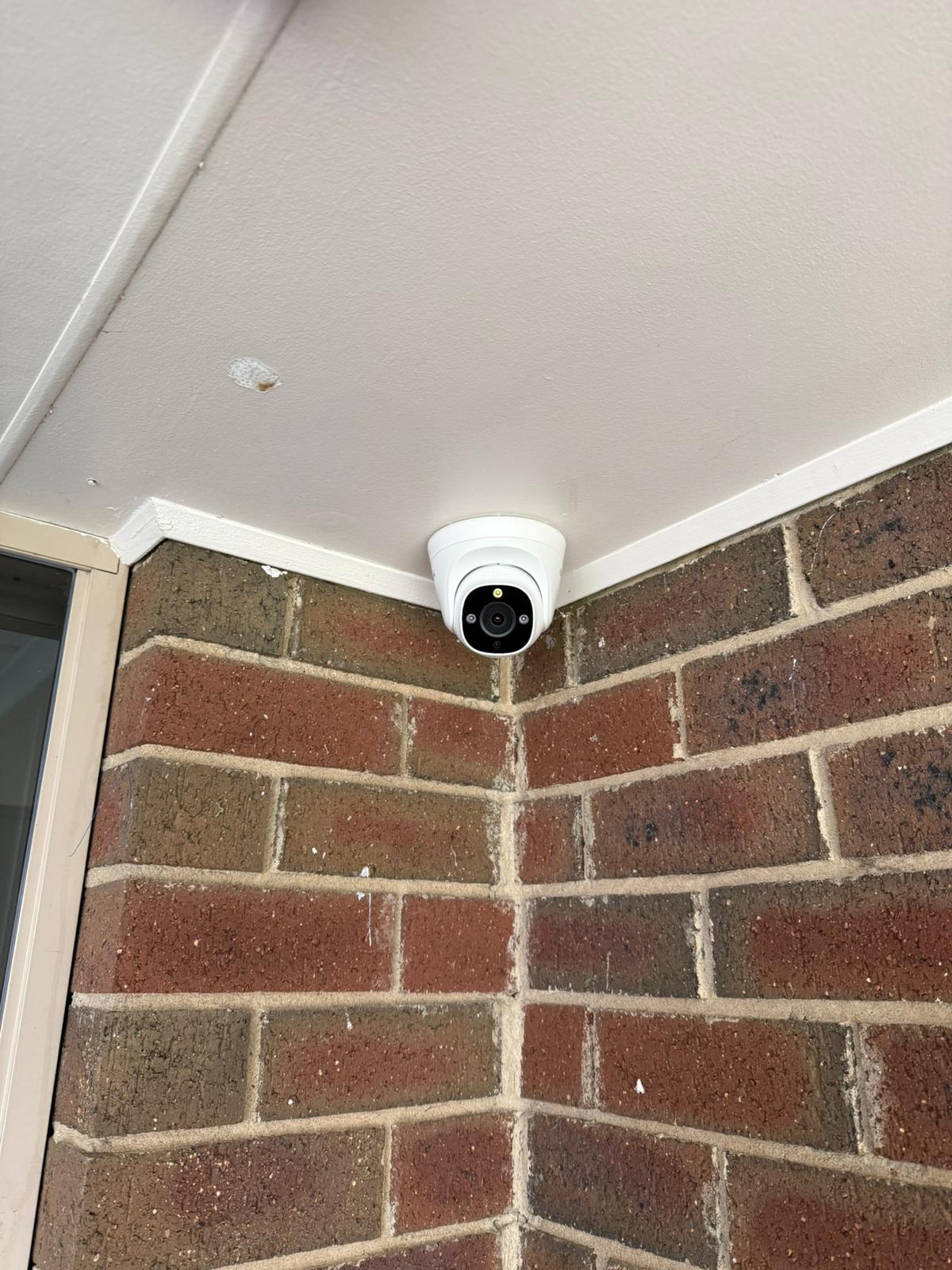
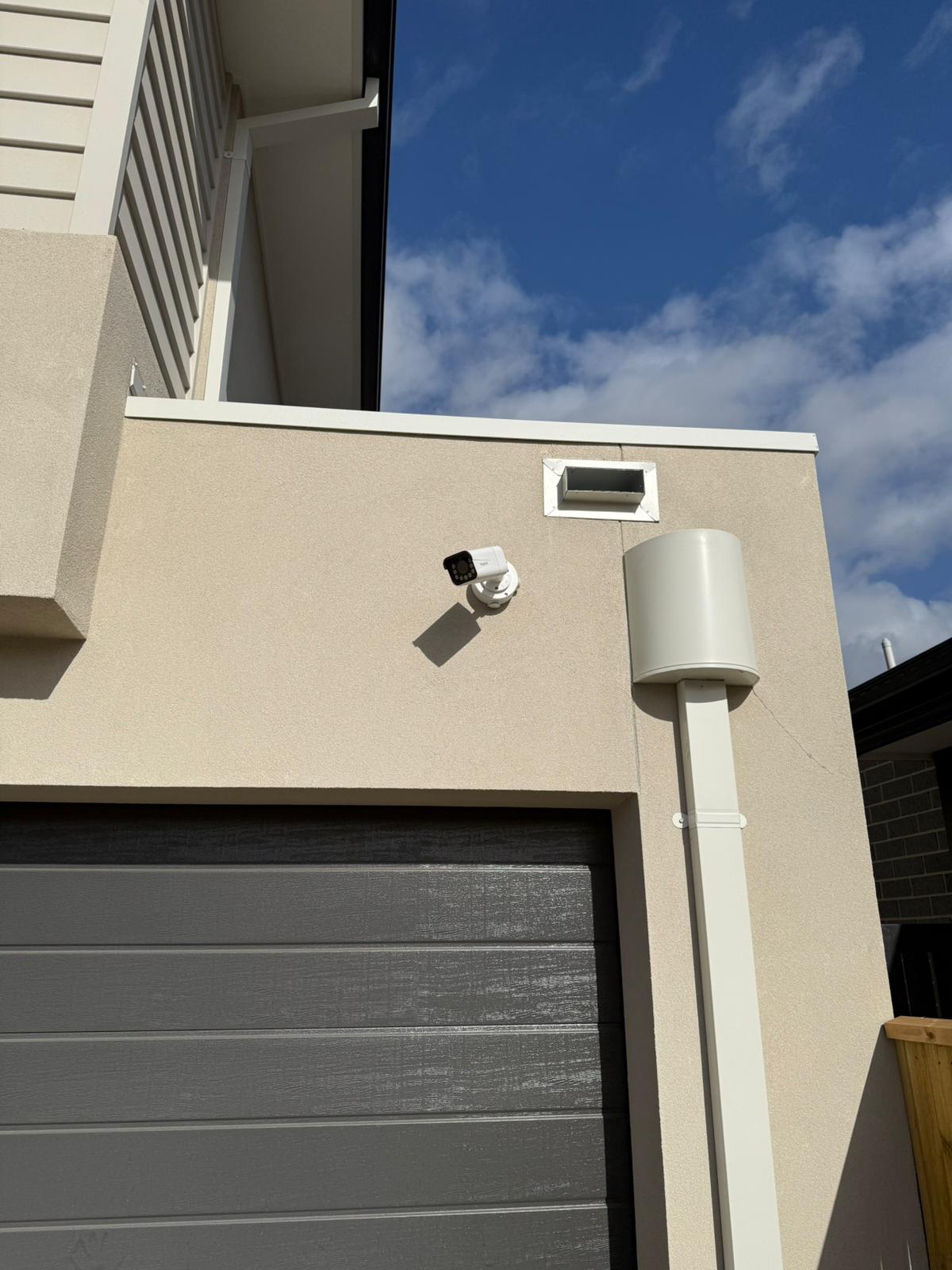
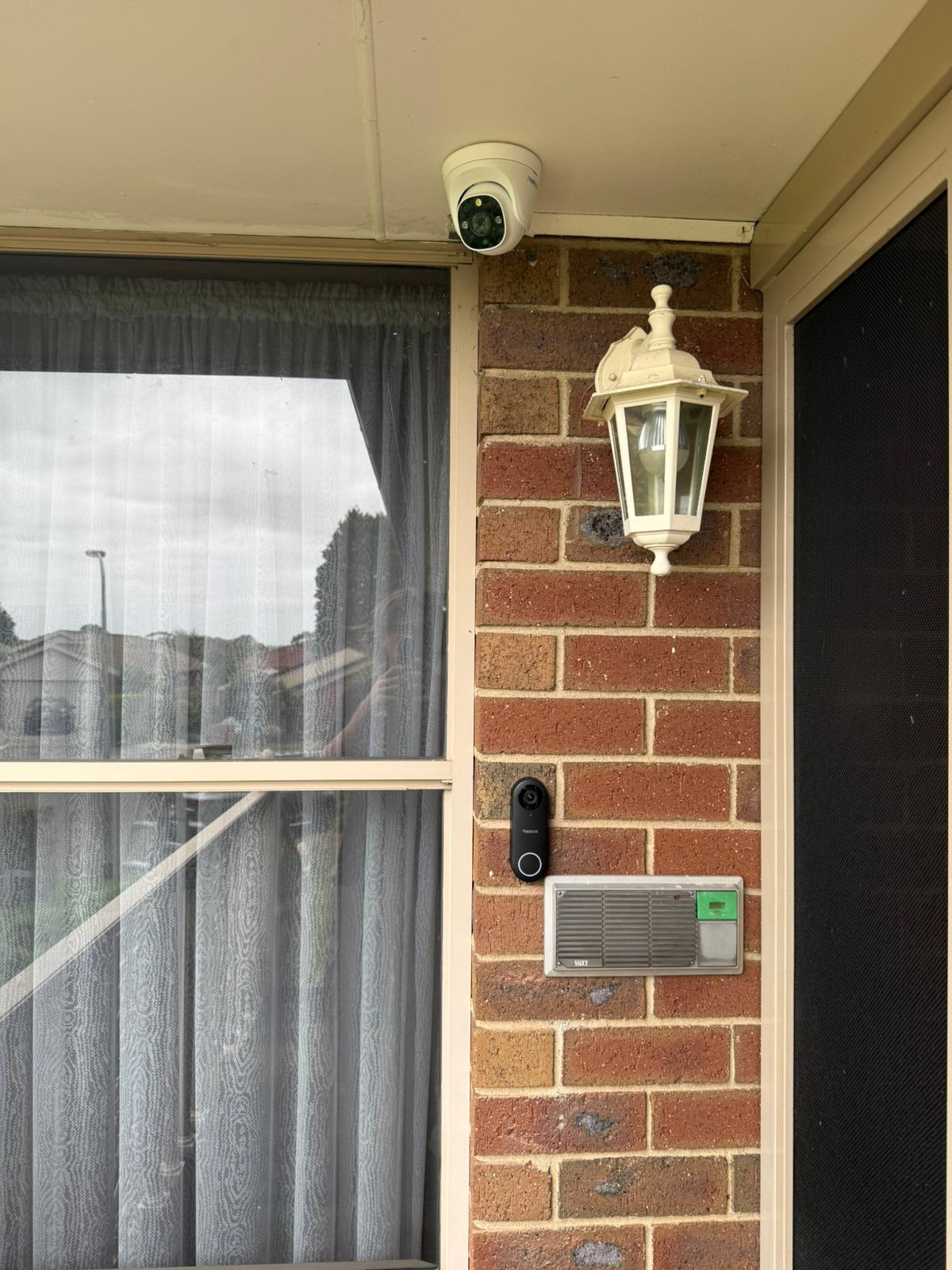
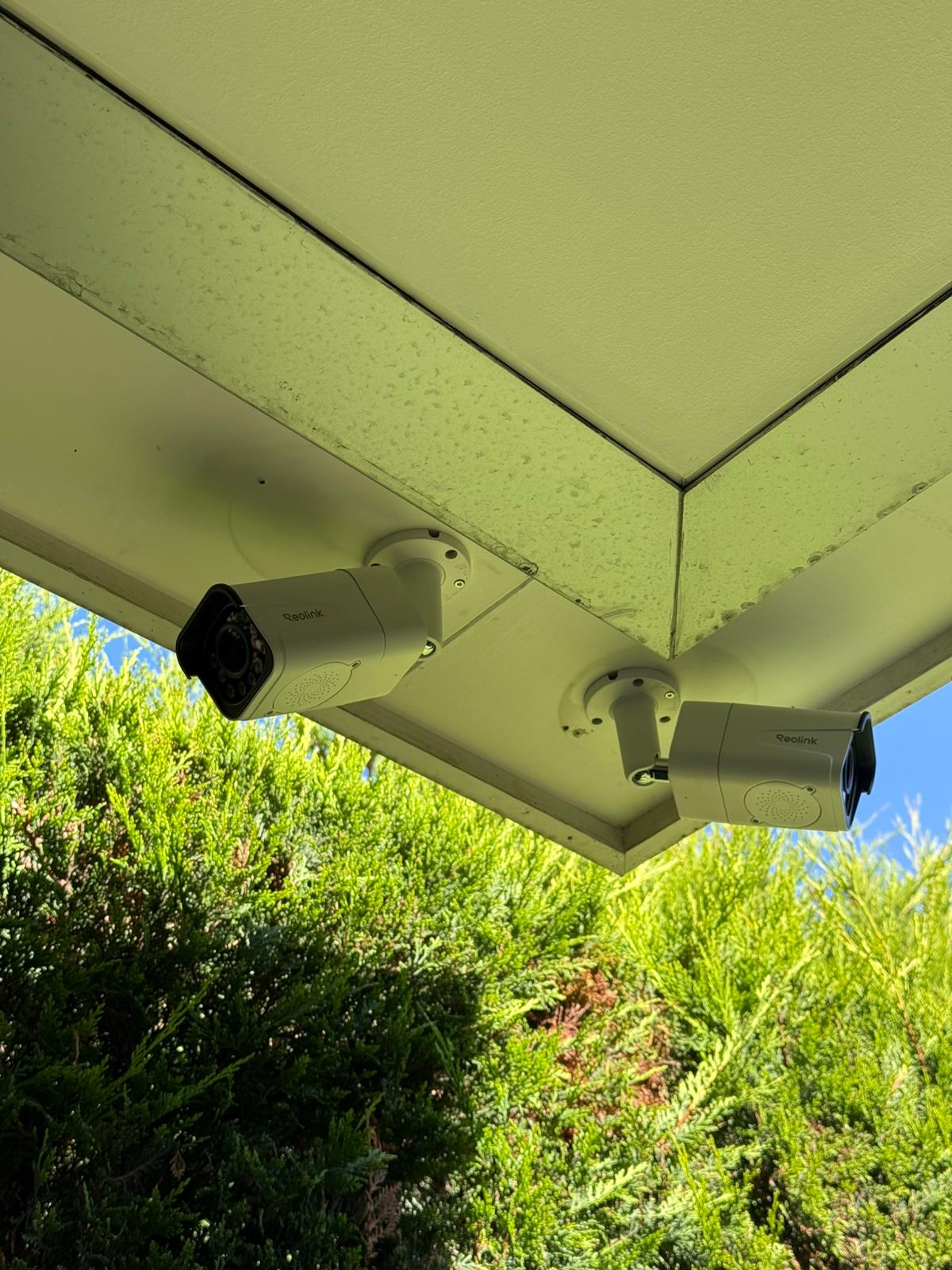
With rising security concerns in Melbourne, a reliable CCTV system is now essential. Reolink cameras provide high-definition video, night vision, smart motion alerts, and remote access—empowering you to monitor your property anytime, anywhere.
Expert Installation & Integration
Our expert installers ensure seamless setup and integration. We manage every step, from consultation to installation, so your system works perfectly and integrates with your lifestyle or business.
Schedule Your Free Site Visit Now!
Call +61 406 432 691 or complete the form and we will contact you.
Why Choose Reolink CCTV?
Advanced Security Features
High-definition video, motion detection, and night vision for round-the-clock protection.
Remote Access & Monitoring
View live footage from your smartphone or computer, no matter where you are.
Wire-Free & PoE Options
Choose between battery-powered or Power over Ethernet (PoE) cameras for flexible installation.
4K Ultra HD & Wide-Angle View
Crystal-clear images with a wide coverage area to monitor every corner.
Smart Alerts & Two-Way Audio
Get instant notifications and communicate with visitors or intruders in real time.
Secure Cloud & Local Storage
Store your footage securely with Reolink’s cloud storage or local microSD options.
Easy Integration
Compatible with smart home devices for enhanced security automation.
Professional Installation & Support
Enjoy seamless installation, expert guidance, and responsive technical support from certified SIPKO Security specialists.

Our Reolink CCTV Installation Services
Site Assessment & Consultation
We evaluate your security needs and recommend the best camera placement for your property.
Professional Installation
Our experts ensure seamless setup with optimal positioning for maximum coverage and effectiveness.
System Configuration
We set up mobile access, motion detection zones, and alerts for hassle-free, effective monitoring.
Ongoing Support & Maintenance
Our team is available for troubleshooting, regular system checks, updates, and fast response to any issues.
User Training
We guide you and your team on how to effectively use and manage your CCTV system for complete peace of mind.
System Upgrades & Expansion
We help you easily upgrade or expand your CCTV system as your security needs grow—ensuring long-term protection and flexibility.
Find Your Perfect Reolink Camera
Answer 4 quick questions to get a personalized recommendation
What’s your primary security need?
What’s your installation preference?
What features matter most to you?
What’s your budget range?
Licensing, Insurance & Compliance
Fully licensed in Victoria. ACMA-registered cablers. Insured and police-checked for safe, compliant CCTV work.
Victoria Police — Security Adviser & Equipment Installer
- Authorised to advise on and install security equipment in Victoria
- Compliant with Private Security Act 2004 (Vic)
ACMA Cabling Registration
- Structured/PoE cabling to ACMA standards
- Safe routing, labelled runs, certified terminations
Fully Licensed & Insured Specialist
- Public Liability Insurance for on-site works
- Workmanship warranty + manufacturer warranty
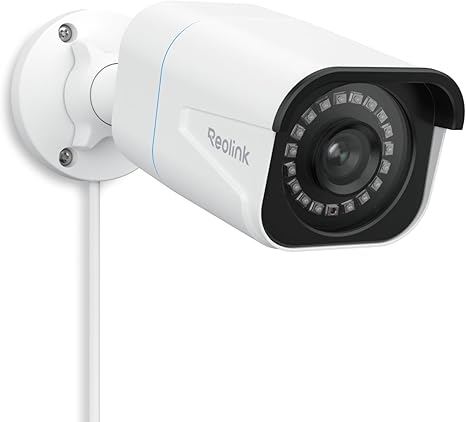
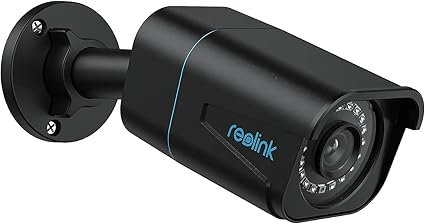
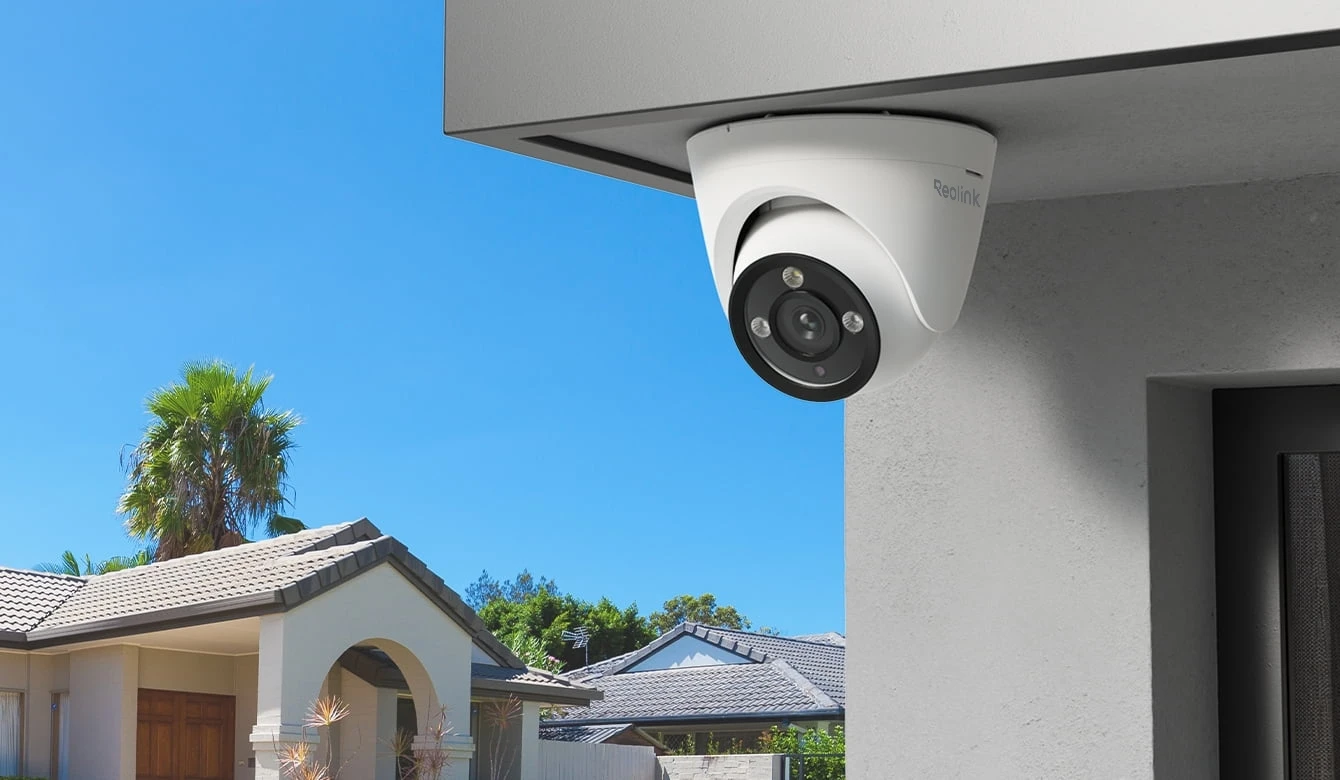
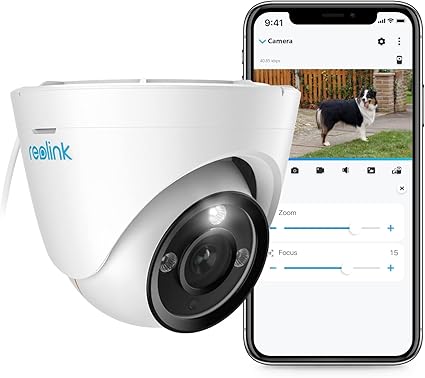
Reolink RLC-810A
Smart 4K PoE Security Camera with 100ft Night Vision
- Smart AI Detection: Accurately detect people, vehicles, and animals to reduce false alerts.
- 4K Ultra HD: Four times the clarity of 1080p, ensuring crystal clear evidence when you need it.
- Power over Ethernet (PoE): A single cable for both power and data, making installation clean and reliable.
- Audio Recording: Built-in microphone captures sound for a complete security overview.
Reolink RLC-833A
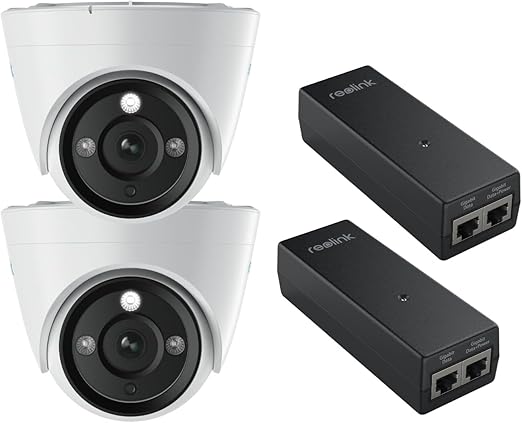
4K UHD PoE Security IP Camera with Color Night Vision
- 4K 8MP Ultra HD: Experience exceptional clarity and detail with true 4K resolution for superior surveillance quality.
- 3X Optical Zoom: Get closer to the action without losing image quality, perfect for identifying faces and license plates.
- Person/Vehicle/Pet Detection: Advanced AI accurately distinguishes between people, vehicles, and pets to minimize false alerts.
- Spotlight Night Vision: Full-color night vision with built-in spotlight ensures vibrant, detailed footage even in complete darkness.
Reolink RLC-811A
Smart 4K PoE Camera with 5× Optical Zoom
- 4K 8MP Ultra HD: Capture every detail with stunning 4K resolution for crystal-clear surveillance footage.
- 5× Optical Zoom: Industry-leading zoom capability lets you see distant objects with exceptional clarity—perfect for large properties.
- Person/Vehicle/Animal Detection: Smart AI detection reduces false alarms by accurately identifying what matters most.
- Color Night Vision: See in full color even at night, providing better identification and enhanced security coverage.
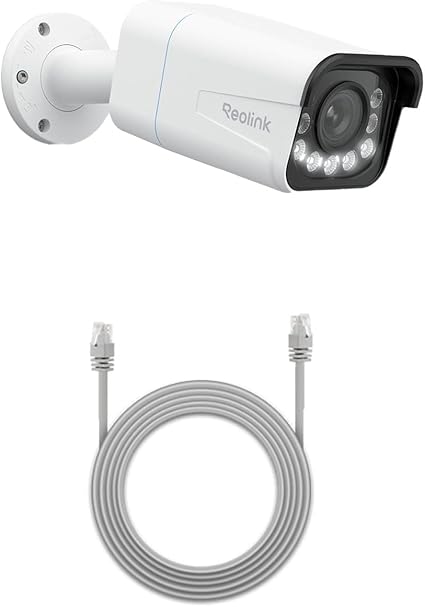
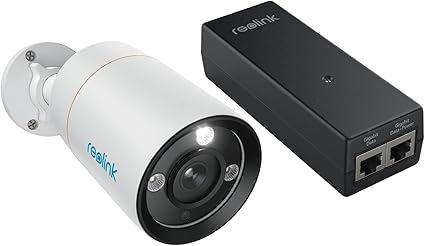
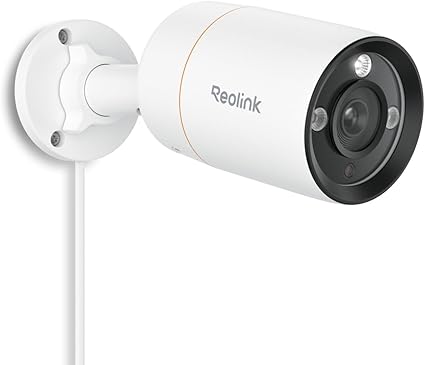
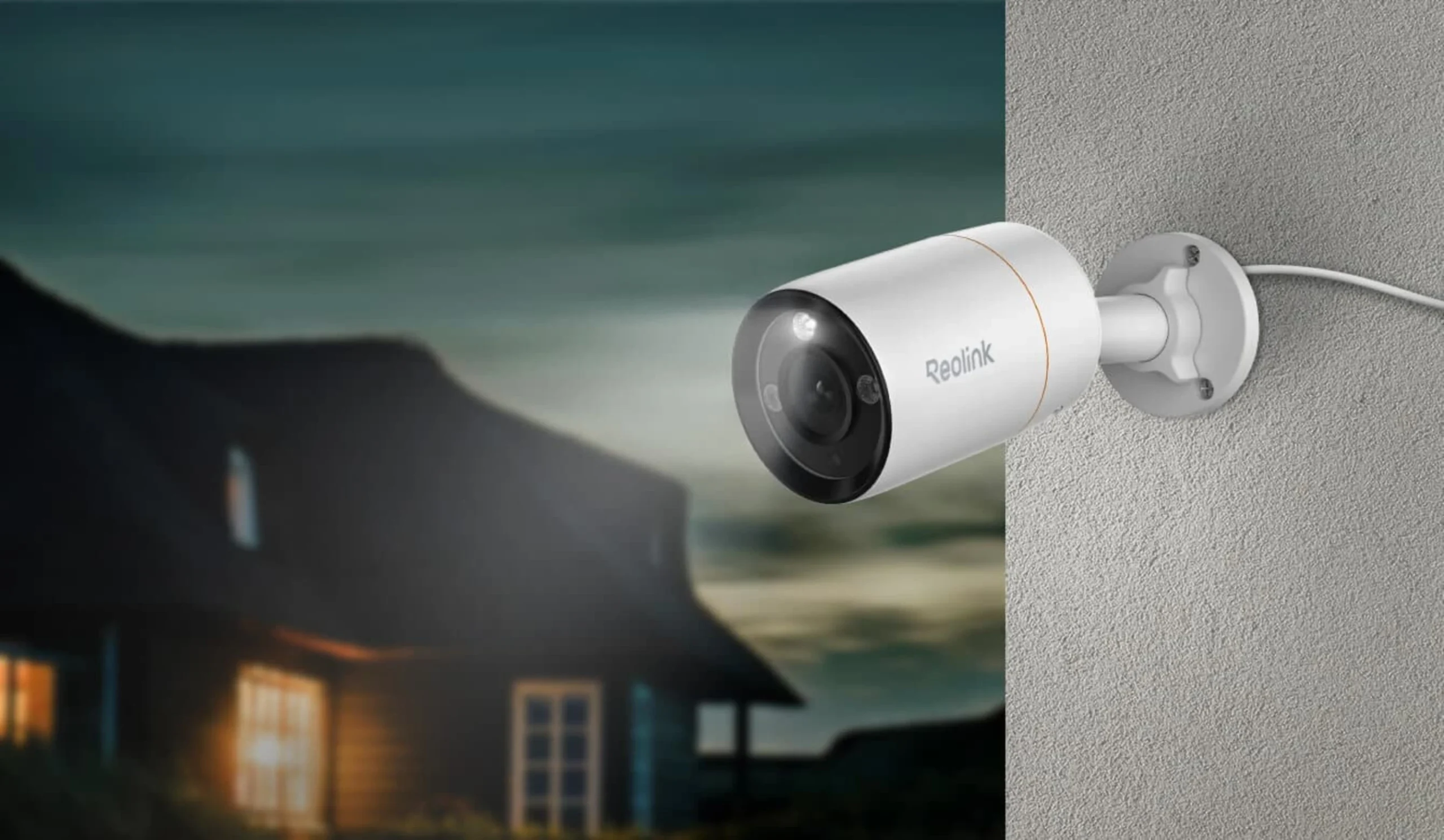
Reolink RLC-1212A
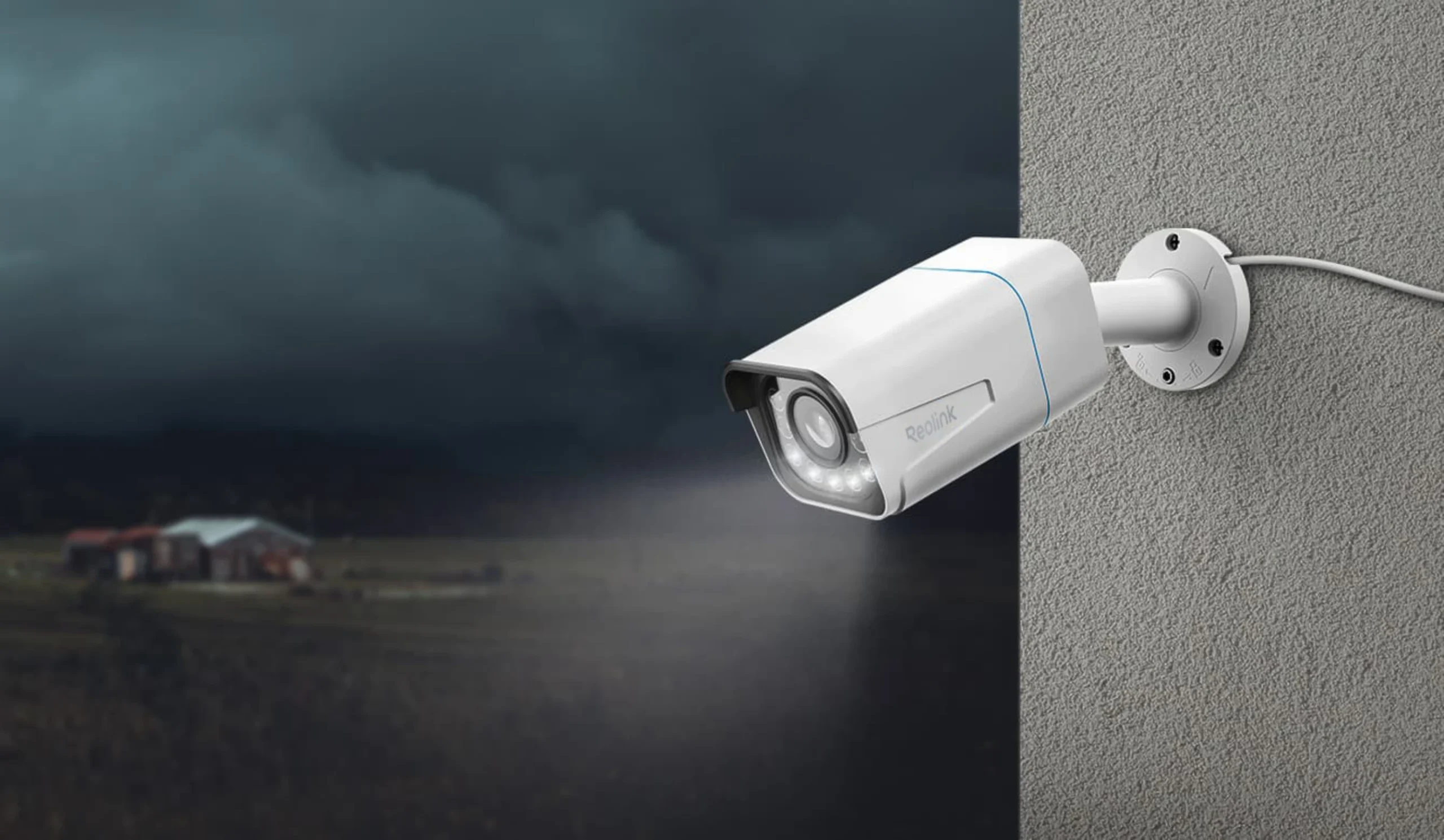
Smart 12MP PoE Spotlight Camera with Color Night Vision
- 12MP Ultra HD: Experience unmatched detail with 12-megapixel resolution—the highest clarity available for professional surveillance.
- Person/Vehicle/Pet Alerts: Advanced AI detection sends you precise alerts only when it matters, eliminating unnecessary notifications.
- Color Night Vision: Built-in spotlight delivers full-color footage 24/7, ensuring you never miss critical details in the dark.
- Two-Way Audio: Communicate directly through the camera to greet visitors or deter intruders in real-time.
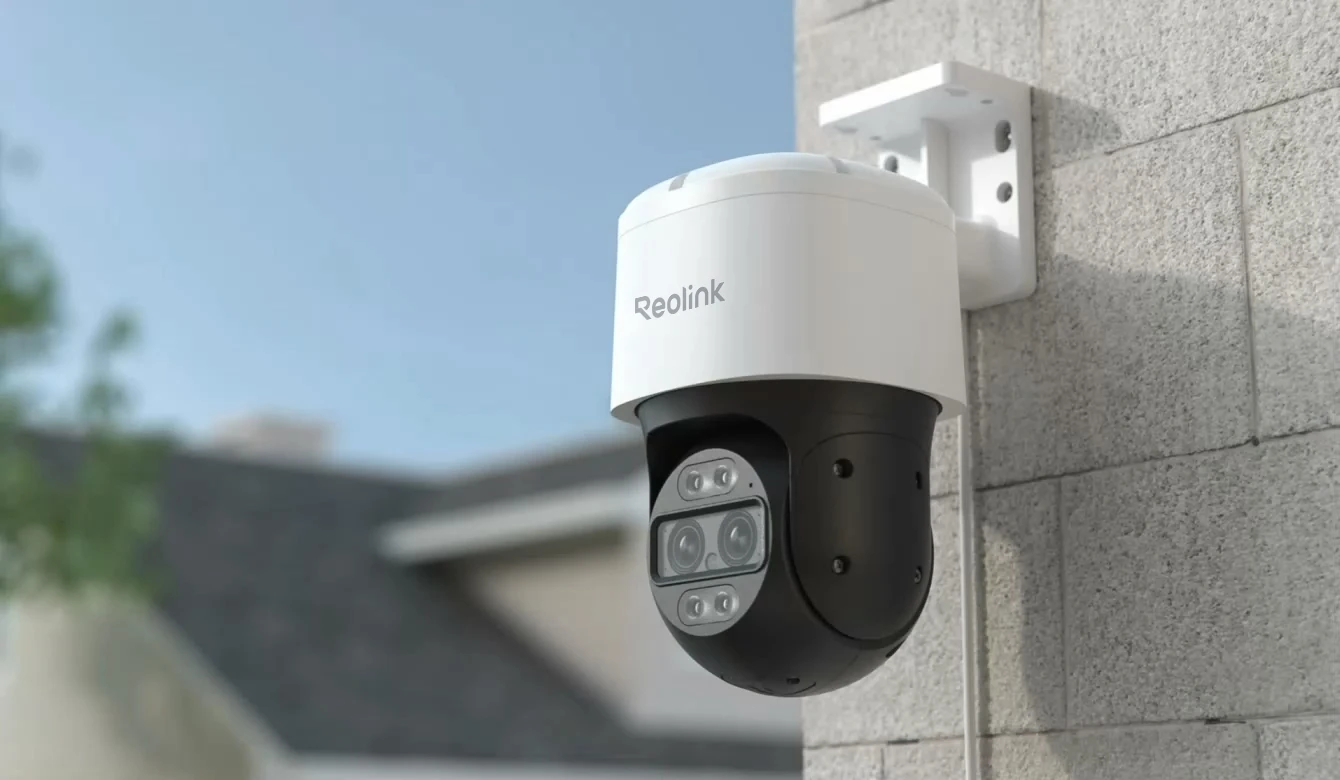
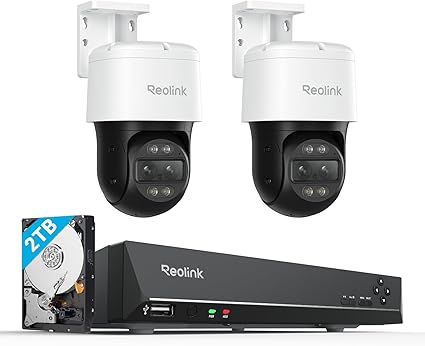
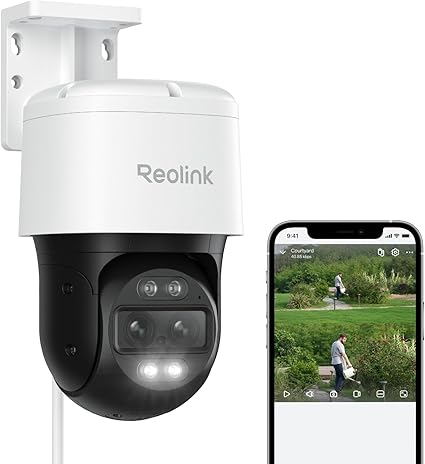
Reolink TrackMix PoE
4K Dual-Lens PoE PTZ Camera with Auto Tracking
- Wide-Angle & Telephoto Lenses: Two lenses work together to provide both comprehensive area coverage and detailed close-up views simultaneously.
- Dual View, Dual Tracking: Monitor the big picture while automatically tracking and zooming in on moving subjects—no blind spots.
- 4K 8MP Ultra HD: Exceptional image quality ensures you capture every critical detail with professional-grade clarity.
- Power over Ethernet: Single-cable installation provides both power and data for a clean, reliable setup with zero WiFi dependency.
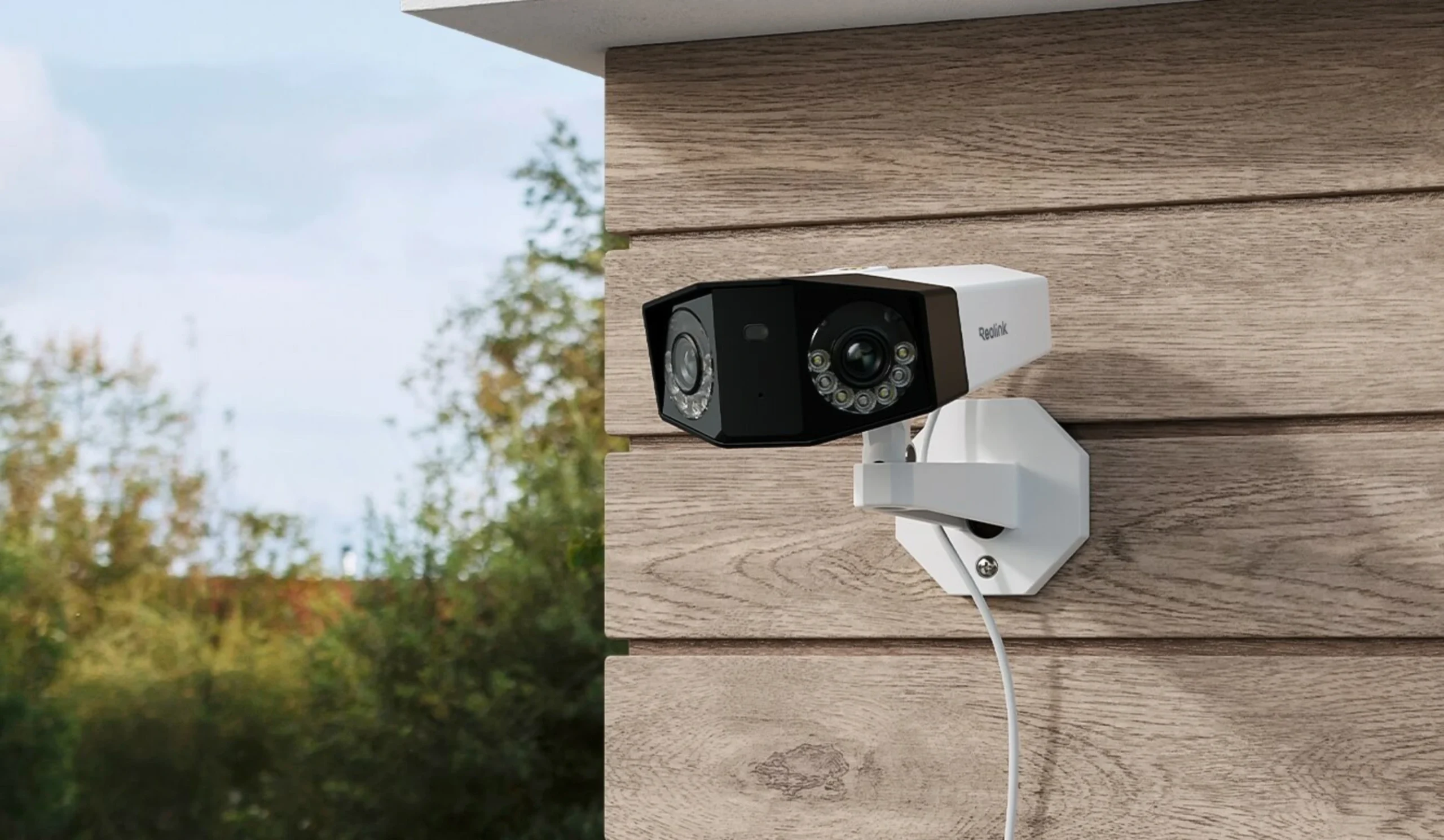
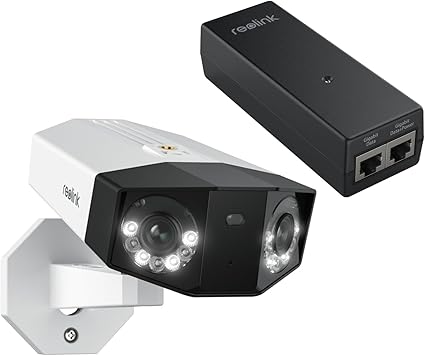
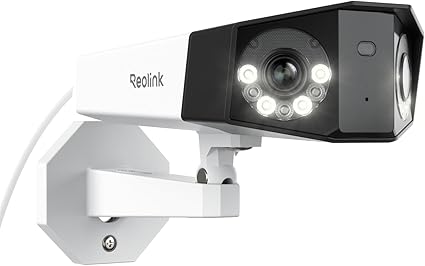
Reolink Duo 2 PoE
Smart 4K UHD PoE Dual-Lens Camera with Spotlight Night Vision
- Dual-Lens Design: Two 4K lenses work in perfect harmony to eliminate blind spots and provide seamless wide-area monitoring.
- 180° Panorama: Cover massive areas with a single camera—perfect for driveways, backyards, and storefronts without needing multiple units.
- 4K Ultra HD: Crystal-clear 4K resolution across the entire 180° field of view ensures no detail is missed.
- Power over Ethernet: Reliable PoE connectivity means simple installation with one cable for both power and data transmission.
Wireless Reolink Installation — quick, clean, and configured
Perfect for homes and small shops. App setup, zones, and notifications included.
Reolink wireless cameras & doorbells we install (tap to view models)

Who Can Benefit from Reolink CCTV?
Homeowners
Protect your family, monitor deliveries, and deter potential intruders.
Businesses
Secure your workplace, prevent theft, and enhance employee safety.
Parking Areas
Keep an eye on vehicles, garages, and outdoor spaces.
Rental Properties
Provide security for tenants and prevent unauthorized access.
Schools & Institutions
Improve safety for students and staff with continuous surveillance.
Retail Stores & Warehouses
Minimize shrinkage, deter shoplifting, and maintain inventory security.
Pre-Install Checklist & Resources
Quick prep to ensure a smooth, same-day installation. No downloads required.
Ready to go
Have this ready before we arrive
- Router accessible; Wi-Fi SSID/password available
- Camera positions agreed (front, side, rear, driveway)
- Phone on site (App Store/Google Play access)
What we configure on the day
Seamless setup & handover
- Reolink app/NVR setup, live view & playback
- Motion zones & notification schedules
- Privacy masks (neighbours/public) & multi-user access
- Firmware updates; storage/retention calibrated
Privacy & signage tips
Best practice for Melbourne clients
- Place “CCTV in use” signs at entries & monitored areas
- Use privacy masks to avoid neighbour windows
- Typical retention: 7–30 days unless needed for an incident
- Limit app access to authorised users; use strong passwords
Why SIPKO Security?
Reolink CCTV Installation in Melbourne
Custom Security Solutions
We understand that every home and business is unique. Our team takes the time to assess your site, identify vulnerabilities, and design a surveillance solution tailored to your specific requirements. Whether you need discreet indoor cameras, robust outdoor coverage, or a fully integrated smart system, we deliver results that fit your goals and lifestyle.
Affordable Pricing & No Hidden Fees
Our pricing is transparent, straightforward, and competitive within the Melbourne market. You receive a detailed quote up front, with no surprise charges or hidden costs after installation. We believe in building trust through honesty and value, making advanced security accessible for every budget.
Fast & Reliable Service
We understand the importance of security and strive to deliver prompt, reliable installations. Our streamlined process minimizes disruption to your routine, and our technicians arrive on time, prepared to complete the job efficiently. Despite our speed, we never compromise on attention to detail or the quality of our workmanship.
High Customer Satisfaction
SIPKO Security is trusted by homeowners and businesses across Melbourne. Our reputation is built on positive feedback, repeat customers, and long-term relationships. We take pride in our responsive support and commitment to exceeding your expectations from consultation to aftercare.
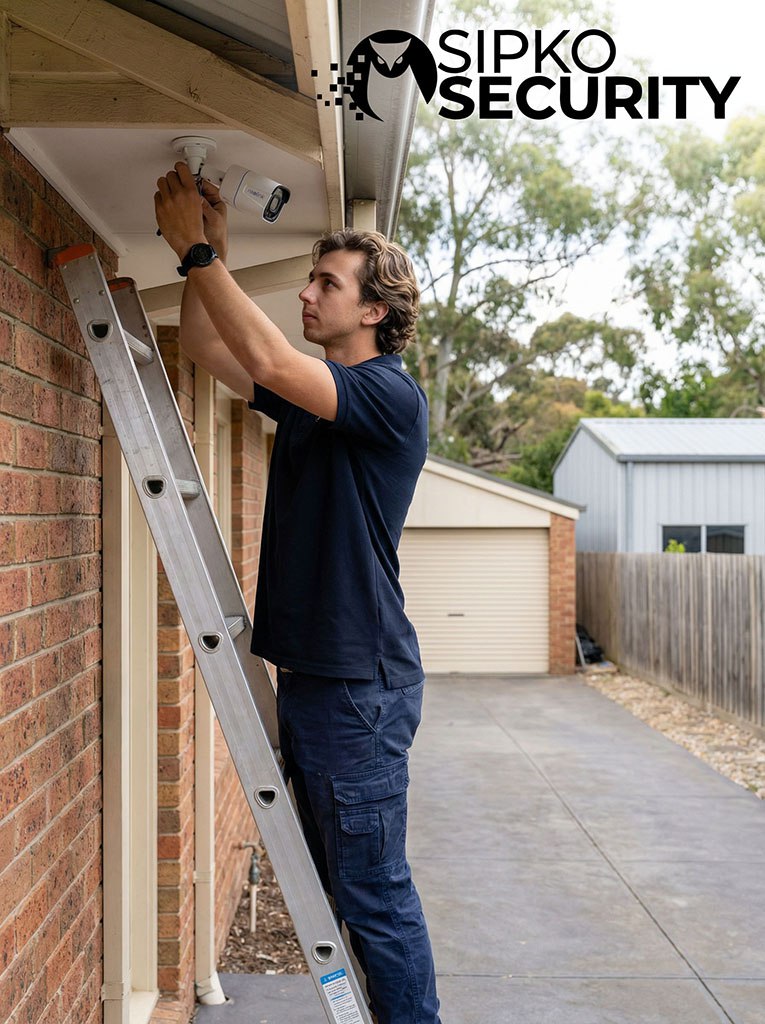
You’ll provide your own Reolink cameras and NVR — you can buy them from the official Reolink website or any trusted retailer.
Our pricing includes professional cabling, setup, and full configuration.
4-camera installation package
$990.00 + GST + 3-year support
Best for small homes / townhouses / focused coverage.
- Install & mount 4 cameras (ceiling or wall)
- Professional setup: app / NVR, live view & playback
- Basic motion alerts + handover (how to use)
6-camera installation package
$1,390.00 + GST + 3-year support
Best for larger homes / wider perimeter coverage.
- Install & mount 6 cameras (ceiling or wall)
- Professional setup: app / NVR, live view & playback
- Motion zones, schedules, and clean handover
Guaranteed Flat Rate Pricing — transparent & honest quotes only.
What’s included:
- Cables and connectors for 4/6 cameras (maximum cable run of 50m using Cat6 cable)
- Software configuration and mobile app connection
- Professional ceiling or wall mounting of all cameras
What we need from you:
- Internal roof cavity access available for the installer to crawl through (add the surcharge if no cavity is available)
- Accessible modem on the same storey as the installation
Why these questions matter
Storeys and cavity access directly affect install time and labour. The two highlighted fields below help us estimate accurately on the first try.
Quick estimator (same-day ballpark)
Professional Installation Ballpark
If it’s a split-level home where only the garage is on the lower level, it’s still classified as a double-storey. Double-storey homes often require two technicians due to increased installation complexity.
Enter how many cameras require conduit. This surcharge applies when there is no access to roof or wall cavity. Price: $180 per camera + GST.
Estimated total
$990.00 + GST
Ready to proceed?
Enter your details below to book your installation.
Understanding Your Quote Factors
How we calculate your custom installation estimate.
Core Installation
Includes mounting, cabling (up to 50m), and configuration for single-storey homes with roof cavity access.
Double Storey Height
Applies to 2-story homes. Covers high-ladder safety requirements and complex vertical cable routing.
Conduit / No Cavity
Required when cables cannot run inside walls (e.g., concrete). We use PVC conduit to protect external cabling.
System Expansion
Seamlessly add more cameras to your NVR. Includes mounting, cabling, and software integration.
Find the Right Camera for Your Property
Which technology best fits your specific constraints?
High-Speed WiFi Cameras
Perfect when you have excellent WiFi signal and a nearby power point, but running ethernet cables back to a central recorder is impossible.
Ideal For:
Rental Properties, Finished Double-Storey Homes, Face-Brick Walls.
Key
Features: Easy Installation, Person/Vehicle Detection, Talk-Back Audio.
- Reolink E1 Outdoor (PTZ + Auto Tracking)
- Reolink Lumus (Compact Spotlight)
- RLC-510WA (Bullet with Person Detection)
Wire-Free Solar Battery
The ultimate problem solver for remote gates, sheds, or agricultural land where you cannot run ANY cables. Uses high-efficiency solar panels to stay charged year-round.
Ideal For:
Driveway Gates, Sheds, Farms, Holiday Homes.
Key Features: 100% Wire-Free,
Colour Night Vision, 4G Cellular Options.
- Argus PT Ultra (4K Pan-Tilt-Solar)
- Argus 3 Pro (Compact 2K Spotlight)
- Reolink Go PT Ultra (4G Cellular)
Power over Ethernet (PoE)
The professional choice. A single ethernet cable delivers both power and data. Reliable, 24/7 continuous recording, and zero WiFi interference. If you can run cables, ALWAYS choose PoE.
Ideal For: New
Builds, Renovations, Business Premises, 24/7 Recording.
Key Features:
4K/8K Resolution, No Lag, Connects to TV/Monitor, Massive Storage.
- RLC-811A (4K + 5X Optical Zoom)
- CX410 (ColorX Night Vision)
- Duo 2 PoE (180° Panoramic View)
No Monthly Fees
You buy the camera once, and that’s it. It records everything to your home, not the cloud. You never pay a subscription fee.
Crystal Clear Video
See faces clearly, not just blurry shapes. Read number plates easily. The video is sharp and easy to watch, day or night.
Only Important Alerts
The camera knows the difference between a person and a moving tree. You only get an alert on your phone when it actually matters.