Reolink App Shows Live View but Playback is Empty: Easy Fix
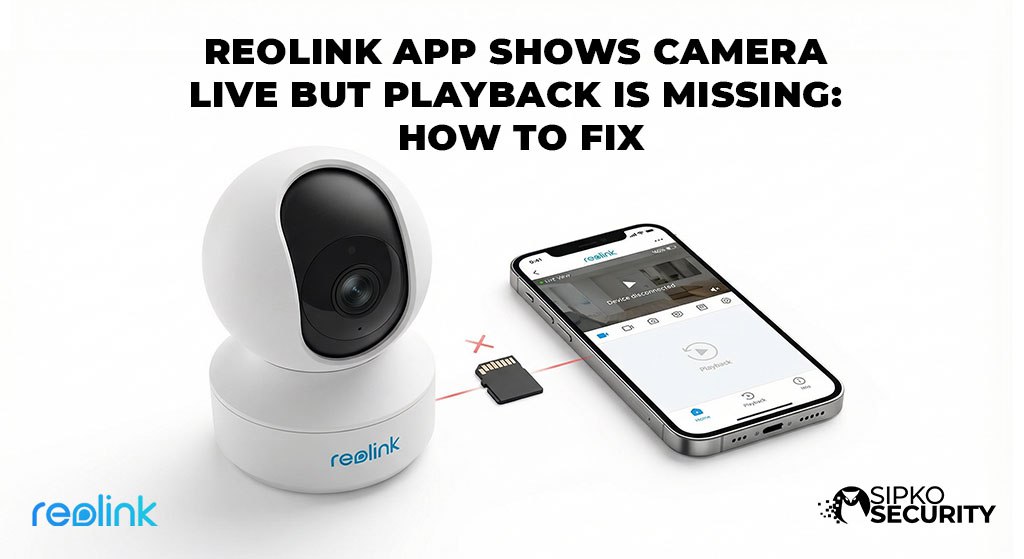
Can you see your cameras live but can’t find your recordings? If your Reolink App shows bars on the timeline but won’t play the video, don’t worry. This simple guide will help you find your footage step-by-step.
⚡ Quick Check: What’s Wrong?
You see recorded blocks on the line, but the video won’t load. This is usually a slow internet issue or a bad SD card.
The App timed out. This happens if your phone has a weak signal. Try changing your video quality settings.
The camera is still saving the file. Wait about 1 minute after an event before trying to watch it. See our support page.
Simple Steps to Fix Playback
Close and Restart the App
Sometimes the App just needs a fresh start. Easy Trick: Completely close the Reolink App on your phone. Open it again, wait for the live picture to show up, and THEN try to watch your playback. This often fixes the problem instantly.
Check Your WiFi and Mobile Data
Watching recorded video uses 5 times more data than watching live. If your internet is slow, the video won’t play.
- Change Quality: Switch from Clear (High Quality) to Fluent (Low Quality). If Fluent works, your home WiFi might be too slow for the high-quality video.
- Switch Networks: If you are on 4G/5G, try WiFi. If you are on WiFi, try switching to 5G. This is a common fix for connection errors.
Update Your Camera
If your phone updated recently, your camera might need an update too. Old software is a big reason for missing videos. What to do: Check the Reolink website for the latest update for your camera. If you use an Ajax Alarm, make sure your internet bridge is also plugged in.
Check the SD Card Inside
The small memory card in your Reolink camera can wear out after a year of use. If it’s broken, it might look like it’s recording even when it isn’t.
Testing it: Take the card out and put it in a computer. If the computer says there is a problem with the card, you need to buy a new one. Get a “High Endurance” card made for security cameras.
Get Professional Help
Losing your security footage is scary. Our Melbourne team can come to your home, find the problem, and fix it fast. We can also upgrade your system so your videos never go missing again. Don’t let a cheap SD card fail you when you need it most.
Common Questions (FAQ)
❓ Why is the timeline bar a different color?
Blue usually means the camera recorded everything. Red or Orange means it only recorded a Person or Car. If you see the bar but the video won’t play, your memory card might be failing.
❓ Can I get back footage that was deleted?
No. Once the camera writes over the old video, it is gone forever. This is why a properly set up system is so important.
❓ How often should I get a new SD card?
Cheap cards last about 6 months. Good “Endurance” cards last 3 years or more. Try to “Format” your card in the app every few months. See our price guide for better systems.
❓ Does the camera record if the internet is off?
Yes. The camera saves video to the card inside even if its not connected to the internet. You just won’t be able to see it on your phone until the internet is back on. For better security, get a wired system.
Get Expert Help
Contact SIPKO Security
Skip the DIY frustration. We provide same-week installations, technical service calls, and high-performance security upgrades across Melbourne.
📧 Direct Email
sipkosecure@gmail.com
📞 Phone Support
0406 432 691
External Security Resources
- AU Cyber Security Centre – Official smart home safety.
- Victoria Police – Crime prevention for Melbourne.
© 2026 SIPKO Security. Registered Melbourne Security Installers.
Meet the Melbourne Installation Team