
Connect Existing CCTV Cameras to Ajax Alarm in Melbourne
Already have an Ajax alarm and a separate CCTV system? You may be able to bring your existing cameras into the Ajax app without replacing the equipment you already own.
SIPKO Security provides existing CCTV and Ajax alarm integration in Melbourne, including compatibility checks for Hikvision, Dahua and other supported IP cameras. We identify which functions your existing equipment can actually provide.
Can You Connect Existing CCTV Cameras to Ajax?
Compatible third-party IP cameras can be connected through supported ONVIF or RTSP methods, but it is important to distinguish the functions below.
01 / Live Viewing
Compatible camera streams can be shown in the Ajax app.
02 / Recorded Footage
Access to video archives requires appropriate recording equipment and storage; a live stream alone is not enough.
03 / Alarm-linked Video
Supported Ajax camera scenarios can connect footage to selected detector events.
SIPKO checks these functions individually before confirming what your existing equipment can do.
Connect Existing Hikvision and Dahua Cameras to Ajax

Hikvision CCTV and Ajax
If your Melbourne home already has Hikvision security cameras, replacing them with Ajax cameras may not be necessary.
Many Hikvision IP cameras support video protocols that can be used by compatible third-party recording systems.
Read technical details
SIPKO checks the installed Hikvision equipment, available stream connections and whether an Ajax NVR is appropriate for the requested integration.
For example, a homeowner may have four Hikvision IP cameras recording to an existing Hikvision NVR and an Ajax Hub protecting the doors and internal rooms.
Possible options include keeping the existing Hikvision recording arrangement while bringing compatible camera streams into Ajax, or using an Ajax NVR where its integration and video-scenario features are required.
The best option depends on the actual camera models, recording equipment and desired functionality.
What About Hik-Connect?
Integrating compatible video into Ajax does not necessarily remove the need for Hik-Connect.
Some manufacturer-specific camera settings, recording functions and notifications may remain available only through the Hikvision system.
SIPKO explains which functions can be handled in Ajax and which should remain in the original application.
If you are comparing complete CCTV platforms rather than connecting existing cameras, read Ajax vs Hikvision CCTV.
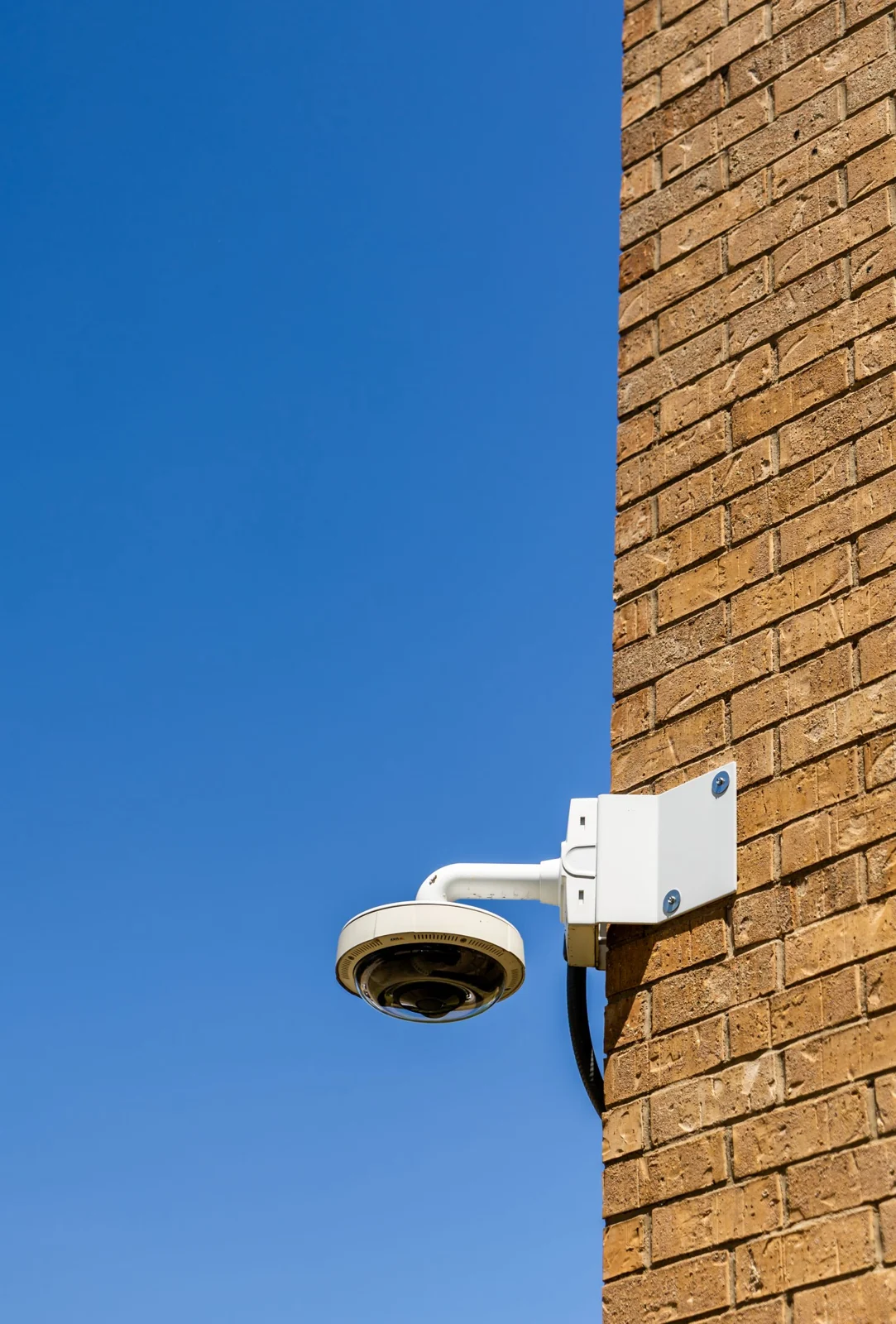
Dahua CCTV and Ajax
Dahua IP cameras may also be suitable for Ajax integration, depending on their model, firmware and supported connection methods.
For an existing Dahua installation, SIPKO checks the cameras, recording equipment and network configuration before recommending changes.
Read technical details
An important distinction is whether the property uses independent IP cameras or cameras connected to a traditional analogue DVR.
A compatible IP camera may provide a video stream suitable for an Ajax NVR. An analogue camera cannot be connected to an IP-based recorder in the same way.
Some DVRs can provide network streams, but their compatibility and the functions available through those streams must be checked.
Will DMSS Still Be Needed?
Possibly.
The existing Dahua system may continue to provide recording, device management or manufacturer-specific functions through DMSS.
Ajax integration should be planned around what the homeowner wants to achieve, rather than assuming every Dahua feature can be transferred into one application.
Can Other IP Camera Brands Work With Ajax?
Other IP Camera Brands
Some cameras from other manufacturers may also be integrated if they support suitable video protocols and meet the requirements of the chosen Ajax connection method.
The key considerations are the exact model, available video stream, authentication settings, network accessibility and compatibility with the recorder.
Read technical details
A camera advertising ONVIF or RTSP support is a useful starting point, but not a guarantee of full integration.
Proprietary wireless cameras that operate only through a manufacturer’s cloud application may not expose a suitable stream.
Before recommending additional equipment, SIPKO determines whether the existing cameras can be used for the intended result.
If Your Cameras Are Not Compatible
If the existing cameras cannot provide a suitable video connection, integration may be limited or impractical.
That does not necessarily mean the entire CCTV system must be replaced.
Read technical details
Possible outcomes include retaining the CCTV system separately, using an appropriate alternative connection method where supported, replacing only incompatible components or keeping the current recorder while connecting other compatible cameras.
SIPKO explains these options before recommending hardware changes.
Camera Brands and Platforms
Brand images retained from the original page. Exact camera compatibility must be checked; not every model supports integration.




Do You Need an Ajax NVR?
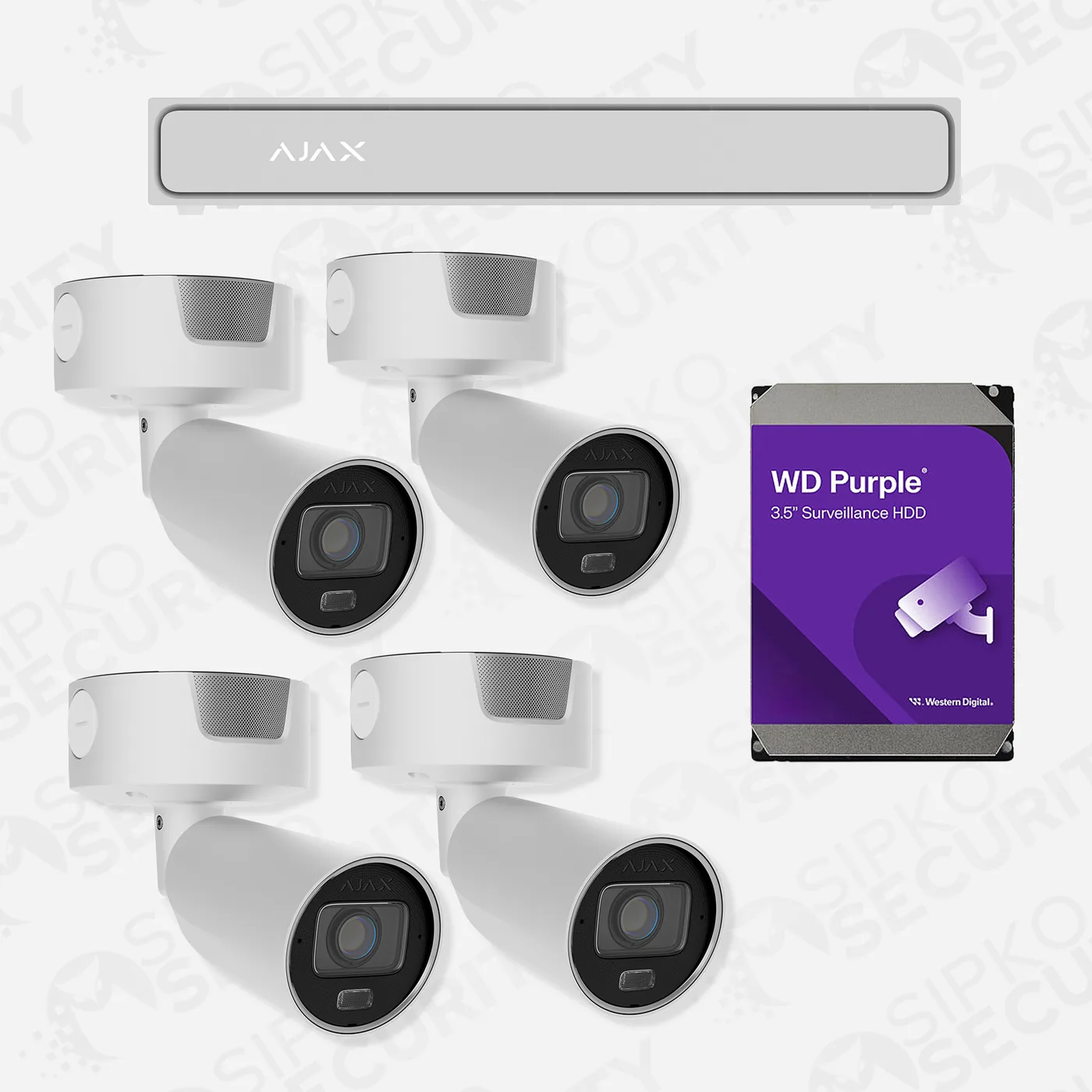
An Ajax NVR is often useful when the goal is to integrate compatible third-party IP cameras with Ajax and access supported recording or video-scenario functions.
It can bring suitable cameras into the Ajax environment through ONVIF or RTSP connections.
An Ajax NVR can also operate without an installed hard drive for supported camera integration, but it will not provide a local recording archive without suitable storage.
Not every situation requires replacing an existing Hikvision or Dahua recorder.
Recorder options and compatibility details
If the current recorder is reliable and already stores the footage you need, SIPKO assesses whether it can remain in use.
The decision depends on whether you want basic live viewing, an Ajax-managed video archive, or camera footage linked to security alarm events.
For a complete new Ajax camera and recording installation, visit Ajax CCTV Installation Melbourne.
Can Existing CCTV Cameras Record When an Ajax Alarm Triggers?
Yes, where the installed cameras, Ajax video equipment and alarm devices support the required configuration.
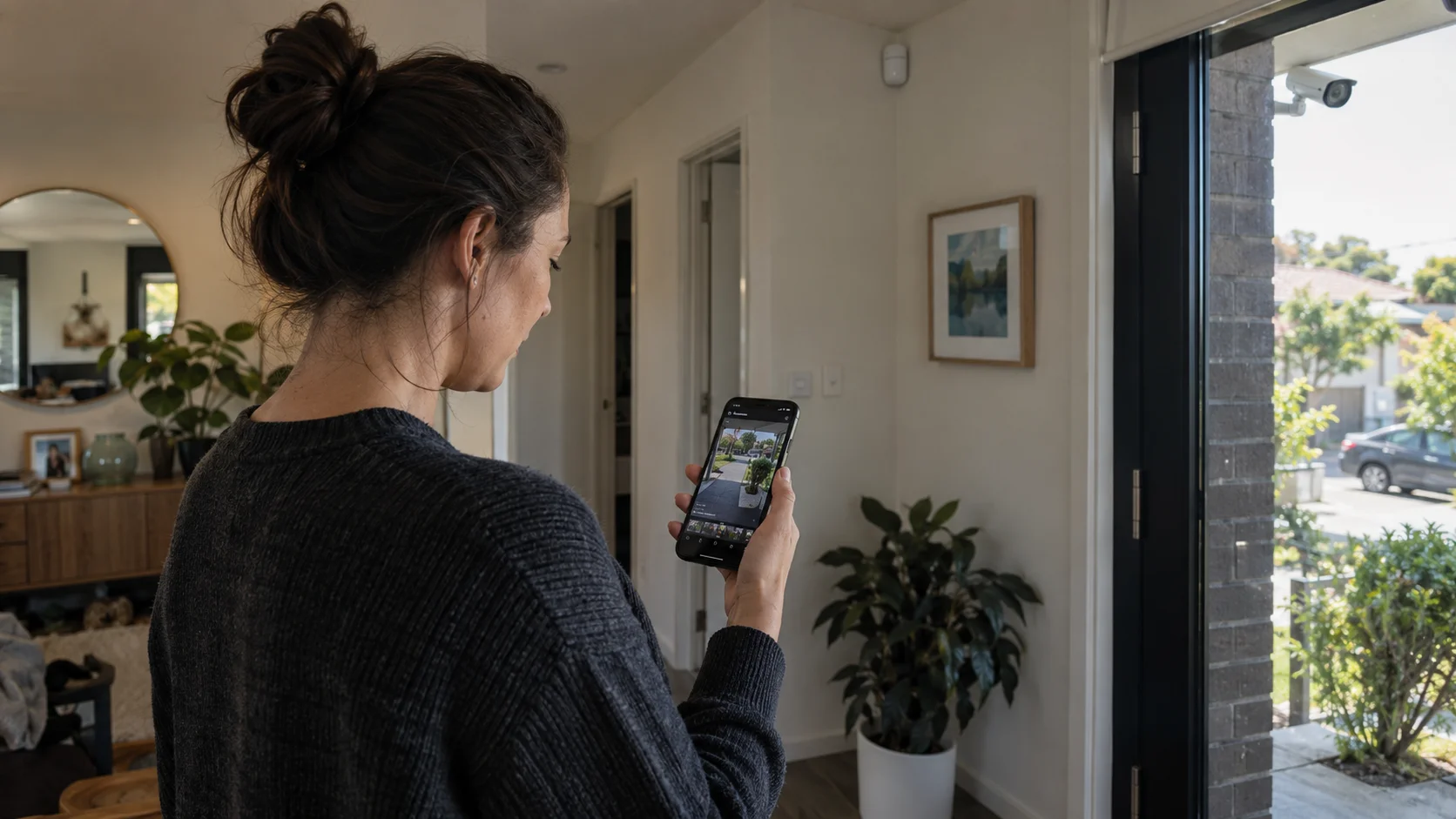
Ajax video scenarios can associate a selected camera with a security event, allowing the user to receive relevant video when a detector is triggered.
Detector
An armed Ajax detector registers a qualifying alarm event.
Camera
A compatible, correctly configured video scenario provides relevant footage.
Video Review
The homeowner checks the alarm and available footage through Ajax.
Garage Door Alarm + Existing Camera
Consider a Melbourne home with an Ajax door contact on the garage access door and an existing IP camera overlooking the entrance.
If the configuration supports video scenarios, the camera can be associated with the relevant alarm detector.
This is an example of how the integration may work, not a claim about a specific completed installation.
Camera setup and footage before the alarm
The homeowner wants to see what happened when the door detector generated an alarm.
SIPKO would first check whether the camera can be integrated through a supported Ajax recording setup.
When the configured detector triggers, the homeowner can receive the alarm event and associated video according to the system settings.
A short video clip associated with an alarm is not the same as a complete recording of everything that happened before and after it.
Access to earlier footage depends on whether the camera was already recording, the storage configuration and the recording equipment’s capabilities.
SIPKO checks this during commissioning so the homeowner understands exactly what can be reviewed after an event.
What Features Might Not Transfer to Ajax?
What May Stay in the Original Camera App
One of the most important parts of CCTV integration is identifying which features will remain in the original system.
A compatible video stream does not automatically transfer every function supported by the camera manufacturer.
Depending on the equipment, limitations may affect:
- Manufacturer-specific AI analytics, such as advanced line-crossing or object-detection rules.
- Existing recorder archives and their playback interfaces.
- Two-way audio, PTZ controls or specialised camera features.
- Proprietary notifications or event classifications.
- Remote management settings and firmware administration.
Some compatible functions may be available through Ajax or an Ajax NVR, while others remain with the original CCTV platform.
SIPKO checks the specific functions the homeowner relies on before changing the configuration.
The goal is to avoid losing a useful feature simply to make the camera appear in another app.
During an Internet Outage
This depends on the original CCTV configuration.
An existing local recorder may continue recording if its cameras, network and power supply remain operational.
Remote video access can be interrupted when the internet connection is unavailable.
An Ajax Hub’s cellular backup does not automatically provide internet access to a separate Hikvision or Dahua recorder.
SIPKO checks these dependencies when the requested integration relies on remote viewing or alarm-related footage.
How SIPKO Checks an Existing Ajax and CCTV System
We assess the equipment already installed, not a preselected replacement package.
1. Existing Equipment
We identify the Ajax Hub, camera brands and models, recorder details and how the cameras are connected to the network.
2. Compatibility
We examine supported protocols, camera access settings, available recording methods and any features that may not transfer into Ajax.
3. Proposed Configuration
We explain whether the existing equipment can remain in use, whether an Ajax NVR is beneficial and which functions are expected to work.
4. Integration and Testing
For an approved installation, SIPKO configures the supported connections and tests the agreed features.
The final handover identifies which functions operate in Ajax and which remain in the existing CCTV system.
How Much Does Existing CCTV Integration With Ajax Cost?
No Unnecessary Full-System Replacement
There is no single price that applies to every existing CCTV installation.
A property with compatible IP cameras and accessible network connections may need less additional work than a property with an older recorder, unsupported cameras or incomplete network configuration.
What Determines the Quote?
The quotation depends on the number of cameras, compatibility, existing recording equipment, required Ajax functionality and the configuration or replacement work involved.
SIPKO identifies any required additional equipment in the proposed scope.
If the existing cameras and recorder can be retained, the quotation can focus on the necessary integration and testing rather than a complete CCTV replacement.
Why Choose SIPKO Security?
SIPKO Security is a Brighton-based, licensed security installer working with Ajax alarm systems and professional CCTV equipment across Melbourne.
SIPKO works with Ajax and existing CCTV platforms, including Hikvision and Dahua.
For mixed-brand integration, understanding the limitations of both systems is important. We focus on identifying the equipment that can be retained, confirming supported functions and testing the finished configuration.
Ajax Video Surveillance Specialist
Serhii Sipko is a certified Ajax Video Surveillance Specialist, having completed Ajax Systems training. His certificate was issued on 25 September 2025.
Licensed Security Installer
Security Adviser & Equipment Installer Licence: Z47-808-30S
Private Security Business Licence: Z93-206-80S
Cabling Registration: T58117
Melbourne Service Area
SIPKO provides security integration services across Melbourne, including Brighton, Hampton, Sandringham, Elwood, Caulfield and surrounding suburbs.
We also discuss service availability for other Melbourne locations and the Mornington Peninsula.
Security Equipment and Installation Gallery
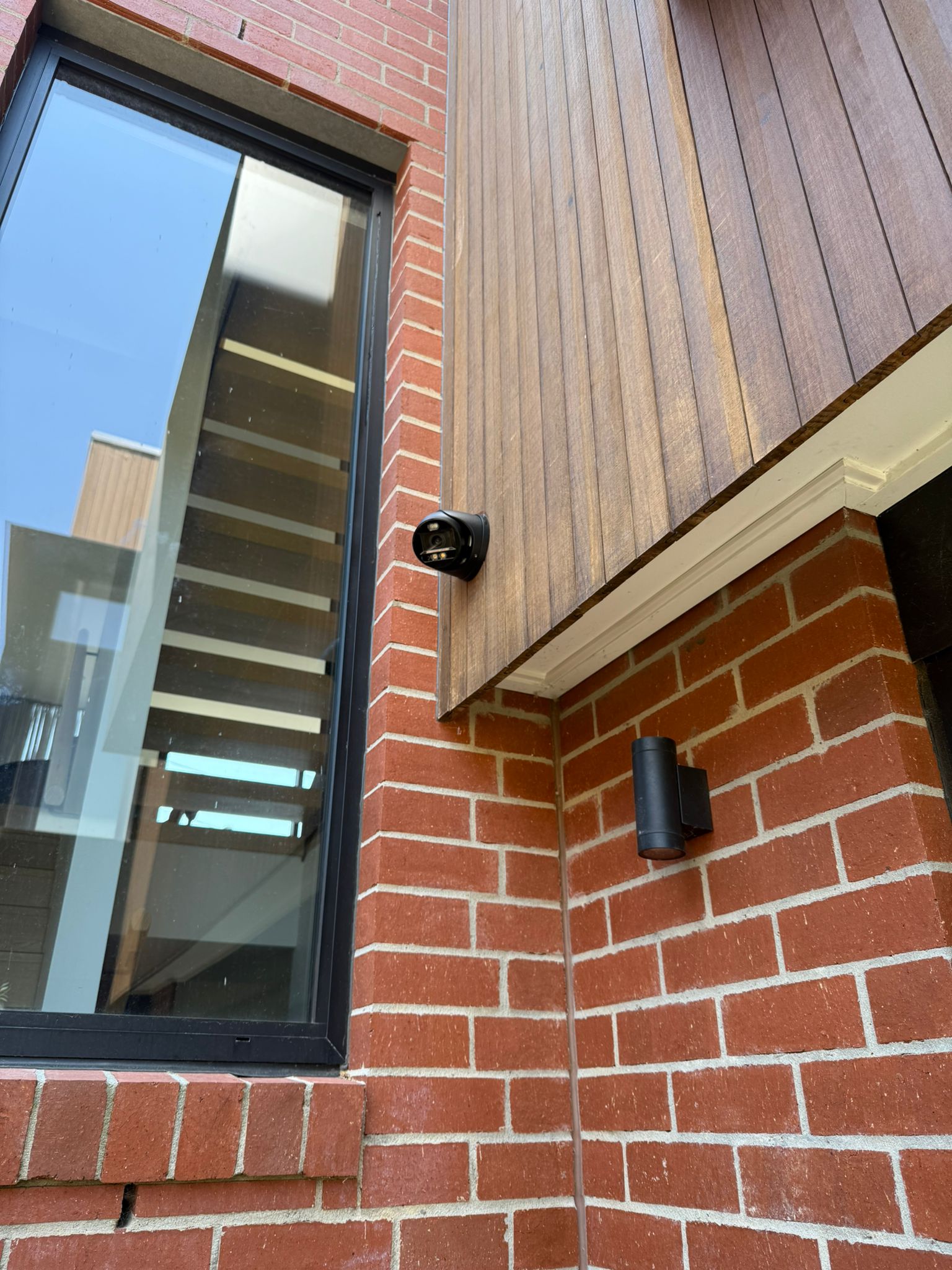
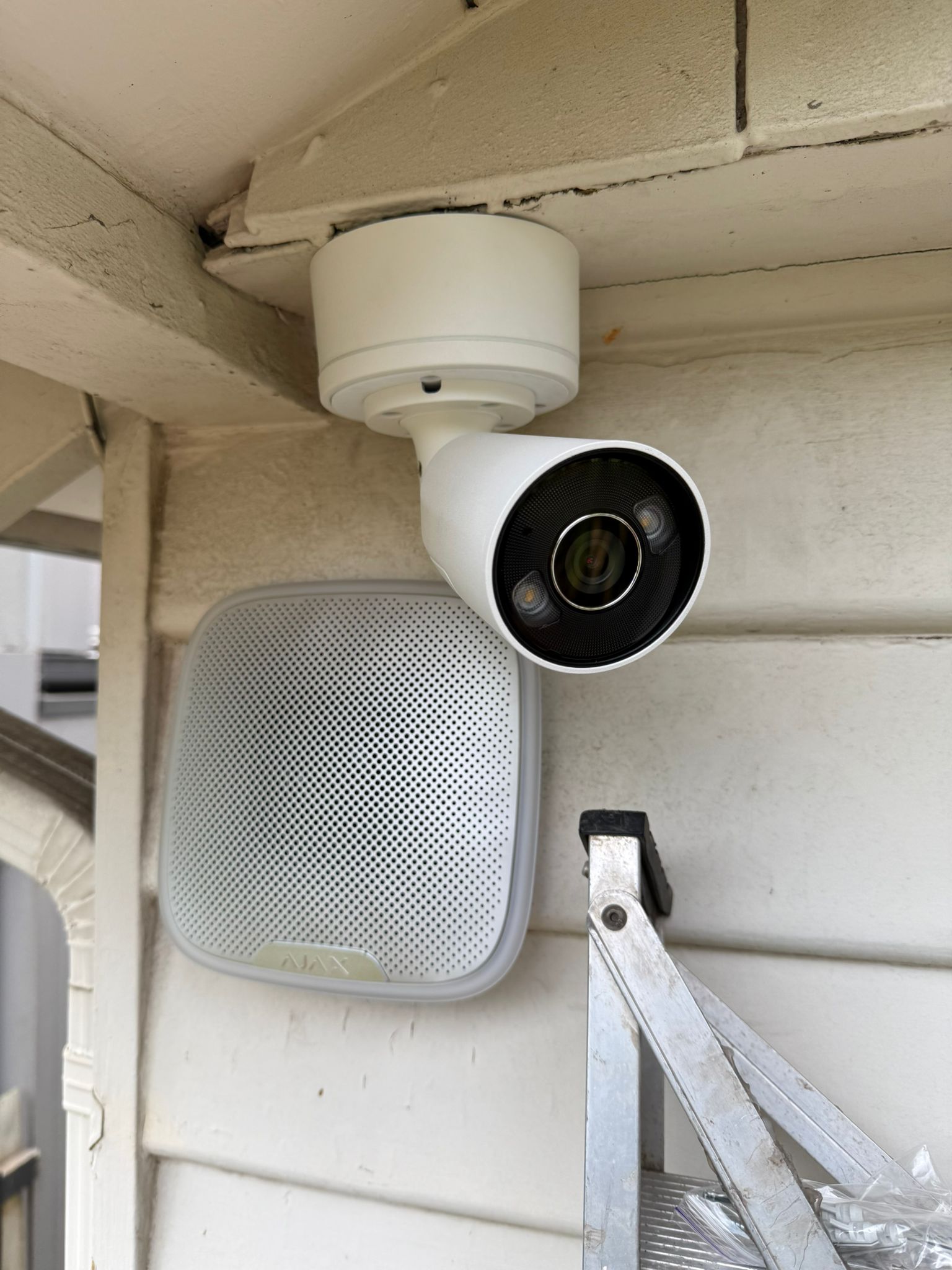
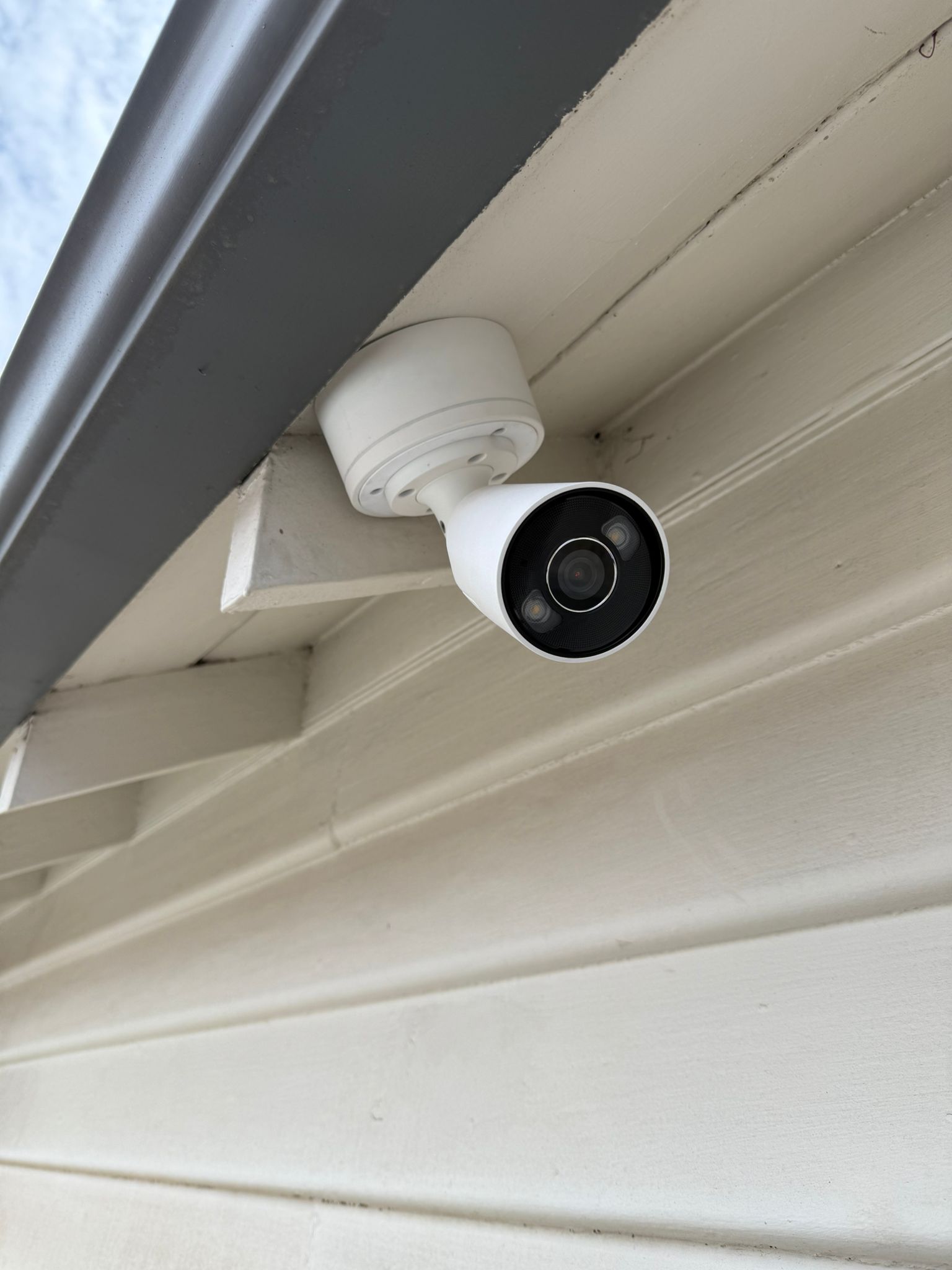
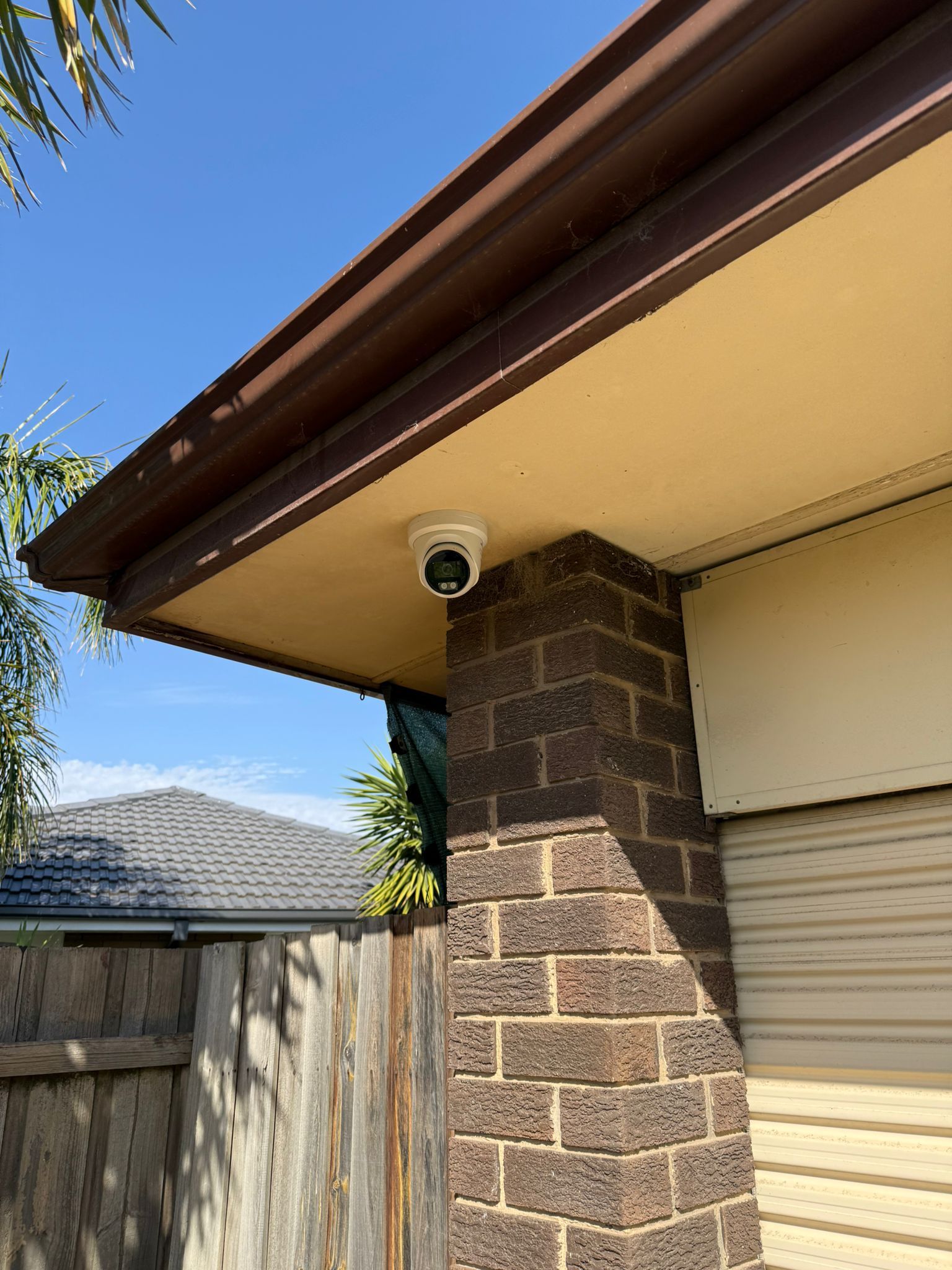
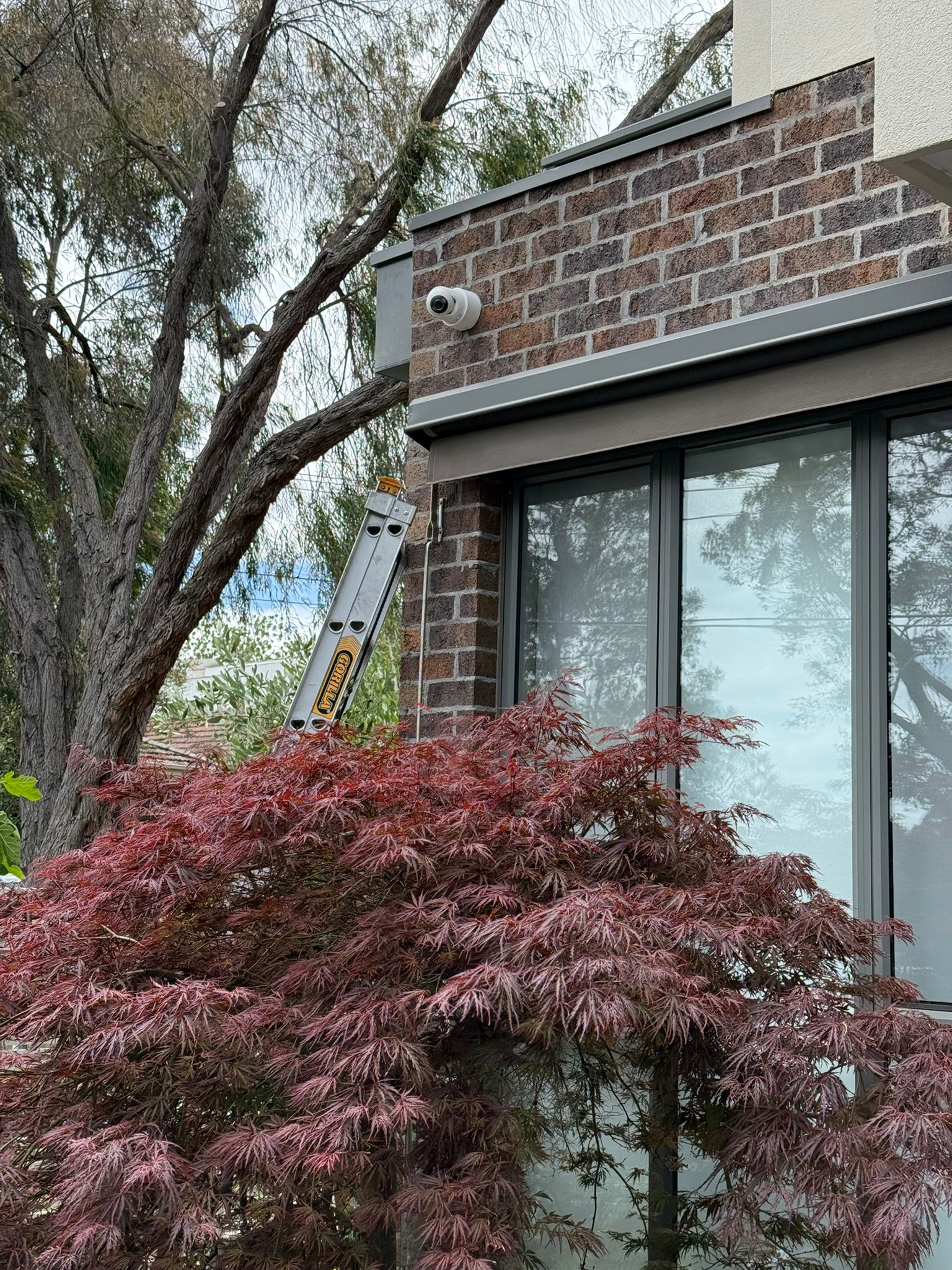
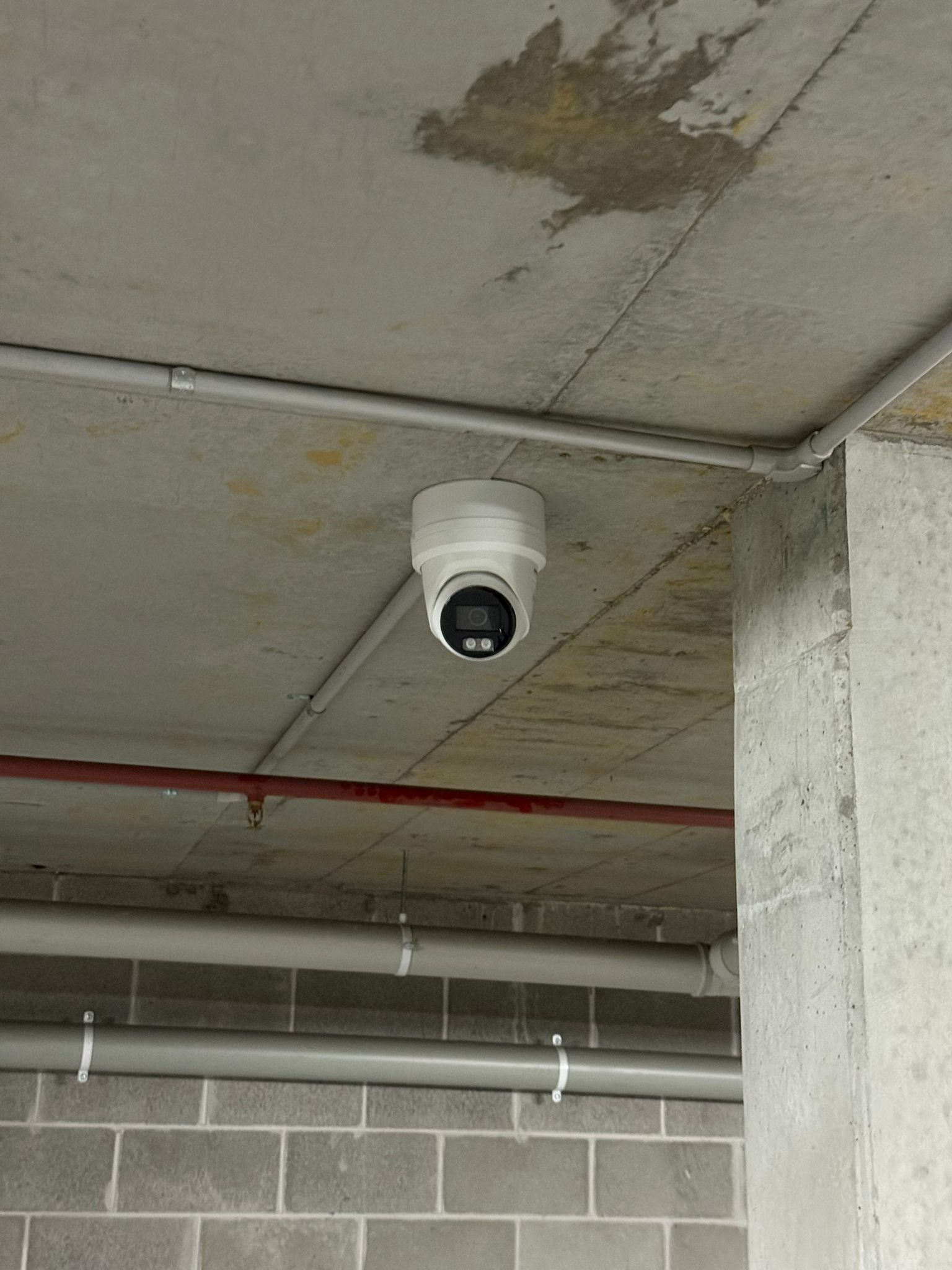
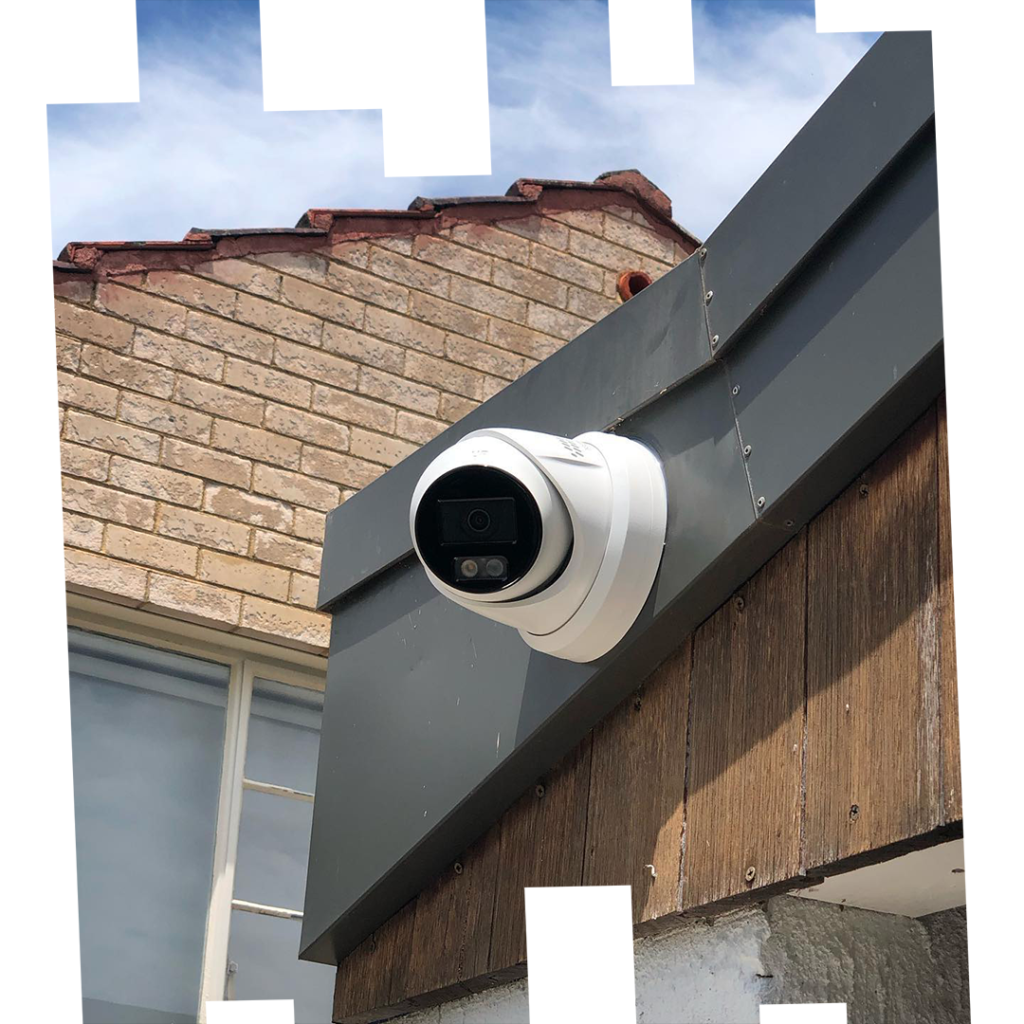
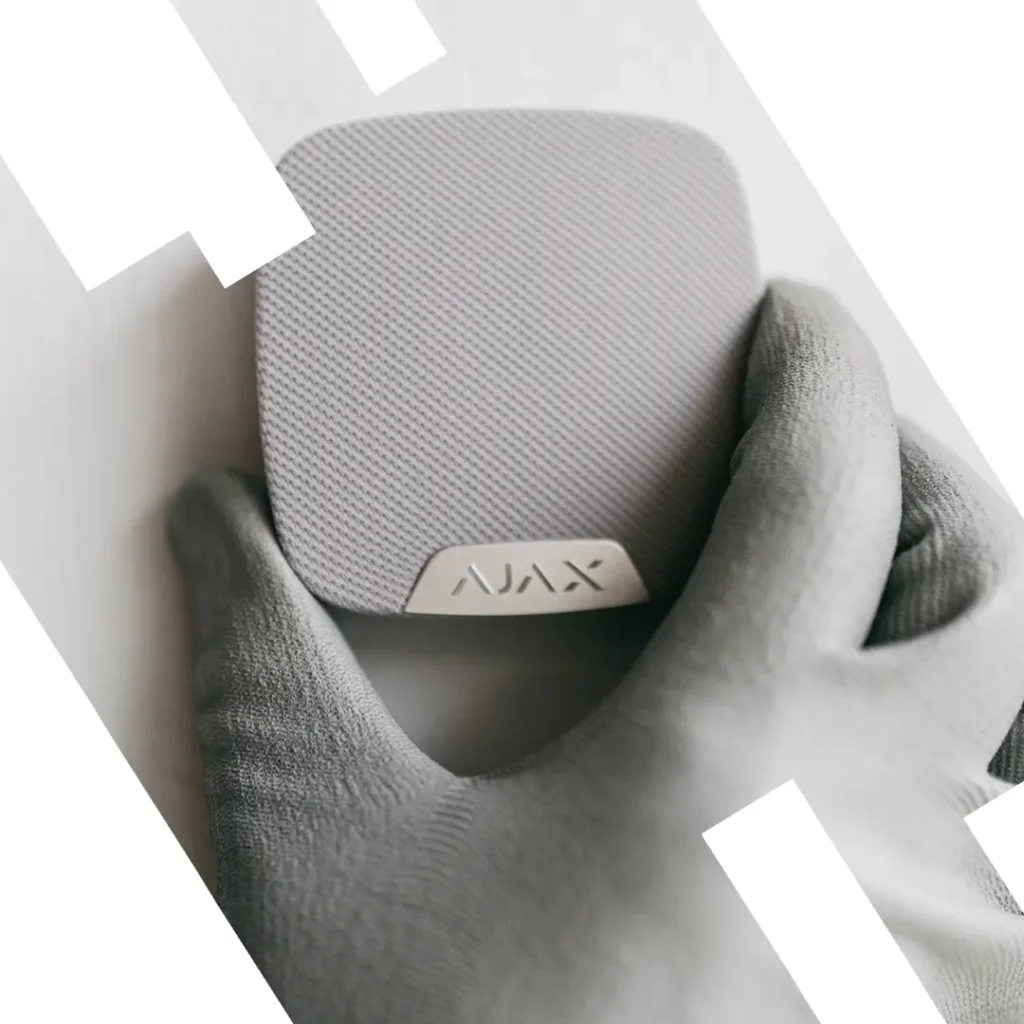
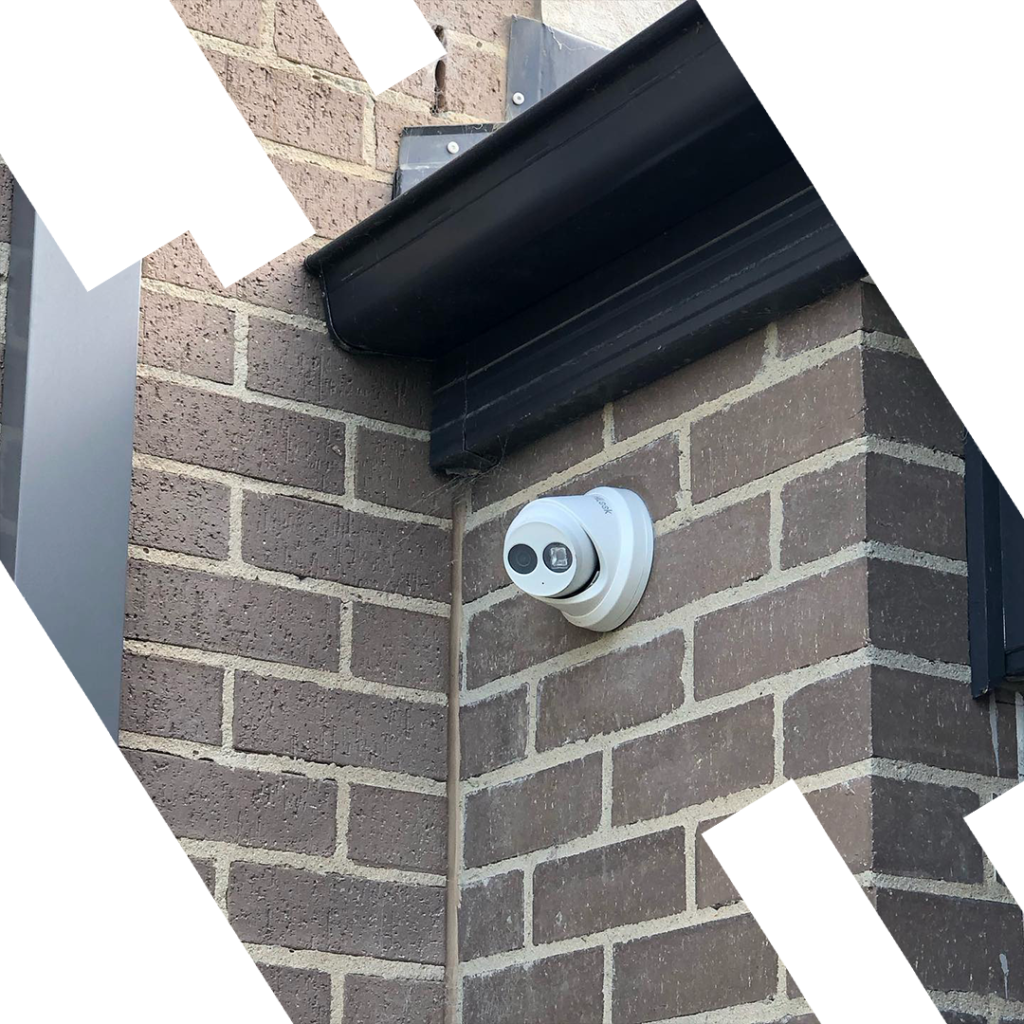
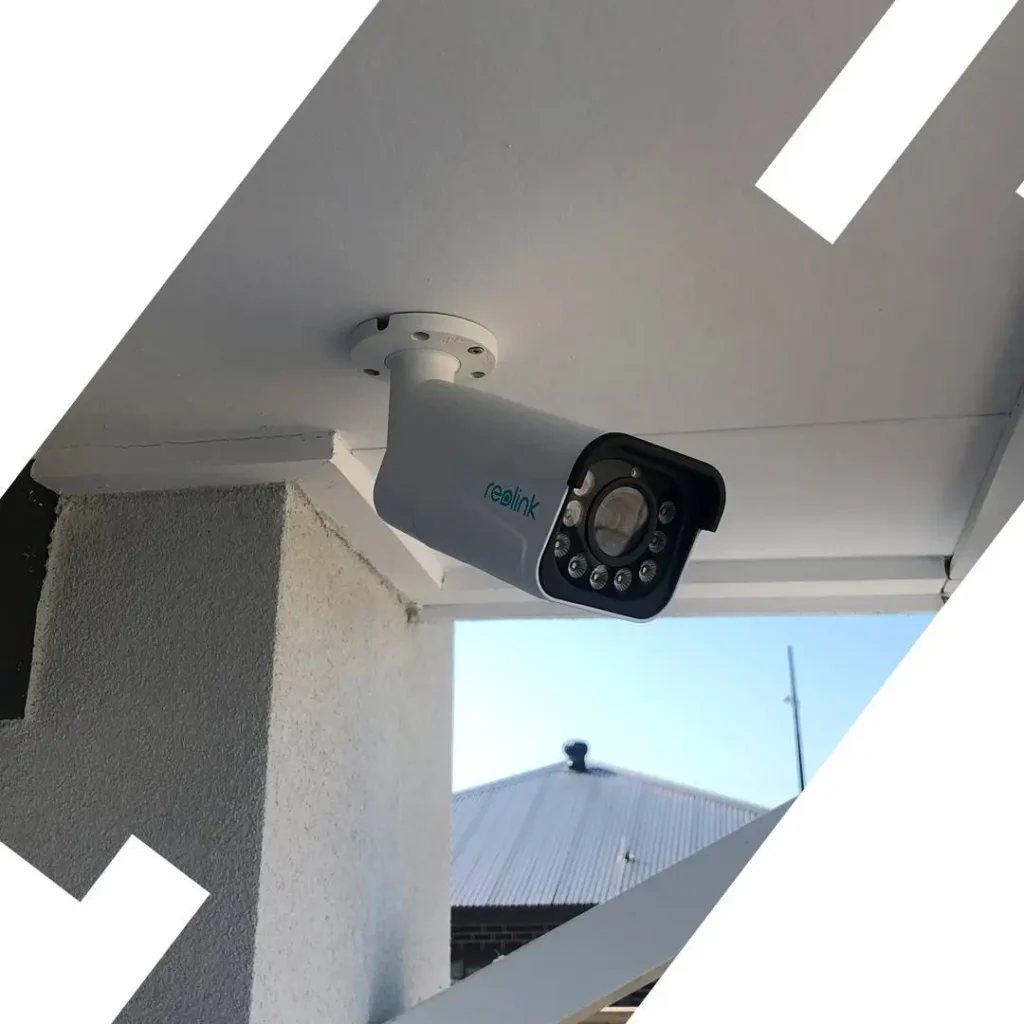
Camera and alarm installation photographs from SIPKO Security. These are examples of equipment and installation work, not proof of the illustrative garage integration above.
See 8 additional photos from the original gallery




Frequently Asked Questions
Can I connect my existing Hikvision cameras to an Ajax alarm?
Many compatible Hikvision IP cameras can be integrated through supported video connections, including an Ajax NVR. The exact model, firmware and network configuration determine which functions are available. Existing Hikvision-specific features may remain in Hik-Connect.
Can Dahua cameras work with Ajax?
Compatible Dahua IP cameras may work with an Ajax NVR through supported protocols. However, analogue cameras connected to an older DVR require a separate compatibility assessment. SIPKO checks the actual equipment before confirming integration.
Can I keep my existing CCTV recorder?
Yes, in some installations. Your existing recorder may continue managing CCTV storage while compatible camera streams are made available in Ajax. Whether you also need an Ajax NVR depends on the requested viewing, recording and video-scenario features.
Can Ajax send video when my existing alarm detector triggers?
Supported Ajax video scenarios can send alarm-associated video from compatible cameras when selected detectors activate. The installation must support the necessary video connection, recording functions and detector configuration. SIPKO tests the requested scenario before handover.
Will all my existing camera features work in the Ajax app?
Not necessarily. Live viewing, archive playback, alarm-linked video, AI analytics and manufacturer-specific controls are different functions. Some may work through Ajax, while others remain available only through your existing CCTV application.
Connect Your Existing CCTV System to Ajax in Melbourne
Already have Hikvision, Dahua or other IP cameras? Let SIPKO know your suburb, camera and recorder models, Ajax Hub type and whether you want live viewing, recording or video related to alarm events.
Do not send passwords through the enquiry form.


