
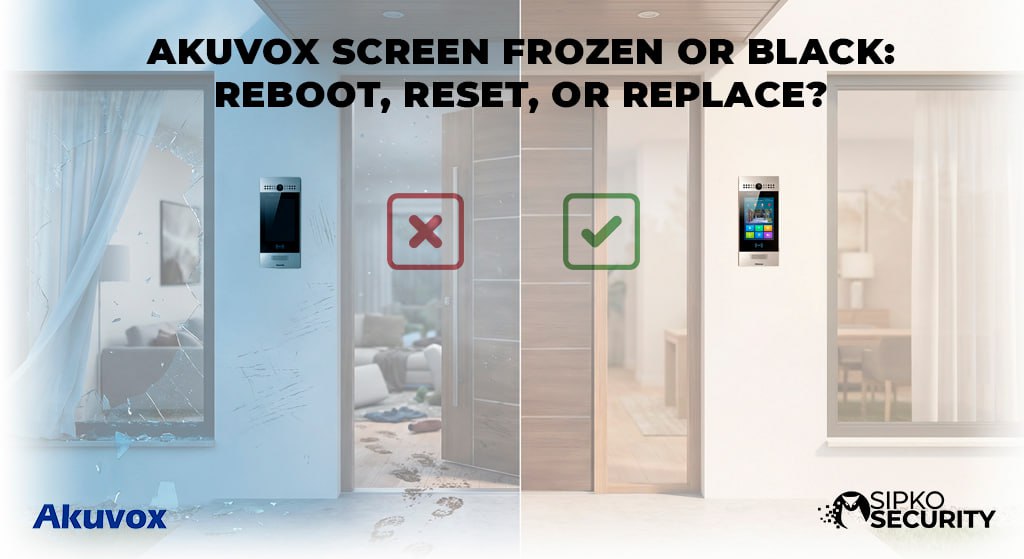
Akuvox Screen Frozen or Black:
Reboot, Reset, or Replace?
Is your building’s “face” unresponsive? Don’t panic if your Akuvox intercom screen goes dark or gets stuck. This easy guide breaks down exactly how to wake it up or decide if it’s time for a new one.
Why Your Akuvox Screen Matters
A working screen is the “heart” of your Akuvox residential intercom. Without it, you’re blind to who is at the gate. If the display is frozen, it’s not just annoying—it’s a security gap that needs fixing fast.
In this repair guide, we take away the “tech jargon” and show you simple steps that any Akuvox homeowner or office manager can follow to get things moving again.
How the Akuvox Brain Works
Think of your Akuvox intercom as a specialized tablet mounted to your wall. Every unit has a processor, memory, and a screen assembly designed for 24/7 operation.
The LCD does the showing, while the touch-panel translates your finger taps into actions.
Too much sun makes the Akuvox screen shut down to protect itself. This is common in outdoor yard security setups.
Common Akuvox Symptoms
Identify your specific problem so you don’t spend time on the wrong fix. Here are the most common Akuvox display issues:
- 🧊 The Ice Freeze: The screen shows a picture but never changes and doesn’t respond to your touch.
- 🌑 The Blackout: The display is completely dark, even if the intercom still “beeps.”
- 🔃 The Loop: The Akuvox logo appears for a few seconds and resets. This is a “boot loop.”
Why Did Your Intercom Fail?
Usually, an Akuvox screen failure comes from one of these four common tech issues:
1. Failed Updates
A glitch during an Akuvox firmware update can brick the software.
2. Power Issues
An old power setup might not provide enough juice for the high-res display.
3. Intense Heat
Harsh Melbourne sun is a lead reason for frozen Akuvox units.
4. Old Age
After 7 years, any LCD panel can simply wear out and go black.
Try These 3 Things First
Before you call an Akuvox specialist, check these simple things:
1. The “Wiggle” Test: Ensure the network cable is firm at the back and the PoE switch.
2. The Temperature Test: Feel the faceplate. If it’s hot, it’s likely in safety mode.
3. The Light Test: Use a flash; if numbers appear, the backlight is the only failure.
The 60-Second Akuvox Restart
About 80% of frozen screens are fixed with a power cycle. This is the master fix for any Akuvox intercom system.
Restarting Your Intercom:
- Find the network cable (PoE) behind the unit.
- Unplug it completely to drain the internal power.
- Wait for exactly **60 seconds**.
- Plug it back in and wait for the logo to appear.
Full Akuvox System Reset
If the reboot failed, we need to wipe the software memory. This forces the Akuvox unit back to factory settings.
How to do it: Use a pin in the reset hole and hold for 10 seconds. You’ll need to re-sync with your Akuvox SmartPlus app after.
Akuvox Firmware Re-Flash
If your station is stuck on the logo, the software is corrupted. A technician can “force” new Akuvox firmware into the unit via the web portal.
Is It Permanently Broken?
Sometimes an Akuvox screen is beyond repair. Look for these critical signs:
LCD Screen Lines
Vertical lines mean the panel has physical hardware damage.
Infinite Logo Loop
If the logo flashes for hours, the internal storage is likely dead.
Akuvox Repair or Replacement?
This is a hypothetical analysis for Akuvox service in Melbourne:
- Repair: Worth it for high-end models like the Akuvox R29 if under warranty.
- Replace: For older models, a new station with Akuvox SmartPlus is a better investment.
Theoretic Akuvox Fixes
🏠 The Brighton Heat-Fix
Imagine an Akuvox R29 station facing the sun. In this hypothetical test, an external sun-shield dropped internal temps by 15°C.
🏢 The Commercial Power-Lag
In this theoretical scenario, a monitor flickers. Moving the Akuvox unit to its own dedicated power source is the standard solution.
Top Intercom Questions
❓ Why is my Akuvox stuck on logo?
This is a software crash. Try a hard reboot (60 seconds power off).
❓ Can I replace just the glass?
Usually not. The Akuvox screen assembly is one piece. We recommend a full upgrade for old units.
Your Akuvox Action Plan
Steps to follow:
- ✅ Step 1: Reboot the unit.
- ✅ Step 2: Check the PoE power supply.
- ✅ Step 3: Perform a Factory Reset.
- ✅ Step 4: Call an Akuvox specialist if failed.
Still Facing a Black Screen?
Skip the frustration. We provide same-week service for all Akuvox intercom systems across Melbourne. Let our experts bring your display back to life.
📧 Tech Support Email
sipkosecure@gmail.com
📞 Direct Phone
0406 432 691
Official Resources & Industry Rules
- AU Cyber Security Centre – Learn how to keep your smart intercom displays safe from hackers.
- ACMA Cabling Standards – Why professional installation is required for data cabling in Melbourne.
© 2026 SIPKO Security. Your Licensed Melbourne Security Team.
Meet Our Master Setup Team

