
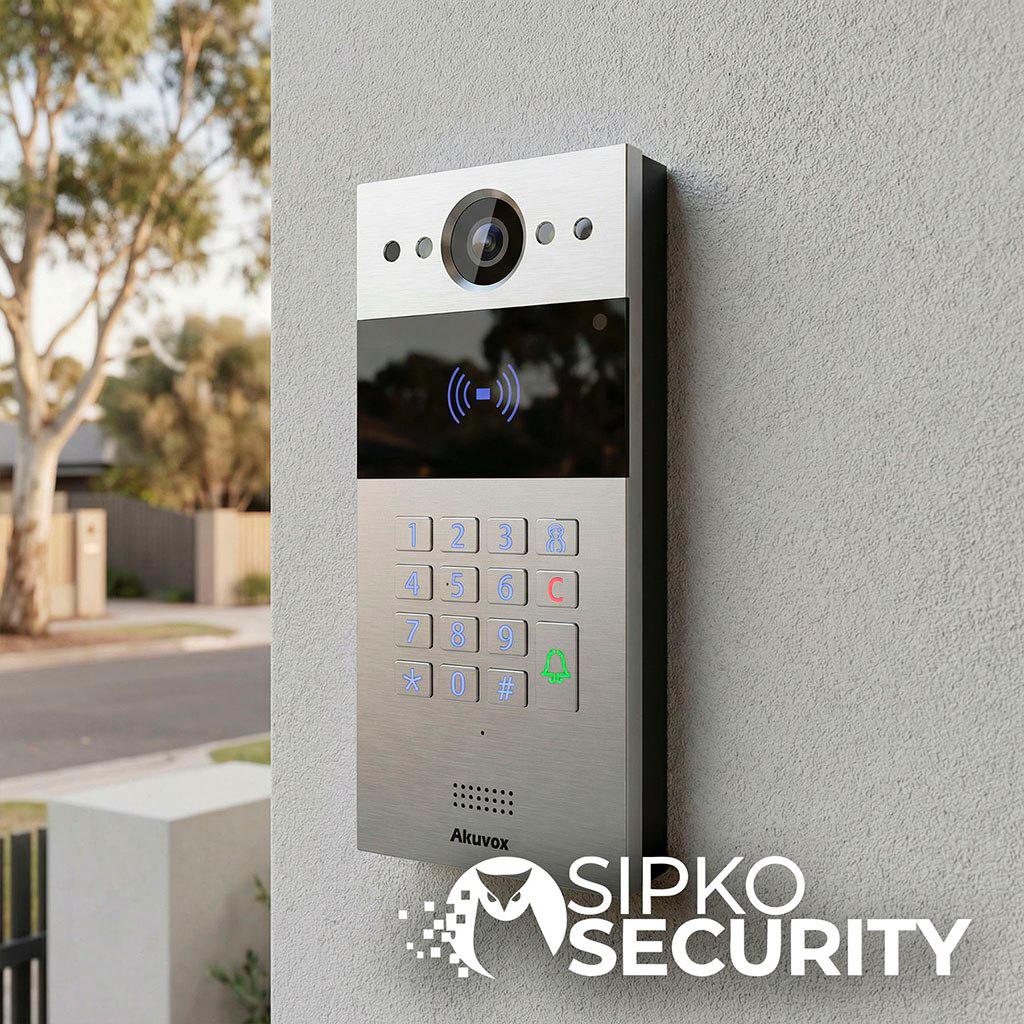
Video Intercom Installation in Melbourne
Enhance Your Home Security with a Smart Video Intercom System
Get a complete Hikvision residential video intercom installation in Melbourne —
including the door station, indoor monitor,
app setup, visitor call handling,
and a clear installation quote for your home or townhouse.
Suitable for
Houses
Townhouses
Apartments & Strata
We install a practical entry system that lets you see visitors, answer calls on the monitor or mobile app,
and release the door or gate only when appropriate. The focus is on correct equipment selection,
clean wiring, reliable setup, and a handover you can actually use from day one.
- Door station installation: We position and install the external unit for clear visitor video, audio, and dependable daily use at the entry point.
- Indoor monitor setup: Your internal screen is mounted, configured, and tested for easy answering, viewing, and unlocking from inside the home.
- App setup and user handover: We connect the system to the app, configure calling to your device, and show you how to answer, view, and manage access.
- Reliable call handling: Visitor calls are set up properly across monitor and phone so missed deliveries, guests, and tradie arrivals are easier to manage.
- Clear installation quote: You get quoting based on the property layout, wiring path, door or gate requirements, and the equipment that actually suits the job.
Need repairs?
Intercom repairs and installations
Licensed & insured
Neat on-site install
Full handover & user setup
Whether you need a fresh install for a new build, an upgrade for an older entry system,
or a retrofit with minimal disruption, we quote and install a residential intercom setup built around the way your property is actually used.
Schedule your free site visit now!
Call +61 406 432 691 or complete the form and we will contact you.
Recommended setups by property type
Best video intercom setups for houses, townhouses, and apartments/strata
Choose the intercom layout based on how people actually enter your property: front doors, gates, shared lobbies, driveways, and resident access methods. Below are three common scenarios we install across Melbourne.
Houses (single home)
Scenario ATypical entry points:
Front door + side gate + driveway (if you have a pedestrian gate or vehicle access).
Recommended setup:
1 outdoor station + 1 indoor monitor + mobile app +
(optional) electric strike / gate relay for controlled unlocking.
Best for:
Families, deliveries, and remote answering when you’re away or busy at home.
Common mistake:
Installing a doorbell-only solution first — then discovering there’s no clean path to integrate
a lock, gate, or garage access later.
Townhouses / duplex / small unit blocks
Scenario BRecommended setup:
Multi-unit outdoor panel (when multiple residences share an entry) OR
1–2 door stations + multiple users when entries are split (front door + gate).
Key point:
Shared access + multiple residents + courier flow — visitors should reach the right person quickly,
without “buzzing every unit”.
Optional:
CCTV at the driveway + gate control so you can confirm vehicles and manage access at the boundary.
Apartments & Strata
Scenario CRecommended setup:
Lobby panel + resident directory + fobs/cards/PIN +
door strike + gate (where applicable), with clear unit routing.
Key point:
Visitor routing + building manager needs + logging — access should be secure while staying simple for residents.
Risk to address:
Replacing an outdated panel without a downtime plan. A proper upgrade keeps entries working while hardware is swapped,
with resident communication and staged cutover when needed.
Not sure which setup fits? Book a site visit.
Book a site visit
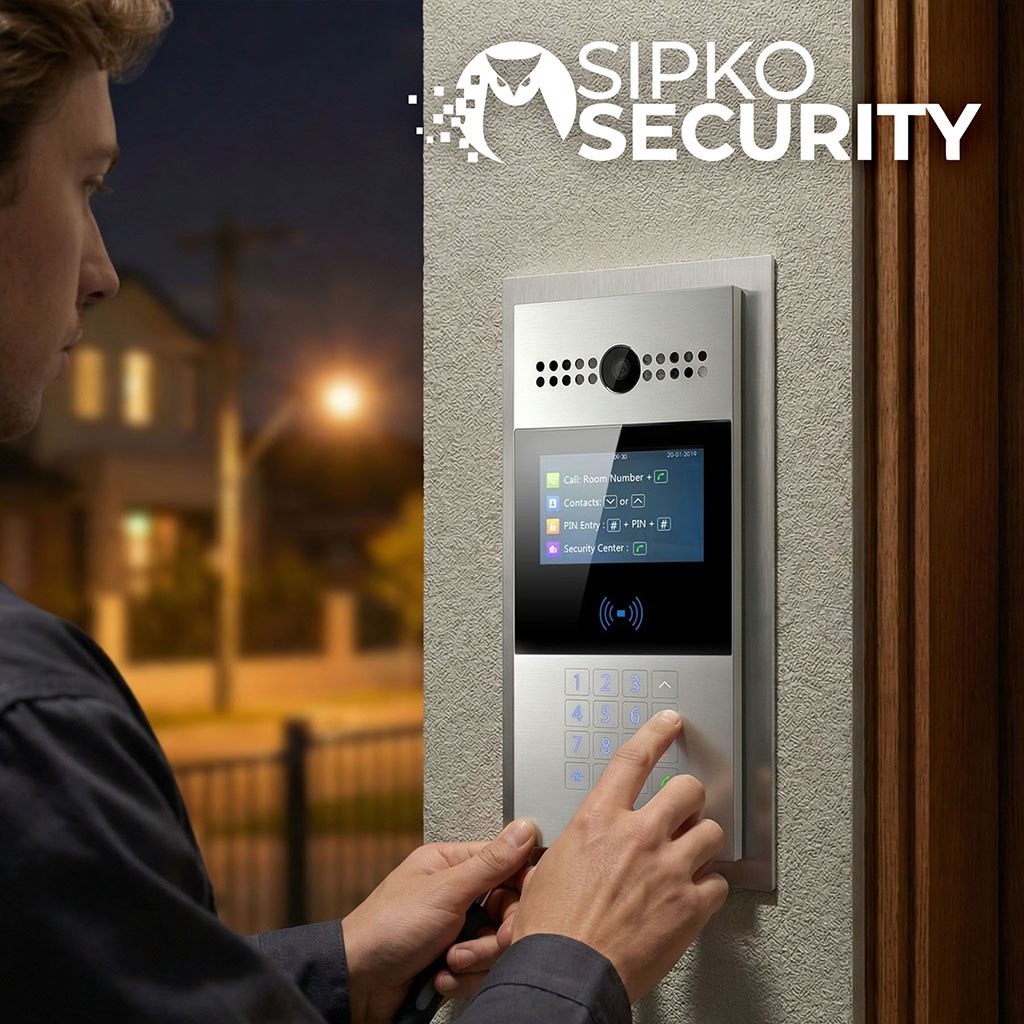
Intercom vs smart doorbell: what’s the real difference?
Intercom vs smart doorbell: what’s the real difference?
A smart doorbell is mainly alerts. A video intercom is an entry system: stable wiring, indoor screens, multi-user access,
and proper locks/gates control — especially for townhouses and strata.
| Feature | Smart Doorbell | Video Intercom |
|---|---|---|
| Reliability (Wi-Fi) | Depends on Wi-Fi/cloud; can be inconsistent. | Built for stable local operation with dedicated wiring. |
| Wiring | Simple power/battery; limited expansion. | 2-wire or IP/PoE supports growth and multiple devices. |
| Multi-user & screens | Mostly phone-based. | Indoor monitors + multiple users as standard. |
| Strata readiness | Not ideal for lobbies/directories. | Designed for routing and shared entries. |
| Gates/locks | Often limited/workarounds. | Made for “verify then unlock” with strikes/gates. |
Reliability (Wi-Fi)
Doorbell: Wi-Fi/cloud dependent.
Intercom: stable wired operation.
Wiring
Doorbell: simple power/battery.
Intercom: 2-wire or IP/PoE for expansion.
Multi-user & screens
Doorbell: phone-first.
Intercom: indoor monitors + users.
Strata readiness
Doorbell: weak for lobbies.
Intercom: built for shared entries.
Gates/locks
Doorbell: limited control.
Intercom: verify then unlock.
Wiring options: 2-wire vs IP/PoE (how to choose)
Choose IP/PoE for new builds or structured cabling, longer runs, and future expansion.
Choose 2-wire for retrofits to minimise chasing and reuse existing cable paths where possible.
Reality check: pulling IP in older homes without a plan can mean extra patching and messy routes.
A quick check prevents rework.
Send photos of your entry + switchboard — we’ll confirm wiring path.
How Our Residential Video Intercom System Works
Access control: gates, locks, PIN, fobs and mobile keys
A video intercom works best as a secure routine: verify first, then unlock. Here are the safety scenarios we set up.
SECURE 1
Guest access (time window)
Temporary access, then auto-revert. Ideal for deliveries and cleaners.
SECURE 2
Tradies (scheduled only)
Access allowed only on set days/hours — no “always-on” entry.
SECURE 3
Kids after school (confirm)
Notify → verify on video → unlock with confirmation.
SECURE 4
Lost phone (revoke keys)
Disable that user’s mobile key and re-issue access quickly.
SECURE 5
Audit trail (when/who)
Event history for rings and unlock actions (where supported).
ACCESS
PIN / fobs / mobile keys
Match access methods to the site: shared entries vs private doors.
Pricing factors for a Hikvision intercom
Most Hikvision intercom installs start from $1,250 + GST. The final quote depends on the site layout, wiring, and access workflow.
- Property type: house vs strata/shared entry
- Entry points: door, gate, garage (how many)
- Wiring complexity: retrofit vs new build
- Monitors/users: number of indoor screens and user profiles
- Lock/gate integration: strike/maglock/gate motor relay
- Networking: PoE needs, cable lengths, stable LAN
- Access method: mobile, PIN, fobs/cards (and permissions)
- Minor civil work: neat mounting or conduit if required
Typical projects (scope examples)
House
Front door station + 1 indoor monitor + mobile app + electric strike unlocking.
Townhouse
Gate + door station + multi-user access + practical courier/visitor workflow.
Strata
Lobby panel + directory + fobs/PIN + gate + shared doors (admin handover included).
📹 Our Advanced Video Intercom Technology
-
High-Resolution Video with Hikvision – Get crisp, clear 1080p video from the door station to easily identify visitors at any time of day, even in tricky lighting.
-
Two-Way Audio Communication – Talk to guests, couriers, or contractors remotely with echo-reduced, clear audio right from your indoor monitor or phone.
-
Hik-Connect App Control – Manage your intercom from anywhere: see visitors, receive push notifications, and grant access with a tap on your smartphone.
-
Smart Lock & Gate Integration – Pair your Hikvision intercom with electric strikes, smart locks, or gate controllers for secure, seamless entry for family and trusted visitors.
-
Weather-Resistant Door Stations – Built to handle Melbourne’s rain, heat, and cold for dependable year-round performance at your entrance.

🏠 Why Choose Us for Your Residential Video Intercom System

-
Licensed & Insured Technicians – All installations are performed by certified professionals, ensuring safe, efficient, and fully compliant setup of your Hikvision video intercom and related security devices.
-
Customized Security Solutions – From a single Hikvision intercom at the front door to a complete package with CCTV, access control, and app management—tailored precisely to your property.
-
Affordable Pricing & Flexible Packages – Competitive rates with clear inclusions make advanced Hikvision entry security attainable for any home or apartment.
-
5-Star Customer Reviews – Melbourne homeowners rate us for punctual installs, tidy cabling, and dependable Hikvision hardware—reflected in consistent 5-star feedback.
-
Ongoing Support & Maintenance – Fast technical help, firmware updates, and preventative maintenance keep your Hikvision intercom running smoothly year after year.
Protect your Melbourne property with Hikvision — secure entry starts today
Don’t wait for an incident. Get expert-installed Hikvision video intercoms, door access and CCTV with instant alerts via Hik-Connect.
Reliable hardware, clean cabling, and local support—built for homes, apartments, and gated entries.










Frequently Asked Questions (FAQ)
A video intercom is designed for controlled entry (electric lock, gate, garage relay) and reliable indoor stations. A doorbell is mainly for notifications and basic viewing.
Yes. We plan practical cable routes (roof cavity, garage, existing conduits) and choose the right wiring approach for the property so the finish stays neat.
Yes. We integrate the intercom with an electric strike/maglock or gate/garage controller via relays, then test the unlock workflow so it’s consistent and safe.
If the internet drops, local indoor monitor functions can still work, but remote mobile access won’t. For power outages, a small UPS can keep the core intercom/network gear running.
Secure setups use individual accounts, strong credentials, and sensible permissions. If a phone is lost, the user/device can be revoked quickly to prevent access.
Most systems scale from one monitor in a house to multi-user setups for townhouses and strata. You can combine mobile access with PIN, fobs/cards, or other controlled entry methods.
Yes. An entry camera improves identification and recording, and an alarm ecosystem can unify alerts and routines so you manage less across apps.
Houses usually focus on one entry and a simple call flow. Strata often needs shared-door control, clear permissions, and an admin-friendly setup (directory, roles, and handover).