
Hikvision Security Camera Repair, Servicing, Upgrades & Installation in Melbourne
If your CCTV system is not recording properly, cameras keep dropping offline, night vision has become unclear, or your app no longer works the way it should, you usually do not need to replace everything. In many cases, the right fix is proper fault finding, careful servicing, or a targeted upgrade to the parts that are failing.
At Sipko Security, we help Melbourne homeowners, businesses, warehouses, retail stores, and strata properties with security camera repair, camera repair Melbourne, camera repairs Melbourne, and long-term support for existing Hikvision systems. We work on Hikvision security cameras, Hikvision CCTV systems, recorders, storage, remote viewing setup, and expansion work, with a strong focus on restoring reliability before recommending a full replacement.
We also support common Hikvision upgrade paths, including the Hikvision 8MP IP Turret Camera 4K, Hikvision Smart Hybrid Light ColorVu Turret Camera, Hikvision Outdoor PTZ Camera, Hikvision DS-KIS703Y-P Video Intercom Two-Wire Bundle, and Hikvision KIT-PHA64 AX Hybrid Kit when repair is no longer the best long-term option.
Hikvision camera fault finding
We diagnose offline cameras, poor night vision, blurred footage, weak power, network faults, and unreliable detection settings.
NVR, playback and storage support
We work on recorder errors, missing playback, failed hard drives, short retention, export issues, and Hik-Connect viewing problems.
Repair-first upgrade advice
We recommend selective upgrades only where they improve reliability, night performance, storage, or coverage without unnecessary replacement.
Intercom and AX Hybrid support
We also support Hikvision intercom, entry, and alarm integrations where older systems need tidying up or better day-to-day reliability.
If you are planning a targeted upgrade after repair, explore our 8MP Acusense Outdoor Dome CCTV Camera, 8MP Outdoor Mini Bullet Camera, and Hikvision Smart Hybrid Light ColorVu 3.0 Turret Camera pages for product-specific options.
Book a Hikvision Repair or Service Visit
Call +61 406 432 691 or complete the form and we will contact you. Tell us whether the problem is with a Hikvision camera, recorder, hard drive, mobile app, intercom, or alarm integration. We’ll respond with a practical plan and a no-obligation estimate for repair, servicing, troubleshooting, maintenance, or upgrade work in Melbourne.
Why Existing Hikvision Systems Need Regular Servicing
Even a good-quality CCTV system can become unreliable if it is not maintained. Melbourne conditions can be hard on outdoor security hardware, especially when cameras are exposed to heat, rain, dust, insects, salt air, and long-term vibration. Most failures happen gradually, not all at once. That is why good servicing is about finding weak points early, restoring performance, and avoiding the bigger cost of missing footage when it matters most.
Camera inspection and image correction
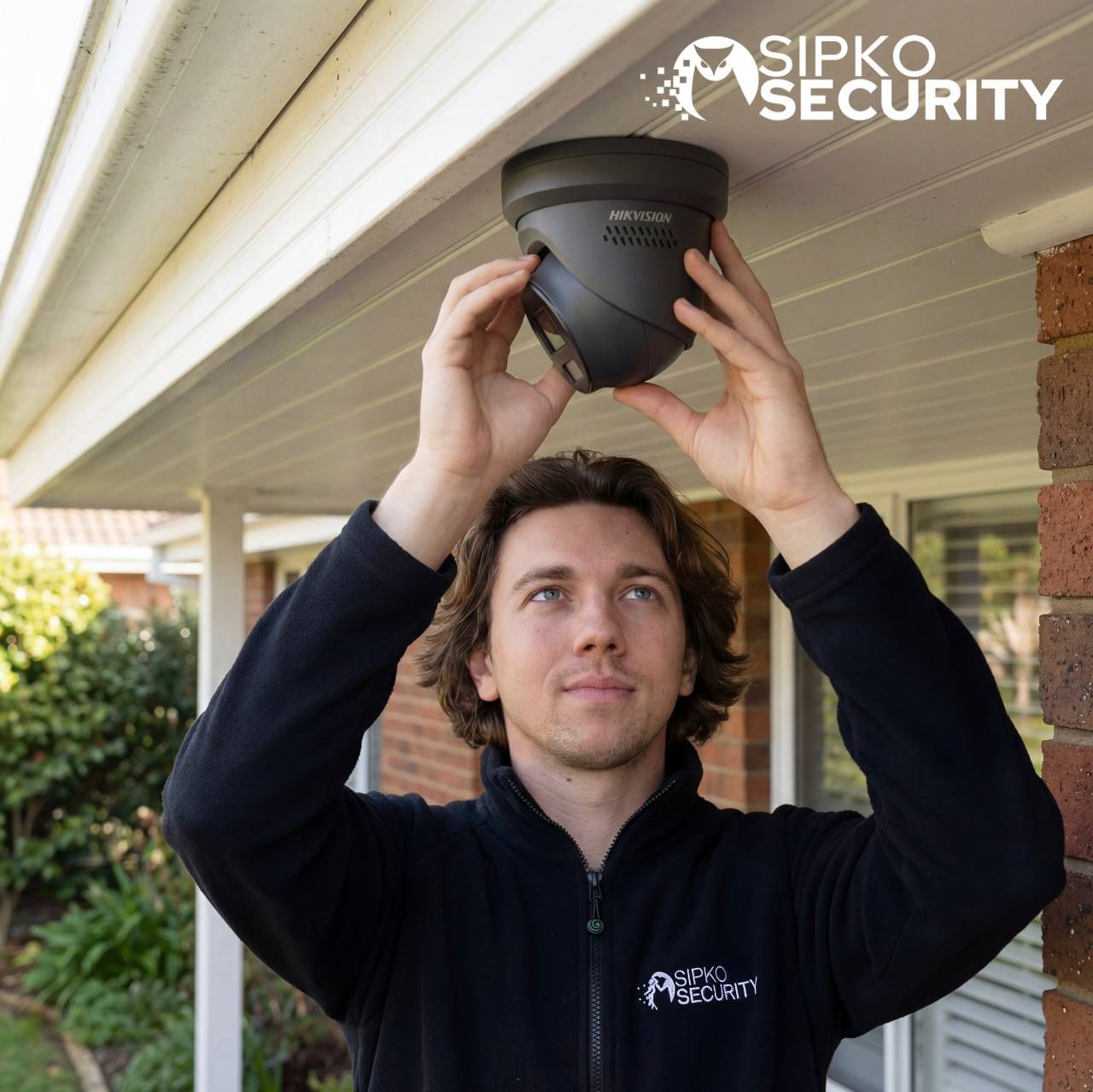
We inspect lenses, focus, mounting stability, water ingress, detection zones, night performance, and general image quality.
NVR and storage health checks
That includes recorder status, hard drive health, playback reliability, retention settings, export functions, and alarm/event recording setup.
Power, PoE and network troubleshooting
We trace unstable power, PoE port issues, loose terminations, damaged cabling, weak network paths, and mobile viewing faults.
Remote viewing and app support
We work on Hik-Connect, device sharing, push notifications, account recovery, access cleanup, and app setup issues that frustrate users.
Intercom and entry support
We also help customers using Hikvision intercom products such as the DS-KIS703Y-P Video Intercom Two-Wire Bundle.
Alarm and hybrid system integration
Where needed, we support Hikvision alarm and hybrid products such as the KIT-PHA64 AX Hybrid Kit for cleaner system integration.
For repair-led upgrades, you can also review the Hikvision DS-KIS901-P Facial Recognition IP Intercom Kit and the Hikvision 8MP ColorVu Turret 4mm Dual Head Strobe.
All Hikvision System Types We Support
We do more than one kind of Hikvision job. Our support includes existing CCTV cameras, recorders, storage, remote viewing, intercom products, and alarm integration work across Melbourne homes and businesses.
Hikvision CCTV cameras
We repair and service turret, dome, bullet, ColorVu, and PTZ cameras, including poor image quality, no video, unstable detection, and night vision problems.
Recorders, storage and playback
We troubleshoot Hikvision NVR faults, failed hard drives, short retention, recorder alerts, export issues, and playback gaps that reduce evidence value.
Intercom and access devices
We support Hikvision intercoms and entry systems, including two-wire bundles and IP kits that need configuration, cleanup, or upgrade support.
Hikvision alarm and hybrid systems
We assist with Hikvision AX Hybrid and related connected security components where a site needs a better-integrated camera, entry, and alarm workflow.
Signs Your Hikvision System Needs Repair or Servicing
Most service calls begin with a few small warning signs before the whole system becomes unreliable. Common examples include missing playback, cameras dropping offline, poor image quality, false alerts, unstable app access, or hardware that behaves differently in bad weather and at night.
One or more cameras stop displaying video, drop out intermittently, or only fail at certain times of day or during wet weather.
Camera FaultThe live view works, but playback is incomplete, the recorder keeps beeping, the hard drive is failing, or footage cannot be exported properly.
NVR / StorageFootage is too dark, too soft, overexposed, or not clear enough to identify faces, number plates, or events around the property.
Image QualityHik-Connect does not load properly, alerts are inconsistent, device sharing is messy, or the system becomes harder to use every month.
Remote AccessProfessional Hikvision Repair and CCTV Servicing in Melbourne
A lot of CCTV pages talk only about new installation. That is not how most real service calls begin. Most people contact us because something has stopped working, picture quality has dropped, playback is missing, the recorder is beeping, or the mobile app no longer connects. This page is built for that need first.
What our Hikvision service visit includes
We carry out structured fault finding rather than guessing. That can include physical inspection of each camera, lens cleaning, refocus, checking mounts and water ingress, testing power and network stability, reviewing storage health, and confirming mobile viewing and alerts.
- Camera, lens, mounting, and housing checks
- Power, PoE, cabling, and network testing
- Recorder, hard drive, and retention review
- Hik-Connect, user access, and notification checks
Common faults we repair and troubleshoot
We regularly solve problems such as cameras showing no image, poor night vision, intermittent recording, damaged PoE ports, failed hard drives, recorder reboot loops, incorrect motion alerts, forgotten access details, and systems that were never configured properly in the first place.
- Offline cameras and unstable live view
- Hard drive, playback, and export issues
- Night image, glare, and false alert problems
- Remote access, sharing, and app setup issues
Repair and Support for Existing Hikvision Systems
Not every site is a clean, brand-new install. Many Melbourne properties already have older hardware, mixed upgrades, messy recorder settings, or products that were added over time without proper planning. We support that reality and help make the system usable again.
When Repair Makes More Sense Than Replacement
A lot of existing systems still have useful life left in them. If the cameras are basically sound, the cabling is serviceable, and the main issue is configuration, storage, power, or one failed component, repair is often the smartest option. But when image quality is too poor, faults keep returning, or the site has outgrown the old setup, a targeted upgrade may be the better path.
Best when the core system is still usable
Repair is often the better path when the issue is localised, the image quality is still acceptable, and the site only needs stability and cleanup rather than a full changeover.
- One or two problem cameras rather than total failure
- Recorder setup, storage, power, or network issues
- App, alerts, or access problems that can be reconfigured
- Lower cost and less disruption for the property
Best when repair alone will not solve the real problem
Upgrade is worth considering when the footage is too weak, hardware is outdated, the site needs better low-light performance, or repeated service calls are no longer good value.
- Outdated low-resolution cameras or weak night image
- Unreliable storage and unsupported older hardware
- Blind spots, expanded coverage needs, or smarter detection
- Cleaner long-term system management and user experience
Good upgrade examples include the Hikvision Smart Hybrid Light ColorVu Turret Camera, the Hikvision 8MP ColorVu Turret 4mm Dual Head Strobe, and the Hikvision Outdoor PTZ Camera where the site needs better night coverage, stronger deterrence, or wider-area monitoring.
Common Hikvision Upgrade Paths After Repair
A full replacement is not always necessary. Many systems can be improved by upgrading the right weak points while keeping working parts of the existing infrastructure in place.
Sharper general-purpose camera coverage
For many homes and small businesses, upgrading a few core positions to the Hikvision 8MP IP Turret Camera 4K is enough to improve evidence quality without changing everything.
Night image and low-light improvement
Where night vision is the main issue, the Hikvision Smart Hybrid Light ColorVu Turret Camera or the ColorVu 3.0 Turret Camera can be a smarter next step.
Perimeter and driveway coverage
For side access, driveways, boundaries, and exposed outdoor areas, the Hikvision 8MP Outdoor Mini Bullet Camera 30m IR is a common upgrade path.
Entry, intercom and alarm expansion
Where the site needs more than cameras, we can extend the system with products like the DS-KIS901-P Facial Recognition IP Intercom Kit or the KIT-PHA64 AX Hybrid Kit.
Why Quick Fixes Keep Failing on CCTV Systems
A lot of camera problems come back because the visible symptom is not the real cause. Restarting a recorder or reconnecting the app might help for a day, but if the power path, storage, cabling, or device configuration is weak, the system will become unreliable again.
The recorder may be the real fault
Many clients assume a bad camera caused the issue, but failed playback, missing footage, and warning alarms often trace back to storage or NVR faults instead.
Weak network or PoE can mimic camera failure
A camera can appear dead when the real problem is unstable power, a failing port, bad terminations, or damaged cabling in the existing run.
Settings problems create false confidence
The system may look live, but incorrect schedules, bad event rules, weak retention settings, or poor user permissions can leave you with less evidence than expected.
Good diagnosis saves money over time
That is why proper fault finding matters. The goal is not to temporarily silence the problem. It is to restore reliability and avoid repeat service calls for the same issue.
Hikvision Cameras, Intercoms, and Alarm Products We Regularly Support
Many sites now want more than cameras alone. They want the front door, gate, alarm, recorder, and mobile app to work together cleanly. We support both straightforward CCTV repairs and broader Hikvision ecosystem support where the site needs better integration.
Camera and surveillance products
That includes products such as the 8MP Acusense Outdoor Dome CCTV Camera, the 8MP IP Turret Camera 4K, and the DS-2CD3H87G3-LIZSUY/SL 8 MP.
Intercom, access, and hybrid alarm products
We also support the DS-KIS703Y-P Video Intercom Two-Wire Bundle, the DS-KIS901-P Facial Recognition IP Intercom Kit, and the KIT-PHA64 AX Hybrid Kit when sites need a broader security workflow.

When DIY Reboots and App Resets Are Not Enough
A lot of owners try to solve CCTV problems by rebooting the recorder, deleting and re-adding the device, or changing one camera first. In some cases that helps temporarily. But when the issue keeps returning, it usually means the problem runs deeper. It may be a failing drive, unstable PoE, poor terminations, water ingress, bad configuration, or a product that is no longer the right fit for the site.
The visible issue may not be the real fault
A black screen can come from power, storage, network, or recorder issues rather than the camera itself.
Temporary fixes rarely improve reliability
Rebooting may bring the system back for a while, but it will not solve failing drives, weak ports, or bad retention settings.
Repair should restore usability, not just silence symptoms
The goal is stable cameras, usable playback, clean app access, and evidence quality you can trust.
Upgrade Weak Points Instead of Replacing Everything
Sometimes the most practical answer is not another repair visit. It is a properly planned upgrade that solves the long-term weakness in the system. That might mean replacing an old entry camera, improving low-light coverage with ColorVu, adding wider-area PTZ capability, or extending the system with intercom and alarm-linked products.
Higher-detail turret upgrades
A cleaner next step where older cameras no longer provide enough clarity for identification.
Better night performance
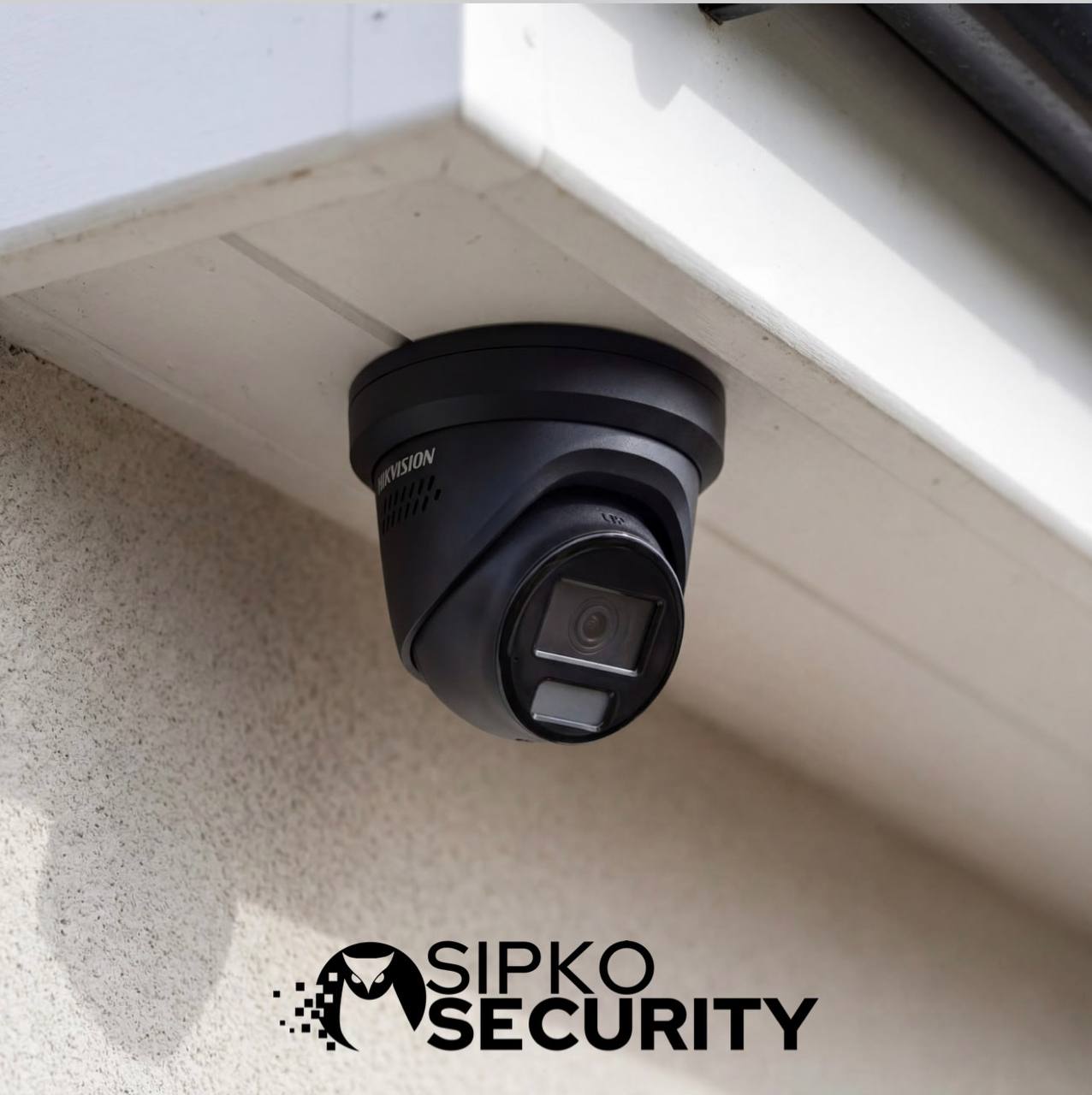
ColorVu options help where the real issue is weak night image, not just general camera age.
Wider-area and higher-risk coverage
PTZ and deterrence-capable cameras are useful where the site needs stronger visual coverage and faster incident review.
Intercom and hybrid system expansion
Entry control and AX Hybrid products can improve day-to-day use where the site wants a more complete security workflow.
Our Hikvision Repair and Servicing Process
We begin by identifying the current system layout, the products involved, and the actual fault symptoms. Then we inspect cameras, storage, power, network stability, user access, playback behaviour, and app reliability before recommending the best path. That may be a repair, a service cleanup, a targeted upgrade, or a staged replacement plan.
Identify the system and fault pattern
We confirm the Hikvision products in use, the symptoms, and whether the issue is camera, recorder, network, storage, or user-access related.
Get a Free Quote →Inspect cameras and image quality
We check focus, glare, water ingress, lens condition, night performance, blind spots, and whether the current camera type still suits the site.
Warning signs →Test power, PoE, network and recorder stability
We inspect the links that often cause hidden instability, including ports, terminations, storage condition, recorder health, and export reliability.
Book inspection →Check playback, app access, and alerts
We make sure the system is not only live, but also recording properly, searchable, exportable, and usable through Hik-Connect or desktop software.
Book a visit →Repair or optimise what can be saved
Where repair is the smarter option, we stabilise the system, clean up the setup, and restore reliability without overselling replacement.
Get support →Recommend targeted upgrades where needed
If repair alone will not solve the long-term weakness, we recommend a practical upgrade path based on evidence quality, coverage, and budget.
Camera upgrade ideas →Explain the next step clearly
We explain what failed, what was fixed, what still needs attention, and whether the site should stay with repair, staged upgrade, or full changeover.
Entry upgrade option →Support future maintenance and expansion
We also help after the first job with app changes, added cameras, recorder upgrades, and ongoing servicing so the system stays dependable.
Hybrid alarm option →Hikvision CCTV Camera Packages (Installed)
Fixed-price bundles with AcuSense & ColorVu cameras, NVR recorder, 4TB storage, and full professional installation. Choose from 6MP or 8MP systems, standard or mixed configurations.
Pricing scope: single-storey home with tiled roof (standard install). Non-standard conditions (double storey, metal roof, limited roof access, extra cabling, etc.) are quoted after a site assessment.
3 packages
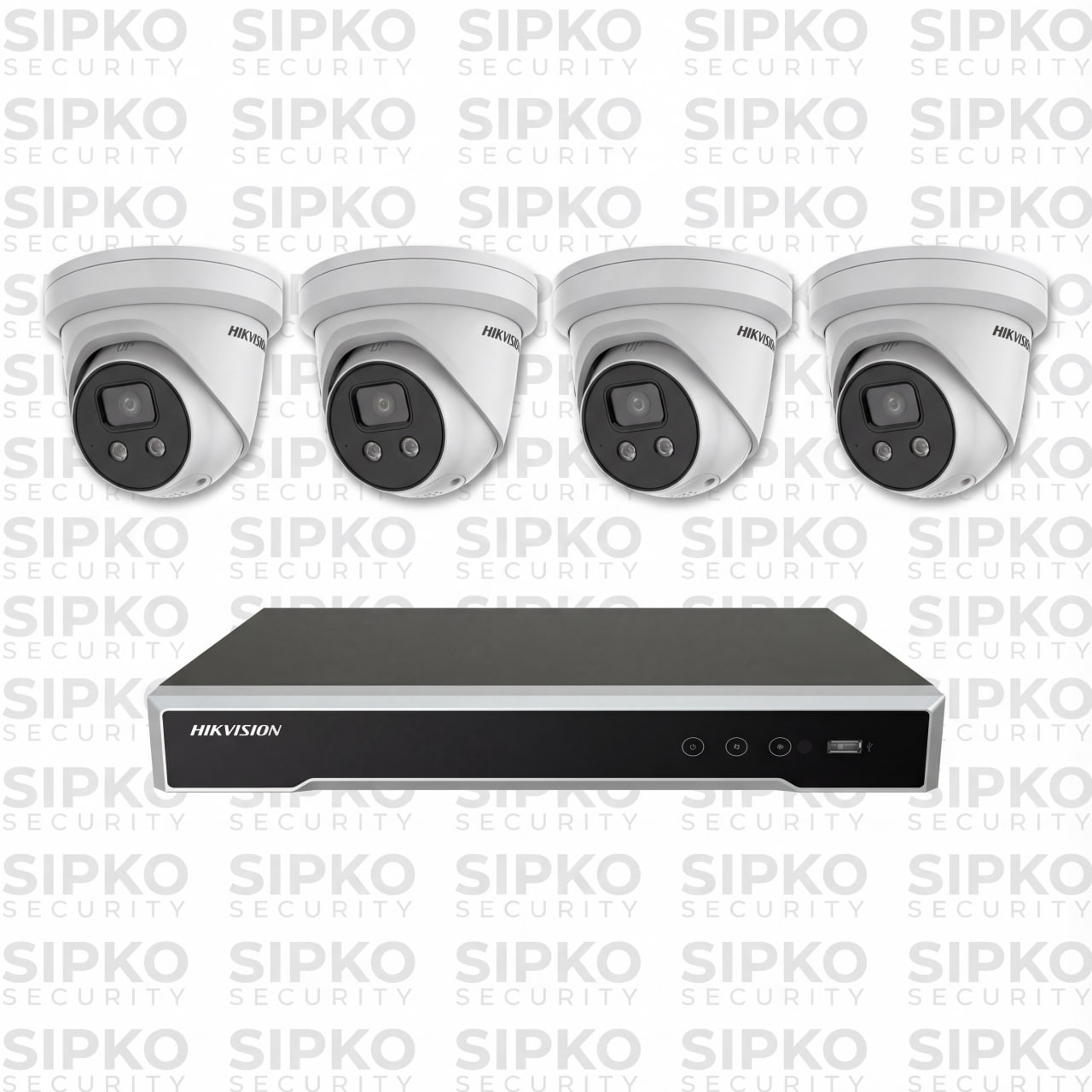
6MP AcuSense – 4 Cameras
- 4 × 6MP AcuSense Cameras (DS-2CD2366G2-IU-2.8)
- 4 Channel NVR (DS-7604NI-M1/4P-4T)
- 4TB Hard Drive Storage
- Night Vision + Human & Vehicle Detection
- Built-in Microphone
- Full Installation + 3-Year Warranty
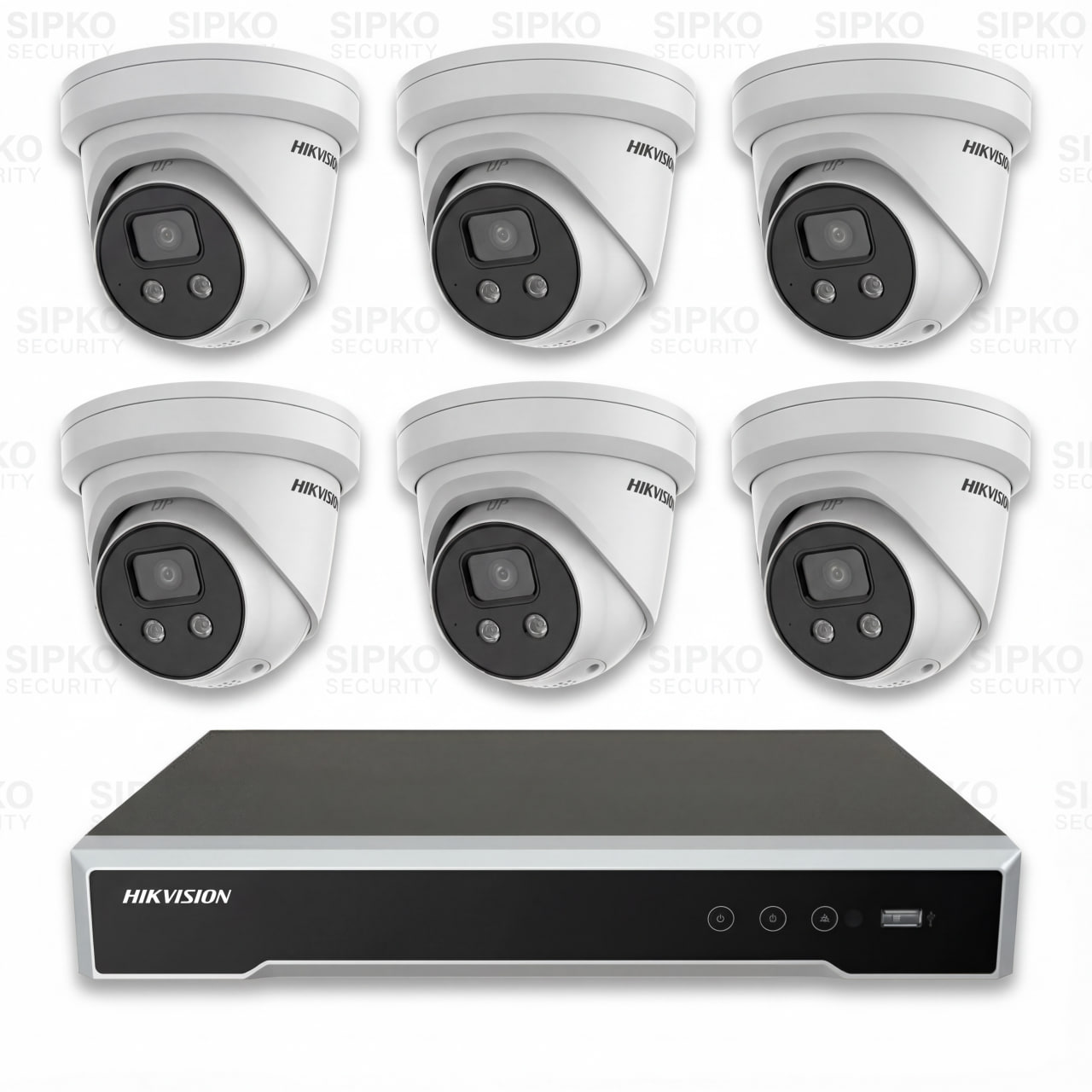
6MP AcuSense – 6 Cameras
- 6 × 6MP AcuSense Cameras (DS-2CD2366G2-IU-2.8)
- 8 Channel NVR (DS-7608NI-M2/8P-4T)
- 4TB Hard Drive Storage
- Night Vision + Human & Vehicle Detection
- Built-in Microphone
- Full Installation + 3-Year Warranty
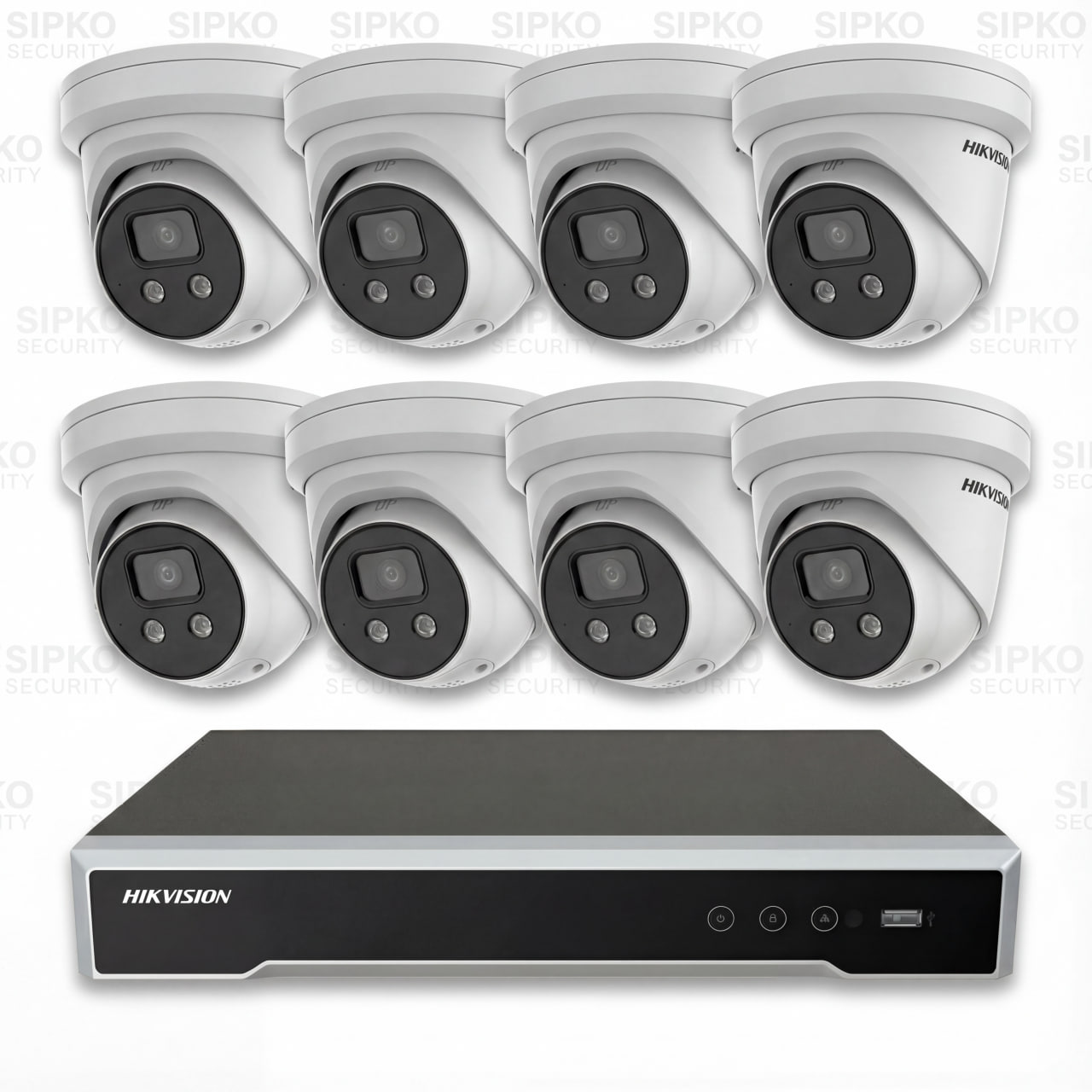
6MP AcuSense – 8 Cameras
- 8 × 6MP AcuSense Cameras (DS-2CD2366G2-IU-2.8)
- 8 Channel NVR (DS-7608NI-M2/8P-4T)
- 4TB Hard Drive Storage
- Night Vision + Human & Vehicle Detection
- Built-in Microphone
- Full Installation + 3-Year Warranty
2 packages
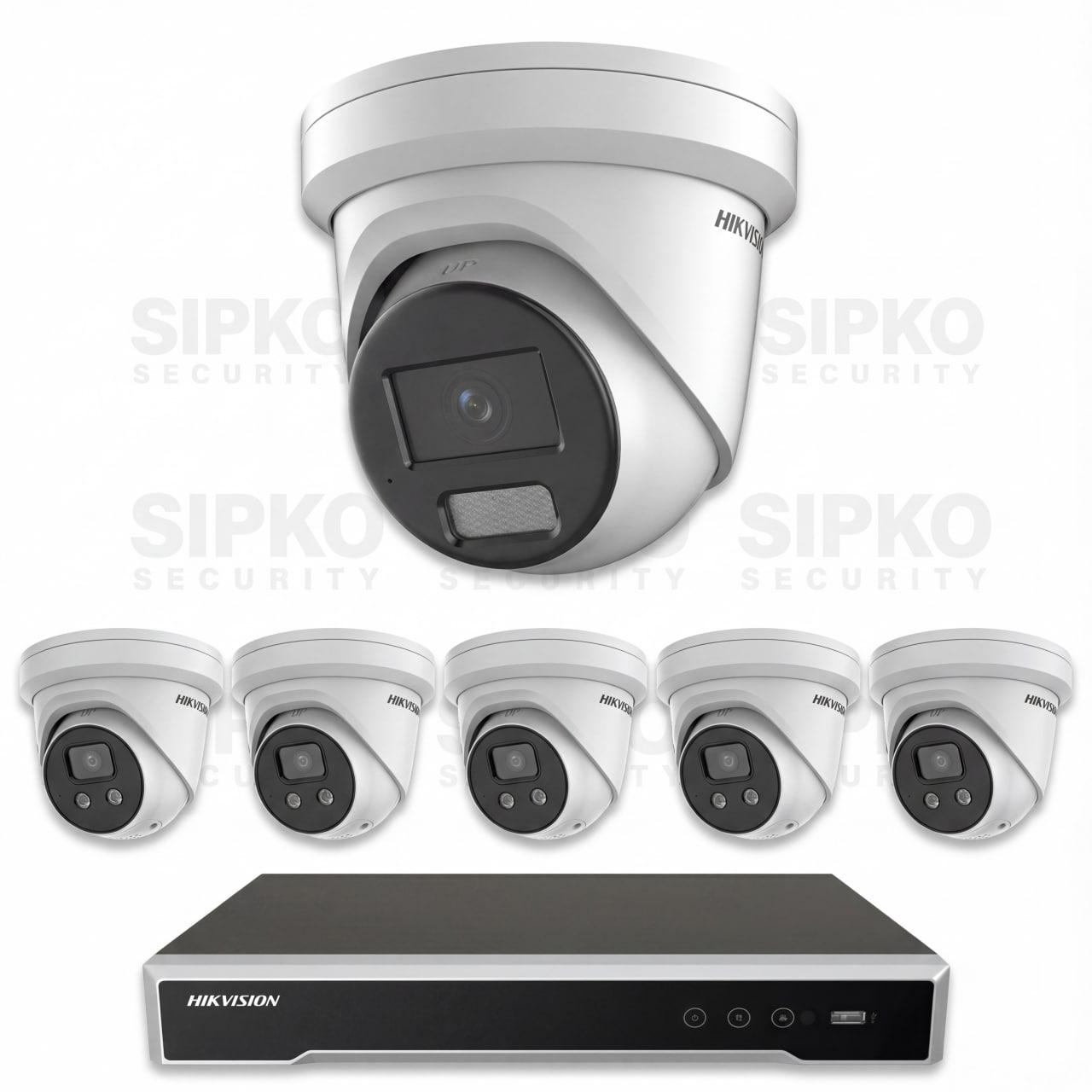
6MP Special 1 – 6 Cameras
- 5 × 6MP AcuSense Cameras (DS-2CD2366G2-IU-2.8)
- 1 × 8MP ColorVu Camera (DS-2CD2387G2H-LISU/SL-2.8)
- 8 Channel NVR (DS-7608NI-M2/8P-4T)
- 4TB Hard Drive Storage
- Night Vision + Human & Vehicle Detection
- Full Installation + 3-Year Warranty
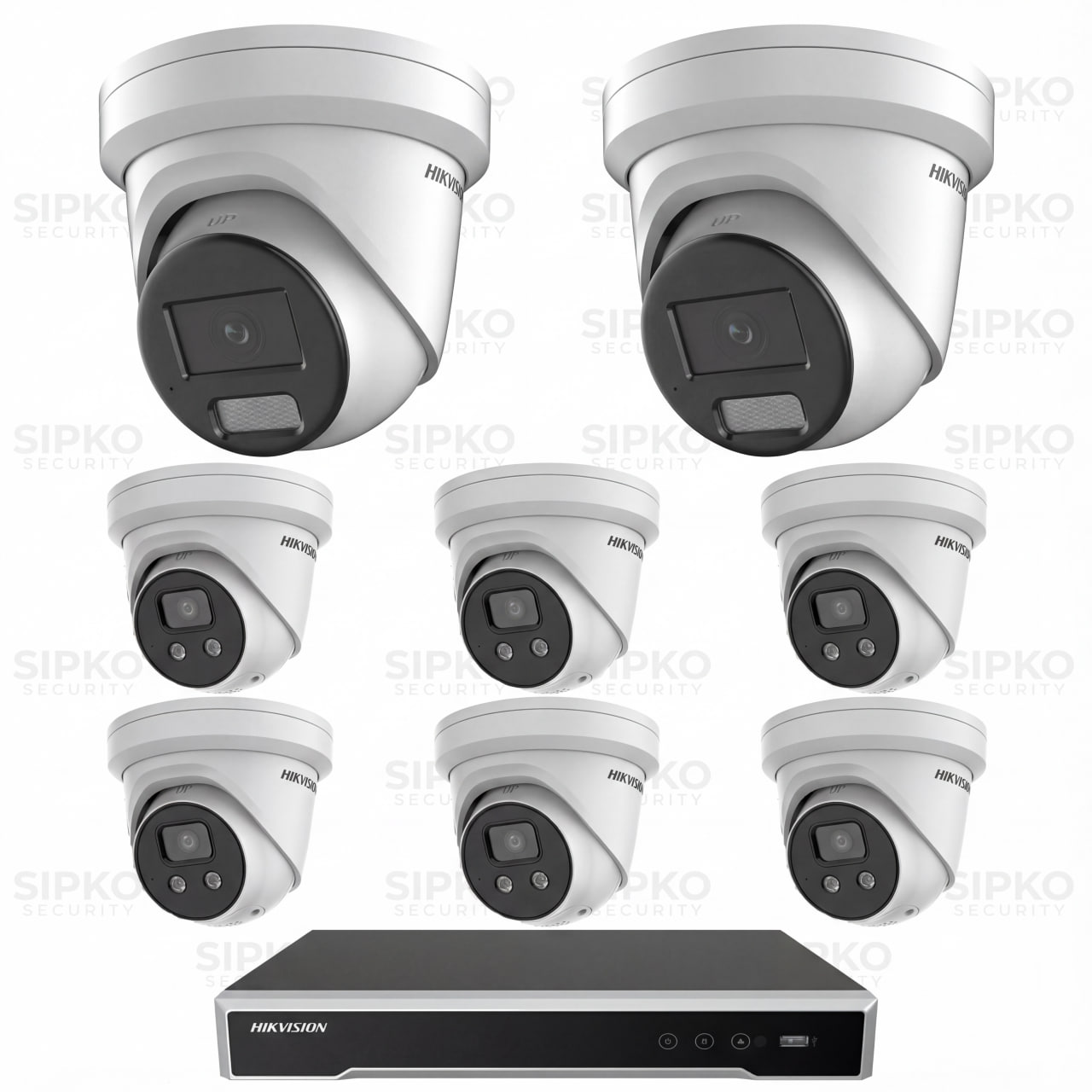
6MP Special 2 – 8 Cameras
- 6 × 6MP AcuSense Cameras (DS-2CD2366G2-IU-2.8)
- 2 × 8MP ColorVu Cameras (DS-2CD2387G2H-LISU/SL-2.8)
- 8 Channel NVR (DS-7608NI-M2/8P-4T)
- 4TB Hard Drive Storage
- Night Vision + Human & Vehicle Detection
- Full Installation + 3-Year Warranty
3 packages
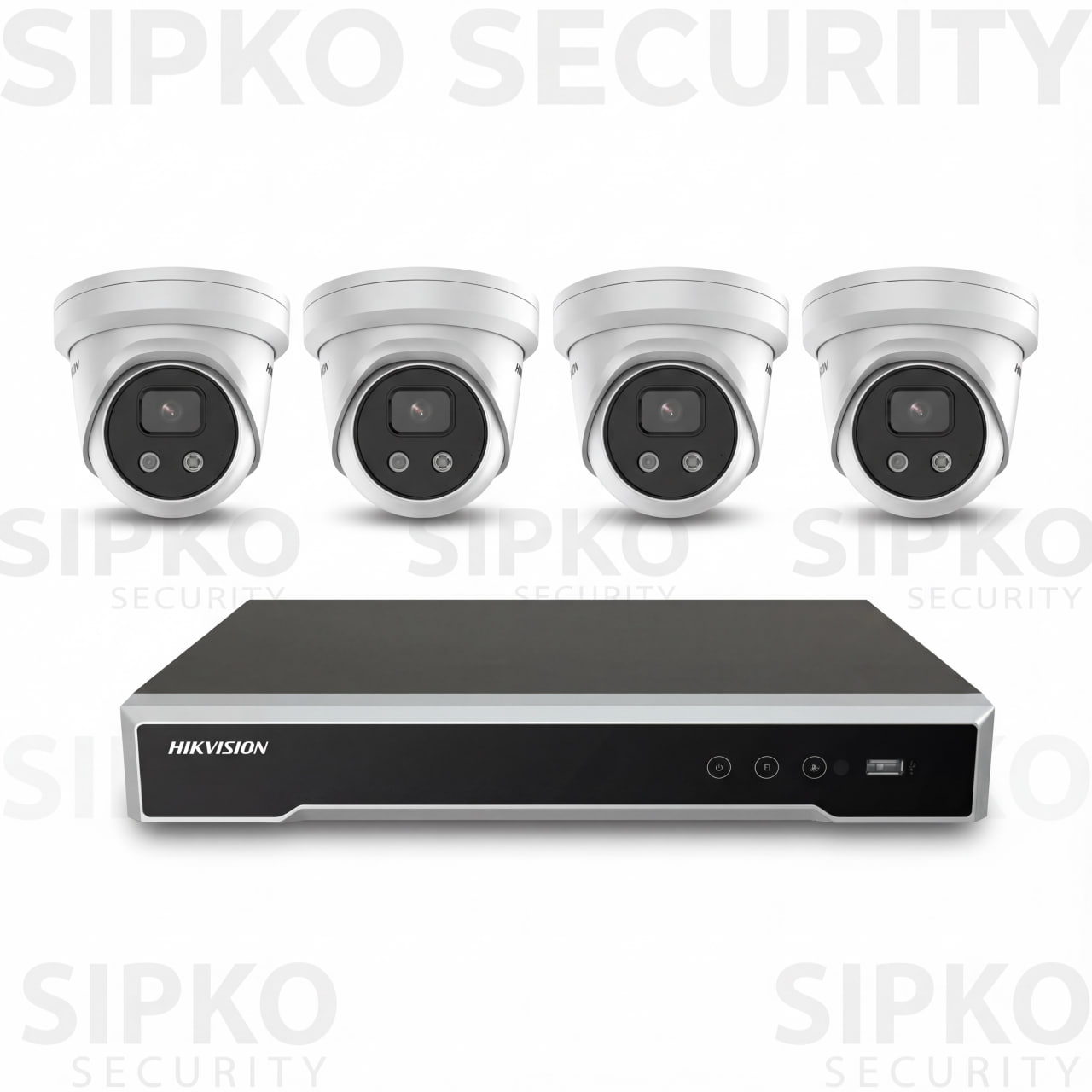
8MP AcuSense – 4 Cameras
- 4 × 8MP AcuSense 4K Cameras (DS-2CD2386G2-IU-2.8)
- 4 Channel NVR (DS-7604NI-M1/4P-4T)
- 4TB Hard Drive Storage
- Night Vision + Human & Vehicle Detection
- Built-in Microphone
- Full Installation + 3-Year Warranty
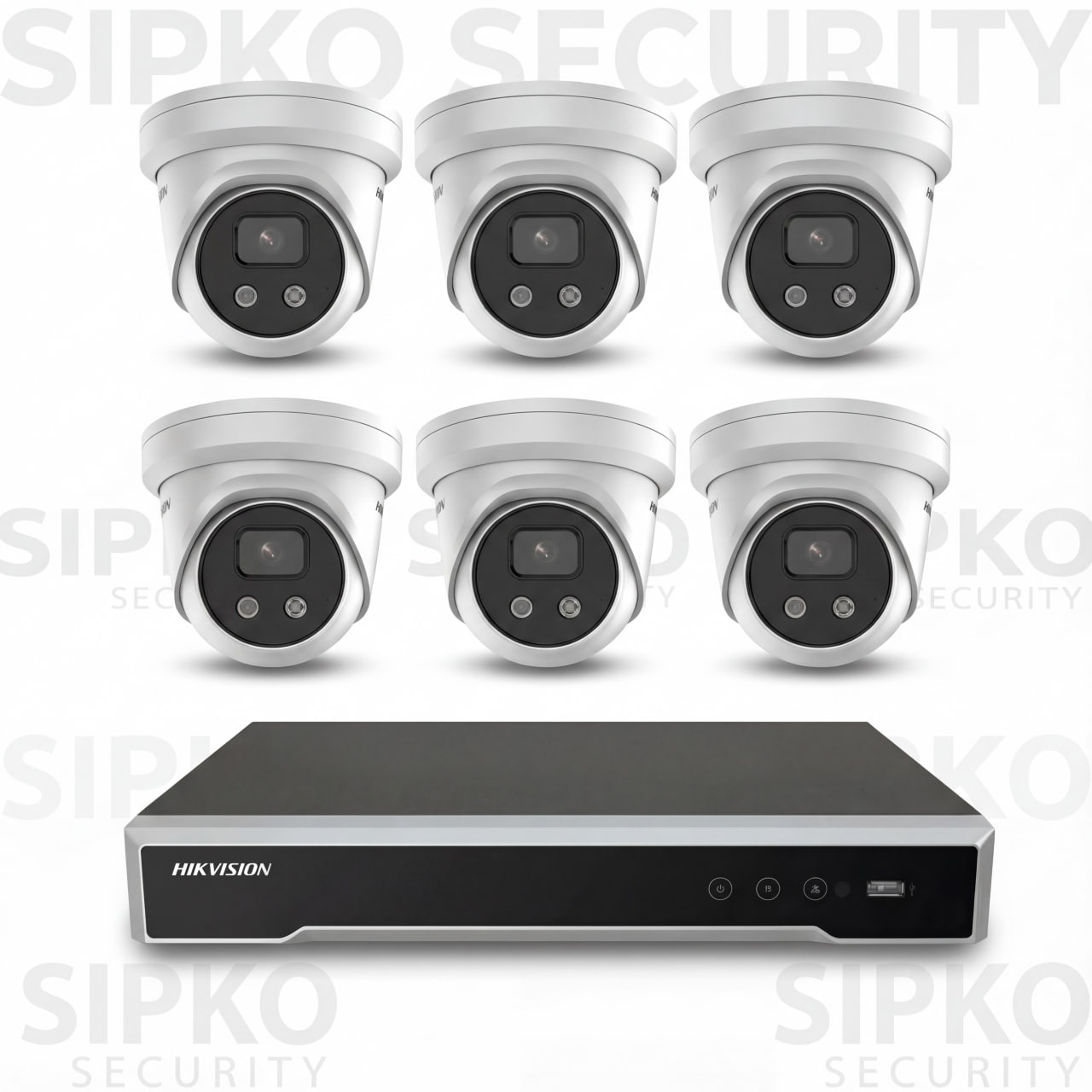
8MP AcuSense – 6 Cameras
- 6 × 8MP AcuSense 4K Cameras (DS-2CD2386G2-IU-2.8)
- 8 Channel NVR (DS-7608NI-M2/8P-4T)
- 4TB Hard Drive Storage
- Night Vision + Human & Vehicle Detection
- Built-in Microphone
- Full Installation + 3-Year Warranty
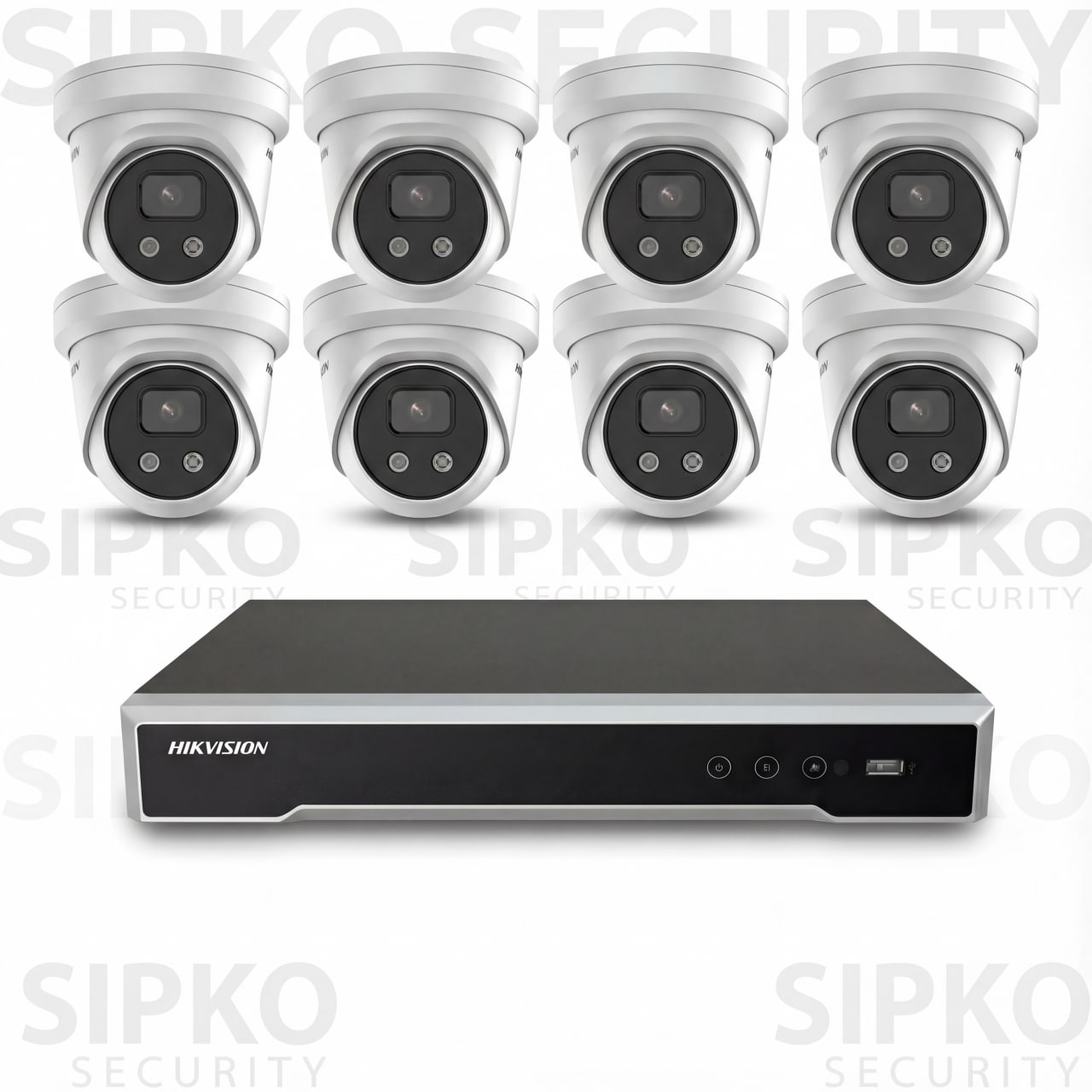
8MP AcuSense – 8 Cameras
- 8 × 8MP AcuSense 4K Cameras (DS-2CD2386G2-IU-2.8)
- 8 Channel NVR (DS-7608NI-M2/8P-4T)
- 4TB Hard Drive Storage
- Night Vision + Human & Vehicle Detection
- Built-in Microphone
- Full Installation + 3-Year Warranty
3 packages
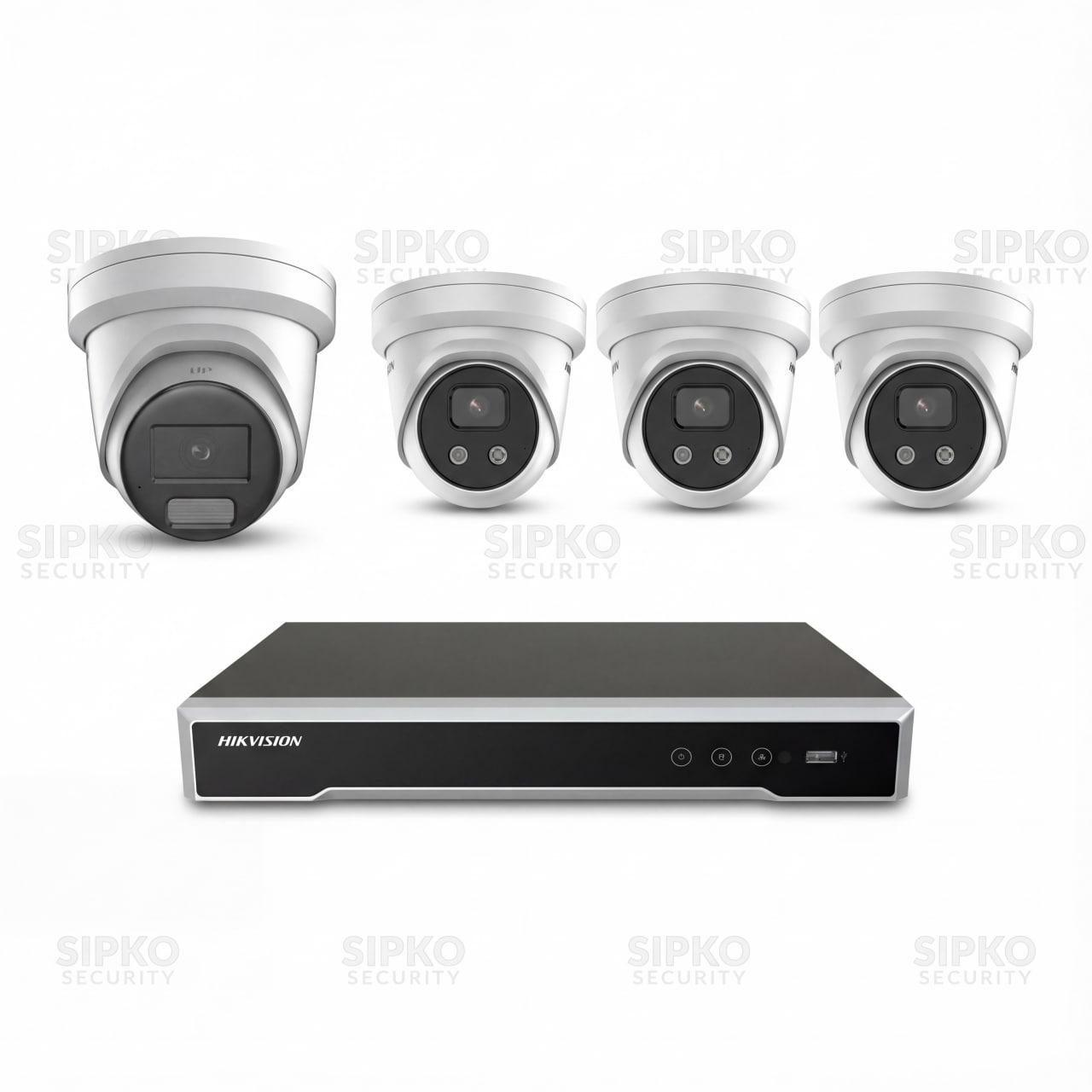
8MP Special 1 – 4 Cameras
- 3 × 8MP AcuSense 4K Cameras (DS-2CD2386G2-IU-2.8)
- 1 × 8MP ColorVu 4K Camera (DS-2CD2387G2H-LISU/SL-2.8)
- 4 Channel NVR (DS-7604NI-M1/4P-4T)
- 4TB Hard Drive Storage
- Night Vision + Human & Vehicle Detection
- Full Installation + 3-Year Warranty
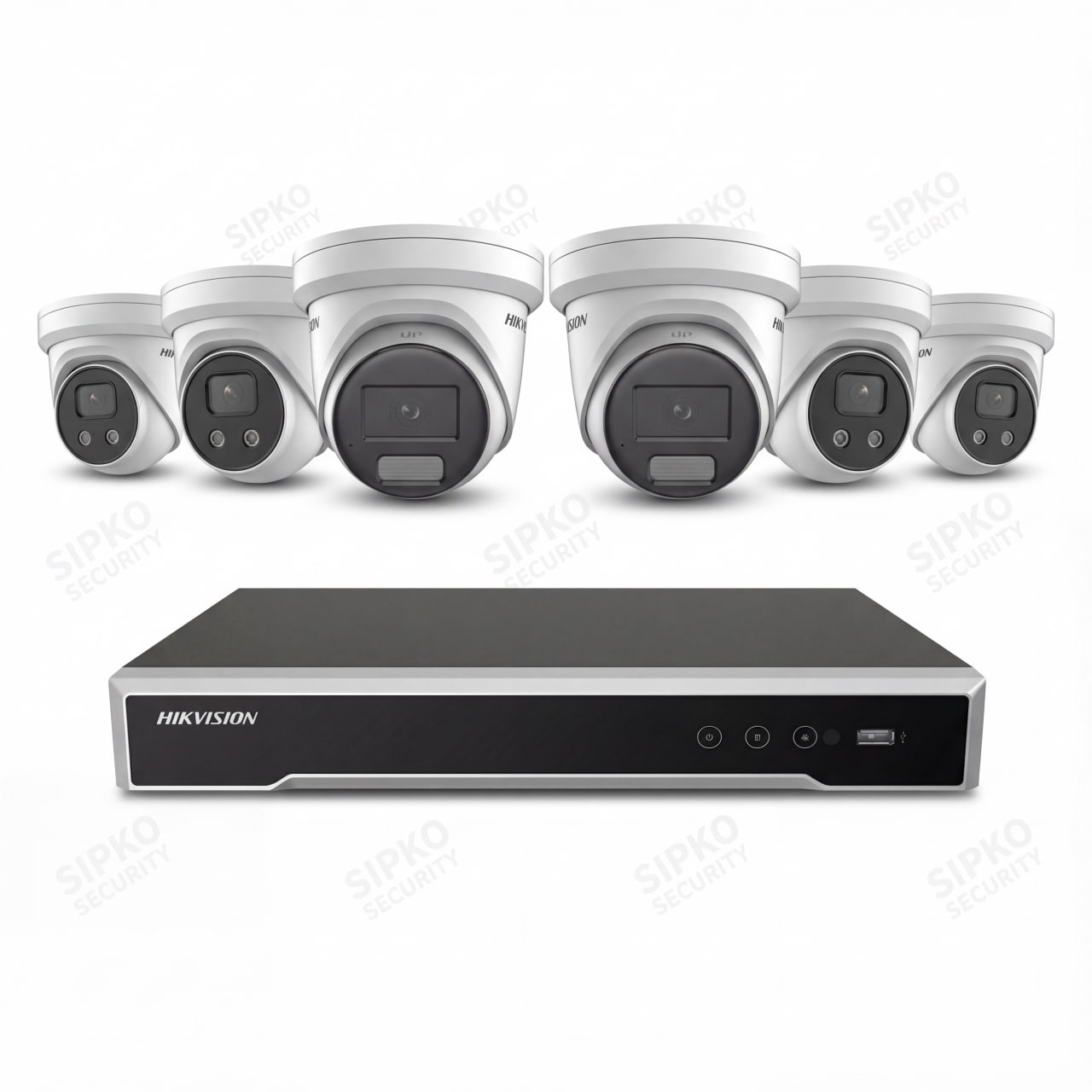
8MP Special 2 – 6 Cameras
- 5 × 8MP AcuSense 4K Cameras (DS-2CD2386G2-IU-2.8)
- 1 × 8MP ColorVu 4K Camera (DS-2CD2387G2H-LISU/SL-2.8)
- 8 Channel NVR (DS-7608NI-M2/8P-4T)
- 4TB Hard Drive Storage
- Night Vision + Human & Vehicle Detection
- Full Installation + 3-Year Warranty
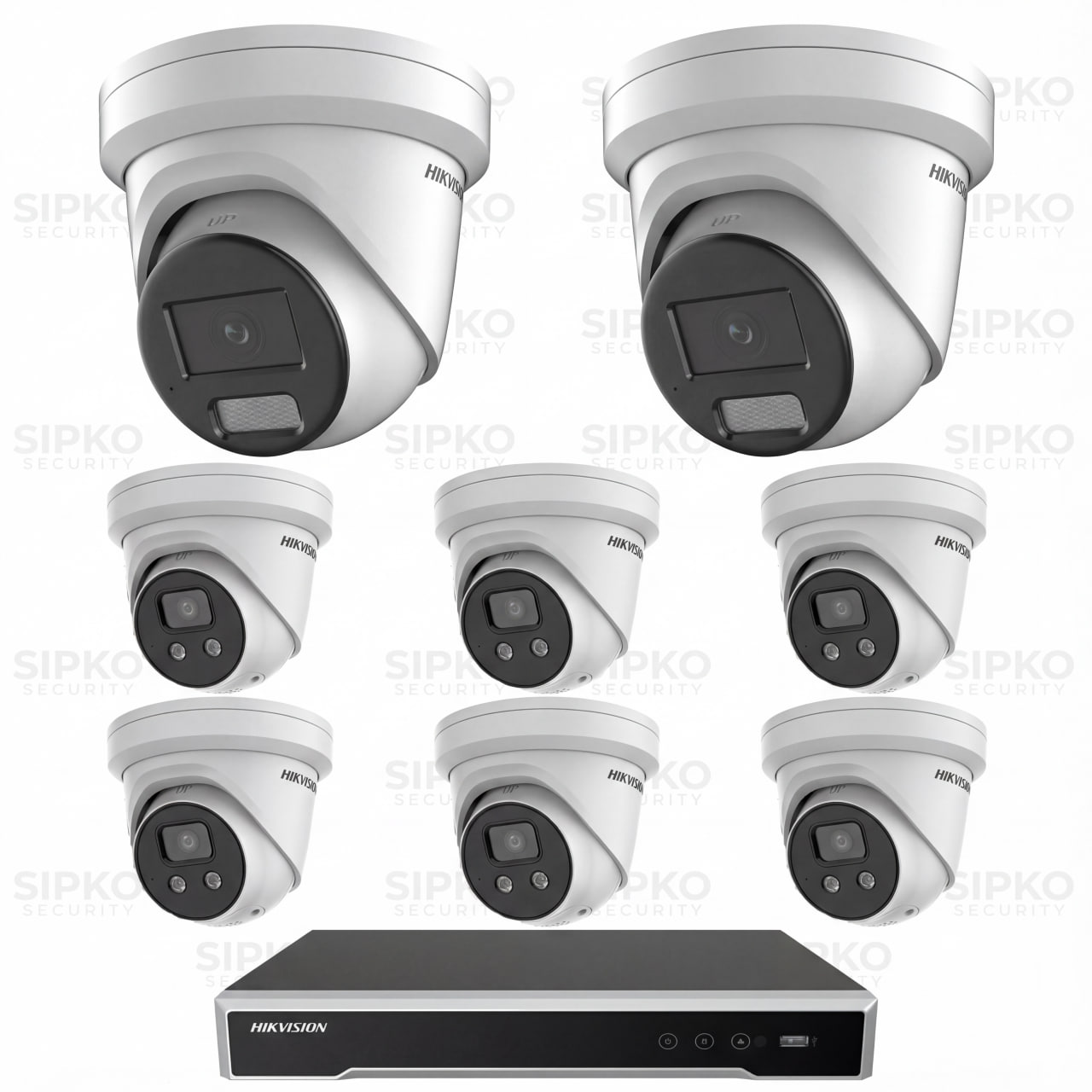
8MP Special 3 – 8 Cameras
- 6 × 8MP AcuSense 4K Cameras (DS-2CD2386G2-IU-2.8)
- 2 × 8MP ColorVu 4K Cameras (DS-2CD2387G2H-LISU/SL-2.8)
- 8 Channel NVR (DS-7608NI-M2/8P-4T)
- 4TB Hard Drive Storage
- Night Vision + Human & Vehicle Detection
- Full Installation + 3-Year Warranty
Preventive Maintenance Helps Avoid Missing Footage, Repeat Faults, and Emergency Callouts
Routine maintenance is the best time to find weak cameras, failing storage, unstable power, poor configuration, and app problems before they become evidence problems. We can advise on sensible maintenance timing based on the site, system age, exposure level, and how heavily the CCTV setup is used.
Camera cleaning and image review
We inspect lens condition, dirt build-up, glare, focus drift, and weak night results before footage quality becomes a bigger issue.
Recorder and hard drive health checks
We review retention time, overwrite behaviour, storage health, playback reliability, and whether the recorder is still fit for purpose.
Power, PoE, and network stability
We inspect whether the system is actually receiving stable power and network connectivity instead of slowly developing dropout problems.
App and alert reliability review
We make sure users can still view cameras, search footage, receive sensible notifications, and share access cleanly when needed.
Coverage and blind-spot review
We assess whether key entries, side access, car parks, loading zones, and high-risk areas are still being captured properly.
Upgrade planning where needed
If the system is reaching its limit, we help plan targeted upgrades rather than defaulting straight to a full replacement.
Good upgrade starting points include the Hikvision Smart Hybrid Light ColorVu 3.0 Turret Camera and the Hikvision Outdoor PTZ Camera.
What Hikvision Repair and Servicing Clients Say
Our clients regularly mention prompt service, clean workmanship, helpful advice, strong repair support, and systems that work properly after installation or servicing. For us, that matters because a security company should not only install equipment. It should also be able to diagnose faults, maintain the system, and support it when something stops working.
Frequently Asked Questions — Hikvision Repair and Servicing in Melbourne
Clear answers about Hikvision camera repair, recorder faults, image quality problems, hard drive issues, intercom support, remote viewing, and targeted upgrade decisions.
We do both, but this page is focused on supporting existing systems first. Many customers contact us for security camera repair, recorder faults, poor image quality, playback issues, or Hik-Connect problems rather than brand-new installation.
Yes. We diagnose power issues, PoE faults, network instability, recorder settings, hard drive failures, and other causes that stop a Hikvision camera or recorder from working correctly.
A typical service can include camera inspection, cleaning, refocusing, testing power and cabling, recorder checks, storage review, app testing, user access cleanup, and general system optimisation.
In many cases, yes. App issues often come from network changes, account problems, recorder settings, QR setup errors, or device-sharing problems rather than failed hardware.
Yes. We service Hikvision recorders, including smaller and larger NVR setups, along with playback issues, failed drives, weak retention, export problems, and unstable recorder behaviour.
Yes. We inspect camera position, lens condition, exposure settings, night behaviour, and whether a targeted upgrade to a better low-light Hikvision model would make more sense.
Often, yes. If the issue is localised to one camera, the recorder, the storage, the app setup, or a specific weak point in the system, repair or targeted upgrade is usually more cost-effective than replacing everything.
Replacement becomes worth considering when image quality is too poor for useful identification, hardware is outdated or unsupported, faults are recurring, or the site now needs much better coverage, storage, and modern functionality than the old system can deliver.
Yes. We can replace selected cameras, improve storage, clean up remote viewing, extend coverage, or add better entry and alarm-linked products while keeping the working parts of the system.
Yes. We support Hikvision intercom and entry products such as the DS-KIS703Y-P and DS-KIS901-P where configuration, device integration, or upgrade work is needed.
This is common. We can inspect the system, check what access is available, and advise the safest recovery or reset path depending on the specific Hikvision hardware and account setup.
Yes. We support homes, shops, offices, warehouses, strata sites, schools, and multi-tenant properties across Melbourne.
For many properties, annual servicing is a sensible minimum. Higher-risk, high-traffic, coastal, or commercial sites often benefit from more regular checks.
Yes. We regularly take over support for existing Hikvision systems and provide independent assessment, repair, servicing, upgrade advice, and ongoing maintenance.