
Better Security for Melbourne Schools
Surveillance designed specifically for education. Helping protect students and staff with clear visibility.
Campus Audit Audit
Request your professional security blueprint today.
The Scholar-Shield Roadmap
A seamless 6-step transition to world-class campus security.
Campus Risk Audit
Detailed analysis of perimeter gaps, blind spots, and high-value asset locations.
Security Architecture
Custom design of CCTV layers to meet Education standards.
Holiday Installation
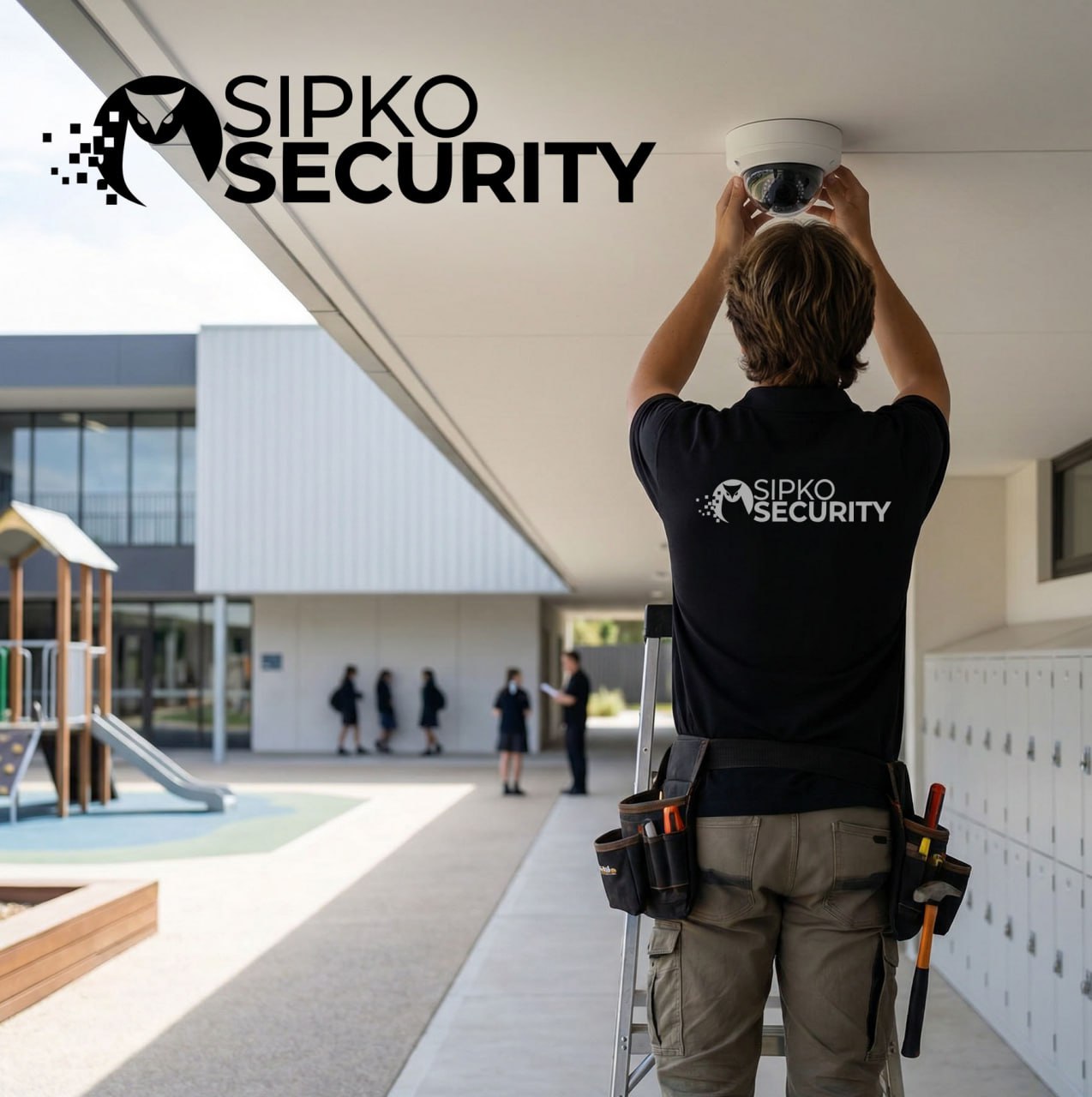
Discreet setup during school holidays or after hours by specialists.
Integrate & Train
Full system integration with campus management or alert software.
Regulation Review
Final verification of all systems against school safety protocols.
Growth Path
Ongoing assessment to scale security as your institution adds facilities.
The technician who designs your campus system is the one who maintains it.
Work with a small, accountable team – a local Security Specialist and Security Technician who know your school’s unique layout and pick up the phone. Real service. Real responsibility.
- No offshore switchboards — talk directly to your dedicated school installer.
- Transparent accountability: direct technician numbers provided for all sites.
- Fast local response and clean, professional installs by qualified specialists.
Our local promise
A personal commitment to Melbourne Schools
Local & AccountableHardware for Schools
Equipment designed for educational environments.
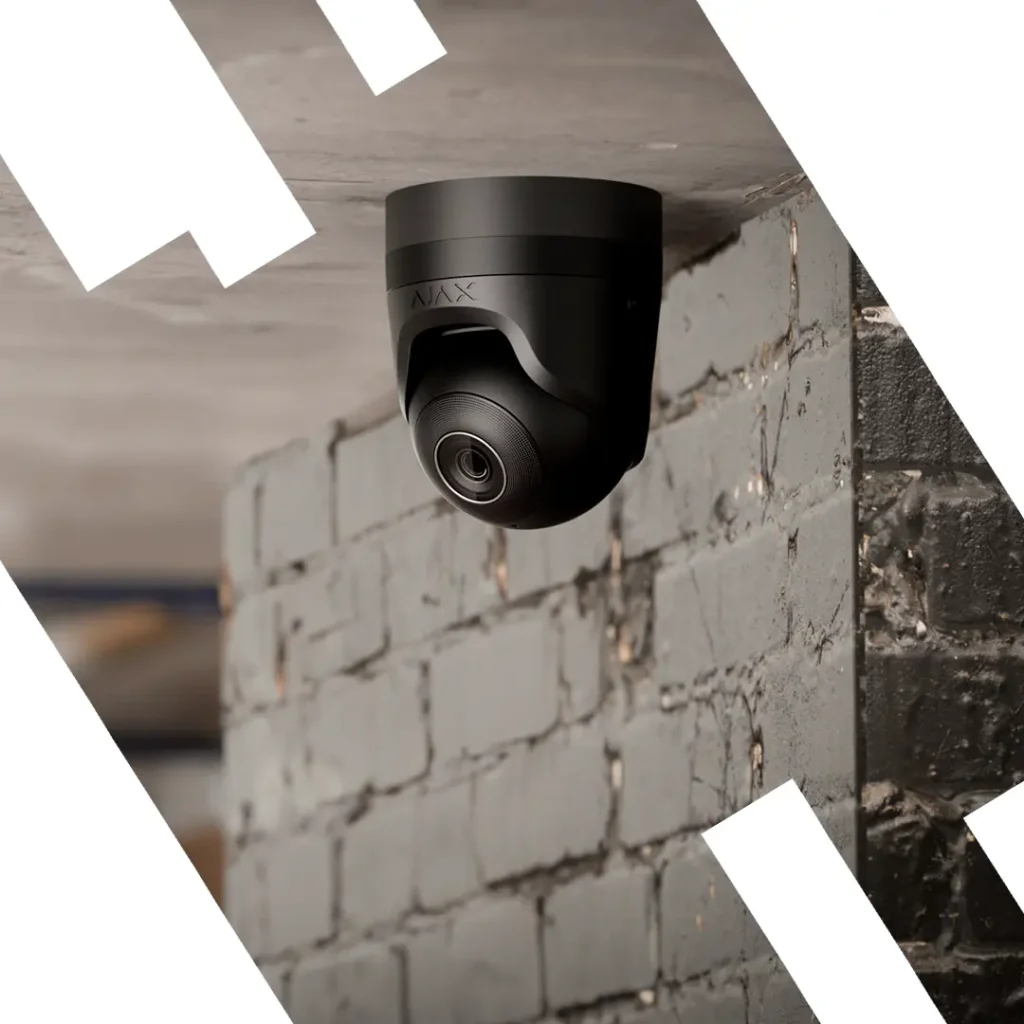
The Corridor Camera
Discreet dome cameras. Best for Classrooms and busy Hallways.
The Campus Camera
Active units for Ovals and Entrances. Good zoom capabilities.
The Equipment Monitor
Simple monitoring for Computer Labs. See who enters high-value rooms.
Live Campus Interface
Scholar-Shield Control Panel
Reliable monitoring designed for simplified school management.
Secure Entrance
Gate monitoring.
Playground Vision
Perimeter coverage.
Student Privacy
Privacy masking enabled.
Continuous Support for Campus Life
How our technology simplifies the daily workflow for students and staff.
Protect Students
Monitor playgrounds to help ensure safety throughout the day.
Support Educators
Creating a secure environment for teachers in all areas.
Incident Review
Quickly review incidents with clear video logs—no guesswork.
Ready for a Smarter Campus?
Join other schools utilizing Scholar-Shield.
Security Plans for Schools
Education security isn’t just about cameras—it’s about managing safety. Our plans help schools monitor the right areas for maximum student protection.
Primary & Secondary Schools
Covering zones like ovals, entrances, and blind spots around staff rooms.
- Deterrence of unauthorized entry
- Monitoring playground safety
- Integration with paging systems
University & TAFE
Managing large estates with many access points.
- Multi-building sync
- Parking lot security
- Incident tracking
Planning Guides
If you’re planning a future upgrade, these guides explain the basics of modern school safety.
Placement Guide
How to avoid blind spots in corridors and playgrounds.
- Mounting heights
- Coverage for low-light grounds
- Common placement errors
Storage Planning
Understand the retention requirements.
- Cloud vs. Local storage options
- Calculating storage needs
- Managing bandwidth
Common Questions from Principals
Can you install cameras without interrupting classes?
Yes. We specialize in “out-of-hours” installations. We typically work during school holidays or after 4 PM to ensure there is zero disruption to the students’ learning environment.
Who has access to the security footage?
You have full control. We set up secure accounts for authorized staff only (such as the Principal or Facility Manager) with encrypted access on their work devices and phones.
How do you manage student privacy?
We use industry-standard privacy masking. This allows us to digitally “black out” sensitive areas while still monitoring hallways or doors for safety, ensuring compliance with privacy laws.
Is training included for our staff?
Absolutely. Once the system is installed, we provide a hands-on walkthrough for your team so everyone knows how to view footage and save recordings when needed.